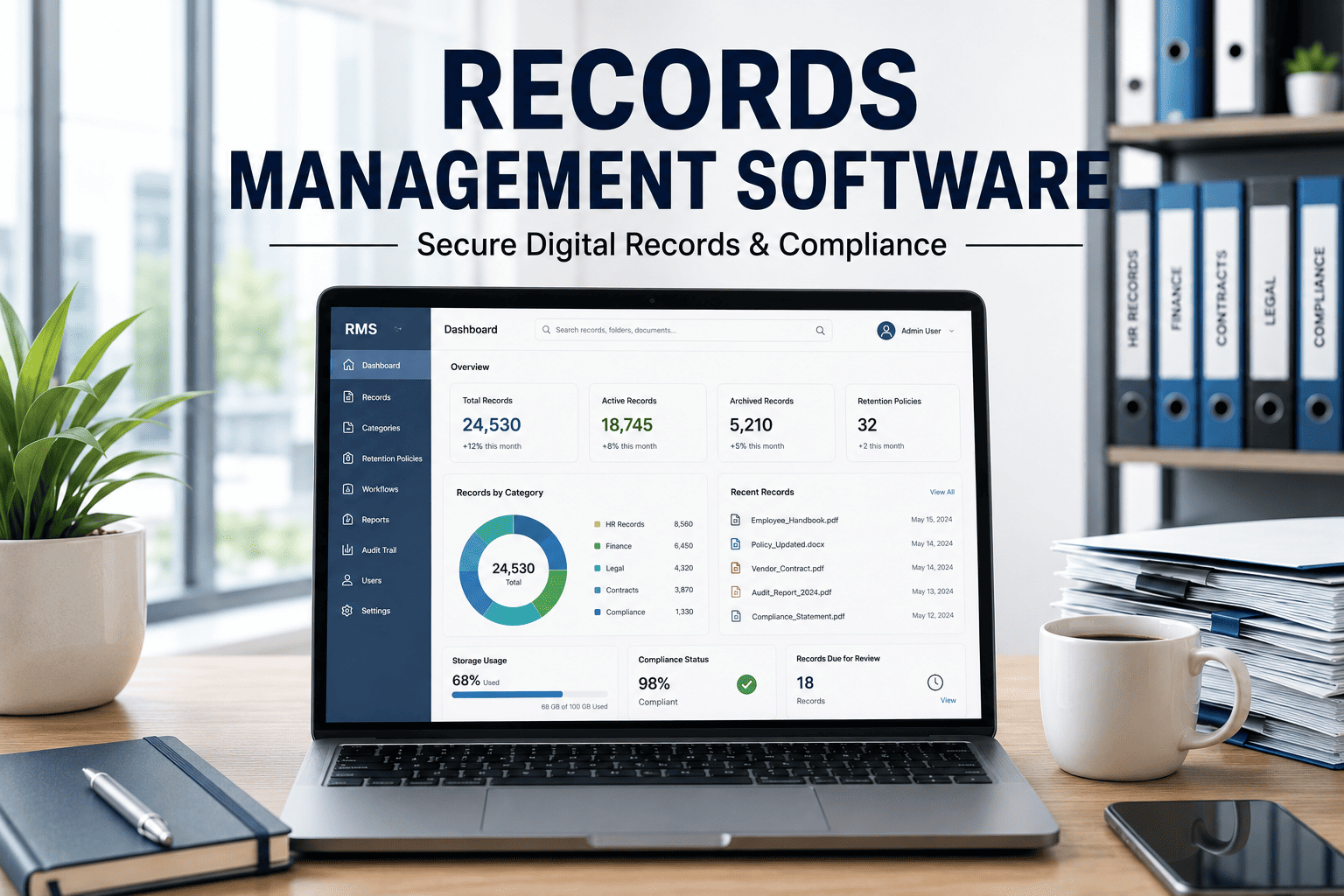
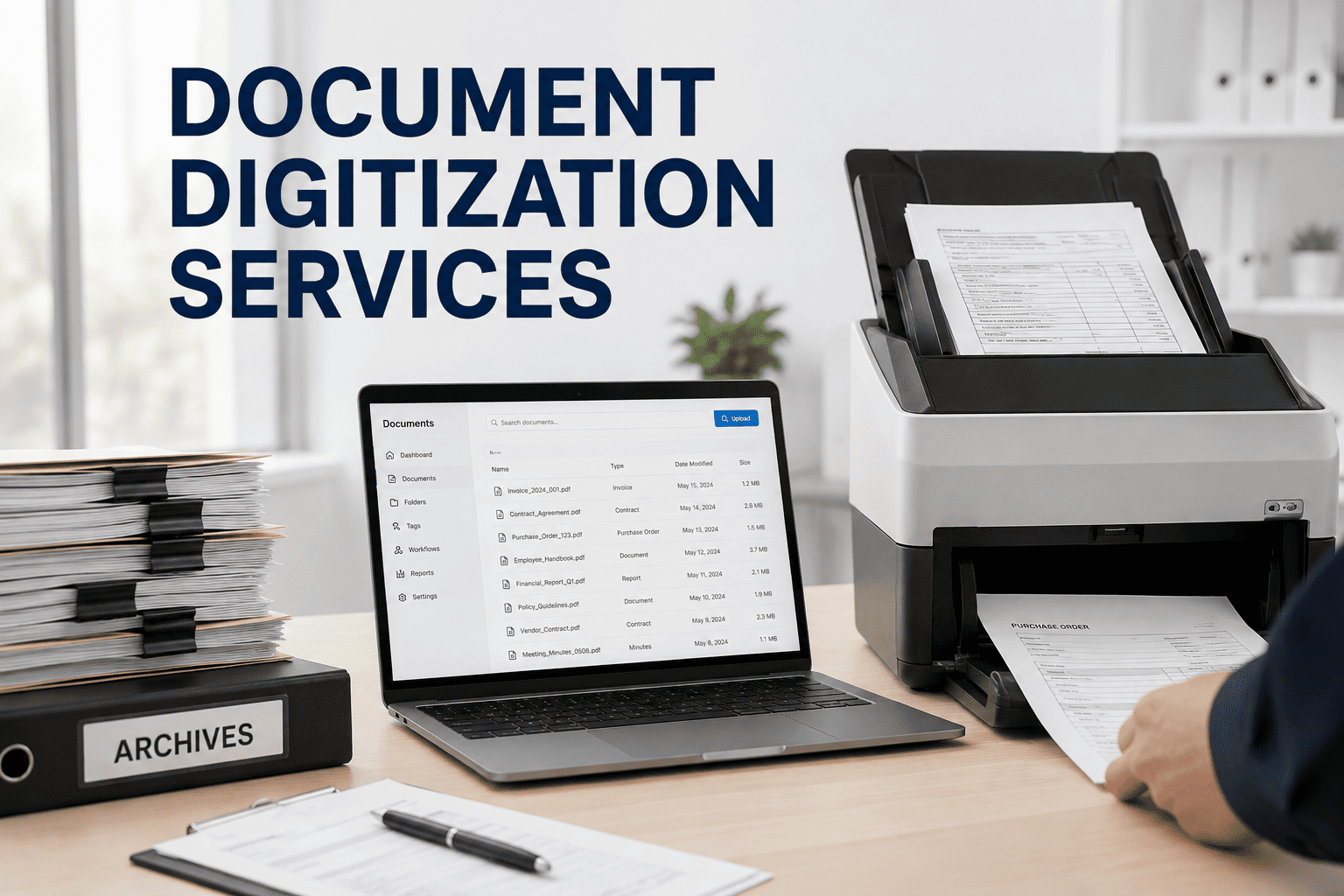
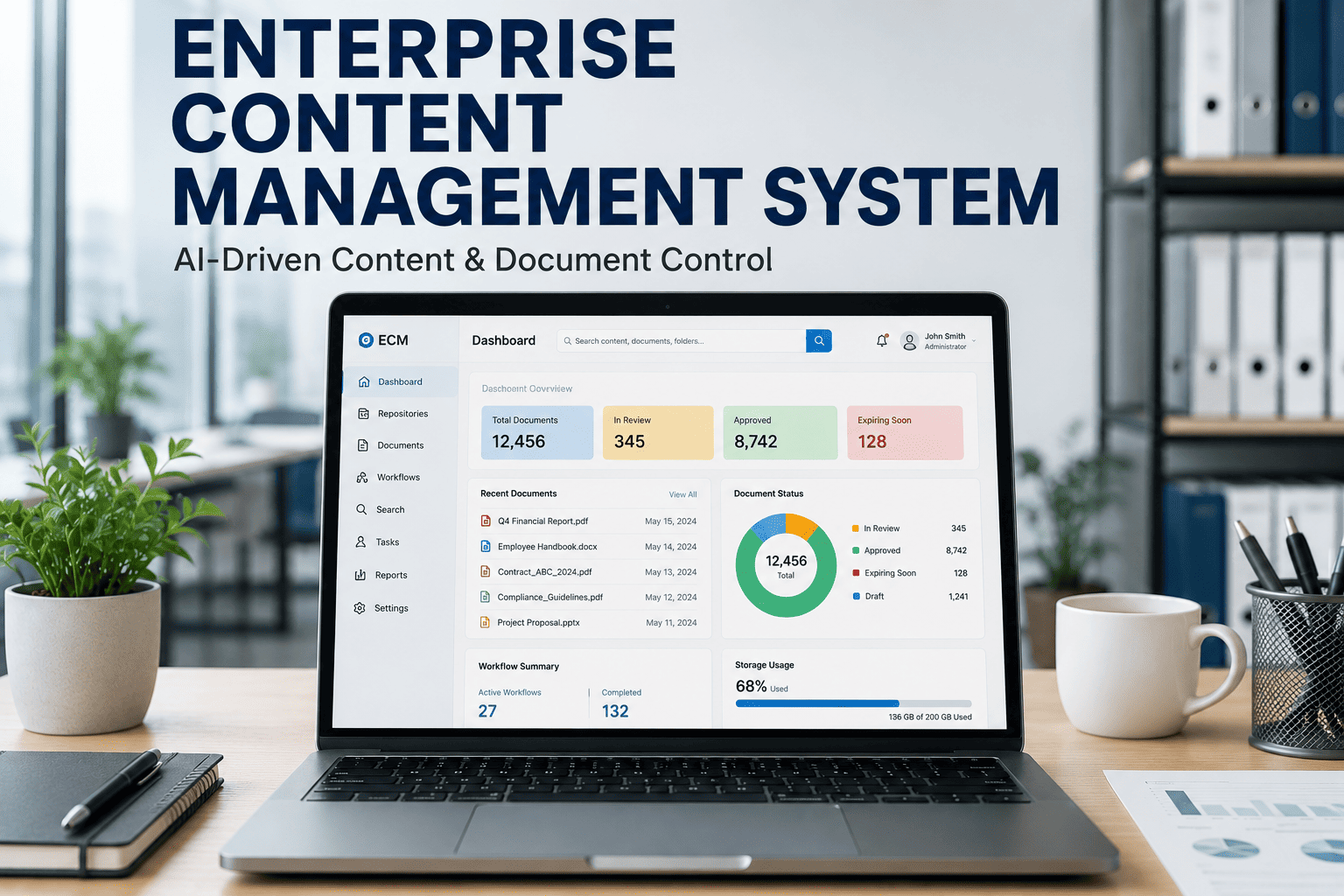
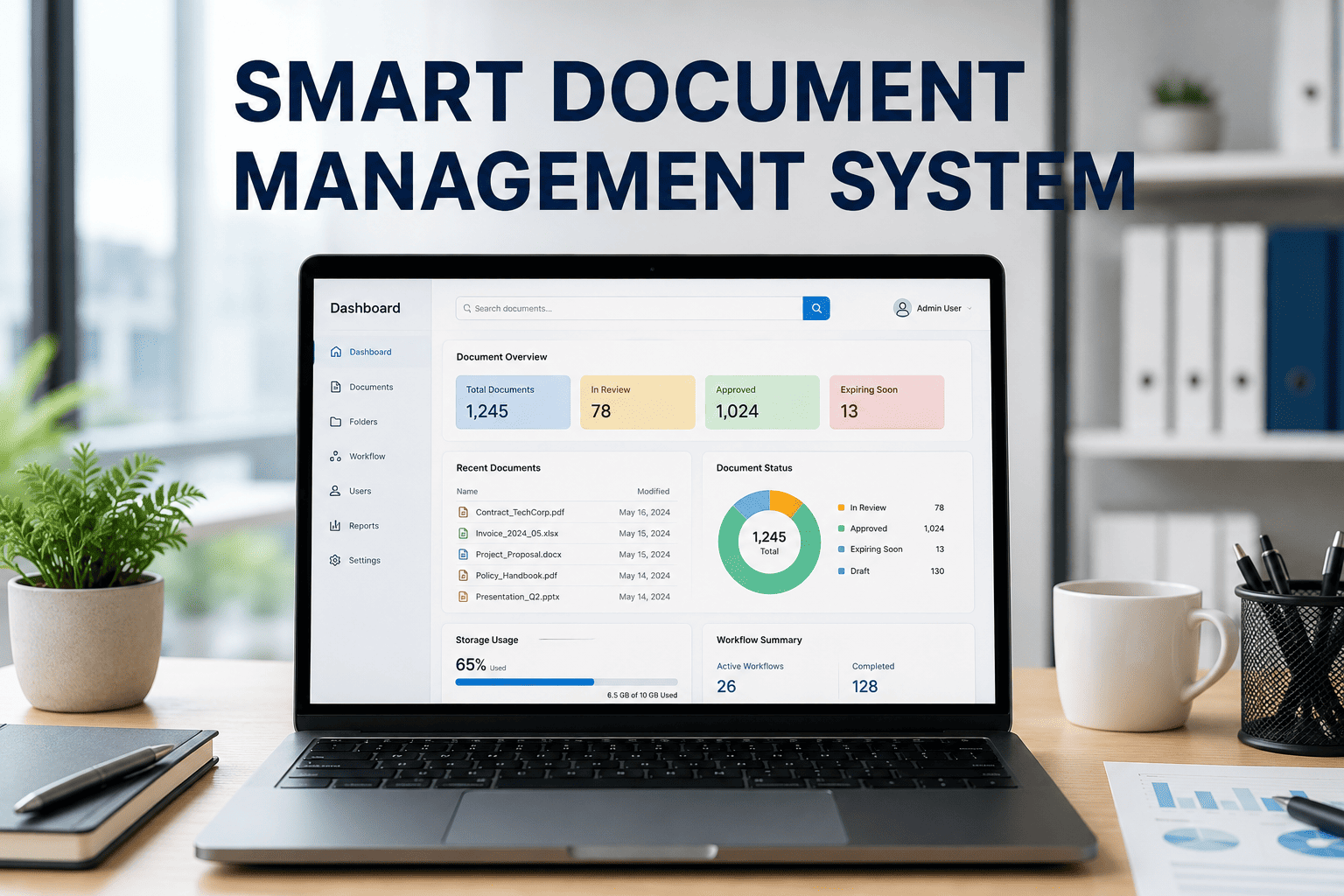
Paper is the most expensive material in your manufacturing plant — not because of what it costs to buy, but because of what it costs to manage. Every paper logbook entry takes 3-5x longer than a digital entry. Every misfiled document averages 18 minutes to retrieve. Every paper-based audit preparation consumes 3-5 days of your most experienced people's time. Industry surveys report 7-10% of paper records are misfiled or permanently lost, and 20-30% of quality deviations in manufacturing trace directly back to outdated or incorrect procedures being followed from paper binders. The FDA has made its position clear — paperless systems are the expected standard for recording, verification, and validation. In 2023, 6% of FDA warning letters were issued specifically for non-adherence to 21 CFR Part 11 electronic record requirements. Document control deficiencies remain the number one most common GMP observation in pharmaceutical and food manufacturing inspections. iFactory's paperless manufacturing platform replaces every paper record on the plant floor with secure, searchable, tamper-proof digital records — electronic logbooks, digital training records, equipment histories, quality records, and audit trails that satisfy the most rigorous FDA, ISO, and OSHA inspections from day one.
Electronic Logbooks: Shift, Equipment & Process Logs
Paper logbooks fail for three fundamental reasons: entries are illegible, data is unsearchable, and records can be silently altered without trace. iFactory replaces every paper logbook on the plant floor with structured, ALCOA+ compliant electronic logbooks that auto-populate from SCADA and MES data, reducing manual entry by 80-90% while creating an immutable, searchable record for every operational event.
Shift Logbooks
Structured templates with mandatory fields — production status, equipment issues, safety events, quality holds, pending actions. Electronic signatures from outgoing and incoming shift supervisors. Auto-populated with MES production data and SCADA alarms to eliminate manual transcription.
OSHA PSM, FDA GMP, ALCOA+Equipment Logbooks
Every maintenance event, alarm, operator intervention, calibration, cleaning, and performance measurement captured with timestamps. Integrates with CMMS work orders and IoT sensor data. Complete asset history from commissioning through operational life.
FDA 21 CFR Part 11, ISO 13485, EU GMP Annex 11Process Logbooks
Batch parameters, environmental conditions, raw material lot tracking, deviations, and operator observations recorded in real time. SCADA integration auto-logs process variables at configurable intervals — operators add contextual notes and photos only when needed.
FDA cGMP, ISO 22000, HACCP, ALCOA+Ready to replace paper logbooks with audit-ready electronic records? Schedule a demo to see iFactory's electronic logbook in action.
Digital Training Records & Competency Management
OSHA requires documented training for hazardous operations. FDA requires GMP training records. ISO standards require evidence of competency. Yet most plants manage training records in spreadsheets that are outdated the moment they're saved. iFactory manages the complete training lifecycle — from requirements definition through delivery, assessment, and retraining — with automatic links between document revisions and retraining triggers.
Training Matrix Definition
Define which roles require which qualifications, certifications, and SOP acknowledgments. Matrix automatically updates when new SOPs are published or roles change.
Automated Scheduling
System schedules initial training for new hires, retraining when SOPs change, and recertification when qualifications approach expiration. Supervisors and employees receive automated notifications.
Digital Completion & Assessment
Training completion recorded with electronic signatures, assessment scores, and instructor verification. Digital records prove competency to auditors — no more searching filing cabinets for signed attendance sheets.
SOP-Linked Retraining Triggers
When an SOP is revised, every employee trained on the previous version is automatically flagged for retraining. No manual cross-referencing, no missed retraining, no compliance gaps between document changes and workforce readiness.
Equipment & Asset History: Complete Digital Lifecycle
Every piece of equipment in your plant has a story — maintenance events, calibration records, modifications, alarms, spare parts consumed, and performance trends over years of operation. When that story lives in paper maintenance logs and disconnected CMMS entries, critical context is lost. iFactory builds a unified digital asset history that answers any question about any equipment, any time.
Maintenance History
Every work order, repair, PM completion, and spare part replacement linked to the asset. AI identifies patterns — the motor that requires bearing replacement every 8 months is trending toward 6-month intervals.
Calibration Records
Every calibration event with as-found/as-left values, calibration standard traceability, technician ID, and next-due date. Automated reminders prevent calibration lapses that invalidate production data.
Performance Trends
OEE, throughput, energy consumption, and quality metrics tracked per asset over time. Visual trends show degradation patterns months before failure — enabling condition-based maintenance decisions.
Modification & Change Log
Every equipment modification — firmware updates, parameter changes, component upgrades — documented with before/after values, approval records, and impact assessment. Critical for root-cause investigations when performance changes.
Tamper-Proof Audit Trails & Electronic Signatures
The difference between a digital record system and a compliance-grade digital record system is the audit trail. Consumer-grade tools let files be edited, renamed, or deleted without trace. iFactory captures every record modification with user ID, timestamp, reason for change, before/after values, and IP address — satisfying the ALCOA+ principles that regulators use to evaluate data integrity.
Attributable
Every entry linked to a specific user via electronic signature with biometric or password authentication
Legible
Digital records eliminate handwriting ambiguity — structured fields ensure data is always readable and searchable
Contemporaneous
Entries timestamped at the moment of creation — not transcribed hours later from notes or memory
Original
First-capture digital records serve as the original — no risk of lost or damaged originals with copies in circulation
Accurate
Auto-populated fields from sensors, PLCs, and MES eliminate transcription errors inherent in manual data entry
Go Paperless Without Losing Compliance
iFactory replaces every paper record on your plant floor with tamper-proof digital records that satisfy FDA, ISO, OSHA, and customer auditors — while giving your team back the hours they currently spend managing paper.
ROI of Going Paperless: The Numbers
The business case for paperless manufacturing is not theoretical — it's documented across hundreds of implementations with measurable, repeatable results.
Frequently Asked Questions
Every Paper Record Is a Compliance Risk. Every Digital Record Is Proof.
iFactory transforms your plant from paper-dependent to audit-ready — electronic logbooks, digital training records, asset histories, and tamper-proof audit trails that regulators trust and your team can search in seconds.