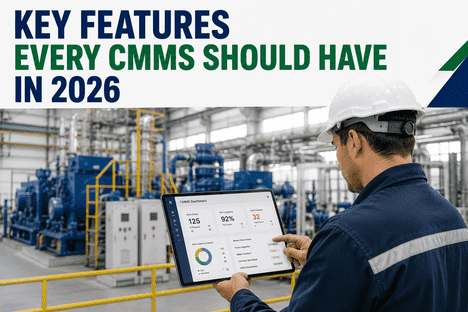
Key Features to Look for in Modern CMMS Software

By Josh Brook on March 7, 2026

cmms-software-features

Choosing the wrong CMMS costs more than the subscription — it costs adoption. When technicians won't use the system, data quality collapses, predictions fail, and you're back to spreadsheets and whiteboards within months. The global CMMS market hit $1.46 billion in 2025 and is projected to exceed $5 billion by 2035, with 59% of facilities already running one. But the gap between a CMMS that transforms your maintenance operation and one that gathers digital dust comes down to a specific set of features. Here's exactly what to look for — and why each capability matters for your bottom line.

$1.46B
Global CMMS Market Size in 2025
59%
Of Facilities Already Using a CMMS
25%
Maintenance Cost Reduction with PdM
65%
Of Teams Planning AI Adoption by 2026

The 10 Essential Features Every Modern CMMS Must Have

Not every CMMS feature matters equally. The ten capabilities below are listed in order of operational impact — starting with the foundation that everything else depends on, and building toward the advanced intelligence that separates leaders from laggards.

01
Foundation
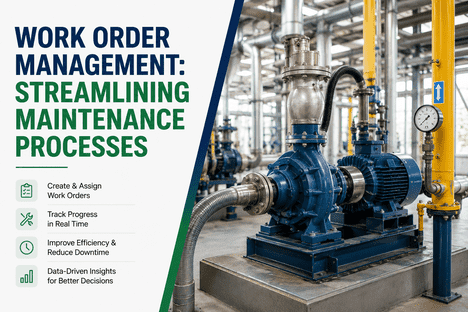
Work Order Management
The heartbeat of every maintenance operation
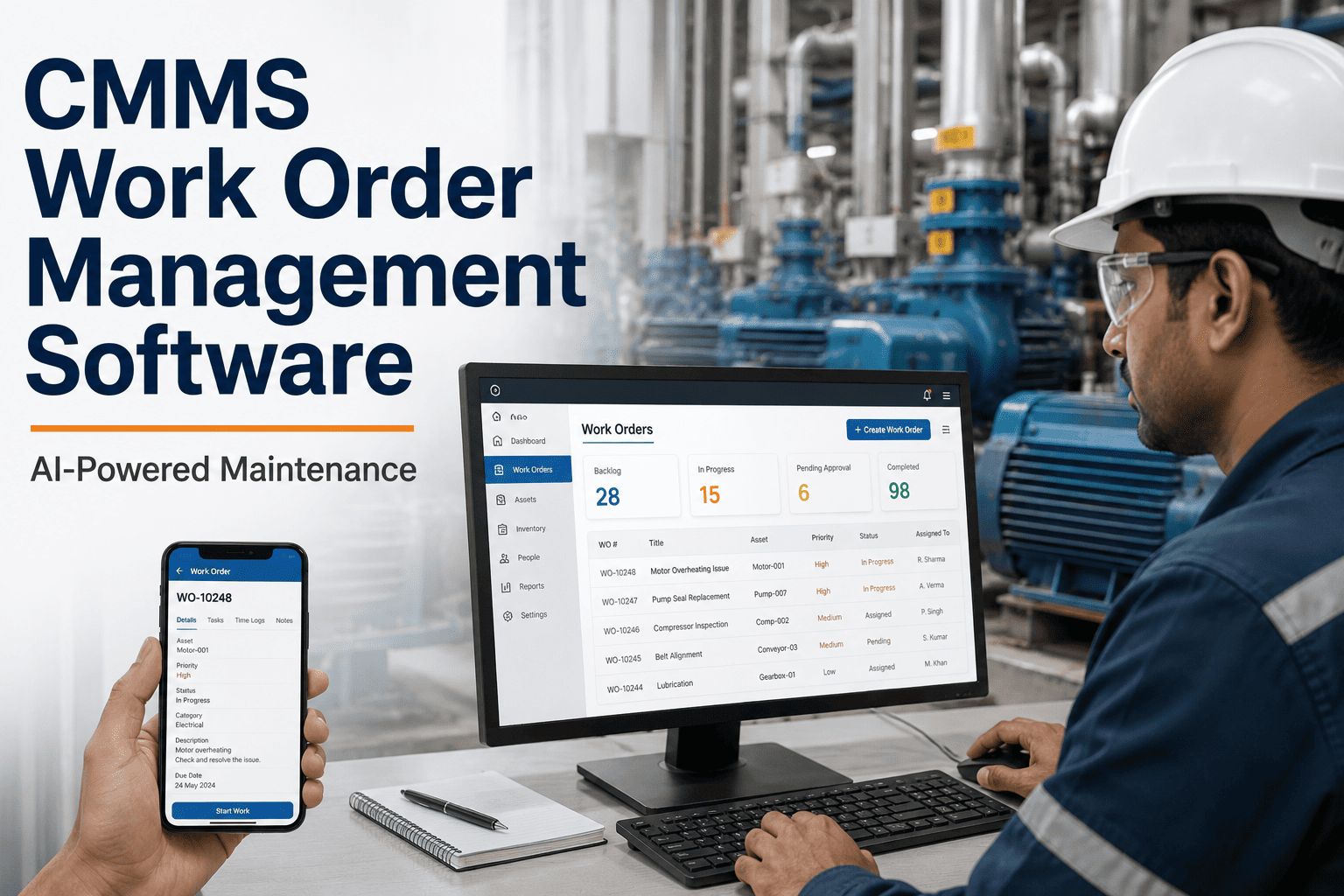
Every maintenance action starts and ends with a work order. A modern CMMS should make creating, assigning, tracking, and closing work orders effortless — from initial request through completion and documentation. This is the single most important feature because work orders are the primary data source for every report, prediction, and decision your CMMS generates.
What to look for
One-tap creation from mobile with photo and voice attachment
Automated priority assignment based on asset criticality
Multi-step approval workflows for complex or high-cost repairs
Labor time capture, parts usage, and cost tracking per work order
Automatic generation from sensor alerts and condition triggers
Templates for recurring tasks and standardized procedures
Without this: Maintenance activity becomes invisible. Without structured work order data, no analytics, predictions, or continuous improvement is possible.
02
Foundation
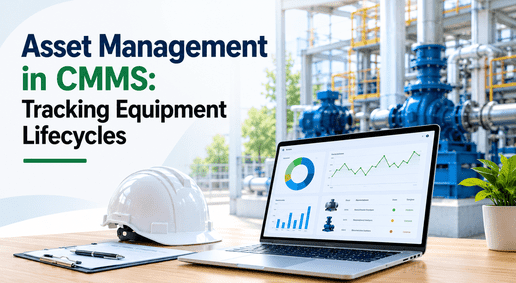
Asset Tracking & Lifecycle Management
Know every machine, its history, and its health
Your CMMS should serve as the single source of truth for every physical asset in your facility — from the plant level down to individual components. Each asset needs a complete digital identity: location, serial number, install date, warranty status, maintenance history, failure records, documentation, and current health score. Without this, you're maintaining equipment blind.
What to look for
Hierarchical asset structure: Site → Area → System → Equipment → Component
Complete maintenance history and failure mode records per asset
Warranty tracking with automated expiration alerts
Document storage: manuals, schematics, SOPs linked to assets
QR/barcode scanning for instant field access to asset records
Depreciation tracking and lifecycle cost analysis
Without this: You can't calculate MTBF, track component-level failures, forecast replacement budgets, or prove compliance to auditors.
03
Foundation
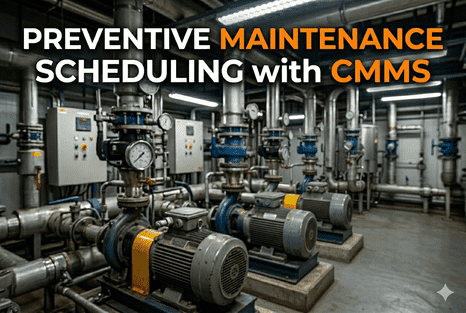
Preventive Maintenance Scheduling
Automate the schedules that prevent breakdowns
Preventive maintenance is still the primary strategy for 71% of facilities — and it works, reducing costs 12–18% compared to reactive approaches. Your CMMS should automate PM scheduling based on time intervals, meter readings, or usage triggers, then automatically generate work orders with checklists, assigned technicians, and required parts. Manual scheduling on whiteboards or spreadsheets leads to missed tasks and compliance gaps.
What to look for
Calendar-based, meter-based, and condition-triggered PM schedules
Auto-generated work orders with embedded SOPs and checklists
Drag-and-drop calendar for visual scheduling across teams
PM compliance tracking with overdue task alerts
Workload balancing across technicians, shifts, and areas
Integration with production schedules to avoid maintenance conflicts
Without this: PM tasks get missed, compliance gaps emerge, and you can't prove to auditors that maintenance was performed on schedule.
04
Operational
Mobile App with Offline Capability
Because maintenance happens on the floor, not at a desk
A CMMS without a native mobile app is not competitive in 2026. Technicians execute work on the plant floor, in the field, and in areas with limited connectivity. If they have to return to a desktop to document or close work orders, adoption drops and data quality suffers. The technician's mobile experience is the single largest driver of the data quality that powers every analysis and prediction.
What to look for
Native iOS/Android app (not just a mobile-optimized website)
Full offline mode — access and update work orders without connectivity
QR/barcode scanning for instant asset lookup in the field
Photo, video, and voice note capture attached to work orders
Digital signature capture for sign-offs and compliance
Push notifications for new assignments and priority changes
Without this: Technicians revert to paper. Data enters the system late, incomplete, or not at all — undermining every report and prediction.
05
Operational
Spare Parts & Inventory Management
Right parts, right place, right time
Disconnected parts and work orders create delays. When a technician arrives at a machine but the needed bearing isn't in stock, the repair stalls — and so does production. A modern CMMS ties parts usage directly to work orders and assets, tracks real-time inventory levels, and triggers reorder alerts before stockouts happen. This alone can reduce inventory costs 20–30% while eliminating emergency shipping premiums.
What to look for
Parts linked to specific assets and work order templates
Real-time stock levels with bin-level location tracking
Automated reorder points and low-stock alerts
Vendor management with pricing and lead time tracking
Parts usage history for demand forecasting
Cost tracking per work order, asset, and category
Without this: Emergency overnight shipping at 5–10x standard cost, technician idle time waiting for parts, and warehouse full of wrong inventory.
06
Intelligence
Reporting, Analytics & KPI Dashboards
Turn maintenance data into decisions
Data without visibility is useless. Your CMMS should provide real-time dashboards that surface the KPIs maintenance leaders actually need: MTBF, MTTR, PM compliance rate, backlog status, technician workload, downtime by asset, and cost trends. The best platforms offer customizable dashboards for different roles — executives see fleet-wide health, managers see team performance, technicians see their queue.
What to look for
Real-time dashboards with MTBF, MTTR, OEE, and downtime tracking
PM compliance rates and overdue task visibility
Cost analytics by asset, category, location, and time period
Technician productivity and workload distribution views
Exportable reports for stakeholders and auditors
Trend analysis for failure patterns and cost drivers
Without this: Maintenance leaders fly blind — making decisions on gut feel rather than data, unable to justify budgets or prove ROI.
07
Intelligence
IoT & Sensor Integration
Connect your physical equipment to your digital workflows
The bridge between monitoring and action. When your CMMS ingests real-time sensor data — vibration, temperature, pressure, power draw — it can automatically generate condition-based work orders when anomalies are detected. This is what transforms a CMMS from a task tracker into a predictive maintenance platform. Roughly 35% of industrial sites now use sensors extensively, with another 41% experimenting.
What to look for
Open API for receiving alerts from any IoT platform or sensor vendor
Condition-based rules that auto-generate work orders from threshold breaches
Sensor data linked to asset records for trend analysis
Support for MQTT, OPC-UA, and REST API protocols
Edge gateway compatibility for real-time processing
Work orders generated with asset context and failure history in under 60 seconds
Without this: Sensor data stays trapped in monitoring dashboards. Predictions exist but nobody acts on them systematically.
08
Intelligence
AI-Powered Diagnostics & Predictive Intelligence
From data to failure prediction to recommended action
AI in CMMS has moved from buzzword to operational reality. The most valuable application today is AI-assisted troubleshooting: summarizing asset history, suggesting probable failure causes, recommending repair steps and required parts, and generating work order content automatically. Thirty-nine percent of maintenance leaders identify knowledge capture as the most valuable AI use case, followed by reducing unexpected failures at 36%.
What to look for
AI copilot that summarizes asset history and suggests probable causes
Natural language queries for data: "Show me overdue PMs on Line 3"
Predictive failure models connected to automated work order generation
Anomaly detection that learns each asset's unique operational baseline
Knowledge capture from experienced technicians into digital procedures
Continuous model improvement from documented maintenance outcomes
Without this: You're limited to threshold alerts and calendar schedules. AI extends failure prediction windows from hours to weeks.
09
Enterprise
Compliance, Audit Trails & Safety Documentation
Prove every maintenance action to any auditor
In regulated industries — food processing, pharmaceuticals, energy, aerospace — every maintenance action must be documented with timestamps, technician IDs, procedures followed, and outcomes recorded. Your CMMS should automatically create this audit trail as a byproduct of normal work, not as an additional burden. When the auditor arrives, the evidence should be one click away.
What to look for
Automatic timestamped logs for every maintenance action
Digital signature capture and technician ID verification
Photo/video evidence attached to completed work orders
Inspection checklists with pass/fail documentation
One-click exportable compliance reports for regulatory audits
Configurable approval workflows for safety-critical procedures
Without this: Audits become weeks of scrambling through paper records, email threads, and spreadsheets — with compliance gaps that risk fines.
10
Enterprise
Multi-Site Management & ERP Integration
One platform across every facility
Once maintenance spans multiple locations, visibility becomes essential. Leadership needs centralized dashboards to compare backlog, compliance, and performance across plants — while each site maintains local control over day-to-day operations. Your CMMS should also integrate with ERP, MES, and procurement systems so that maintenance data flows into enterprise decision-making without manual re-entry.
What to look for
Cross-site dashboards with standardized KPI comparison
Centralized asset registry with site-level access controls
ERP integration for purchase orders, cost accounting, and budgeting
MES integration for production schedule alignment
Standardized workflows with local configuration flexibility
SSO/SAML authentication and role-based permissions
Without this: Each site operates as an island. Best practices don't transfer, benchmarking is impossible, and leadership lacks visibility.

All 10 Features. One Platform. Built for Manufacturing.

iFactory delivers every essential CMMS capability — from mobile work orders and asset tracking to IoT sensor integration, AI-powered diagnostics, and compliance documentation — in a single platform designed for manufacturing maintenance teams. No modules to bolt on. No integrations to build. Everything your team needs from day one.

Feature Priority by Team Maturity

Your starting point determines which features matter most right now. Use this framework to prioritize based on where your maintenance operation stands today — and where you need it to go.

Stage 1: Getting Started
Moving from paper or spreadsheets to digital maintenance
Work Order Management
Asset Tracking
Mobile App
PM Scheduling
Goal: Eliminate reactive chaos. Build the digital data foundation everything else depends on.
Stage 2: Optimizing
Reducing costs, improving reliability, proving ROI
Parts & Inventory
Analytics & KPIs
Compliance Trails
IoT Integration
Goal: Data-driven decisions. Justify maintenance investment with measurable KPIs like MTBF, MTTR, and PM compliance.
Stage 3: Leading
Predictive, AI-driven, autonomous-ready
AI Diagnostics
Predictive Intelligence
Multi-Site Management
ERP Integration
Goal: Maintenance as a strategic advantage. Predict failures weeks ahead, optimize across facilities, and build toward autonomous operations.

The ROI of Getting It Right

A well-implemented CMMS doesn't just organize maintenance — it transforms the economics of your entire operation. Here's what the numbers look like when the right features are properly deployed.

25–30%
Reduction in maintenance costs
Automated PM scheduling eliminates unnecessary servicing. Parts inventory optimization removes overstocking. Predictive alerts prevent expensive emergency repairs.
35–50%
Reduction in unplanned downtime
Condition-based work orders catch failures before they happen. PM compliance stays above 95%. Production-aware scheduling prevents maintenance-caused interruptions.
20–40%
Extended equipment lifespan
Complete maintenance histories enable optimal service timing. Component-level tracking prevents cascading damage. AI models identify degradation patterns invisible to manual inspection.
10–20%
Increase in uptime and availability
Faster MTTR from mobile-first workflows. Better first-time fix rates from parts linked to work orders. Balanced technician workloads eliminate bottlenecks.

See Every Feature in Action. 30 Minutes. Zero Pressure.

iFactory's CMMS was purpose-built for manufacturing maintenance teams — mobile-first, IoT-connected, AI-powered, and compliance-ready. See how work orders, asset tracking, predictive scheduling, and analytics dashboards work together in a live walkthrough tailored to your operation.

Frequently Asked Questions

A Computerized Maintenance Management System (CMMS) is software that helps maintenance teams plan, execute, and document all maintenance work in one platform. At its core, it manages work orders, tracks assets, schedules preventive maintenance, controls spare parts inventory, and generates analytics reports. Modern CMMS platforms extend these foundations with mobile apps, IoT sensor integration, AI-powered diagnostics, and compliance documentation — transforming maintenance from a reactive cost center into a strategic, data-driven operation that reduces downtime, cuts costs, and extends equipment lifespan.

For manufacturing specifically, the critical features are: work order management with SOP-embedded procedures for standardized execution; asset tracking with hierarchical structure down to component level; preventive maintenance scheduling with production-aware timing; a native mobile app with offline capability for plant floor use; parts inventory linked directly to work orders and assets; real-time KPI dashboards showing MTBF, MTTR, and downtime by asset; and IoT sensor integration for condition-based maintenance triggers. The more advanced your operation, the more value you'll get from AI diagnostics, multi-site benchmarking, and ERP integration.

CMMS pricing varies widely based on features and scale. Entry-level plans with essential work order and PM features start at $20–35 per user per month. Mid-tier plans adding inventory management, advanced analytics, and mobile features run $45–75 per user per month. Enterprise plans with AI, IoT integration, multi-site management, and custom configurations are typically quoted per deployment. Many vendors offer free plans with basic features, and most provide free trials. The ROI calculation matters more than the subscription cost — preventing even one unplanned downtime event can pay for years of CMMS licensing.

CMMS focuses on day-to-day maintenance operations — work orders, PM scheduling, and inventory management for the maintenance team. Enterprise Asset Management (EAM) extends this to the full asset lifecycle including procurement, capital planning, depreciation, disposal, and strategic portfolio management across the organization. In practice, modern CMMS platforms have absorbed many EAM capabilities, and the distinction is blurring. For most manufacturing operations, a feature-rich CMMS with asset lifecycle tracking, analytics, and ERP integration covers both needs without the complexity and cost of a separate EAM platform.

Cloud-based CMMS platforms can be operational within 2–4 weeks for basic work order and PM functionality. Full implementation including asset registry setup, inventory loading, team training, and workflow configuration typically takes 4–12 weeks depending on facility size and complexity. The key success factor isn't the software setup — it's technician adoption. Choose a platform with an intuitive mobile app, provide hands-on training, and start with a small pilot team before rolling out facility-wide. Organizations that rush deployment without proper adoption planning often see usage drop within the first 90 days.

Share This Story, Choose Your Platform!