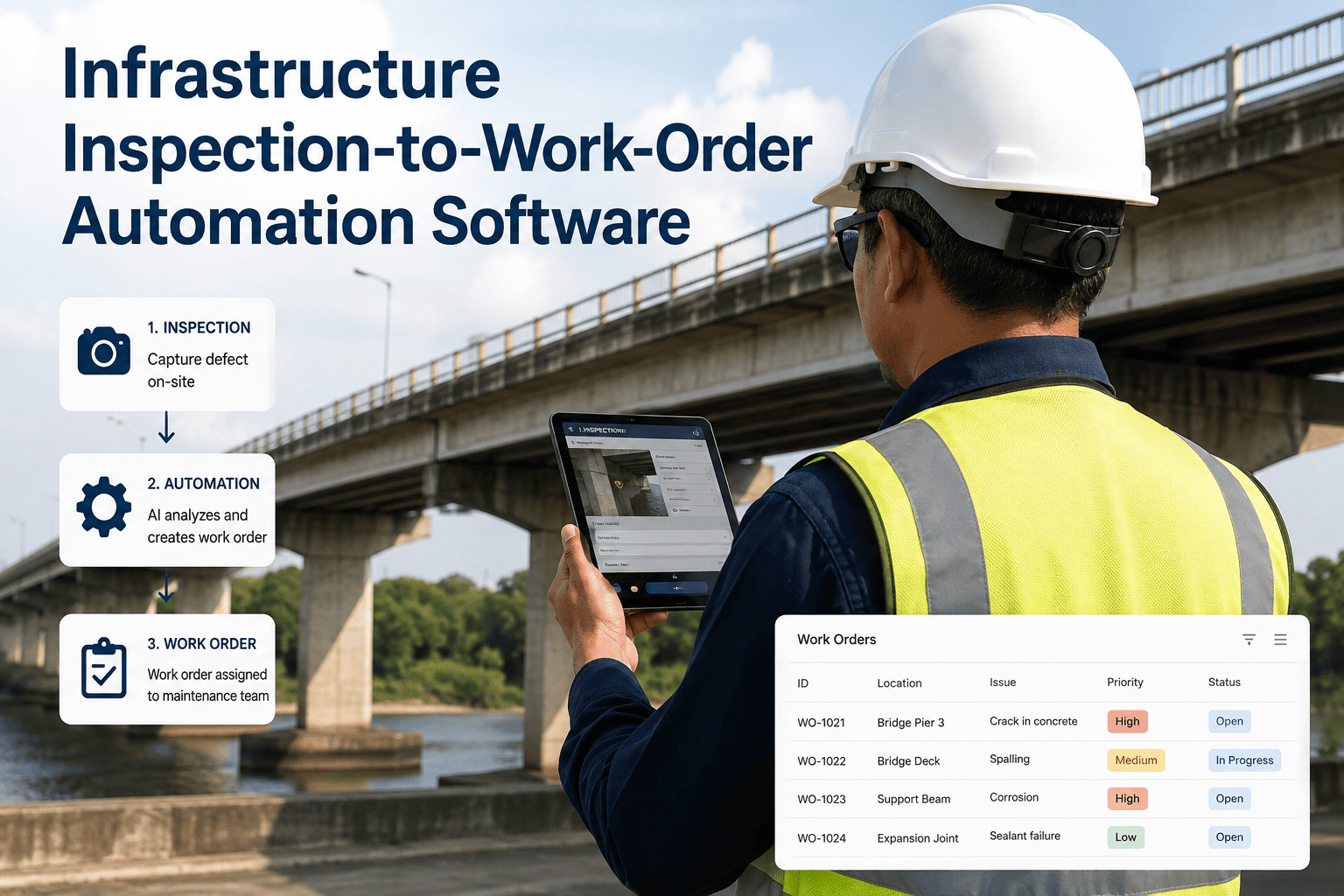
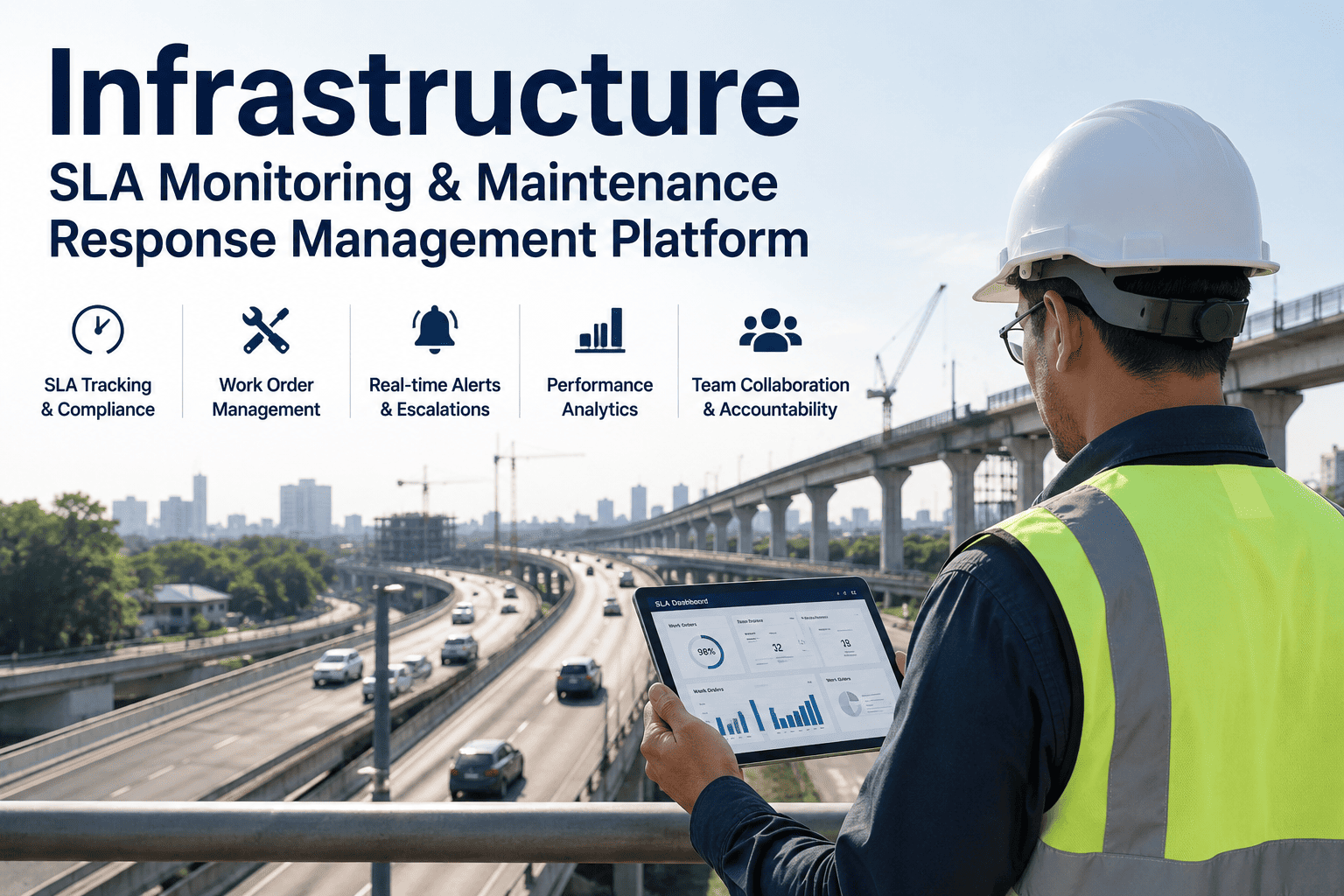
The maintenance supervisor at a regional distribution center used to spend four hours every morning creating and assigning work orders from the previous night's alerts. After deploying AI work order automation, the system does all of it automatically — and conveyor downtime dropped 61% in the first 90 days. This is the quiet revolution happening inside infrastructure maintenance teams: AI does not just predict failures — it writes the work order, assigns the technician, reserves the parts, and tracks the resolution. A complete, assigned, audit-ready work order materialises in under 60 seconds the moment a sensor crosses threshold, a meter reading flags, or an AI fault detection fires — replacing the morning huddle, the spreadsheet triage, and the dispatch phone calls that consume 30–40% of a maintenance supervisor's day in legacy operations. This guide walks through how AI work order automation actually works for infrastructure teams, what gets included in an auto-generated ticket, how routing decisions are made, and what the realistic deployment timeline looks like. Book a Demo to see iFactory's auto work order engine connected to SAP PM, Maximo, Fiix, or OxMaint.
4 sec
Time for a complete work order to materialise from fault detection
60 sec
For a QR-scanned operator request to become a structured CMMS work order
61%
Downtime reduction reported within first 90 days at AI-automated facilities
6-9 mo
Typical payback window for AI work order automation deployment
The Auto Work Order Flow — End to End
Five stages, fully automated. Each stage runs in seconds. The human enters only at the field-action step — and only when the work order requires hands-on intervention.
Stage 01
Trigger Detection
Five trigger types ingested in real time: scheduled PM intervals, meter readings, IoT sensor thresholds, failed inspections, and AI predictive alerts. No manual flag-raising required.
Stage 02
Fault Classification
AI matches the trigger signature against a fault library and assigns a defect class, severity score, and likely root cause — pulling from accumulated facility history.
Stage 03
Work Order Assembly
A complete work order is composed with asset ID, location, trigger source, AI priority score, recommended action, required parts list, and sensor-evidence attachments.
Stage 04
Technician Routing
Routing engine evaluates technician availability, skill match, real-time location, and current workload — and assigns to the optimal internal tech or external vendor.
Stage 05
Closure & Sync
On completion, status flows back to the AI platform, CMMS, ERP, inventory, and finance — closing the loop without manual data entry.
Anatomy of an Auto-Generated Work Order
Every AI-generated work order carries the same payload — assembled automatically, with no maintenance planner involvement. This is what your technicians see when they open the ticket.
Asset ID & Functional Location
SAP EQUNR + TPLNR or Maximo SITEID + ASSETNUM, mapped automatically from the trigger source.
Trigger Source & Fault Classification
Which sensor, threshold, or AI model fired — and what defect class was assigned.
AI Priority Score
Composite score across asset criticality, failure consequence, safety impact, compliance deadline, and historical patterns.
Matched Technician & ETA
The technician assigned based on skill, availability, and location — with estimated time of arrival.
Reserved Parts & Inventory Hold
Required parts auto-reserved from inventory; back-orders flagged before dispatch.
Recommended Repair Procedure
Step-by-step from the platform's procedure library, with safety lockouts and isolation requirements highlighted.
Sensor & Evidence Attachments
Recent telemetry snapshots, anomaly images, thermal scans, vibration spectra — auto-attached for technician review.
Compliance & SLA Tags
Regulatory deadlines, SLA windows, and audit trail markers attached automatically for compliance reporting.
How AI Routes Work Orders — The Five-Factor Model
An AI work order is only as good as the technician it lands with. iFactory's routing engine evaluates every assignment across five factors — in real time, every time.
F1
Asset Criticality
A chiller serving a data center outranks an office HVAC unit. Critical assets pull faster response and higher-skill technicians.
F2
Failure Consequence
Production-stopping faults move ahead of cosmetic or comfort-only issues. Cascading-failure risk weighted explicitly.
F3
Safety Impact
Safety-critical interlocks, exposed live electrical, or pressure-vessel faults override every other prioritisation factor.
F4
Compliance Deadline
Regulatory inspection deadlines and SLA windows pull work orders forward in the queue automatically as deadlines approach.
F5
Historical Failure Patterns
Assets with recurring fault signatures get accelerated response and pattern-aware diagnostic guidance attached to the ticket.
Native CMMS & ERP Integration — No Rip-and-Replace
iFactory's Auto Work Order Engine ships with pre-built connectors for every major maintenance and enterprise system. Integration is configuration, not custom development.
SAP PM
BAPI / IDoc / SAP CPI. EQUNR + TPLNR mapping is automatic.
Pre-built connector
IBM Maximo
REST API or MIF. SITEID + ASSETNUM mapped at integration.
Pre-built connector
Fiix
REST API. Native work order schema mapping.
Pre-built connector
Infor EAM
Native API. Asset register sync bidirectional.
Pre-built connector
OxMaint
REST API. Out-of-the-box automation flows.
Pre-built connector
Oracle ERP & Dynamics
Bidirectional ERP sync — finance, inventory, planning.
Pre-built connector
SCADA & Historians
OPC-UA, MQTT, Modbus, Ignition, Wonderware, PI.
Industrial standard
Custom / In-House
JSON or REST endpoint accepts auto-generated WOs.
Adapter SDK
Time Saved Where It Actually Matters
The hours AI work order automation gives back are not theoretical — they map directly to specific workflow steps that used to consume the maintenance team's day.
Morning work order triage and creation
3–4 hrs/day per supervisor
0 min — fully automated
Technician assignment and dispatch
45–90 min/day
Instant — routing engine
Parts reservation and back-order checking
30–60 min/work order
Auto-reserved with WO
Compliance and audit log compilation
2–4 hrs/week
Auto-generated
Closure data entry into ERP and finance
5–15 min/work order
Auto-synced on closure
Vendor SLA tracking and reporting
2–3 hrs/week
Continuous, real-time
Deployment Timeline — From Order to Live Operation
Realistic timelines for getting AI work order automation live across your infrastructure network.
Week 1–2
Discovery & Connector Setup
CMMS connection established; asset register imported.
Week 3–4
Asset Code Mapping
Asset codes, failure catalog, and routing rules mapped.
Week 5–8
Pilot Auto Tickets
First auto-generated work orders in shadow mode for review.
Week 6–12
Live Operation
Full-team daily use; routing rules tuned to your workflow.
Week 14–22
Multi-Site Rollout
Pattern replicated across remaining sites and facilities.
iFactory Auto Work Order Engine
Give Your Maintenance Supervisors Back the 4 Hours a Day They Spend on Paperwork.
iFactory's Auto Work Order Engine connects natively to SAP PM, IBM Maximo, Fiix, Infor EAM, OxMaint, and Oracle. Pilot to fully running in 6–12 weeks. Measurable downtime reduction within the first 90 days.
Trusted by infrastructure maintenance teams across utilities, transport, water, and industrial facilities.
Frequently Asked Questions
Tap any question to reveal the answer.
Auto work order generation is the ability of a modern AI maintenance platform to create a complete, assigned, and tracked work order automatically the moment a trigger fires — whether that trigger is a scheduled PM interval, a meter reading, an IoT sensor threshold, a failed inspection, or an AI predictive alert. No manual typing, no email handoffs, no morning huddle. The work order materialises in seconds with asset ID, fault classification, priority score, technician assignment, parts reservation, and sensor evidence already attached. Book a demo to see it live.
iFactory is API-first and integrates bidirectionally with SAP, Oracle, Microsoft Dynamics, Ignition, Wonderware, PI, and any IoT platform supporting OPC-UA, MQTT, or REST. No rip-and-replace — work orders flow automatically from sensor triggers and ERP events, and closure data syncs back to finance, inventory, and production planning systems in real time. For SAP PM, EQUNR (equipment number) and TPLNR (functional location) mapping is automatic. For Maximo, SITEID + ASSETNUM pairs are mapped during the integration phase.
Every auto-generated work order includes: asset ID and functional location, trigger source and fault classification, AI-assigned priority score, matched technician with estimated arrival time, reserved parts with inventory hold confirmation, step-by-step repair procedure from the procedure library, sensor and evidence attachments (thermal scans, vibration spectra, anomaly images), and compliance/SLA tags for audit trail. Supervisors can override any field — the AI's recommendation is the starting point, not a lock-in.
AI priority scoring evaluates five factors automatically: asset criticality, failure consequence, safety impact, compliance deadline, and historical failure patterns. A chiller serving a data center scores higher than an office HVAC unit. A safety-critical interlock outranks a cosmetic repair. A compliance-deadline-bound asset moves ahead of a routine task as the deadline approaches. Supervisors can always override the score; iFactory logs the override and uses it to refine future priority recommendations.
Yes. Every asset gets a printed QR code. An operator scans with their phone's native camera (no app download, no login), selects the issue category from a visual menu, attaches an optional photo, and submits. The request becomes a structured work order in the CMMS within 60 seconds — pre-populated with asset ID, location, and full maintenance history. This dramatically reduces the friction of reporting issues from the field and eliminates lost or untracked verbal requests.
No. IoT sensors maximise the predictive capabilities of the platform, but they are not strictly required to start. The AI can still optimise scheduling, automate inventory forecasting, route work orders efficiently, and process operator-submitted requests using basic historical data and manual meter readings. Many facilities begin with scheduled PM triggers and operator requests, then add IoT sensor triggers progressively as sensor coverage expands.
Most facilities see positive ROI within 6 to 9 months of full deployment. The most rapid wins come from supervisor hours redirected from work order creation back to floor-level problem solving — typically 3–4 hours per day per supervisor. Documented outcomes from facilities running AI work order automation include a 61% conveyor downtime reduction in the first 90 days at one regional distribution centre. Reduced emergency overtime and streamlined inventory purchasing also contribute meaningfully to first-year payback.
From order signed to daily team use is typically 14 to 22 weeks. Hardware (if required) arrives pre-configured in 4–6 weeks. On-site connection to your existing AI agents and CMMS — SAP PM, Maximo, Fiix, OxMaint, Infor EAM, or others — takes another 2–4 weeks. Asset code, failure catalog, and routing rule mapping consumes 4–8 weeks. Auto-generated tickets typically go live for the maintenance team within 6 to 12 weeks of contract signing, with multi-site rollout extending the timeline as needed.
Yes. iFactory's routing engine handles both internal technicians and external vendors as assignable resources. Vendor profiles include scope-of-work definitions, rate schedules, and availability windows — so the AI can evaluate whether an internal technician or an external contractor is the correct assignment for a given work order. When a work order exceeds internal team scope, the AI can automatically generate a vendor dispatch request with relevant context attached, and vendor SLA compliance is tracked automatically alongside internal team performance.