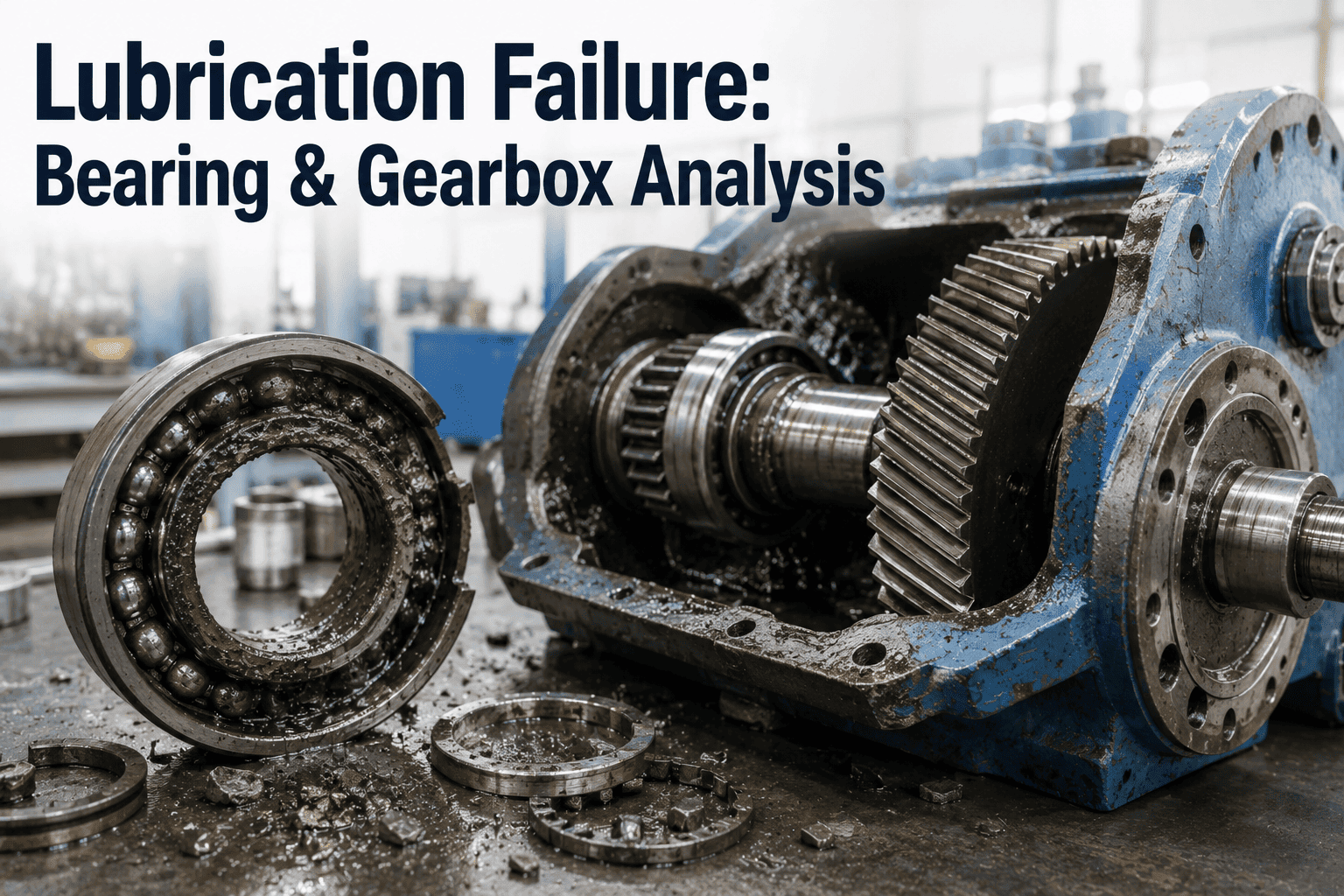
A lubrication technician standing in a turbine hall with a grease gun and a clipboard shouldn't need to guess whether the bearing was last serviced 28 days ago or 42 days ago — but that's exactly what happens when lubrication schedules live in spreadsheets, sticky notes and technician memory. The result is predictable: over-lubrication that purges seals and causes bearing overheating, under-lubrication that accelerates wear and triggers vibration alarms, and zero traceability when a bearing fails and the root cause investigation asks "was the lube schedule followed?" iFactory's lubrication management platform automates service schedules based on run hours, temperature exposure, and vibration trends; triggers oil sampling alerts when contamination thresholds are approached; tracks every grease shot and oil top-up with timestamp and technician ID; and links lubrication data to bearing condition monitoring so you see the direct impact of lube quality on equipment health. The lubrication program that was never consistently executed now runs automatically — and the bearing failures that "just happened" are now traceable to specific missed services or contaminated oil batches. Book a demo to see automated lube management live.
Quick Answer
iFactory uses equipment run hours, temperature data, and vibration analytics to auto-generate lubrication schedules — triggering service alerts before degradation occurs, not after. Oil sampling is scheduled by contamination model prediction, not fixed calendar intervals. Every lube application is logged with GPS location, technician ID, product batch, and quantity applied — creating full traceability from lube delivery to bearing failure investigation. Average result: 68% reduction in lube-related bearing failures, 34% extension in bearing service life, zero missed lube services.
How Automated Lubrication Management Works
The workflow below shows how iFactory converts static lube schedules into dynamic, condition-driven service triggers — from equipment monitoring to verified service completion and failure analysis feedback.
1
Equipment Profile & Lube Specification
Each rotating asset tagged with manufacturer lube spec, bearing type, grease grade, oil viscosity, service interval baseline, and criticality rating.
Asset: GT-BRG-01Spec: NLGI 2 EP GreaseInterval: 500 hrs baseline
2
Condition Monitoring Integration
Run hours, bearing temperature, vibration trends, and ultrasonic thickness data feed into lube interval calculation. High temp or elevated vibration shortens interval; clean operation extends it.
Run Hours: 420Avg Temp: 78°CVibration: NormalAdjusted: 480 hrs
3
Auto Service Alert Generation
When run hours approach adjusted interval (480 hrs), work order auto-created with lube spec, quantity, application method, and safety notes. Routed to lube technician with mobile checklist.
WO: LUB-8471Qty: 45g greaseMethod: Grease gunDue: 60 hrs
4
Field Execution & Verification
Technician scans asset QR code, confirms grease batch number, logs quantity applied, captures bearing temp reading, and uploads photo of grease fitting. GPS and timestamp auto-logged.
Tech: J. MartinezBatch: G2-2401-47Applied: 43gTime: 14:22
5
Data Linkage & Failure Analysis
Lube service history linked to vibration data, bearing temp trends, and oil analysis results. If bearing fails, full lube traceability available: every service date, batch used, quantity applied, technician ID.
Service completed. Next service due at 960 run hours. Lube history linked to asset GT-BRG-01. Vibration baseline reset post-service.
Automated Lube Management Demo
Stop Guessing When Bearings Need Lubrication
See how iFactory converts static lube schedules into dynamic, condition-driven service alerts — with full traceability from grease batch to bearing failure investigation.
Lubrication Problems AI-Driven Management Eliminates
Every card below represents a real lubrication failure mode that causes bearing damage, unplanned outages, and root cause investigations that end with "lubrication issue — cause unknown." These problems exist because traditional lube programs rely on fixed calendar schedules and manual record-keeping — not condition monitoring or verified execution tracking. Talk to an expert about your current lube program gaps.
Over-Lubrication — Seal Purging & Overheating
Problem: Technician applies grease every 30 days per schedule, but equipment only ran 80 hours that month due to load cycling. Excess grease purges seals, causes churning losses, elevates bearing temperature. Bearing fails from heat, not wear — but lube schedule was "followed correctly."
AI fix: Lube intervals based on actual run hours and bearing temperature, not calendar days. High-temp operation shortens interval; light-duty operation extends it. Over-lubrication prevented by condition-driven scheduling.
Missed Lube Services — Silent Schedule Drift
Problem: Lube schedule says service every 500 hours, but technician was pulled to emergency work, forgot to update the log, and the service gets skipped. Next technician assumes it was done. Bearing runs 900 hours on a single grease charge and fails.
AI fix: Work order auto-generated at interval threshold and remains open until GPS-verified completion logged. Missed services escalate to supervisor. No service, no close — impossible to skip silently.
Wrong Grease Type Applied
Problem: Bearing spec calls for NLGI 2 lithium complex grease. Technician grabs NLGI 1 calcium-based grease from the wrong barrel. Incompatible thickeners cause grease to break down, bearing loses lubrication, and fails within weeks. No traceability to identify when wrong grease was used.
AI fix: QR code on grease barrel scanned during service — system verifies spec match before allowing work order completion. Wrong grease type flagged immediately, not discovered during failure investigation.
No Oil Sampling Trigger — Contamination Undetected
Problem: Oil analysis scheduled every 6 months regardless of operating conditions. Bearing sees 2 months of high-temp operation, oil oxidizes rapidly, viscosity drops, and bearing wears accelerated. Sample taken at month 6 shows severe degradation — but damage already done.
AI fix: Oil sampling triggered by cumulative thermal stress model — high bearing temps accelerate sampling frequency. Contamination predicted before failure threshold reached, enabling oil change during planned maintenance instead of forced outage.
Zero Lube Traceability — RCA Dead End
Problem: Bearing fails catastrophically. RCA team asks: "What grease was used? When was it last serviced? What was the bearing temp at last service?" No records exist. Cause listed as "lubrication failure — details unknown." Corrective action: "improve lube tracking." Nothing changes.
AI fix: Every lube application logged with asset tag, grease batch, quantity applied, bearing temp at service, technician ID, GPS location, timestamp, and photo. RCA team has complete lube history in under 60 seconds.
Contaminated Grease Batch — Fleet-Wide Failure Risk
Problem: Grease barrel contaminated with metal shavings during manufacturing. 20 bearings serviced from that batch over 3 weeks. First bearing failure occurs at week 4 — but which other bearings received contaminated grease? No batch tracking, no recall possible.
AI fix: Grease batch number logged at every service. When contamination detected, system identifies all assets serviced from that batch, auto-generates inspection work orders, and flags affected bearings for early replacement before failure.
Condition-Driven Lube Interval Adjustment
Traditional lube schedules use fixed intervals — 30 days, 500 hours, or quarterly service regardless of actual operating conditions. iFactory adjusts intervals dynamically based on equipment stress exposure.
Run Hour Tracking
Equipment run hours auto-logged from DCS or manually entered at shift handover. Lube interval calculated from actual operating hours, not calendar days — equipment that sits idle doesn't consume lube life.
Thermal Stress Adjustment
Bearing temperature monitored continuously. High-temp operation accelerates grease oxidation — interval shortened proportionally. Cool operation extends interval. Cumulative thermal exposure tracked, not just current temp.
Vibration Trend Integration
Elevated vibration indicates potential lube starvation or contamination. Rising vibration trend triggers early lube service or oil sampling — preventing bearing damage before failure threshold reached.
Oil Analysis Sampling — Predictive, Not Periodic
Traditional oil analysis programs sample on fixed schedules — quarterly, semi-annually — regardless of operating conditions. iFactory triggers oil sampling based on predicted contamination risk, ensuring samples are taken when degradation is most likely, not when the calendar says so.
| Oil Analysis Trigger |
Traditional Schedule |
iFactory Condition-Driven |
Outcome Improvement |
| Bearing temperature exceeds baseline |
Wait for next scheduled sample |
Auto-trigger sample within 7 days |
Early oxidation detection |
| Vibration trend indicates wear |
No sampling trigger |
Sample triggered for wear debris analysis |
Contamination confirmed before failure |
| Cumulative high-temp exposure |
Fixed 6-month interval |
Interval shortened to 3 months under stress |
Thermal degradation caught early |
| Low operating hours (light duty) |
Sample at 6 months regardless |
Interval extended to 9 months |
Reduced sampling cost, no quality loss |
| Oil change performed |
Reset 6-month clock |
Sample at 500 hours post-change |
Verify new oil quality, detect initial wear |
| Related equipment failure |
No auto-trigger |
Sample all linked assets within 48 hrs |
Fleet contamination risk identified |
Grease Compatibility & Contamination Control
Mixing incompatible greases causes thickener breakdown, oil separation, and bearing failure. iFactory tracks grease batch numbers and flags incompatibility risks before application.
Grease Spec Verification
QR code on grease container scanned at service. System verifies NLGI grade, thickener type, and base oil match bearing specification. Incompatible grease flagged before application — preventing mixed-grease failures.
Batch Traceability & Recall
Every grease batch logged at application. If contamination detected in lab analysis or supplier recall issued, system identifies all assets serviced from affected batch and auto-generates inspection work orders.
Mixing Prevention Alerts
If bearing was previously serviced with lithium complex grease and technician scans calcium-based grease, system alerts: "Incompatible grease type — purge bearing completely before application or use spec-matched grease."
Mobile Lube Execution — GPS-Verified Service Completion
Paper checklists and clipboard logs get lost, wet, or filled out after the fact. iFactory's mobile app ensures every lube service is verified in real-time at the asset location with photo documentation.
1
QR Code Asset Identification
Technician scans asset QR tag to open work order. GPS location verified — system confirms technician is at correct equipment. Wrong asset scanned = work order won't open.
2
Grease Batch & Quantity Logging
Technician scans grease barrel QR code, enters quantity applied (strokes or grams), and logs bearing temp reading. Photo of grease fitting uploaded for visual verification of application point.
3
Observation Notes & Anomalies
Technician adds notes: "grease purged from seal — possible over-lubrication" or "bearing unusually hot — recommend vibration check." Notes linked to asset condition timeline and visible to predictive analytics engine.
4
Timestamp & GPS Auto-Capture
Service completion timestamp and GPS coordinates logged automatically. Supervisor sees exactly when and where service was performed — no post-facto log entries possible.
Platform Capability Comparison — Lubrication Management
Traditional CMMS platforms support lube PM schedules but lack condition-driven interval adjustment, grease compatibility verification, and oil sampling predictive triggers. iFactory differentiates on AI-driven lube scheduling and full batch traceability. Book a comparison demo.
| Capability |
iFactory |
SAP PM |
IBM Maximo |
GE APM |
Generic CMMS |
| Scheduling & Triggers |
| Condition-driven lube intervals |
Run hours + temp + vibration |
Counter-based only |
Counter-based only |
Condition monitoring add-on |
Fixed calendar/hours |
| Auto oil sampling triggers |
Thermal stress model |
Manual scheduling |
Manual scheduling |
Alert-based sampling |
Fixed intervals |
| Mobile work order execution |
QR code + GPS verification |
Mobile app available |
Mobile app available |
Mobile view only |
Varies |
| Grease & Oil Traceability |
| Grease batch tracking |
QR scan + full traceability |
Manual lot entry |
Manual lot entry |
Not available |
Not available |
| Grease compatibility verification |
Auto spec-match check |
Manual verification |
Manual verification |
Not available |
Not available |
| Contaminated batch recall |
Auto asset identification |
Manual search by lot |
Manual search by lot |
Not available |
Not available |
| Analytics Integration |
| Lube history in RCA workflow |
Full timeline + batch data |
PM history available |
PM history available |
Work order history |
Manual search |
| Vibration-to-lube correlation |
Auto service impact analysis |
Not available |
Not available |
Manual analysis |
Not available |
Based on publicly available product documentation as of Q1 2025. Verify current capabilities with each vendor before procurement decisions.
Measured Outcomes Across Deployed Plants
68%
Reduction in Lube-Related Bearing Failures
34%
Extension in Bearing Service Life
100%
Lube Service Traceability (Zero Missing Records)
92%
Grease Spec Compliance (Auto-Verified)
47%
Reduction in Oil Sampling Costs
Zero
Missed Lube Services (GPS-Verified Execution)
Lubrication Intelligence
Stop Losing Bearings to Preventable Lubrication Failures
iFactory's automated lube management platform eliminates over-lubrication, under-lubrication, missed services, wrong grease application, and zero-traceability RCA dead ends.
100%
Service Traceability
From the Field
"We tracked lube services in spreadsheets for 15 years. Every bearing failure RCA ended the same way: 'lubrication suspected, but no service records available.' After deploying iFactory, we have full traceability — batch number, quantity applied, technician ID, timestamp, GPS location, photo of the grease fitting. When a bearing failed last month, we traced it back to a contaminated grease batch in under 5 minutes, identified 8 other assets serviced from that batch, and replaced them before they failed. That's never been possible before."
Reliability Engineer
650 MW Coal-Fired Plant — Southeast USA
Frequently Asked Questions
QHow does iFactory calculate adjusted lube intervals if equipment operating conditions vary widely?
The platform tracks cumulative thermal stress exposure (bearing temp × time), run hours, and vibration trend slope. Each factor contributes to interval adjustment: high-temp operation shortens interval proportionally; low-vibration clean operation extends it. Adjustment formula is transparent and editable — reliability engineers can tune sensitivity based on plant-specific failure history.
Book a demo to see interval calculation live.
QWhat happens if a technician forgets to scan the grease barrel QR code during service?
Work order cannot be closed without grease batch scan. The mobile app prompts: "Grease batch not logged — scan barrel QR code to continue." If barrel has no QR code (legacy stock), technician manually enters batch number from label and uploads photo for verification. No batch logged = no service completion = escalation to supervisor after 24 hours.
QCan the system integrate with existing oil analysis lab results or does it require a specific lab vendor?
iFactory accepts oil analysis results from any lab in standard formats (PDF reports, CSV data, or API integration). Results auto-linked to asset and displayed on condition timeline alongside vibration data and lube service history. No lab vendor lock-in required.
QHow does the platform prevent over-lubrication when interval is shortened due to high-temp operation?
Interval adjustment is bidirectional — high stress shortens it, but quantity applied is also adjusted. If bearing normally receives 50g every 500 hours and interval is shortened to 300 hours due to high temp, recommended quantity drops to 30g to prevent over-lubrication. Technician sees both adjusted interval and adjusted quantity on mobile checklist.
Discuss lube quantity calculations in a demo.
Continue Reading
Automated Lubrication Management — The Bearing Failures You Never Have, Prevented Systematically.
iFactory's lubrication platform eliminates over-lubrication, under-lubrication, wrong grease application, missed services, and zero-traceability RCA failures — giving your reliability team full visibility into every lube application from batch delivery to bearing failure investigation.
Condition-Driven Scheduling
Grease Batch Traceability
GPS-Verified Execution
Oil Sampling Predictive Triggers
Mobile QR Code Verification