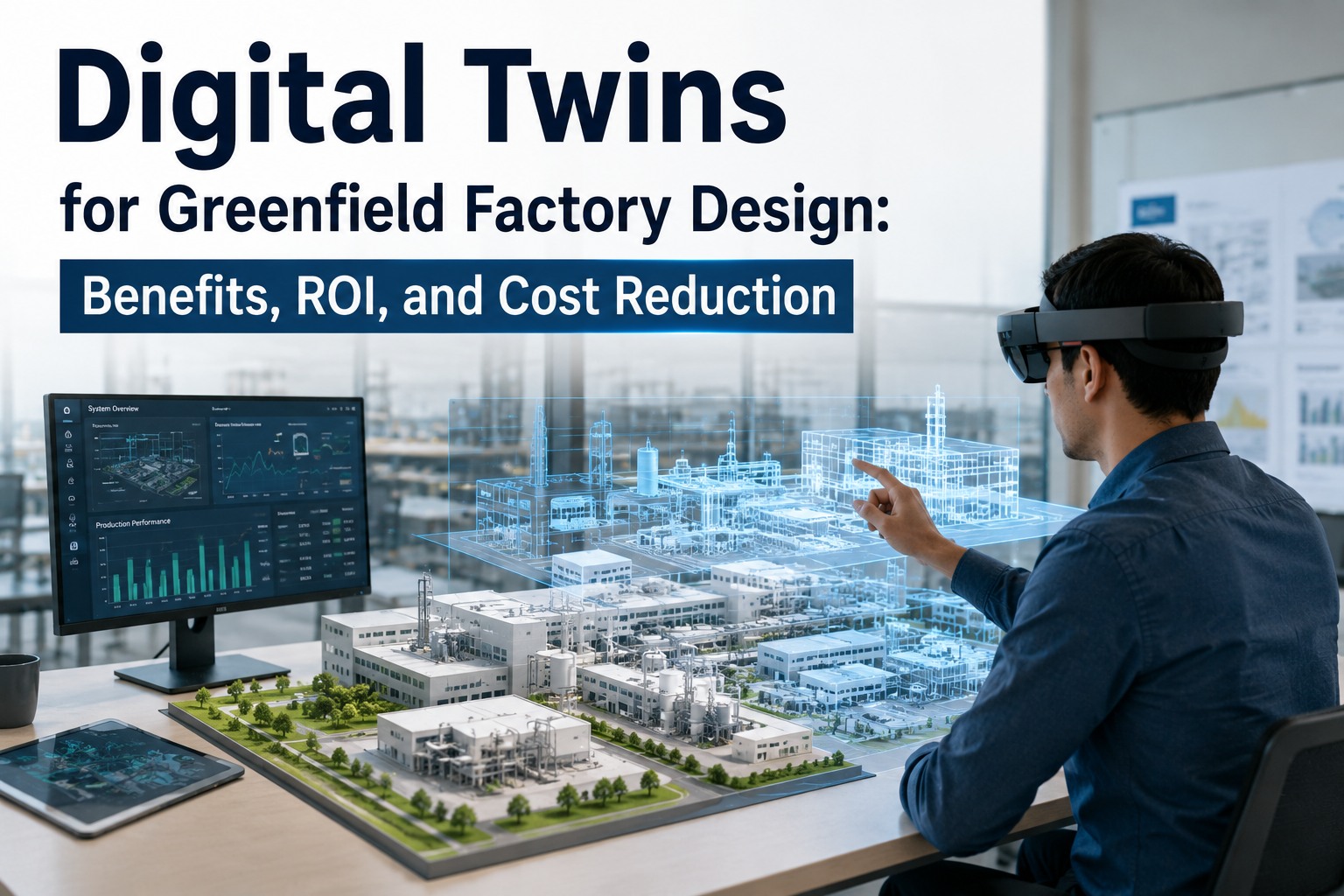
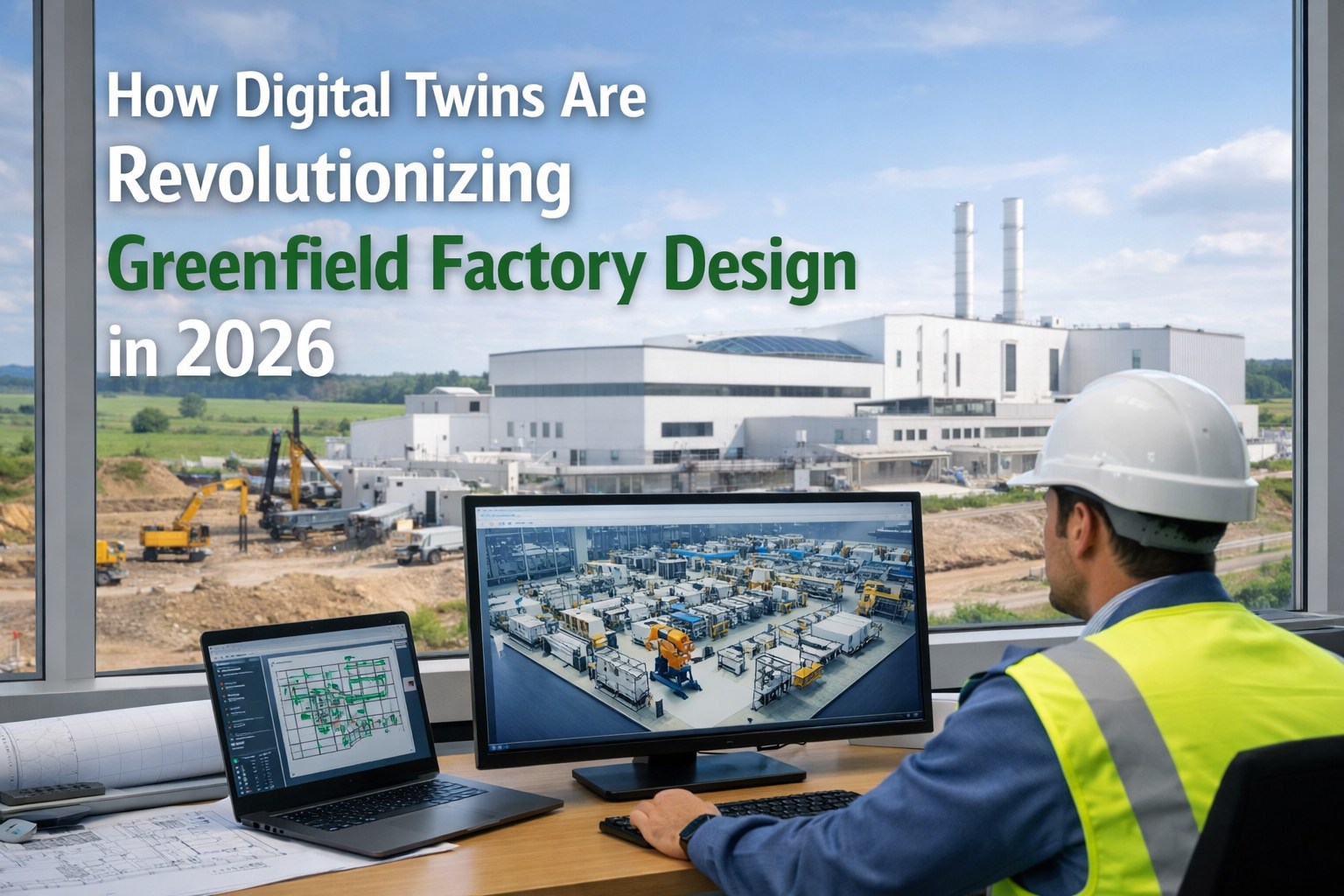
Build your factory twice — first virtually, then physically. The first build costs thousands. The second costs millions. Every layout mistake discovered after concrete is poured becomes a change order: moving a conveyor 2 meters means cutting floors, re-routing utilities, rewiring controls, and losing 2-4 weeks of construction schedule. A bottleneck discovered only after the first production run means the line you spent $10M building can't hit target throughput. The digital twin market in manufacturing is projected to grow from $21 billion in 2025 to nearly $150 billion by 2030 — because the ROI is undeniable. BMW completely replicates its production pipeline, facilities, processes, and logistics in a digital twin before physical construction. PepsiCo and Siemens are digitally transforming US manufacturing facilities by converting them into high-fidelity 3D digital twins that simulate plant operations and end-to-end supply chains. BASF demonstrated 7,200-fold scheduling compression — from 10 hours to 5 seconds — in a proof of concept. These aren't science projects. They're operational tools that prevent millions in construction rework and months of production delay. We design factory digital twins for greenfield planning: 3D facility models from architectural drawings, discrete event production simulation, material flow optimization, AI system behavior testing, and what-if scenario analysis — so your factory is validated virtually before the first foundation is poured. Schedule a Demo
The Cost of Layout Mistakes After Construction
Move a Machine 2 Meters
Cut concrete floor. Re-route power conduit, compressed air, coolant, and data cables. Re-pour foundation. Recalibrate machine. Revalidate process. Total: 2-4 weeks of delay + $50K-$200K in rework. In the digital twin: drag and drop, re-simulate, validate in 30 minutes. Cost: $0.
Conveyor Bottleneck
Production line hits 70% of target throughput because the conveyor system can't keep up with the fastest machine. Root cause: buffer sizing was calculated on a spreadsheet without stochastic variability. Fix: add accumulation conveyor, re-route material flow, modify controls. In the twin: simulate 10,000 production cycles with random variability — identify bottleneck before ordering equipment.
AGV Path Conflict
AGV fleet creates traffic jams at intersections that weren't apparent in 2D layout drawings. Production stops while AGVs deadlock. Fix: redesign intersection geometry, add bypass lanes, reprogram fleet. In the twin: simulate 50 AGVs running production patterns for 8 hours — identify every collision point and optimize paths virtually.
Throughput Ramp Delay
Factory designed for 100 units/hour but produces 65 because changeover times, material handling delays, and quality inspection bottlenecks weren't modeled together. Each month of underperformance: lost revenue + idle capacity. In the twin: model the complete system end-to-end with realistic changeover times and quality loops — validate target throughput before committing to construction.
Planning a greenfield factory? Schedule a demo to see how digital twin simulation finds layout problems, bottlenecks, and throughput issues before you pour the first foundation — saving 30-50% in change orders.
What We Simulate
3D Facility Model
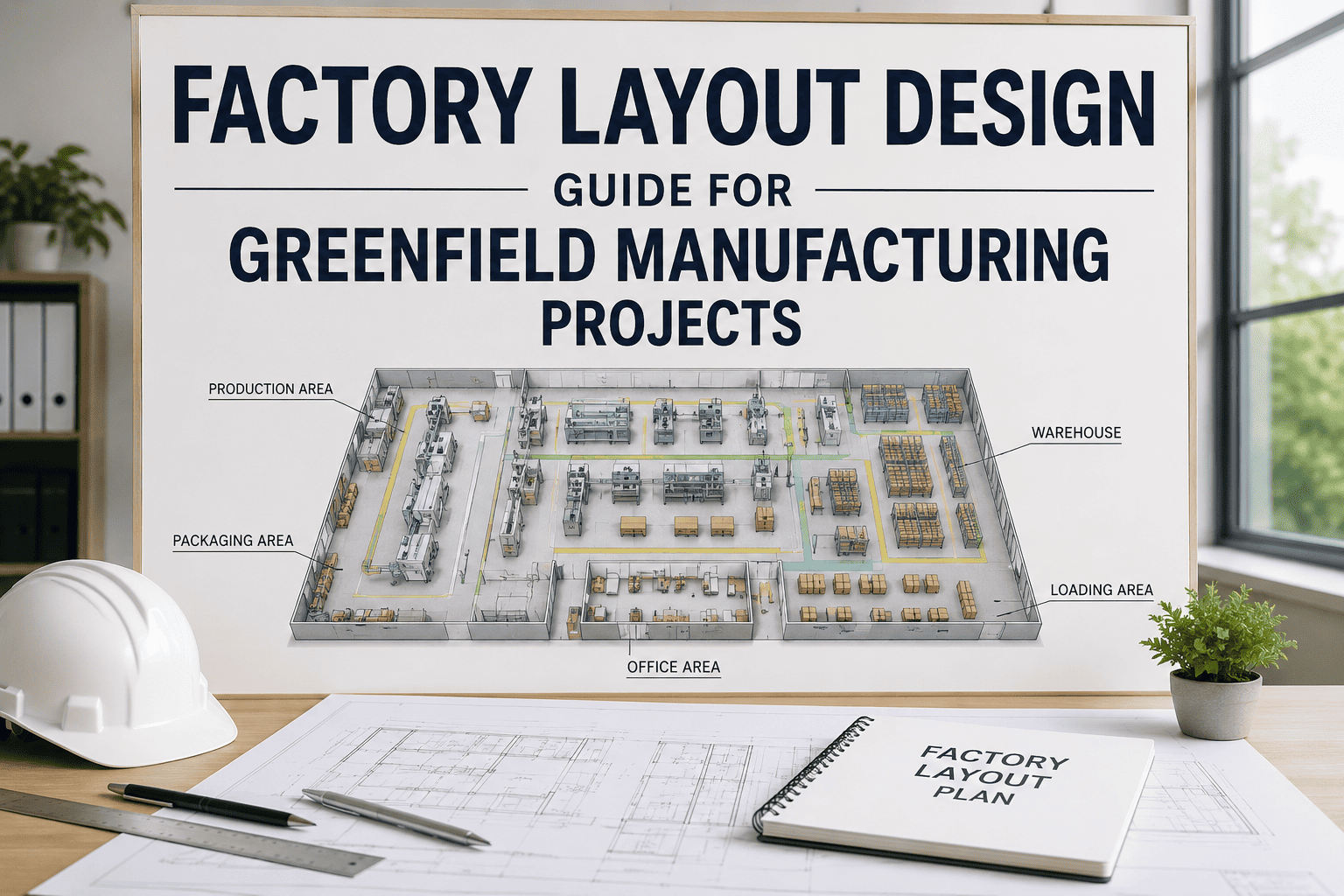
Architectural drawings (Revit, AutoCAD) imported into the simulation environment. Every machine, conveyor, robot cell, AGV path, storage area, and utility run modeled in 3D with accurate footprints and clearances. Operators can virtually walk through the factory before walls exist — checking sightlines, access paths, maintenance clearances, and ergonomic reach zones. Siemens Digital Twin Composer, NVIDIA Omniverse, or Tecnomatix Plant Simulation used depending on complexity.
Discrete Event Simulation
Every production process modeled as a sequence of events with realistic time distributions — not fixed averages. Machine cycle times with statistical variation. Changeover times by product transition matrix. Quality inspection pass/fail rates. Random breakdowns with MTBF/MTTR distributions. Buffer sizes. Operator availability by shift pattern. The simulation runs thousands of production hours in minutes — revealing bottlenecks that spreadsheet models can't find because they ignore the compounding effect of variability.
Logistics & Material Handling
AGV/AMR fleet simulation: path planning, traffic management, charging station utilization, pickup/delivery optimization. Conveyor system sizing: speed, accumulation capacity, merge/divert timing. Warehouse/buffer zone sizing: WIP inventory levels under different demand scenarios. Forklift traffic patterns: aisle width validation, congestion analysis. The simulation answers: "How many AGVs do we actually need?" and "What buffer size prevents starvation?" — questions that can't be answered by intuition.
AI System Virtual Validation
AI vision inspection systems tested with synthetic images rendered in the digital twin environment — before cameras are installed. Robot path planning validated in simulation — collision detection, cycle time optimization, and reachability analysis completed virtually. Predictive maintenance models tested against simulated degradation scenarios. NVIDIA Omniverse enables physics-accurate rendering for AI training data generation — the same environment that produced 780,000 synthetic robot training trajectories in 11 hours.
Energy & Utility Modeling
Electrical load profiling: peak demand calculation from simultaneous machine starts. Compressed air demand: flow rate simulation across all consumers with diversity factor. HVAC load: thermal modeling from machine heat generation, process exhaust, and building envelope. Utility sizing validated in simulation prevents oversizing (wasted capital) and undersizing (production limitations). Sustainability metrics: energy per unit, CO2 per unit calculated from the simulated production plan.
What-If Analysis
What if demand increases 30%? Where does the bottleneck shift? What if we add a second shift? How many additional AGVs are needed? What if Machine X breaks down for 4 hours? How much WIP buffer prevents downstream starvation? What if we change the product mix to 60/40 instead of 80/20? These scenarios are tested in minutes — each generating throughput, utilization, WIP, and lead time metrics. Decision-makers compare 50+ scenarios before committing to a single layout.
How It Works: From Drawings to Validated Design
Architectural drawings (Revit/AutoCAD), equipment CAD models (STEP/IGES from OEMs), and process flow diagrams imported into the simulation platform. 3D factory model built with accurate dimensions, machine footprints, and utility routing. Typical build time: 2-4 weeks for a complete facility model. Output: interactive 3D walkthrough that stakeholders can review before any physical construction begins.
Each machine, workstation, and process step defined with: cycle time distribution (mean + standard deviation), changeover matrix (time by product-to-product transition), quality yield (first-pass yield and rework rate), breakdown behavior (MTBF + MTTR distributions), and operator requirements (skills, shift patterns). Data sourced from: OEM specifications, time studies from existing facilities, industry benchmarks, or estimated from similar operations.
Complete material flow modeled: raw material receiving → storage → production line → WIP buffers → assembly → quality → packaging → shipping. AGV/conveyor/forklift traffic simulated with collision detection and congestion analysis. Simulation runs 10,000+ production hours with Monte Carlo variability to identify bottlenecks, buffer overflow/starvation points, and throughput limitations under realistic conditions — not theoretical maximums.
Bottlenecks identified in simulation drive layout modifications: machine repositioning, buffer resizing, conveyor rerouting, AGV path redesign. Each iteration re-simulated and compared against KPIs: throughput, OEE, WIP levels, lead time, utilization, and energy consumption. Typically 5-15 iterations required to reach optimized layout. Each iteration: hours in the twin vs months if discovered during construction.
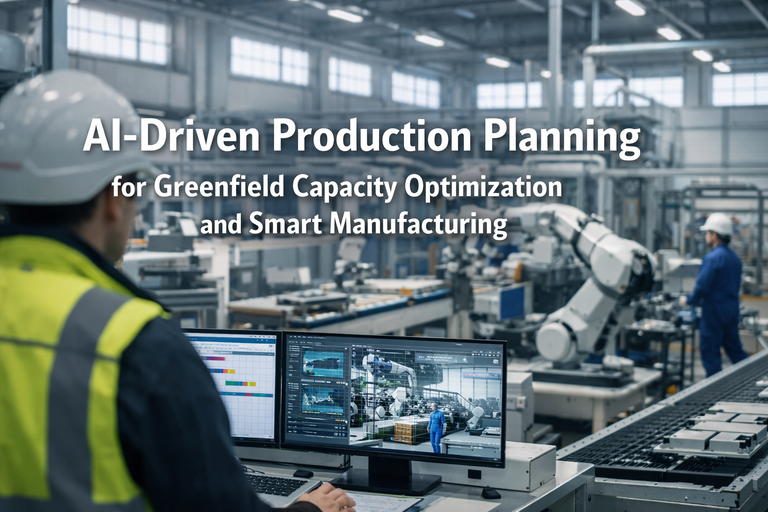
AI vision inspection systems tested with rendered images from the twin environment. Robot cells validated for cycle time, reachability, and collision-free paths. PLC control logic tested against the simulated production flow (virtual commissioning). AGV fleet behavior validated across shift patterns and demand scenarios. All automation validated virtually — reducing physical commissioning time by 30-50%.
Optimized layout, equipment specifications, buffer sizes, AGV fleet size, utility requirements, and throughput projections documented and handed off to the construction team. The simulation model becomes the reference standard — any proposed construction change is tested in the twin before approval. Post-construction: the twin transitions from a planning tool to a live operational twin, fed by real sensor data for continuous optimization.
Key Benefits & ROI
Find the $5M Problem Before You Pour the Foundation
iFactory designs factory digital twins for greenfield planning — 3D facility modeling, discrete event simulation, material flow optimization, AI virtual validation, and what-if scenario testing — so your factory is proven in simulation before construction begins.
Frequently Asked Questions
Your $50M Factory Deserves a $100K Simulation
The ROI of factory digital twin simulation is the simplest math in manufacturing: a $100K-$200K virtual build prevents $1M-$5M in construction change orders, months of ramp-up delay, and years of living with layout compromises.