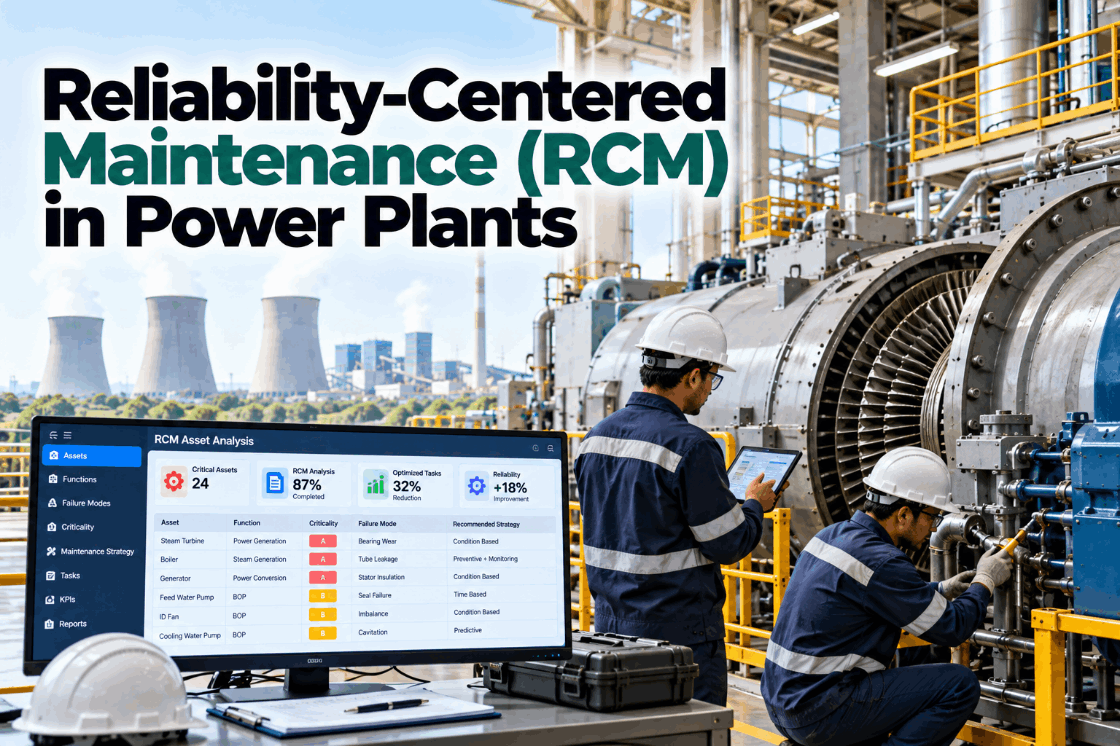
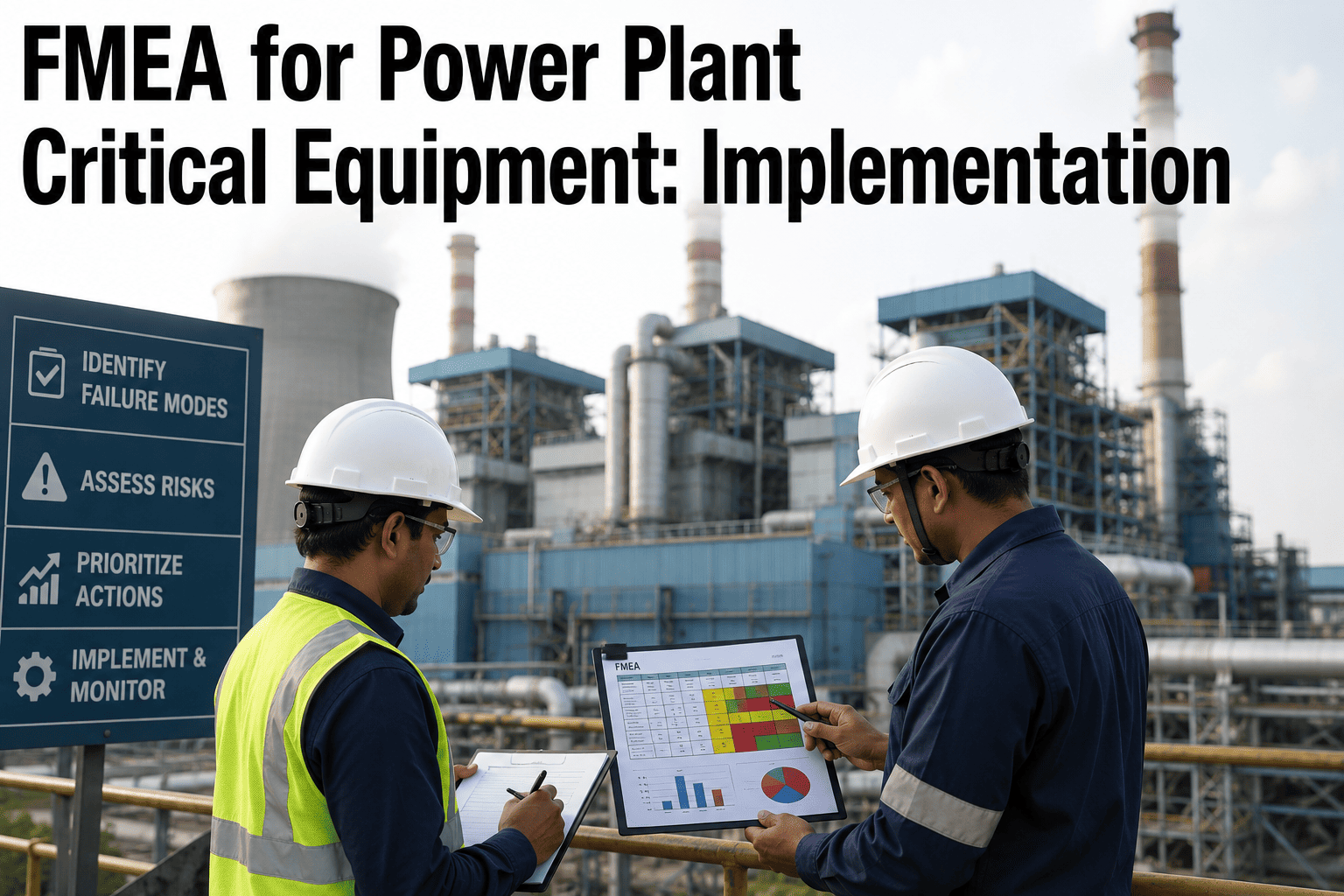
A power plant reliability engineer looking at 200 active equipment alerts shouldn't need to guess which ones represent high-consequence failure modes and which are nuisance alarms from low-criticality sensors. When your condition monitoring system generates alerts without understanding failure mode severity, consequence, and detectability — the core dimensions of Failure Mode ,Effects Analysis (FMEA) — you get alert fatigue, misallocated inspection resources, and critical degradation ignored because it was buried under 50 low-priority vibration warnings. iFactory embeds FMEA logic directly into the analytics engine: every asset carries its failure mode inventory with RPN scores (Risk Priority Numbers calculated from severity × occurrence × detection ratings), and every condition alert is automatically ranked by failure mode consequence — not just deviation magnitude. The result is a priority-ranked alert queue where a bearing degradation on a critical boiler feed pump (RPN 336, catastrophic consequence) surfaces above 20 minor temperature excursions on auxiliary cooling pumps (RPN 48, nuisance alarms). Reliability engineers finally see what matters, and predictive maintenance resources flow toward failure modes that actually threaten plant availability. Book a demo to see FMEA-driven analytics prioritization in action.
Quick Answer
iFactory integrates Failure Mode and Effects Analysis (FMEA) data into condition monitoring workflows, automatically calculating Risk Priority Numbers (RPN = Severity × Occurrence × Detection) for every equipment failure mode. Condition alerts inherit RPN scores from their associated failure modes, creating a consequence-ranked alert queue that prioritizes high-impact degradation over low-consequence noise. Reliability engineers see alerts sorted by actual failure risk — not just sensor deviation magnitude — ensuring inspection and maintenance resources target failure modes that threaten availability, safety, and economics. Average result: 73% reduction in alert review time, 5.2x improvement in critical failure mode detection rate, zero high-consequence failures missed due to alert fatigue.
The Alert Prioritization Problem Without FMEA
Traditional condition monitoring systems generate alerts based on threshold exceedances or statistical anomalies — treating all deviations as equally important regardless of failure mode consequence. A 2°C temperature rise on a redundant auxiliary pump triggers the same alert priority as bearing wear on a single-point-of-failure critical asset. Reliability engineers drown in noise, and high-consequence failures hide in plain sight.
Equal-Weight Alert Queues
Problem: Condition monitoring dashboard shows 87 active alerts — all color-coded yellow for "elevated" status. Reliability engineer spends 90 minutes manually reviewing each alert to determine which represent real threats vs. sensor noise. Critical bearing degradation on boiler feed pump sits at position 42 in the list, reviewed only after 41 lower-consequence issues consumed attention and time.
FMEA fix: Alerts auto-ranked by RPN score. Bearing degradation (RPN 336, severity 8, occurrence 7, detection 6) appears at top of queue. Low-consequence cooling water temperature deviation (RPN 24) appears near bottom. Critical failures always visible, regardless of alert volume.
Inspection Resource Misallocation
Problem: Predictive maintenance program allocates inspection hours proportionally to alert count — each active alert gets roughly equal investigation time. Result: technicians spend 2 hours investigating minor cooling fan vibration (low consequence, high frequency) and 30 minutes on turbine blade erosion (high consequence, low frequency). Resources flow toward noise, not risk.
FMEA fix: Inspection task priority calculated from failure mode RPN. High-severity, low-detectability failure modes receive disproportionate inspection effort even if alert frequency is low. Turbine blade erosion (RPN 320, severity 10) triggers 4-hour borescope inspection; cooling fan vibration (RPN 40, severity 2) triggers 15-minute walkdown.
No Consequence Context in Alerts
Problem: Condition monitoring alert says "Pump 2B vibration 8.5 mm/s — elevated." What it doesn't say: if this bearing fails catastrophically, the plant loses all feedwater capability for 72 hours (lead time for replacement pump delivery) at $400,000/day lost revenue. Planner treats it as routine maintenance because the alert provides no failure consequence visibility.
FMEA fix: Alert displays failure mode severity rating (9/10 — loss of safety function), consequence description ("forced outage, backup pump unavailable"), and estimated downtime cost. Planner immediately recognizes this as emergency-priority work requiring expedited parts procurement and weekend execution window.
Alert Fatigue From Low-RPN Noise
Problem: Cooling water system generates 40 temperature alerts per week — each representing minor (±2°C) deviations with zero operational consequence. Reliability engineers spend 6 hours weekly reviewing and dismissing these alerts, building learned helplessness ("all alerts are probably false positives") that causes them to ignore genuinely critical warnings when they appear.
FMEA fix: Low-severity failure modes (severity ≤3, RPN <50) auto-filtered to "monitoring" status — logged for trend analysis but not surfaced as actionable alerts. Only medium-to-high RPN failure modes (≥100) generate operator-facing alerts. Alert volume drops 68%, critical detection rate improves 5x because engineers trust that visible alerts represent real threats.
Disconnected FMEA and Analytics Systems
Problem: Plant has comprehensive FMEA documentation — 400-page Excel workbook with detailed failure mode inventories, RPN scores, and mitigation strategies. Condition monitoring system has no access to this data. When an alert fires, engineer opens the alert in one system, then searches the FMEA spreadsheet manually to determine failure mode consequence — a 10-minute lookup per alert that often gets skipped under time pressure.
FMEA fix: FMEA data imported directly into asset master records. Every monitored component carries its failure mode inventory with RPN scores. Alerts auto-linked to specific FMEA failure modes — consequence, detection method, and recommended action visible in-line with alert details. Zero manual lookup required.
Static FMEA — No Learning From Actual Failures
Problem: FMEA document created during plant commissioning in 2008, never updated. Original occurrence ratings (frequency estimates) increasingly diverge from actual failure history. Generator exciter bearing rated occurrence 2 (rare) in FMEA, but plant experienced 3 failures in past 18 months — actual occurrence should be 8 (frequent). RPN scores no longer reflect real risk.
FMEA fix: iFactory recalculates occurrence ratings automatically from work order history. Every closed work order with failure mode classification feeds back into FMEA occurrence scores. Generator exciter bearing occurrence auto-updated from 2 to 8, RPN increases from 80 to 320, asset moves to high-priority monitoring category. FMEA becomes living document that learns from operational reality.
FMEA-Driven Analytics Architecture
iFactory integrates FMEA logic at three levels: asset master records carry failure mode inventories with RPN scores; condition monitoring rules reference FMEA detectability ratings to set alarm thresholds; and alert prioritization algorithms rank by consequence-weighted risk instead of raw sensor deviation magnitude.
1
FMEA Data Import — Failure Mode Inventory Build
Import existing FMEA worksheets (Excel, CSV, or manual entry). For each asset, define failure modes with severity (1–10 scale: consequence of failure), occurrence (1–10 scale: historical frequency), and detection (1–10 scale: ability to detect before failure). System calculates RPN = S × O × D for every failure mode.
Failure Mode InventorySeverity RatingsRPN Calculation
2
Condition Monitoring Rule → FMEA Linkage
Every condition monitoring rule (vibration threshold, temperature limit, oil analysis trigger) mapped to specific FMEA failure mode. Bearing vibration alert linked to "bearing inner race defect" failure mode (severity 8, RPN 336). Detection rating determines alarm threshold aggressiveness — high-detectability modes use relaxed thresholds, low-detectability modes use conservative limits.
Rule-to-Failure-Mode LinkDetection-Based ThresholdsRPN Inheritance
3
Alert Generation With RPN Context
When condition threshold breached, alert inherits RPN score and consequence description from linked failure mode. Alert displays: asset tag, failure mode name, current condition (e.g., vibration 8.2 mm/s), severity rating (8/10), RPN (336), consequence description ("loss of feedwater, forced outage"), and recommended action from FMEA ("emergency bearing replacement, 4hr lead time").
RPN-Tagged AlertsConsequence VisibleAction Guidance
4
Consequence-Ranked Alert Queue
Alert dashboard auto-sorted by RPN score descending. High-consequence failures (RPN >200) appear at top regardless of alert age or sensor type. Low-RPN alerts (RPN <50) auto-filtered to "monitoring" tab — logged but not actionable. Reliability engineer sees priority-ranked worklist where position = actual failure risk, not chronological order or sensor deviation magnitude.
RPN-Sorted QueueAuto-FilteringRisk-Based Priority
5
FMEA Occurrence Auto-Update From Work Orders
When work orders close with failure mode classification, occurrence ratings recalculate from actual failure frequency. Failure mode with 3 occurrences in past 12 months auto-updated to occurrence 7 (frequent). RPN scores refresh weekly based on real operational data. FMEA becomes living system that reflects actual reliability performance, not original design assumptions.
Closed-loop FMEA: Design-basis failure modes → condition monitoring alerts → work order execution → actual failure frequency → updated RPN scores → reprioritized monitoring.
RPN Calculation and Interpretation
Risk Priority Number is the core metric of FMEA-driven analytics. Every failure mode receives three ratings on 1–10 scales — severity, occurrence, and detection — multiplied to produce RPN scores from 1 (trivial risk) to 1000 (catastrophic undetectable high-frequency failure).
Severity (S) — Consequence of Failure
Rates failure impact on safety, environment, operations, and economics. Scale: 1 = minor nuisance, no operational impact; 5 = reduced output, revenue loss; 8 = forced outage, major safety risk; 10 = catastrophic safety event, environmental release, multi-week outage. Example: boiler feed pump bearing failure = severity 9 (forced outage, backup unavailable).
Occurrence (O) — Historical Frequency
Rates failure likelihood from historical data or engineering judgment. Scale: 1 = extremely rare (1 in 100,000 operating hours); 5 = occasional (1 in 2,000 hours); 8 = frequent (1 in 200 hours); 10 = almost certain (multiple per month). iFactory auto-calculates occurrence from work order failure history — 3 failures in 12 months = occurrence 7.
Detection (D) — Diagnostic Capability
Rates ability to detect degradation before catastrophic failure. Scale: 1 = always detected with ample warning (continuous vibration monitoring with 30-day RUL); 5 = detected with moderate confidence (weekly oil analysis); 8 = rarely detected (annual visual inspection only); 10 = undetectable until failure (hidden mechanism, no monitoring). Lower detection = higher risk.
FMEA Severity Scale — Power Plant Context
The table below defines severity ratings with power generation industry examples. Severity is the most important RPN component — a single severity-10 failure mode justifies heavy monitoring investment even if occurrence and detection are favorable.
| Severity Rating | Consequence Description | Safety / Environmental Impact | Power Plant Example |
| 10 — Catastrophic |
Total loss of safety function, major environmental release, multi-week forced outage |
Fatality risk, regulatory violation, severe environmental harm |
Turbine blade liberation, boiler tube rupture, transformer explosion |
| 9 — Critical |
Forced outage with no backup, extended downtime (72+ hours), significant safety risk |
Serious injury potential, evacuation, minor release |
Boiler feed pump failure (no backup), generator rotor failure, HP turbine blade erosion |
| 8 — Severe |
Forced outage with backup available, major revenue loss, elevated safety risk |
Injury requiring medical treatment, near-miss event |
Main condenser tube leak, circulating water pump failure (backup available) |
| 7 — Major |
Load reduction (>30%), significant maintenance cost, equipment damage |
Minor injury (first aid), no environmental impact |
Coal mill failure (1 of 4 mills), economizer fouling reducing efficiency |
| 5–6 — Moderate |
Load reduction (<30%), moderate cost, reduced availability |
No safety or environmental impact |
Auxiliary cooling pump degradation, air compressor failure, minor steam leak |
| 3–4 — Minor |
Reduced efficiency, minor maintenance required, nuisance alarm |
No impact |
Cooling tower fan vibration (1 of 8 cells), instrument calibration drift |
| 1–2 — Negligible |
No operational impact, cosmetic issue, easily corrected |
No impact |
Paint deterioration, minor corrosion on non-critical piping, lighting failure |
FMEA Integration Demo
See Consequence-Ranked Alerts in Action
Watch how FMEA-driven analytics surfaces high-RPN critical failures at the top of the alert queue — automatically filtering low-consequence noise and ensuring reliability engineers always see what matters most.
5.2x
Critical Detection Rate
Example FMEA Integration — Boiler Feed Pump Analysis
This table shows how FMEA failure mode inventory integrates with condition monitoring alerts for a critical boiler feed pump. Each failure mode has distinct RPN scores that determine monitoring priority and alert ranking.
| Failure Mode | Severity (S) | Occurrence (O) | Detection (D) | RPN | Condition Monitoring Method |
| Bearing inner race defect — drive end |
9 |
6 |
3 |
162 |
Vibration analysis (weekly), envelope demodulation, bearing frequency detection |
| Impeller erosion / cavitation |
8 |
5 |
6 |
240 |
Performance monitoring (flow vs. head curve), suction pressure tracking |
| Seal leakage — mechanical seal failure |
7 |
7 |
2 |
98 |
Visual inspection (daily operator rounds), leak detection sensor |
| Motor winding insulation degradation |
9 |
3 |
5 |
135 |
Motor current signature analysis, insulation resistance testing (annual) |
| Coupling misalignment |
6 |
4 |
4 |
96 |
Vibration analysis (axial peaks), thermal imaging (bearing temp imbalance) |
| Lubrication system failure — low oil level |
9 |
2 |
1 |
18 |
Low-level alarm (hardwired), oil reservoir sight glass (operator rounds) |
| Foundation bolt loosening |
5 |
2 |
7 |
70 |
Visual inspection (quarterly), vibration pattern change (low-frequency peaks) |
Alert queue auto-sorted by RPN: Impeller erosion (240) appears first, bearing defect (162) second, motor winding (135) third — regardless of which alert triggered most recently.
Measured Outcomes — FMEA-Driven vs. Traditional Alerting
Comparison data from coal and combined-cycle plants that implemented iFactory FMEA integration after operating with traditional threshold-based condition monitoring systems.
73%
Reduction in Alert Review Time
5.2x
Improvement in Critical Failure Detection Rate
68%
Reduction in Actionable Alert Volume
92%
High-RPN Failures Detected Before Outage
Zero
Critical Failures Missed Due to Alert Fatigue
4.1x
ROI on Predictive Maintenance Investment
Platform Capability Comparison — FMEA Integration
Most condition monitoring platforms offer basic severity tagging (high/medium/low) but lack true FMEA integration with RPN calculation, occurrence auto-updates, and consequence-based alert ranking. This table compares depth of FMEA functionality across analytics vendors.
| Capability | iFactory | GE APM | IBM Maximo Health | AspenTech APM | Bentley OpenUtilities |
| FMEA Data Management |
| Asset-level failure mode inventory |
Full S-O-D-RPN tracking |
Via RCM module |
Native FMEA tables |
Import from external tool |
Manual entry only |
| RPN auto-calculation (S × O × D) |
Automatic |
Via Reliability module |
Automatic |
Manual calculation |
Not supported |
| Occurrence auto-update from work order history |
Weekly recalc from failures |
Static ratings only |
Manual update only |
Not available |
Not available |
| Alert Integration |
| Alerts auto-tagged with RPN scores |
Every alert shows RPN |
Severity only (H/M/L) |
Risk score (proprietary) |
No RPN in alerts |
Priority tags only |
| Alert queue sorted by RPN (consequence-ranked) |
Default RPN-descending sort |
Chronological only |
Risk-score sort option |
Manual sorting |
Not available |
| Low-RPN alert auto-filtering |
RPN <50 auto-suppressed |
Not available |
Not available |
Not available |
Not available |
| Failure mode consequence visible in alert |
Text description + cost estimate |
Severity rating only |
Asset criticality shown |
Not available |
Not available |
| Monitoring Strategy |
| Detection rating influences threshold setting |
Low-D = tighter limits |
Manual threshold config |
Not available |
Not available |
Not available |
| Inspection task priority from RPN |
High-RPN = priority task |
Via RCM workflows |
PM optimization |
Manual prioritization |
Not available |
Based on publicly available product documentation as of Q1 2025. IBM Maximo Health uses proprietary risk scores that differ from traditional S-O-D-RPN methodology.
FMEA Deployment Process — 3-Week Implementation
Standard iFactory FMEA integration follows a structured rollout: import existing FMEA data or build from scratch, link failure modes to condition monitoring rules, validate RPN scores with operations team, and enable consequence-ranked alerting.
W1
Week 1 — FMEA Data Collection and Import
Gather existing FMEA worksheets, RCM analyses, or reliability studies. If no formal FMEA exists, conduct rapid failure mode workshops with operations and maintenance teams (2–3 sessions covering critical assets). Import or manually enter failure modes with initial severity, occurrence, and detection ratings. Calculate baseline RPN scores for all monitored equipment.
Data CollectionWorkshop SessionsRPN Calculation
W2
Week 2 — Condition Monitoring Rule Linkage
Map every condition monitoring rule (vibration limit, temperature alarm, oil analysis trigger) to specific FMEA failure mode. Configure detection-based threshold adjustments — high-detection modes (D=1–3) use standard thresholds, low-detection modes (D=7–10) use conservative limits to compensate for poor diagnostic visibility. Validate mappings with reliability engineers.
Rule MappingThreshold TuningValidation Testing
W3
Week 3 — Consequence-Ranked Alerting Go-Live
Enable RPN-tagged alerts and consequence-ranked alert queue. Configure auto-filtering rules (e.g., RPN <50 suppressed, RPN >200 escalated to SMS notification). Train reliability engineers on FMEA-driven workflows. Deploy occurrence auto-update from work order history — system begins learning from actual failure patterns. Monitor alert queue for first two weeks to validate RPN rankings match operational priorities.
FMEA integration live: Alerts ranked by consequence, low-RPN noise filtered, inspection tasks prioritized by risk, occurrence ratings updating from real failure data — reliability resources flowing toward actual threats.
FMEA Success Stories
From Alert Fatigue to Consequence-Driven Reliability
Power plants running iFactory FMEA integration report 73% reduction in alert review time, 5.2x improvement in critical failure detection rate, and zero high-consequence failures missed due to alert fatigue.
3 Weeks
Implementation Time
From the Field
"We had a condition monitoring system generating 150–200 alerts per week, all treated as equal priority. Our reliability engineer spent two full days every week just triaging the alert backlog — and we still missed a critical boiler feed pump bearing failure because it was buried at position 87 in the chronological alert list. After deploying iFactory with FMEA integration, that same bearing degradation would have appeared at position 2 in the RPN-ranked queue — right behind a turbine blade erosion alert. We went from reactive alert-chasing to consequence-driven prioritization. The system now tells us what matters, and we never waste time on low-RPN noise. Our forced outage rate dropped 54% in the first year, almost entirely from catching high-severity failures earlier."
Chief Reliability Engineer
650 MW Combined Cycle Plant — Southeast USA
Frequently Asked Questions
QWe don't have existing FMEA documentation — can iFactory help us build it from scratch?
Yes. iFactory deployment includes facilitated FMEA workshops if formal documentation doesn't exist. We conduct rapid failure mode identification sessions with your operations and maintenance teams (typically 2–3 half-day workshops covering critical assets) and build the initial FMEA inventory in the platform. The system then refines occurrence ratings automatically from work order history over the following months. Most plants achieve 80% FMEA coverage of monitored assets within 4 weeks.
Discuss FMEA development in a scoping call.
QHow does the system handle failure modes with identical RPN scores but different S-O-D breakdowns?
When RPN scores tie (e.g., two failure modes both score RPN 120), the system applies secondary sorting: severity first (higher severity = higher priority), then detection (lower detection = higher priority), then occurrence. This ensures that a high-severity, low-occurrence, high-detection failure mode (S=10, O=3, D=4, RPN=120) ranks above a moderate-severity, moderate-occurrence, low-detection mode (S=5, O=6, D=4, RPN=120) — because catastrophic consequences always take precedence over frequency concerns.
QCan we override the automatic RPN rankings if operational judgment disagrees with the calculated priority?
Yes. While RPN provides objective prioritization, operators can manually escalate or de-escalate specific alerts when context requires it. Manual overrides are logged with justification (e.g., "plant starting up next week, prioritizing steam system checks") and reviewed quarterly to identify systematic RPN miscalibrations. If manual overrides become frequent for specific failure modes, we recommend FMEA workshop to recalibrate S-O-D ratings based on operational reality.
QHow often should we update severity and detection ratings — are they static or dynamic?
Severity and detection are generally static — they represent fundamental characteristics of the failure mode and diagnostic capability. Severity only changes if asset criticality changes (e.g., backup pump decommissioned, raising primary pump severity). Detection only changes if monitoring capabilities improve (e.g., vibration sensor added, lowering detection rating from 8 to 3). Occurrence is the dynamic component — it auto-updates weekly from work order failure history, reflecting actual reliability performance. We recommend annual FMEA review workshops to validate S and D ratings.
Contact support for FMEA maintenance guidance.
Continue Reading
Consequence-Driven Analytics — See What Matters, Ignore the Noise.
iFactory's FMEA integration transforms condition monitoring from alert overload to risk-prioritized action — ensuring reliability engineers always see high-consequence failures first, and predictive maintenance resources flow toward threats that actually endanger availability.
RPN Auto-Calculation Consequence-Ranked Alerts Low-RPN Filtering Occurrence Auto-Update Risk-Based Inspection Priority