How to Migrate SAP MII Custom Applications Without Rebuilding From Scratch
By will Jackes on May 9, 2026
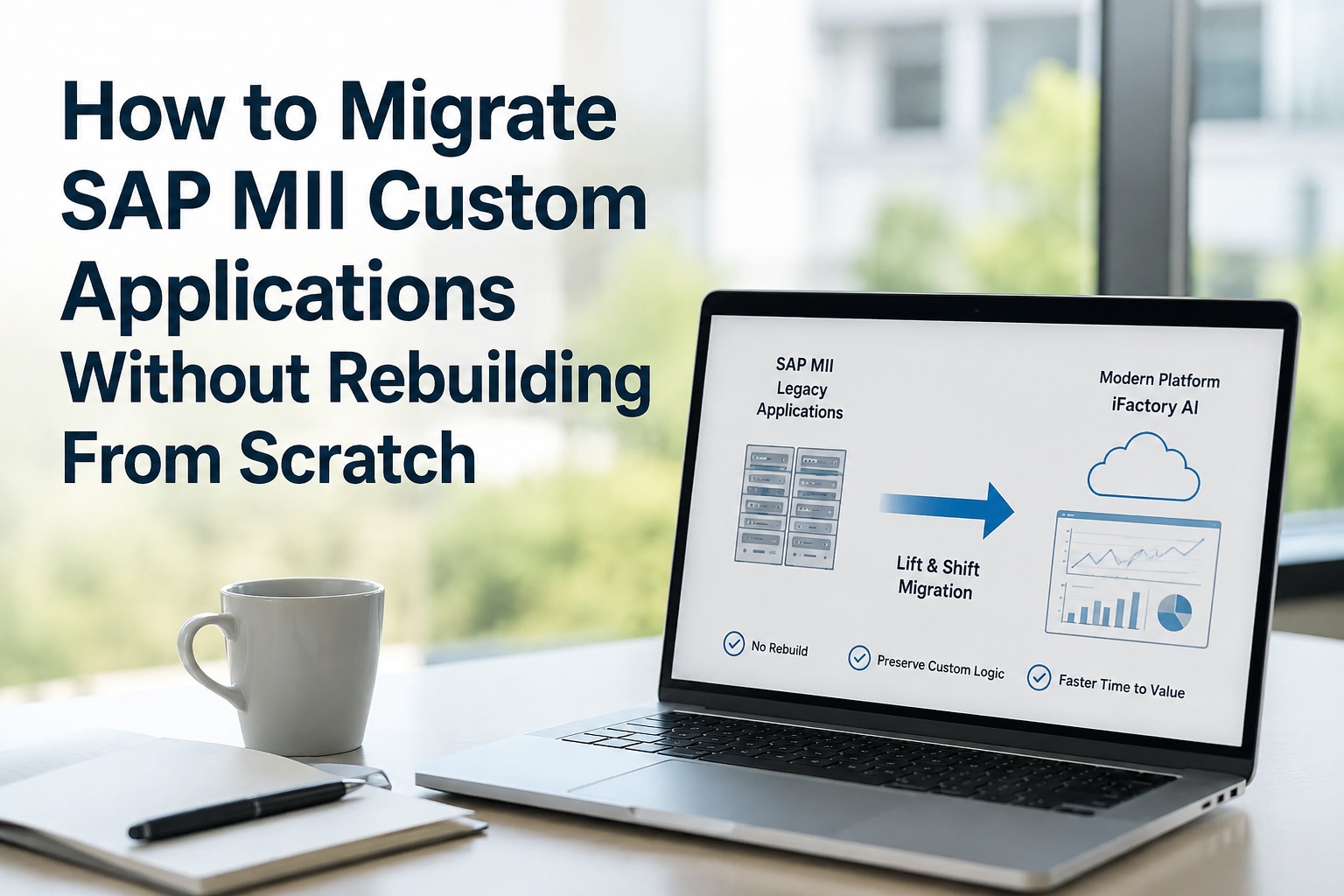
Most manufacturers running SAP MII have spent a decade or more building custom applications on top of it. BLS transactions written for one specific quality workflow. xMII queries hand-tuned for a specific historian. SSCE pages that operators actually trust. Custom action blocks that nobody documented but everybody depends on. The dominant migration narrative says all of this gets thrown away — that SAP DM's clean-core architecture forces a from-scratch rebuild of every custom artifact. That narrative is wrong. The lift-and-shift approach used by iFactory AI preserves the business logic, workflows, and operator experience your team has invested years building — without forcing you to rewrite a single line of code from scratch. This page walks through exactly how that works: what gets preserved, what gets transformed, what gets retired, and how plants are migrating decade-old custom MII estates without losing the institutional knowledge baked into them. Book a 30-minute custom-app assessment to see how your specific MII applications would migrate.
85%
Of custom MII business logic typically preserved through lift-and-shift, not rewritten
60–70%
Reduction in migration timeline vs. clean-core rebuild approach
0
Lines of BLS, xMII queries, or SSCE pages that need rewriting from scratch
10+ yrs
Of accumulated business knowledge protected during migration
The Hidden Cost of "Rebuild From Scratch"
When SAP and most consultancies talk about migrating MII to SAP DM, the implicit assumption is that every custom artifact gets redesigned in clean-core API form. That sounds reasonable on a slide. In practice, it forces you to throw away 5–10 years of refined business logic, undocumented workflows, and tribal knowledge that nobody on your current team can fully reconstruct. Below is what that hidden cost actually looks like.
01
Tribal knowledge walks out
The engineer who wrote your 2014 quality-hold BLS transaction may have retired in 2023. The business rule it encodes — "if material X arrives outside spec window Y, hold the lot AND notify QA AND skip the next sample" — never made it into documentation. Rebuilding from scratch means rediscovering that rule from production incidents.
02
Operator workflows reset to zero
SSCE pages your shift leads have used for years carry muscle memory — the right tab order, the right colour codes, the right "click here when X happens." Rebuilding the UI from scratch means retraining every operator on every shift, often during the most sensitive part of go-live.
03
Edge-case logic surfaces late
Custom BLS transactions handle the 5% of cases that standard MES does not — the rare batch type, the supplier exception, the regulatory edge. These rules surface only during testing or, worse, during go-live. Rebuilding from scratch turns them into a Phase 5 emergency.
04
Validation effort doubles
Every rebuilt artifact needs validation against MII to prove the new logic produces the same answer. That alone is half the project. A clean-core rewrite means writing tests for behaviour that was previously implicit — and getting those tests through QA, regulatory, and customer audit sign-off.
05
Timeline stretches by 60–70%
A migration that takes 12 months as lift-and-shift typically takes 18–24 months as a clean-core rebuild. That extra runway is usually consumed by re-discovering, re-coding, and re-validating logic that already worked perfectly in MII.
06
Adoption collapses
When operators see a fresh interface that does not match their proven workflow, adoption drops fast. Workarounds appear. Quiet rejection becomes loud rejection at the worst possible time — usually three weeks after go-live, when leadership is starting to ask if the program is working.
Your Custom MII Code Is an Asset. Treat It Like One.
A decade of refined logic, validated workflows, and operator-trusted UIs is worth millions of dollars in accumulated value. The right migration approach extracts that value and brings it forward — not throws it away to satisfy a clean-core architectural ideology. iFactory's lift-and-shift methodology was built specifically to preserve what works.
What Lift-and-Shift Actually Means for SAP MII Custom Apps
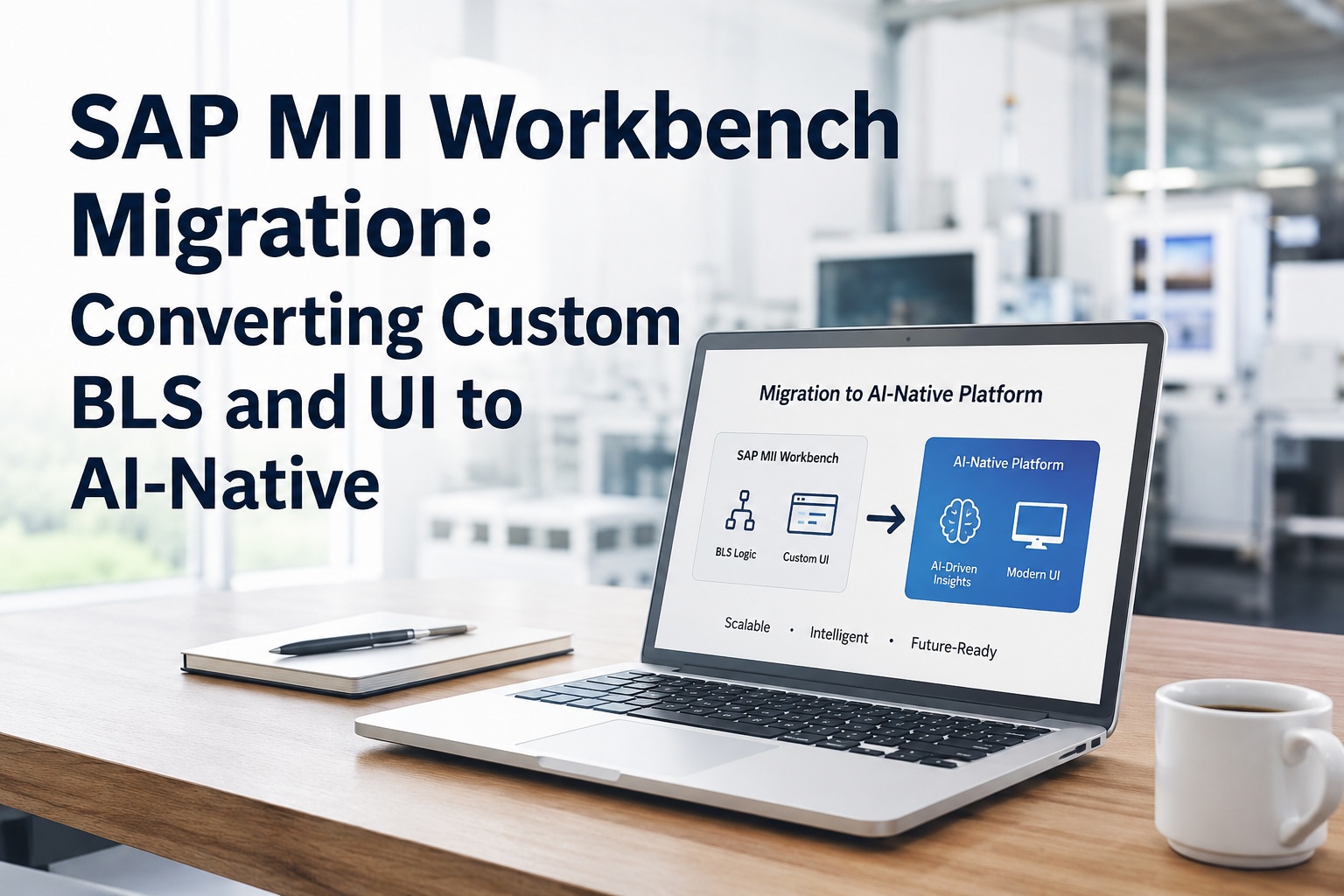
Lift-and-shift is not "copy the code unchanged and hope it runs." For SAP MII applications, it means systematically extracting the business logic, workflow definitions, data mappings, and UI patterns from your existing artifacts and re-hosting them on a modern platform that runs them natively. The MII concepts — BLS transactions, xMII queries, action blocks, dashboards — are translated into equivalent constructs on the target platform, preserving behaviour while modernizing the runtime.
SAP MII Artifact
iFactory Equivalent
What's Preserved
BLS Transactions (Business Logic Services)
Configurable workflows + service APIs
Logic flow, decision rules, error handling — all transferred intact
xMII Queries (data servers, aggregation)
Native data connectors + query templates
SQL, OPC, OData queries continue producing the same outputs
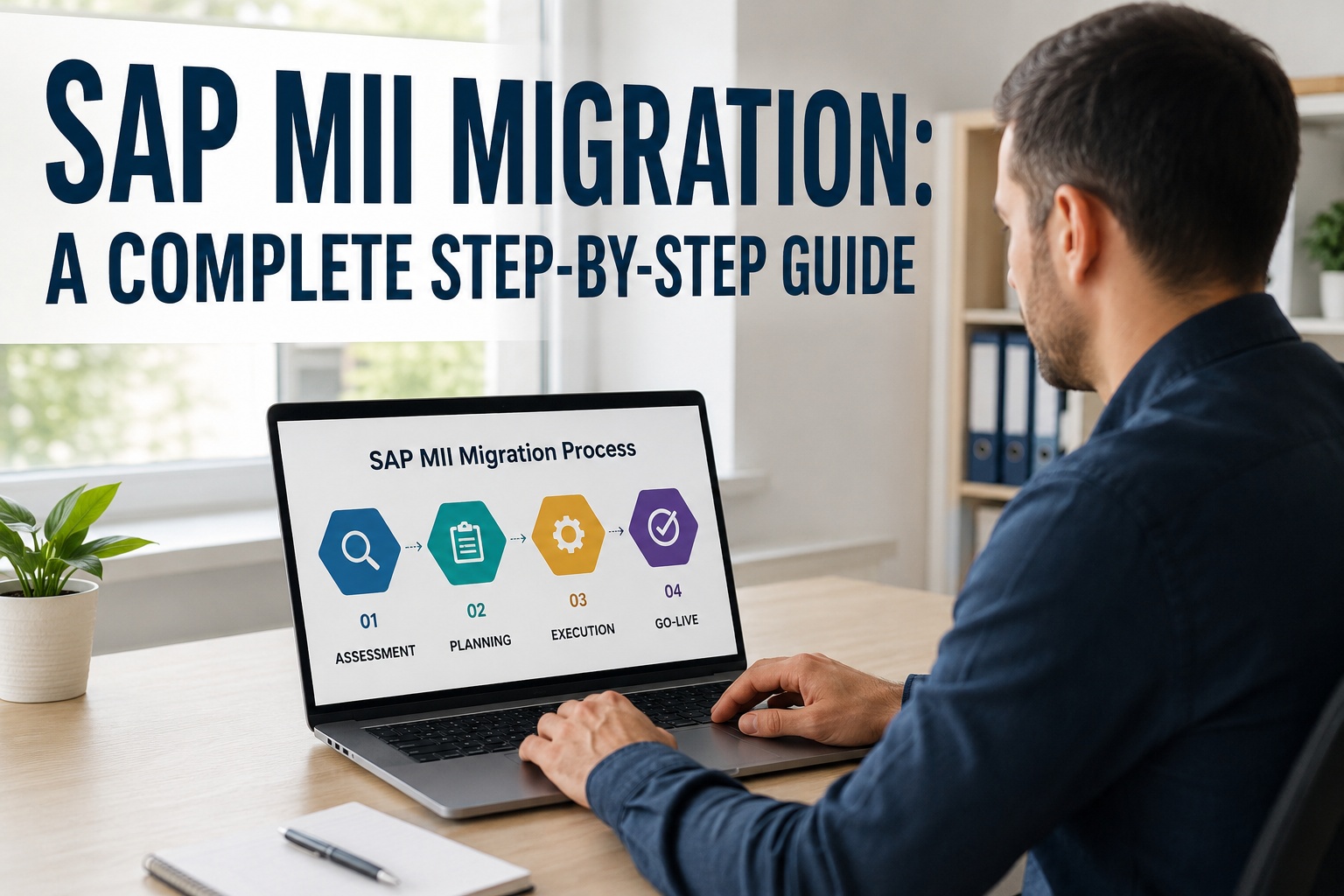
Lift-and-shift for MII custom applications is not magic — it is a disciplined extraction, translation, validation, and deployment process. Here is exactly how it works, stage by stage.
Stage 1: Automated Artifact Extraction
Run automated scanners against your SAP MII server to extract every BLS transaction, xMII query, SSCE page, action block, and configuration object. Generate a complete inventory with metadata: last-modified date, last-executed date, dependency graph, and current usage frequency.
Input: Live SAP MII server accessOutput: Annotated artifact catalogDuration: 1–2 weeks
Stage 2: Pattern Translation & Mapping
Translate each MII artifact into its iFactory equivalent. BLS transactions become configurable workflows. xMII queries become native data connector definitions. SSCE pages become modern dashboard layouts that mirror the original UI grammar. The translation preserves logic, decision rules, error handling, and visual conventions.
Input: Artifact catalog from Stage 1Output: Translated artifacts on target platformDuration: 4–10 weeks
Stage 3: Behavioural Equivalence Validation
Run translated artifacts and original MII artifacts in parallel against the same input data. Compare outputs row-by-row, KPI-by-KPI, alert-by-alert. Flag any discrepancies for review. The behavioural validation phase proves the new platform produces the same answers MII did — for every transaction, every query, every dashboard.
Input: Translated artifacts + production MII dataOutput: Validation report with pass/fail per artifactDuration: 3–6 weeks
Stage 4: Site-by-Site Cutover & Hypercare
Cut over one site at a time, never all at once. Run new and old in parallel for at least one full production cycle per site. Hypercare for 30–60 days with elevated support. Only after the new platform has run cleanly for one full quarter does the corresponding MII artifact get formally retired.
Input: Validated translated artifactsOutput: Production cutover per siteDuration: 4–8 weeks per site
Lift-and-Shift vs. Rebuild: Where the Numbers Diverge
The choice between lift-and-shift and clean-core rebuild is not philosophical — it has concrete cost, time, and risk implications. The table below compares the two approaches across the dimensions that actually drive program outcomes.
Dimension
Clean-Core Rebuild
iFactory Lift-and-Shift
Custom Logic Treatment
Re-coded from scratch in the target platform's API model.
Translated into configurable workflows; logic preserved intact.
Operator UI Continuity
New UI patterns, retraining required across every shift.
Same layout grammar, tab order, and colour codes — minimal retraining.
Tribal Knowledge Loss
Re-discovery via incidents during testing and go-live.
Captured during automated extraction; nothing forgotten.
Validation Burden
Write tests for behaviour that was implicit in MII; full QA cycle.
Behavioural-equivalence testing — same input, same output, automated.
Edge-Case Surface
Edge cases discovered late, often during go-live.
Edge cases preserved automatically — they were already in the original.
Typical Migration Timeline
18–36 months for a multi-site, customized estate.
8–14 months for the same estate, with same risk profile.
Adoption Curve
Slow — operators must learn an unfamiliar UI under production pressure.
Fast — operators recognize the patterns from day one.
Risk Profile at Go-Live
High — first time the new logic runs in production is during cutover.
Low — logic has already been validated against MII for weeks or months.
Lift-and-Shift Is Not the Lazy Option. It Is the Disciplined One.
Done well, lift-and-shift demands more rigour than rebuild — every translated artifact must produce identical outputs to the original under all input conditions. What it does not demand is throwing away a decade of validated business logic for the sake of architectural purity. iFactory's methodology has been refined across multiple SAP MII migrations in automotive, pharma, and food manufacturing.
Not every MII artifact deserves to come along. Lift-and-shift is paired with a disciplined housekeeping pass — what to bring forward as-is, what to modernize, and what to retire entirely. Here is the typical disposition for a 10-year-old MII estate.
PRESERVE AS-IS
~60%
Critical BLS transactions, validated quality workflows, mature dashboards operators rely on, master data definitions in the Plant Information Catalog. These have been hardened over years and represent the core business value of your MII investment.
Artifacts that work but would benefit from modern capabilities — AI-augmented predictions, mobile-first interfaces, edge processing for low-latency decisions. These get the lift-and-shift logic plus a modernization layer added on top.
Examples: Predictive maintenance dashboards, vision QC, energy monitoring, mobile operator alerts
RETIRE
~15%
Artifacts that have not run in months, dashboards no operator opens anymore, BLS transactions that were prototypes someone forgot to delete. The migration is the right time to clean these up — they have been adding noise to your support load for years.
Examples: Stale prototypes, obsolete reports, transactions for retired equipment
Typical Customer Journey: From First Conversation to Decommissioned MII
Lift-and-shift programs follow a predictable rhythm. Below is the timeline most customers experience — from the first scoping call to the day MII is formally archived.
Week 0
Scoping conversation
First call to understand your MII estate size, customization depth, deployment constraints, and target outcomes. Output: rough effort estimate and migration approach recommendation.
Weeks 1–4
Automated artifact extraction & assessment
Automated scanners run against your MII server. Every BLS transaction, query, page, and action block is catalogued with metadata. Output: full artifact inventory with disposition tags.
Weeks 4–14
Translation & configuration
Translate the preserve-and-transform artifacts onto the iFactory platform. Wire up integrations to S/4HANA, ECC, PLCs, and historians. Set up the security model and audit logging.
Weeks 14–20
Behavioural equivalence validation
Parallel-run translated artifacts against original MII. Compare outputs. Flag and resolve discrepancies. Get sign-off from operations, quality, and audit stakeholders.
Weeks 20–30
First-site cutover & hypercare
Cut over the first plant. Run hypercare for 30–60 days with elevated support coverage. Lessons learned feed Wave 2.
Weeks 30–52
Site-by-site rollout
Roll out to remaining plants in waves. Each site gets parallel run, hypercare, and stable-quarter validation before MII is retired locally.
Week 52+
MII decommissioning
Once every site is stable on the new platform, formally retire MII components. Archive data for compliance lookups. Update audit documentation. Refresh cyber insurance to reflect new posture.
Frequently Asked Questions
Does lift-and-shift mean the new platform runs the exact same code?
No. It means the same business logic, decision rules, workflows, and operator UI patterns are preserved — but they run on a modern, supported runtime instead of legacy NetWeaver. Behavioural equivalence is the bar, not byte-for-byte code preservation. Book a Demo to see translation examples.
What if our BLS transactions are heavily customized with Java action blocks?
Custom Java action blocks are re-hosted as containerized services — typically Node.js or Python — that the iFactory platform invokes via APIs. The integration logic is preserved with minimal refactoring. Only platform-specific calls (NetWeaver-specific APIs, for example) need adjustment. Talk to Support about custom-code patterns.
How do you validate that translated artifacts produce the same answers as MII?
Behavioural-equivalence testing — same input data fed to MII and the translated artifact in parallel, outputs compared row-by-row, KPI-by-KPI, alert-by-alert. Discrepancies are flagged for review. The validation phase typically runs 3–6 weeks before any cutover. Book a Demo to see the validation tooling.
Can we still modernize while doing lift-and-shift?
Yes. The roughly 25% of artifacts tagged "transform" get the lift-and-shift treatment plus modernization on top — AI-augmented predictions, mobile-first interfaces, edge processing. Lift-and-shift preserves the existing investment; modernization adds new capability where it matters. Talk to Support about modernization patterns.
How does this compare to migrating directly to SAP DM Cloud?
SAP DM follows a clean-core architecture — direct database access is gone, all interactions go through APIs, and BLS, xMII queries, and SSCE pages must be redesigned. That works for plants with light customization. For heavily customized estates, lift-and-shift onto a best-of-breed platform like iFactory is typically faster, lower-risk, and preserves more accumulated value. Book a Demo for a comparison.
What is the smallest first step we can take this quarter?
A 4-week automated artifact extraction and assessment. Run the scanners against your MII server, generate the catalog, and produce a defensible board-level paper showing what would migrate as-is, what would transform, and what would retire — with effort and timeline estimates per category. Talk to Support to scope it.
Stop Throwing Away a Decade of Custom Logic. Bring It Forward Instead.
Your MII custom applications are not technical debt — they are accumulated business value. iFactory's lift-and-shift methodology preserves that value while modernizing the runtime, the security, and the AI capabilities. Same logic, same operator experience, modern platform. No clean-core rebuild. No tribal knowledge loss. No 24-month rewrite.
85% of custom MII logic preserved through lift-and-shift
60–70% reduction in migration timeline vs. rebuild
Behavioural-equivalence validation before any cutover