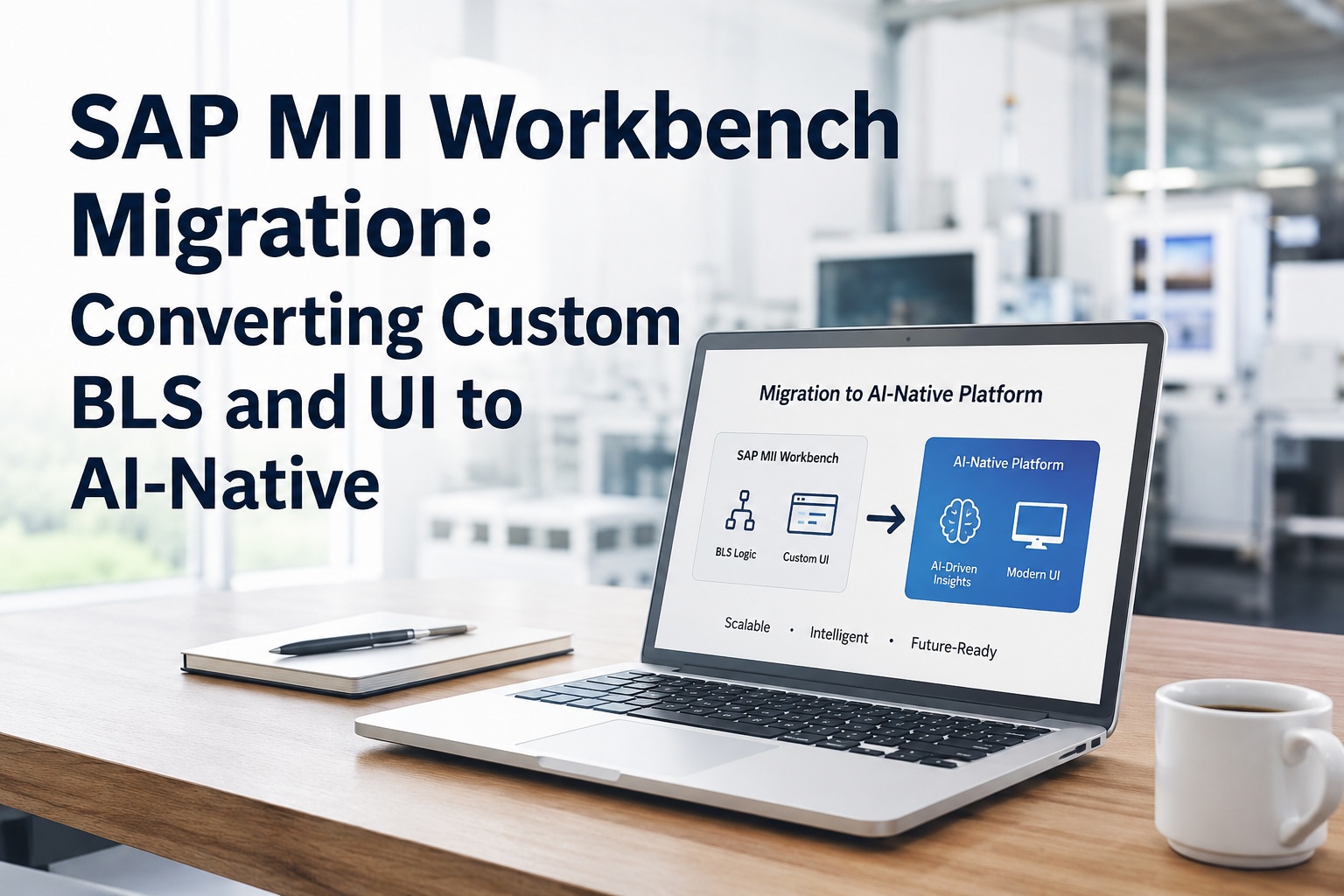
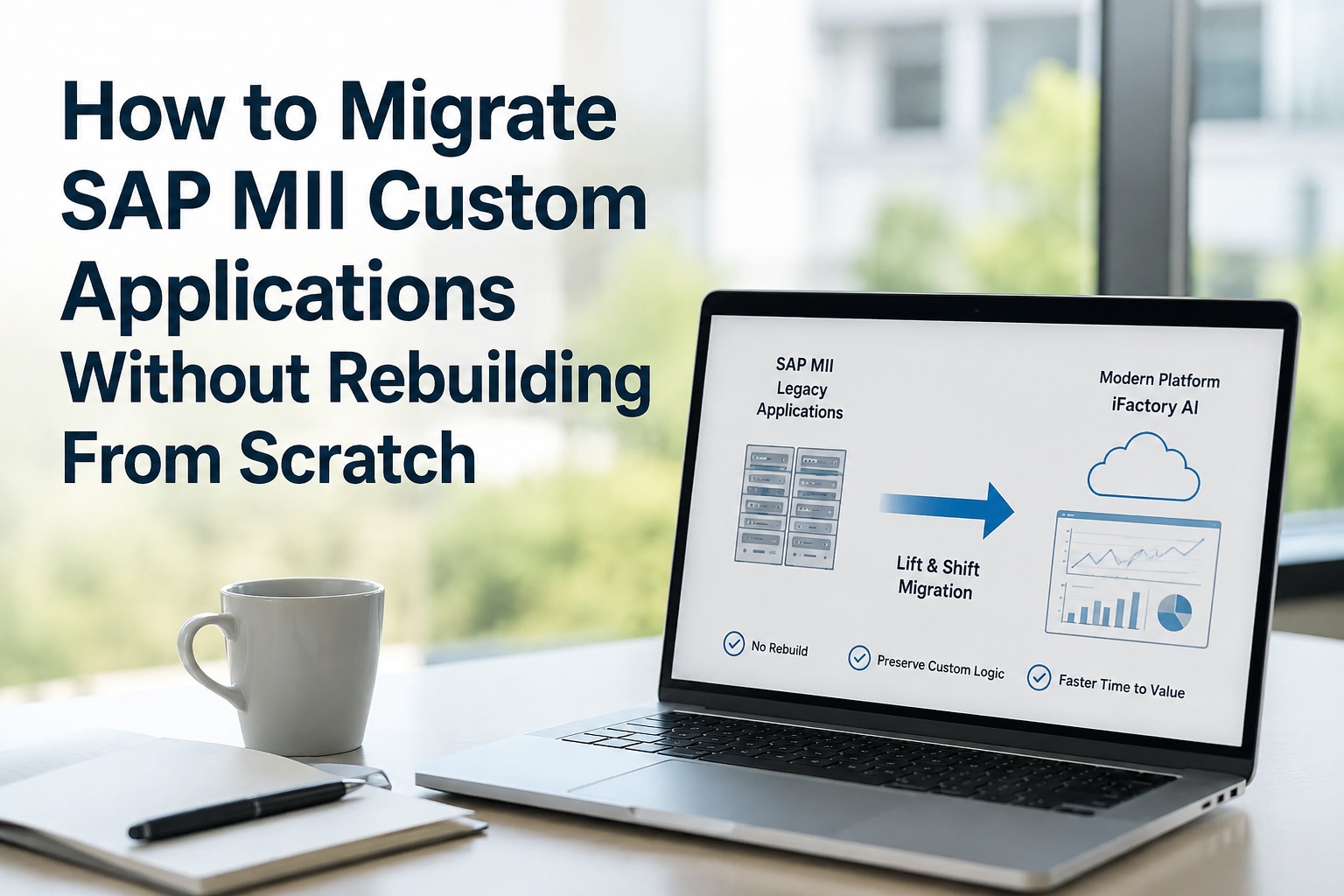
If you have ever opened the SAP MII Workbench, you know what is at stake. The left-hand tree, organized into Catalog, Data Servers, Meta-Data, Web, and Security folders. Hundreds of BLS transactions, query templates, display templates, MDOs, KPIs, alerts, and .irpt pages — all built up over a decade by developers who have moved on, retired, or lost the original requirements documents. Every node in that tree encodes a business rule that nobody on your current team can fully reconstruct. This page maps every Workbench artifact type to its AI-native target equivalent, explains exactly how each one converts, and shows how the entire Workbench tree gets translated onto a modern platform without a clean-core rebuild. Book a 30-minute Workbench walkthrough to see your specific artifact types in conversion.
8
Distinct Workbench artifact types each with a deterministic AI-native mapping
100+
Standard BLS action blocks with documented translation patterns
.irpt
SAPUI5 pages converted to modern responsive dashboards preserving layout
SWT
Java applet Workbench replaced with browser-native development environment
What's Inside the SAP MII Workbench — and Why It Matters
Before mapping the conversion, walk the structure. The MII Workbench is a Java SWT applet that organizes development artifacts into a hierarchical project tree. Every artifact in that tree is something a developer authored, tested, and deployed at some point. Every artifact has dependencies on others. Conversion has to handle all of them, in the right order, without breaking the dependency graph.
SAP MII Project
The top-level container deployed via NWDI or imported as a ZIP archive
Catalog
Folder containing BLS transactions, query templates, and display templates
Data Servers
Configured connections to historians, databases, OPC, PLCs, and MES systems
Meta-Data
MDOs (Manufacturing Data Objects), KPIs, alerts, value maps, and class files
Web
.irpt pages, .html files, SAPUI5 applications, JS libraries, and CSS resources
Security
Project-specific roles, UME assignments, and access control objects
The Artifact-by-Artifact Conversion Map
This is the core reference. Every major Workbench artifact type, what it does, what its AI-native equivalent is, and what the conversion process actually involves. Use this as a checklist when scoping your own migration — every "yes" in your Workbench tree maps to a row below.
BLS TRANSACTIONS
Business Logic Service Transactions
In MII
XML-based transactions assembled from drag-and-drop action blocks. The core logic engine. Executed from web pages, HTTP services, or SOAP endpoints. Carry decision flow, branching, error handling, and orchestration logic.
AI-Native Equivalent
Configurable workflow definitions executing on a modern runtime. Same decision flow, same branching, same outputs. Exposed as REST APIs, event handlers, or scheduled jobs depending on the original trigger.
Conversion method: Deterministic translation of action-block sequences into workflow steps. Branching, parallel execution, and error handlers preserved one-to-one.
ACTION BLOCKS
Standard & Custom Action Blocks
In MII
Reusable units inside BLS transactions: Catch & Throw, Value Map, Value Lookup, Dynamic Transaction Call, Charts, SQC analysis, ME Integration, plus any custom Java action blocks deployed as JAR files.
AI-Native Equivalent
Pattern library of equivalent functions on the new platform. Standard blocks have direct one-to-one mappings. Custom Java action blocks become containerized services invoked via API.
Conversion method: Library-driven translation. Standard blocks map automatically; custom JARs are containerized with minimal refactoring of platform-specific calls.
QUERY TEMPLATES
Query Templates (SQL, Tag, OLAP, XML)
In MII
Parameterized data queries executed against data servers. Tag queries pull from historians; SQL queries hit relational databases; OLAP queries hit cubes; XML queries call web services. Output formats drive downstream display templates.
AI-Native Equivalent
Typed data connector definitions on the new platform. Same connection strings, same SQL, same tag paths, same parameter substitution. Output schemas mapped to downstream dashboard components.
Conversion method: Direct extraction of SQL and tag references; reconfiguration onto modern connector framework. Queries continue producing identical output structures.
DISPLAY TEMPLATES
Display Templates (iGrid, iChart, iTicker, iSPC)
In MII
Visualization components: iGrid for tables, iChart for line/bar/pie charts, iTicker for scrolling values, iSPC for statistical process control. Configured with column definitions, colour rules, formulas, and event bindings.
AI-Native Equivalent
Modern responsive chart and table components with the same configuration model. Column definitions, colour rules, and formulas all transfer. Mobile and tablet rendering added without changing the desktop experience.
Conversion method: Configuration extracted from XML; rebuilt as responsive components. Visual conventions (colours, thresholds, formats) preserved for operator continuity.
.IRPT & SAPUI5 PAGES
Web Pages (.irpt, .html, SAPUI5)
In MII
User-facing pages with .irpt or .html extensions. Server-side rendering with embedded display templates and JavaScript. SAPUI5 applications under the Web folder using MVC patterns and OData/JSON models.
AI-Native Equivalent
Modern responsive dashboard pages on the new platform. SAPUI5 components map to equivalent UI library components. JavaScript logic re-hosted with minimal refactoring; OData/JSON data calls re-pointed to new APIs.
Conversion method: Page-by-page translation preserving layout grammar (tab order, section structure, control placement). Server-side scripts converted to client-side or API-based equivalents.
MDOS
Manufacturing Data Objects (MDOs)
In MII
Persistent data structures defined in the Workbench Meta-Data folder. Hold master data and transactional records — equipment hierarchies, batch records, downtime entries — accessed by BLS transactions and display templates.
AI-Native Equivalent
Modern semantic data model with equivalent entity definitions. Same fields, same relationships, same constraints. Stored in a managed time-series and relational store with versioning and lineage.
Conversion method: Schema extraction from MDO definitions; rebuilt as typed entities with the same field-level semantics. Existing data migrated via ETL.
KPIS & ALERTS
KPI Definitions & Alert Rules
In MII
Calculated metrics with thresholds, evaluation frequency, and notification rules. Drive dashboards, downtime tracking, OEE displays, and operator alerts. Configured under Meta-Data, executed by the alert engine.
AI-Native Equivalent
KPI definitions on the new platform with the same formulas, same thresholds, same alert routing. Plus AI-augmented anomaly detection layered on top — without changing how the original KPIs behave.
Conversion method: Formula extraction and re-implementation; threshold and alert rules preserved. AI-driven predictive layer added as separate, optional capability.
DATA SERVERS
Data Server Connections
In MII
Configured connections to plant systems and enterprise databases — OPC, OPC UA, MQTT, OSIPi, IP21, iHistorian, JDBC sources, SAP RFC links. Each with sampling, buffering, and authentication settings.
AI-Native Equivalent
Modern edge gateway and connector framework. Native support for OPC UA, MQTT, Modbus, and major historian protocols. Sample rates, tag mappings, and authentication carried over from MII configurations.
Conversion method: Configuration migration with re-authentication. Most connections re-establish with no logic changes; some legacy protocols may need a bridge component.
Eight Artifact Types. One Conversion Methodology. Zero Logic Lost.
Every node in your MII Workbench tree has a documented translation pattern. The conversion is not magic — it is a disciplined, repeatable process refined across multiple production migrations. iFactory's Workbench scanners run against your live MII server and produce a complete artifact catalog before any conversion work begins.
How Custom BLS Logic Actually Converts: A Walkthrough
BLS transactions are the most complex Workbench artifact and the one teams worry about most. Below is exactly how a typical BLS transaction — say, a quality-hold workflow — moves from MII Workbench into AI-native form. The structure preserves the original logic; only the runtime changes.
01
Extract the action-block sequence
Scanner walks the BLS transaction XML and captures the ordered sequence of action blocks — SQL Query, then Conditional Branch, then ERP Call, then Email Action, then Logging. Capture every parameter, every link, every error handler.
02
Map each block to a target equivalent
Each action block resolves to a documented pattern in the iFactory translation library. SQL Query maps to a typed data connector. Conditional Branch maps to a workflow decision node. ERP Call maps to an OData/RFC adapter. Email Action maps to a notification step. Logging maps to the platform's audit log.
03
Preserve dependencies and parameters
Variable bindings, transaction-scoped state, parameter passing between blocks — all carried into the new workflow definition with the same names and types. The transaction runs the same data through the same sequence.
04
Re-host custom Java in containers
Custom action blocks (deployed as JAR files in MII) get re-hosted as containerized services. Most Java code runs unchanged; only NetWeaver-specific API calls need adjustment. The container exposes an API endpoint that the new workflow invokes at the same step in the sequence.
05
Run behavioural equivalence tests
Replay captured production input through both the original BLS transaction and the converted workflow. Compare every output. Iterate until equivalence holds across the full input range. Only then is the converted workflow cleared for cutover.
How .irpt & SAPUI5 UIs Become Modern Dashboards
The Web folder of the Workbench is where operator-facing UI lives. Converting it without disrupting muscle memory is the difference between go-live success and operator rejection. Below is how the conversion handles each major UI element.
UI 01
Page Layout & Structure
Sections, panels, tab order, and grid arrangements extracted from .irpt source. Recreated in modern responsive frameworks using equivalent layout grammar — same sections in the same positions, same tab order, same visual hierarchy.
UI 02
Embedded Display Templates
iGrid, iChart, iTicker, iSPC instances inside .irpt pages get converted alongside the page. Configuration parameters — columns, axes, thresholds, colour rules — transfer directly. Same chart types, same data behaviour.
UI 03
Server-Side Scripts
JSP-style server-side scripts inside .irpt pages get converted to API-based equivalents. Page logic runs against the new platform's APIs but produces the same render output, including dynamic content and conditional rendering.
UI 04
Client-Side JavaScript
JavaScript event handlers, AJAX calls, and inline scripts re-hosted with minimal refactoring. Illuminator service calls re-pointed to the new platform's REST endpoints. SAPUI5 controls map to equivalent components in modern UI libraries.
UI 05
Theming & Branding
CSS, image assets, and corporate branding carried into the new platform. Colour palettes, fonts, logos, and visual conventions stay consistent so operators see the same look they have always known.
UI 06
Security & Access Control
UME role assignments and project-specific roles map to the new platform's RBAC model. Operators sign in via SSO; existing role-based access patterns are preserved, with audit logging retained for compliance.
The Workbench-to-AI-Native Development Experience
The MII Workbench was a Java SWT applet — useful when it shipped, dated by 2026 standards. Modern AI-native platforms replace it with a browser-based development environment that handles the same artifact types but with modern tooling. Below is what changes for the developers who used to live in the Workbench.
The Workbench Was Powerful. The Replacement Is Faster, Modern, and AI-Aware.
Developers who lived in the MII Workbench will recognize the primitives in the iFactory Studio — drag-and-drop logic, configurable display components, embedded scripting. The patterns are familiar; the runtime, tooling, and AI capabilities are decades ahead.
Frequently Asked Questions
Does conversion require manually rewriting every BLS transaction?
No. Standard BLS action-block patterns translate automatically using the iFactory pattern library. Custom Java action blocks deployed as JARs get re-hosted as containerized services with minimal refactoring. Only platform-specific calls (NetWeaver-specific APIs, for example) need manual adjustment.
Book a Demo to see translation in action.
What happens to .irpt pages with embedded server-side scripting?
Server-side scripts inside .irpt pages get converted to API-based equivalents. The dynamic content and conditional rendering behaviour is preserved — the page produces the same output for the same input. Operators see the same UI, but the runtime is modern.
Talk to Support for .irpt conversion details.
How are MDOs (Manufacturing Data Objects) migrated?
MDO schemas are extracted from the Workbench Meta-Data folder and rebuilt as typed entities on the new platform. Field semantics, relationships, and constraints are preserved. Existing MDO data is migrated via ETL pipelines with full referential integrity.
Book a Demo to discuss your specific MDO patterns.
What happens to KPIs, alerts, and OEE definitions?
All formulas, thresholds, and notification rules transfer to the new platform. AI-driven predictive capabilities are added as a separate optional layer — without changing how the original KPIs behave. The original alert routing continues to fire at the same thresholds.
Talk to Support about KPI conversion.
Do data server connections need to be reconfigured from scratch?
No. The new platform's connector framework supports the same protocols MII used — OPC UA, MQTT, OSIPi, JDBC, RFC. Connection configurations, sample rates, and tag mappings are migrated. Most connections re-authenticate and run; some legacy protocols may need a bridge component.
Book a Demo to see your specific data servers mapped.
How does development workflow change for the team?
The Java SWT applet Workbench is replaced with a browser-native studio. Developers see familiar primitives — visual workflows, configurable display components, embedded scripting — but with modern tooling: native Git integration, inline debugging, mobile-first authoring, and AI copilots. The learning curve is short for anyone who knew the Workbench.
Talk to Support about developer enablement.
Every Node in Your Workbench Tree Has a Future. Convert It, Don't Throw It Away.
BLS transactions, action blocks, query templates, display templates, MDOs, KPIs, alerts, .irpt pages — every artifact type the MII Workbench supports has a documented AI-native conversion path. iFactory's methodology was built specifically for the structure of the Workbench, not against it.
Conversion patterns for all 8 major Workbench artifact types
Behavioural equivalence proven before any cutover
Custom Java action blocks containerized, not rewritten
UI layout grammar preserved for operator continuity
Modern browser-native studio replaces the Java SWT applet