Your Building Management System sees everything — temperature spikes, pressure drops, fan failures. But what happens next? In most buildings, nothing. Alarms pile up. Technicians never get notified. Equipment degrades silently. The problem isn't detection. It's disconnection. Here's how BMS-CMMS integration closes the gap between monitoring and action — automatically.
The Disconnect: Why Your BMS Alone Isn't Enough
Your BMS monitors thousands of data points every minute — supply air temperatures, chiller efficiency, VAV box calibration, fan speeds. It's incredibly good at sensing problems. But sensing and solving are two different things. Without a CMMS connection, your BMS is like a smoke detector with no fire department on speed dial.
What Changes When BMS Talks to CMMS
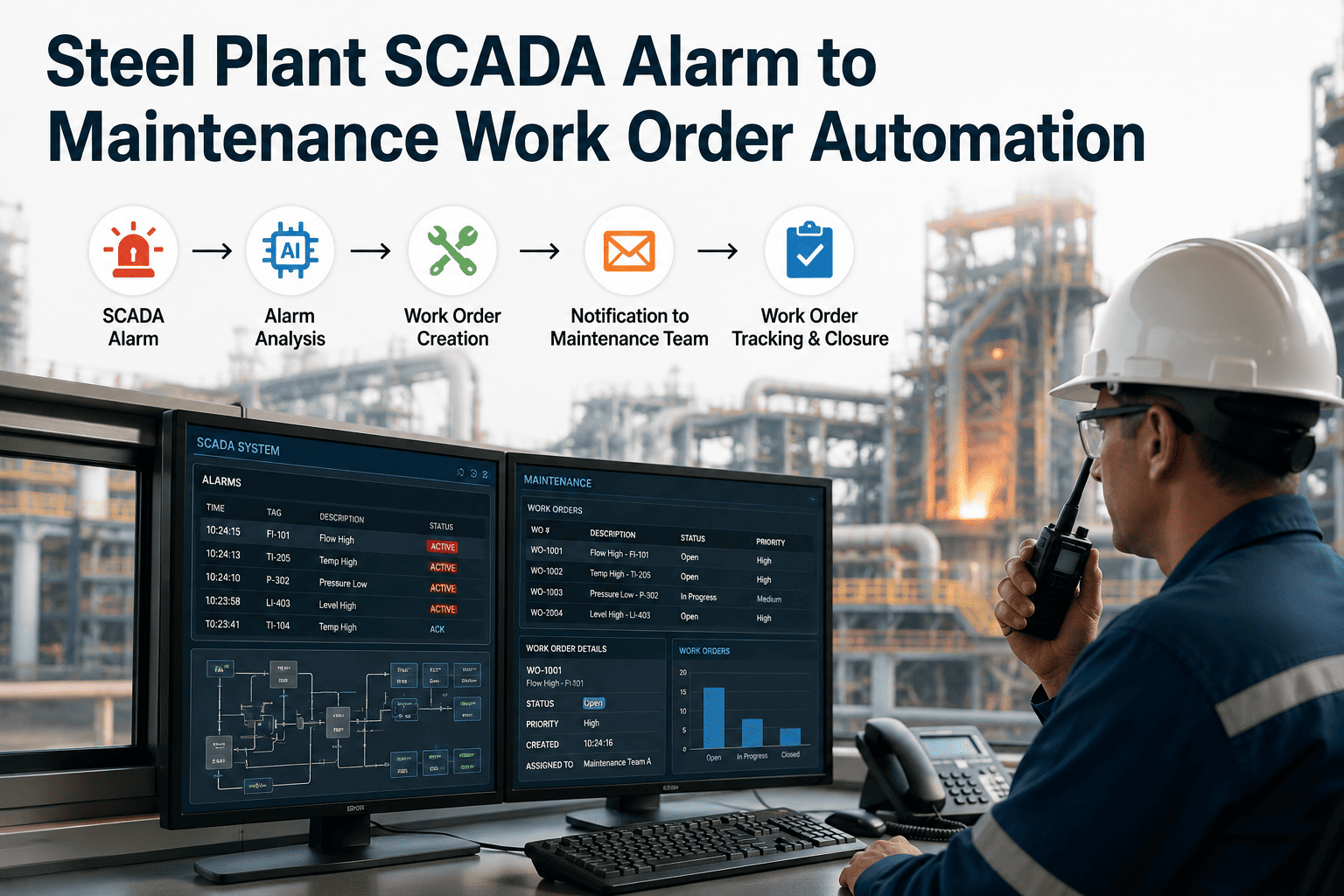
When your Building Management System feeds directly into a CMMS like iFactory, every anomaly becomes a tracked, prioritized, assigned action — automatically. No emails. No clipboard handoffs. No forgotten alarms.
5 Costly Blind Spots BMS-CMMS Integration Eliminates
Most building systems degrade silently between scheduled maintenance visits. Your BMS sees these changes in real time — but without CMMS integration, the data just sits there while equipment continues to deteriorate.
What Gets Connected: The Full Integration Map
BMS-CMMS integration isn't limited to HVAC. Every networked building system can feed into iFactory's automated maintenance workflows through standard protocols like BACnet, Modbus, and LonWorks.
The ROI: Numbers That Make the Case
Calculate Your Building's Savings Potential
Connect your BMS to iFactory and turn every sensor reading into a maintenance action. Most facilities see ROI within the first quarter.
How iFactory Makes BMS Integration Work
iFactory connects to your existing Building Management System through standard protocols — no rip-and-replace required. The rules engine processes thousands of data points per hour, filtering noise from genuine anomalies and generating work orders only when real intervention is needed.
Getting Started: Your Integration Roadmap
Frequently Asked Questions
BMS-CMMS integration connects your Building Management System (which monitors HVAC, electrical, fire, and other building systems in real time) directly to a Computerized Maintenance Management System (which manages work orders, technicians, and maintenance workflows). When the BMS detects an equipment anomaly, the CMMS automatically generates a prioritized work order with full diagnostic context — eliminating the manual gap between detection and action.
Yes. iFactory connects through standard building protocols including BACnet, Modbus, LonWorks, and REST APIs. This means it works with all major BMS vendors — Siemens, Honeywell, Johnson Controls, Schneider Electric, Tridium/Niagara, and others. No proprietary lock-in required.
Detection is near real-time — BMS sensors report data every 15–60 seconds. iFactory's rules engine evaluates each reading instantly against your configured thresholds. Equipment faults that previously took hours or days to discover through manual rounds are flagged and converted to work orders within minutes.
No — that's exactly what the rules engine prevents. iFactory processes thousands of data points per hour but filters noise from genuine anomalies. Work orders are only generated when real intervention thresholds are exceeded, not on every minor fluctuation. You configure the sensitivity during setup, and tuning during the test phase eliminates false positives before going live.
Most facilities see measurable ROI within the first quarter. Energy savings from eliminating phantom waste (equipment running during unoccupied hours, simultaneous heating/cooling) typically appear within weeks. Reduced emergency repair costs and extended equipment lifespan compound over time, with annual savings of $0.50–$1.50 per square foot being common across commercial portfolios.
Bridge the Gap Between Monitoring and Maintenance
Your BMS already sees the problems. iFactory makes sure they get fixed — automatically, every time, with full audit trails.