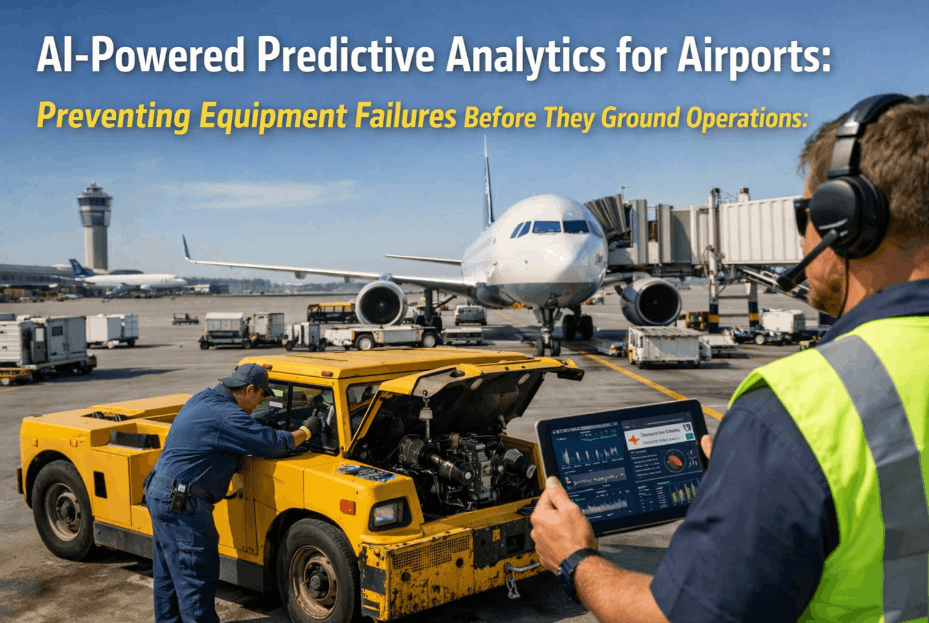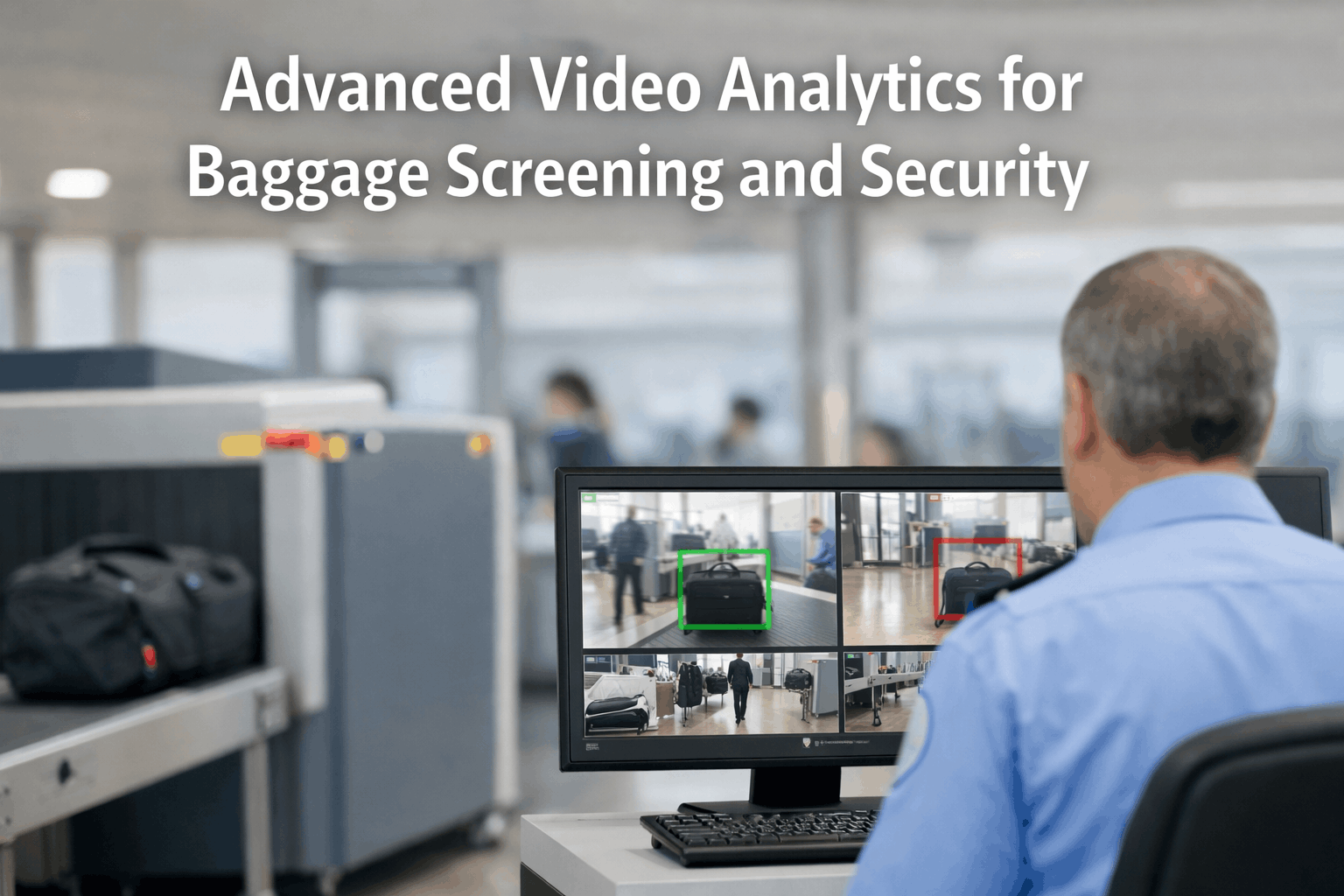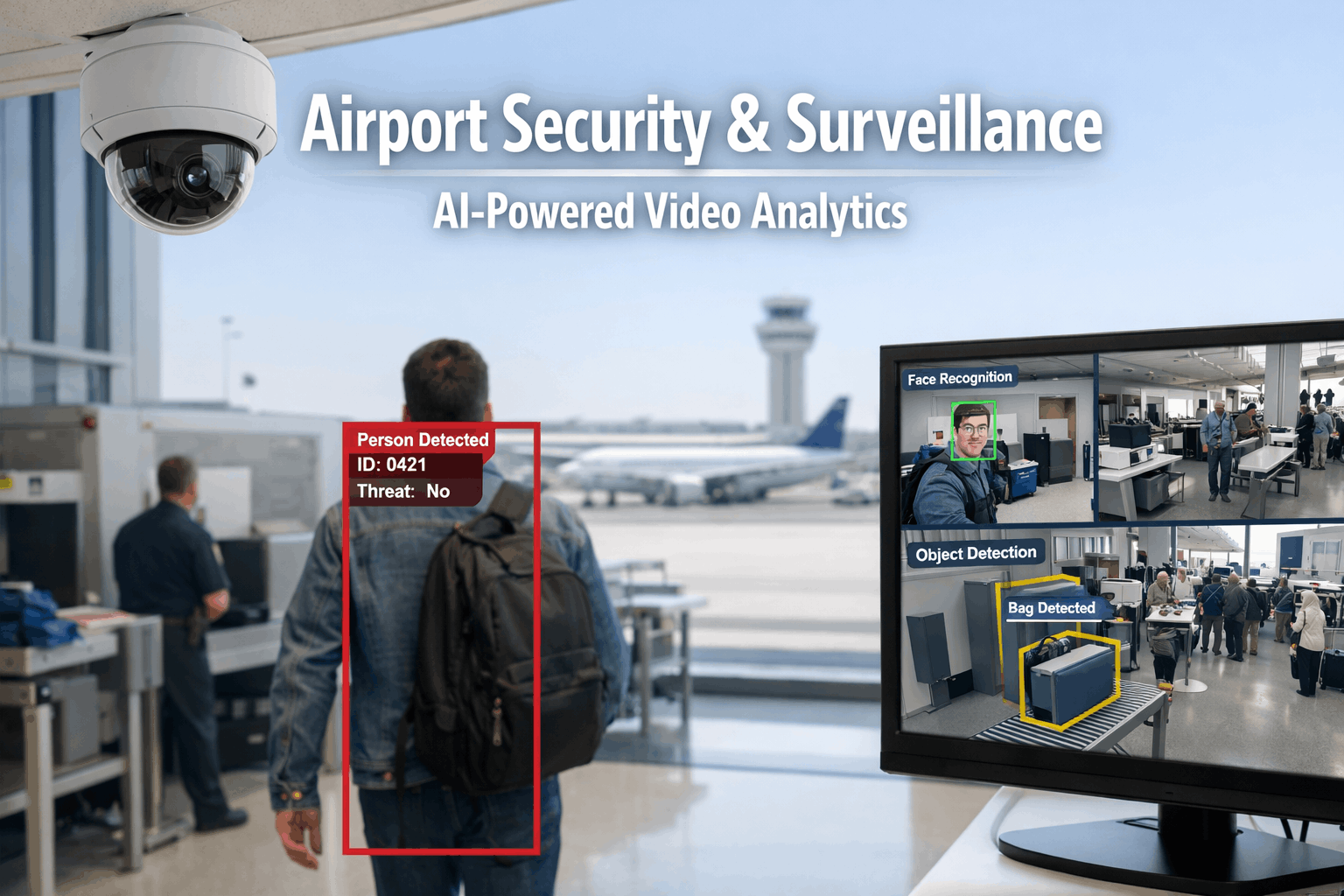
A major international airport operates 2,000–5,000 surveillance cameras across terminals, airside perimeters, cargo areas, parking structures, and access control points — generating 50,000+ hours of video footage every single day. In 2026, the vast majority of that footage is still monitored the same way it was in 2005: human operators watching banks of screens in a Security Operations Center, scanning for anomalies across dozens of feeds simultaneously in a task that cognitive science has proven humans cannot perform reliably for more than 20 minutes before attention degrades. The result is predictable — 95% of security incidents are discovered after the fact through forensic video review, not prevented through real-time detection. Perimeter breaches go unnoticed for minutes. Unattended bags trigger evacuations that could have been resolved in seconds with object tracking. Terminal crowd density exceeds safe thresholds without staff redeployment. And the security camera infrastructure itself — the cameras, NVRs, network switches, and power supplies that the entire system depends on — degrades silently until a camera goes dark in a critical zone and nobody notices until the next incident review reveals a 72-hour gap in coverage. AI-powered video analytics transforms every camera from a passive recording device into an active threat detection sensor — while predictive maintenance ensures the camera infrastructure itself never fails silently. iFactory's AI Vision platform delivers real-time threat detection, perimeter intrusion analytics, crowd density monitoring, FOD detection on airside surfaces, and predictive maintenance of the entire security infrastructure from one connected system. Book a free airport security AI assessment to identify where video analytics can close your surveillance gaps and where predictive maintenance can eliminate silent camera failures.
Step 1: Understand the Four Security Blind Spots AI Video Analytics Eliminates
Before deploying AI video analytics, airport security managers need a clear picture of the four compounding blind spots that human-only monitoring creates — and that every airport incident investigation reveals after the fact. Each blind spot requires a distinct AI capability to address, and together they explain why adding more human operators cannot close the detection gap that AI eliminates.
Human Attention Fatigue
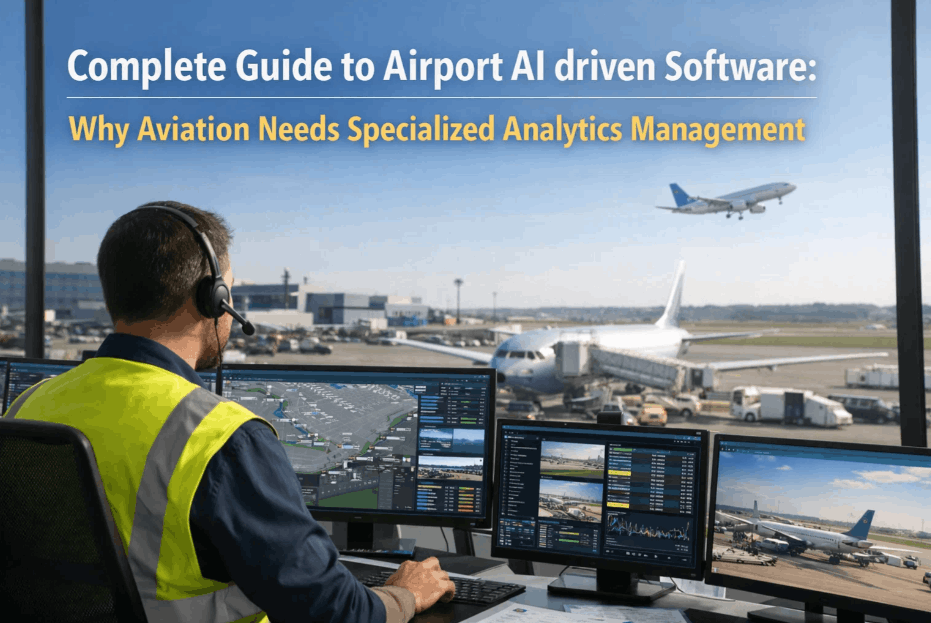
Cognitive science confirms human operators cannot sustain effective multi-screen surveillance beyond 20 minutes. After that threshold, detection rates drop below 5% — meaning 95% of anomalies pass unnoticed during the remaining shift hours.
Perimeter Breach Delay
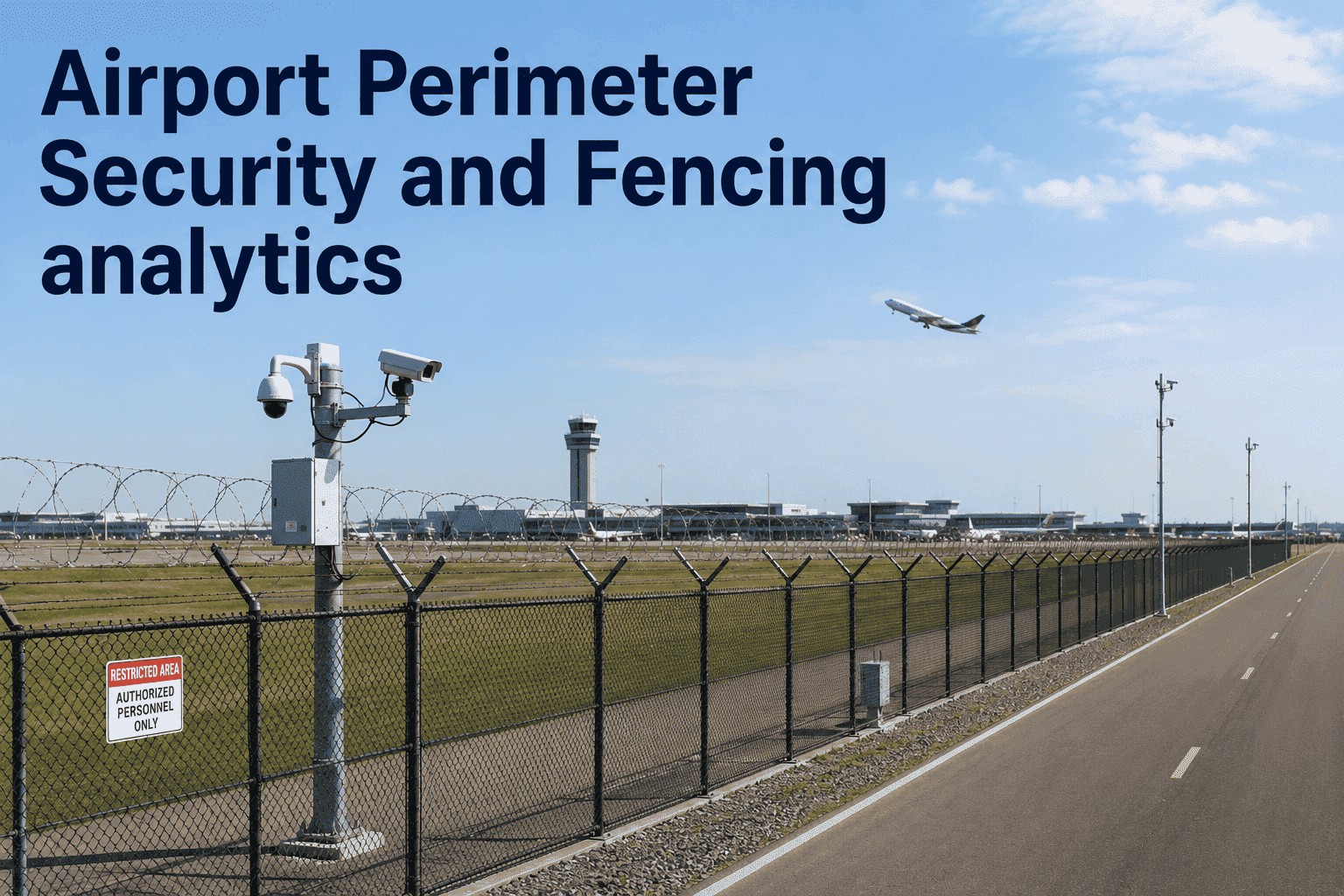
Perimeter intrusions detected by human operators average 3–8 minutes response time from breach to alert. AI reduces this to under 3 seconds — the difference between intercepting an intruder on the fence line and chasing one across the tarmac.
Crowd Density Blindness
Human operators cannot quantify crowd density from camera feeds. AI counts individuals per zone in real time, triggering staff redeployment alerts when density exceeds safe thresholds — preventing the crowd crush scenarios that endanger lives and trigger regulatory investigations.
Silent Infrastructure Failure
When a surveillance camera fails, the screen goes dark — but in a SOC monitoring 200+ feeds, a single dark screen is often unnoticed for hours or days. AI infrastructure monitoring detects camera health degradation before failure, eliminating coverage gaps.
Not sure which blind spots are costing your airport the most in security risk? Book a free AI video analytics assessment with our airport security specialists.
Step 2: Match iFactory AI Vision Capabilities to Each Security Gap
Every security blind spot has a direct AI capability that eliminates it. The table below maps each gap to the specific iFactory AI Vision module that addresses it — and to the measurable outcome that capability delivers in a deployed airport security program.
iFactory AI Vision Architecture: All five capability layers — Anomaly Detection, Perimeter Analytics, Crowd Intelligence, Object Tracking, and Predictive Infrastructure Monitoring — run on a single AI platform that connects every camera feed to real-time alerting, forensic search, and CMMS-integrated infrastructure maintenance. No separate analytics servers, no siloed dashboards, no manual data bridges between security and maintenance teams.
Want to see exactly how iFactory AI Vision maps to your current surveillance architecture? Talk to our airport security specialists for a no-obligation platform walkthrough.
Step 3: Configure Detection Zones and Alert Sensitivity by Airport Area
AI video analytics delivers its operational value through zone-specific configuration — applying different detection models, sensitivity thresholds, and alert escalation rules to each area of the airport based on security classification, traffic patterns, and threat profile. Here is how to structure the detection configuration for an airport deployment.
Classify Every Camera Zone by Security Tier
Map every camera's field of view to a security classification: airside perimeter (highest sensitivity — any human presence triggers immediate alert), restricted access corridors (badge verification + behavioral analytics), terminal public areas (crowd density + unattended object tracking), and parking/roadway (vehicle analytics + license plate recognition). This classification drives which AI models run on each camera feed and what alert escalation rules apply per zone.
Set Detection Sensitivity by Zone and Time
Configure AI Models per Camera Based on Zone Function
Not every camera needs every AI model. Perimeter cameras run intrusion detection and thermal analytics. Terminal cameras run crowd density and object tracking. Checkpoint cameras run queue length estimation and behavioral analytics. Airside cameras run FOD detection and vehicle compliance monitoring. iFactory's zone-based model assignment ensures each camera runs only the AI models relevant to its security function — optimizing processing load while maximizing detection accuracy per zone.
Establish Behavioral Baselines for Anomaly Detection
Run initial AI learning cycles across all camera zones to establish normal behavioral patterns for each area and time period. Terminal concourse foot traffic at 7 AM looks fundamentally different from 11 PM — the AI must learn both patterns to distinguish genuine anomalies from normal variation. Baseline learning typically requires 2–4 weeks of continuous operation before anomaly detection achieves full accuracy. iFactory's platform provides baseline quality metrics that confirm when each zone's model is ready for operational alerting.
Step 4: Activate Alert Escalation and Response Workflows
AI detection delivers its full security value only when every alert triggers the right response at the right speed. Configure iFactory's escalation framework to route each detection type to the appropriate response team — from SOC operator verification to immediate security dispatch — with full audit trail documentation for every event.
Awareness Alert
Response:
- SOC operator notification with video clip
- Camera auto-zooms to subject
- Event logged with timestamp
Verified Threat
Response:
- SOC supervisor alerted immediately
- Nearest security officer dispatched
- Adjacent cameras auto-tracked
Critical Incident
Response:
- Immediate multi-unit security dispatch
- Airport police and operations notified
- Video evidence package auto-compiled
Emergency Protocol
Response:
- Full emergency response activation
- All zone cameras locked to incident
- Real-time feed to command center
Close Every Security Blind Spot: From Camera Feed to Response Action
iFactory AI Vision connects real-time threat detection, perimeter analytics, crowd intelligence, and object tracking directly to security response workflows — ensuring every AI alert triggers the right response at the right speed with full audit documentation.
Step 5: Connect AI Vision to Infrastructure Maintenance and Operations
AI video analytics generates its greatest operational value when platform outputs feed every downstream system — not just security response, but also infrastructure maintenance (camera health), operations (crowd flow optimization), and compliance (regulatory audit evidence). iFactory's integration architecture connects every camera insight to these systems automatically.
AI Vision Inputs
- 2,000–5,000 camera feeds
- Thermal + visible spectrum
- Camera health telemetry
- NVR storage status
- Network switch monitoring
iFactory AI Vision Platform
Connected Outputs
- SOC real-time alert dashboard
- Security dispatch workflows
- CMMS camera maintenance WOs
- Crowd flow operations data
- Regulatory audit evidence packages
Airport AI Video Analytics Deployment Checklist
Need help connecting iFactory AI Vision to your existing VMS, access control, or CMMS systems? Book a technical integration session with our implementation team.
Step 6: Build the Continuous Improvement Loop That Sharpens Detection Over Time
AI video analytics does not deliver a one-time security improvement — it compounds accuracy over time as models accumulate behavioral data, false positive rates decline, and detection algorithms adapt to seasonal traffic patterns, construction changes, and evolving threat profiles. Structuring a continuous improvement protocol from deployment day one ensures the platform's detection quality improves month over month.
Want a structured improvement roadmap built into your AI Vision deployment? Our implementation specialists design the full optimization protocol as part of every onboarding engagement.
Expert Perspective
"The airports achieving the highest security outcomes in 2026 are not the ones with the most cameras or the most SOC operators — they are the ones where every camera feed is processed by AI that never fatigues, never loses concentration, and never misses a frame. A human operator watching 16 screens simultaneously achieves approximately 5% detection rate after the first 20 minutes of a shift. An AI analytics engine processing 5,000 feeds simultaneously maintains 95%+ detection accuracy 24 hours a day, 365 days a year. The technology doesn't replace security professionals — it transforms them from screen watchers into decision makers who respond to AI-verified alerts rather than scanning for anomalies their eyes physically cannot catch. The airports that deployed AI Vision first are already reporting 85% fewer false evacuations, sub-3-second perimeter breach alerts, and zero undetected camera failures across their entire surveillance infrastructure."
Schedule your iFactory AI Vision demo to see real-time threat detection, perimeter analytics, crowd intelligence, and predictive camera maintenance in action — or connect with our airport security specialists for a custom deployment assessment.
Every Camera Should Be an AI Sensor. Every Alert Should Drive Action.
iFactory AI Vision transforms passive surveillance into active threat detection — connecting real-time anomaly detection, perimeter analytics, crowd intelligence, and predictive infrastructure maintenance into one platform built for airport-scale security operations.
Deploy iFactory AI Vision — Transform Every Camera into an Active Threat Sensor
Join airports using iFactory to detect threats in real time, prevent perimeter breaches in seconds, manage crowd density proactively, and maintain surveillance infrastructure predictively — all from one connected AI platform.