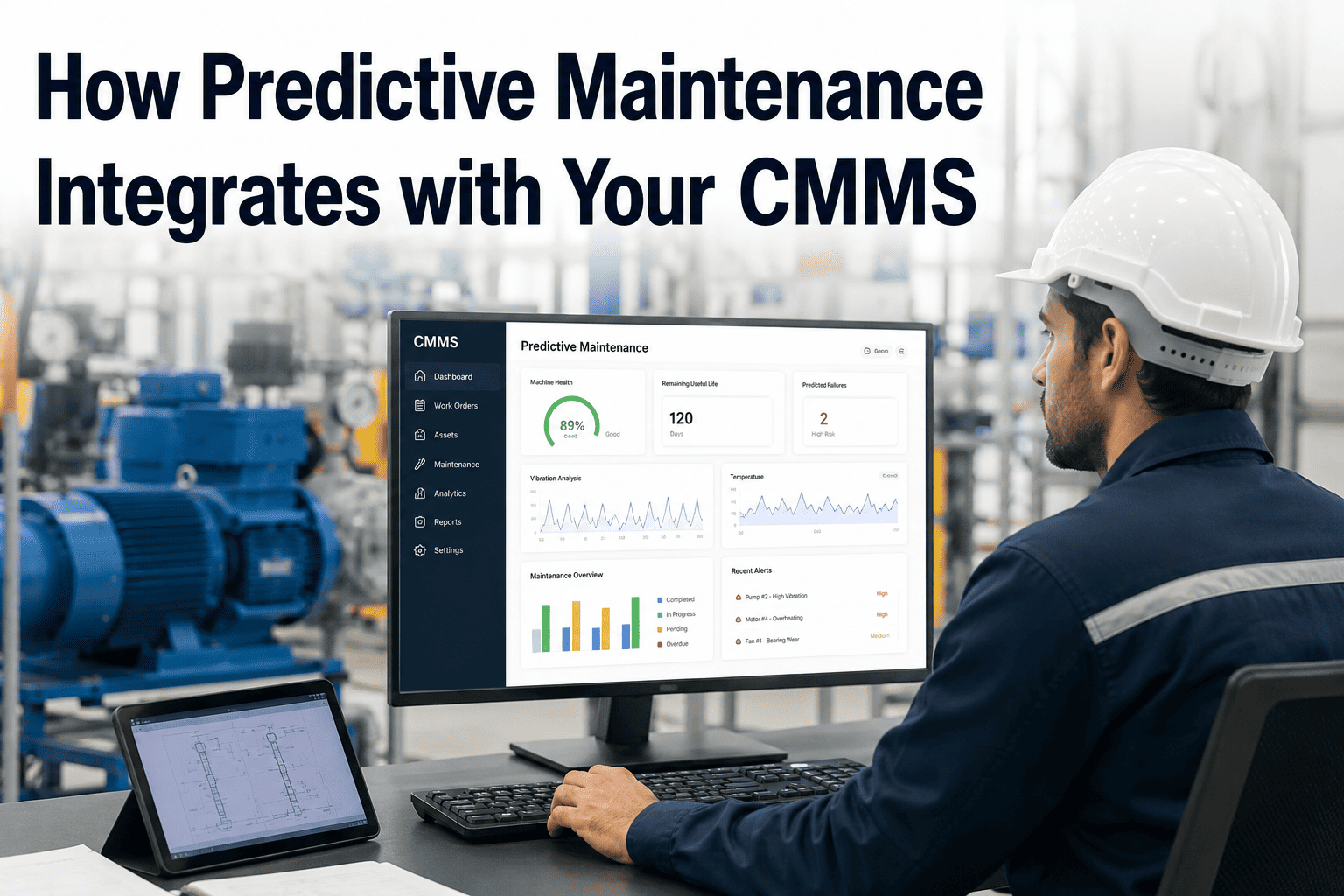
Most predictive maintenance programs stall at the exact same point: the model correctly flags a bearing about to fail, and then nothing happens for three days because the alert sat in a dashboard nobody was watching. Maintenance teams end up running two disconnected systems — one that predicts failures and another that assigns work — with someone in the middle copying numbers between them by hand. That gap is where the return on investment quietly disappears, no matter how accurate the underlying model is. Closing it means the prediction itself has to become the trigger, not just another notification competing for attention. If your CMMS and your monitoring platform still talk to each other through spreadsheets and Slack messages, book a demo to see how the two can share one workflow instead.
Integration Playbook
Predictive Maintenance Only Pays Off When It Creates a Work Order
How to connect AI-driven failure predictions directly to CMMS execution, so an anomaly on a sensor becomes a scheduled job instead of a missed email
Where the Workflow Breaks Down Today
In most plants, the prediction and the work order live in two different tools that were never designed to talk to each other. The result is a visible gap in the middle of the process, and that gap is where failures slip through even after the model already caught them.
Sensor Detects Anomaly
Vibration, thermal, or oil data crosses a failure threshold
Model Flags the Asset
An alert appears on a monitoring dashboard
The Gap
Someone has to notice, interpret, and manually open a CMMS ticket — often a day or more later
Work Order Created
A technician is finally assigned, sometimes after the failure has advanced
What a Closed-Loop Workflow Looks Like Instead
When the prediction and the CMMS share the same pipeline, the manual handoff disappears entirely. Each stage below fires automatically from the one before it, with no dashboard-watching required.
1
Sensor Data Streams In Continuously
Vibration, temperature, oil condition, or acoustic data feeds the prediction model in near real time, rather than being reviewed on a fixed schedule.
2
The Model Scores Remaining Useful Life
Instead of a simple threshold alarm, the model estimates how much operating time is left before the component is likely to fail.
3
A Work Order Is Generated Automatically
Once the score crosses an agreed action threshold, the integration pushes a pre-filled work order into the CMMS with asset, priority, and likely failure mode attached.
4
The Right Technician Gets Notified
The CMMS routes the job based on skill set and shift schedule, so the person who can actually fix it sees it first.
5
Outcomes Feed Back Into the Model
What the technician actually found gets logged back against the original prediction, so the model keeps learning which alerts were right.
Manual Handoff vs an Integrated Loop
| Workflow Stage |
Manual Handoff |
Integrated Loop |
| Time from alert to work order |
Hours to several days, depending on who checks the dashboard |
Seconds to minutes, triggered automatically |
| Data entry accuracy |
Prone to typos and missing asset details during manual re-entry |
Asset ID, priority, and failure mode carry over exactly as predicted |
| Technician awareness |
Depends on someone remembering to escalate the alert |
Routed automatically based on skill and shift availability |
| Feedback to the model |
Rarely captured, so the model cannot improve over time |
Closed automatically once the job is completed and logged |
| Audit trail |
Scattered across email, spreadsheets, and verbal handoffs |
One continuous record from prediction to resolution |
See Your Own Data Flow Through the Loop
Bring one asset and its failure history, and we will map exactly where the manual handoff sits in your current process and how to remove it.
Signals Worth Wiring Directly to a Work Order
Vibration Threshold Breach
A sustained rise past the baseline envelope on rotating equipment, often the earliest sign of bearing or misalignment wear.
Oil Analysis Limit Exceeded
Particle count or viscosity readings moving outside the accepted range, pointing to internal component wear before it becomes audible.
Thermal Anomaly Detected
A localized hot spot on a motor, bearing housing, or electrical connection that deviates from its normal operating temperature curve.
Remaining Useful Life Below Target
The model's estimated time-to-failure drops under the window your team needs to plan parts, labor, and downtime.
Three Ways to Connect the Two Systems
The right integration method depends on how much control your team wants over the logic in between the prediction and the work order.
Native CMMS Integration
A pre-built connector between the monitoring platform and the CMMS, configured with mapping rules rather than custom code. Fastest to deploy when both systems already support it.
Lowest setup effort
Middleware or iPaaS
An integration platform sits between the two systems, transforming and routing data with visual workflow rules. Useful when the CMMS and the model come from different vendors with no direct connector.
Most flexible routing
Direct API or Webhook
The prediction service calls the CMMS API directly when a threshold is crossed, creating the work order in one step. Requires development resources but gives full control over the payload.
Full control
What Usually Breaks a Closed-Loop Rollout
Setting the trigger threshold too low
Flooding the CMMS with low-confidence work orders trains technicians to ignore automated alerts entirely, undoing the entire point of the integration.
No agreed priority mapping
Without a clear rule for how a predicted severity score maps to CMMS priority, every auto-generated job lands as the same urgency level.
Skipping the feedback step
If technician findings never flow back to the model, the prediction accuracy stalls exactly where it started at go-live.
Treating it as a one-time setup
Asset lists, failure modes, and routing rules change as the plant changes, so the mapping needs a scheduled review, not a single configuration pass.
Frequently Asked Questions
Does our CMMS need a specific type of API to support this?
Most modern CMMS platforms expose a REST API or at minimum a webhook endpoint for creating and updating work orders, which is enough to support an automated trigger. Older or heavily customized systems sometimes need a middleware layer to translate between formats. The practical starting point is checking whether your CMMS vendor documents a work order creation endpoint at all. If you are unsure what your current system supports,
book a demo and we can review it together.
Will automated work orders overwhelm our maintenance team?
Only if the trigger threshold is set too aggressively. A well-tuned integration should generate roughly the same volume of high-confidence work as a good manual reviewer would, just faster and without the delay. The fix for alert fatigue is calibrating the action threshold against your team's actual capacity, not disabling the automation altogether.
Can we start with one asset class before rolling this out plant-wide?
Yes, and it is the recommended approach. Starting with a single rotating equipment class, such as pumps or motors, lets the team validate the priority mapping and feedback loop before extending the same rules across the rest of the plant. Most successful rollouts scale in stages rather than all at once.
How much manual review should remain after the integration is live?
A supervisor should still spot-check a sample of auto-generated work orders, especially in the first few months, to confirm the priority and asset mapping stayed accurate as conditions changed. The goal is removing the routine data entry step, not removing human judgment from the process entirely.
What happens if the prediction model and the CMMS come from different vendors?
This is the most common situation, and it is exactly what middleware or a direct API integration is built to handle. The two systems do not need to be from the same vendor, they just need a defined data contract between them for asset IDs, priority levels, and failure descriptions. Reach out to
support if you want help mapping that contract for your specific systems.
Stop Losing Days Between Prediction and Repair
We will walk through your current monitoring and CMMS setup and show exactly how the two can be wired together into one automated workflow.