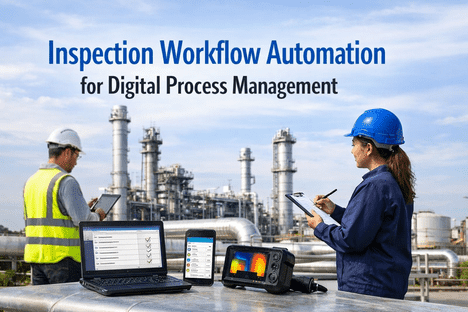
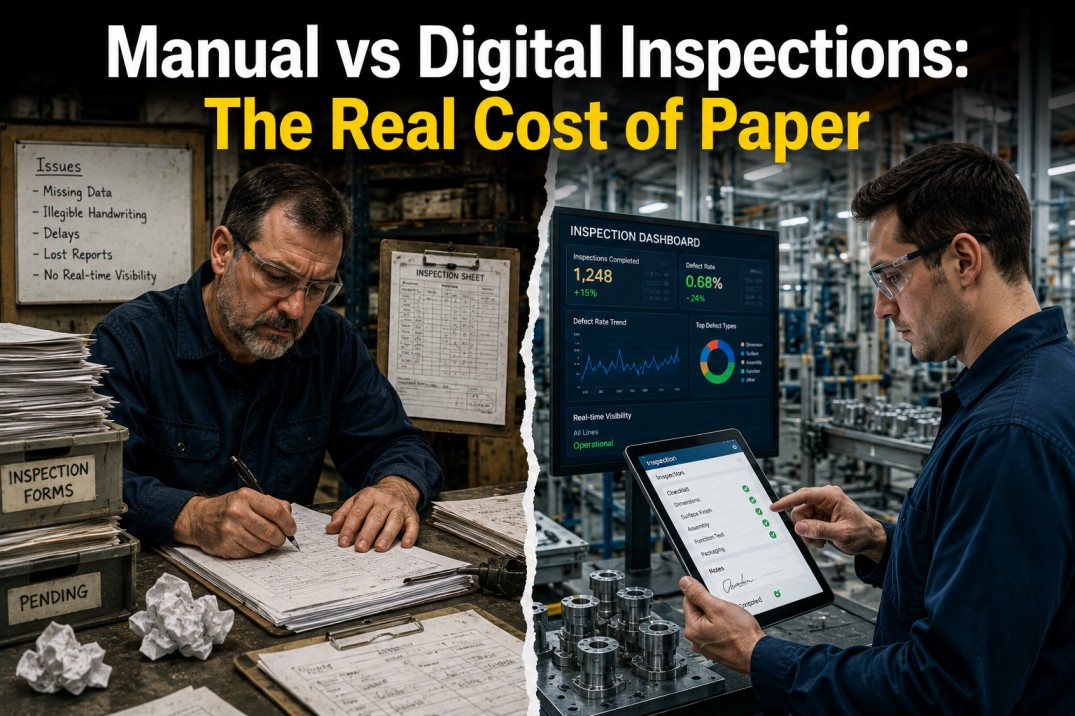
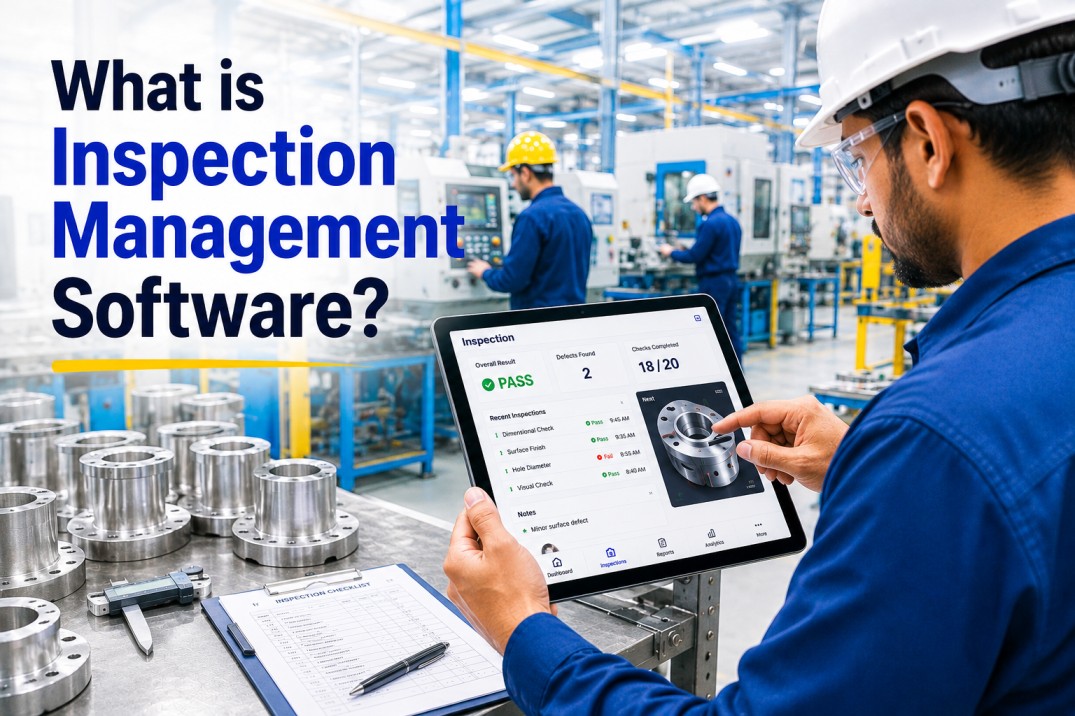
A single inspection in a typical plant touches seven people, three paper forms, two spreadsheets, one email chain, and at least one "hey, did anyone follow up on this?" before it closes. Multiply that by 4,000 inspections a month across a single site, and the hidden cost of coordination overhead quietly consumes more time than the inspections themselves. Inspection workflow automation eliminates that coordination tax entirely — turning every trigger, assignment, execution, escalation, and closure into a synchronized digital flow that runs without anyone needing to chase it. The result is not just faster inspections; it is a fundamentally different way of running industrial operations.
80%
Less Admin Time Per Inspection
3.5x
Faster Workflow Completion
Zero
Missed or Overdue Inspections
100%
Real-Time Workflow Visibility
The Hidden Cost of a Manual Inspection Workflow
Most plants do not have an inspection problem — they have an inspection workflow problem. The inspections themselves are usually fine. What breaks is everything around them: who got assigned, who forgot, what got escalated, what got missed, who's approving, where's the paperwork, and why nobody noticed that the same defect has surfaced on three shifts this week. Automation does not replace inspection work. It replaces the invisible, grinding, unpaid coordination work that surrounds every inspection and eats half the calendar of every operations leader.
24/7
Automated Flow
No handoffs. No chasing. No gaps.
01
Trigger
Schedule, sensor, or event automatically initiates the inspection
02
Assign
System routes task to qualified inspector based on skills and availability
03
Execute
Mobile-guided inspection with embedded specs, photos, and voice notes
04
Escalate
Failed items auto-generate work orders routed to the right team instantly
05
Verify
Supervisor reviews findings and approvals with digital signature capture
06
Close & Learn
Records archived, dashboards updated, patterns fed back to scheduling
Ready to see how this loop runs on your own inspection volume? Book a 30-minute iFactory demo and we'll map your current workflow against an automated one — live, on your actual process.
Manual Workflow vs Automated Workflow: Where the Time Actually Goes
The fastest way to see the automation opportunity is to lay a manual inspection workflow next to an automated one and mark where the delays live. The inspection activity itself takes roughly the same time in both. Everything around it — scheduling, handoffs, approvals, data entry, reporting — is where automation deletes hours that nobody realizes they're spending.
45m
Supervisor prints checklists and walks route assignments
30m
Inspector collects paperwork, clarifies scope
60m
Inspection executed with paper forms
30m
Paperwork transcribed into spreadsheet
40m
Defects emailed to maintenance, priorities negotiated
35m
Supervisor reviews, signs, files physical copies
30m
Weekly report manually compiled from multiple files
0m
System auto-triggers inspections from schedule or sensor
0m
App routes to qualified inspector by skill matrix
55m
Mobile-guided inspection with photo evidence
0m
Findings auto-sync and auto-log, no data entry
0m
Work orders auto-created and routed instantly
20m
Supervisor reviews dashboard and e-signs approvals
0m
Reports auto-generate from live data, ready for audit
Six Triggers That Kick Off Automated Inspections
A modern inspection workflow is not started by a human with a clipboard — it is initiated by the system itself, responding to time, conditions, events, and data. Here are the six most common triggers that drive automated inspection workflows in industrial operations, each removing a category of human coordination effort.
Time-Based
Scheduled Cycles
Daily, weekly, or monthly PMs, regulatory inspections, and safety walks fire automatically on calendar. No manual planning meetings, no missed dates, no overdue lists.
Sensor-Driven
Condition Triggers
Temperature spikes, vibration excursions, or pressure anomalies from IoT sensors auto-dispatch targeted inspections — only when actually needed, not on arbitrary schedules.
Runtime-Based
Usage Counters
After X operating hours, Y production cycles, or Z shifts, the system issues an inspection. Aligns workload with actual asset use, not rough calendar estimates.
Event-Driven
Incident Response
A safety event, customer complaint, or quality escape automatically triggers the correct inspection protocol and notifies the right stakeholders within seconds.
Production-Linked
Changeover & Batch
Line changeovers, new batches, or material lot changes automatically initiate first-article inspections and setup verifications — protecting every production run.
Compliance-Linked
Regulatory Windows
OSHA, FDA, EPA, and ISO cycles auto-schedule with the required frequency, templates, and approvers. Audit readiness becomes a built-in output, not a quarterly scramble.
Stop Running Inspections. Start Orchestrating Them.
Your Inspection Program Shouldn't Depend on Who Remembers to Run It.
iFactory turns every inspection trigger, handoff, escalation, approval, and closure into an automated flow — so your team focuses on inspecting, not coordinating. Get full visibility, zero missed cycles, and audit-ready records as a byproduct of daily work.
Hours Recovered Across the Inspection Lifecycle
Where exactly does automation claw back time? Not from the inspection task itself — from the dozens of small coordination steps that bracket it. Here is the per-activity time savings breakdown across a typical industrial inspection cycle, expressed as proportions of total time recovered.
Data Entry & Transcription
Defect-to-Work-Order Handoff
Approvals & Supervisor Sign-Off
Reporting & Dashboard Prep
The inspection itself barely changes — automation eliminates everything around it.
These are the hours every plant leader knows exist but can never quite quantify — until they get back. Book a 30-minute demo and we'll calculate the exact hours your team will recover in year one, based on your current inspection volume.
What Automation Looks Like in Each Role
Workflow automation is not a single feature — it is a different day for everyone who touches the inspection program. Here is what changes for the three roles that feel the gap most: the inspector on the floor, the supervisor managing the shift, and the plant leader accountable for the whole operation.
The Day on the Floor
Before
Paper checklist, clipboard, end-of-shift data entry, forgotten findings, scope ambiguity.
After
Phone shows today's queue in priority order. Each asset scanned by QR. Photo + finding + voice note captured in one tap. Zero paperwork at shift end.
The Shift Oversight
Before
Morning walk-through assigning inspections manually. Afternoon chasing down completed paperwork. Evening compiling status reports.
After
Dashboard shows real-time inspection status across the shift. Exceptions surface automatically. Approvals handled in-app with e-signatures. Time back for coaching and root-cause work.
The Strategic View
Before
Weekly status meetings to piece together inspection completion rates. No visibility into systemic failure patterns. Audit prep is a recurring crisis.
After
Live dashboards for compliance, completion, and trends across every site. Failure patterns auto-surfaced. Audit packages generate in minutes. Data drives every quality decision.
The Capabilities That Make Workflow Automation Real
Lots of platforms claim "workflow automation." Few actually deliver the full chain. These are the capabilities that separate a checklist app from a true end-to-end inspection orchestration platform — the non-negotiables for plants looking to get real time back.
01
Conditional Logic Engine
If-then branching that auto-expands inspections when readings fall outside spec, triggers deeper checks, and routes escalations without human decision-making.
02
Skills-Based Routing
Tasks assigned to qualified inspectors automatically based on certification, shift, proximity, and current workload — no supervisor intervention required.
03
Auto-Escalation Rules
Overdue tasks, critical findings, or approval delays automatically escalate up the chain with full context — failures never get lost in someone's inbox.
04
Native Work Order Handoff
Defects flow instantly into the CMMS as prioritized work orders with photos, severity, location, and suggested parts — not an integration, a direct connection.
05
Digital Approvals & E-Sign
Supervisor sign-offs, contractor approvals, and regulatory acknowledgments captured with legally binding e-signatures — not printed forms.
06
Live Analytics Dashboards
Real-time completion rates, defect trends, overdue tasks, and compliance heat maps — auto-built from the workflow itself, not re-entered after the fact.
Fully Automated in 4 to 6 Weeks
Bring Your Messiest Inspection Workflow. We'll Automate It Live.
Every plant has one inspection process that lives on paper because "it's too complex to digitize." Bring that one to the demo. We'll map it, automate it, and show you exactly how long the rollout takes for your specific operation — on a real working system.
Frequently Asked Questions
What is inspection workflow automation?
Inspection workflow automation replaces the manual coordination around inspections — scheduling, assignments, handoffs, approvals, escalations, reporting — with a digital flow that runs itself. The inspection activity stays, but everything around it happens automatically, freeing inspectors from paperwork and supervisors from constant chasing.
How is workflow automation different from a digital checklist app?
A checklist app digitizes one step. Workflow automation orchestrates the entire lifecycle — triggers, routing, escalation, approvals, CMMS handoff, reporting. A checklist captures data. A workflow platform moves it through every person and system that needs it, without anyone having to push.
Will automation eliminate inspector jobs?
No. Automation eliminates the paperwork and coordination burden — not the judgment, experience, or hands-on skill of inspectors. Most teams report that inspectors get to spend more time actually inspecting and investigating, and less on data entry, which improves both job quality and detection outcomes.
How long does it take to automate our inspection workflows?
Most plants go live in 4 to 6 weeks — including form digitization, workflow mapping, user training, and CMMS integration. Multi-site rollouts accelerate after the first plant because templates and rules are reusable. Measurable efficiency gains typically appear within the first 30 days of go-live.
Can the platform handle complex conditional workflows?
Yes. Modern workflow engines support branching logic, multi-level approvals, skill-based routing, parallel tasks, and time-based escalations. If a reading is out of spec, the system can auto-trigger additional inspections, notify specific engineers, or hold the line — all configured by quality managers without code.
How does automation improve audit readiness?
Every workflow step is logged with timestamp, user, and outcome. Audit packages auto-generate with full traceability — immutable records, e-signatures, photo evidence, and escalation history. What used to take days of manual hunting is produced in minutes, and regulators see consistent, documented compliance instead of best-effort reconstructions.