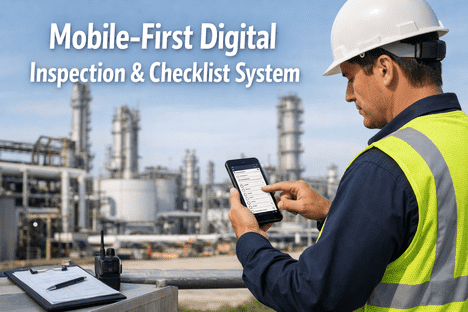
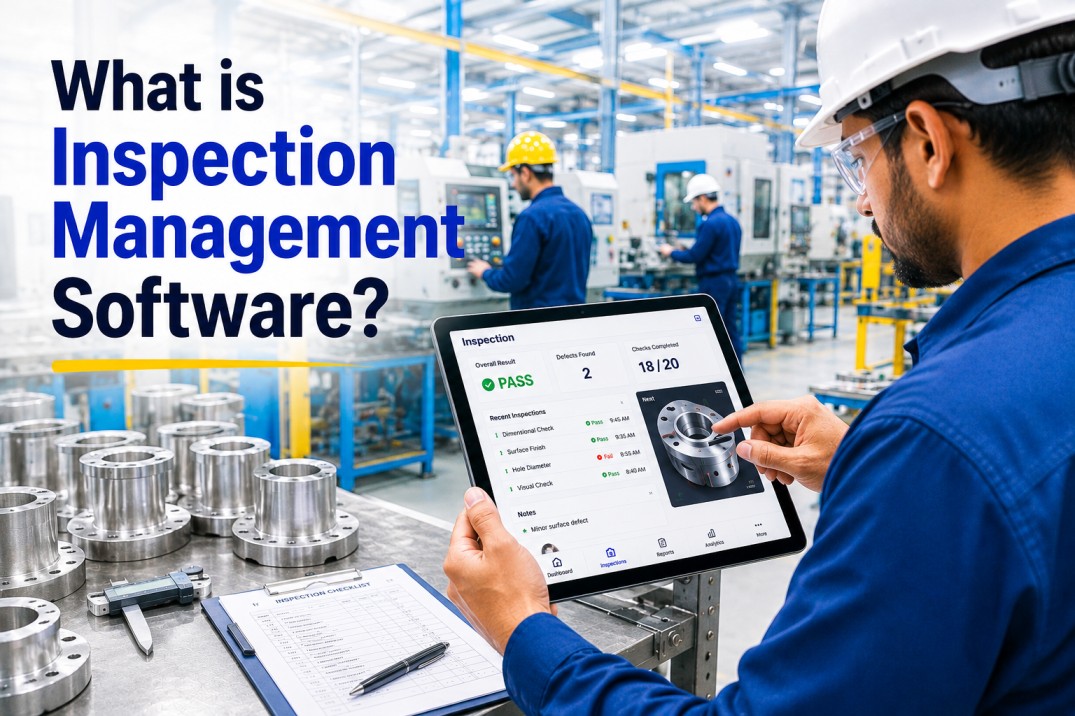
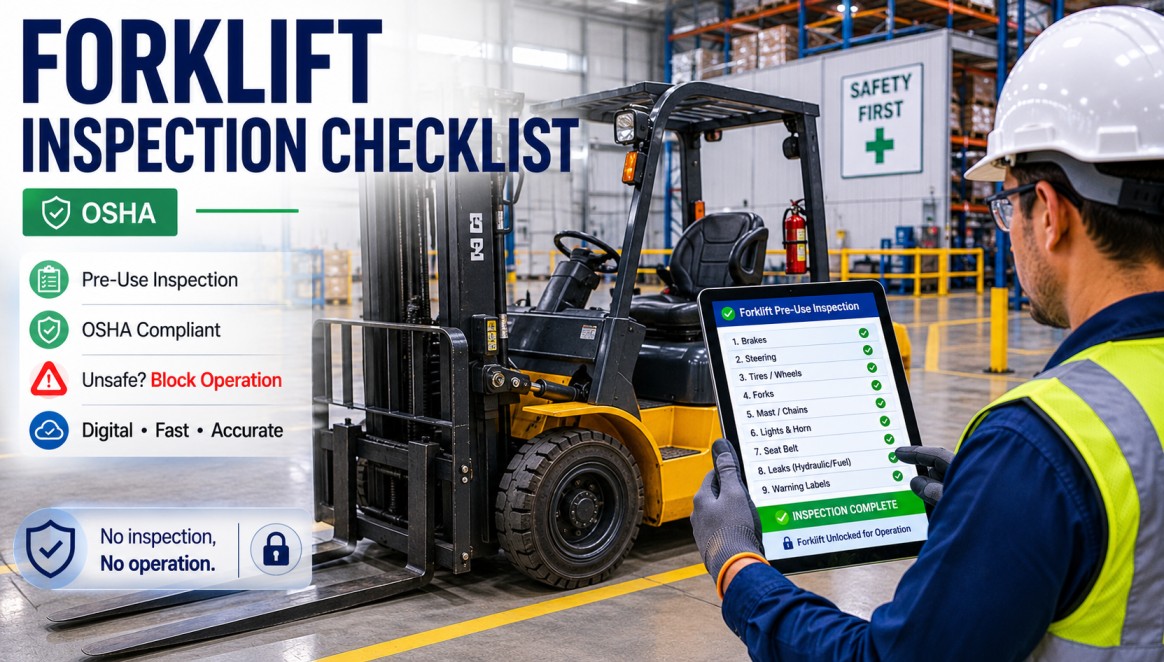
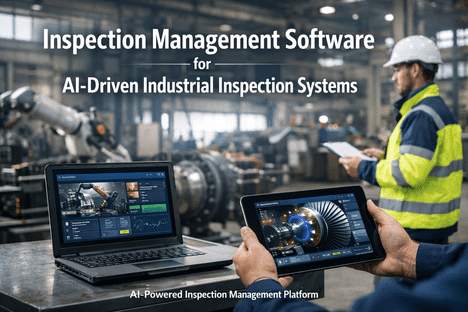
At 6:47 AM on a frosted-over loading dock, a driver inspector pulls out a clipboard. By 6:52, the paper is wet, two items are skipped because the pen won't write on damp cardboard, and the dock supervisor will later re-enter everything into a spreadsheet that gets emailed to three people and saved nowhere useful. Multiply that by 200 inspectors across 14 sites and you have the single most expensive data-loss event in industrial operations. A mobile-first digital inspection system closes that leak — turning every phone and tablet into a rugged, offline-capable inspection tool that captures, timestamps, photographs, and syncs every finding the moment connectivity returns.
73%
Less Time Spent on Paperwork
4x
More Inspections Per Shift
100%
Offline Inspection Reliability
5 Min
From Finding to Work Order
The Clipboard Economy Is Killing Industrial Quality
The paper inspection workflow is a fossil. It assumes dry conditions, steady light, a free hand, a working pen, a single language, perfect memory, clean transcription, reliable filing, and that nobody will ever need to find any of it again. Every assumption breaks on a real shop floor. A mobile inspection app rebuilds the workflow on the assumptions that actually match reality — inspectors are moving, hands are dirty, signal drops in basements, evidence matters, and findings must reach a work order within minutes to mean anything.
Line 3 - Morning Inspection
12 of 18 items · 67%
Conveyor belt tension
Pass
Offline · Syncing when connected
Want to see this workflow running on your own inspection routines? Book a 30-minute demo and we'll walk through your plant's biggest paper-based bottleneck and show how it looks digitized in iFactory.
A Day in the Life of a Mobile Inspector
Here is how a single shift unfolds when the clipboard is replaced with a mobile inspection app. Every step that used to leak data, waste time, or require rework is either automated or eliminated entirely. The inspector's job changes from scribe to expert — less writing, more observing.
06:00
Shift Start — Auto-Queue
Inspector taps the app. Today's assigned routes appear, pre-sorted by priority and proximity. No paper packet to pick up, no briefing required — the inspection queue is already on screen.
07:15
First Asset — Guided Checks
At the pump station, scanning the asset QR code opens the correct checklist instantly. Each item has a reference photo, tolerance range, and voice-to-text note option. No interpretation guesswork.
08:02
Deficiency Captured in Signal Dead Zone
In the basement MCC room, no cell signal. Inspector photographs a loose cable gland, marks severity, adds voice note. All data queues locally. Work order will generate when connectivity returns.
08:47
Back in Signal — Auto Sync
Stepping outside, the phone syncs 14 queued findings in 9 seconds. A maintenance work order for the cable gland is auto-created, tagged high priority, and routed to the electrical team.
11:30
Conditional Logic Triggers Deep Dive
A bearing temperature reads 8% above baseline. The app automatically unlocks the extended vibration and lubrication check — skipped on normal days, mandatory on flagged ones. Protocol compliance, automatic.
14:00
Shift Close — Zero Paperwork
Inspector signs off with biometric approval. All 37 inspections, 62 photos, 14 findings, and 5 work orders are filed, timestamped, and auditable. End-of-shift report time: 0 minutes.
Offline-First: The Non-Negotiable Requirement
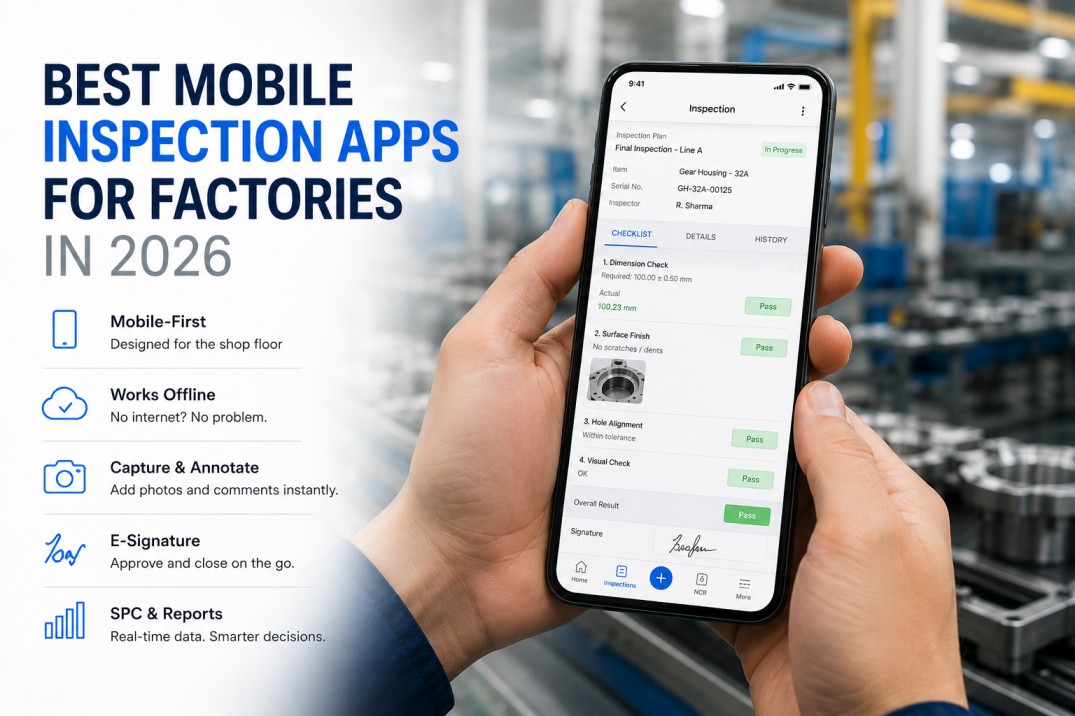
Most industrial inspection happens where the signal isn't. Basements, turbine halls, tank farms, underground utilities, cold storage, chemical plants — signal-hostile environments are the rule, not the exception. A mobile inspection platform that depends on live connectivity isn't an industrial tool; it's an office tool. True offline-first architecture makes every feature work without signal and syncs silently when it returns.
Offline Mode
No signal · full app available
Full checklist library cached on device
Photos captured with geotag and timestamp
Voice notes recorded and transcribed locally
Digital signatures and e-sign approvals captured
Asset QR scanning works without server call
All findings queued with unique local IDs
Online Mode
Signal restored · silent sync
Queued findings upload in compressed batches
Work orders auto-generate for flagged items
Supervisors get real-time notifications
Audit trail locked and tamper-proofed
Dashboards refresh with new inspection data
Conflicts auto-resolved with server timestamps
Built for How Inspectors Actually Work
Your Shop Floor Runs on Paper. Your Competitors Don't.
iFactory gives your inspectors a mobile-first, offline-capable digital checklist system that captures every finding with photo, location, and timestamp — and pushes every defect into a tracked work order the moment it's logged. No more lost clipboards. No more end-of-shift data entry. No more audit panic.
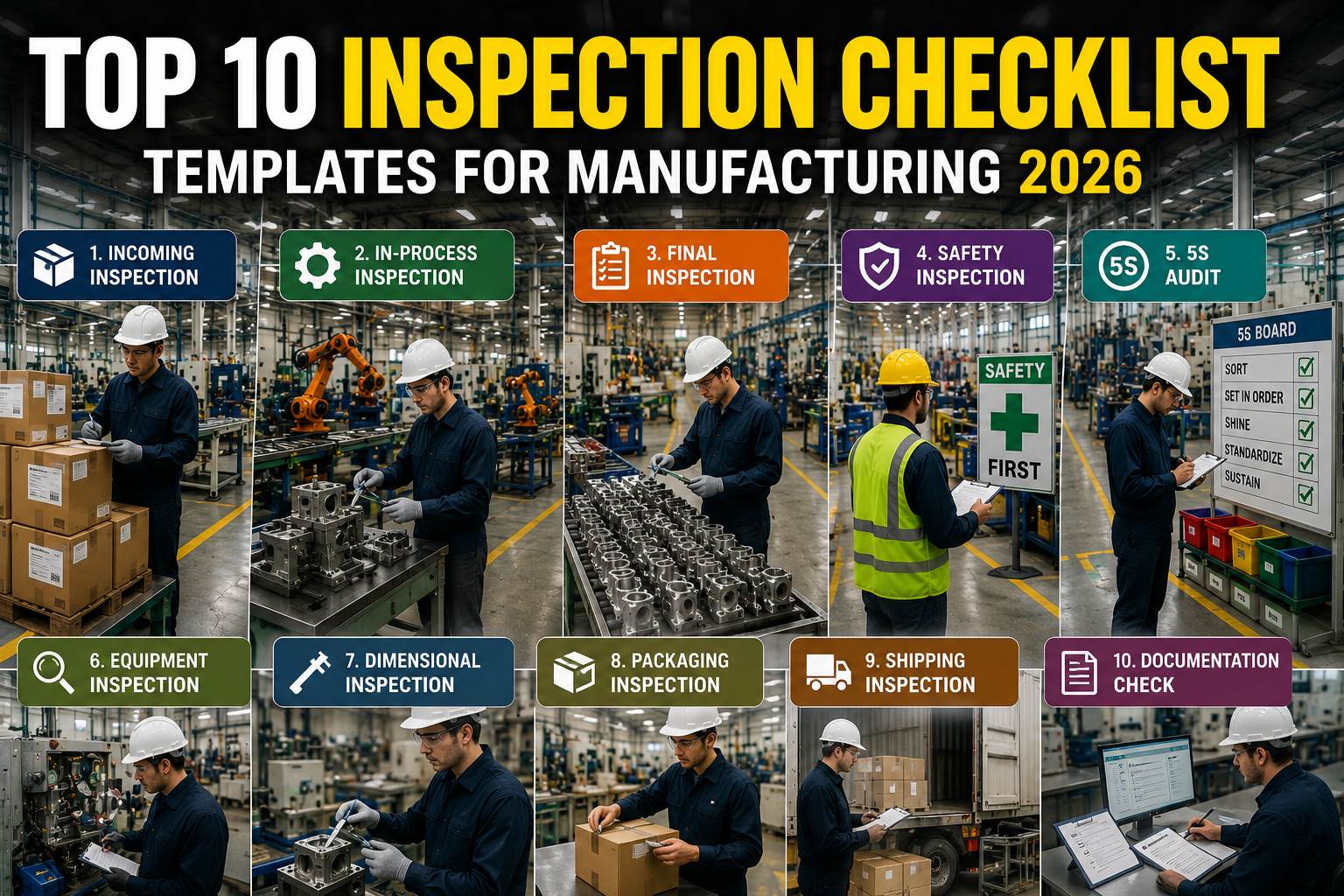
Every Inspection Type, One Mobile Platform
Industrial operations run dozens of inspection types across safety, maintenance, quality, and compliance. A unified mobile platform handles them all from the same app — with role-based permissions, type-specific workflows, and consistent data structures that roll up to a single dashboard.
Safety
LOTO & Pre-Task Checks
Lockout/tagout verification, PPE confirmation, job hazard analysis, permit-to-work with live supervisor sign-off.
Maintenance
Preventive Rounds
Scheduled asset walks with condition readings, lubrication points, fastener torque checks, and automated work order creation.
Quality
In-Process QA
First article inspection, in-line sampling, dimensional verification, SPC data capture with photo evidence per sample.
Compliance
Regulatory Audits
FDA, HACCP, ISO 9001, OSHA, EPA checks with e-signatures, immutable audit trails, and auto-generated regulator-ready reports.
Environmental
EHS Rounds
Emissions monitoring, spill inspections, waste handling verification, and incident reporting with photo documentation.
Fleet & Vehicle
DVIR & Pre-Trip
Driver vehicle inspection reports, pre/post-trip checks, DOT compliance, defect escalation directly to fleet maintenance.
Housekeeping
5S & Facility Walks
Organized-workplace audits, facility condition surveys, pest sightings, and cleaning verification with scoring.
Contractor
Vendor On-Site Checks
Contractor qualification verification, site orientation, work-in-progress supervision, and exit inspections.
Every inspection type above is already pre-built in iFactory — configure, assign, done. Schedule a working demo to see your exact inspection forms running on iFactory in under 30 minutes.
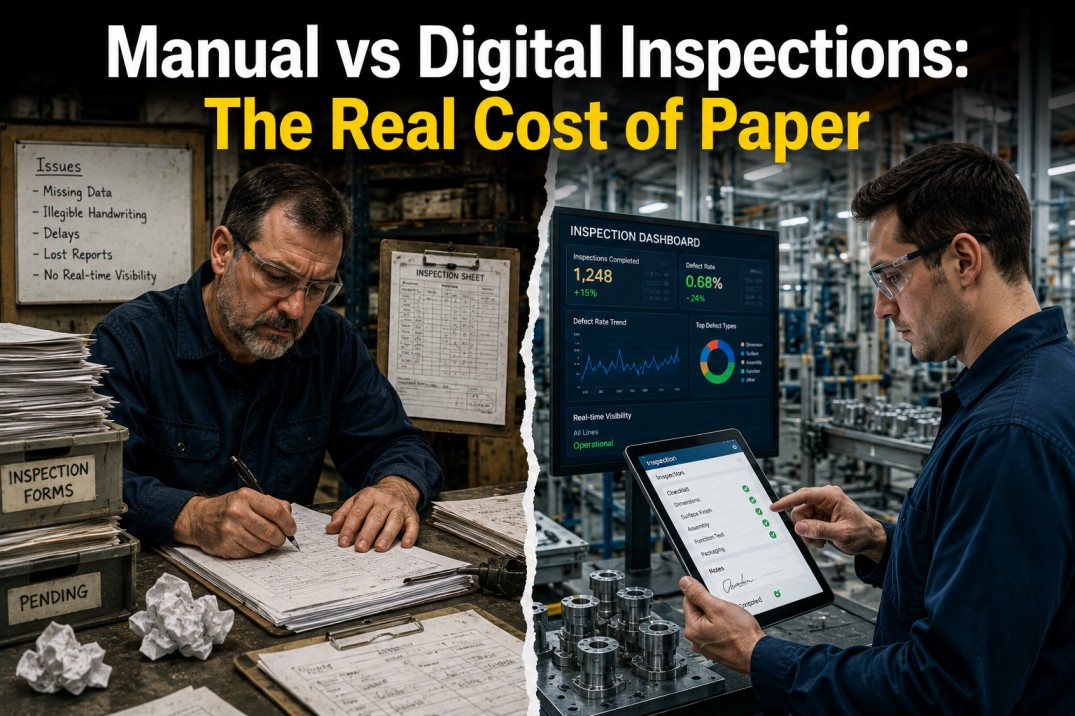
Paper vs Mobile: The Side-by-Side That Ends the Debate
The shift from paper to mobile is not an incremental improvement — it is a category change. Here is the honest comparison of what each approach delivers across the metrics that actually matter to plant managers, quality directors, and EHS leaders.
| Capability |
Paper / Spreadsheet |
Mobile Inspection Platform |
| Data capture speed |
8 to 15 minutes per asset |
2 to 4 minutes per asset |
| Photo evidence |
Rare, phone photos lost in email |
Auto-tagged, auto-linked to finding |
| Signal dependency |
None, but also no traceability |
Full offline operation, auto-sync |
| Work order creation |
Hours or days later, by hand |
Instant, auto-routed to team |
| Audit preparation |
Days of record hunting |
One-click audit package |
| Data loss risk |
High — paper misplaced, illegible |
Zero — encrypted cloud backup |
| Inspector training time |
Weeks of shadowing |
Hours via guided app tutorial |
| Trending & analytics |
Manual spreadsheet re-entry |
Real-time dashboards, auto-built |
| Compliance confidence |
Varies shift-to-shift |
Enforced by app, documented always |
What Makes iFactory Different
There are a lot of inspection apps. Most are generic checklist builders with no industrial context. iFactory was built specifically for plant operations, heavy industry, and regulated manufacturing — where inspection is not a paperwork exercise but the nervous system of quality and safety.
Asset-Native Architecture
Every inspection is tied to an asset hierarchy, not just a form. Findings build a historical record per asset, enabling real predictive maintenance over time.
CMMS-Integrated by Design
Work orders aren't generated through a clunky API handoff — they flow natively from inspection findings into the same platform your maintenance team already uses.
Industrial-Grade Offline
Full app functionality without signal, not just cached forms. Photo capture, asset scanning, conditional logic, and e-signatures all work offline.
Regulatory-Ready Out of Box
Pre-configured templates for ISO 9001, FDA 21 CFR Part 11, FAA, IATF, HACCP, OSHA, and EPA — with audit trail and e-signature compliance built in.
Multi-Site Deployment
Standardize inspection practices across 2 plants or 200. Centralized template control, localized execution, global dashboards for enterprise oversight.
Live in Weeks, Not Quarters
Typical plant goes from paper to fully live mobile inspections in 4 to 6 weeks — including form migration, user training, and CMMS integration.
30-Minute Working Demo
Stop Losing Inspection Data to Paper. Start Using It to Run a Smarter Plant.
Bring your toughest inspection workflow to the demo — the one that lives on paper because nobody has digitized it yet. We'll show you exactly how it runs on iFactory, what it takes to deploy, and what your first 90 days of live data will look like.
Frequently Asked Questions
What is a digital inspection system?
A digital inspection system replaces paper checklists and spreadsheets with a mobile app that guides inspectors through workflows, captures photo evidence, logs findings with timestamps and GPS, and auto-creates work orders for defects. It turns every inspection into searchable, auditable, actionable data instead of a stack of paper nobody can find later.
Does the mobile inspection app work without internet?
Yes. A true industrial-grade platform like iFactory runs fully offline — checklist execution, photo capture, QR scanning, voice notes, and e-signatures all work without signal. When connectivity returns, data syncs automatically in the background with conflict-free merging. This is essential for basements, turbine halls, underground utilities, and any signal-hostile environment.
How long does it take to deploy a mobile inspection platform?
Typical deployments run 4 to 6 weeks per site — covering form migration from paper, mobile app rollout, user training, and integration with existing CMMS or ERP systems. Multi-site rollouts benefit from template reuse and usually accelerate after the first plant. Most teams see measurable inspection throughput gains within the first 30 days.
Will older inspectors adopt a mobile app?
In nearly every deployment, yes — and often faster than expected. The key is designing the app around actual inspection work, not generic form-building. Large touch targets, offline reliability, voice-to-text, and the elimination of end-of-shift paperwork are adoption accelerators. Most teams report highest satisfaction among the inspectors who were initially most skeptical.
Can the same app handle safety, quality, and maintenance inspections?
Yes. A unified platform supports safety checks, preventive maintenance rounds, quality audits, regulatory inspections, fleet DVIRs, and EHS walks — all with role-based access, type-specific workflows, and a single dashboard layer. This eliminates the chaos of three different apps, three different passwords, and three different data silos.
How does a mobile inspection app integrate with our CMMS?
iFactory is a mobile inspection app and a CMMS in one platform — so integration is native, not an API handoff. A flagged inspection item auto-generates a prioritized work order with photos, location, severity, and linked parts, routed to the right team instantly. For teams using a separate CMMS, iFactory supports standard integrations with the leading enterprise systems.