Best Mobile Inspection Apps for Factories in 2026

By George Harrington on May 27, 2026

best-mobile-inspection-apps-for-factories-in-2026

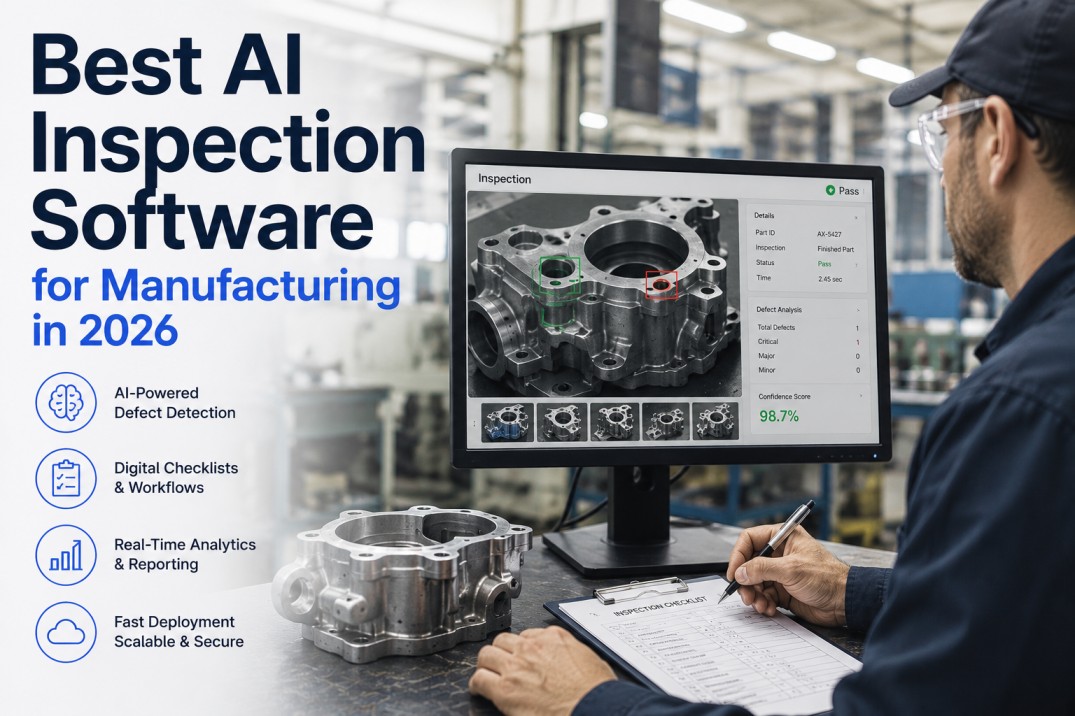
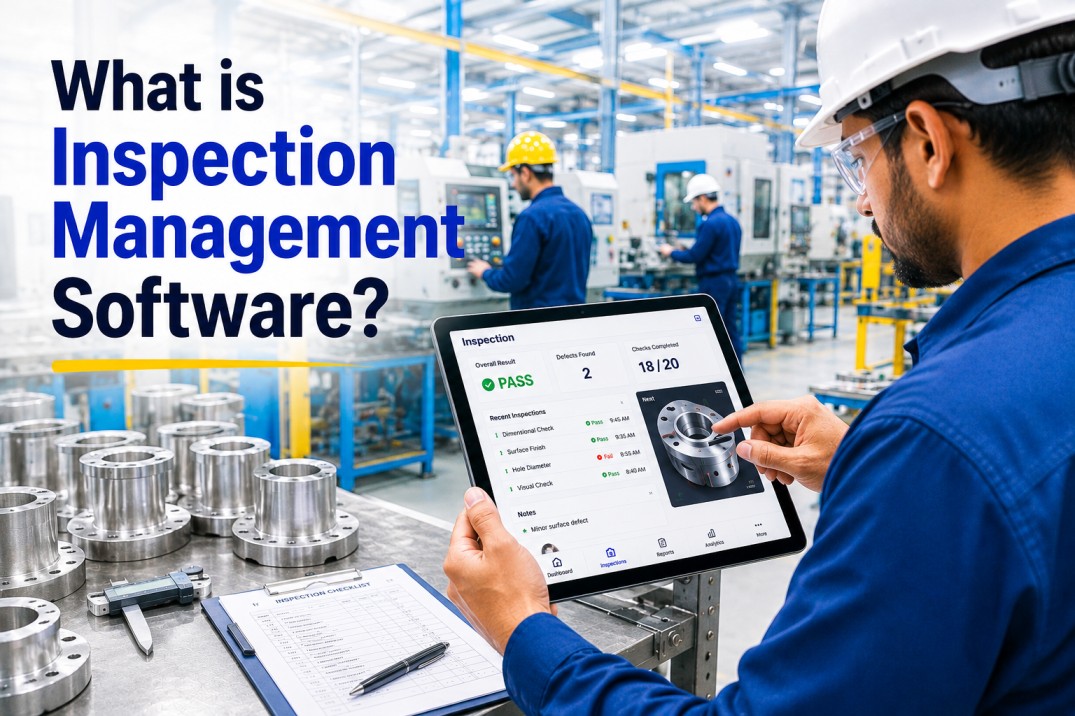
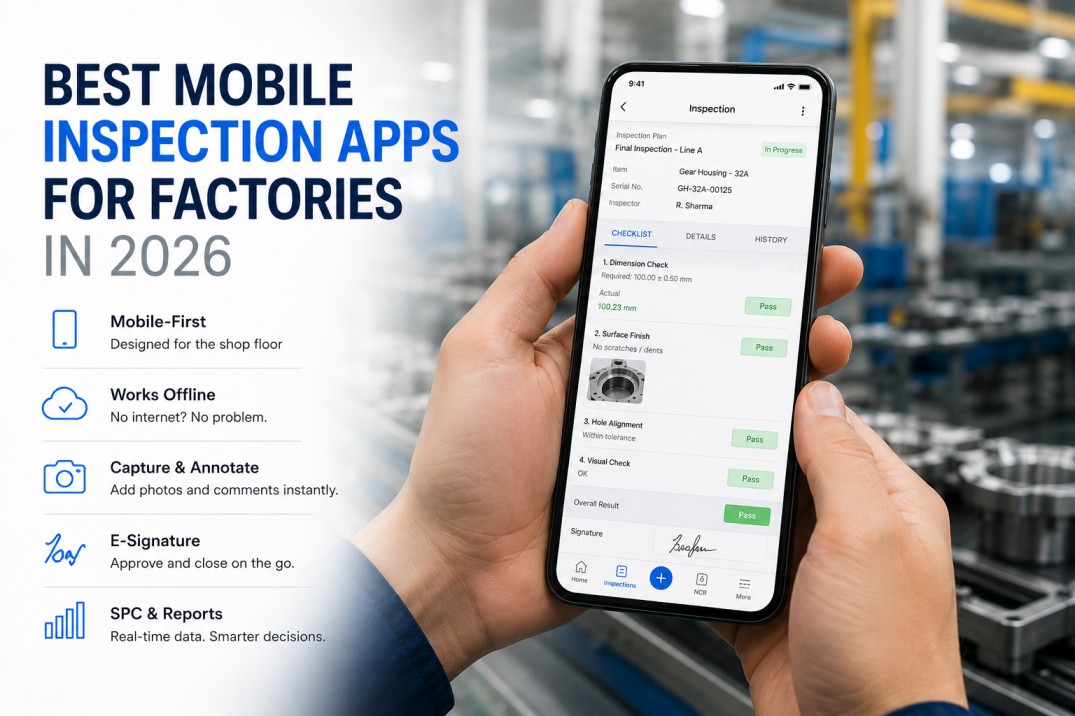
A mobile inspection app for factories in 2026 must do more than display a checklist on a screen. Production-grade mobile inspection requires offline operation for areas of the plant with unreliable connectivity, photo capture attached directly to the relevant inspection line item, AQL-based sampling logic that calculates sample size and acceptance criteria automatically, SPC chart integration showing whether the process is trending toward an out-of-control state, and e-signature with a timestamp that satisfies regulatory and customer audit requirements. This guide covers what to expect from a modern mobile inspection app on the production floor — with a shift walkthrough, offline test results, and a role-by-role breakdown of what iFactory delivers to operators, supervisors, and quality managers.

Mobile App Guide2026 EditionProduction FlooriOS & Android
A Day in the Life

Shift Walkthrough — Paper vs. iFactory at Every Step

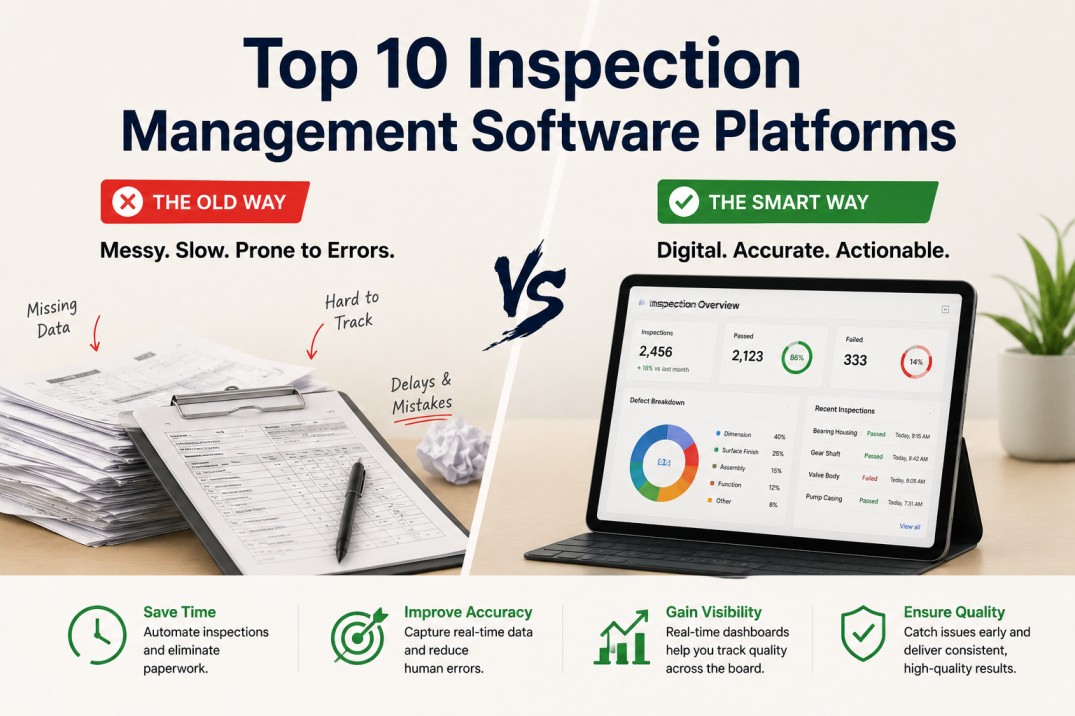
The timeline below follows an operator through a seven-hour production shift — from shift start to handover. At each moment, it shows what happens with paper or a generic inspection app versus what happens with iFactory. The difference is not just efficiency — it is data quality, traceability, and real-time visibility that paper cannot provide at any step.

06:00


Shift Start
? Paper / Generic App
Paper: Collect paper checklist from supervisor office. Find the right revision. No lot number — write it manually.
? iFactory
iFactory: Open tablet. Production order and lot number pre-loaded from ERP. Inspection plan loaded automatically.
06:15


First Article Check
? Paper / Generic App
Paper: Measure 8 characteristics. Write values on form. No indication if any value is trending toward limit.
? iFactory
iFactory: Enter measurements against locked spec tolerances. SPC chart shows where each value sits on control chart in real time.
07:45


Defect Found
? Paper / Generic App
Paper: Write defect description on form. Walk to quality office to raise NCR. Quality engineer re-enters all data.
? iFactory
iFactory: One tap opens NCR from the inspection screen. Defect photo attached. NCR pre-populated — quality engineer notified instantly.
09:30


Paint Booth Inspection
? Paper / Generic App
Paper: No connectivity issues — paper always works. But results must be re-entered into the system later.
? iFactory
iFactory: Full offline mode. Enter results, capture photos, create NCRs — all offline. Auto-syncs when leaving booth.
11:00


Supervisor Review
? Paper / Generic App
Paper: Supervisor collects paper forms from operators. Manually checks for missing fields. Cannot see live status.
? iFactory
iFactory: Supervisor sees every open inspection on a dashboard. Incomplete records flagged automatically before sign-off.
13:30


Shift End Report
? Paper / Generic App
Paper: Compile inspection results into daily report manually. 45 minutes of data transcription.
? iFactory
iFactory: Report auto-generated on supervisor sign-off. Distributed to quality manager instantly. Zero manual compilation.
14:00

Handover to Next Shift
? Paper / Generic App
Paper: Leave notes on paper. Incoming operator may not read them. Open NCRs not visible without searching files.
? iFactory
iFactory: Open NCRs, quality holds, and pending actions all visible on incoming operator's dashboard at shift start.
Offline Stress Test

Offline Capability — Six-Test Result by App

Offline capability is the most important and least-tested feature in mobile inspection evaluation. The results below reflect testing each app in a fully offline environment — Wi-Fi and cellular both disabled — attempting six production-critical inspection tasks. Many apps that claim offline support fail one or more of these tests in production environments.


iFactory
SafetyCulture
Fulcrum
GoAudits
ETQ Mobile
Excel
Complete checklist offline
PASS
PASS
PASS
PASS
PART
PASS
Attach photo to line item offline
PASS
PASS
PART
FAIL
FAIL
FAIL
Create NCR while offline
PASS
FAIL
FAIL
FAIL
PART
FAIL
AQL sampling calculation offline
PASS
FAIL
FAIL
FAIL
FAIL
PART
E-signature while offline
PASS
PART
FAIL
FAIL
PART
FAIL
Auto-sync on reconnect — no data loss
PASS
PASS
PART
PART
PART
FAIL
PASS — Full capability offline PART — Partial capability offline FAIL — Not available offline


Mobile-First Inspection

iFactory Passes All Six Offline Tests — Full Production Capability Anywhere

iFactory runs natively on iOS and Android tablets and phones — offline where connectivity is unreliable, with AQL sampling, photo capture, SPC charts, and e-signature built in. Designed for the production floor, not the quality office.

Mobile inspection app: offline-capable, photo-to-line-item, e-signature, AQL, SPC
Factory inspection app: production order linked, NCR creation from the floor, auto-report
Book a Demo — see iFactory running on a tablet
Role View

What Each Role Sees — Operator, Supervisor, Quality Manager

iFactory delivers a different experience to each user role — operators see an inspection-first interface, supervisors see a live quality dashboard, quality managers see trend analysis and CAPA management. Select a role below to see what that role's iFactory experience covers.

What they see at shift start
Production order and lot number pre-loaded. Inspection plan ready. No setup required.
During inspection
Each characteristic with spec limit, prior measurement, and SPC chart visible. Photo capture on any line item.
When a defect is found
One-tap NCR from the failing line item. Photo auto-attached. Defect code selected from dropdown. Submitted in under 30 seconds.
Offline in the paint booth
Full inspection capability offline. Results queue for sync. No data loss.
At shift end
Sign off with biometric or PIN e-signature. Report auto-generated. No paperwork.
Live shift dashboard
All open inspections on every line visible. Incomplete records flagged. NCR status live.
NCR management
All open NCRs with owner, age, and priority. One-tap escalation. Overdue NCRs highlighted red.
Quality alerts
SPC out-of-control alerts pushed to supervisor dashboard in real time. Action required before shift continues.
Approval workflows
First article sign-off, lot disposition, and concession approvals — all from mobile.
End-of-shift report
Auto-generated shift quality summary. Distributed to management on supervisor sign-off.
Plant quality dashboard
All lines, all shifts. First-pass yield, scrap rate, open NCR count, CAPA status — one view.
CAPA management
All open CAPAs with root cause, action owner, due date, and effectiveness verification status.
Trend analysis
13-week trend per line for FPY, scrap rate, and top defect codes. Exportable for management review.
Audit preparation
Full inspection record export by lot number, date, or part number in one click.
Supplier quality
Supplier scorecards, open SCARs, and receiving inspection history per supplier — one dashboard.
Device Compatibility

Supported Devices — iOS, Android, and Ruggedised Hardware

iFactory supports the full range of mobile hardware used on production floors — from standard consumer tablets to IP65-rated ruggedised devices built for harsh environments. The right device depends on the production environment, not the software. iFactory does not require proprietary hardware.

Recommended
iPad Pro 12.9"
iOS 16+
Primary shop-floor tablet. Large screen for multi-column inspection plans.
Recommended
iPad Air 10.9"
iOS 16+
Lighter option for roving inspection. Full iFactory feature parity.
Supported
iPhone 14/15
iOS 16+
Supervisor review and one-handed inspection. Smaller photo capture.
Recommended
Samsung Tab A8
Android 11+
Cost-effective Android tablet. Rugged case compatible.
Ruggedised
Zebra ET45
Android 11+
IP65 rated. Drop-tested. Ideal for harsh production environments.
Ruggedised
Honeywell CT30
Android 12+
Barcode scan + inspection in one device. Warehouse and goods-in.
Ruggedised
Panasonic Toughpad
Android 12+
MIL-STD-810G. Extreme temperature and vibration rated.
Office Use
Desktop Browser
Chrome/Edge
Quality manager reporting and CAPA management. Not for floor use.
FAQ

Frequently Asked Questions

What is the best mobile inspection app for manufacturing in 2026?

iFactory scores highest on manufacturing-specific inspection requirements: full offline operation, AQL-based sampling, SPC chart integration, photo capture attached to inspection line items, audit-compliant e-signature, and instant NCR creation. SafetyCulture is strong for general-purpose mobile audits but lacks AQL sampling, SPC integration, and production order linkage. Book a Demo to see iFactory vs. any alternative.

Does a mobile inspection app work offline on the production floor?

iFactory provides full offline operation: the complete inspection workflow including plan loading, result entry, photo capture, NCR creation, and e-signature works offline. Data syncs automatically when connectivity is restored. Not all apps offer full offline — GoAudits and Lumiform have limited offline capability, and some ETQ features require connectivity. Test offline mode specifically during evaluation — turn off Wi-Fi and cellular and attempt a complete inspection before selecting any platform.

What is AQL sampling and why does a factory inspection app need it?

AQL (Acceptance Quality Limit) sampling is the statistical framework in ANSI/ASQ Z1.4 that determines how many units to inspect from a lot and the acceptance/rejection criteria based on lot size, inspection level, and AQL value. iFactory calculates sample size automatically, tracks accepts and rejects against the acceptance number, and closes the inspection with the correct lot disposition. SafetyCulture and most general-purpose apps have no AQL logic — inspectors calculate manually, which is inconsistent and unauditable. Book a Demo to see AQL sampling in action.

What devices does iFactory support?

iFactory runs natively on iOS (iPad and iPhone, iOS 16+) and Android (tablets and phones, Android 11+) including ruggedised devices from Zebra, Honeywell, and Panasonic Toughbook. The mobile app is optimised for tablet use — large touch targets, swipe navigation, photo capture — but the phone form factor is supported for supervisor review. iFactory also runs in any modern browser for desktop use in the quality office.

How does an e-signature on a mobile inspection app satisfy regulatory requirements?

An audit-compliant e-signature on a mobile inspection app must capture: the authenticated identity of the signer (via login credentials linked to a named individual), the precise date and time of signature, and a tamper-evident record that makes subsequent modification detectable. iFactory's e-signature meets FDA 21 CFR Part 11, ISO 9001, IATF 16949, and AS9100 requirements. A typed name in a text field is not an audit-compliant signature. Book a Demo to see the e-signature workflow.


Try iFactory Mobile

iFactory Mobile — Android and iOS, Offline, AQL, SPC, Production-Ready

See iFactory running on your tablet or phone in a 30-minute live demo. Offline inspection, AQL sampling, SPC chart integration, photo capture, e-signature, and NCR creation — designed for the production floor.
Mobile QC app: full offline, AQL, SPC, and e-sig — iOS and Android native
Android inspection app: ruggedised device support — Zebra, Honeywell, Panasonic
Mobile inspection software: manufacturing depth that generic audit apps cannot match

Share This Story, Choose Your Platform!