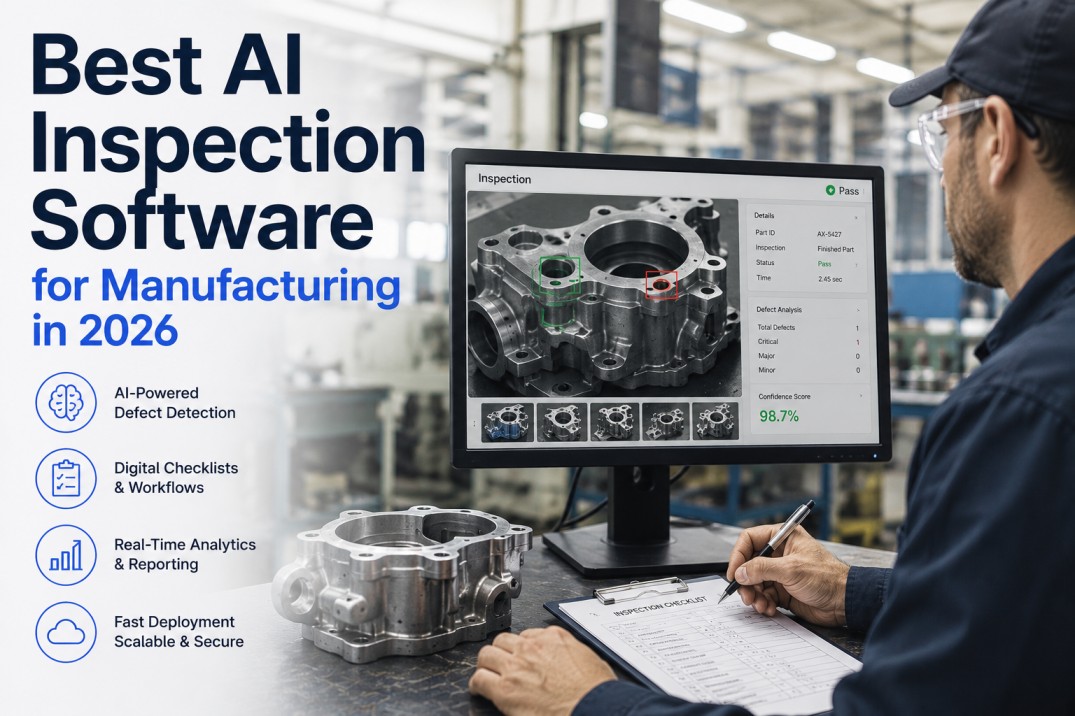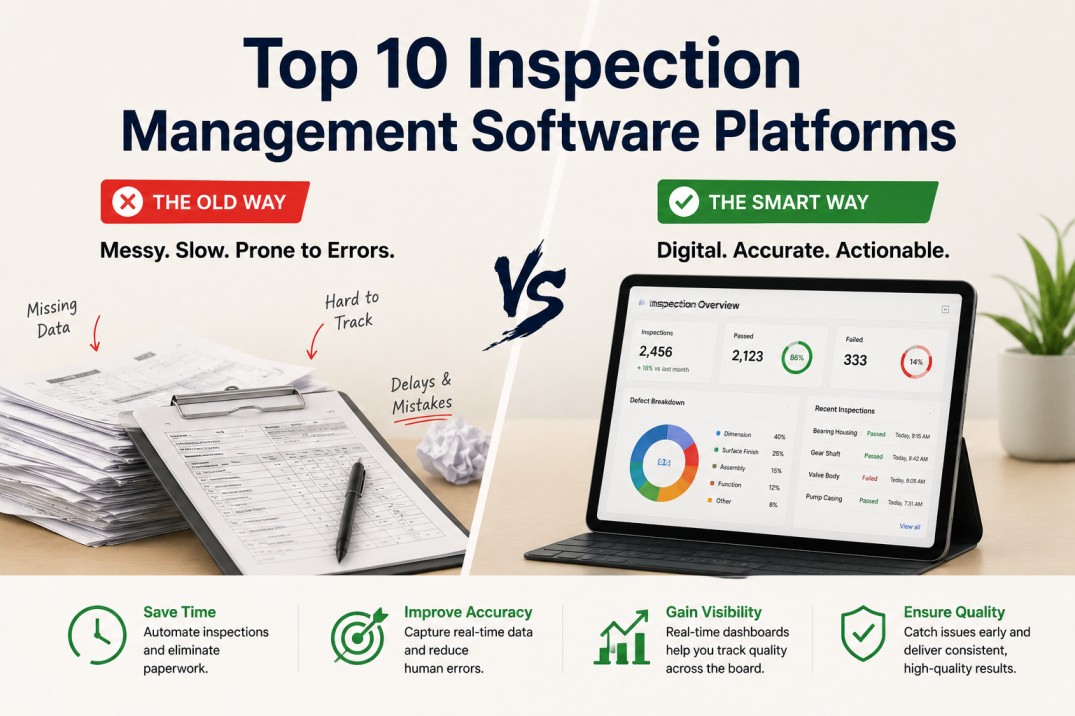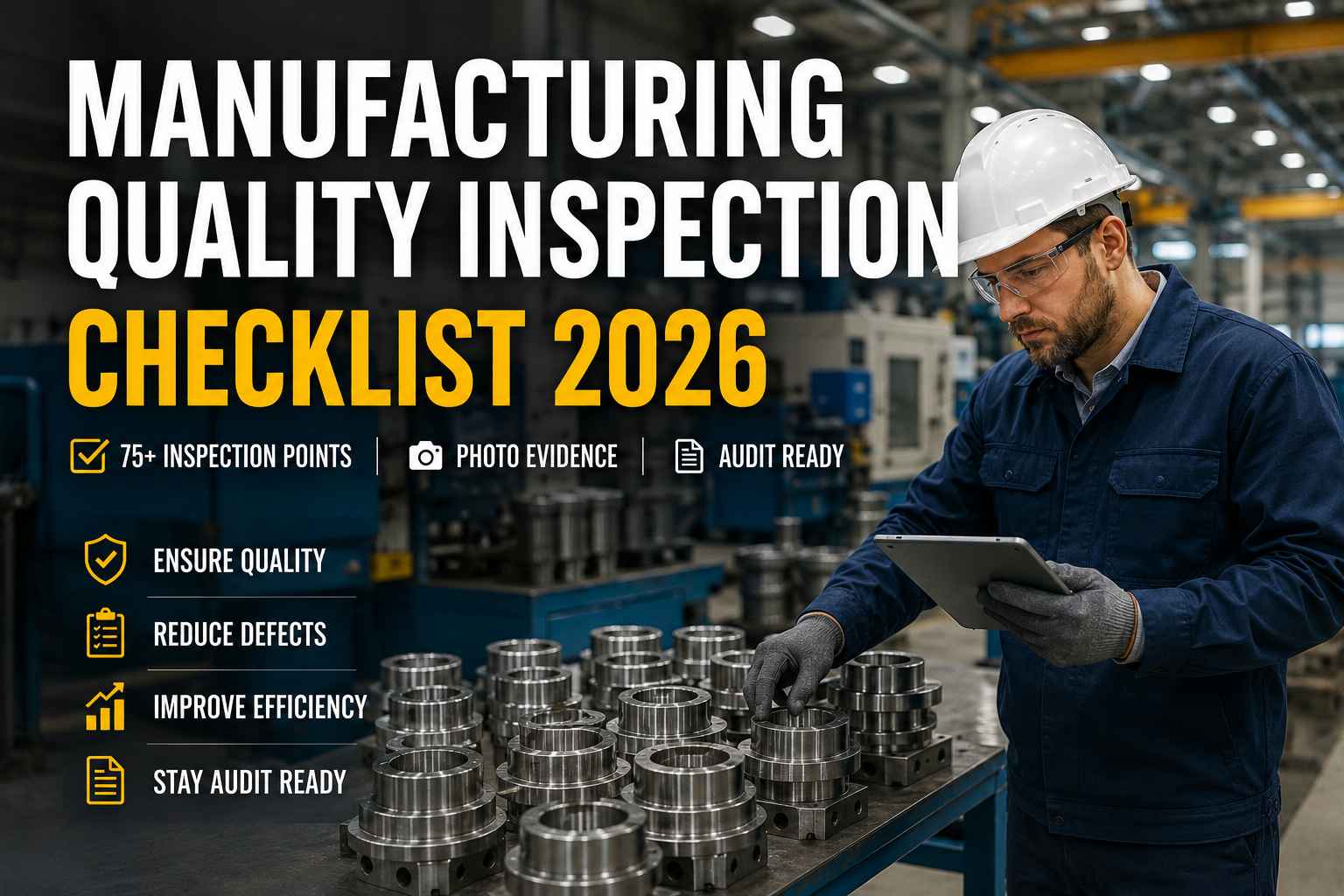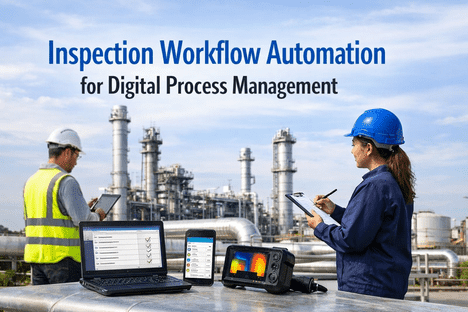
Inspection management software is the digital platform that replaces paper checklists, spreadsheet-based inspection logs, and manually assembled quality records with a structured, auditable workflow — capturing inspection results, photos, non-conformances, and corrective actions in real time at the point of inspection. In 2026, the term covers a spectrum from basic mobile checklist apps to AI-powered platforms that combine digital inspection workflows with computer vision for automated defect detection. This guide explains what inspection management software does, which types of manufacturing and regulated-industry operations need it, how to evaluate it, and how iFactory's AI-layered approach differs from conventional digital inspection tools.
iFactory: AI-Powered Inspection Management — Digital Checklists + Vision AI
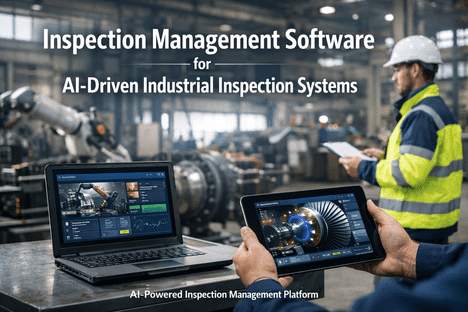
iFactory combines structured digital inspection workflows with AI visual inspection — so your operators complete inspection checklists on a tablet while the AI camera layer continuously screens for surface defects, dimensional deviations, and assembly errors in parallel.
What Inspection Management Software Does
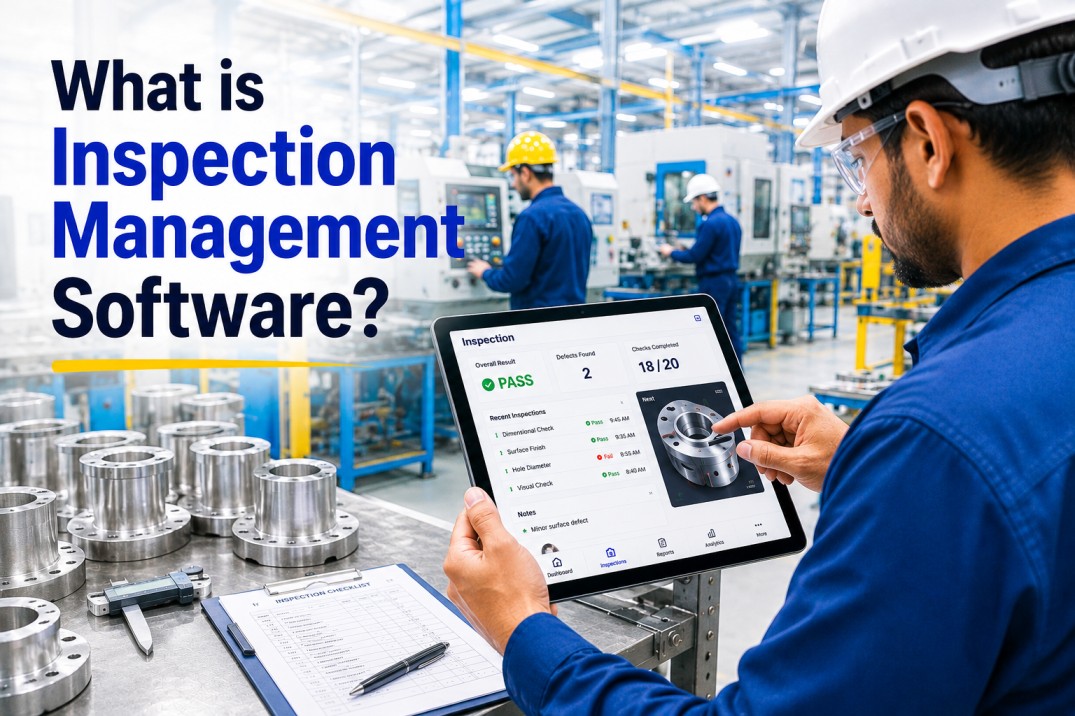
At its core, inspection management software digitises the inspection workflow — converting a paper checklist or a spreadsheet form into a structured digital record that captures each result, timestamp, inspector identity, and photo evidence at the moment of inspection. The platform then routes non-conformances to corrective action workflows, generates inspection reports automatically, and retains records in a searchable, audit-ready repository. The distinction between basic digital checklist apps and enterprise inspection management platforms lies in four capabilities: integration depth, AI capability, regulatory compliance features, and the ability to link inspection data to production and quality management systems.
Digital Inspection Checklists
Replace paper forms with structured digital checklists that capture measured values, pass/fail results, and photos against defined inspection criteria — with each entry timestamped and linked to the inspector's identity.
Non-Conformance Management
Any inspection finding outside specification automatically opens an NCR (non-conformance report), assigns an owner, and triggers a corrective action workflow — eliminating the gap between finding a defect and acting on it.
Auto-Generated Reports
Inspection reports generated automatically from the captured data — complete with all actuals, photos, gauge references, and e-signature. No manual report assembly, no transcription from paper to system.
Audit Trail and Record Retention
Every inspection record is timestamped, identity-linked, and retained in a searchable repository. Audit-ready records recoverable by lot number, part number, inspector, or date in seconds.
Integration with QMS and ERP
Inspection results linked to production orders, lot numbers, and supplier records from the ERP. Non-conformances linked to CAPA workflows in the QMS. A complete quality record without manual data re-entry.
AI Visual Inspection Layer
Advanced inspection management platforms add a computer vision layer — cameras and AI models that automatically detect surface defects, dimensional deviations, and assembly errors in parallel with operator inspection.
Which Operations Need Inspection Management Software
Any manufacturing or regulated-industry operation that produces inspection records, manages non-conformances, or submits quality documentation to customers or regulators has a use case for inspection management software. The urgency is highest in operations where the cost of a quality escape — a defective product reaching a customer — exceeds the cost of prevention by an order of magnitude. Automotive OEM suppliers, aerospace manufacturers, pharmaceutical production, medical device assembly, and electronics manufacturers all operate in categories where this cost asymmetry makes digital inspection a business-critical system, not a convenience.
IATF 16949 and AS9100 both require documented inspection results traceable to specific lots and revisions. Customer-specific requirements from Ford, GM, Boeing, and Airbus mandate digital inspection records for PPAP submissions, first article inspections, and ongoing production quality records. Paper-based systems create audit risk that digital inspection eliminates.
FDA 21 CFR Part 11 requires electronic records to be equivalent to paper records in terms of integrity and auditability. An inspection record that can be modified without an audit trail, backdated, or deleted is not 21 CFR Part 11 compliant — regardless of whether it is stored digitally. Modern inspection management platforms built for pharma enforce all Part 11 requirements natively.
HACCP-based inspection programmes — CCP monitoring, sanitation verification, allergen controls — require documented inspection records at defined frequencies. A HACCP inspection system that relies on paper logs creates the same food safety risk that HACCP was designed to eliminate: a record gap that prevents investigation and traceability when a contamination event occurs.
Any line producing more than 50,000 units per month where defect cost exceeds $10 per unit makes a compelling ROI case for digital inspection. The reduction in inspection administration time alone — generating reports, filing records, searching for historical data — typically justifies the platform cost within six months.
How to Evaluate Inspection Management Software in 2026
The right question when evaluating inspection management software is not "which platform has the most features?" — it is "which platform connects to my data sources, supports my inspection types, and goes live in a timeline my operation can absorb?"
List every inspection type your operation runs: IQC receiving inspection, IPQC in-process inspection, OQC final inspection, first article inspection, supplier audit, equipment inspection. The platform must support all types — not only the one demonstrated in the sales process.
Ask each vendor to demonstrate a live connection to your ERP (SAP, Oracle, Dynamics) and your existing QMS. A platform that cannot pull production orders and lot numbers from your ERP requires manual data entry that recreates the error risk you are trying to eliminate.
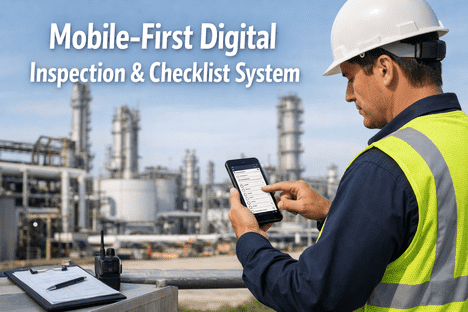
Inspect at the machine, at the dock, at the supplier — not at a desktop in the quality office. The platform must work on a tablet or phone, offline where connectivity is unreliable, and with gloves on. A mobile experience that requires a stylus or fine motor precision fails on the production floor.
AI visual inspection is genuinely valuable when the model is trained on your specific defect types and product geometry. Ask vendors: what data is required to train the model, how long does training take, what is the measured false positive rate on a production line, and can you see it demonstrated on a product similar to yours?
Ask for reference customers in your industry and plant size, running the platform in production — not in pilot. Ask them: how long did go-live take, what integration issues were encountered, and what is the platform's uptime record in production?
How iFactory Differs From Conventional Inspection Software
Most inspection management platforms digitise the inspection workflow — replacing paper with a digital form. iFactory does this and adds an AI visual inspection layer that monitors production continuously in parallel with operator inspection. The practical difference is coverage: an operator running a 100-point inspection checklist on a 400-unit lot can inspect every unit at one or two characteristics while the AI camera inspects every unit at every surface feature simultaneously. The combination delivers the process compliance of structured operator inspection and the throughput and consistency of automated AI inspection in a single platform.
Standard Inspection Software
- Digital checklist replacing paper forms
- Operator enters results manually per inspection plan
- Photos attached manually to findings
- NCR opened manually when defect found
- Report generated after inspection complete
- No continuous monitoring between operator checks
iFactory — AI-Layered Inspection
- Digital checklist + AI vision inspection running in parallel
- Operator records measurement values; AI screens all units continuously
- Photos captured automatically by AI system at point of detection
- NCR opened automatically when AI or operator detects non-conformance
- Report generated in real time — complete at inspection close
- Continuous AI monitoring between operator inspection points
Frequently Asked Questions
What is the difference between inspection management software and a QMS?
A Quality Management System (QMS) is the broader platform that manages the complete quality management lifecycle — document control, training records, audit management, CAPA, supplier quality, and inspection records. Inspection management software is a category within the QMS that specifically handles the inspection workflow: checklists, results capture, photo evidence, NCR generation, and inspection reporting. Some QMS platforms include inspection management modules; others integrate with standalone inspection management tools. iFactory is an inspection-first platform that integrates with existing QMS and ERP systems rather than replacing them.
How long does it take to implement inspection management software?
A focused implementation covering a single inspection type (IQC receiving inspection) on a pilot line should be achievable in two to four weeks from data connection to go-live. Full plant rollout across multiple inspection types and production lines typically takes six to twelve weeks depending on integration complexity and the number of inspection plans to be configured. iFactory's typical go-live timeline is two weeks for the pilot line, with full plant implementation in six to eight weeks. Book a Demo to discuss your specific scope. Book a Demo today.
What is AI visual inspection and how does it differ from traditional machine vision?
Traditional machine vision uses rule-based algorithms — a defect is detected when a specific pixel pattern or measurement falls outside a defined range. These rules must be manually programmed for each defect type and product geometry, making them brittle when product variations or lighting conditions change. AI visual inspection uses deep learning models trained on images of conforming and non-conforming products — the model learns to recognise defects from examples rather than rules, Book a Demo to see AI visual inspection running. Deep learning makes it far more robust to variation and capable of detecting defect types that were not explicitly programmed.
Does inspection management software work offline on the production floor?
It should. Connectivity on production floors — near large equipment, in paint booths, in cold stores — is often unreliable. A production-grade inspection management platform must support offline operation: the inspector completes the checklist and captures photos offline, and the data syncs to the platform when connectivity is restored. iFactory supports offline inspection on iOS and Android tablets, with automatic sync when the device reconnects to the plant network.
What is the ROI of digital inspection management software?
ROI from inspection management software comes from five sources: reduction in inspection administration time (report generation, record filing, searching); reduction in quality escape costs (defects that reach customers); reduction in internal scrap and rework through faster defect detection; reduction in audit preparation time; and reduction in supplier dispute resolution time through better quality records. Most manufacturers calculate payback within six to twelve months of go-live. Book a Demo to discuss your ROI case on the combination of inspection time savings and quality escape reduction.
Digital Inspection + AI Vision — Book a Live Demo on Your Use Cases
iFactory combines structured digital inspection management with AI visual inspection in a platform that goes live in two weeks. See it demonstrated on your inspection types, connected to your ERP, running on your product types.
.jpg)
-for-manufacturing.jpg)