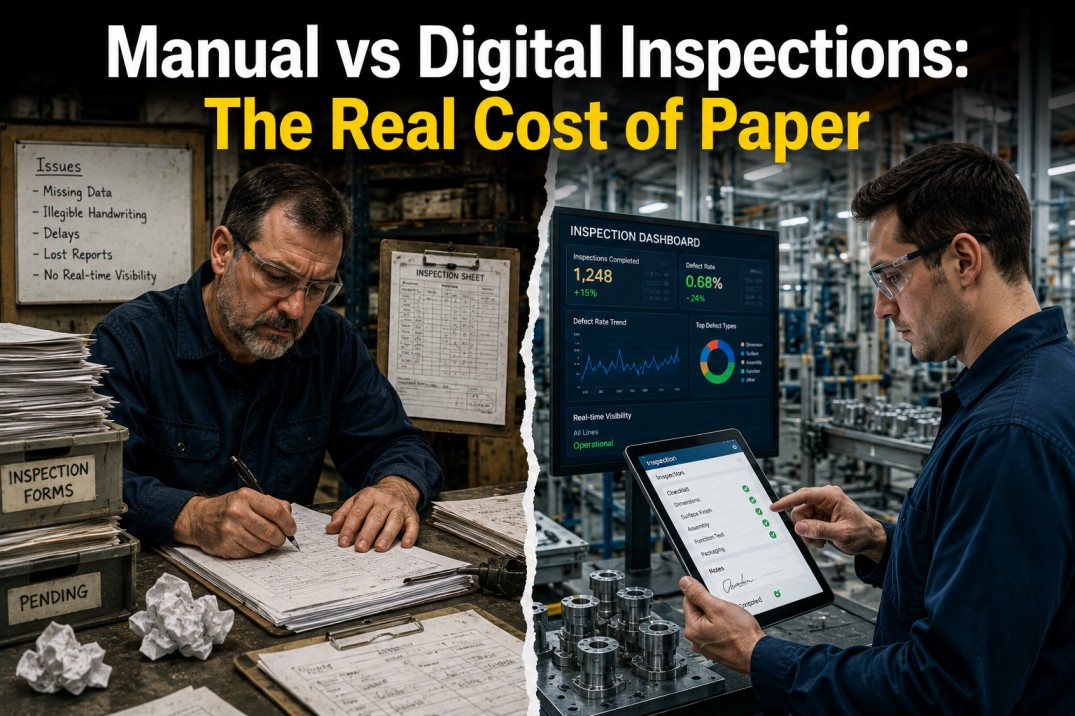
Every plant manager knows the feeling — another audit finding, another missed defect traced back to a paper form that sat in a binder for two weeks before anyone looked at it. Paper inspections are not just inefficient; they are costing manufacturers an average of $186,000 per year in rework, data entry labor, and compliance penalties. This guide breaks down the real cost of paper, compares it to digital inspection data, and shows why leading plants are making the switch.
iFactory digitizes your quality process from the production line to the boardroom with mobile checklists, real-time alerts, and audit-ready records.
The Hidden Cost of Paper Inspections
Most manufacturers know paper inspections are inefficient, but few have quantified the true cost. When you factor in lost defect data, delayed CAPA responses, audit penalties, and rework, the annual expense of a paper-based system often exceeds six figures for a mid-size plant.
Digital inspections eliminate these hidden costs by capturing data at the point of inspection, triggering workflows instantly, and building a searchable audit trail. The numbers below reflect real data from plants that have made the transition.
Paper vs Digital: Annual Cost Comparison
Based on aggregate data from 47 mid-size manufacturing plants with 200 to 500 employees, the cost gap between paper and digital inspection systems is substantial. The table below breaks down six major cost categories.
| Cost Category | Paper Inspection | Digital Inspection | Annual Savings |
|---|---|---|---|
| Data entry labor | $42,000 | $8,000 | $34,000 |
| Defect rework | $125,000 | $38,000 | $87,000 |
| Audit preparation | $28,000 | $4,000 | $24,000 |
| CAPA administration | $35,000 | $9,000 | $26,000 |
| Forms and storage | $18,000 | $2,400 | $15,600 |
| Non-conformance penalties | $22,000 | $3,500 | $18,500 |
| Total annual cost | $270,000 | $64,900 | $205,100 |
iFactory pays for itself in the first year. Join 500+ manufacturers who have digitized their quality process and cut costs by 76%.
Why Paper Fails in Modern Quality
Paper inspection systems were designed for slower production lines and simpler regulatory requirements. Today's manufacturing environment demands real-time data, complete traceability, and rapid corrective action.
Defect data sits on paper and is only entered into the system days or weeks later, making real-time quality decisions impossible.
Operator handwriting is frequently misread, leading to incorrect data entry and flawed quality reports that mask real problems.
Paper forms get lost, damaged by shop-floor conditions, or misfiled, creating gaps in your audit trail and compliance exposure.
Data trapped on paper prevents trend analysis, pattern recognition, and proactive quality improvements across shifts and production lines.
Audits require hours of manual file pulling and sorting through binders. Digital records reduce response from days to minutes.
How Digital Inspections Work
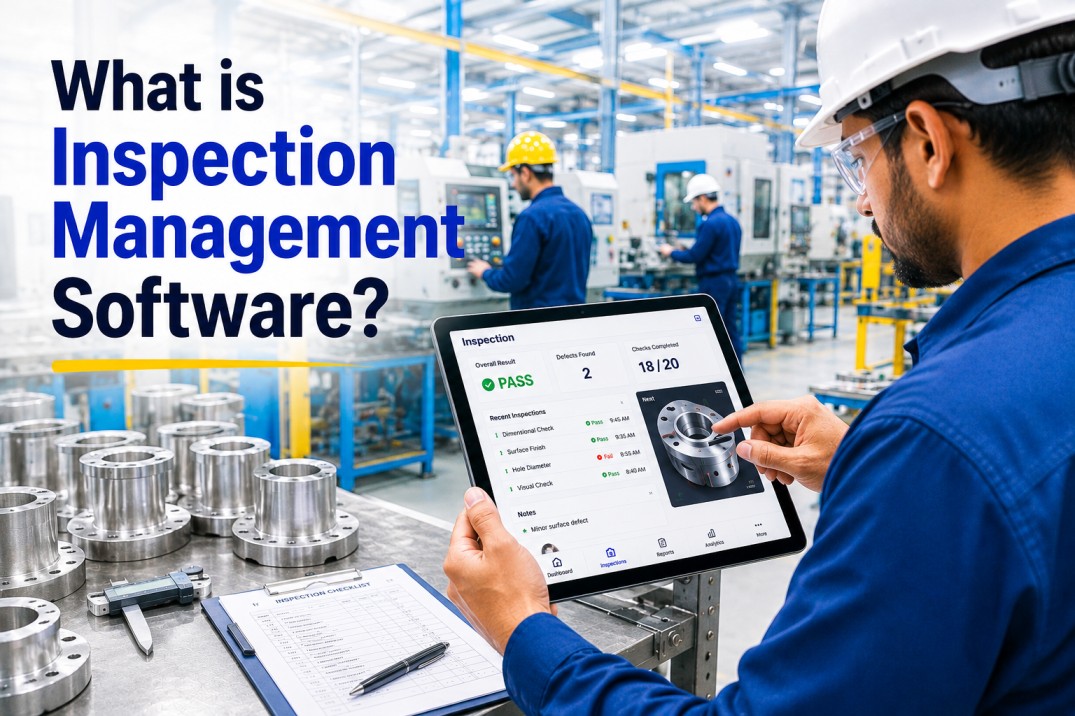
Digital inspection platforms like iFactory replace paper binders with a connected workflow that captures, analyzes, and acts on quality data in real time. The process follows six steps from configuration to continuous improvement.
Replicate your paper checklists as digital forms with dropdowns, numeric fields, barcodes, and photo capture. Deploy in days, not months.
Push checklists to specific operators, lines, or shifts automatically. Everyone knows exactly what to inspect and when.
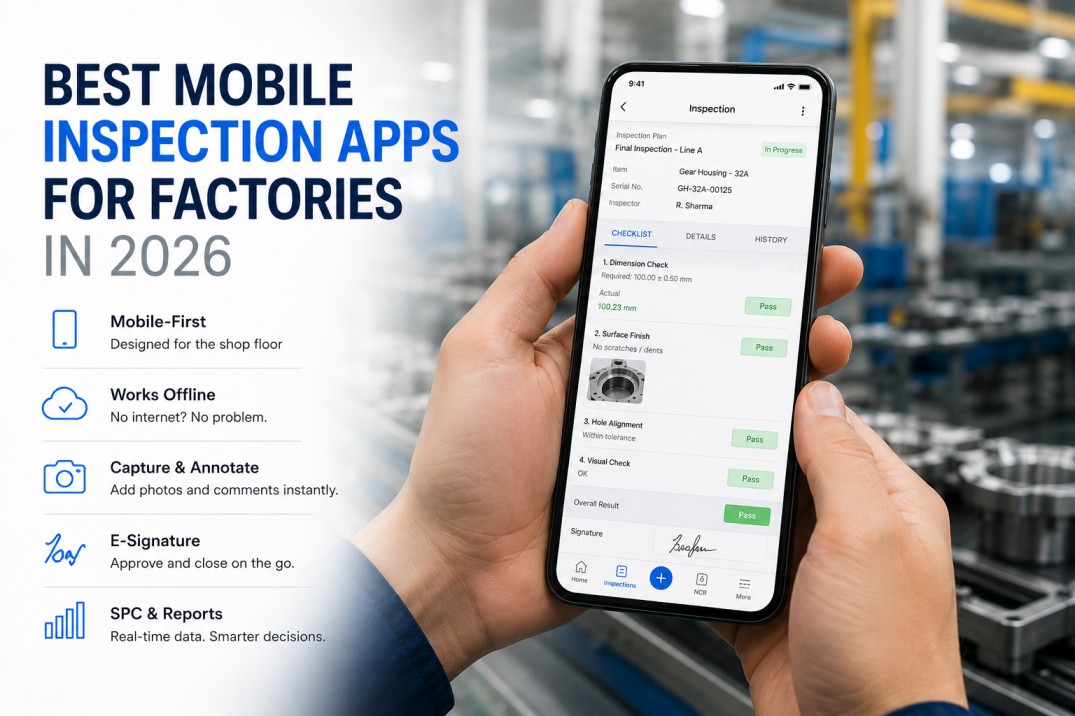
Operators complete inspections on tablets or phones at the point of production. Offline mode ensures no data loss on the factory floor.
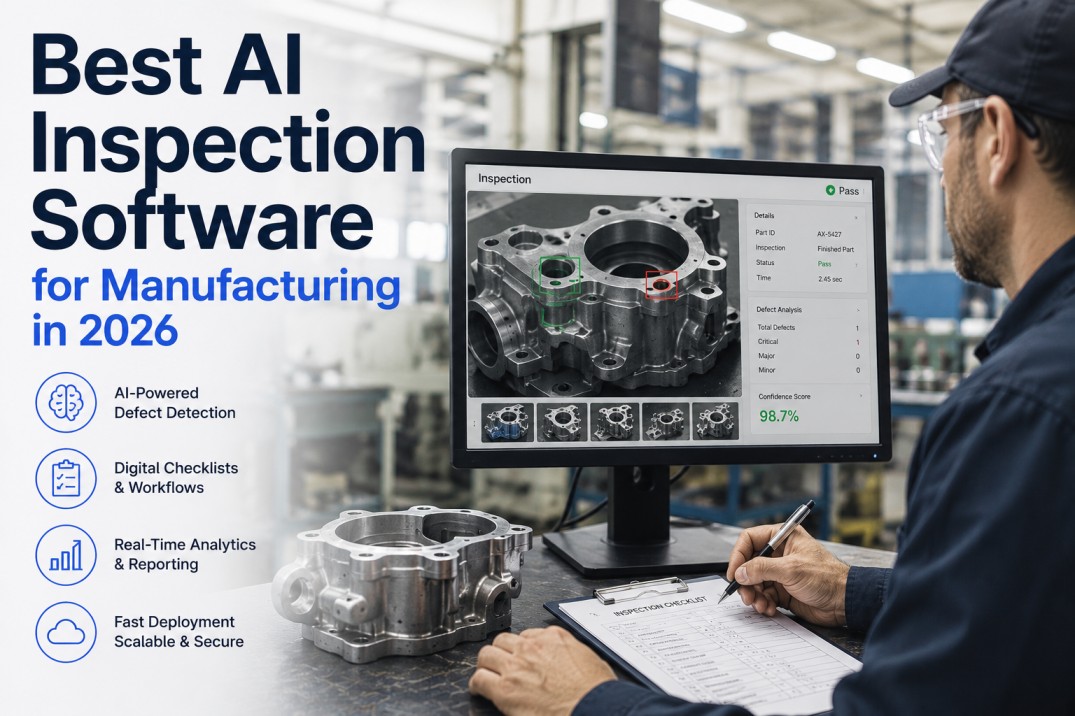
Pass or fail rules evaluate measurements instantly. Out-of-spec results trigger real-time alerts to supervisors and quality engineers.
Failed inspections automatically initiate CAPA workflows. No paper routing, no manual handoffs, no delays between detection and response.
Real-time dashboards show defect trends by line, shift, product, and operator. Audit-ready records export with one click.
Digital Inspection Benefits
Switching to digital inspections with iFactory transforms your quality process from reactive to proactive. Every inspection becomes a data point in a continuous improvement system.
Operators capture inspection data on mobile devices at the point of production with configurable digital forms that mirror existing paper checklists.
Automated pass or fail rules catch out-of-spec conditions instantly. Operators receive immediate alerts when measurements fall outside tolerance.
Real-time dashboards show defect trends by line, shift, product, and operator. Management sees quality data as it happens without waiting for end-of-shift reports.
Any failed inspection triggers a corrective action workflow instantly. No paper routing, no manual handoffs, no delays between detection and response.
Every inspection is stored with timestamps, operator ID, and results. Generate audit-ready reports for any date range with one click instead of hours of file pulling.
Inspections work fully offline on the factory floor. Data syncs automatically when connectivity is restored with no interruptions, no lost records, no compromises.
Industries That Benefit Most
Digital inspections deliver value across regulated manufacturing environments where traceability, defect prevention, and audit readiness are critical to operations.
IATF 16949 compliance, PPAP documentation, and layered process audits require inspection data that is complete, traceable, and audit-ready at all times.
AS9100 and NADCAP requirements demand rigorous inspection documentation. Digital systems eliminate the risk of lost or incomplete records.
FDA 21 CFR Part 11 and ISO 13485 compliance requires validated inspection processes with electronic signatures and complete audit trails.
SQF and FSSC 22000 standards require real-time monitoring of CCPs and critical quality attributes with documented corrective actions.
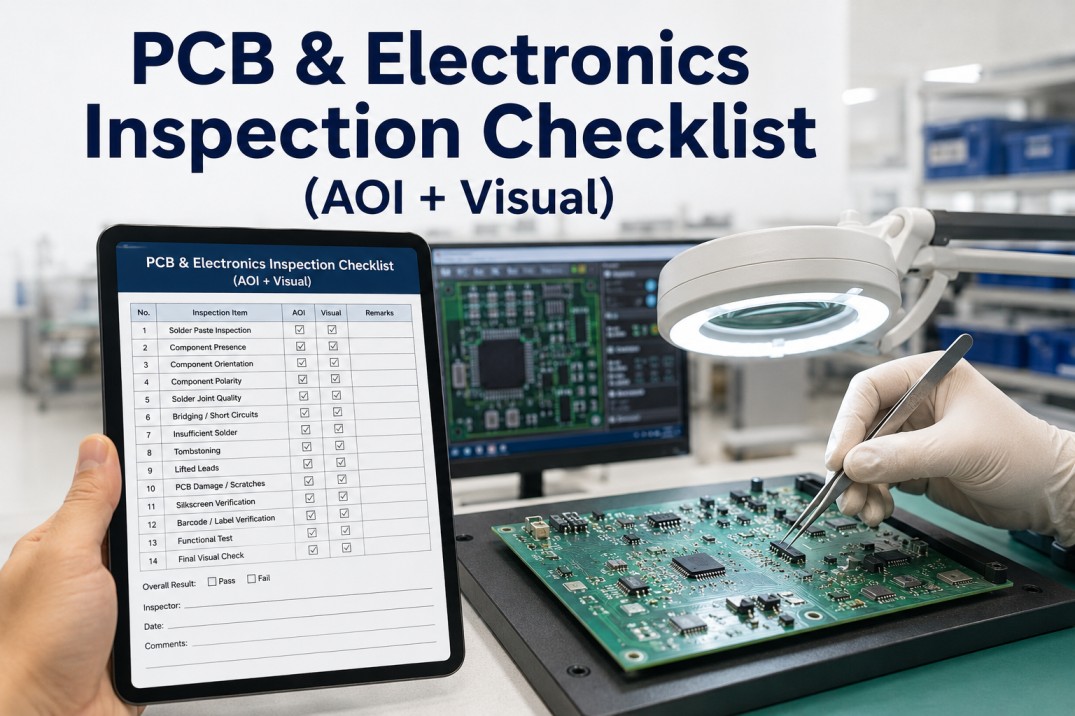
IPC standards and high-volume production require fast, accurate inspection data to catch defects before they compound downstream.
Key Features to Look For
Not all digital inspection platforms are equal. When evaluating solutions, prioritize these capabilities to ensure a successful deployment and maximum return on investment.
Your inspection process is unique. Look for platforms that let you build custom forms with dropdowns, numeric fields, barcode scanning, and photo attachments without coding.
Factory floors frequently have connectivity gaps. The platform must support fully offline inspection with automatic sync when connectivity is restored.
Instant notifications for out-of-spec conditions ensure supervisors and quality engineers can respond immediately rather than discovering issues at the end of the shift.
The platform should automatically initiate corrective action workflows from failed inspections, eliminating paper routing and manual handoffs between teams.
Live dashboards and trend reports help quality teams identify recurring defect patterns and drive continuous improvement across lines, shifts, and products.
Seamless integration with existing ERP and QMS platforms ensures inspection data flows into your enterprise systems without manual data entry or custom middleware.
Frequently Asked Questions
Most plants go live within two to four weeks. iFactory configurable forms let you replicate existing paper checklists digitally in days, and operators are typically productive after a single shift of training.
No. The mobile interface is designed for shop-floor use with large touch targets, barcode scanning, and intuitive pass or fail logic. Most operators are fully independent after a single shift session.
Yes. iFactory mobile app works fully offline. Inspections are captured and stored locally on the device and sync automatically when connectivity is restored with no data loss and no workflow interruption.
Based on the cost comparison above, most mid-size plants save $150,000 to $200,000 annually after switching to digital inspections. Full payback is typically achieved within three to six months of deployment.
Yes. iFactory integrates with major ERP and QMS platforms including SAP, Oracle, and IQMS. Inspection results flow directly into your existing systems without manual data entry or custom middleware.
Schedule a personalized demo and see how iFactory digitizes your quality process from the production line to the boardroom. Trusted by 500+ manufacturers across North America.

.jpg)