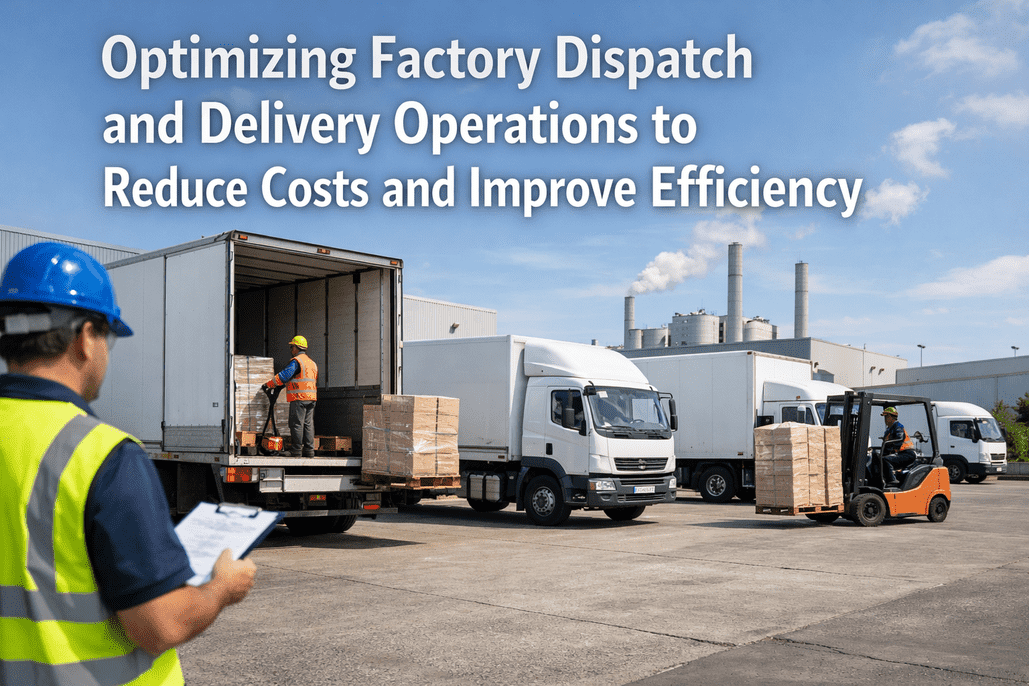
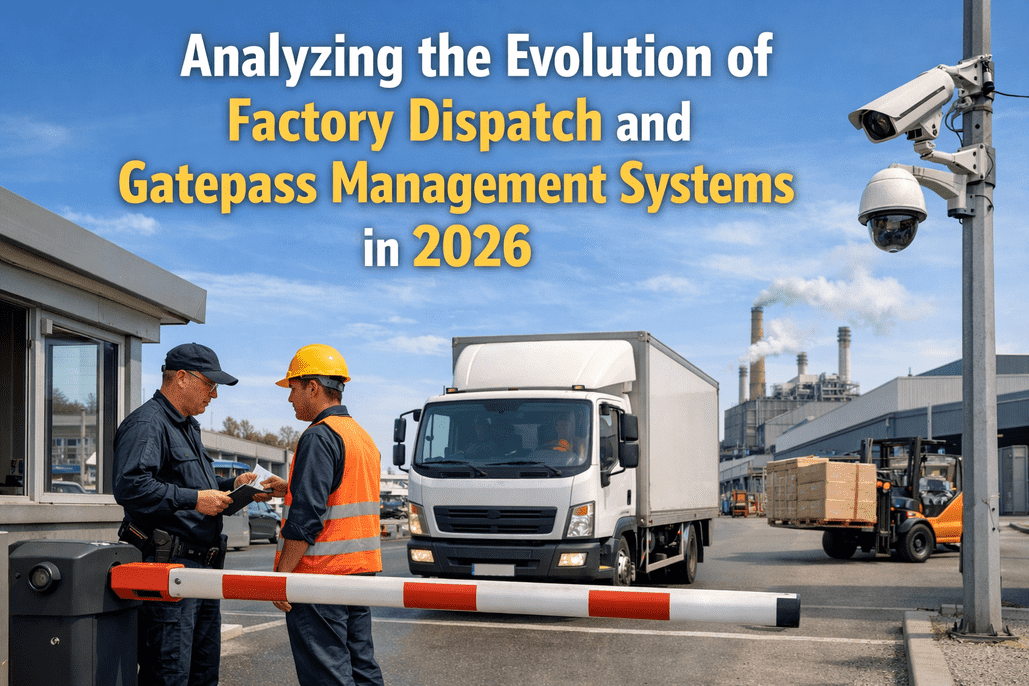
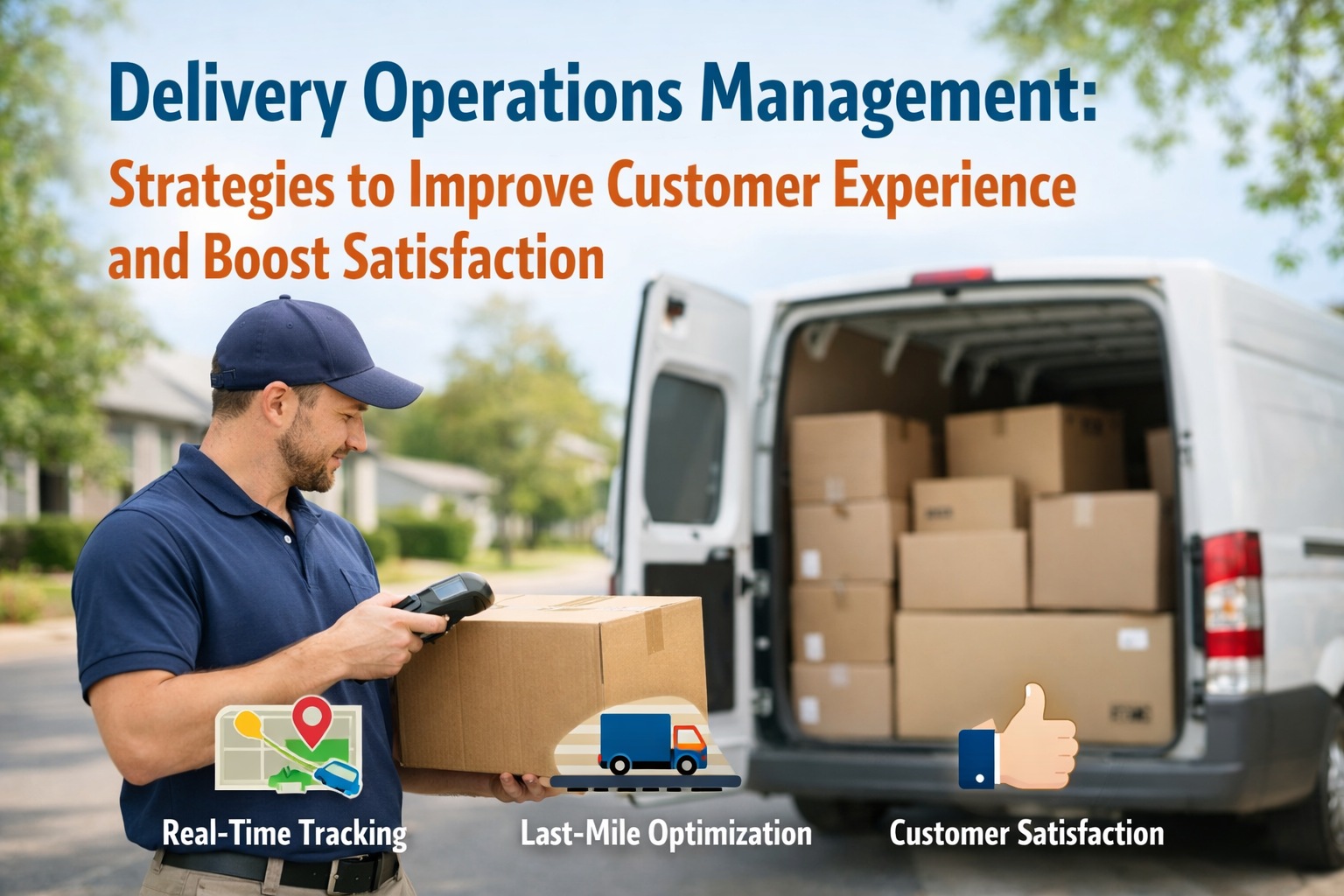
A food processing plant in Maharashtra expanded from two production lines to five in 18 months. Inbound vehicle volume doubled. The gate still had two security staff and a paper register. By the time the third production line came online, the gate queue was backing vehicles onto the main access road by 9 AM. The receiving dock processed 60 shipments per day, but the stores team was still reconciling paper GRNs against handwritten dock registers. Three dispatch supervisors managed outbound sequencing on whiteboards. At peak, they were managing 80 outbound movements per day on a system that was built for 30. The plant's production capacity had scaled. Its delivery department had not. This is the defining operational gap facing manufacturing operations in 2026: factories that scale production without scaling their delivery department infrastructure create a compounding bottleneck that limits throughput, inflates cost, and generates compliance gaps faster than any other single operational decision. Talk to our support team to assess your delivery department's current scaling gap.
Factory Operations · Blog Post · 2026
Scaling Factory Delivery Departments: Strategies for Optimizing Internal Operations and Gatepass Management
Scaling production without scaling your factory delivery department creates a compounding operational bottleneck. Gate queues, receiving backlogs, dispatch sequencing failures, and compliance gaps grow faster than vehicle volume — unless the department's digital infrastructure scales with the operation. This guide covers the strategies, systems, and metrics that matter when you are growing fast and your delivery department needs to keep up.
72%
Of manufacturers have partially implemented smart factory strategy — delivery departments lag behind every other function
87%
Gate pass processing time reduction achievable — from 15–20 min manual to under 2 min digital
280+
Minutes of dock time lost daily in a 20-vehicle factory running manual gate pass processing
14 days
iFactory go-live timeline — fully operational digital delivery department from decision to deployment
Why Scaling Breaks Delivery Departments
The 6 Delivery Department Failure Modes That Emerge When Production Volume Doubles
When production volume grows, delivery department failure modes don't scale linearly — they compound. A system that handles 20 inbound vehicles on paper can barely process 30 before it starts generating queues, errors, and compliance gaps that take disproportionate time and cost to resolve. These are the six failure modes that appear first when a factory delivery department hits its scaling limit.
Failure Mode 01
Gate Queue Compounding
Manual gate processing at 15–20 minutes per vehicle works when arrivals are staggered. At scale, peak arrival windows create queues where vehicles 5–10 deep are waiting while the first vehicle is still being processed — generating detention charges, driver frustration, and inbound material delays simultaneously.
Trigger point: Vehicle arrival volume exceeds 15–20 inbound vehicles per peak hour window.
Failure Mode 02
Receiving Backlog Accumulation
At 45–60 minutes per shipment on manual receiving, a dock processing 30 shipments per day consumes 22.5–30 hours of dock labor — impossible with a fixed team. Unprocessed shipments accumulate on dock floors, GRN backlogs grow, and supplier payment cycles extend while accounts payable waits for receiving records.
Trigger point: Shipment volume grows faster than receiving staff headcount can absorb manually.
Failure Mode 03
Dispatch Sequencing Collapse
Whiteboard dispatch sequencing works for 20–30 outbound movements. At 60–80, the supervisor's cognitive load exceeds what manual sequencing can manage reliably. SLA misses become frequent. High-priority shipments get loaded in the wrong sequence. The 2–3% manual dispatch error rate that was acceptable at small scale generates a disproportionate cost impact at high volume.
Trigger point: Outbound movements exceed 50 per day with more than 3 SLA priority tiers.
Failure Mode 04
Internal Material Visibility Loss
When a single production line receives materials, informal communication fills the tracking gap. When five lines are running simultaneously with 40+ inbound batches per shift in various stages of receiving, inspection, and transfer, "walking over to check" becomes a full-time job. Production stoppages traced to "material unavailability" that are actually locating failures multiply with every line added.
Trigger point: More than 3 production lines drawing materials from a shared receiving dock simultaneously.
Failure Mode 05
Returnable Asset Loss Acceleration
Returnable gate pass item recovery rates that were mediocre at small scale become unmanageable at high volume. A spreadsheet tracking 50 active RGP dispatches is loosely manageable. At 300 active RGPs with 20–30 new dispatches per week, the 8–12% annual loss rate generates a material cost exposure that becomes line-item visible in the P&L.
Trigger point: Active RGP dispatches exceed 100 items at any point in time.
Failure Mode 06
Compliance Documentation Gaps
Paper-based compliance records that cover one facility with 20 vehicles are difficult to maintain at scale across two facilities with 80 vehicles. Audit responses that took 4 hours to assemble manually at small scale take days at high volume — and auditors notice the gaps that grow when documentation is assembled retrospectively rather than captured in real time.
Trigger point: Multi-site operations, customer quality audits, or regulatory inspections begin requiring standardized cross-facility records.
The Scaling Data Gap
What Scales Automatically in Your Factory — and What Requires Active Digital Infrastructure to Scale
Scales Automatically With Production Volume
Production capacity — adding lines scales output without proportional admin increase
OEE tracking — digital production monitoring scales to additional lines automatically
ERP purchase order generation — scales with procurement volume without staff increase
Inventory system records — item master and location records scale with SKU count
Quality control documentation for production batches — systems scale to batch volume
Maintenance scheduling for additional equipment — CMMS handles portfolio growth
Financial reporting across expanded operations — ERP consolidates multi-site P&L
Sales order management — CRM and ERP scale to order volume without delivery dept. impact
Requires Active Digital Infrastructure to Scale
Gate pass processing — manual registers break at scale, generating queues and compliance gaps
Inbound receiving verification — paper PO matching cannot keep pace with shipment volume growth
Dispatch sequencing — whiteboard management collapses when outbound volume doubles
Internal material tracking — verbal and paper-based transfer records fail at multi-line scale
Vehicle inspection enforcement — paper checklists go incomplete when inspector time is pressured
Returnable asset recovery — spreadsheet RGP tracking loses accuracy above 100 active items
Incident documentation — paper incident records become unmanageable at high event frequency
Cross-site delivery visibility — no unified view of multi-facility gate and dock operations
8 Scaling KPIs
8 Factory Delivery Department KPIs That Determine Whether Your Operation Can Scale — and What Digital Infrastructure Delivers
87%
Gate Pass Processing Time Reduction
Digital pre-registration cuts gate processing from 15–20 min to under 2 min. At scale, this is the difference between a gate that handles 60 vehicles per day smoothly and one that generates queues at 25.
Manual: 15–20 min/vehicleDigital: under 2 min
78%
Faster Inbound Receiving Completion
Mobile PO verification drops receiving from 45–60 min to under 10 min per shipment. At 60 shipments per day, this recovery determines whether your receiving dock keeps pace with production demand or creates a daily backlog.
Manual: 45–60 minDigital: under 10 min
90%
Dispatch Error Rate Reduction
SLA-priority automation drops dispatch errors from 2–3% to under 0.3%. At 80 outbound movements per day, the 2–3% manual error rate generates 1–2 mis-sequenced dispatches daily — each requiring re-dispatch labor and customer SLA penalty exposure.
Manual: 2–3% errorsDigital: under 0.3%
100%
Audit Trail Coverage at Scale
Every gate event, receiving record, and dispatch movement timestamped automatically — regardless of volume. Manual records degrade in completeness as volume grows. Digital records maintain 100% coverage whether you process 20 or 200 vehicles per day.
Manual: degrades with volumeDigital: 100% at any scale
40%
Reduction in Inbound Delays
A 20-vehicle factory loses 280+ minutes of dock time daily on manual gate passes. A 60-vehicle factory loses 840+ minutes — nearly 14 hours. Digital workflows recover 40% of this, maintaining dock throughput as vehicle volume grows without proportional staff additions.
Manual: 840+ min lost at scaleDigital: 40% recovered
97%+
Returnable Asset Recovery Rate
Automated return-due alerts and an active RGP register recover 97%+ of returnable items — eliminating the 8–12% annual loss rate that becomes a P&L line item when RGP dispatch volume is high. Spreadsheet tracking breaks above 100 active RGP items.
Manual: 8–12% annual lossDigital: 97%+ recovery
3–6 mo
Full Platform Payback Period
Recovered dock time, eliminated dispatch errors, reduced compliance overhead, and returnable asset recovery deliver full platform payback in 3–6 months. ROI accelerates at higher volume — the value of each efficiency gain multiplies with the number of vehicles and transactions per day.
Legacy platforms: 18–24 moiFactory: 3–6 months
$25.5B
Market Context — Delivery Management Software
The global delivery management software market grows from $11.6B in 2025 to $25.5B by 2035. Factory delivery department digitization is the fastest-growing adoption segment — driven by manufacturers discovering the scaling wall their manual processes hit during production expansion.
2025: $11.6B market2035: $25.5B projected
Your Production Capacity Is Scaling. Your Delivery Department Needs to Scale With It — Before the Bottleneck Costs You More Than the Expansion Earned.
iFactory digitalizes gate pass management, inbound receiving, dispatch sequencing, and internal material tracking — purpose-built to scale from 20 vehicles per day to 200 without proportional staff increases. Live in 14 days.
Talk to our support team for a capacity assessment specific to your expansion plan.
5-Stage Scaling Framework
How iFactory Scales Each Factory Delivery Department Function Without Proportional Staff Addition
Each of the five core delivery department functions has a specific scaling mechanism in iFactory — a digital workflow that replaces the manual bottleneck that breaks when volume doubles. This is the five-stage framework for delivery department scaling.
01
Gate Pass Scaling — Pre-Registration Eliminates the Queue Regardless of Volume
At manual gate processing speeds, the only way to handle 60 vehicles per day without queues is to staff more gates. iFactory's digital gate pass scales the throughput without adding staff by shifting the processing load to before the vehicle arrives. Drivers pre-register via mobile — uploading vehicle details, cargo manifest, and delivery reference before departing the supplier location. When they arrive at your gate, security scans the QR code and approves in under 90 seconds. There is no lookup, no phone call, no handwriting. The gate processes 3× the volume with the same team because the work happens before the vehicle is physically present.
3× throughput, same gate team
Zero queue buildup at scale
Auto dwell time capture
02
Inbound Receiving Scaling — Mobile Verification Replaces Paper PO Matching at Any Volume
Manual receiving is a linear labor function — more shipments require proportionally more staff hours. Digital receiving with mobile PO verification is a throughput function — the same receiving staff processes 5× the shipment volume because each verification takes 10 minutes instead of 45–60. Each mobile scan simultaneously updates the GRN, flags discrepancies, captures photo proof of delivery, and generates the chain-of-custody record — four manual steps compressed into one scan. At 60 shipments per day, the difference between 10-minute and 50-minute receiving cycles is the difference between a dock that is current at end of shift and one that accumulates a backlog from 9 AM.
5× shipment throughput per staff member
Real-time discrepancy detection
Auto GRN and chain-of-custody
03
Dispatch Scaling — SLA-Priority Automation Replaces Whiteboard Sequencing at High Volume
A dispatch supervisor managing 30 outbound movements on a whiteboard can track priorities mentally. At 80 movements with 4 SLA tiers, three vehicle types, and 6 loading bays, the cognitive load exceeds reliable manual management. iFactory's dispatch sequencing engine assigns outbound orders automatically by SLA priority, vehicle type, load capacity, and bay availability — surfacing the next dispatch action for the supervisor rather than requiring them to maintain the full priority map simultaneously. SLA breach risks are flagged 2–3 hours before the miss, not discovered when the customer calls. Dispatch errors drop from 2–3% to under 0.3% while the supervisor's span of control expands from 30 to 100+ movements per day.
100+ outbound movements per supervisor
SLA breach alerts 2–3 hrs early
Under 0.3% dispatch errors
04
Internal Material Tracking Scaling — Digital Transfer Records Replace Verbal Communication at Multi-Line Scale
When one production line is drawing from one dock, verbal communication between dock and floor supervisors fills the tracking gap. When five lines are running simultaneously with 40 inbound batches per shift in various stages of receiving, QC inspection, and storage transfer, there is no verbal communication system that can maintain real-time location awareness across all batches simultaneously. iFactory's internal transfer scan at every handoff point — dock, QC, stores, floor — means any supervisor can query any batch location instantly. The 30–40% of production stoppages attributed to "material unavailability" that are actually locating failures eliminate completely because location is never unknown after the gate scan.
Real-time location at every stage
30–40% search time eliminated
Production stoppage prevention
05
Multi-Site Scaling — Single Dashboard Covers All Facilities Without Separate Systems
The most common scaling failure in factory delivery departments is deploying separate, disconnected systems at each facility as operations expand. Each site ends up with different gate pass formats, different receiving checklists, different dispatch records — and no unified view across the portfolio. iFactory is built as a multi-depot, multi-site platform from the ground up. A single deployment covers all facilities under one dashboard with site-specific configuration for gate workflows, dispatch rules, and compliance templates — while sharing a unified analytics layer that gives operations directors cross-facility visibility from a single screen. Adding a new facility is a configuration exercise, not a new implementation project.
Single dashboard all facilities
Site-specific configuration
New sites in days not months
Measurable Results
What iFactory Customers Measure After Scaling Their Factory Delivery Department Digitally
87%
Gate Pass Time Reduction
From 15–20 minutes manual processing to under 2 minutes per vehicle. A 60-vehicle factory recovers 840+ minutes of dock time daily. The gate team that struggled to process 25 vehicles per day without queues can now process 80+ with the same headcount through pre-registration.
78%
Faster Inbound Receiving
Receiving drops from 45–60 minutes to under 10 minutes per shipment. At 60 shipments per day, this recovery eliminates the receiving backlog that generates GRN delays, supplier payment holds, and stores team overtime — freeing receiving staff capacity for quality verification rather than paperwork.
90%
Fewer Dispatch Errors
Manual sequencing error rates of 2–3% drop to under 0.3% with SLA-priority automation. At 80 outbound movements per day, this eliminates 1–2 mis-dispatches daily — each of which previously consumed re-dispatch labor, customer communication, and SLA penalty exposure that compounds rapidly at high volume.
100%
Audit Coverage at Any Volume
Complete timestamped audit trail for every gate event, receiving transaction, material transfer, inspection result, and dispatch movement — regardless of daily volume. Manual records degrade in completeness as volume grows. iFactory maintains 100% coverage whether you process 20 or 200 vehicles per day.
3–6 mo
Full Platform Payback
ROI accelerates with volume. Recovered dock time, eliminated dispatch errors, reduced compliance overhead, and returnable asset recovery deliver full payback in 3–6 months. At high volume, the value of each efficiency gain multiplies — 1 minute saved per vehicle is worth 10× more at 100 vehicles per day than at 10.
14 days
Go-Live Timeline
From decision to fully operational digital delivery department in 7–14 days. Cloud-based, mobile-first, no IT infrastructure required. Additional facilities added without new implementation projects — configuration only. The delivery department scales at the speed of the business, not the speed of software deployment.
Before vs. After Scaling
Factory Delivery Department — Paper Operations at Scale vs. iFactory Digital Platform at Scale
iFactory · Factory Delivery Department Module
Your production floor has dashboards. Your delivery department deserves the same visibility.
iFactory digitizes every gate pass, inbound receipt, material transfer, vehicle inspection, dispatch event, and incident report — giving your operations team real-time visibility into the department that controls everything that enters and exits your plant. Deploy in 7–14 days. No IT project. No hardware procurement. Results visible from day one.
87%Gate pass time reduction
78%Faster inbound receiving
100%Audit trail coverage
14 DaysFull deployment
Frequently Asked Questions
Scaling Factory Delivery Departments — What Operations Directors and Plant Managers Ask First
At what point does a factory delivery department's manual system hit its scaling limit — and what are the warning signs?
Factory delivery departments typically hit their manual scaling limit when inbound vehicle volume crosses 20–25 vehicles per peak hour window, when daily outbound movements exceed 50 with more than 3 SLA priority tiers, or when active returnable gate pass items exceed 100 simultaneous dispatches. The warning signs appear before the hard limit is reached: gate queues that form within the first hour of the production day and don't clear until mid-morning. Receiving GRN backlogs that grow through the shift rather than clearing. Dispatch supervisors working through lunch to maintain sequencing accuracy. "Material unavailability" production stoppages that the stores team cannot immediately explain. These are not temporary staffing problems — they are symptoms of a delivery department infrastructure that was sized for a previous volume and has not been updated to match current scale. iFactory customers consistently identify that the ROI calculation for digitization accelerates at higher volume — the value of each efficiency gain multiplies with the number of daily transactions.
Talk to our support team for a capacity assessment specific to your current vehicle volume and production expansion plan.
How does iFactory handle multi-site factory delivery department operations — and how does adding a new facility work?
iFactory is architected as a multi-depot, multi-site platform from its foundation — not a single-site tool with a multi-site workaround added later. A single iFactory deployment covers all your facilities under one organizational hierarchy with site-specific configuration for each location. Each site has its own gate pass workflow templates, vehicle inspection checklists, dispatch SLA rules, receiving dock layout, and compliance documentation templates — configured to match the specific operational requirements of that facility. While each site operates independently in its daily workflows, all site data consolidates into a unified analytics dashboard that gives operations directors and VPs cross-facility visibility: gate processing times by site, receiving cycle performance by facility, dispatch error rates across the network, and returnable asset recovery rates per depot. When a new facility is added to iFactory, it is a configuration project — not a new implementation. The core platform is already deployed. New site setup typically takes 3–5 days using iFactory's facility onboarding workflow, with staff training adding 2–4 hours. A new site is operational within a week of the decision to add it, using the same consistent processes and documentation standards as all existing facilities.
Book a demo to see multi-site configuration and cross-facility analytics running live.
How does digital gate pass pre-registration work in practice — and what happens when a vehicle arrives without pre-registering?
iFactory's gate pass pre-registration works through a transporter portal that suppliers and their logistics partners access before dispatching a vehicle to your facility. When a supplier confirms a delivery, their transporter logs into the portal and submits the vehicle registration number, driver identity, cargo manifest reference, purchase order number, and expected arrival window. iFactory generates a QR code and sends it to the driver's mobile number. When the vehicle arrives at your gate, the security staff member opens iFactory's mobile app, taps the gate scan function, and scans the driver's QR code. The app immediately displays all pre-registered details on screen — no typing, no lookup, no phone call to procurement. The security staff confirms the physical vehicle matches the displayed details and taps "Approve." The entire interaction takes under 90 seconds. The gate event is timestamped, the vehicle's dwell clock starts, and the receiving dock is automatically notified of the inbound arrival. For vehicles that arrive without pre-registration — which happens with emergency deliveries, substitute carriers, or first-time suppliers — iFactory provides a walk-in registration workflow where the gate staff inputs the vehicle details directly. The walk-in takes 3–5 minutes rather than under 90 seconds, and the vehicle is flagged as unregistered in the gate record. The system also generates an exception notification to the dispatch supervisor so unregistered vehicle patterns can be addressed with the relevant supplier.
Talk to our support team about configuring pre-registration workflows for your supplier network.
How does iFactory's dispatch sequencing actually work — and what specifically prevents SLA misses at high outbound volume?
iFactory's dispatch sequencing engine combines three data inputs to generate the optimal outbound dispatch order continuously throughout the day: SLA priority tier for each dispatch order (typically configured as critical, standard, and economy tiers with different delivery window commitments), vehicle type and load capacity matching to shipment requirements, and loading bay availability and current occupancy status. These inputs are combined into a priority-ranked dispatch queue that the supervisor sees on their dashboard — the highest-priority ready-to-dispatch orders at the top, with estimated loading start times and departure windows for each. The SLA breach prevention mechanism works through forward projection: the system calculates the latest acceptable dispatch time for each order based on its SLA commitment and current traffic and distance data, and generates an alert when an order's projected dispatch time approaches the latest-acceptable threshold — typically 2–3 hours before the breach would occur. This gives the supervisor time to act — reassigning a loading bay, expediting a vehicle inspection clearance, or contacting the customer to negotiate a window extension — rather than discovering the miss when the customer calls. Manual sequencing at high volume fails specifically because supervisors are making dispatch decisions based on the current state of the yard without forward projection — they see which vehicle is ready now, not which order is about to miss its SLA in 3 hours. iFactory's sequencing gives supervisors the proactive intelligence that whiteboard management cannot provide.
Book a demo to see the dispatch sequencing dashboard configured for your SLA tier structure.
What does iFactory's implementation process look like for a factory already at high volume — and how does it avoid disrupting daily operations during deployment?
iFactory's deployment process is specifically designed to run alongside existing operations during the transition period rather than requiring a cutover that disrupts daily throughput. The deployment follows three phases. Days 1–3: data onboarding — vehicle registry, driver roster, supplier pre-registration list, and PO template data are imported into iFactory by the implementation team using your existing records. No manual re-entry required for most standard ERP or procurement system exports. Days 4–7: configuration and role setup — gate pass workflows, dock assignments, dispatch SLA tiers, vehicle inspection checklists, and user access are configured to match your existing processes exactly. Staff training for security teams, receiving staff, and dispatch supervisors takes 2–4 hours on the mobile app — designed for operational personnel, not software users. Days 8–14: parallel operation and cutover — iFactory runs alongside your existing paper system for 5–7 days while staff build confidence. Every gate pass, receiving event, and dispatch movement is processed on both systems. When the operations manager confirms digital coverage is complete and accurate, paper processes are retired. At no point does iFactory deployment require stopping gate operations, pausing receiving, or holding dispatch. The system is additive to existing operations during the parallel period — not a replacement that creates a gap in daily throughput. Facilities with 60–80 vehicle days report completing parallel operation in 5–7 days before comfortable cutover.
Talk to our support team about your specific volume and deployment timeline.
How does iFactory connect factory delivery department operations to the broader manufacturing ERP and production systems — and what data flows between them?
iFactory connects to existing ERP and production systems through standard API integrations and configurable data export formats. The key integration points for scaling factory delivery departments are: purchase order data flow from ERP to iFactory — when procurement raises a PO in SAP, Oracle, or another ERP, the PO details are available in iFactory's inbound receiving module before the vehicle arrives, enabling the mobile dock verification against actual PO data rather than a paper printout. GRN data flow from iFactory to ERP — when receiving is confirmed in iFactory's mobile app, the GRN record updates the ERP inventory record automatically, eliminating the manual GRN entry step that creates the 2–3 day delay between physical receipt and accounting system update in manual operations. Dispatch data to sales and commercial systems — when an outbound dispatch event is confirmed in iFactory, the sales order status is updated to "dispatched" with timestamp, vehicle, and loading bay record — giving the commercial team accurate dispatch confirmation in real time rather than hours after the vehicle has left. Production schedule visibility — iFactory provides a production planning API that surfaces inbound material stage status to production scheduling systems, enabling schedule adjustment decisions when critical materials are delayed in receiving or QC rather than discovering the delay when the production line stops. The specific integration architecture depends on your ERP version and production system — iFactory's implementation team configures the data flows during the deployment phase.
Book a demo to review integration requirements specific to your ERP and production system environment.
iFactory · Factory Delivery Department Module
Your Factory Is Scaling. Make Sure Your Delivery Department Scales With It.
86% of manufacturers track OEE. Almost none track gate pass processing time, inbound receiving cycle time, or dispatch SLA compliance — the metrics that determine whether your delivery department can support your production expansion or become the bottleneck that limits it. iFactory closes this gap in 7–14 days. No IT project. No hardware. Full payback in 3–6 months.
87%Gate pass time reduction
78%Faster inbound receiving
100%Audit trail coverage
14 DaysFull deployment