AI-Powered Work Order Management Software for Schools and Universities
By Julian Alvarez on May 30, 2026
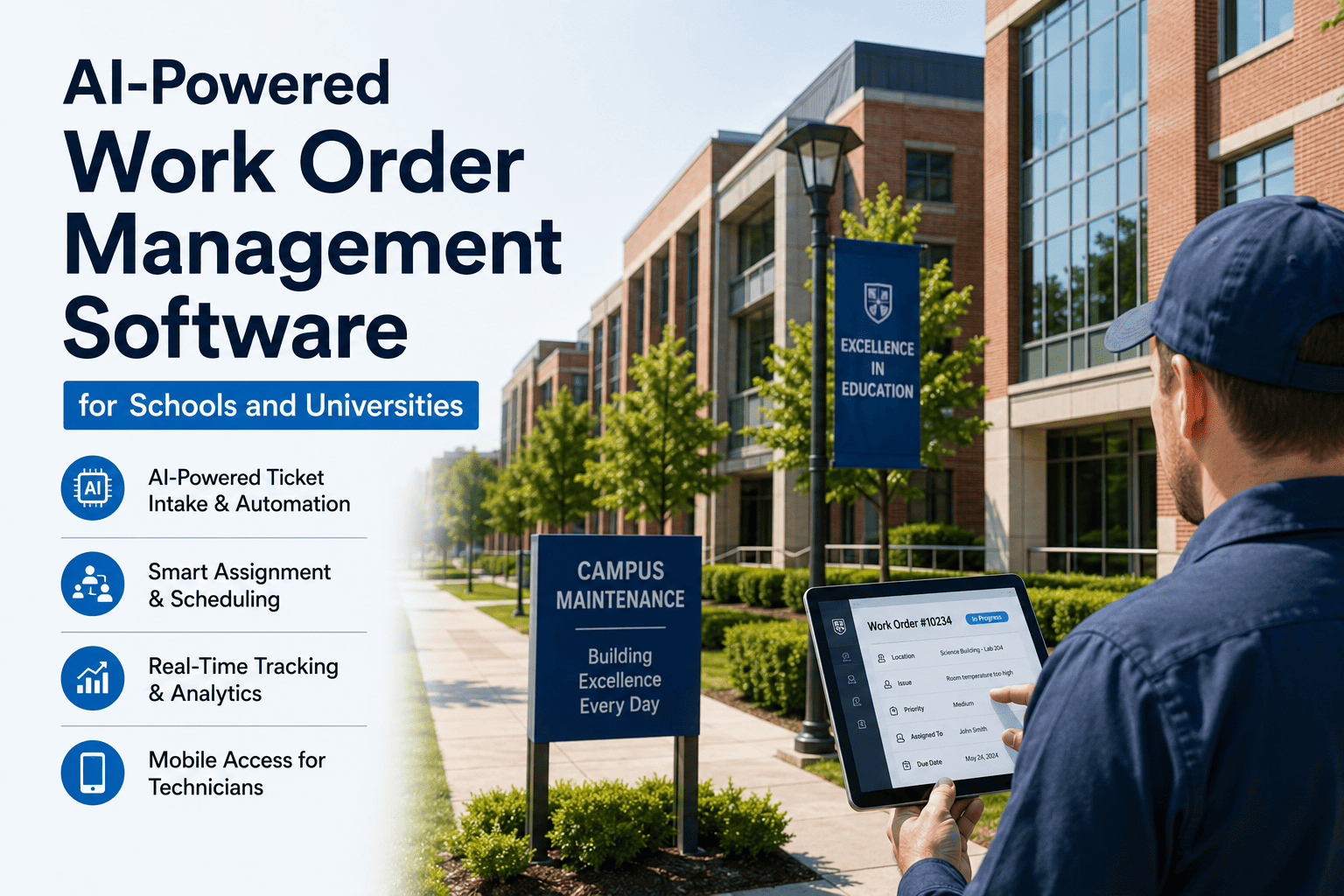
School districts and universities receive thousands of work orders every year — HVAC complaints, lighting outages, plumbing leaks, custodial requests, and equipment repairs. Most education institutions still manage these with email, spreadsheets, or legacy systems that lack intelligence. The result: lost requests, delayed responses, frustrated staff, and emergency repairs that could have been prevented. AI-powered work order management changes this by automating ticket intake, intelligently assigning tasks to the right technician, predicting priority based on asset criticality, and providing real‑time visibility to facility leaders. For school and university facility teams, this means faster response times, fewer lost requests, and data‑driven decisions about maintenance resources. See how AI work order management transforms campus operations — Book a Demo.
AI WORK ORDER MANAGEMENT · CAMPUS OPERATIONS
AI-Powered Work Order Management for Schools and Universities
Automate ticket intake, intelligently assign technicians, track real‑time status, and close work orders faster — from any device, anywhere on campus.
How it works·Key features·Manual vs AI·Real‑time tracking·Technician assignment·FAQ
The Work Order Problem in Education Facilities
A typical 10‑school district receives 8,000‑12,000 work orders annually. Without an intelligent system, requests arrive via email, voicemail, hallway conversations, and paper forms. Technicians lose time chasing information, managers have no visibility into backlog, and urgent repairs get buried under routine requests. The result: average response times of 48‑72 hours for non‑emergency issues, and emergency repairs costing 3‑5x more than planned maintenance. AI‑powered work order management solves this by centralizing intake, automating assignment, and providing live dashboards that show exactly what's open, who's working on it, and when it will be done.
12K
Average annual work orders per district (10 schools)
48‑72h
Typical response time for non‑emergency requests without AI
25%
of work orders are lost or never completed with manual systems
How AI-Powered Work Order Management Works
1
Smart Intake
Requests come via web form, email, mobile app, or voice. AI extracts category, priority, location, and asset automatically.
2
Intelligent Assignment
System assigns work orders to the right technician based on skillset, current workload, location, and asset type.
3
Real‑Time Tracking
Technicians update status from mobile app. Managers see live progress — assigned, en route, in progress, parts ordered, completed.
4
Analytics & Closure
Closed work orders feed AI models to improve future assignments and predict maintenance needs.
Key Features for Schools and Universities
Multi‑channel ticket intake
Web portal, mobile app, email, and even voice‑to‑work order. AI categorizes and prioritizes automatically.
AI technician assignment
Matches work orders to technicians based on skill, certification, proximity, and current workload balance.
Mobile technician app
Technicians receive assignments, update status, add photos, log parts, and close work orders — all offline.
Real‑time dashboard
Live view of all open work orders, average response time, technician utilization, and overdue tasks by building.
Priority scoring AI
System learns which issues are truly urgent based on asset criticality, safety impact, and historical patterns.
Automated SLA tracking
Set response and resolution SLAs per request type. Escalate overdue work orders automatically.
Manual vs AI-Powered Work Order Management: A Side‑by‑Side Comparison
Aspect
Manual / Spreadsheet / Email
AI‑Powered (iFactory)
Ticket intake
Scattered across emails, voicemails, paper forms
Single portal + mobile + email‑to‑ticket
Assignment
Manager guesses who is available
AI matches skills, workload, location
Status visibility
None — call or email to check
Live dashboard with real‑time status
Lost requests
20‑30% lost or forgotten
Under 2% — all tracked
Response time (non‑emergency)
48‑72 hours typical
Under 24 hours average
Technician productivity
30‑40% time on admin
Under 10% admin time
Data for decisions
No trend analysis
AI analytics, repeat failure detection
Stop losing work orders in email chains. iFactory gives you a single, intelligent system to manage every maintenance request from any campus building — with AI‑powered assignment and real‑time tracking.
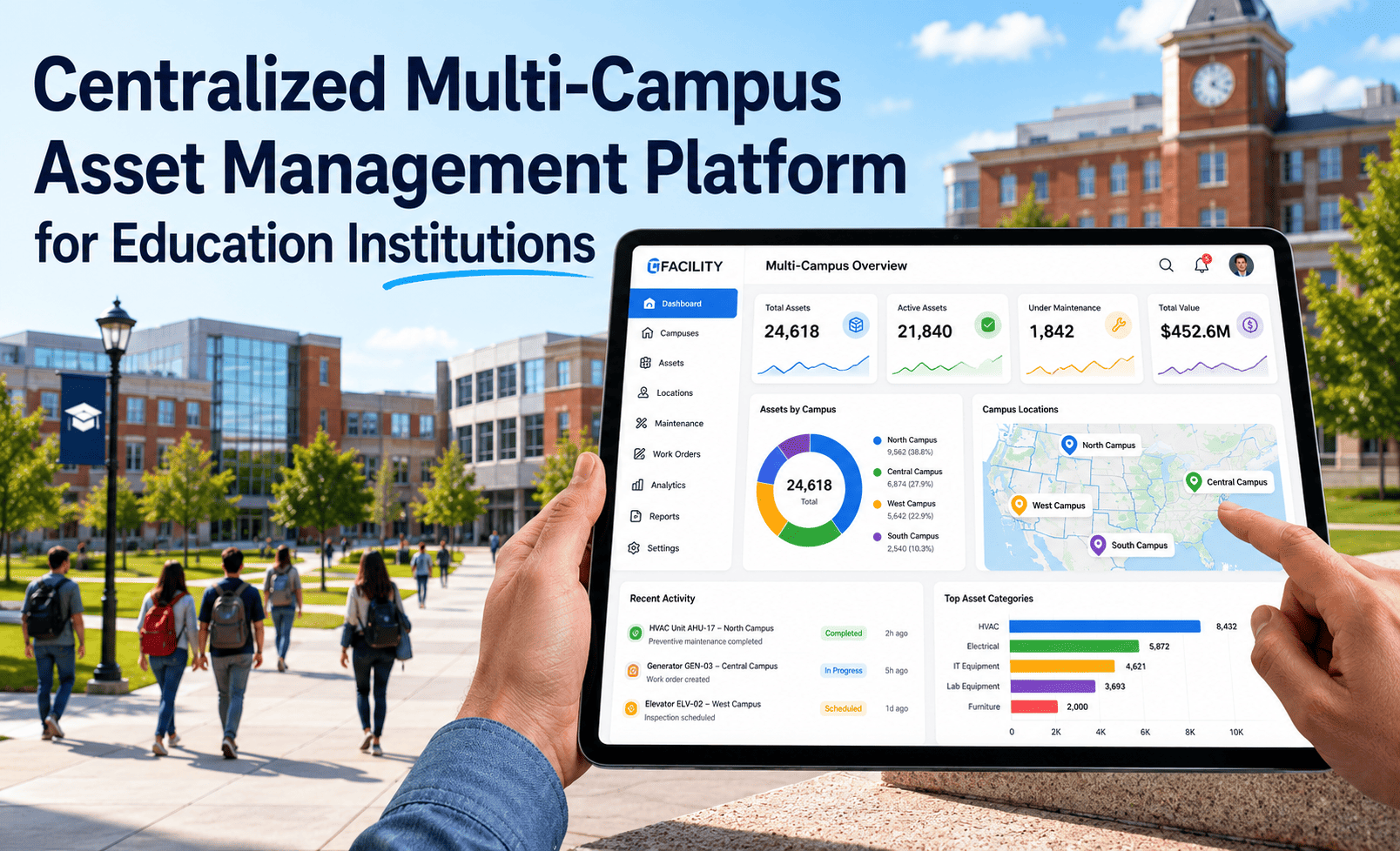
Facility managers see everything at a glance — open work orders by building, technician workload, and overdue tasks.
Work Order ID
Building / Campus
Asset
Priority
Status
Assigned To
Submitted
WO‑24032
Main Campus - Science Hall
AHU‑7 (no cooling)
High
In progress
Mike T.
2 hours ago
WO‑24031
Athletics Complex
Gym lighting (3 fixtures out)
Medium
Assigned
Sarah K.
5 hours ago
WO‑24030
Medical Center
Elevator #2 (door slow)
High
Parts ordered
James R.
1 day ago
WO‑24029
Law Campus
Restroom sink leak
Medium
Open
Unassigned
2 days ago
WO‑24028
Westside Research
Freezer alarm (temp high)
Critical
Completed
Lisa W.
3 days ago
Sample data — your dashboard will show live data from your campus.
Results from Education Institutions Using AI Work Order Management
62%
faster work order closure (from 5 days to under 2 days average)
40%
reduction in lost or orphaned work requests
95%
technician adoption rate with mobile app
30%
lower overtime from better workload balancing
Frequently Asked Questions
Can faculty and staff submit work orders from their phones?
Yes. A simple web portal and mobile app for requesters — no training needed. They can attach photos and get status updates automatically. Book a demo to see the requester experience.
How does AI decide which technician gets a work order?
AI considers technician skills, certifications, current workload, proximity to the building, and past performance on similar tasks. Rules can be customized by campus or department. Contact support for a rules configuration walkthrough.
Can we integrate with our existing CMMS or ERP?
Yes. iFactory syncs work order data with Maximo, SchoolDude, Maintenance Connection, Brightly, and most major CMMS platforms via API. Book a demo to discuss your specific integration needs.
Do technicians need to be online to update work orders?
No. The mobile app works fully offline — updates are cached and synced when connectivity returns. Perfect for basements, tunnels, and remote buildings. Contact support for an offline demo.
How does the system handle emergency work orders?
Emergency requests (e.g., fire alarm, burst pipe) bypass standard assignment logic and immediately notify on‑call technicians via SMS and mobile push. Book a demo to see emergency escalation rules.
What is the typical implementation timeline?
Core system deployment takes 30‑45 days, including data import, user training, and mobile app rollout. Full campus adoption typically completes within 60‑90 days. Contact support for a project plan based on your portfolio size.
Transform Your Campus Work Order Management
Join school districts and universities using iFactory to automate ticket intake, intelligently assign technicians, and track work orders in real time — from any device.