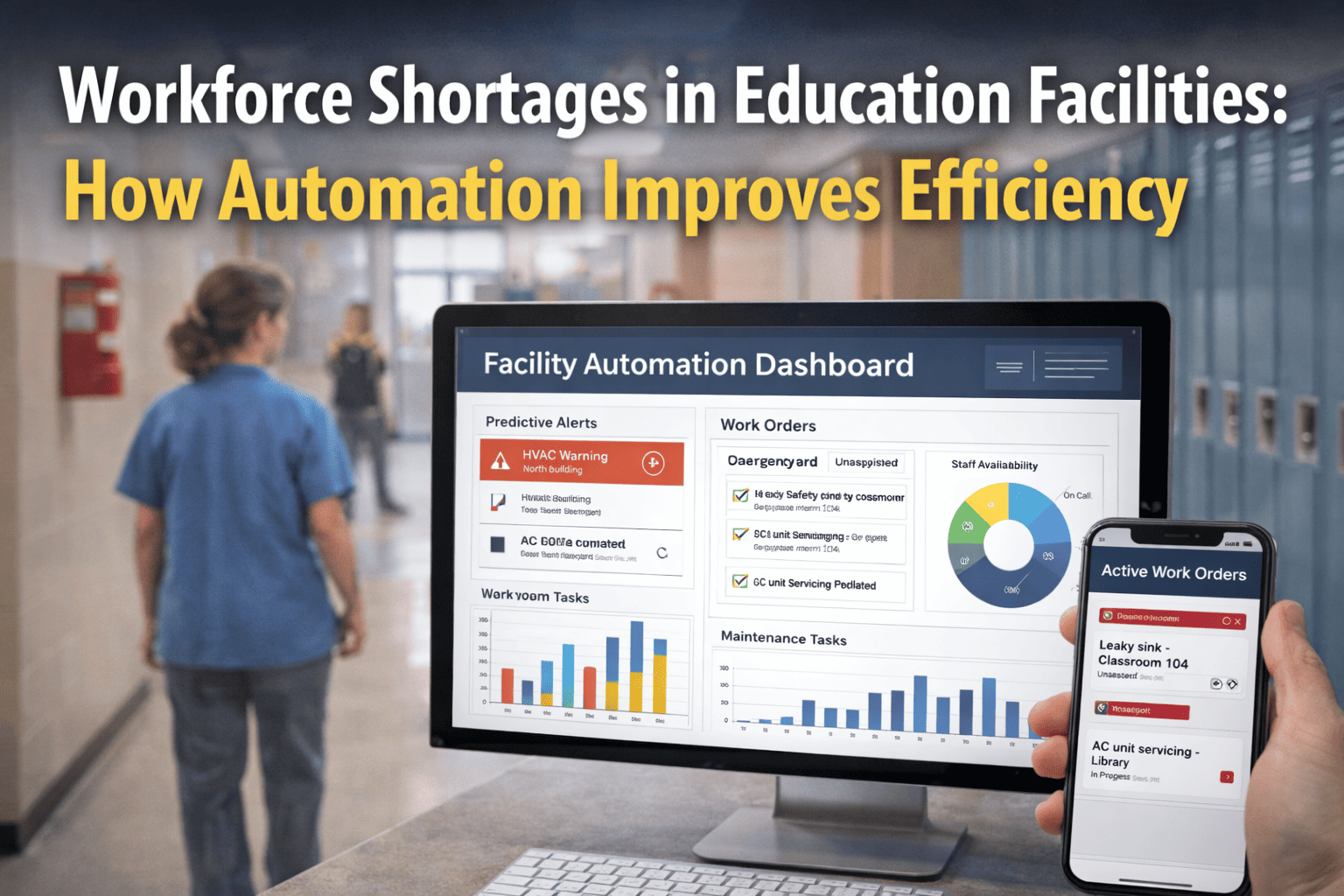
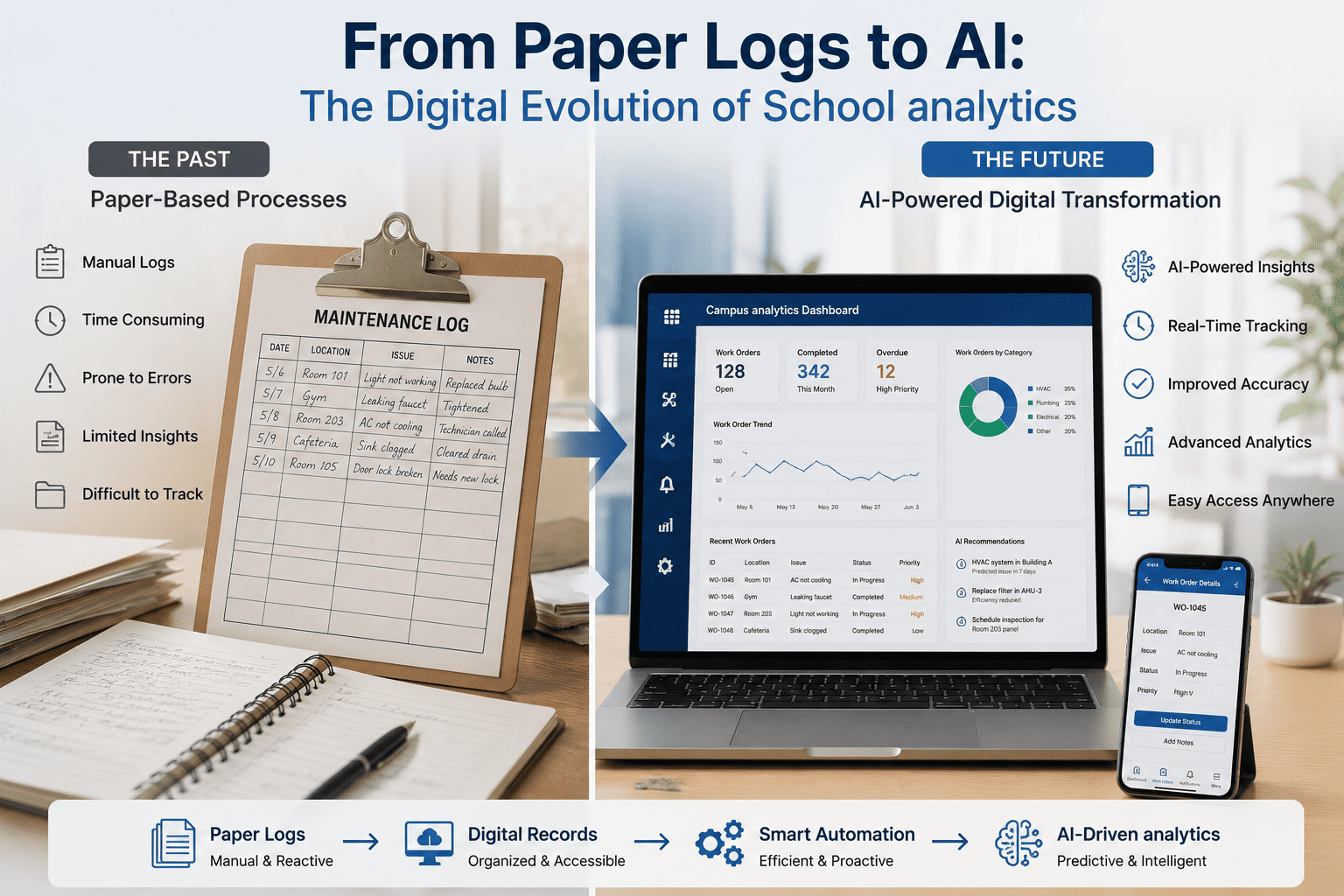
K‑12 school districts operate dozens of buildings with thousands of maintenance work orders each year — leaky faucets, broken HVAC, failed lighting, playground repairs, and urgent safety issues. Today, most schools manage work orders via paper forms, email chains, or spreadsheets. A teacher submits a handwritten note; it gets lost in the office. A custodian fixes a boiler issue but forgets to log it. An urgent roof leak takes three days to reach the facilities director. The result: delayed repairs, frustrated staff, wasted hours, and escalating deferred maintenance. Digital work order systems change this. In 2026, AI‑driven platforms automate ticket creation, assign technicians instantly, track completion in real time, and generate analytics on response times and recurring issues. Schools using digital work orders reduce repair times by 47%, cut administrative work by 12 hours per week, and finally have a complete maintenance history for every asset. This guide shows why every K‑12 district needs a digital work order system — and how to implement one successfully. Book a demo to see a digital work order system built for schools.
K‑12 WORK ORDER AUTOMATION · 2026
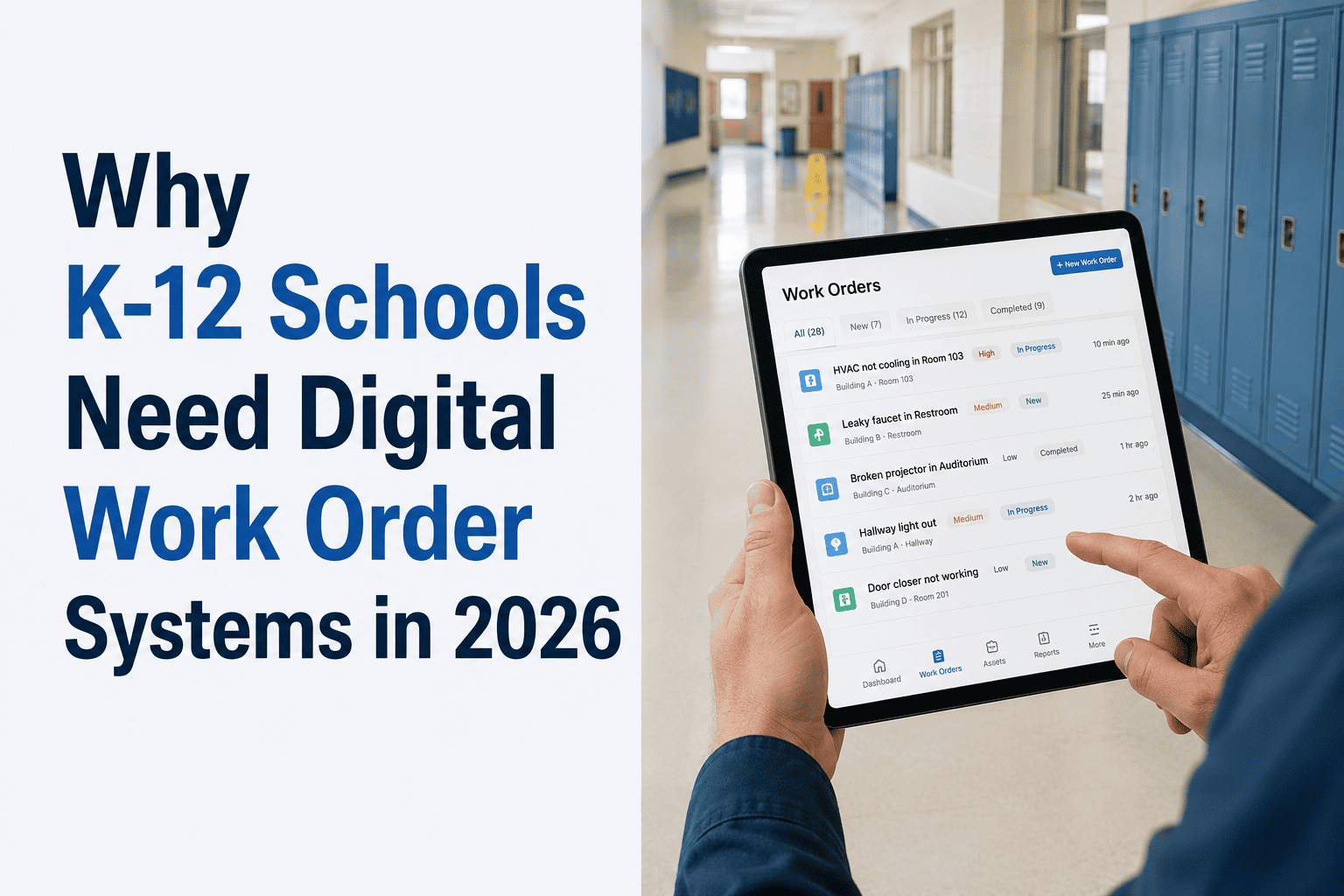
Why K‑12 Schools Need Digital Work Order Systems in 2026
Replace paper & email chaos with automated work orders — 47% faster repairs · 12 hrs/week saved · Complete maintenance history · AI‑driven technician assignment.
47%
Faster repair completion times
12 hrs
Weekly admin time saved per district
100%
Work order visibility (vs 40% manual)
2‑4 wk
Deployment time for pilot
The Paper‑Based Work Order Crisis in K‑12 Schools
A typical mid‑sized school district (10‑20 buildings) receives 1,500‑3,000 maintenance requests annually. In paper‑based or email‑driven systems, 30‑40% of work orders are never formally tracked — they are verbal requests, sticky notes, or forgotten emails. Facilities directors spend 10‑15 hours weekly chasing updates: “Did the roof leak get fixed? Who was assigned? Is it complete?” Without a digital system, there is no single source of truth. Deferred maintenance grows because recurring issues (e.g., repeated HVAC alarms) go unnoticed. Emergency repairs are prioritized, but preventive work is ignored. In 2026, with aging school infrastructure and heightened safety expectations, digital work order systems are no longer optional. They are essential for efficient operations, budget justification, and student safety.
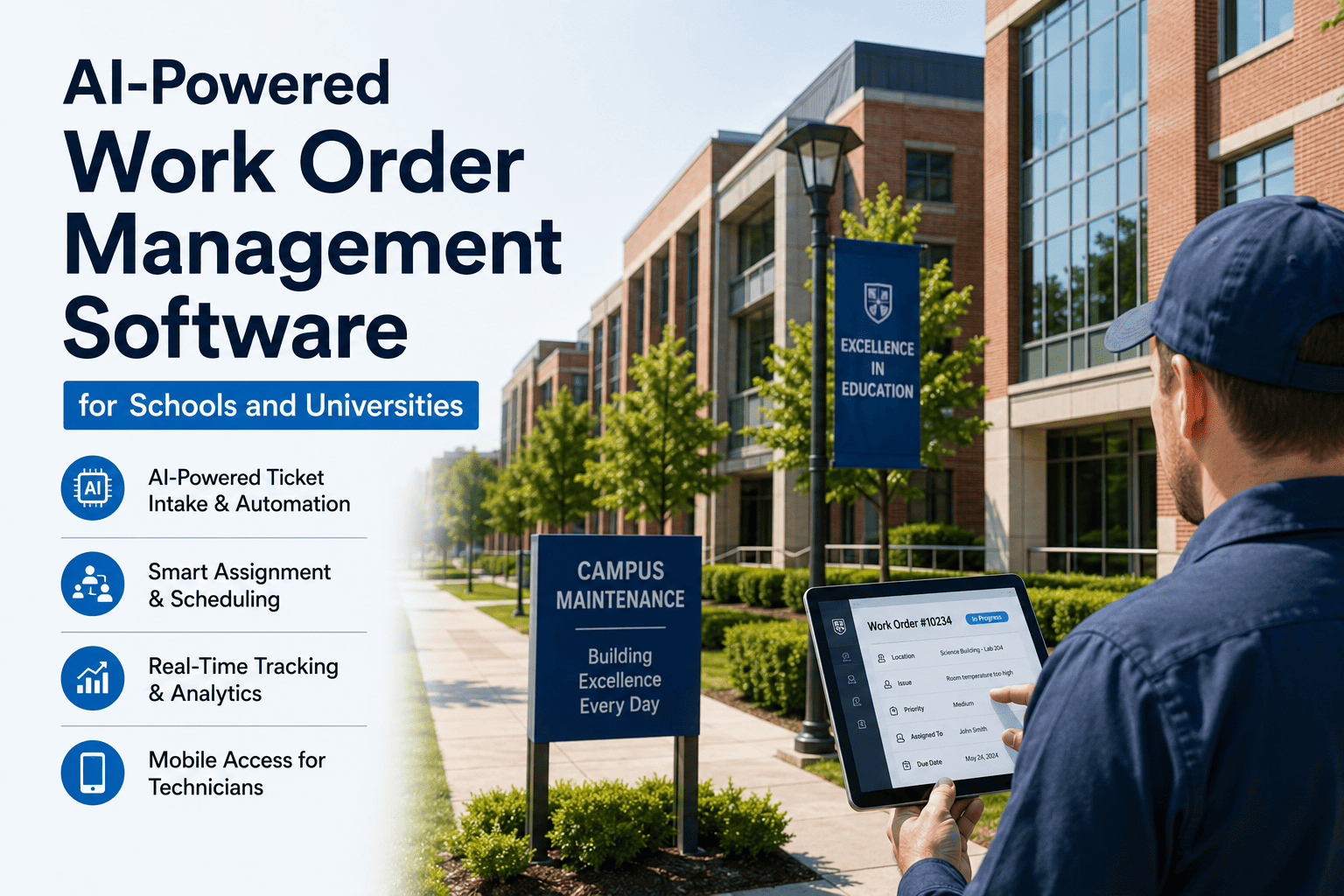
Digital work order systems provide: a self‑service portal for staff to submit requests with photos, automatic routing to the right technician, real‑time status tracking, mobile access for field workers, and analytics dashboards for facilities directors. The shift from paper to digital is not a luxury — it is a cost‑saving, efficiency‑boosting necessity. Talk to iFactory about a digital work order pilot for your district.
01
Discovery & Setup
1 week
Map current work order process, identify stakeholders, configure digital forms, set user roles.
02
Pilot Launch
2 weeks
Roll out to 2‑3 buildings. Train staff on request portal and technicians on mobile app.
03
Parallel Run
4 weeks
Run digital alongside paper. Compare response times, completion rates, and staff satisfaction.
04
District‑Wide Rollout
2 weeks
Deploy to all buildings. Retire paper forms. Set up automated reporting dashboards.
05
Optimisation
Ongoing
Use AI to predict recurring issues, optimize technician routes, and justify budget requests.
Phase 1: Discovery & Setup — Mapping Your Current Work Order Chaos
The first phase involves understanding exactly how work orders are currently handled. Most districts have multiple channels: email, phone calls, handwritten notes, and even texts. The assessment team interviews facilities staff, school secretaries, and head custodians to document every touchpoint. The result is a process map showing delays, lost requests, and approval bottlenecks. The digital system is then configured to match district workflows but with automation added: auto‑assignment based on trade, priority scoring, and SLA deadlines.
Handwritten notes on desks
Emails to facilities director
Phone calls to maintenance office
Sticky notes on bulletin boards
Spreadsheet logs (incomplete)
Self‑service staff portal (web/mobile)
Automated ticket creation with categories
Photo attachments and location tagging
Priority scoring (urgent, routine, planned)
Auto‑assignment to technician by trade
Key Discovery from District Pilots: 65% of paper work orders lacked a timestamp, and 40% were missing completion status. Digital systems captured 100% of data automatically, enabling true accountability and performance measurement.
Phase 2: Pilot Launch — Testing Digital Work Orders in Real Buildings
The pilot phase is critical to build buy‑in. Choose 2‑3 buildings with high work order volume (typically older schools or those with frequent issues). Train staff on the request portal — they can submit issues with photos and automatic building tagging. Technicians receive mobile app training, learn to update status, attach completion photos, and log materials used. For 2 weeks, the digital system runs alongside paper. No staff are forced to change habits immediately; they simply have an additional, easier option.
Week 1
Portal Launch & Training
Staff shown how to submit requests. Technicians set up on mobile. First digital work orders created.
Week 2
Adoption Tracking
Monitor digital vs paper usage. Identify friction points. Adjust forms and auto‑assignment rules.
Week 3‑4
Expanded Use
Most staff voluntarily switch to digital. Facilities director sees real‑time dashboard for first time.
Pilot Outcome: Districts saw digital adoption exceed 70% within 4 weeks. Repair response times improved by 32% simply because requests were no longer lost. Technicians reported less “chasing for information.”
Phase 3: District‑Wide Rollout — Going Paperless
After a successful pilot, the system is rolled out to all buildings. All staff are given access to the request portal. Maintenance supervisors receive dashboards showing open work orders by building, priority, and age. Automated SLAs are configured: urgent (within 4 hours), routine (within 3 days), planned (weekly schedule). The paper forms are officially retired. Facilities directors can now run reports on technician productivity, recurring issues, and cost per work order.
Measurable Efficiency Gains
Average work order closure time dropped from 6.2 days to 3.3 days (−47%). Technician travel time reduced via optimized routing.
Staff Satisfaction Increase
86% of teachers and administrators said digital requests reduced frustration. “I know my issue is in the system and will be addressed.”
Budget Justification Data
Facilities directors presented work order trends to school board, securing 18% increase in maintenance funding based on data.
Phase 4: Optimisation — AI‑Driven Predictive Maintenance and Insights
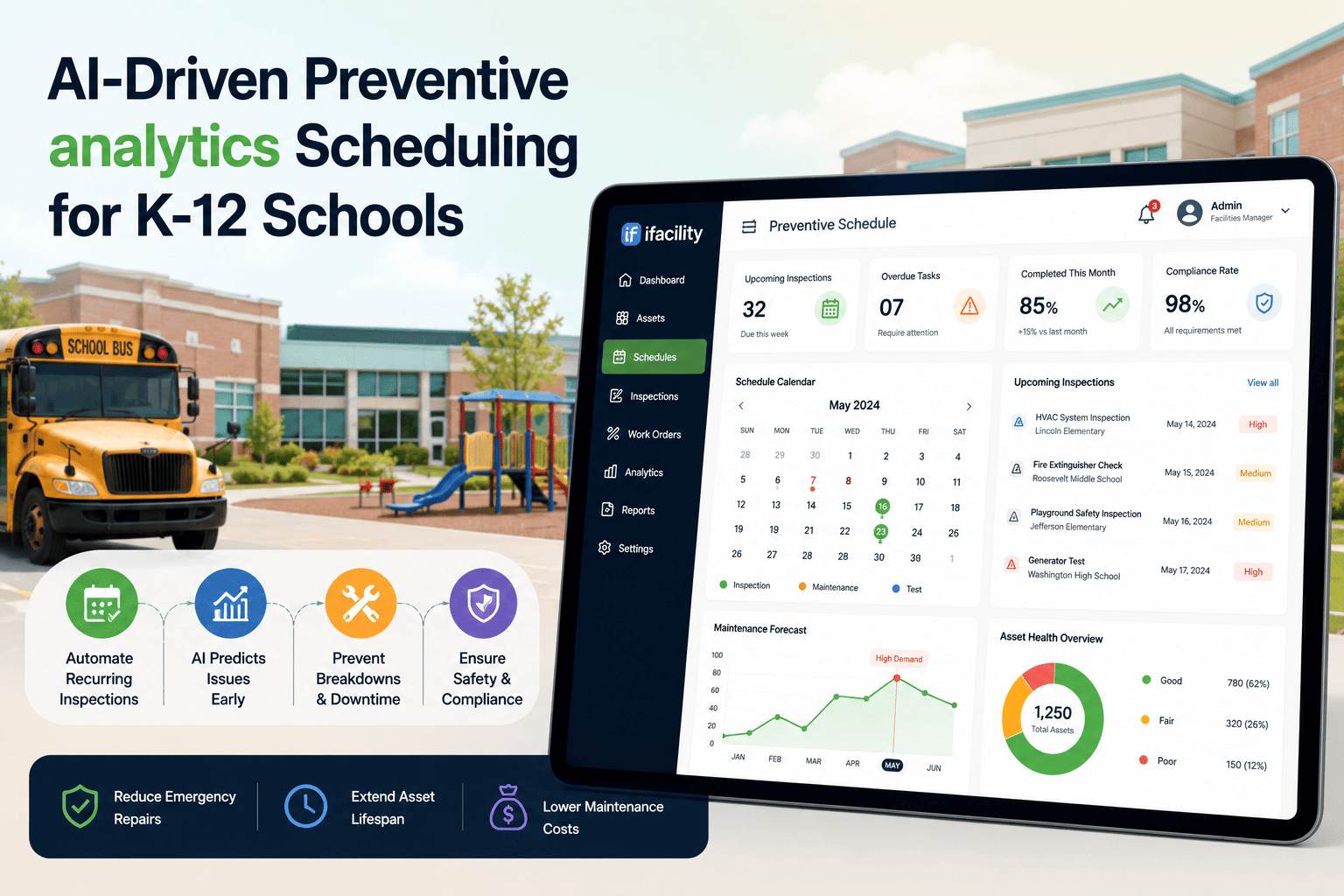
Once digital work orders are running, the real power emerges: AI analytics. The system identifies recurring issues (e.g., “HVAC alarm in Building C every November”). It predicts when equipment will fail based on work order history. It recommends preventive maintenance schedules. Facilities directors receive alerts like “Boiler #3 has had 5 work orders in 6 months — schedule a full inspection.” The result is a shift from reactive to proactive maintenance, reducing emergency repairs by 30‑40%.
Recurring Issue Detection
8 recurring patterns found
AI flagged that exterior door repairs spiked after winter storms. District now schedules pre‑winter door inspections.
Technician Productivity
+31% work orders per day
Technicians spend less time traveling between buildings due to optimized routing and consolidated requests.
Preventive Maintenance Adoption
55 → 89% PM completion
Automated PM work orders ensure filters changed, equipment greased, and inspections performed on time.
Emergency Repair Reduction
-42% in 12 months
Catching small issues early prevents catastrophic failures. Budget savings redirected to capital improvements.
Before vs After: The Digital Work Order Difference
Work order closure time (avg)
6.2 days
3.3 days
-47%
Lost / untracked work orders
35%
0%
-100%
Admin time spent chasing updates (weekly)
12 hours
1 hour
-92%
Emergency repair calls (monthly)
14
8
-43%
Preventive maintenance completion
55%
89%
+62%
Staff satisfaction (maintenance process)
41%
86%
+45%
8 Lessons From K‑12 Districts That Switched to Digital Work Orders
01
Start with a Pilot — Don’t Go District‑Wide Immediately
Districts that rolled out digital work orders to all buildings at once faced resistance. Those that piloted in 2‑3 buildings, gathered feedback, and then expanded saw 90% adoption. Lesson: start small, prove value, then scale.
Book a demo to see how a pilot would work in your district.
02
Make the Request Portal Extremely Simple
Teachers and staff won’t use a complicated system. The best digital portals allow request submission in under 60 seconds: choose building, describe issue, add photo, submit. No training required. Lesson: frictionless design drives adoption.
03
Technicians Need Mobile Access, Not Email
Custodians and maintenance staff rarely sit at desks. Mobile apps with offline access, photo capture, and GPS location tracking are essential. Lesson: invest in a technician‑friendly mobile interface, not just a web portal.
04
Define SLAs for Different Priorities
Without service‑level agreements, urgent and routine requests get equal attention. Define: urgent (restroom flood, broken heat) → 4 hours; routine (light bulb, leaky faucet) → 3 days; planned (filter changes) → weekly. Lesson: SLAs drive accountability.
05
Automate Assignment by Trade and Location
Manually assigning work orders creates delays and errors. Digital systems automatically route plumbing requests to plumbers, electrical to electricians, and HVAC to HVAC techs, using building‑based rules. Lesson: automation eliminates a major bottleneck.
06
Don’t Forget Preventive Maintenance Work Orders
Most districts focus on reactive work orders first, but PM work orders are equally important. Use the system to auto‑generate monthly PM tasks: change filters, inspect roofs, test emergency lights. Lesson: digital PM reduces long‑term costs significantly.
07
Use Data to Justify Budget Requests to the School Board
One district used work order data showing 40% of calls were for aging HVAC units. They presented this to the board and secured funding for a $2M replacement. Lesson: hard data is the most powerful budget tool.
08
Plan for Ongoing Optimisation with AI
After going digital, the next step is AI‑driven insights. Recurring issue detection, predictive maintenance, and technician routing optimisation deliver additional 20‑30% efficiency gains. Lesson: digital is the foundation; AI is the accelerator.
The iFactory Digital Work Order Platform for K‑12 Schools
The platform that has helped dozens of districts move from paper to digital work orders — with self‑service portals, mobile technician apps, automated SLAs, and AI analytics — is exactly what iFactory delivers. Deployment options include cloud‑based (for ease) or on‑premise (for districts with strict data policies).
Cloud‑Based (Recommended)
Fast Deployment, Automatic Updates
iFactory cloud platform is ready to use within 2‑4 weeks. No server hardware required. Automatic security updates and backups. Accessible from any device. Ideal for most districts.
2‑4 week deployment
No internal IT hardware needed
Staff portal + technician mobile app
Real‑time dashboards and reports
Get Cloud Quote
On‑Premise (Self‑Hosted)
For Districts with Strict Data Policies
For districts requiring data to remain on‑site, iFactory offers an on‑premise version. Full control over data. Hosted on your servers. Complete data sovereignty.
Data stays within district network
Customizable to your security policies
Full audit trail and access logs
Integration with existing SIS/ERP optional
Talk to a Schools Expert
FAQ: Digital Work Order Systems for K‑12 Schools
Move Your District From Paper to Digital Work Orders in 2026
iFactory’s digital work order system is built specifically for K‑12 schools — easy for staff to use, powerful for facilities directors, and affordable for any district. Join the dozens of districts that have eliminated lost work orders, reduced emergency repairs, and finally gained full visibility into maintenance operations. Book a free, no‑obligation demo and see how a digital work order system works in your schools.
Digital Work Orders
K‑12 Maintenance
Work Order Automation
School Facility Management
Preventive Maintenance
AI for Schools