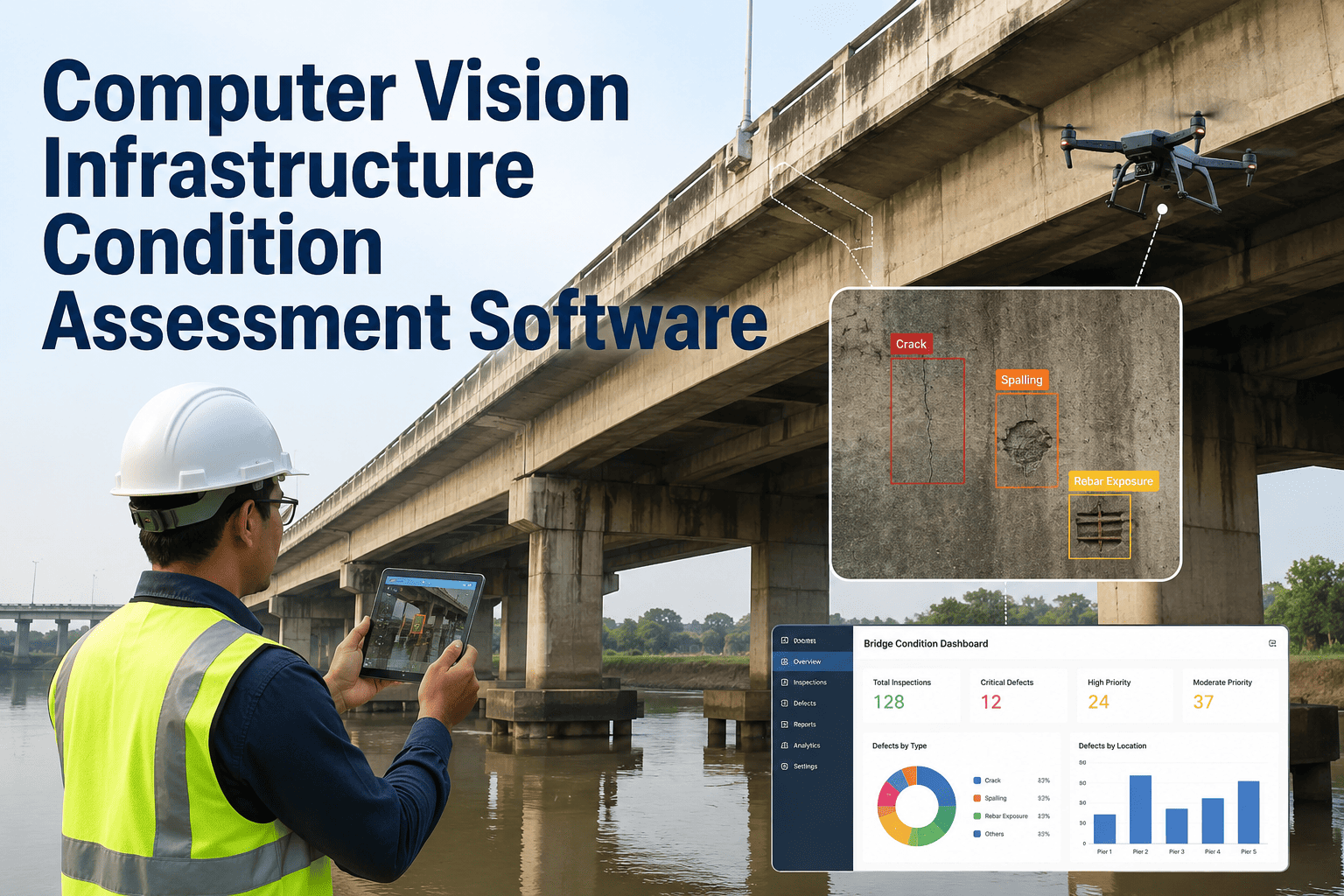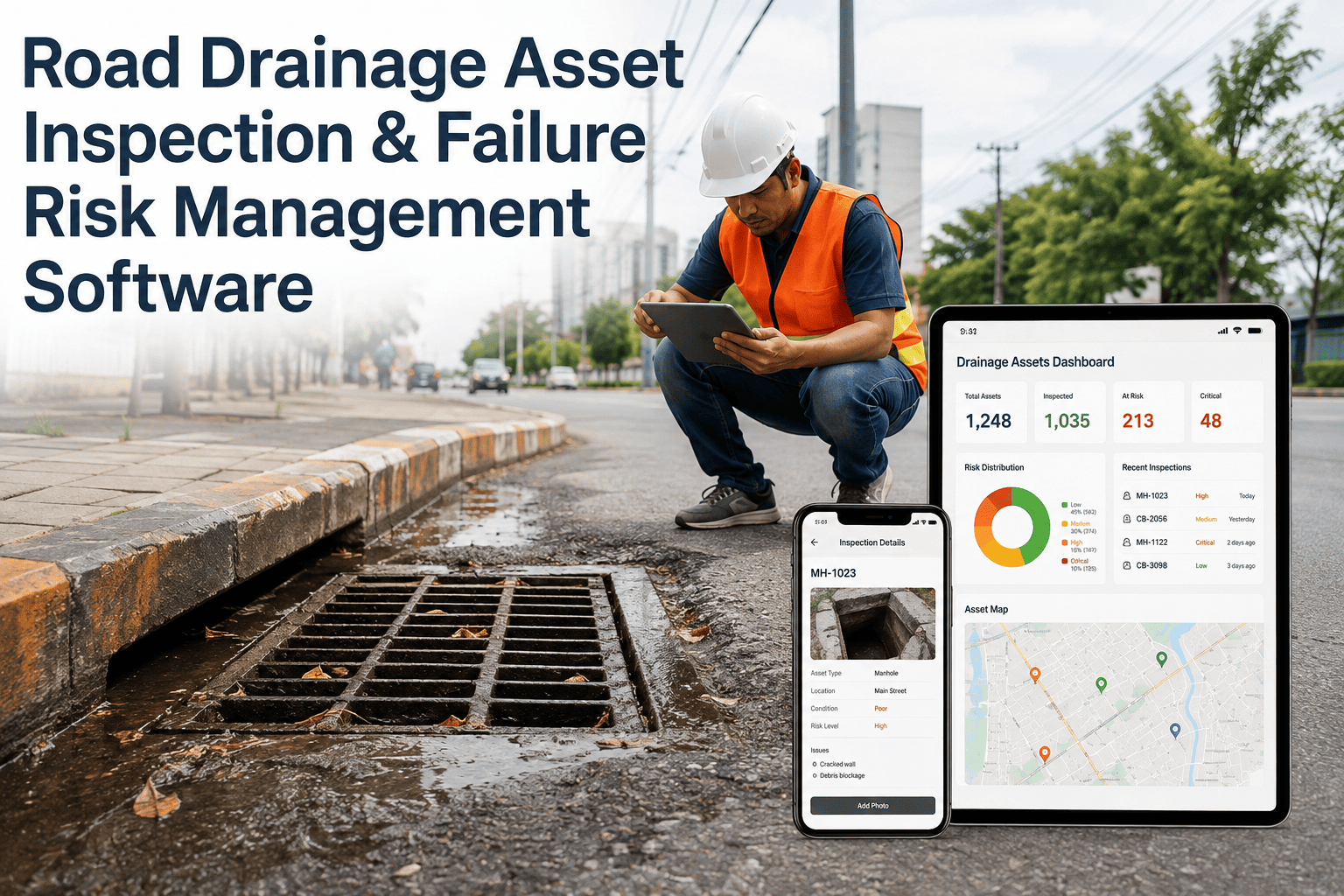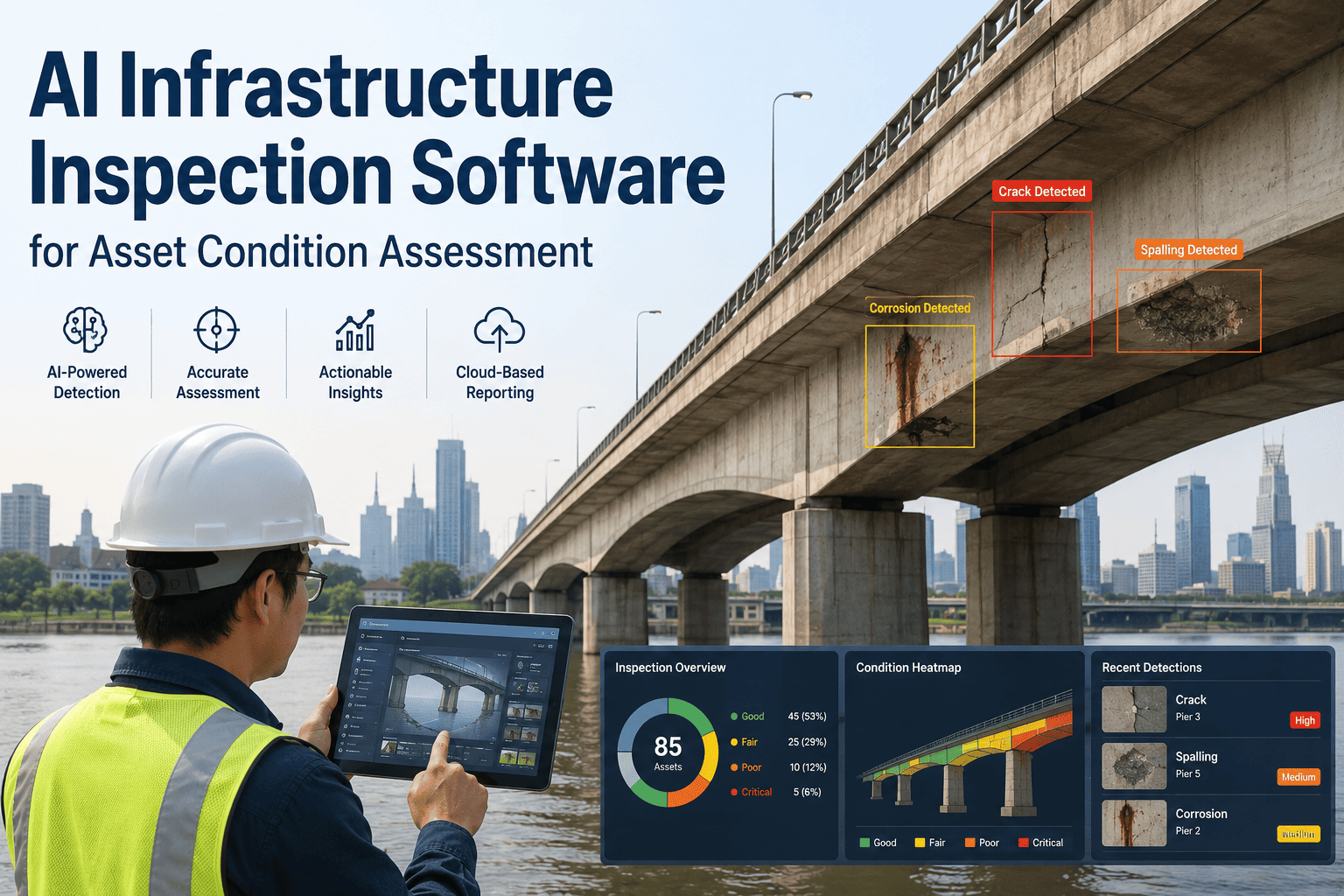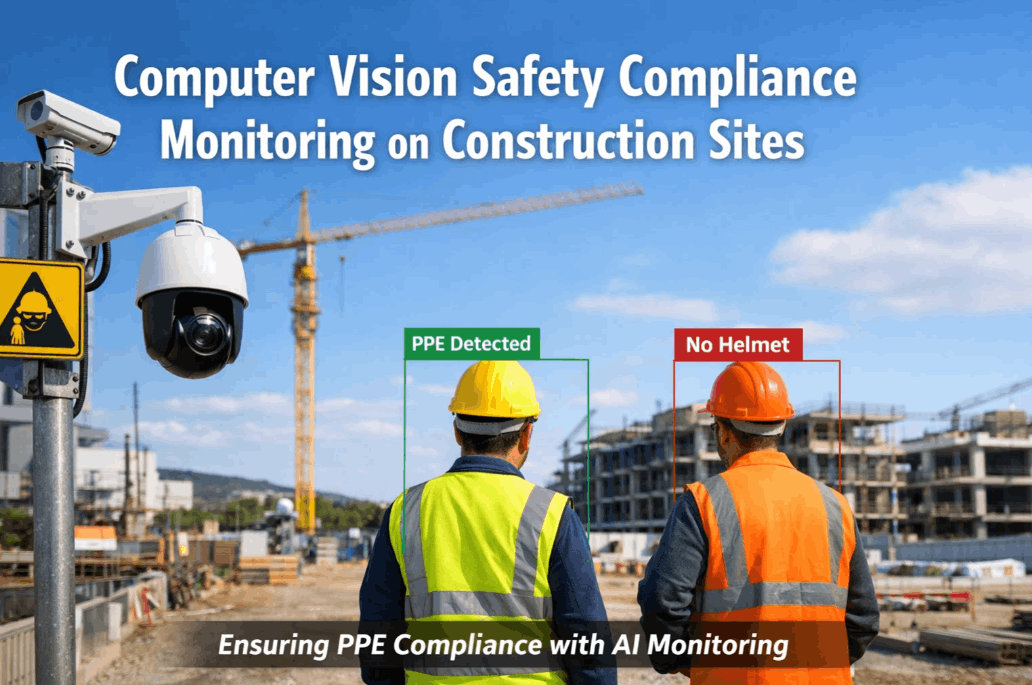
Every year, 340 million workplace accidents occur globally — and infrastructure job sites are among the highest-risk environments. Bridges, tunnels, highways, and pipelines demand constant worker presence in conditions where a single missed hazard can be fatal. Computer vision is changing that equation: AI-powered cameras now detect PPE violations, restricted zone breaches, and fall risks in real time — before an incident happens. But deploying CV safety monitoring on an active infrastructure site is not plug-and-play. This 15-step checklist ensures your system is live, accurate, and compliant — without a costly restart. Book a Demo to see iFactory in action.
15-Step CV Safety Deployment Checklist
Five phases. Complete each before moving to the next — gaps in early phases create blind spots on live sites.
Infrastructure sites mix heavy equipment corridors, elevated work areas, underground utility zones, and pedestrian paths — each carrying distinct risk profiles. CV systems must be scoped to specific zones before a single camera is placed. Undefined zones mean uncovered hazards.
A hard hat is not the same as a full-face respirator. CV safety systems must be trained on the exact PPE classes required per zone — not a one-size-fits-all rule. Mismatched PPE rules produce both false positives (unnecessary alerts) and false negatives (missed violations).
Without a documented baseline, there is no way to measure the impact of your CV safety program. Capture incident rates, near-miss reports, and manual inspection hours before go-live. Leadership and regulators will ask — have the numbers ready.
A CV model trained on office or retail safety data will fail on a bridge construction site. Dusty environments, variable lighting, workers in motion, and equipment-heavy backgrounds require training data that reflects your exact job site conditions.
Safety behaviors are not all equal. A missing hard hat in an open zone triggers a low-priority alert; a worker entering a crane swing radius without clearance triggers an emergency stop. Detection rules must be tiered by severity before any camera goes live.
Safety CV is not a pilot you tune in production. A false negative — a PPE violation or zone breach the model misses — is a potential fatality. Blind test validation with signed sign-off from your safety team is non-negotiable before go-live.
Infrastructure sites evolve daily — new structures, seasonal light changes, new PPE suppliers. A model that was 94% accurate at project start may drift to 78% by month three without a retraining protocol. Silent accuracy loss is the most dangerous failure mode in safety CV.
Consumer cameras fail fast on active construction sites. Vibration from heavy machinery, UV exposure, dust ingress, and temperature swings between day and night demand industrial-grade hardware rated to survive the site, not just function in ideal conditions.
A safety alert that depends on cloud round-trip adds 3–8 seconds to detection latency. On an active site, 8 seconds is the difference between a warning and a fatality. Edge compute at the site boundary enables sub-2-second detection with zero cloud dependency for critical alerts.
Infrastructure sites may span kilometers with inconsistent power and LTE coverage. A dead camera in a critical zone is worse than no camera — it creates a false sense of coverage. Every mounting point needs a confirmed power and connectivity plan before hardware is installed.
A detection that sits unread in a dashboard for 90 seconds is worthless. Tier 1 safety events — falls, zone breaches, missing respiratory equipment in hazardous areas — must reach a named responder's mobile device within seconds of detection. Alert routing must be configured and tested before workers are on-site.
AI detects — humans respond. Without agreed response time SLAs per severity tier, critical alerts go unacknowledged and the system fails its primary purpose. Every tier needs a named responder, a maximum response time, and an escalation path if that time is missed.
Workers who don't understand the CV system create friction — they ignore alerts, disable cameras, or don't log feedback. Site supervisors who don't understand detection limits over-rely on the AI. Both scenarios degrade safety. Training is not optional — it is a deployment requirement.
Worker safety video is subject to OSHA recordkeeping requirements, state labor privacy laws, and union agreements on surveillance. Failure to define retention and privacy rules before deployment creates legal exposure the moment the system records its first frame. Get this documented before go-live.
No AI system is a substitute for a safety-certified site manager. CV provides surveillance scale — it is not the decision-maker. OSHA and emerging state AI governance frameworks both require a human-in-the-loop for any safety-critical finding. Define oversight before the first alert fires.
Phase Readiness Summary
Use this before executive sign-off. Every phase must be complete before go-live.