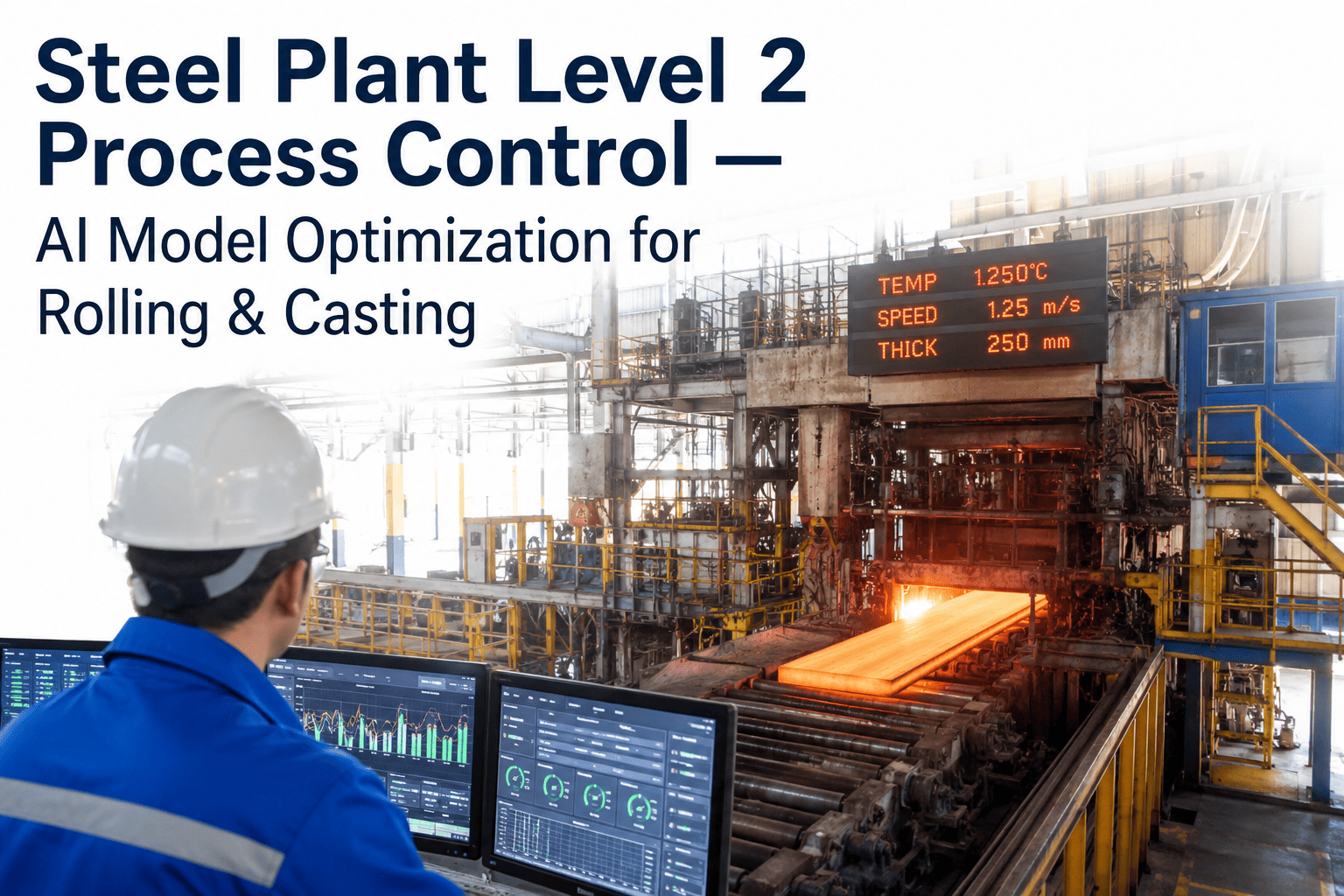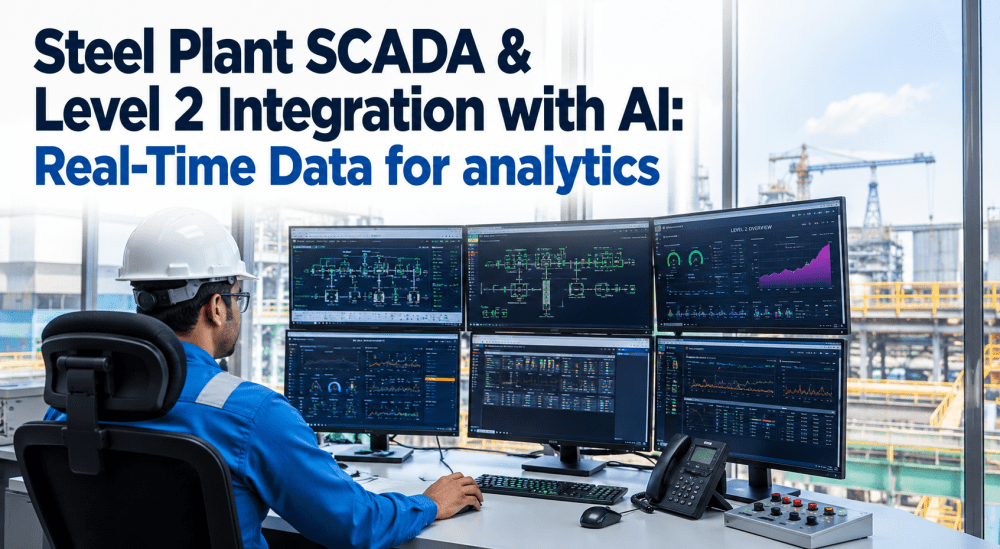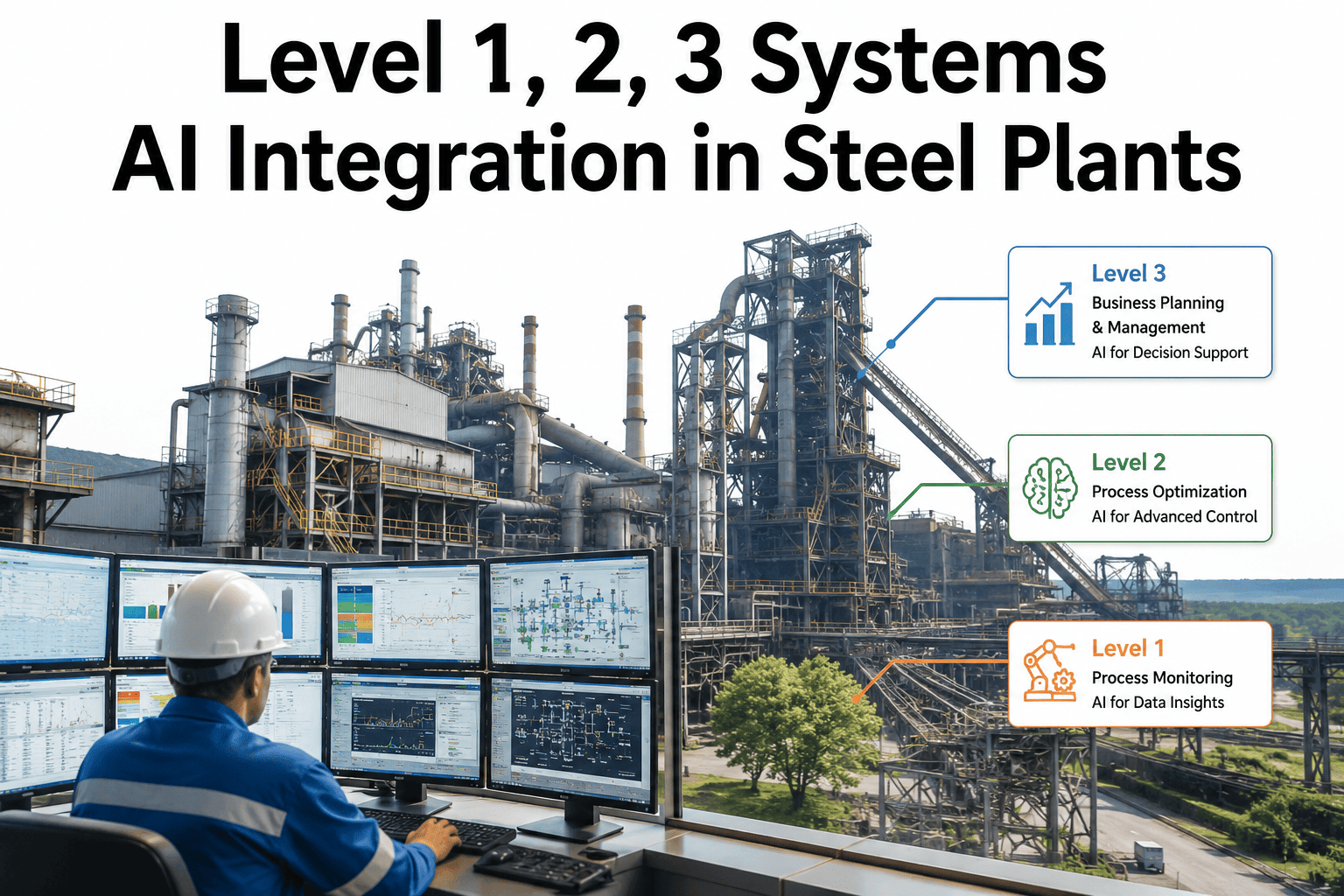
Every steel plant automation lead inherits the same layered stack, with PLCs and DCS handling real-time control at Level 1, SCADA and process optimization sitting at Level 2, and MES and ERP managing production and business logic at Level 3, and the question with any new AI initiative is always where exactly it plugs into that existing pyramid. Bolt an AI model onto the wrong layer and it either lacks the real-time data it needs or creates a fragile integration that breaks every time an upstream system changes. iFactory's AI is designed to sit at the layer each use case actually needs, reading from Level 1/2 for real-time decisions and from Level 3 for production context, without requiring a rebuild of your existing automation architecture. You can walk through exactly where this fits on your current stack by visiting this scheduling link.
AI That Fits Your Automation Pyramid, Not One That Forces You to Rebuild It
iFactory's AI integrates at the layer each use case actually needs, from real-time PLC and SCADA data at Level 1/2 to production context from your MES and ERP at Level 3.
Where AI Actually Belongs in Level 1, 2, and 3
Each layer of the automation stack was built for a different purpose and a different data rhythm, and a well-designed AI integration respects that rather than treating the whole stack as one flat data source.
What Data Comes From Where, and What AI Does With It
| Layer | Typical Data | AI Use Case Example |
|---|---|---|
| Level 1 (PLC/DCS) | Millisecond process variables, control signals | Real-time anomaly detection, safety monitoring |
| Level 2 (SCADA) | Aggregated process trends, alarms | Predictive maintenance, quality prediction |
| Level 3 (MES/ERP) | Work orders, production schedules, inventory | Production planning optimization, yield analytics |
Integration Should Follow Your Architecture, Not Fight It
iFactory reads data from the layer each use case genuinely needs, so real-time decisions get real-time data and planning decisions get production context, without forcing every model through a single data path.
Three Ways AI Integration Projects Go Wrong on the Automation Stack
Pulling Everything Through Level 3 Only
MES data updates on a production timescale, not a control timescale, so real-time use cases built on Level 3 data alone will always lag behind what's actually happening on the line.
Bypassing SCADA Entirely
Reading directly from Level 1 without any SCADA-layer context strips out the alarms and process state information that make a raw signal meaningful to an AI model.
One Integration Pattern for Every Use Case
A vibration anomaly model and a production yield model need fundamentally different data rhythms, and forcing both through identical integration plumbing creates unnecessary fragility.
A Four-Step Approach to Fitting AI Into Your Existing Stack
Map the Existing Stack
Your current Level 1, 2, and 3 systems and data flows are documented before any integration work begins, so nothing gets disrupted unnecessarily.
Match Use Case to Layer
Each AI use case is assigned to the layer that provides the right data rhythm, rather than routing everything through a single default path.
Connect Without Disruption
Standard industrial protocols already present in your stack are used for integration, avoiding changes to core PLC or SCADA configuration.
Validate Against Live Operations
Model output is checked against real plant behavior before being trusted for operational decisions at any layer.
What a Well-Layered AI Integration Actually Means for Your Team
The technical benefit of matching AI to the right automation layer eventually shows up as a practical benefit for the people who have to live with the system day to day.
Automation Lead
Fewer fragile point-to-point integrations to maintain, since each use case connects through a pattern matched to its actual data needs.
Plant IT/OT Security
A clearer, more reviewable set of data connections into the network, rather than a patchwork of ad hoc links added over time.
Operations Leadership
Faster rollout of additional AI use cases once the first integration pattern proves out at each layer.
Questions Automation Leads Ask About Level 1/2/3 AI Integration
Will integrating AI require changes to our existing PLC or SCADA configuration?
How do you decide which layer a given AI use case should connect to?
Does this work with older PLC and SCADA systems that aren't the newest generation?
Can multiple AI use cases share the same integration setup, or does each need its own?
Who typically owns the AI integration project on the automation side, and who else needs to be involved?
Your Automation Stack Doesn't Need to Change for AI to Work On It
See how iFactory maps AI use cases to the right layer of your existing Level 1, 2, and 3 systems without disrupting the automation you already rely on.