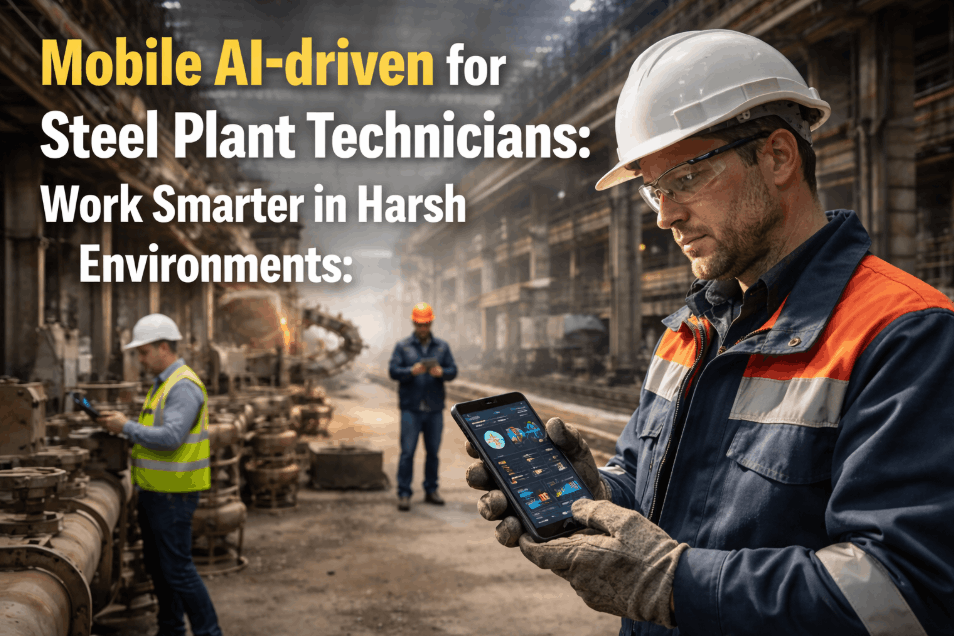
In a typical 4.2 MTPA steel plant, maintenance technicians spend up to 2.5 hours per shift walking between the blast furnace cast house and the planning office just to collect job cards, look up equipment diagrams, and report completed work. When an unexpected anomaly is found, they sketch it on paper, return to a desktop PC, and struggle to describe the issue in SAP while wearing heavy PPE. Standard laptops overheat in 55°C zones, Wi-Fi drops out in cable tunnels, and paper checklists get destroyed by grease and dust. iFactory's Mobile AI-driven application is built specifically for these harsh industrial realities. Featuring full offline capability, barcode equipment scanning, voice-to-text damage reporting calibrated for industrial vocabulary, and ruggedised tablet compatibility, the app puts predictive analytics, digital work orders, and interactive troubleshooting guides directly into the technician's gloved hands — eliminating the paper trail, recovering lost wrench-time, and capturing field data with unprecedented accuracy.
Mobile AI-driven for Steel Plant Technicians: Work Smarter in Harsh Environments
Offline capability, barcode scanning, and industrial voice-to-text — how iFactory's rugged mobile app delivers paperless analytics directly to the blast furnace floor.
Why Consumer Mobility Fails in Steel Plants
Standard mobile apps and consumer tablets were not designed for integrated steel plants. When plants try to digitise their workforce using standard tools, they hit physiological and environmental barriers. iFactory designed its mobile UX around the realities of the shop floor. Schedule a mobility assessment to review your field execution gaps.
150 Minutes of Wrench-Time Recovered per Shift
By eliminating unnecessary planner office visits, manual transcription, and equipment search times, iFactory's mobile platform reclaims an average of 2.5 hours of productive engineering time per technician, per shift. Here is how that time is saved across core features.
The Paperless Execution Sequence Field Technicians Follow
Equipped with ruggedised, explosion-proof tablets, technicians execute every phase of their work orders systematically. The application is completely deterministic, guiding the user while ensuring safety and compliance at every stage.
Technician scans the asset barcode. The app instantly loads the entire maintenance history, associated predictive AI alerts from iFactory, live SAP spare parts inventory, and related P&ID diagrams.
Offline cache preparedMandatory digital sign-off on Lockout-Tagout protocols. The mobile app interfaces with the plant's permit-to-work system, ensuring the task is legally cleared before work begins.
Zero bypass protocolsTechnicians fill out dynamic checklists that adapt based on the asset's condition. Entering an out-of-spec tolerance value instantly prompts a request for a follow-up defect work order.
Intelligent branch logicTechnicians embed live photos of the repaired component and use voice dictation calibrated for heavy industrial terminology (capable of parsing complex mill terminology) to document the fix, even while wearing heavy PPE.
Hands-free documentationOnce re-entering a Wi-Fi or cellular zone, the app syncs asynchronously. Work orders are instantly closed in the planning board, and associated spare parts are automatically goods-issued in SAP MM.
Automatic SAP alignmentMobility Deployment Cost vs Lost Time Recovery
Providing ruggedised tablets to a team of 40 maintenance technicians is a capital expense, but the recovery of lost productive hours offsets the hardware and software licensing costs within the first quarter of deployment. Data generated by a mid-sized Indian plant demonstrates the immense value multiplier of digital workflows.
What the Maintenance Director Said
We struggled for years trying to get technicians to log good quality data into SAP. They despised the desktop interfaces. By handing them rugged Android tablets with iFactory installed, we inadvertently transformed our culture. Instead of writing illegible notes on greasy paper, they are narrating detailed failure descriptions directly into the mic while looking right at the equipment. The offline functionality works perfectly deep within the EAF structural tunnels. We now capture data that used to evaporate at the end of every shift.
Frequently Asked Questions
Does the mobile app function purely on cellular data or is plant Wi-Fi required?
It operates agnostically. The app relies on a heavy offline-first caching mechanism. Technicians download the shift's work orders under strong Wi-Fi at the planning board, move into disconnected areas, perform scanning and photo capture offline, and the app automatically synchronises all actions securely in the background when connectivity returns.
How accurate is the Voice-to-Text when dealing with Indian engineering accents and heavy noise?
iFactory uses a specialised NLP model trained specifically on manufacturing terminology ("tuyere", "trunnion", "LOTO", "pneumatic valve") overlaid with regional acoustic profiles. Combined with the noise-cancelling mics typical on rugged devices, accuracy outpaces typed entry by a substantial margin.
Can technicians view real-time predictive analytics on the tablet?
Yes. When a technician scans an asset code, the app queries the iFactory central brain and displays live anomaly scores regarding vibration, acoustics, and thermography, enabling them to evaluate predictive warnings simultaneously with their planned workload.
What hardware do you recommend for these extreme environments?
We deploy and support intrinsically safe (ATEX/IECEx certified) rugged Android tablets, which feature high-visibility screens for intense sunlight, thermal management for 55°C ambient temperatures, and gloved-touch compatibility for seamless interactions on the floor.
See the Mobile App Live at Your Plant
We will bring a ruggedised tablet device to your most remote, disconnected corner to prove it works.