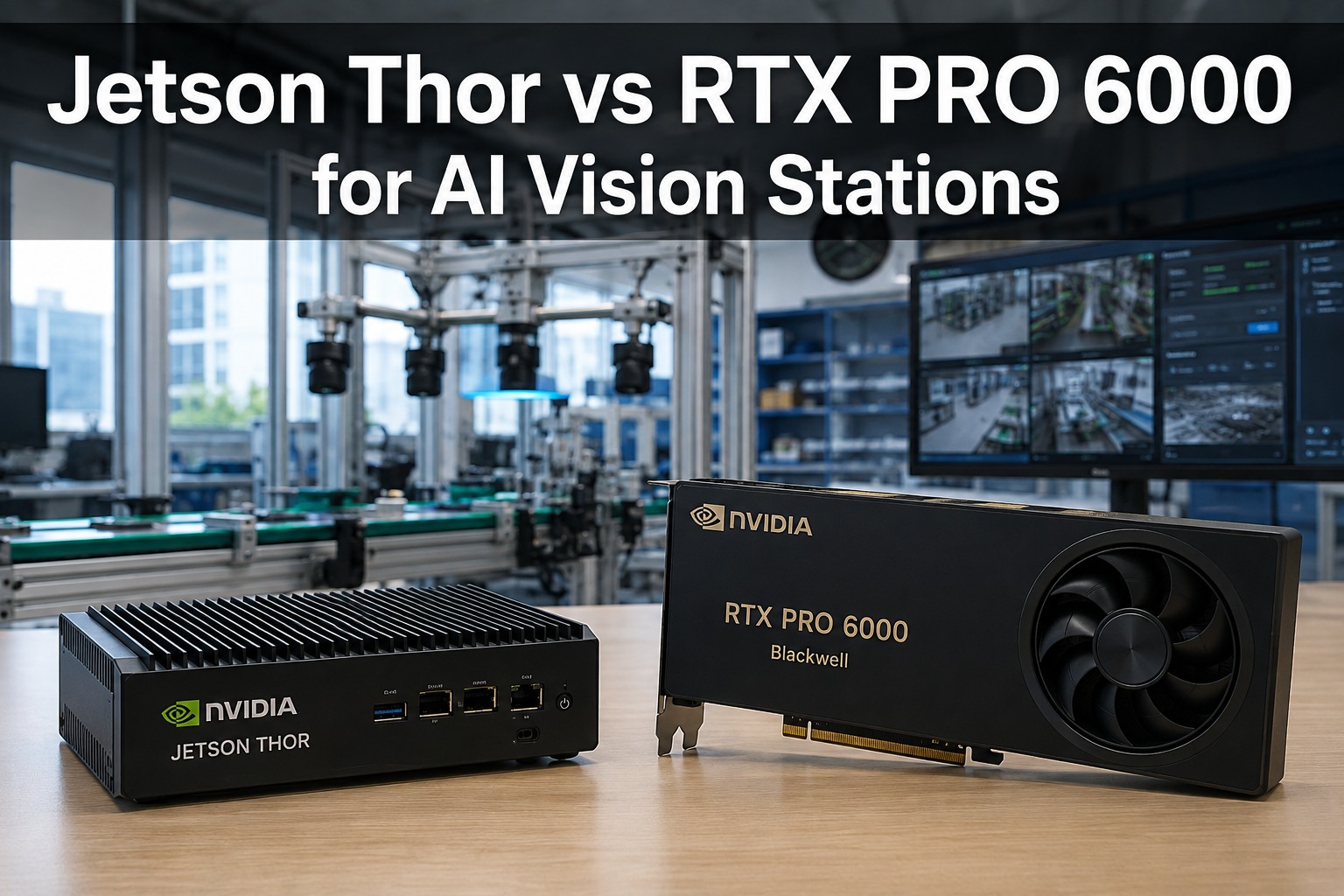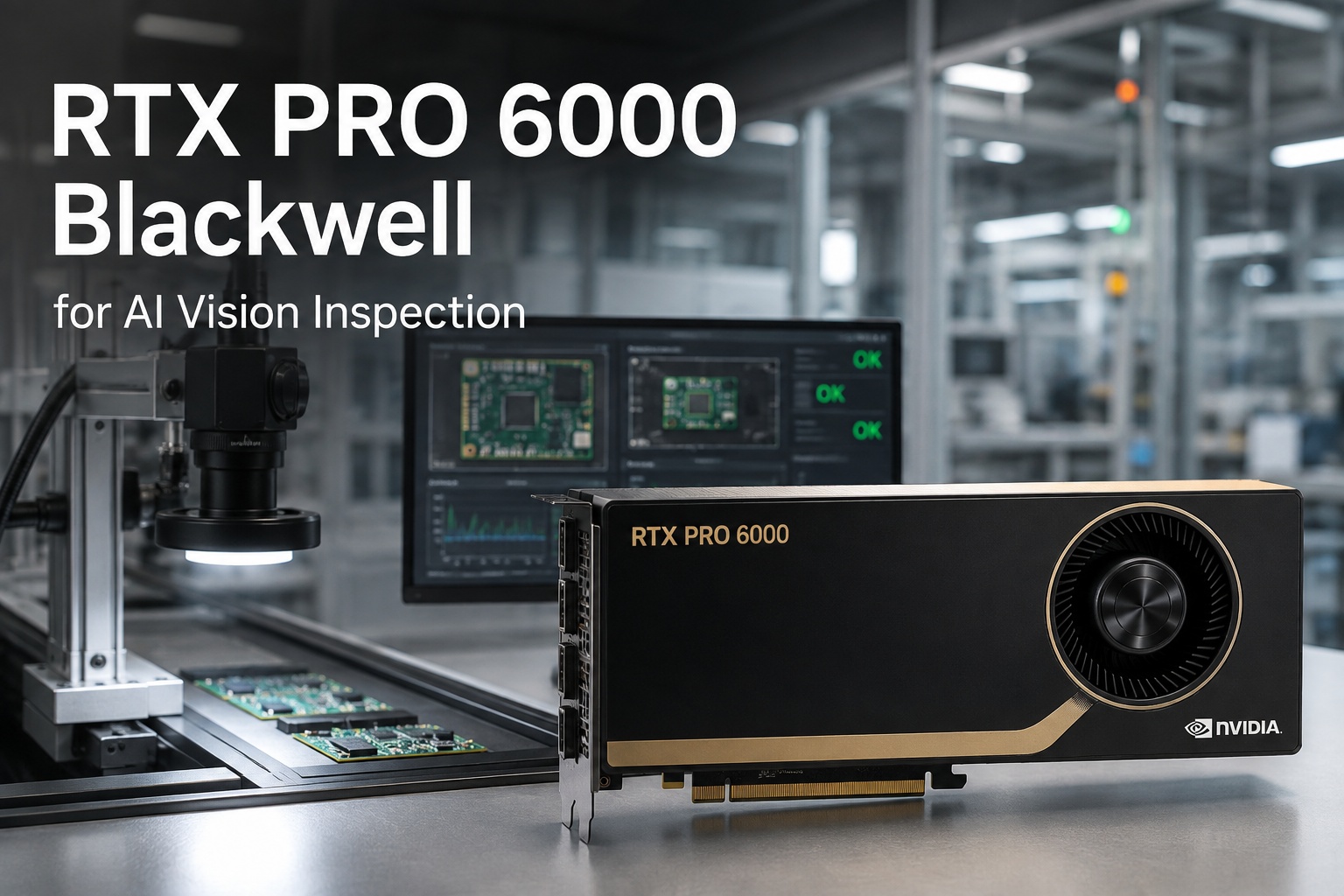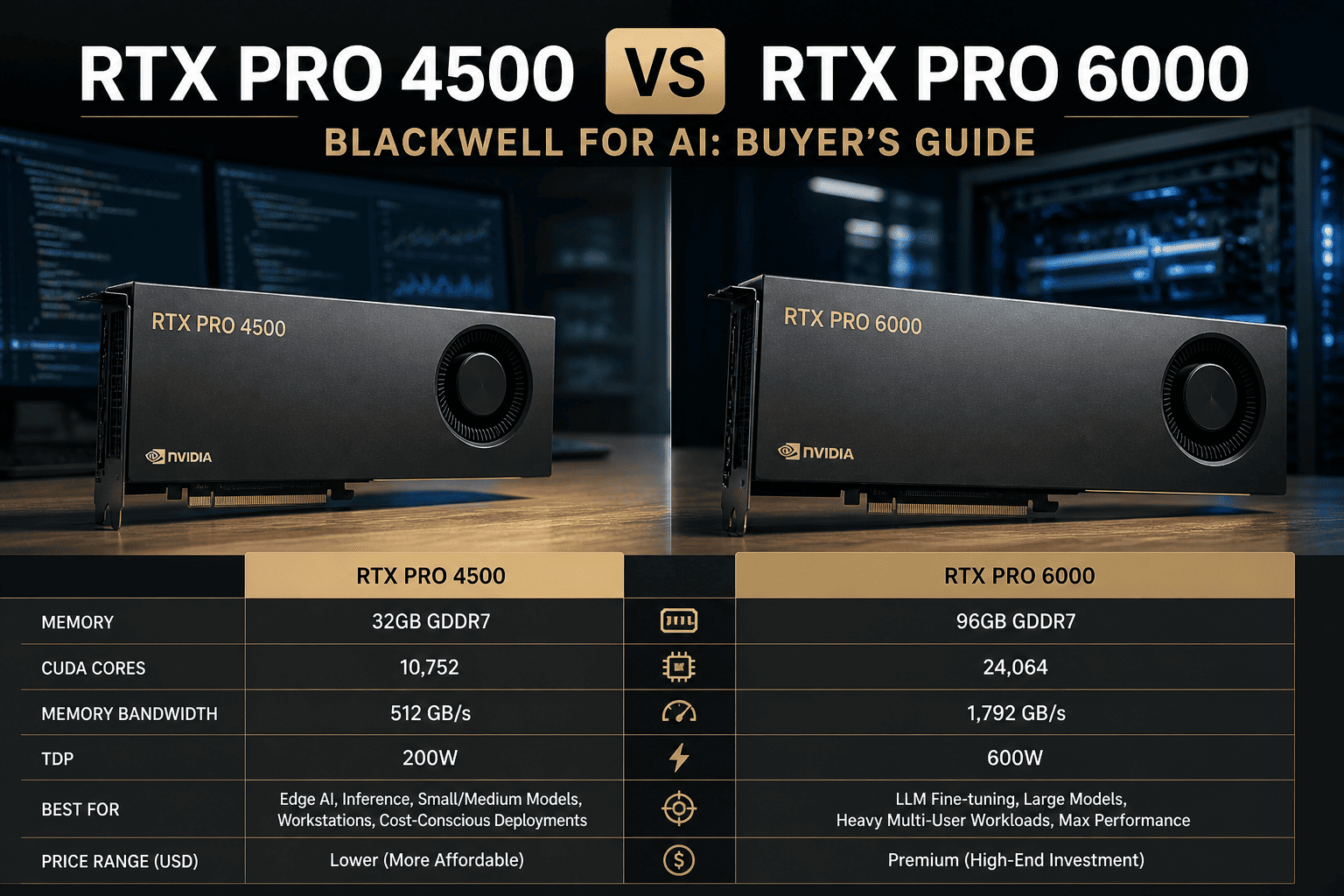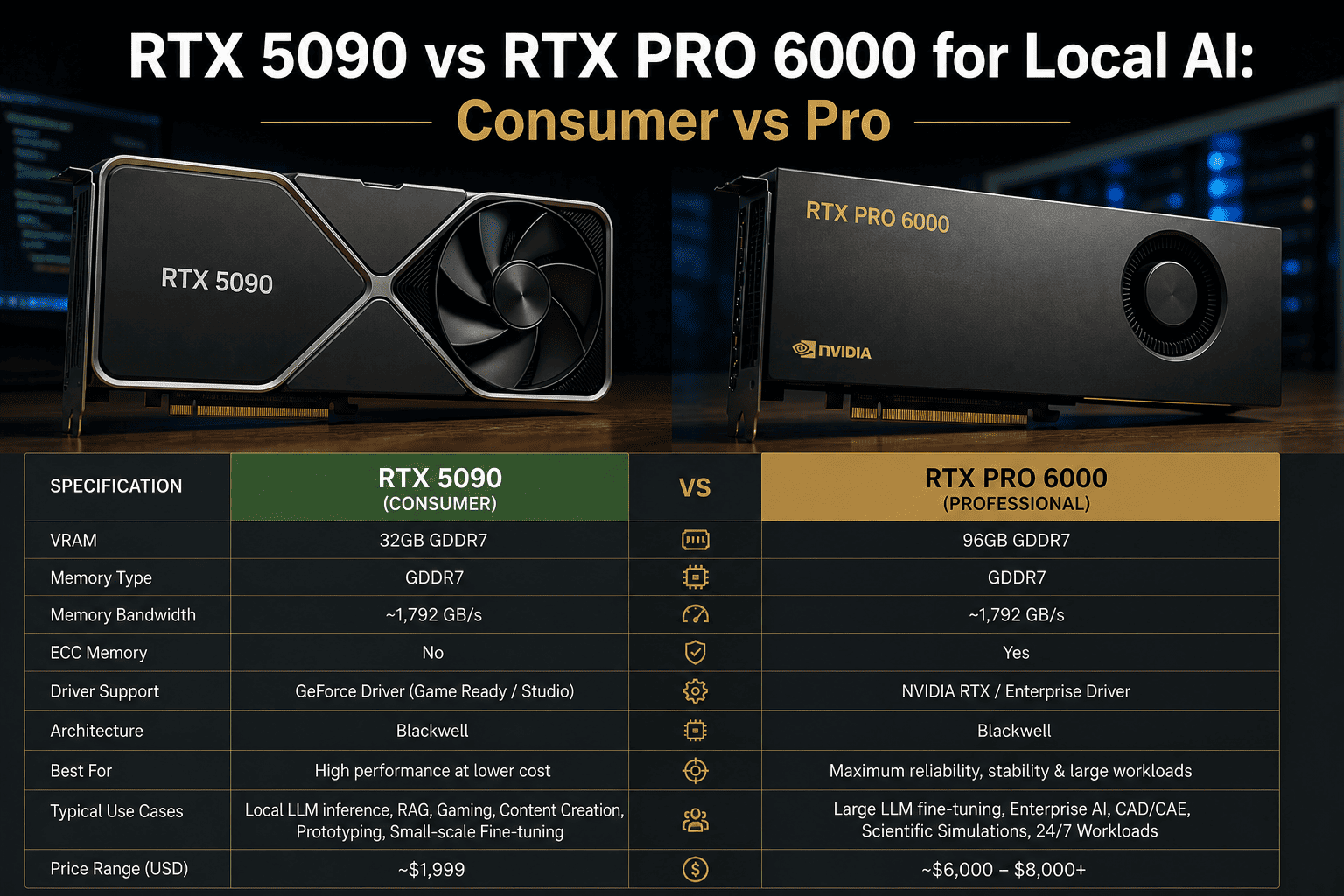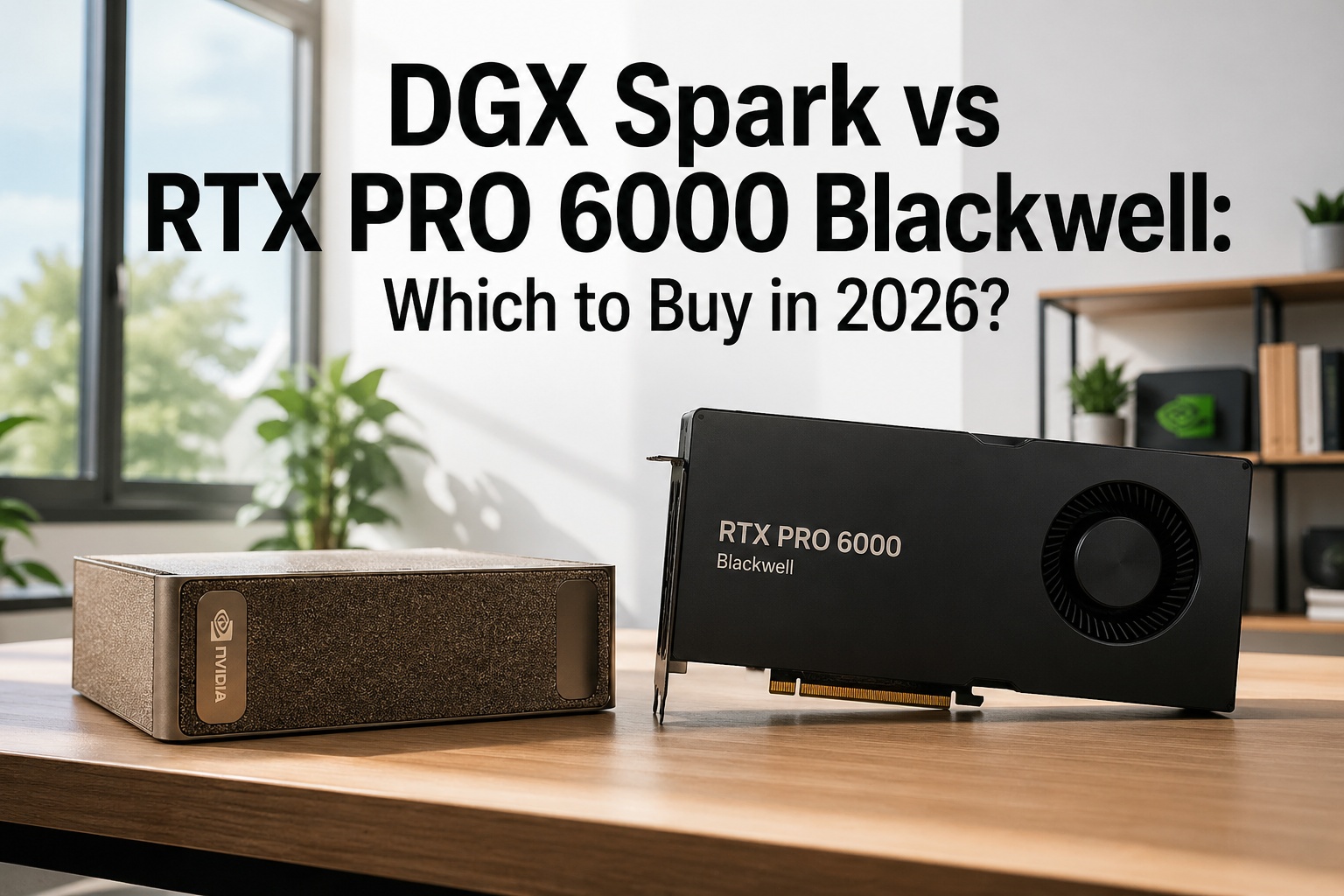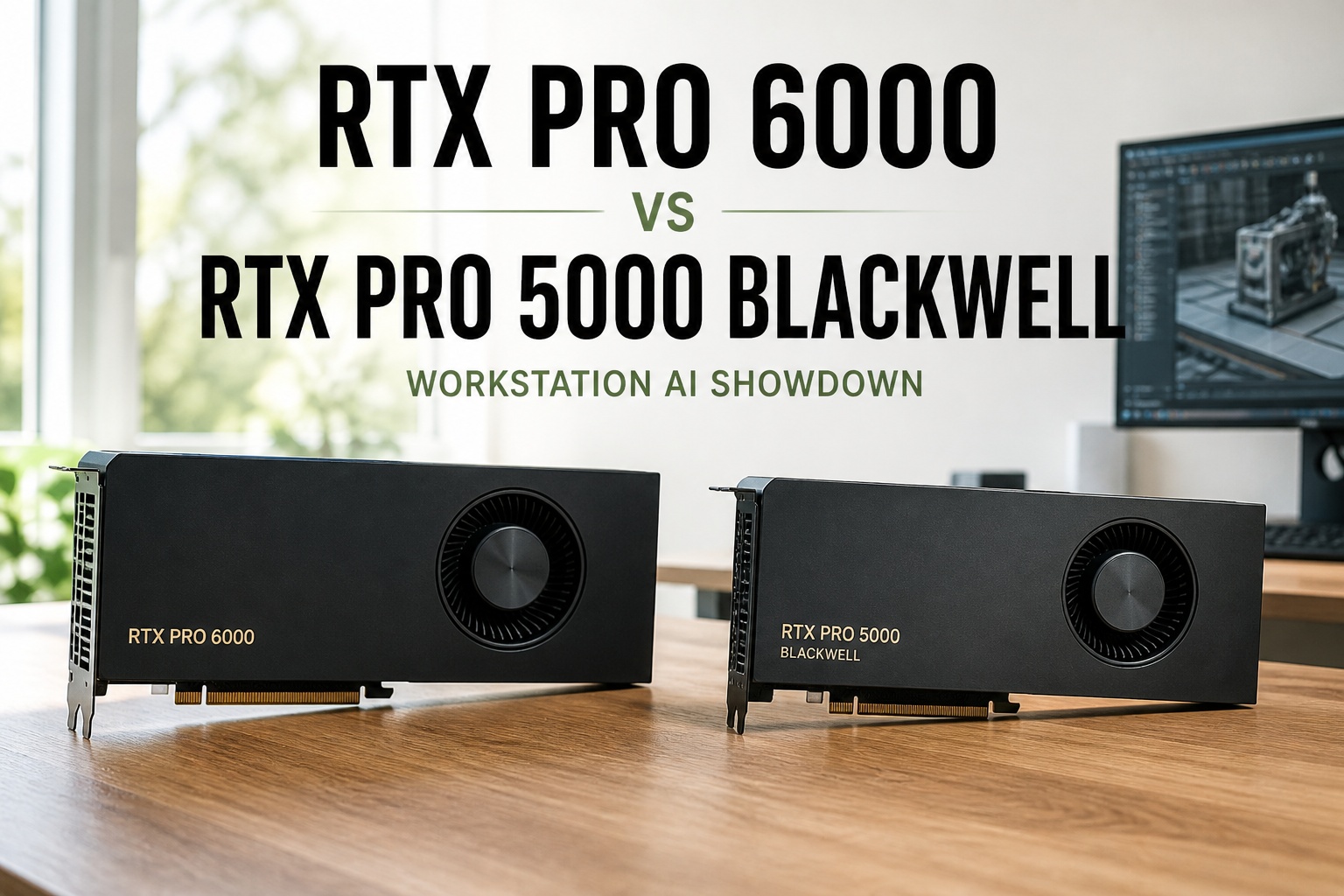
Two workstation GPUs, same Blackwell architecture, same GB202 silicon, same PCIe 5.0 — and a price gap of roughly $4,000 between them. The RTX PRO 6000 Blackwell Workstation Edition ships with 96 GB of GDDR7 ECC, 24,064 CUDA cores, and a 600 W TDP for around $8,300. The RTX PRO 5000 Blackwell ships with 48 GB (or 72 GB) of GDDR7 ECC, 14,080 CUDA cores, and a 300 W TDP for around $4,200–$5,000. Pick wrong and you either over-pay for memory you'll never fill or stall a fine-tune at 80% because the model spilled to system RAM. This is the head-to-head decision page for AI engineers, plant reliability leads, and ML platform teams choosing the right card for on-prem fine-tuning, local LLM inference, and engineering simulation. iFactory ships both — pre-flashed, pre-tuned, pre-cooled — inside our turnkey workstation appliances. To get a sized recommendation against your actual workload, get a turnkey quote.
RTX PRO 6000 vs RTX PRO 5000 Blackwell — The Workstation AI Showdown
96 GB vs 48 GB. 600 W vs 300 W. $8,300 vs $4,200. Same Blackwell architecture, same GB202 die — but very different decisions for fine-tuning headroom, LLM inference, and engineering simulation. Shipped to your plant inside iFactory turnkey workstations, deployed by our engineers, owned by you. No cloud GPU bills. No per-hour billing. Sized to your real workload, not a vendor matrix.
If You Only Have a Minute, Read This.
Most buyers don't need a 30-page benchmark deep-dive. They need a 60-second answer to "which one should I order?" Here are the three buckets we sort customers into during initial scoping. Schedule a 30-minute scoping call to find out which one fits your actual workload.
- Local LLM serving up to ~30B params
- Fine-tuning 7B–13B with LoRA
- Engineering simulation, CAD, mid-tier rendering
- Need 2 cards for a workstation, not 1
- Power-constrained office / lab spaces
- Local LLM serving 70B+ params
- Full fine-tuning of 13B–34B models
- Multi-model ensembles in one box
- Heavy 8K video, billion-poly rendering
- You need every CUDA core in one chassis
- Buy one 5000 to start, prove the workflow
- Upgrade to 6000 when memory runs short
- iFactory chassis takes either card
- Trade-in credit on the 5000 within 12 months
- De-risks the wrong-card decision
The Numbers, Side by Side
Both cards are based on the same GB202 Blackwell die — what changes is how much of that silicon is enabled, how much memory ships, and how much power the card pulls. Here's every spec that matters for AI and rendering, with the higher number on each row highlighted.
Both cards support FP4/FP6 Tensor operations and the second-gen FP8 Transformer Engine. Both ship with full ECC on GDDR7. Both are ISV-certified for the same DCC and CAD apps. The decision is rarely about features — it's about memory footprint and power envelope. Talk to support for sizing on your actual model + dataset.
Where the Extra $4,000 Actually Goes
Same architecture, same precision support — so per-CUDA-core throughput is identical. The 6000 wins by having ~70% more cores and 2× the memory. Here's the relative throughput across the four workloads our customers run most.
Numbers are relative throughput indicators based on Blackwell architecture scaling. Real workloads vary with batch size, precision, and software optimization. Send us your benchmark — we'll run it on both cards and send you the actual numbers.
What Actually Fits in 48 GB vs 96 GB
VRAM is the single biggest decision driver between these two cards. Here's a visual map of which models fit comfortably, which fit tight, and which won't fit at all on each card. KV cache and batch size eat real memory — the headroom matters.
Six Real Workloads. Six Clear Picks.
If your workload doesn't appear here, send us your model + dataset details and we'll come back with a written recommendation in 5 business days. Email support or book a scoping call.
Plant copilot serving 50–200 concurrent operators. Needs full 70B for reasoning quality, 4-bit quantization for speed.
Lightweight LoRA fine-tune of a 7B on your asset history, SOPs, and incident reports. 1–2 day training run.
Full-parameter fine-tune for a domain LLM. Optimizer states + activations need 60+ GB headroom.
Reliability engineer's workstation. Mixed CFD/FEA simulation, NX/SolidWorks, occasional 7B inference for documentation.
Visual effects studio shot. Billion-poly geometry, full ray tracing, 8K finishing pass. Memory and RT core hungry.
Need 2 cards in one chassis for ensembling or parallel training. Power budget matters — and 600W × 2 is hard to cool.
Workstations Beside the Plant Brain
Neither card replaces the GB300 sovereign LLM node that hosts your plant copilot. They sit alongside — at the engineer's desk for development, at the reliability lead's workstation for ad-hoc analysis, at the data scientist's bench for fine-tuning. Three tiers, one stack, all on your floor.
- One per AI engineer / reliability lead
- Local 7B–30B inference
- LoRA fine-tunes overnight
- CAD / CFD / general engineering
- 1–2 per plant data science team
- Full fine-tunes of 13B–34B
- 70B inference benchmarks
- Ensembles, multi-model dev
- One per plant
- Plant copilot LLM hosted on-site
- RAG over historian + MES + ERP
- Production inference for all operators
Each tier earns its place. Workstation cards do development and ad-hoc work. The GB300 plant brain serves the production copilot. Mixing the tiers — using a workstation card to serve 200 operators, or buying a GB300 for a single engineer — wastes money in both directions. Schedule a session to size your three-tier stack.
Six Reasons to Buy Your GPU Inside an iFactory Workstation
You can buy these cards from any reseller. Most arrive in a brown box with a driver disc and no plan. iFactory ships them inside a turnkey workstation — pre-flashed, pre-tuned, pre-cooled, with the model stack already loaded.
Send us your model + dataset, we come back with a sized BOM in 5 business days. No "buy and hope it fits" — we run your workload before quoting.
Workstations arrive with TensorRT-LLM, vLLM, llama.cpp, and your selected base models pre-loaded and tuned. First inference runs day-one, not week-three.
Off-the-shelf workstation cases struggle with the 6000's 600W TDP. Our chassis is sized, ducted, and acoustically tuned for sustained full-load — no thermal throttling.
Every model, every weight, every byte of training data stays on your workstation. No phone-home. No model registry sync. No vendor cloud access.
Buy a 5000 today, upgrade to a 6000 in 12 months with trade-in credit. Same chassis, same OS image, same model stack — only the card changes.
One-time CapEx. No SaaS. No per-token billing. You own the workstation, the GPU, the model weights. Talk to support for terms.
All You Provide. Seriously.
Most "AI workstation" deployments stall on power planning, cooling, and OS imaging. iFactory inverts that. Talk to deployment support for a remote site walkthrough.
- Power — 1× 20A circuit per workstation (1500W PSU for 6000)
- Network drop — single Gigabit uplink (10G optional)
- Workstation chassis sized for the GPU TDP
- 1500W or 1000W PSU pre-installed
- Engineered cooling for sustained full-load
- OS image with TensorRT-LLM, vLLM, llama.cpp
- Base models pre-loaded & tuned
- VPN to iFactory plant H200 / GB300
- Engineer onboarding & training
- Year-one support & upgrade path
From PO to Model Running Locally
Workstation orders are faster than full plant deployments — typically 4–6 weeks from PO to first model running on your floor.
Remote scoping. Send us model + dataset details. Card recommendation, chassis spec, and fixed BOM in 5 business days.
Workstation built, GPU installed, OS imaged, model stack pre-loaded. 24-hour burn-in. Ships with serial-locked recovery image.
Crate ships. Local engineer or our field tech racks it, plugs power + network, runs validation. First inference within 2 hours.
Engineer onboarding. Workload tuning. First fine-tune or production inference live. Year-one support active.
Buy It Once. Own It Forever.
No SaaS subscriptions. No per-token billing. Year-one support is included; everything after that is optional.
Workstation, GPU, software, deployment, year-one support — single PO. Sits on your balance sheet as a depreciable asset, not a cloud line item.
You own the chassis, the GPU, the model weights, every byte of training data. Full audit rights. No vendor lock on data export.
Buy a 5000 today, upgrade to a 6000 within 12 months with trade-in credit. Same chassis, same model stack — just a faster card.
What Buyers Ask Before Issuing a PO
You're not just paying for memory. The 6000 has ~70% more CUDA cores, 70% more Tensor cores, and 70% more RT cores — plus 33% more memory bandwidth. The price gap reflects the full silicon enablement of the GB202 die. If your workload needs the cores AND the memory, the 6000 is cheaper than 2× 5000s. If it only needs one, pick accordingly.
The 72 GB version closes the gap to the 6000 on memory but not on compute. If you're memory-bound but core-count-tolerant — single-stream 70B inference, large embedding stores, big batch sizes for training — the 72 GB is the sweet spot at ~$5,000. If you're compute-bound, save the money and step up to the 6000 instead.
No — these are workstation cards. They sit at engineer desks for development and ad-hoc work. Production inference for hundreds of operators belongs on a GB300 plant brain. Talk to us about three-tier sizing.
Yes for the 5000 (2× 300W = 600W draw, fits a 1000W chassis). For the 6000, two cards means 1200W of GPU draw — needs our heavy chassis with engineered airflow and a 1500–1800W PSU. Most teams find 1× 6000 outperforms 2× 5000 for single-model workloads.
Get a Quote on Your Workload.
Watch both cards run head-to-head on a 70B inference, 13B fine-tune, and a billion-polygon render Or send your model + dataset details — we'll come back with a sized recommendation in 5 business days. Workstation, GPU, software, deployment, year-one support all included. No recurring fees. You own the platform outright the day it ships.