Dispatch Jobs, Track Every SLA Clock, Close with a Signed Report
Contracts set the response and fix times, every job starts its SLA clock automatically, and technicians finish the visit — checklist, parts, photos, signature — right from their phone.
- ✓ SLA clocks on every job — On track, At risk or Breached, at a glance
- ✓ Dispatch board shows who's free, who's late, what's about to breach
- ✓ Signed service report PDF, emailed only when you choose to send it
- ✓ SLA timers from each contract's response & fix times
- ✓ Dispatch board + technician phone app
- ✓ Parts, photos, signature & PDF service report
Everything between the call and the signed job sheet
Contracts & SLA clocks
Response and fix times set per contract, running automatically on every job.
Dispatch board
See who's free, who's late and what's about to breach, on one board.
Technician's phone
Checklist, parts used, photos and the customer's signature, done on site.
Signed service reports
A PDF for every job, emailed to the customer only when you choose to send it.
Parts & stock
Parts used on a visit come straight out of Maintenance's stock.
Reports
First-time fix rate, SLAs met and jobs per technician, worked out for you.
Every customer, contract and job on one record

The overview, with sample records: contracts, SLA clocks and the jobs in progress.
From the call to the signed report
Contracts and SLA clocks
Customers, sites and the equipment you service there, with each contract's response and fix times. Every job starts its clock the moment it comes in.
Dispatch on a board
Put each visit on a technician's day: who is free, what is late and what is about to breach, on one board.
Done on the technician's phone
The checklist, parts used, photos and the customer's signature. The service report is a PDF, emailed only when you send it.
Where the work actually happens

Dispatch board
Technicians by day, with the visits on each day and the jobs not yet given to anyone. A job moves on by itself as the visit happens.
- ✓ Move a visit, or add a return when the first couldn't finish
- ✓ Scheduled → In progress → Completed, tracked automatically
- ✓ Every job is also a work order on Maintenance's board
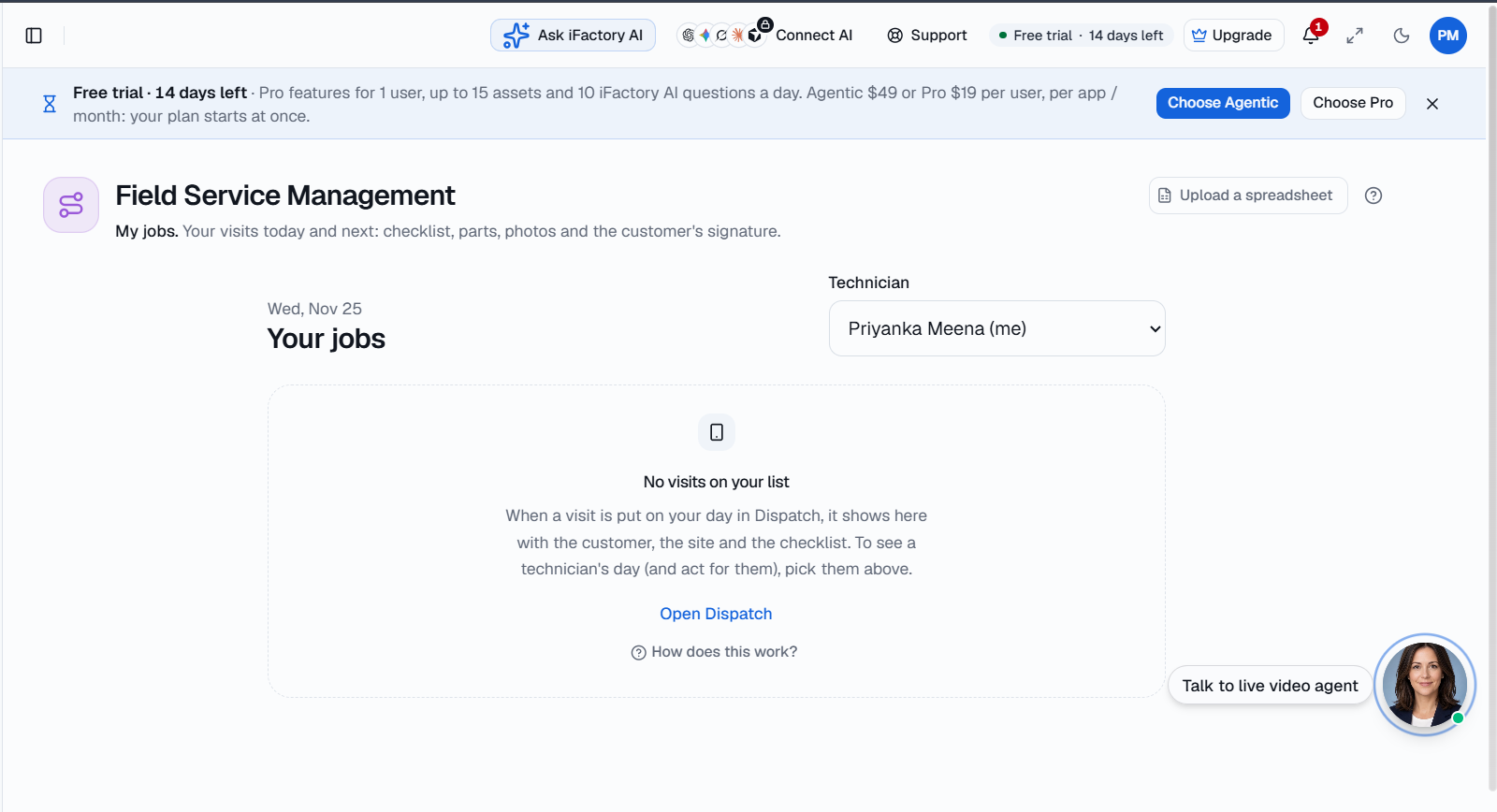
My jobs, on the phone
Today's visits in order, each with the site address, access notes and equipment. No computer needed in the field.
- ✓ Checklist for the type of job, worked through on site
- ✓ Parts used booked straight out of stock, with photos added
- ✓ Customer signs on the screen and the visit is done

Contracts & SLAs
Each contract sets the response and fix time for every priority, in hours around the clock. Sites with no contract get your company's default times.
- ✓ On track, At risk or Breached, shown on every job
- ✓ Closest-to-due clocks surfaced first, so nothing slips quietly
- ✓ Met / Missed recorded once the time is known
No separate add-ons to buy
Your whole team
Invite colleagues; owners and admins manage access.
iFactory AI
Ask questions and get answers from your own records.
Your data stays yours
Export everything to Excel or PDF, any time.
Hosted in the United States
Each company's records are kept separate.
Built for teams that service equipment on-site
Data center & IT services
UPS systems, cooling units and generators under contract, with SLA clocks that matter.
HVAC & refrigeration
Seasonal call volume, multi-site contracts and technicians on the road all day.
Industrial equipment service
Pumps, compressors and machinery serviced across customer sites, not your own plant.
Facilities & campus teams
Multiple buildings, access notes and equipment that needs a record, not a whiteboard.
What's different once it's running
Dispatchers see which SLA clocks are closest to breaching, instead of finding out after a customer calls.
One dispatch board replaces the shared inbox, the whiteboard and the paper job sheet.
Signed service reports go out the day of the visit, not days later from memory.
First-time fix rate and SLAs met are ready for a contract review, without being worked out by hand.
Before you start the trial
If something's missing here, a quick call usually answers it faster than a help page.
Is the service report emailed to the customer automatically?
How are the response and fix times worked out?
Do technicians need a computer?
Does it work with Maintenance?
Can we try it before adding our own customers?
What happens after the trial?
Try Field Service Management free for 14 days
No card needed. Bring your spreadsheet and be running in minutes.
Start free trial →SLA
- ✓ Response met — 1h 40m early
- ✓ Parts booked from stock
- ✓ Checklist completed on site