The chemical tracking list in HazCom 2024 update is the table under the status cards: one row per chemical, with its three steps, its supplier contact, its due date and its status side by side. It is where most of...
All the important insights, guidance and news you need to know.
Keep up-to-date with all our latest company news and business content. The latest news, tips and advice to help you run your business with less fuss.
Browse by Topic
Daily Production Board (SQDC)
Improve production visibility with iFactory AI Production Board. Track manufacturing orders, monitor job progress, manage production schedules and identify shop floor bottlenecks.
0 Posts
Explore
Energy & Utility EHS
Manage energy and utility EHS with digital safety permits, LOTO tracking, incident reporting, contractor compliance, employee training and audits for power, solar, wind, gas and water facilities.
0 Posts
Explore
Facilities Maintenance
Simplify facilities maintenance with iFactory AI. Manage building work orders, room QR code requests, preventive maintenance, inspections and contractor visits.
0 Posts
Explore
Field Service Management
Optimize field service operations with iFactory AI. Manage service requests, technician assignments, work orders, scheduling, job tracking and on-site maintenance activities.
0 Posts
Explore
Fleet Maintenance
Manage vehicle fleet maintenance with iFactory AI. Track daily pre-start inspections, vehicle defects, service schedules, work orders and maintenance costs in one platform.
0 Posts
Explore
HazCom 2024 update
Simplify OSHA HazCom 2024 compliance with iFactory AI. Track chemical safety data sheets (SDS), workplace labels, supplier updates, employee training, and regulatory deadlines with automated reminders and audit-ready reports.
17 Posts
Explore
Incoming Inspection (IQC)
Streamline incoming quality inspections with iFactory AI. Automate AQL sampling, record inspection results, track supplier defects and manage accept, hold or reject decisions.
0 Posts
Explore
Line OEE & Production
Monitor Overall Equipment Effectiveness (OEE) with iFactory AI. Track production performance, machine availability, downtime, quality losses, and shift-wise efficiency through real-time OEE analytics.
30 Posts
Explore
Maintenance
Manage maintenance work orders with iFactory AI. Report machine issues using QR codes, automate preventive maintenance, track repairs and reduce equipment downtime.
0 Posts
Explore
Plant Safety
Simplify plant safety management with iFactory AI. Track safety observations, incidents, work permits, LOTO procedures, employee training and audits in one platform.
0 Posts
Explore
Shift Handover
Simplify factory shift transitions with digital shift handover software. Track safety, quality, production, maintenance and open tasks with supervisor sign-offs and PDF reports.
0 Posts
Explore
Latest Articles
Read More
EHS software data security questions usually come down to three things: who can see our records, who can change them, and how we would know if they did. This page answers those for HazCom 2024 update using only what iFactory's...
Read More
Your chemical inventory list is the backbone of the written hazard communication program: paragraph (e)(1) of 29 CFR 1910.1200 asks for a list of the hazardous chemicals known to be present, using a product identifier that is referenced on the...
Read More
To export chemical inventory CSV files from HazCom 2024 update, open Export and choose CSV for Excel. The file downloads at once, named after the module and the day, such as hazcom-2024-2026-11-21.csv, with one row per chemical and a column...
Read More
If you are looking for a chemical inventory template Excel file to start a HazCom 2024 list, HazCom 2024 update has one built in. It is not a general inventory form. It is the exact workbook the module's import reads,...
Read More
The HazCom dashboard in HazCom 2024 update is a row of status cards at the top of the module, above the plant-wide steps and the chemical table. It answers the question managers ask first: how many chemicals are done, and...
Read More
A chemical tracking spreadsheet is how most plants started the HazCom 2024 update, and it is a reasonable start. One row per product, a column for the new SDS, one for labels, one for training. The trouble comes later: nobody...
Read More
When you need to request updated SDS from supplier contacts, the hard part is not the email. It is knowing, on any given day, which products are still missing a 2024-format sheet and who to ask for each one. HazCom...

Read More
HazCom training records in HazCom 2024 update are kept per chemical: one step that says whether affected employees were trained on that product's new hazards, and the date it happened. It is the third and last step for each chemical...
Read More
An updated SDS 2024 version is the first thing every chemical needs before anything else in your plant can change. Under the 2024 revision of 29 CFR 1910.1200, chemical manufacturers, importers and distributors reclassify their products and issue new safety...
Read More
A HazCom status report is the document you hand over when someone asks, "Where are we on the 2024 update?" In HazCom 2024 update, the iFactory module for 29 CFR 1910.1200, that report is a PDF built from the live...

Read More
A HazCom software free trial should let you answer one question before you pay: does this tool fit the way your plant tracks chemicals? Every new company in the iFactory portal starts with a 14-day free trial, and no card...
Read More
EHS software pricing is easier to judge when you know exactly what the plan includes. For HazCom 2024 update, the iFactory module for 29 CFR 1910.1200, the answer is short: it is not a separate purchase. It is one module...
Read More
Chemical safety software for the HazCom 2024 update is easy to compare once you write down what you need it to prove. Most EHS teams need the same few things: a dated record per chemical, the right employer date for...
Read More
HazCom labels on the containers your own people fill are the second step for every chemical in HazCom 2024 update, the iFactory module for the 2024 revision of 29 CFR 1910.1200. Spray bottles, day-cans, totes and transfer jugs carry workplace...

Read More
Hazard communication software for the 2024 update should answer one question fast: where does each chemical stand? HazCom 2024 update is the iFactory module that tracks every chemical's move to the 2024 revision of the Hazard Communication Standard, 29 CFR...
Read More
Your chemical inventory is the fastest way to start the HazCom 2024 update. Most plants already keep a chemical list in Excel, an SDS binder index or an export from an EHS system. HazCom 2024 update, the iFactory module for...

Read More
Line OEE prints carton labels from the same records it uses for pack-out, so the label always matches the carton. In Pack-out, Print labels opens a label picker for a set of cartons, and each carton row has its own...
Read More
When someone asks what happened to an order or a batch, the answer should be one search away. Every page of Line OEE has a search box in the header labelled order, carton, batch. Type an order number, a carton...

Read More
The TV screen button on the Line OEE Overview creates a link for a shop-floor display. Open the link in the browser of a TV, or on the small PC behind a monitor, and it shows a live scoreboard for...

Read More
A dashboard with every number on it still leaves a supervisor to work out what matters. The Needs attention panel on the Line OEE Overview does that work. It lists the lines that need someone's action, each with a short...
Read More
Most plants start with a spreadsheet, and Line OEE lets you bring it with you. The Upload a spreadsheet button sits in the header of every Line OEE page. Upload the file, match its columns to the tool's fields once,...
Read More
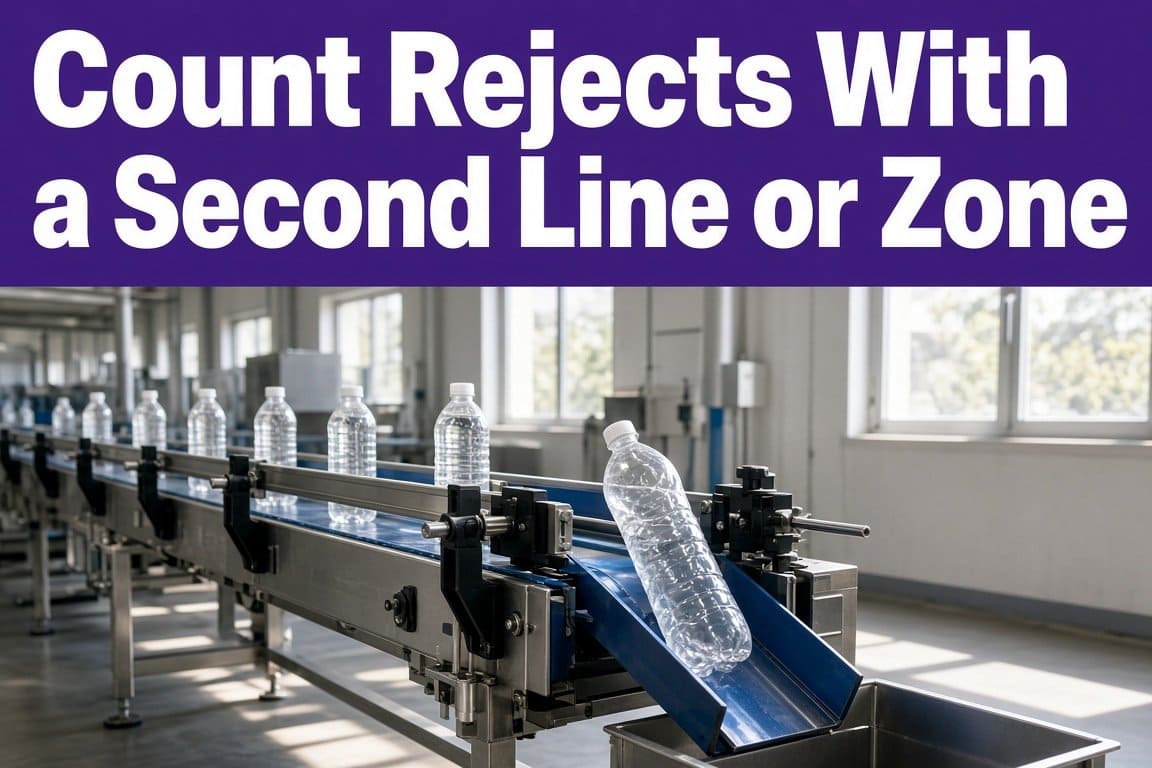
The quality factor of OEE is only as good as the reject count behind it. In Line OEE, each counting device can have an optional second line or zone for rejects. Point the camera so it also sees the reject...

Read More
A phone is often the easiest camera to put over a conveyor. In Line OEE, choose the phone option in the Live section and a QR code appears. Scan it with the phone and a counting page opens in the...

Read More
Line OEE publishes the formula behind every number it shows, so a supervisor can check any OEE figure by hand. It starts from planned time, takes away unplanned stops to get run time, compares what the line made with its...

Read More
Line OEE does not need a camera to be useful. Set up your lines, shifts and products, then record the shift by hand: start a run, add counts, add stops with their reasons and pack cartons. OEE, the stop reasons,...
Read More
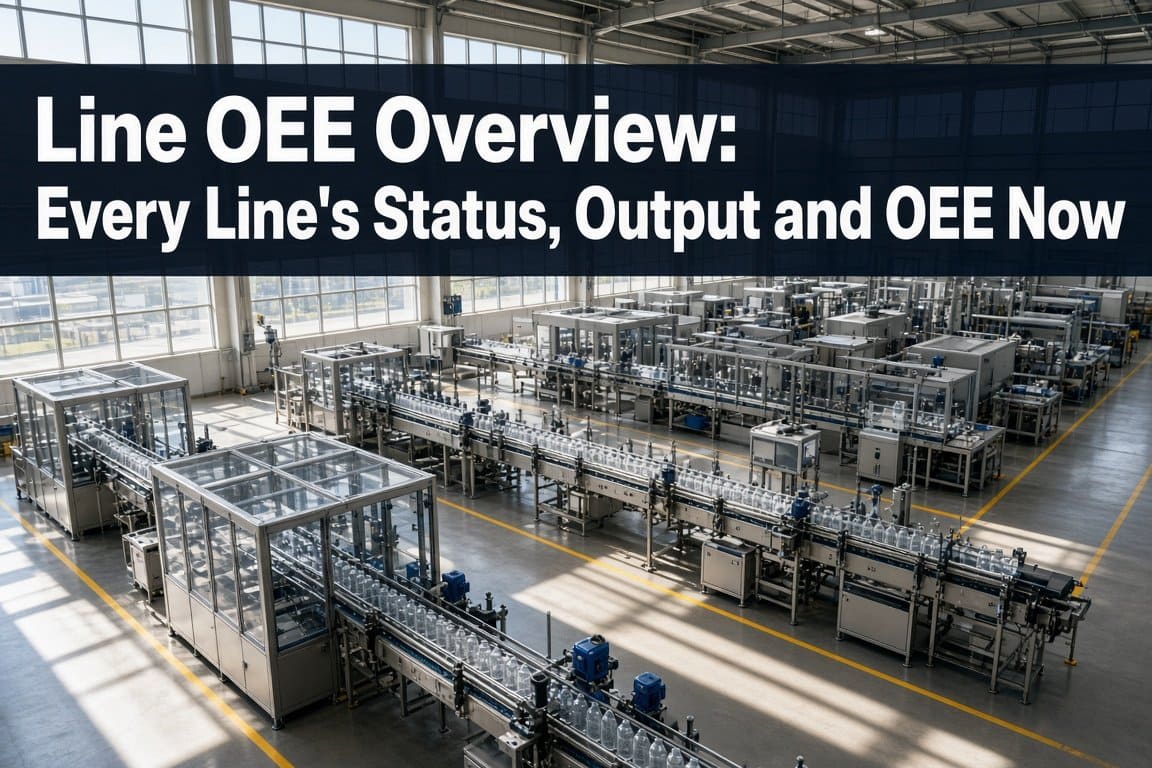
The Overview is the first page of Line OEE and answers the question every shift starts with: what is each line doing right now? A plant summary for today sits at the top, a Needs attention panel lists the lines...

Read More
A run in Line OEE is a product made on a line for an order. The Runs & orders page lists every run with its status, line, order number, product, start time, length, units made against planned and rejects. Counts,...
Read More
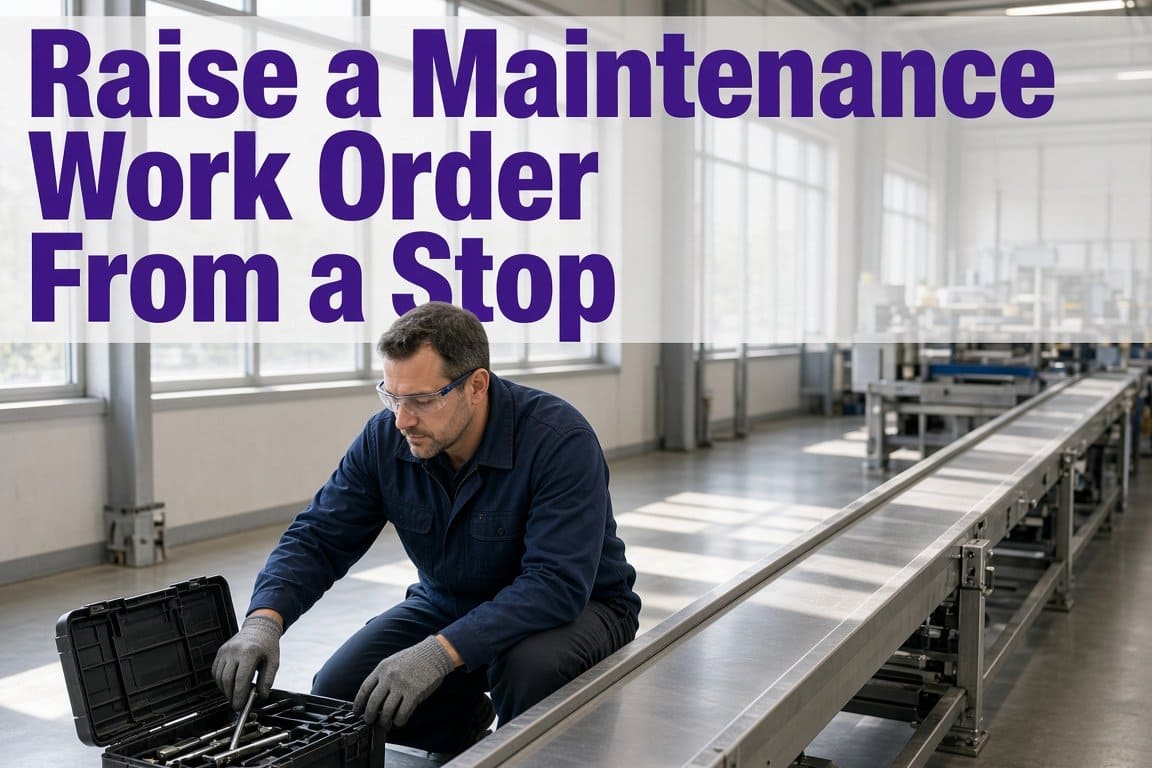
When a line stops for a breakdown, the stop and the repair belong together. Line OEE and iFactory Maintenance share one asset list: every line, and every machine on it, is a Maintenance asset. That makes the hand-off one step....
Read More
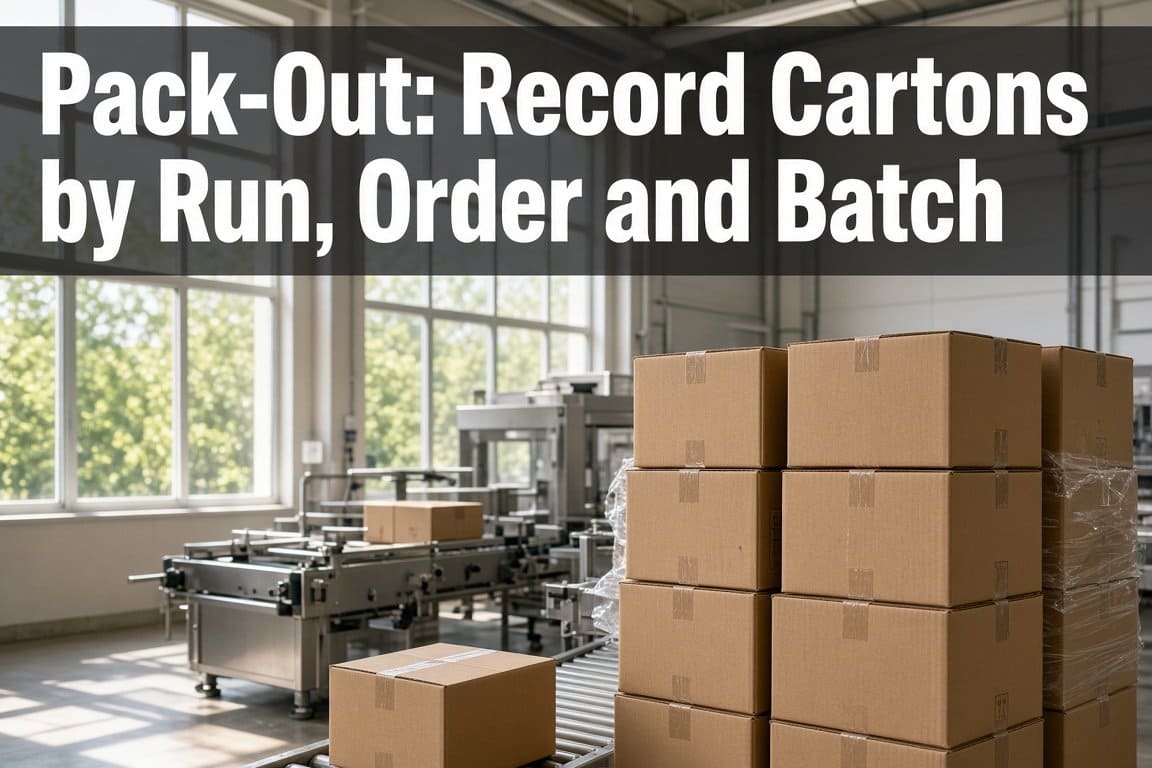
Pack-out closes the gap between what a line made and what goes to stock. In Line OEE, each carton at the end of the line is recorded with its units, product, order, shift and batch, then held, released or posted....

Read More
Line OEE connects to SAP Business One through its Service Layer and posts three kinds of document from shop-floor records: receipts for released cartons, resource hours for ended runs and downtime rows for ended stops. Every posting is built, queued...

Read More
OEE, overall equipment effectiveness, says how much of a line's planned time went into good product. Line OEE calculates it as availability × performance × quality from the line's own records: shift time, stops with their reasons, the ideal cycle...

Read More
Setup → Alerts in Line OEE decides what the tool tells people about, and who hears it. Rules are checked every five minutes and each alert is raised once, so nobody gets the same message every five minutes. Four rules...
Read More
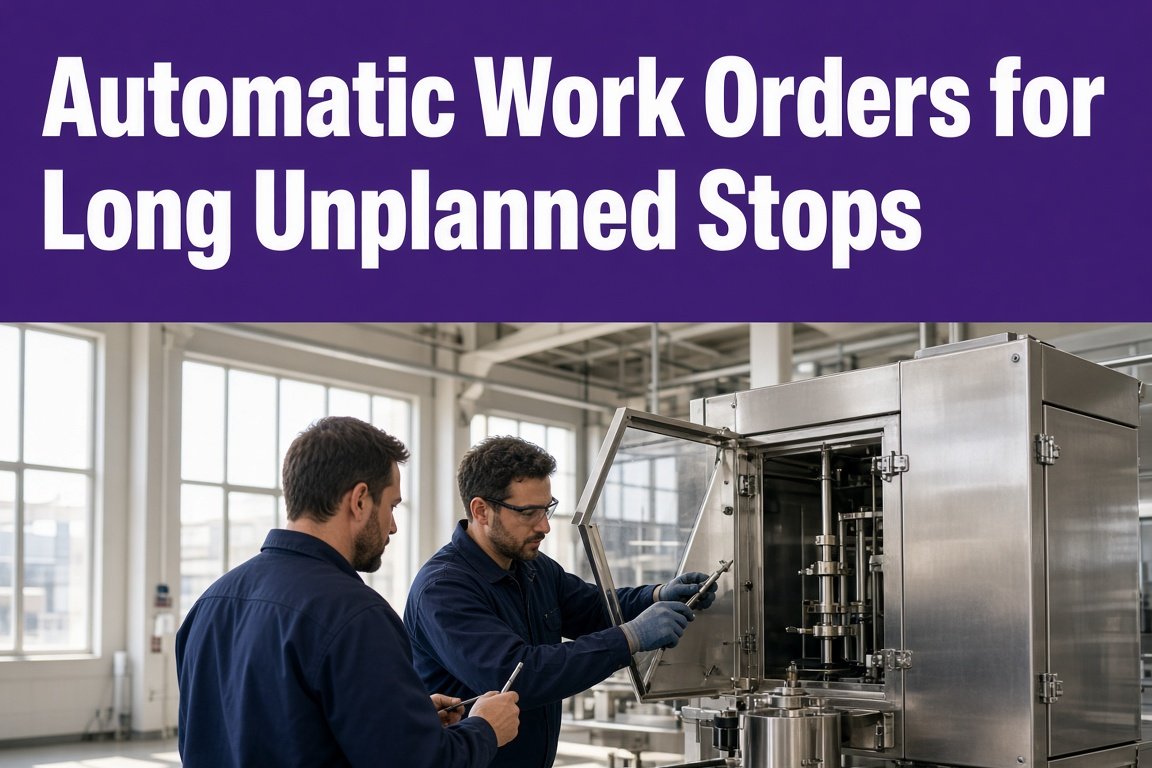
Some stops should always reach maintenance without anyone remembering to ask. Line OEE's work orders from downtime rule does that. Switch it on in Setup → Stop reasons and set the length: when an unplanned stop lasts at least that...
Read More
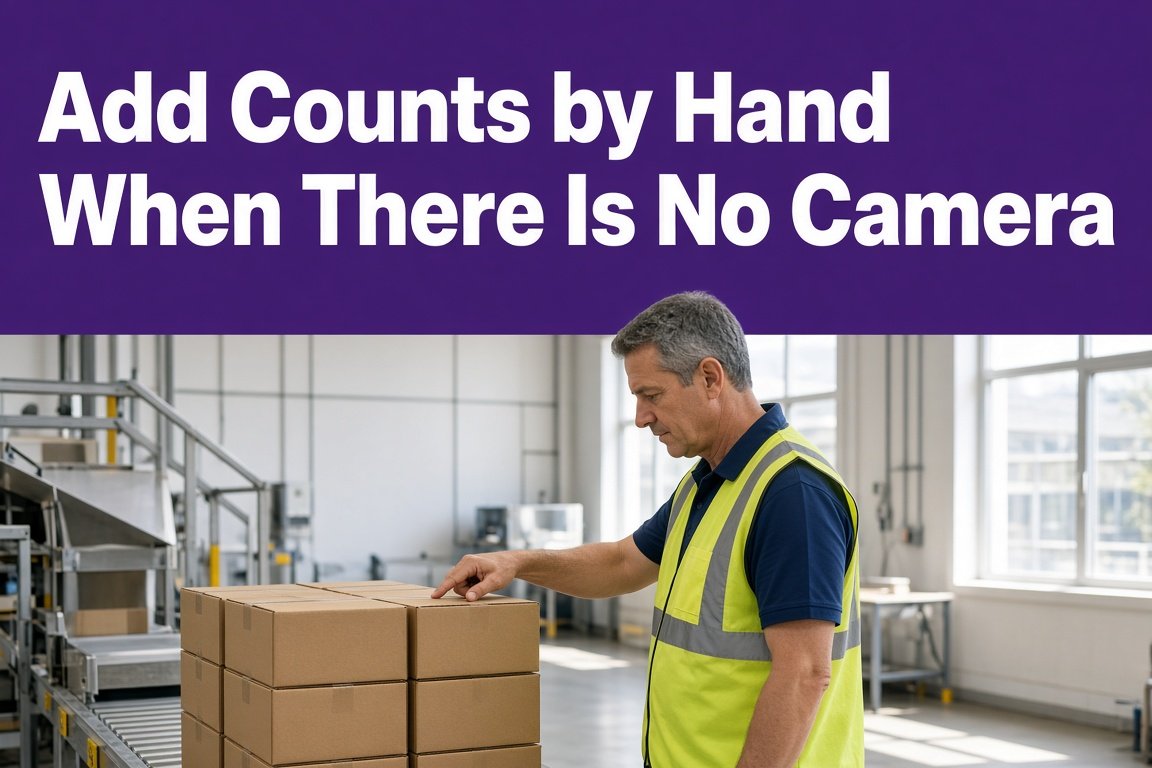
Line OEE works without a camera. The Add counts button sits in the header of every page of the tool and opens a form to record good and rejected units for a line over a period, such as the last...

Read More
Analysis is where Line OEE turns a period of records into answers. Pick today, yesterday, the last 7 days or the last 30 days, for all lines or one, and the page shows OEE against target, good units, minutes stopped...
Read More
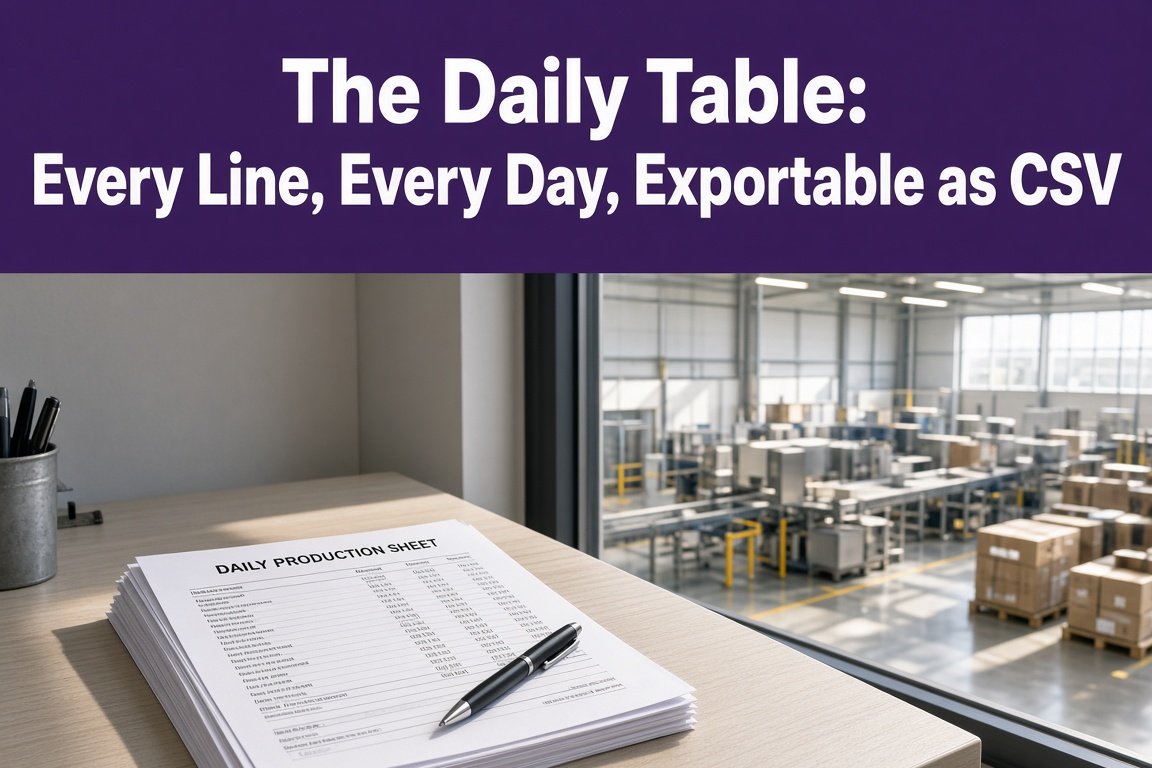
At the bottom of Line OEE Analysis, the Daily table gives one row per line per day for the period you pick: planned time, stopped time, good units, rejects and OEE. Pick a day to open it hour by hour....

Read More
Setup → Lines & shifts is where each line in Line OEE is defined. Give it a short code such as L-01, a name, an area and the name of the unit it counts, such as bottles. Then set three...

Read More
Line OEE follows the TPM convention for minor stops: they stay inside run time and count against performance, not availability. Two things land there. Gaps between units shorter than the line's stop time never become stop records, but they lengthen...

Read More
Line OEE's count-to-carton-to-ERP flow fits food and beverage packers that run SAP Business One. On the line, a camera counts finished units, or a person enters them, and every gap becomes a stop with a reason. In Pack-out, each carton...
Read More
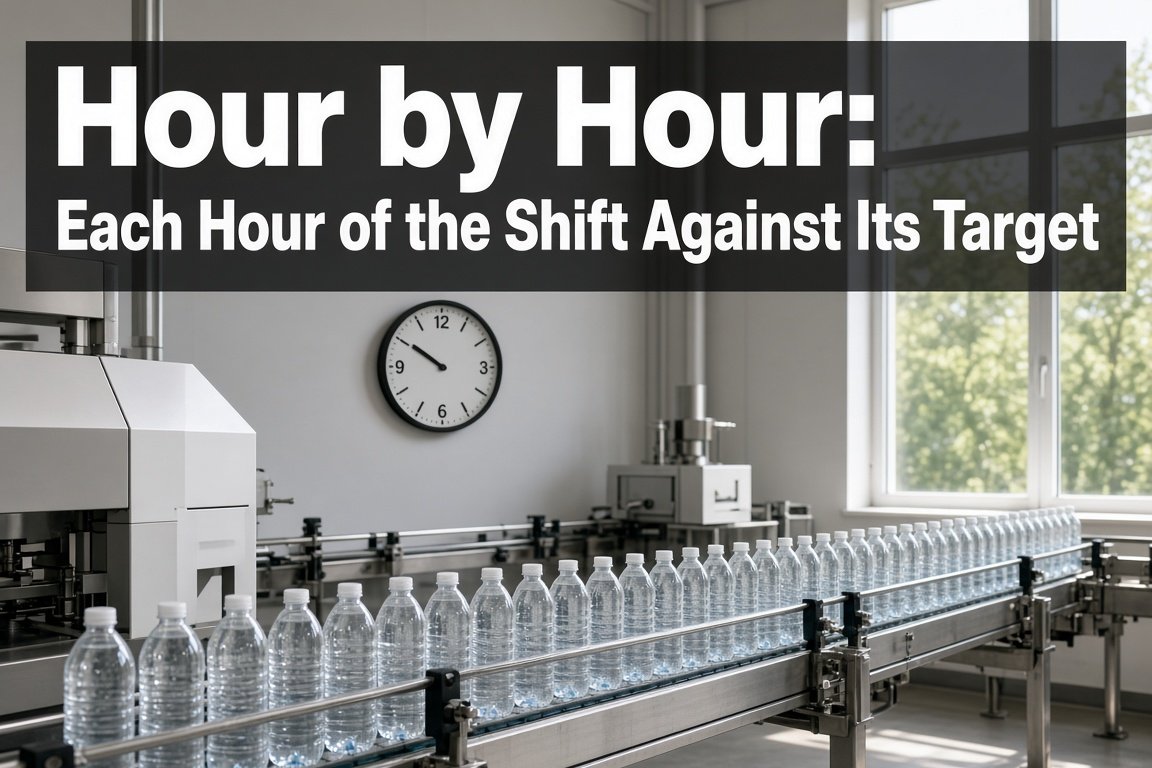
Hour by hour puts one line's shift on one table. Pick the line and the shift, and each row is an hour: planned minutes, the hour's target, good units, rejects, good against target, running totals, minutes stopped and the top...
Read More
Line OEE can count a line with the camera of the PC or tablet it is open on, with no app to install. Open Live, pick the line, allow the camera and point it at the conveyor. Draw a counting...

Read More
Line OEE & Production is the iFactory tool for plant, production and operations managers who want OEE from real counts, not from a board filled in after the shift. A phone, tablet or PC camera in the browser counts each...

Read More
Every new company starts Line OEE with a 14-day free trial of Pro features, and no card is needed. Bring your existing spreadsheet: upload it, match the columns once, and your records are in. Set up a line, point a...

Read More
Line OEE & Production is included in iFactory's Pro and Agentic plans. Plans are priced per user per month, not per machine or per line, and counting uses phones, tablets or PCs you already have, so there is no hardware...
Read More
Line OEE writes the shift report for you. From Analysis, the Shift report (PDF) button produces a PDF for the period and the lines you have selected, and the same report can be emailed automatically after each shift. The emailed...
Read More
The Stops page is the downtime log of Line OEE & Production, and it mostly fills itself. When a line's counts go quiet for longer than its stop time, a stop is written from the counts. Anyone can also add...