Line OEE's count-to-carton-to-ERP flow fits food and beverage packers that run SAP Business One. On the line, a camera counts finished units, or a person enters them, and every gap becomes a stop with a reason. In Pack-out, each carton gets a batch code from the date, the line and the shift, can be held with a reason and a photo, and is released when cleared. Released cartons post to SAP Business One under their batch, starting in test mode. You can sign up to access Line OEE and try it on one packing line, with 14 days of Pro features and no card.
iFactory Tools · Production · Food & beverage
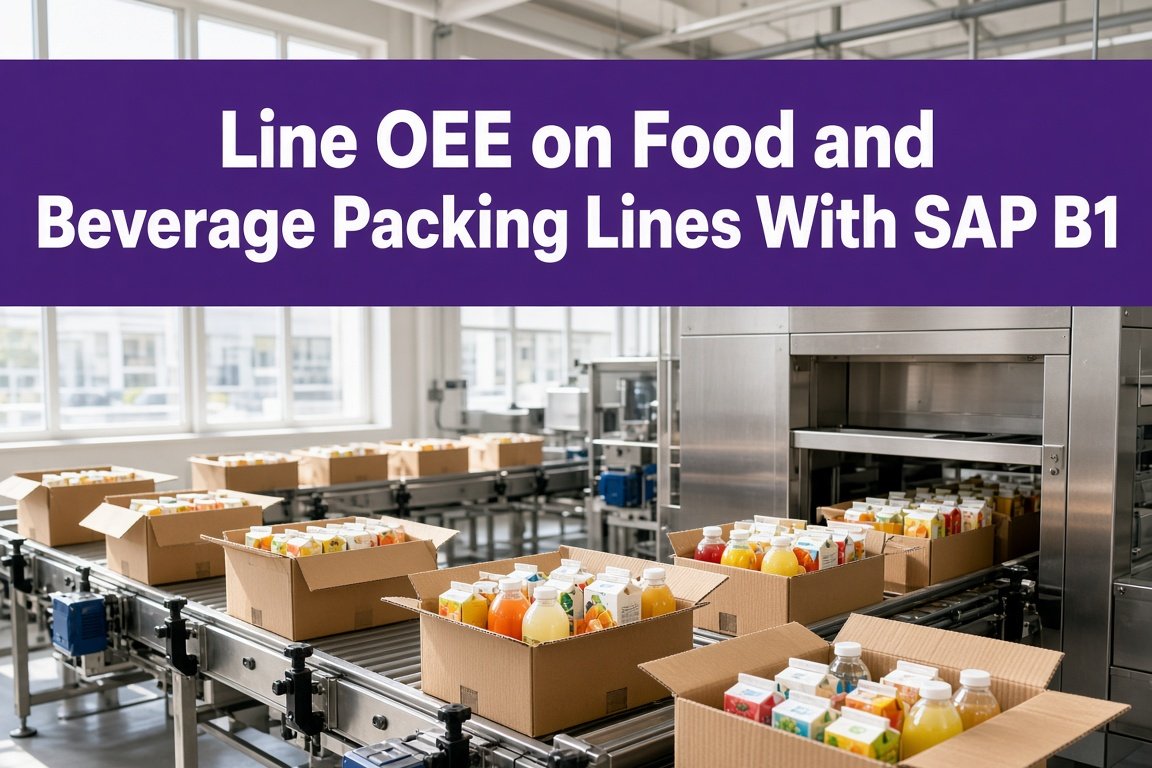
Line OEE on food and beverage packing lines with SAP B1
Count output, code every stop, pack cartons with batch codes and post receipts under each batch.
From the filler to SAP B1
Batch codes on every carton
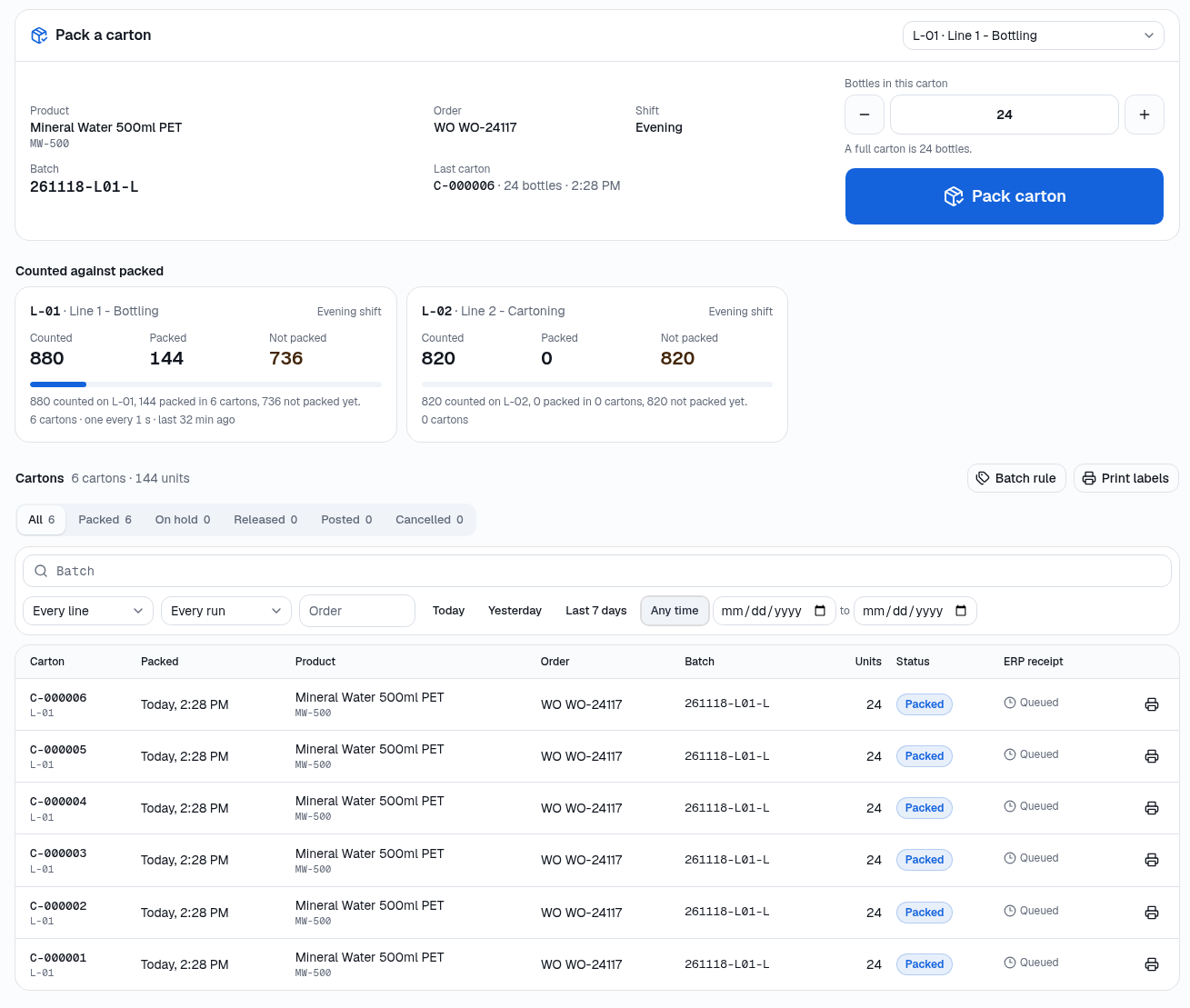
In the test account, every carton of Mineral Water 500ml PET for order WO-24117 carries batch 261118-L01-L: the date, the line and the shift.
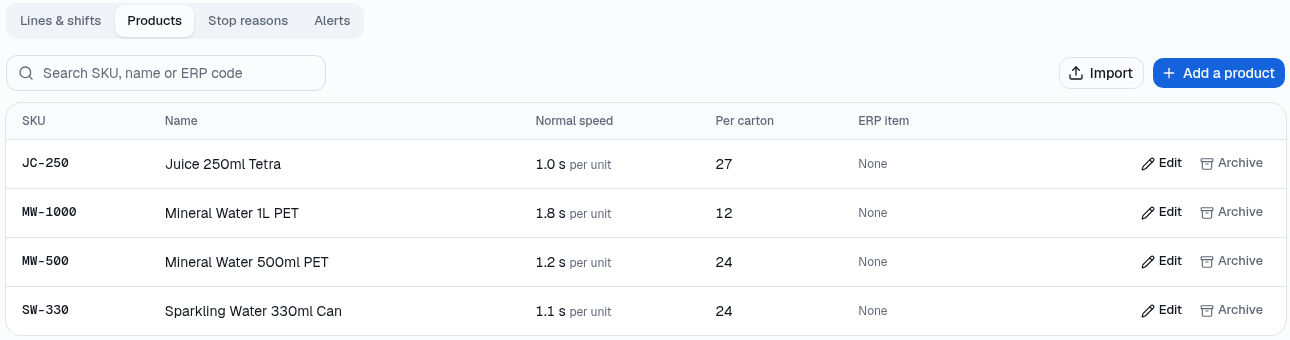
Products with their own speed and carton size
Each product can carry its own normal speed, so performance is fair when a line switches packs, and its own full carton for pack-out.
| Product in the test account | Normal speed | Per carton |
|---|---|---|
| Juice 250ml Tetra | 1.0 s per unit | 27 |
| Mineral Water 1L PET | 1.8 s per unit | 12 |
| Mineral Water 500ml PET | 1.2 s per unit | 24 |
| Sparkling Water 330ml Can | 1.1 s per unit | 24 |
Run one packing line from count to receipt
Start in SAP Business One test mode, so nothing is sent until you choose. 14 days of Pro features, no card.
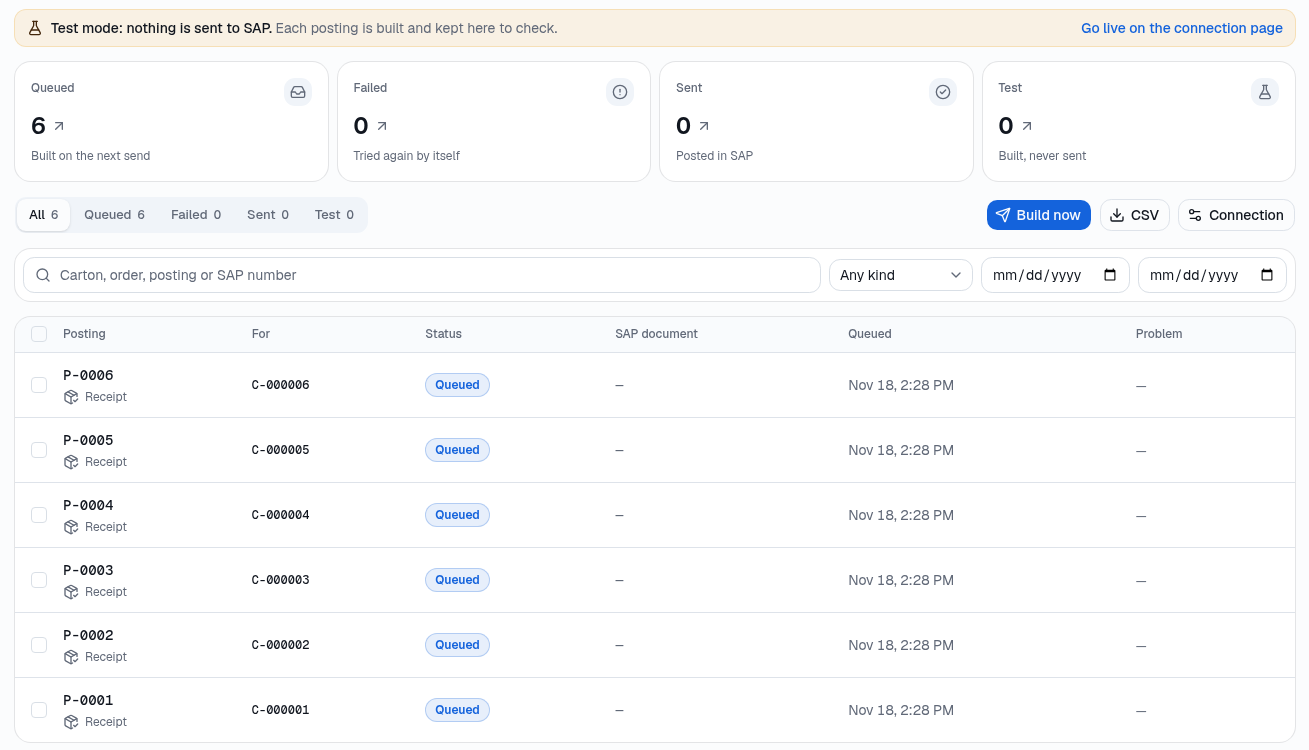
Receipts under each batch, test mode first
Released cartons become Receipts from Production against the production order, under their batch. Test mode builds and keeps every posting without sending anything.
Records, not certificates
No compliance claim
Line OEE helps you keep records of runs, stops, cartons and batches. It does not make a site compliant with any food-safety scheme.
SAP Business One only
Posting is built for SAP Business One. Packers on other ERPs can still use counts, stops, pack-out and CSV exports.
Expert review
A close review of the pack-out and SAP Business One code in the product repository, with the portal screenshots, shows a flow that matches how a beverage or food packing line already works: units, stops, cartons with batch codes, holds, and receipts under the batch.
Two cautions: posting is SAP Business One only, and records support your food-safety system rather than replace it. The figures shown are from a test account.
Frequently asked questions
Why does Line OEE suit food and beverage packers on SAP B1?
Its flow runs from count to carton to ERP: a camera or a person counts units, every gap becomes a stop with a reason, each carton gets a batch code, and released cartons post to SAP Business One under their batch.
How are batch codes made?
From the date, the line and the shift by default, such as 261118-L01-L in the test account. The batch rule can be changed on the Pack-out page. You can sign up to access Line OEE and see your own codes.
What happens to a carton with a problem?
Hold it with a reason and a photo, and release it when it is cleared. An alert can flag a carton held for longer than a set number of hours, 4 by default.
Can we find a batch or order quickly?
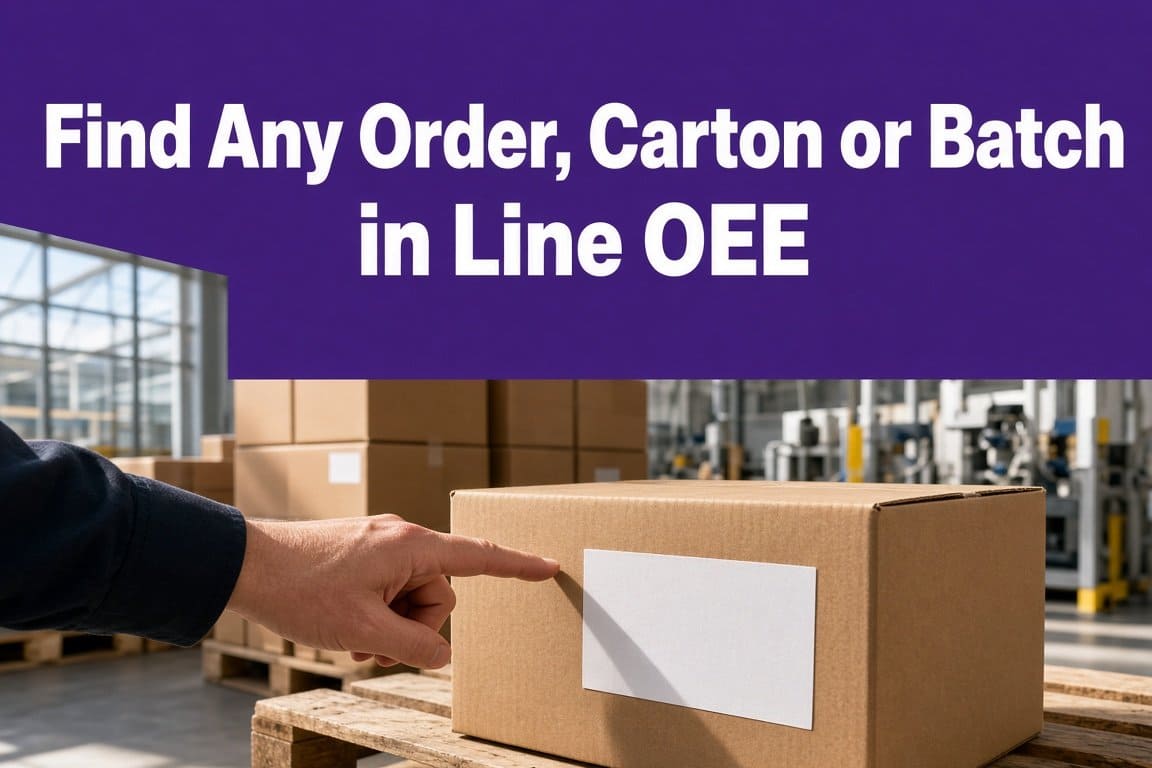
Yes. The search box at the top of every Line OEE page finds an order, carton or batch, and the carton list can be filtered by batch, line, run, order and status.
Does Line OEE make our site compliant with a food-safety scheme?
No. Line OEE helps you keep records of runs, stops, cartons and batches; it does not make a site compliant with any scheme. You can get started with Line OEE and judge the records for yourself.
Bring one packing line into Line OEE
Count it, code its batches and read the SAP B1 receipts in test mode before going live.
- Counts and stops with reasons
- Batch codes on every carton
- Receipts under batch in SAP B1
Free for 14 days · no card needed