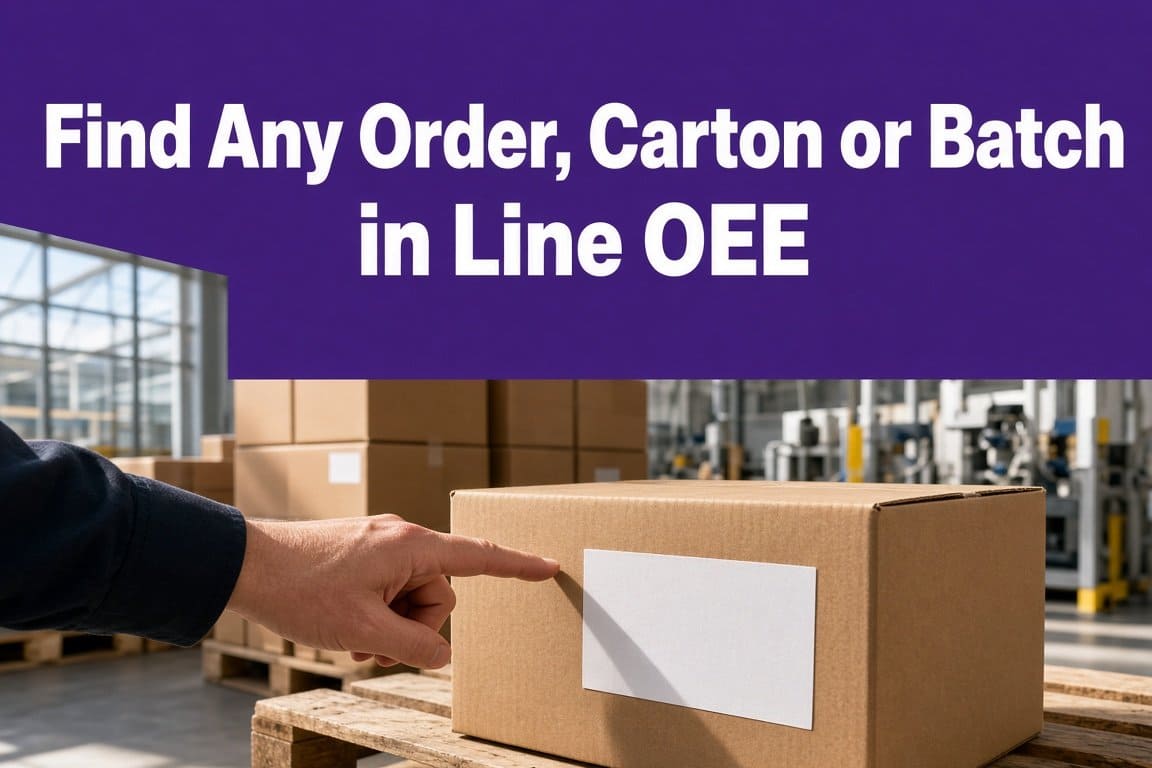
When someone asks what happened to an order or a batch, the answer should be one search away. Every page of Line OEE has a search box in the header labelled order, carton, batch. Type an order number, a carton number or a batch code, and the tool finds the matching records and links to them. You can sign up to access Line OEE and search your own orders, cartons and batches, with 14 days of Pro features and no card.
iFactory Tools · Production · Live views
One search box for orders, cartons and batches
From a carton label to the run, the line and the SAP posting in a few clicks.
In the header of every page
The same box is on Overview, Hour by hour, Runs, Stops, Pack-out, ERP posting, Analysis and Setup.

What you can search for
| Type | Example from the test account | Where it comes from |
|---|---|---|
| Order | WO-24117 | The order number on a run |
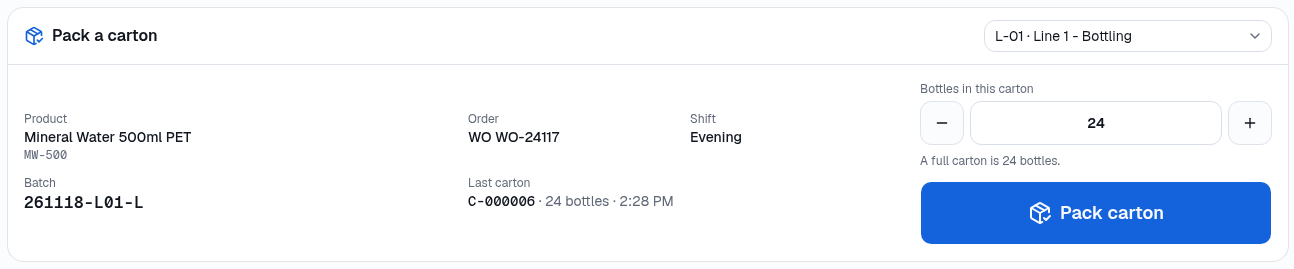
| Carton | C-000006 | The company's carton sequence in Pack-out |
| Batch | 261118-L01-L | The batch rule, {YYMMDD}-{LINE}-{S} by default |
| Posting or SAP number | P-0006 | ERP posting page search |
Answer the order question in seconds
One box on every page, scoped to your company. Pro features are free for 14 days, no card required.
From a carton label to the SAP posting
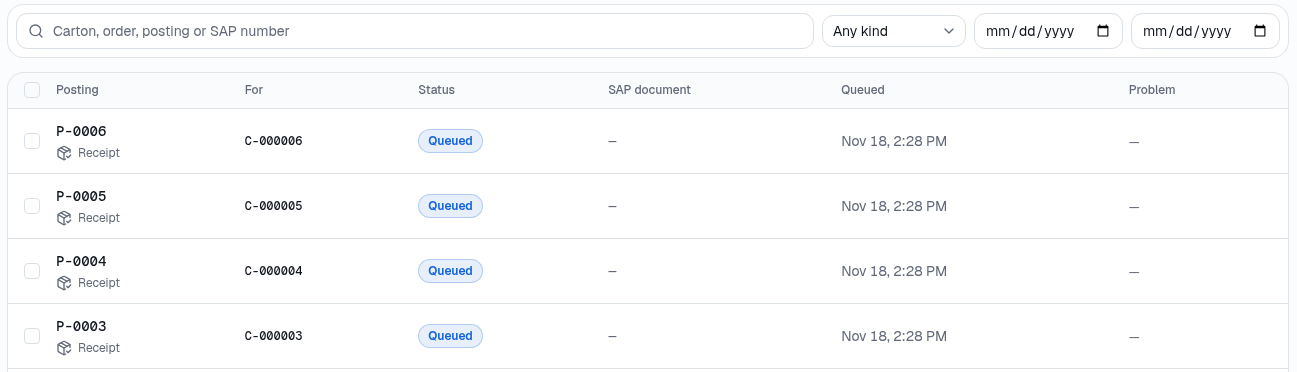
A second search on ERP posting
ERP posting has its own box for carton, order, posting or SAP document number. In the test account, each of six cartons had a queued receipt posting.
Search across the tool, filter within a page
The header search finds a record wherever it lives. The filters on each list page narrow what that page shows, for example every carton of one batch in Pack-out or every run of one order on Runs.
Make search work for you
Enter the order on every run
Search finds what was recorded. A run started without its order number cannot be found by order.
Keep the batch rule stable
The batch code on the label comes from the rule. Change it rarely, so older labels still match how people search.
Expert review
A close review of the search code and the data model shows the header search backed by indexes on orders, batches and cartons, always filtered by company, and covered by a scripted QA journey.
Its value depends on what is recorded: orders on runs, cartons in Pack-out and postings to SAP. Plants that record all three get a real trail from label to ERP. Codes shown are from a test account.
Search questions
What can I type in the search box?
An order number such as WO-24117, a carton number such as C-000006, or a batch code such as 261118-L01-L. The tool finds the matching records and links to them.
Is the search on every page?
Yes. The box labelled order, carton, batch sits in the header of every Line OEE page. You can sign up to access Line OEE and search your own records.
Can someone see another company's records?
No. Search is filtered to your company's records, like every other query in the tool.
How do I find a SAP document from a carton?
On the ERP posting page, a separate search covers carton, order, posting or SAP document number, so you can go from a carton to its posting and back.
How are batch codes made?
Pack-out builds them from the batch rule, {YYMMDD}-{LINE}-{S} by default, which gives codes such as 261118-L01-L. You can get started with Line OEE and set your own rule.
Find your first order in one search
Start a run with its order, pack a few cartons, and search the code from any page.
- Orders, cartons and batches
- Scoped to your company
- Postings by SAP number
Free for 14 days · no card needed