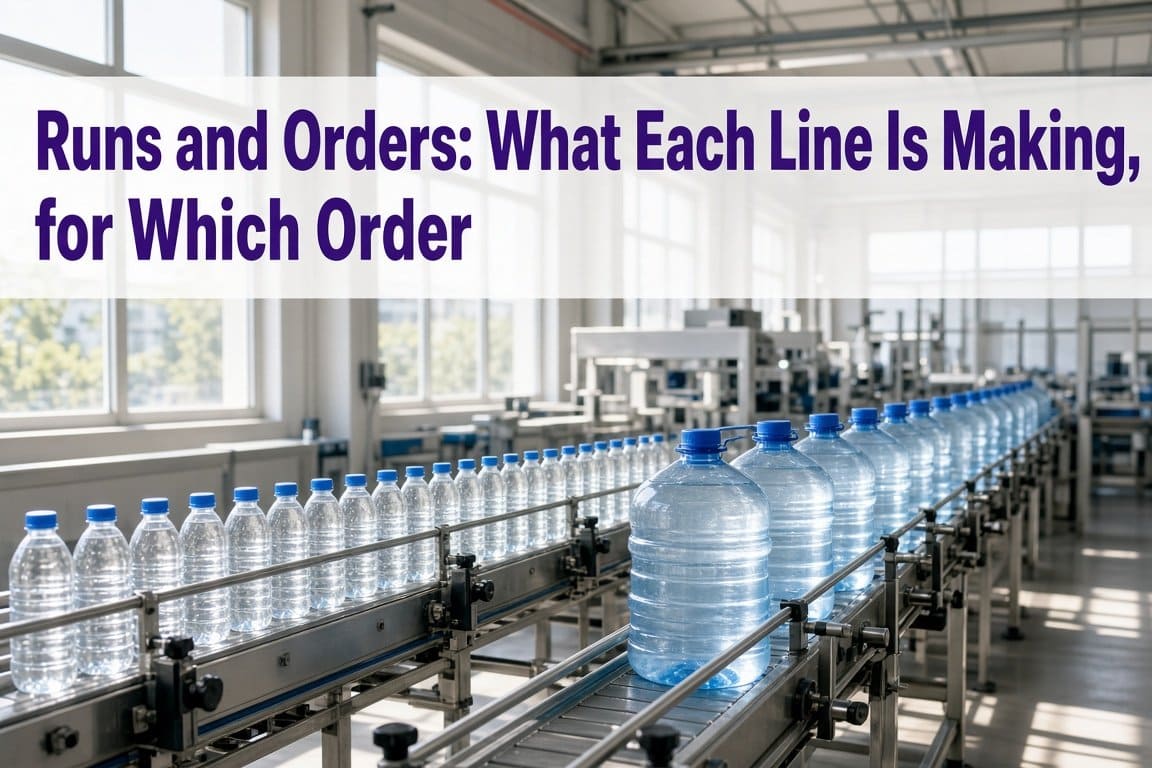
A run in Line OEE is a product made on a line for an order. The Runs & orders page lists every run with its status, line, order number, product, start time, length, units made against planned and rejects. Counts, stops and cartons belong to the active run, so each run answers what planners ask: how far along is this order, what stopped it and how much has been packed. You can sign up to access Line OEE and start your first run, with a 14-day trial of Pro features and no card.
iFactory Tools · Production · Runs & orders
What each line is making, for which order
Every run with its order, product, progress against plan, packed units and rejects. Filter it, export it.
One run, three things joined
Because the run is the link, the same counts feed OEE for the line and progress for the order.
The columns on Runs & orders
Filters narrow the list by order number, line, product and start time.
| Column | What it tells you |
|---|---|
| Status | Whether the run is going, shown as Running |
| Line | Which line the run is on |
| Order and product | The order number and the product code and name |
| Started and length | When the run started and how long it has been going |
| Made / planned | Units made against the planned quantity, with a progress bar and units packed |
| Rejects | Units rejected on this run |

Know where every order stands
Start a run on one line and watch made against planned build up. 14 days of Pro features, no card.
What a run carries with it
The run page and its journey
Each run opens a run page with its journey from start to end, so a planner can see what happened to one order on one line.
A fixed ideal cycle
The ideal cycle is fixed when the run starts, so later changes to the product do not rewrite how past runs are judged.
Packed and rejected units
Cartons packed against the run show under made, and rejects sit in their own column.
The production order for SAP B1
For SAP Business One users, a run can carry the production order it posts to; an ended run posts its resource hours.
What the page does not do
It does not schedule orders
Line OEE records what each line made for each order. It has no production scheduling or planning, so the order plan stays where you keep it today.
Progress needs counts
Made against planned only moves when units are counted or entered. A run with no counts shows zero made.
Expert review
A close review of the run model and the portal shows a simple, useful join: a run ties a line, a product and an order, and fixes the ideal cycle at the start. That makes order progress and OEE come from the same counts.
Line OEE is not a scheduler, and the page should not be read as one. The figures shown are from a test account, not customer results.
Frequently asked questions
What is a run in Line OEE?
A run is a product made on a line for an order. It has a start and an end, a planned quantity and the ideal cycle fixed when it starts. Counts, stops and cartons belong to the run that was active.
Where do we start a run?
Use Start a run in the page header. The line then shows the product and order on the Overview, and counts go to that run. You can sign up to access Line OEE and start your first run in minutes.
Why is the ideal cycle fixed at the start of the run?
So that later changes to a product's speed do not rewrite the performance of runs already made. Each run keeps the ideal cycle it was judged against.
Can we export the list of runs?
Yes. Filter by order number, line, product and start time, then use Download CSV to export what you see.
Does Line OEE plan or schedule production orders?
No. Line OEE records what each line made for each order; it does not schedule or plan production. For SAP Business One users, a run can carry the production order it posts to. You can get started with Line OEE alongside the plan you already use.
Track every order on every line
Start a run, count the line, and see made against planned, packed and rejects in one list.
- Line, product and order in one run
- Filters and Download CSV
- Run page with its journey
Free for 14 days · no card needed