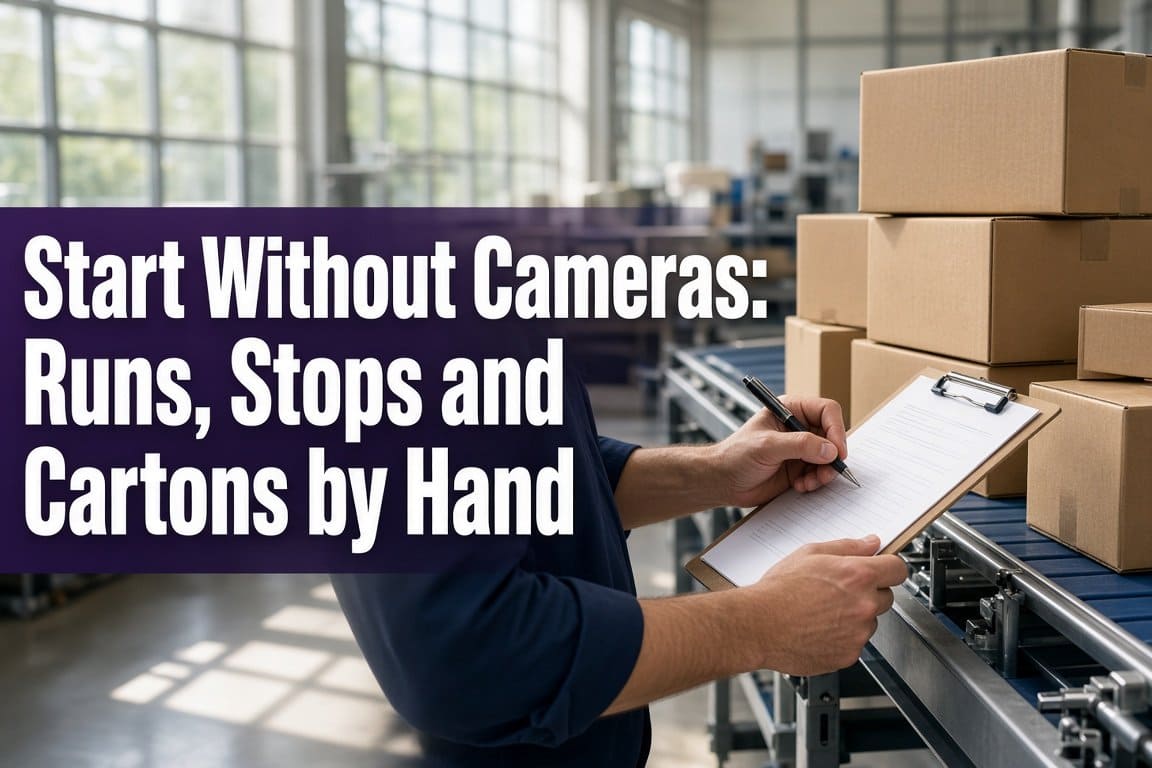
Line OEE does not need a camera to be useful. Set up your lines, shifts and products, then record the shift by hand: start a run, add counts, add stops with their reasons and pack cartons. OEE, the stop reasons, Hour by hour, Analysis and the shift report work the same way as on a counted line. When you are ready, add a camera to one line and keep the others manual. You can sign up to access Line OEE and record your first shift by hand, with a 14-day trial of Pro features and no card.
iFactory Tools · Production · Counting sources
Start Line OEE without cameras: runs, stops and cartons by hand
Every page works from records you enter. Add a camera to one line later and keep the rest manual.
Record a shift by hand in five steps
The same buttons sit on every Line OEE page, so the person on the line does not have to hunt for them.
Set up lines, shifts and products
In Setup, give each line its code, normal speed, target OEE and shifts with breaks, then add the products it makes.
Start a run
Use Start a run in the page header to say which product the line is making and for which order.
Add counts
Use Add counts to enter the good units, and rejects if you track them, as the shift goes on.
Add stops with a reason
On the Stops page, Add a stop records when the line stopped, for how long and why. It is listed as Entered.
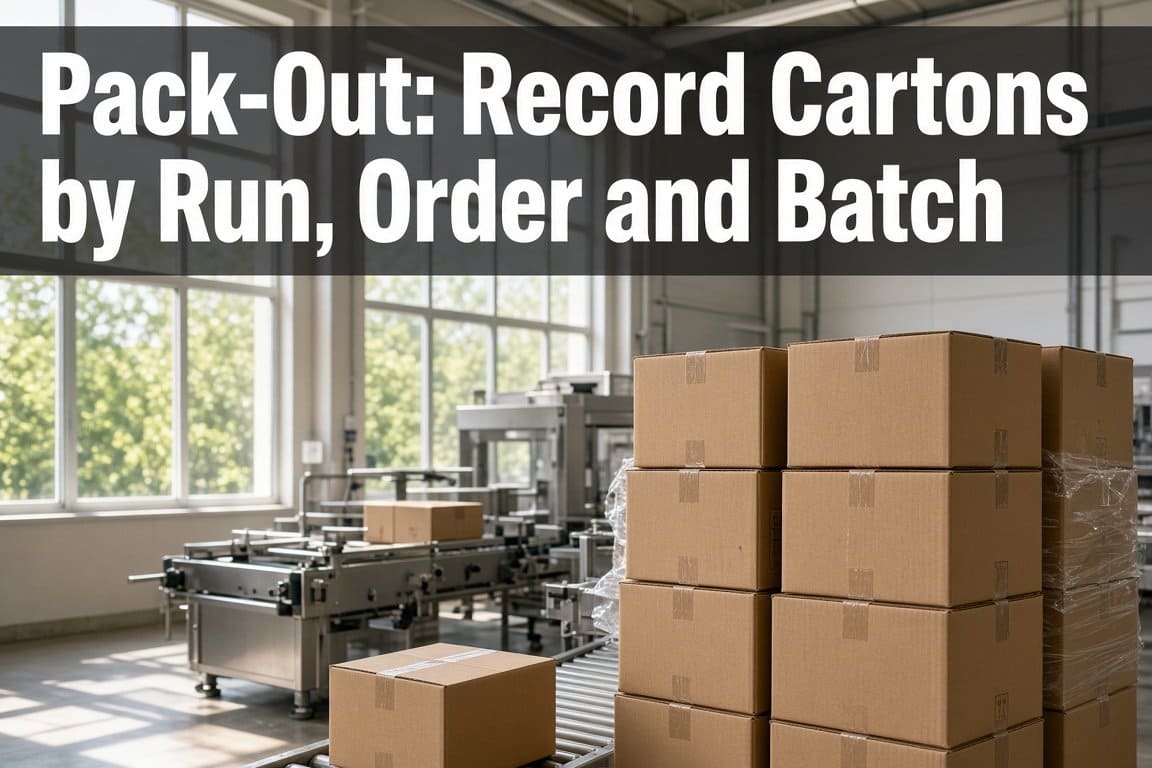
Pack cartons
In Pack-out, set the units in the carton and press Pack carton. Each carton gets its number and batch.
What works the same, and what changes
| Part of Line OEE | With manual entry | With a camera |
|---|---|---|
| OEE and its three parts | Calculated from the runs, counts and stops you enter | Calculated from counted units and the stops found from gaps |
| Stops | Only the stops someone adds | Every gap longer than the line's stop time, plus any added by hand |
| Stop reasons | Picked when the stop is added | Added later from the Stops page |
| Hour by hour, Analysis, shift report | Same pages, same calculation | Same pages, same calculation |
| Pack-out | Pack carton by hand | Pack carton by hand |
Start on the lines you have today
No camera, no hardware and no card needed for the 14-day trial of Pro features.
Be honest about what manual entry can see
Short stops can go unseen
A camera turns every gap in the counts into a stop by itself. By hand, a two-minute jam that nobody writes down is not on the record, so manual lines can look better than they are.
No PLC or machine signal
Line OEE has no PLC, OPC UA, MQTT or digital input. On a line with no camera, the choice is manual entry, and that is a fair way to start.
The same pages, filled in by hand
These are the real Line OEE pages. Every action used on a manual line is a button on them.


Already keep a spreadsheet?
Upload a spreadsheet
Upload it, match the columns once, and your records are in. After that, add or edit entries one by one. When one line is ready for a camera, add it there and leave the others manual.
Expert review
A close review of the product repository and the tool page shows that manual entry is a first-class path, not a workaround: counts carry a source, and manual is one of them, so OEE, stop reasons and reports use the same calculation either way.
The limit is just as clear. There is no PLC or machine-signal input, and stops are found from gaps only when units are counted. Plants starting by hand should treat their first OEE figures as a floor for losses, not the full picture.
Frequently asked questions
Can we really start Line OEE without any camera?
Yes. Set up your lines, shifts and products, then enter runs, counts, stops and cartons by hand. OEE, the stop reasons and the shift report work the same way. You can sign up to access Line OEE and set up your first line today.
Does Line OEE read counts from a PLC or machine signal?
No. There is no PLC, OPC UA, MQTT or digital input. Counts come from a camera, a recorded video or entry by hand, so on a line with no camera, manual entry is the way to start.
What does manual entry miss compared with a camera?
A camera turns every gap in the counts into a stop by itself. By hand, only the stops someone enters are recorded, so short stops between entries can go unseen. OEE is only as complete as what is entered.
Can we bring the records we already keep in a spreadsheet?
Yes. Upload a spreadsheet, match the columns once, and the records are in. You can also add or edit entries one by one from the header of each page.
Can we add a camera to one line later?
Yes. Add a camera to one line when you are ready and keep the others manual. Each line keeps its own records, and the same reports cover both. You can get started with Line OEE on manual lines first.
Record your first shift by hand
Set up one line, start a run and enter the shift. OEE and the reports fill in as you go.
- No camera or hardware needed
- Stops with your own reasons
- Add a camera to one line later
Free for 14 days · no card needed