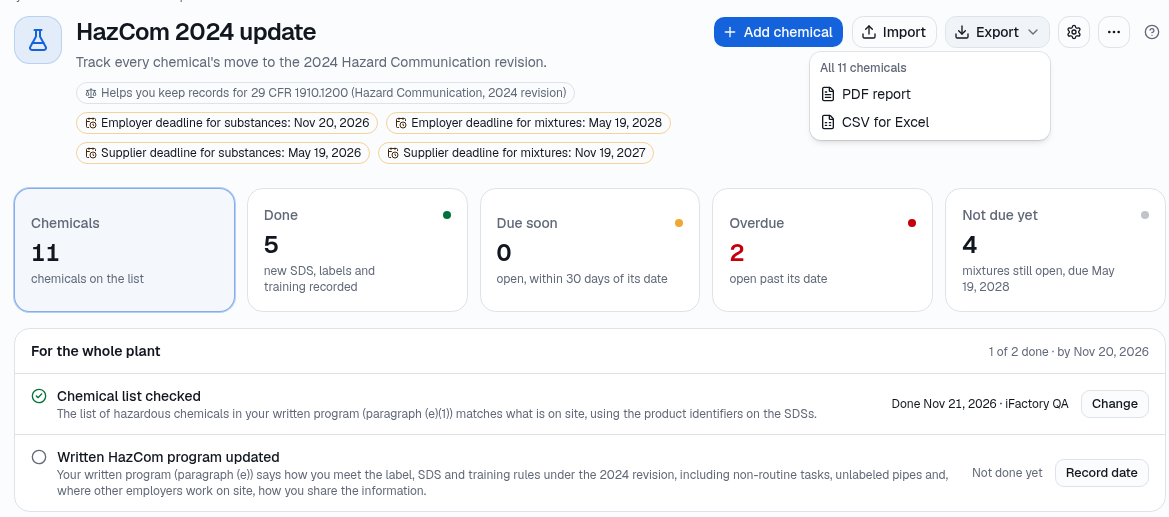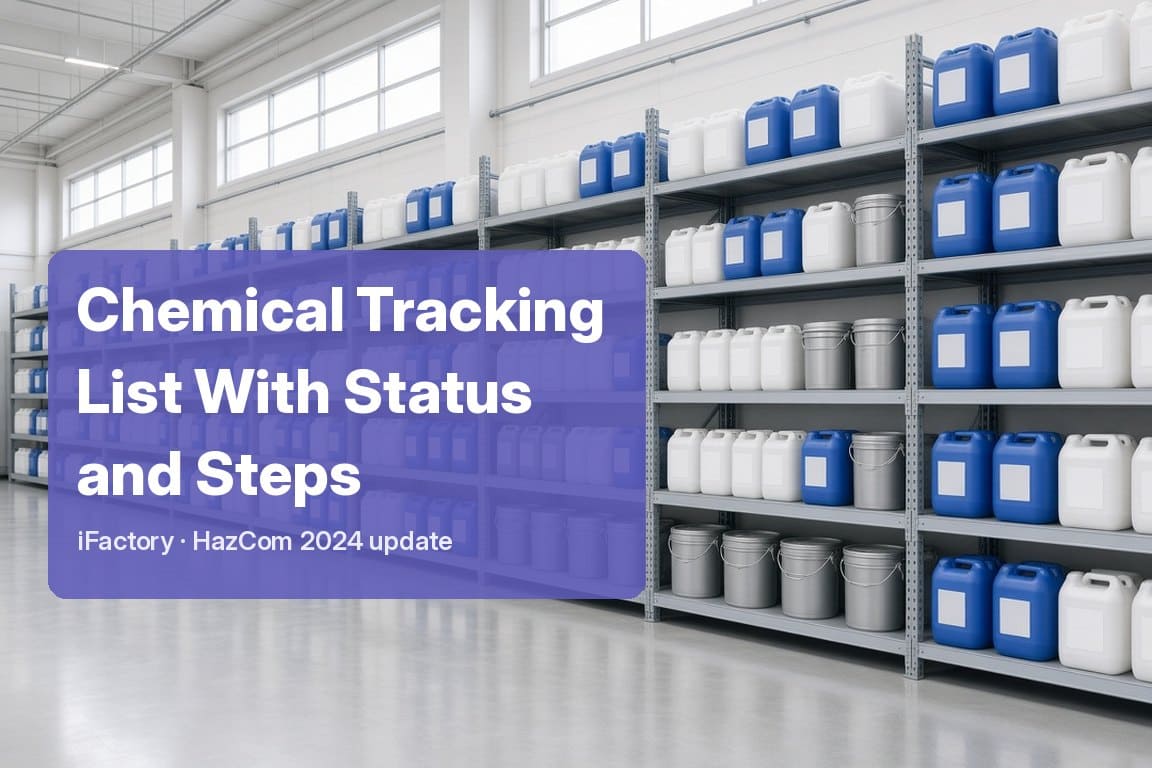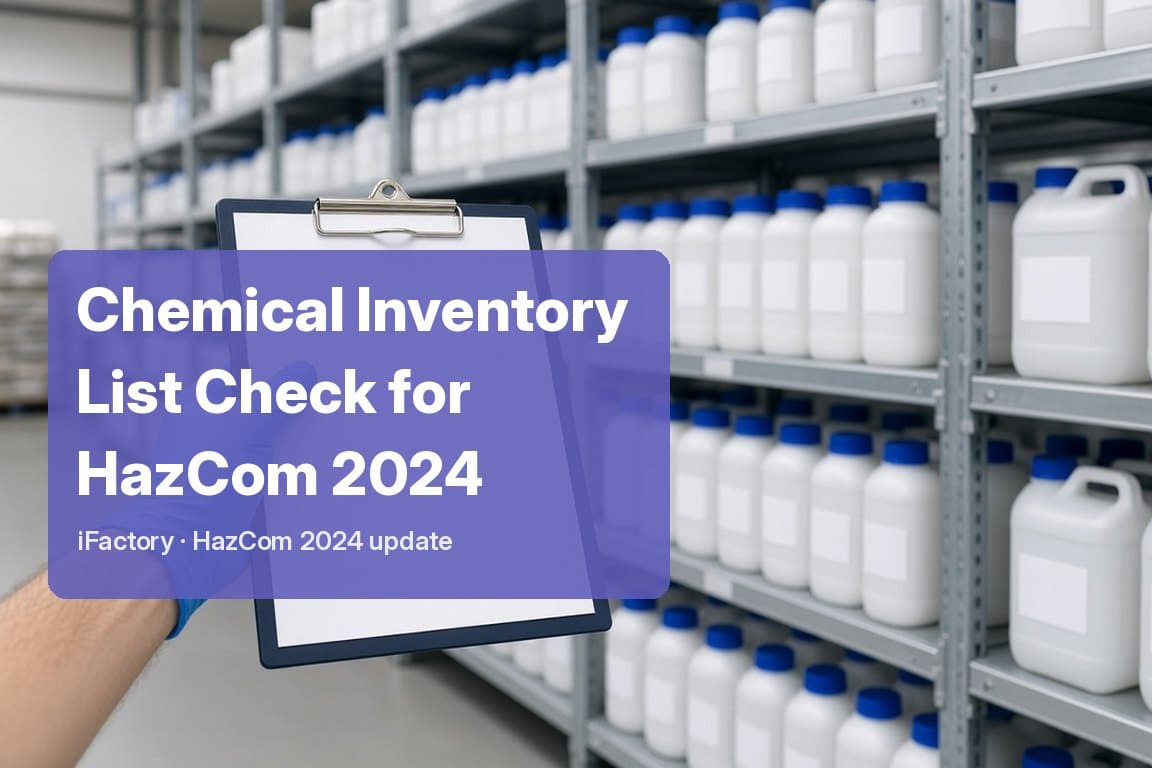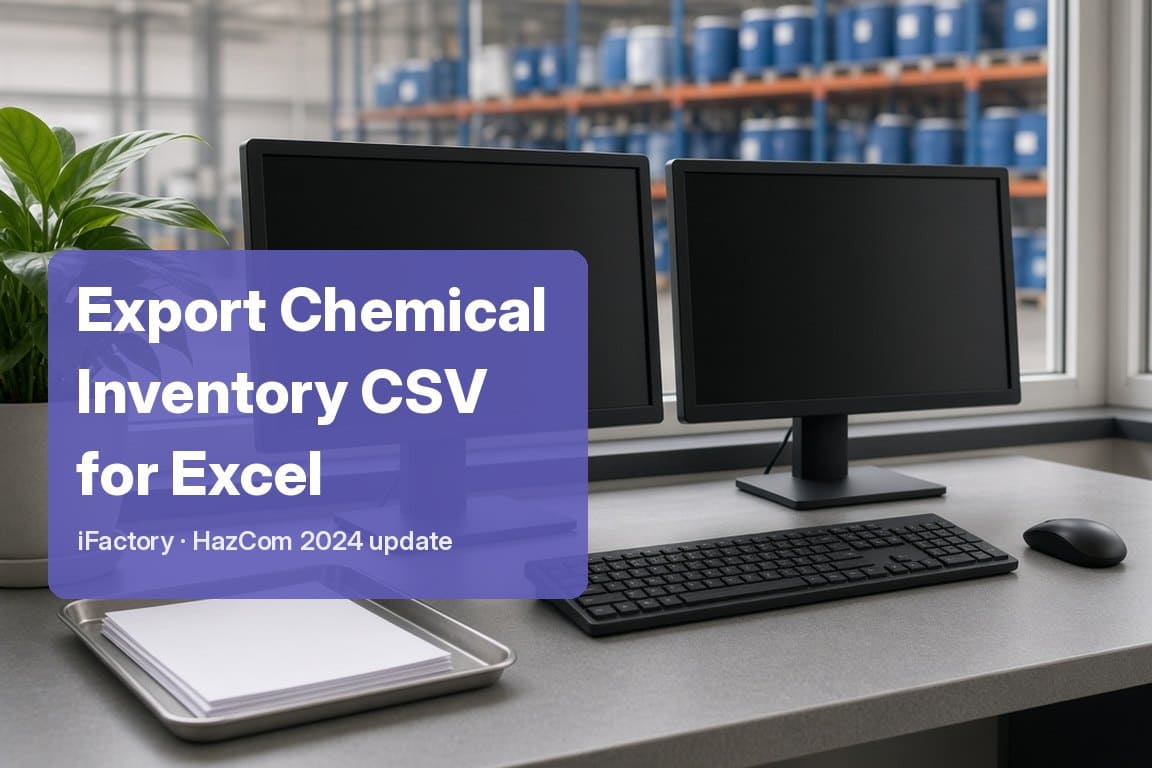
A HazCom status report is the document you hand over when someone asks, "Where are we on the 2024 update?" In HazCom 2024 update, the iFactory module for 29 CFR 1910.1200, that report is a PDF built from the live chemical list. Choose Export, then PDF report, and the portal produces a landscape document with the status counts, the two plant-wide steps, every chemical's dates and status, and the regulatory note with the OSHA dates. Nothing is typed twice: the PDF reads the same records you work in every day. You can export your first status PDF after a short import of your list.
Export · PDF report · for the EHS file
A status PDF of every chemical, built from the live list
Counts first, then the whole-plant steps, then each chemical with its dates, status and next step. Open chemicals come first, so the work left is on page one.

What is on each part of the report
The report follows the same order every time, so readers know where to look.
The employer date for substances, November 20, 2026, has passed, so an open substance shows as "Overdue by" a number of days. Open mixtures show their time left to May 19, 2028.
Turn your chemical list into a status report
Import the list, record what is done, and the PDF is one click away.
Inside the PDF
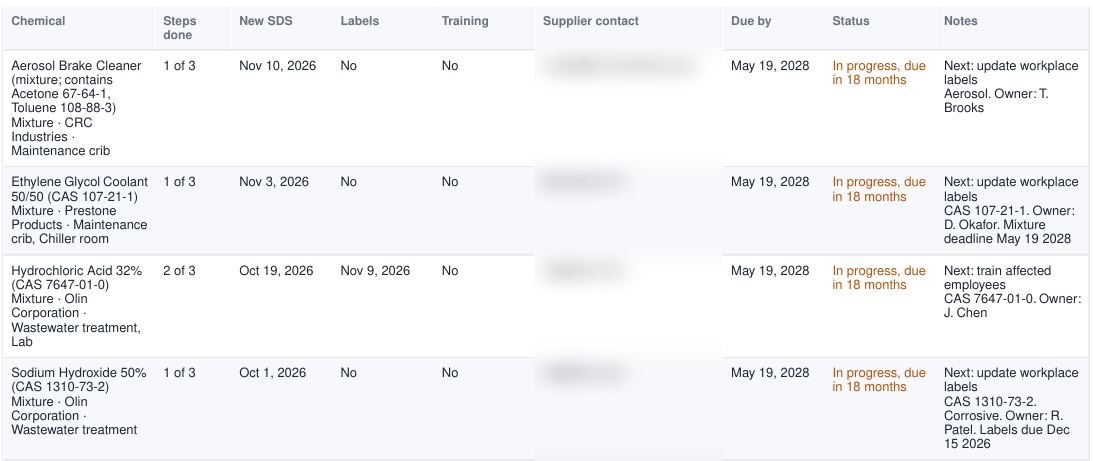
These pages come from a real export of a test list of 11 chemicals. The report ran to three pages.
Next step in Notes
The Notes column starts with the next step, such as "Next: train affected employees", then your own notes.
Steps done count
Each row shows "1 of 3", "2 of 3" or "3 of 3", so progress reads at a glance on paper.
Same view as the screen
The PDF uses the search and filter you have set, so you can export just Overdue or one product family.

How to produce the report
Record the plant steps
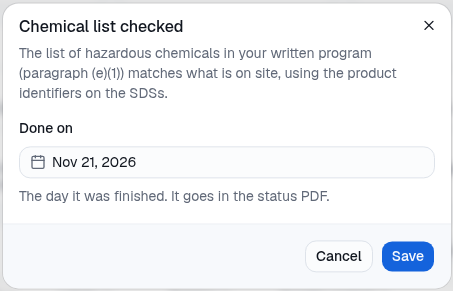
Use Record date under For the whole plant. The dialog notes that the date goes in the status PDF.
Set a filter if you need one
Leave All selected for the full list, or pick Overdue, Due soon or a search to narrow it. The subtitle names the filter.
Choose Export, then PDF report
The file downloads straight away. CSV for Excel sits in the same menu.
File it
Save it with your EHS records or send it to whoever asked. Each export is logged in the company's audit trail.
Who the status report is for
iFactory's tool page describes the status PDF as showing the whole list "for the EHS file or a customer audit". In practice that means three readers. The EHS lead files it as a dated snapshot of the 2024 update. A plant manager reads the counts and the open items on page one. A customer or corporate auditor reads the chemical table and the regulatory note. Because the report is built from the live records, each of them sees the same facts your team works from.
Export a fresh copy each time
Status is worked out as of the export date, so an overdue count can grow overnight. Export again rather than resending an old file.
What the report is, and is not
It is a status record for your own file. Use it as one.
Not a certificate
It shows what your team recorded and when. It does not certify compliance or carry an OSHA approval.
Not the SDSs
It lists when each new SDS arrived; the sheets themselves stay in your SDS system.
Not a training roster
Training is one date per chemical. Attendance and course records live in your training files.
Frequently asked questions
Can I export only the overdue chemicals?
Yes. Filter the table to Overdue, then export; the report subtitle shows the filter you used.
Is there a spreadsheet version?
Yes. Export also offers CSV for Excel, with one row per chemical and every field.
What if sample data is loaded?
A report built from sample rows is marked as sample data. Once your own chemicals are in, the report uses them.
Where do the label and training dates come from?
From each chemical's steps. See how workplace label updates and HazCom training records are recorded.
Is the report dated?
Yes. The header shows when it was generated and the subtitle says "As of" the same day, on your company's clock.
Does it show who recorded the plant steps?
Yes. The For the whole plant table has a Recorded by column next to each date.
Have the status report ready when it is asked for
Keep the chemical list current and export a fresh PDF whenever you need one.
- Counts, plant steps and every chemical
- Open items first, with the next step
- PDF or CSV, same filter as the screen
14-day free trial · no card needed