1
A QR label on each machine
Anyone scans it and reports a problem with a photo, without signing in — issues reach the board the moment they're spotted.
A QR label on every machine turns a problem into a work order in seconds — no sign-in for operators — and your maintenance team runs it to Done on one board, with parts, time and PM schedules all in place.
Paper slips and passing words lose jobs, hide parts cost, and bury the assets that break down most. A QR label at the machine and one board for every work order close that gap end to end.
Operators scan the label, describe the problem, add a photo.
New, Assigned, In progress, Waiting, Done.
High 1 day · medium 3 days · low 2 weeks.
By calendar, by meter, or whichever comes first.
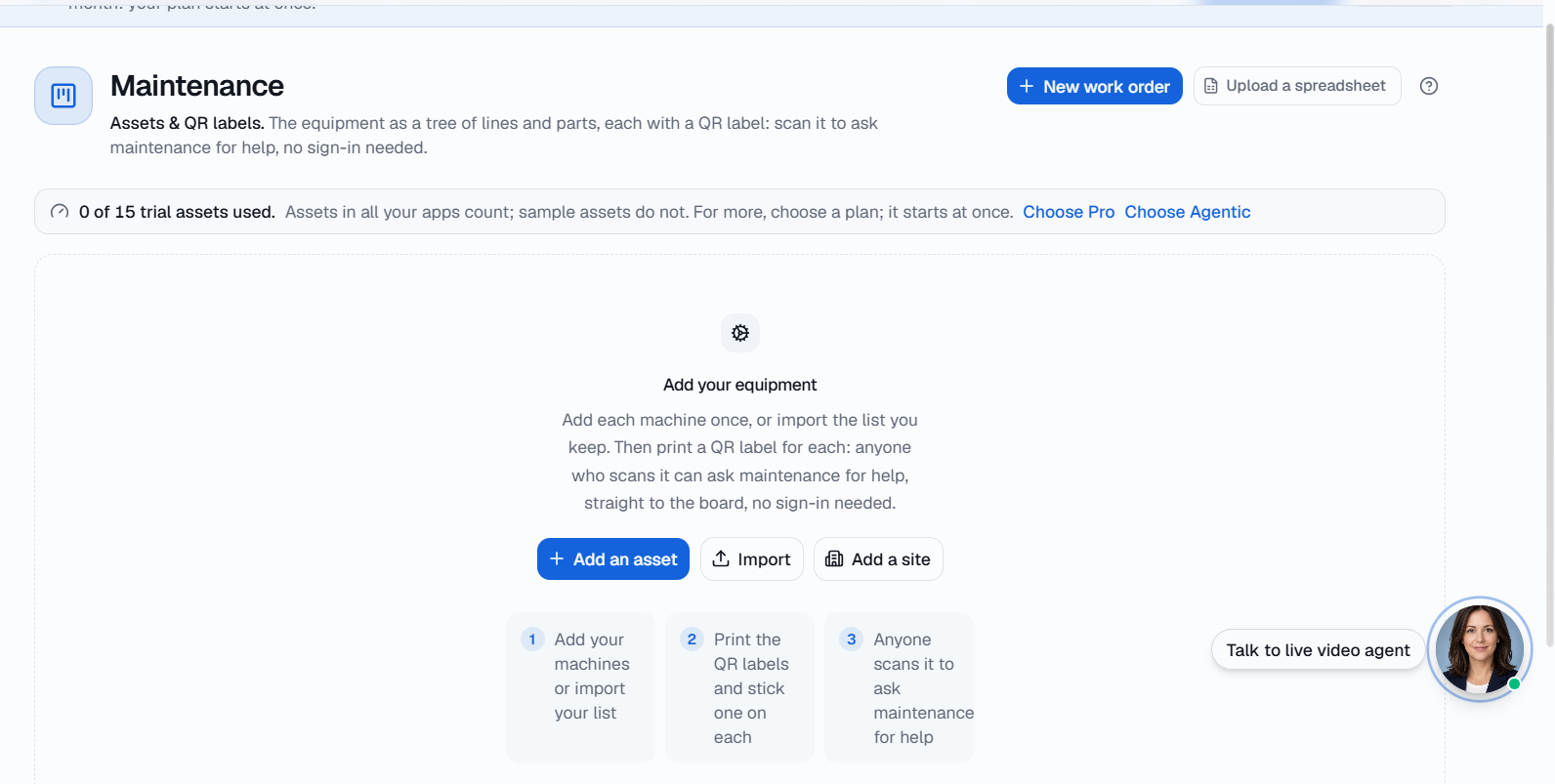
Each machine gets a QR label. Scanning it opens a short report form on any phone, with no sign-in and the asset pre-filled. A lost label can be replaced, and the old one stops working.
Every work order moves through New, Assigned, In progress, Waiting and Done, like a ticket. A Waiting job says why — parts, a planned stop or another trade — and a good work order holds the asset, the problem in the finder's words, a photo, priority, whether the line is stopped, the owner, what was done, parts, labour hours and downtime.
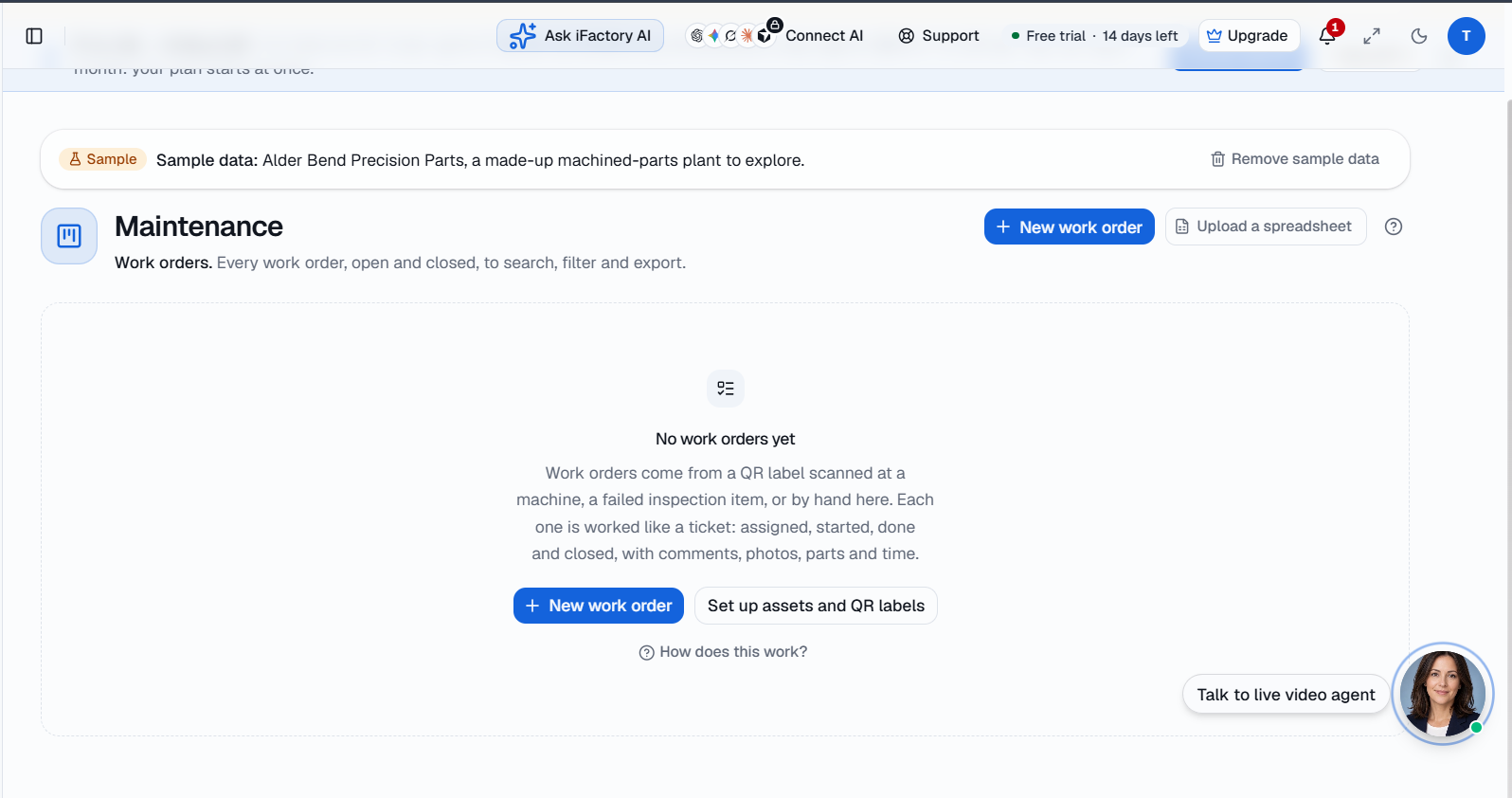
Anyone scans it and reports a problem with a photo, without signing in — issues reach the board the moment they're spotted.
Assign, start, wait on parts and close work orders, with comments, photos, parts and time logged on each job.
Planned vs reactive work, PM compliance, backlog and the assets that break down most — with a PDF for the weekly meeting.
Assets carry a meter, so a PM triggers by date, by run hours, km or cycles, or by whichever arrives first — and the work order is raised up to 7 days or 50 hours ahead, so planned work never sneaks up.
Triggered by a date interval.
Triggered by run hours, km or cycles.
Whichever comes first, on the board early.
Pick a part by its name, part number or bin — the list shows how many are on the shelf. Using a part creates a stock move on that job and shows its parts cost; reduce or remove it and the stock returns.
By name, part number or bin — with on-shelf count shown.
Using a part moves stock; removing it returns it.
A PM carries the parts and tools each job starts with.
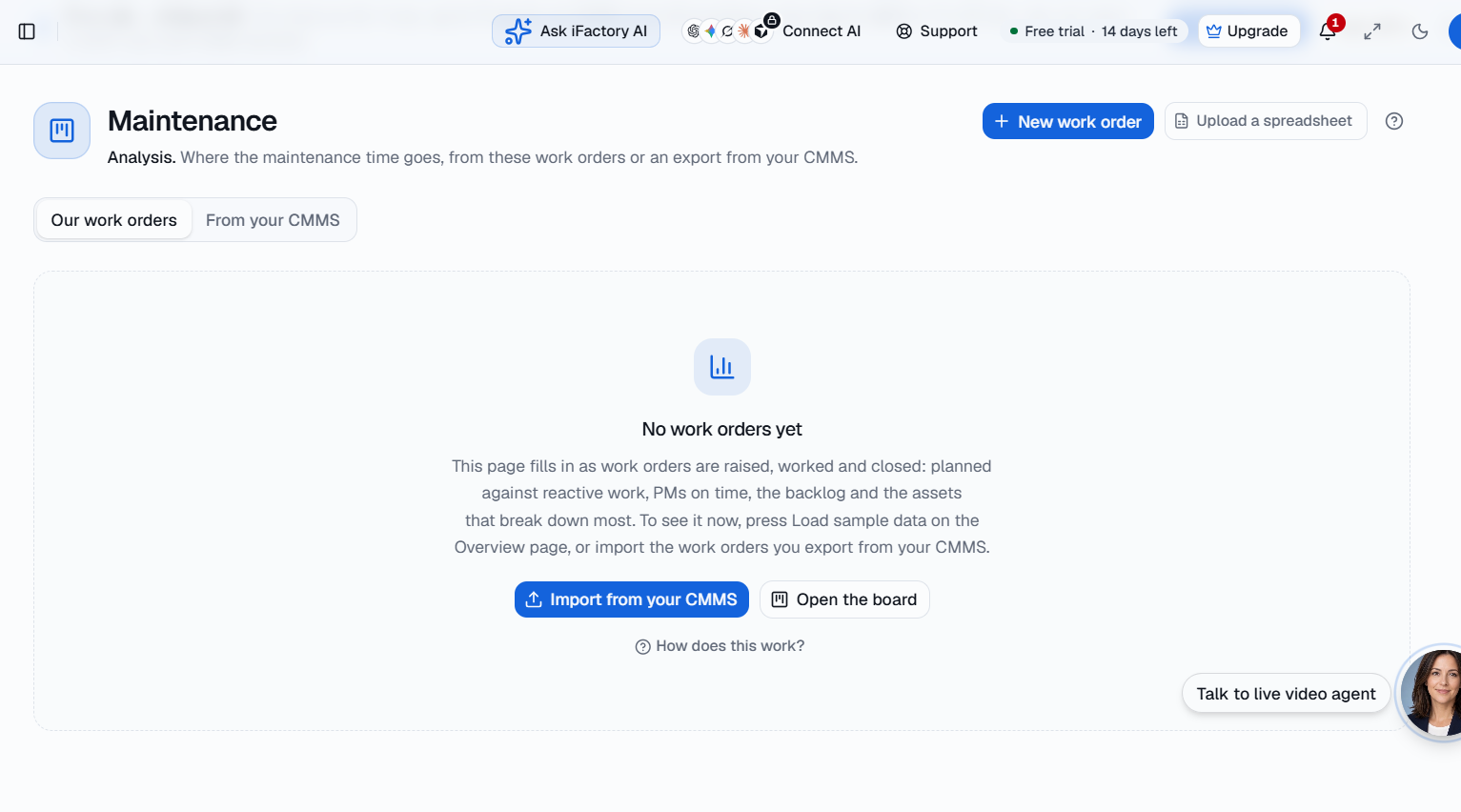
Analysis shows planned versus reactive work, PMs on time, the backlog and the assets that break down most — from your own work orders or an export of the CMMS you use today. A PDF is ready for the weekly meeting.
Planned work and failed inspections don't live in a second place — they arrive as work orders in New, alongside the problems reported by QR, so the team has one list to work.
Scanned at the machine, no sign-in.
Each PM raises its own work order, with steps.
A failed item lands in New, with its photo.
Inspection is a separate app that works with Maintenance on the same asset list. A failed item on a round raises a work order with the item's priority, its photo, and a link back to the round — it lands in New on this board like any other job.
Invite colleagues, with owners and admins managing who has access.
Ask questions and get answers from your own maintenance records.
Export to Excel or PDF any time; nothing is deleted if a trial ends.
US hosting, with each company's records kept separate.
Run the board, set priorities and PM schedules, review where time goes.
Assigned work through the People list — given jobs without signing in.
Report problems by scanning the machine's QR label — no account needed.
Machines in a tree of areas and parts, each with its own history.
Work orders on a board, problems reported by QR at the machine, PM schedules by calendar or meter, and a PDF for the weekly meeting. Load the sample plant and add your own assets when you're ready.
14-day free trial · Pro features · no card required · from $19/user/mo