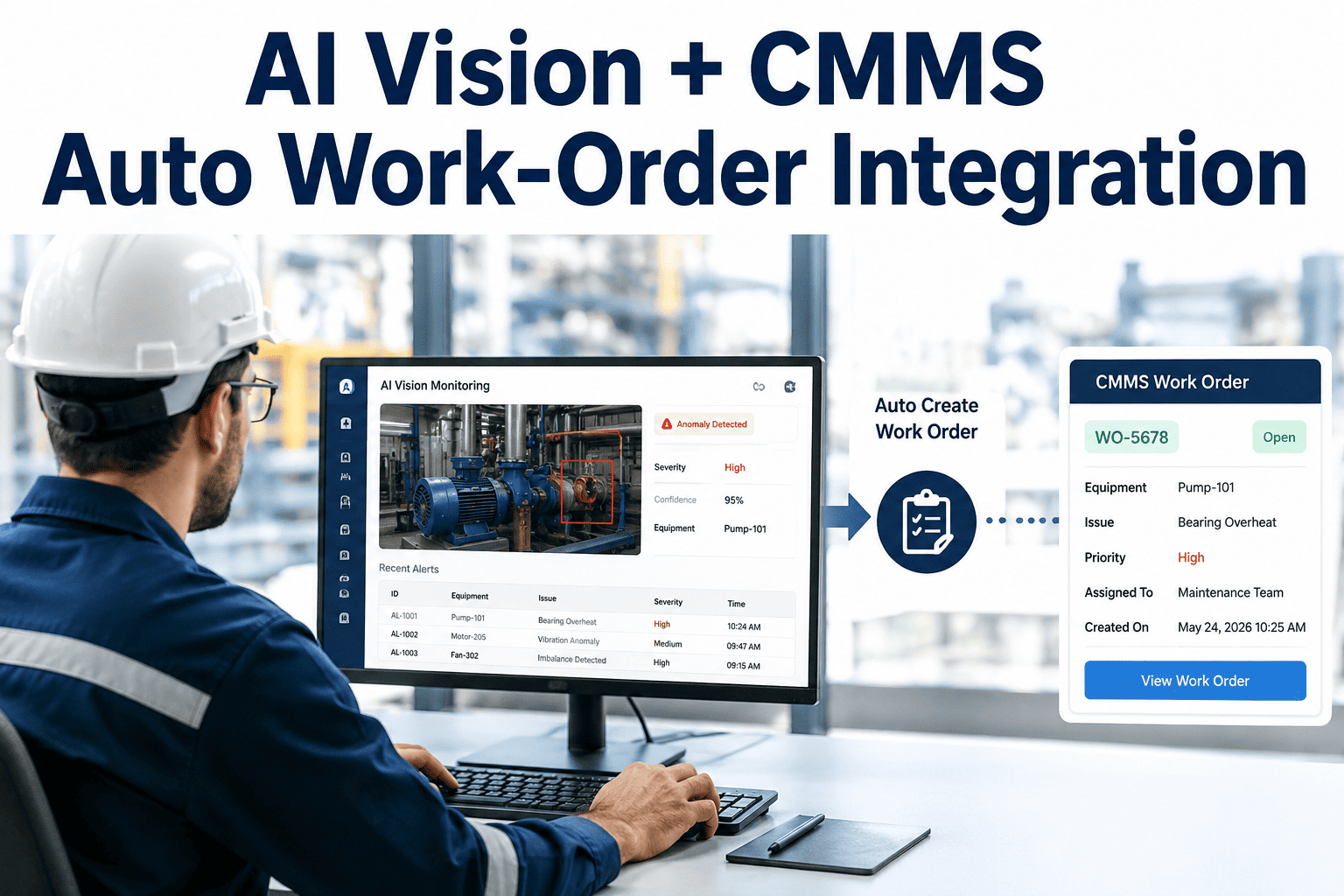
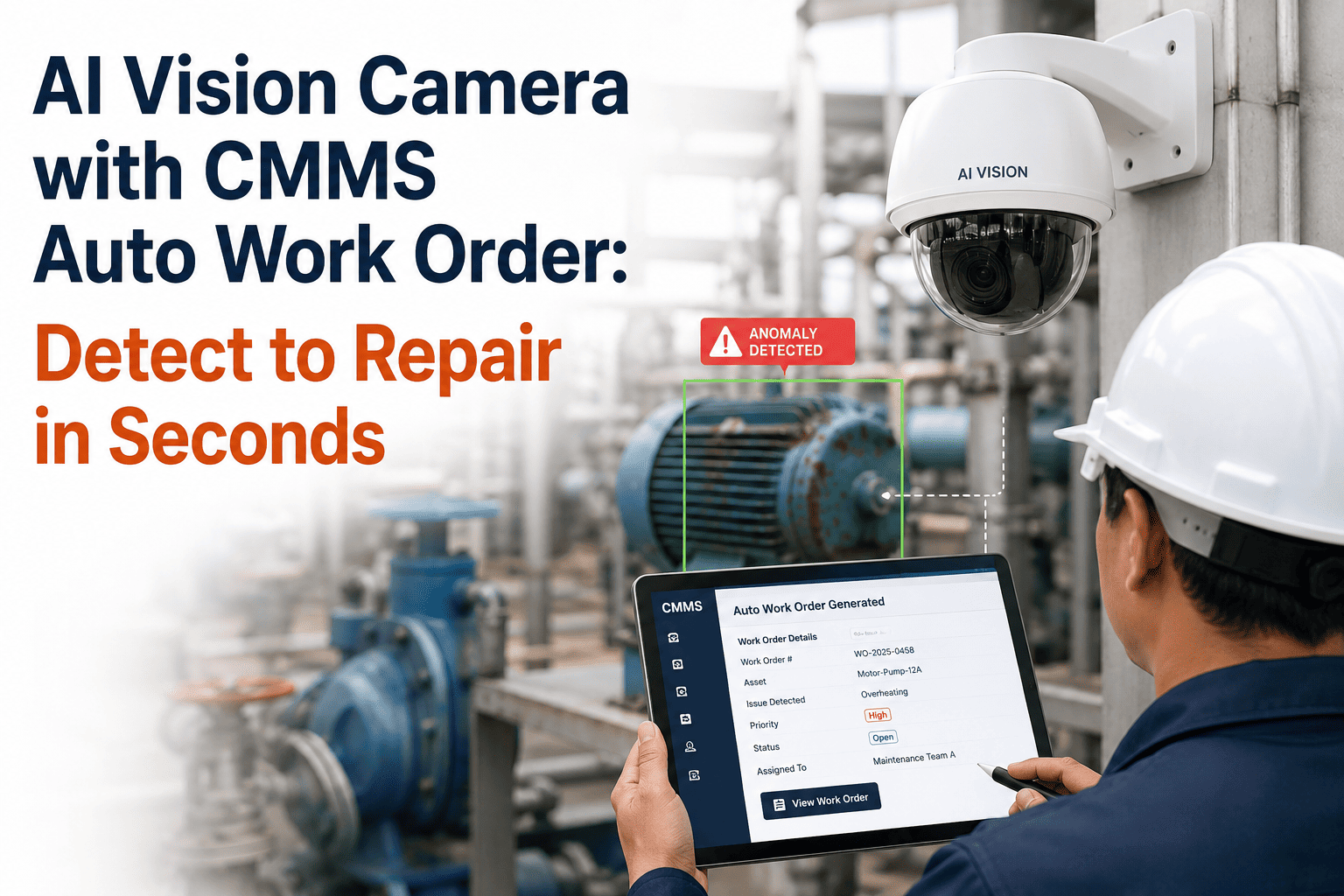
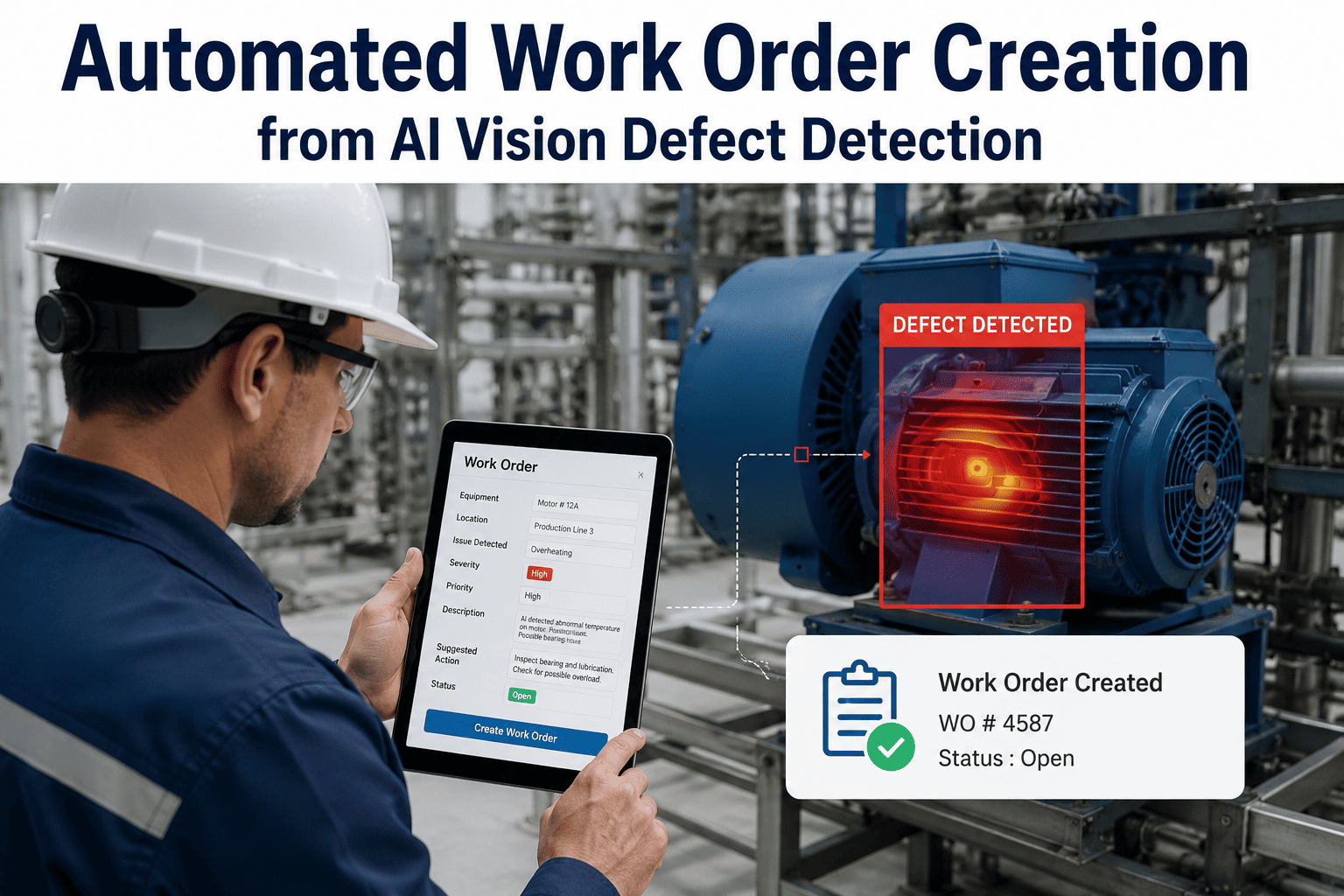
AI vision inspection systems and CMMS platforms are two different worlds — the vision layer thinks in defects, confidence scores, and bounding boxes; the CMMS thinks in work orders, asset hierarchies, and technician assignments. Integration testing is the discipline that makes sure a real detection event from the camera becomes a real, actionable, correctly-assigned work order in the maintenance system — not a lost webhook, an orphaned image, or a duplicate ticket for the same defect. Skip the integration testing and the platform goes live technically working but operationally broken: work orders route to the wrong asset, annotated images fail to attach, alerts fire to muted channels, and the maintenance team quietly reverts to spreadsheets within a month. iFactory's AI Vision CMMS Integration Testing Checklist consolidates every test suite — work order auto-creation, annotated image delivery, asset mapping accuracy, alert notifications, and bi-directional data sync — into a structured pre-go-live verification framework. For the full test-case template, reach out to contact support.
CMMS Integration Testing · Work Order Automation · Data Sync Verification · Asset Mapping · Alert Delivery
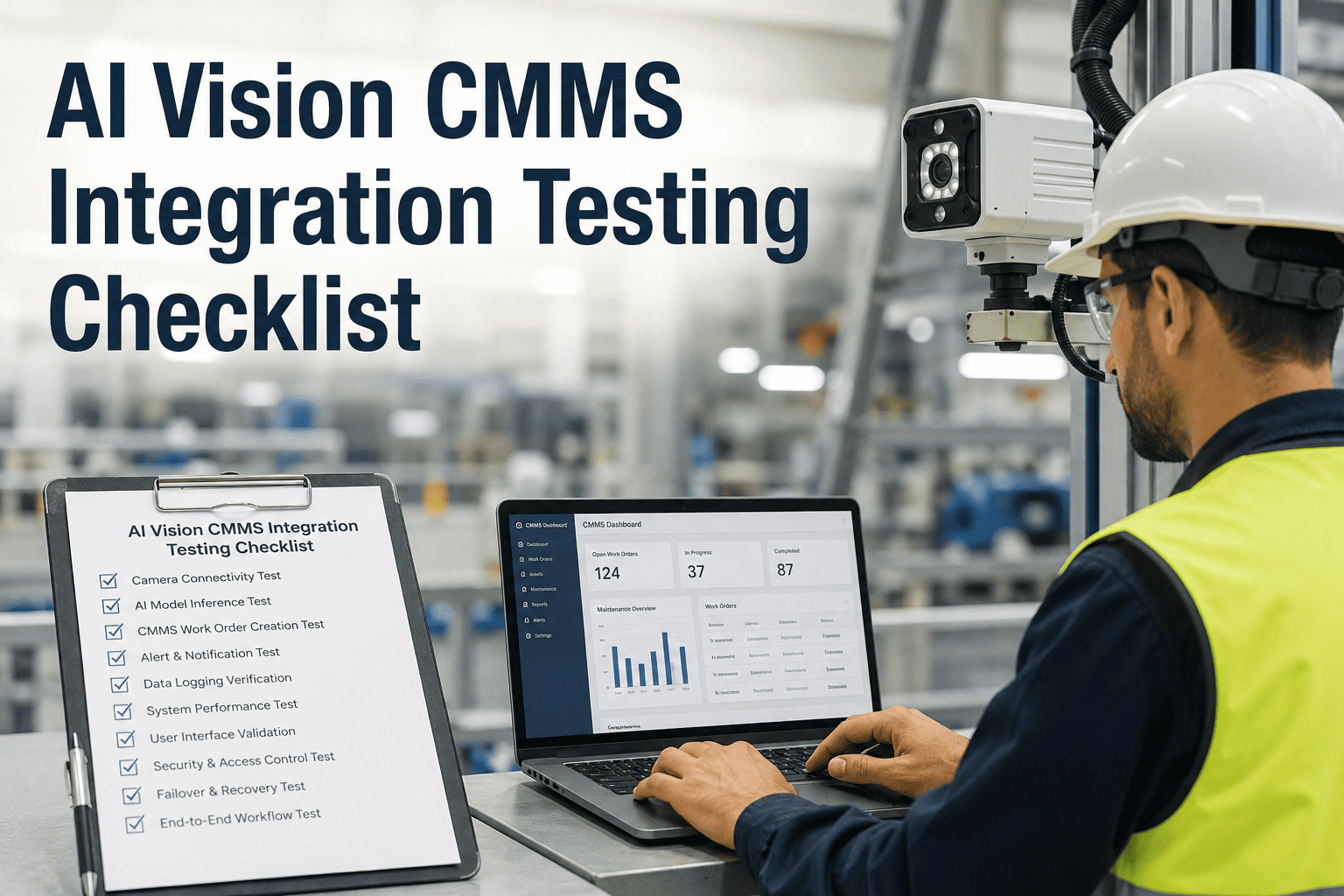
AI Vision CMMS Integration Testing Checklist — Every Test Suite Before Your First Auto-Generated Work Order
iFactory's 5-suite integration testing framework covers work order auto-creation, annotated image attachment, asset mapping, alert notification delivery, and bi-directional data sync — so your AI vision inspection system launches into CMMS integration that actually holds up on day one, week four, and month twelve.
<60 sec
Target time from AI detection to structured work order live in the CMMS
47%
Of maintenance teams report spending more time managing data between systems than doing maintenance
45%
Of manually noted defects never result in a maintenance action — integrations close that gap
99.7%
Detection accuracy achievable when vision events flow into CMMS work orders automatically
Four Silent Failure Modes of Vision-to-CMMS Integrations
The vision system works. The CMMS works. Neither vendor thinks they own the integration between them — and that gap is where most projects quietly fail. Every one of the failure modes below has been observed in the field on a live vision-CMMS deployment; each one traces back to a test case that should have been executed before go-live but was not. The test suites that follow are built to catch each of these before a single production work order fires against the wrong asset.
F1
Silent Webhook Drops
The AI system fires a detection webhook; the CMMS never receives it because of a firewall rule, an expired token, or a payload size limit. No error, no retry, no alert. The defect exists in vision system logs but never becomes a work order — and no one notices until a customer complaint traces back to an event that was seen but never actioned.
F2
Asset Mapping Drift
Camera 07 was originally mapped to Press Line 3, but Press Line 3 was renumbered during last quarter's asset restructure. Work orders now route to a decommissioned asset ID and disappear from every dashboard except the raw database. Asset hierarchy changes in CMMS must trigger a re-verification of every camera-to-asset mapping.
F3
Duplicate Work Order Storm
A defect persists across 30 camera frames; the integration creates 30 work orders in 3 seconds. The technician sees a wall of duplicates, marks them all invalid, and mutes future notifications. Idempotency and de-duplication logic must be tested against real burst detection scenarios, not just single-event happy paths.
F4
One-Way Sync Illusion
Vision events push into CMMS successfully; but when a technician marks a work order complete, no signal returns to the vision system. The vision dashboard keeps showing the defect as open. Bi-directional sync must be verified end-to-end for every state transition — created, assigned, in-progress, completed, cancelled.
Test Suite 01 — Work Order Auto-Creation Verification
TS-01 covers the most fundamental integration behavior: an AI detection event produces a correctly structured, correctly routed, correctly populated work order in the CMMS within a defined time window. Every test case here has a numeric pass criterion, not a subjective "looks right" check. Auto-creation failures are the single highest-impact category of integration bugs — because if this suite fails, no downstream suite matters.
TS-01
Work Order Auto-Creation
Test Owner: Integration Engineer + EHS · 2 days
4 test cases
TC-01
Valid detection creates a work order within SLA
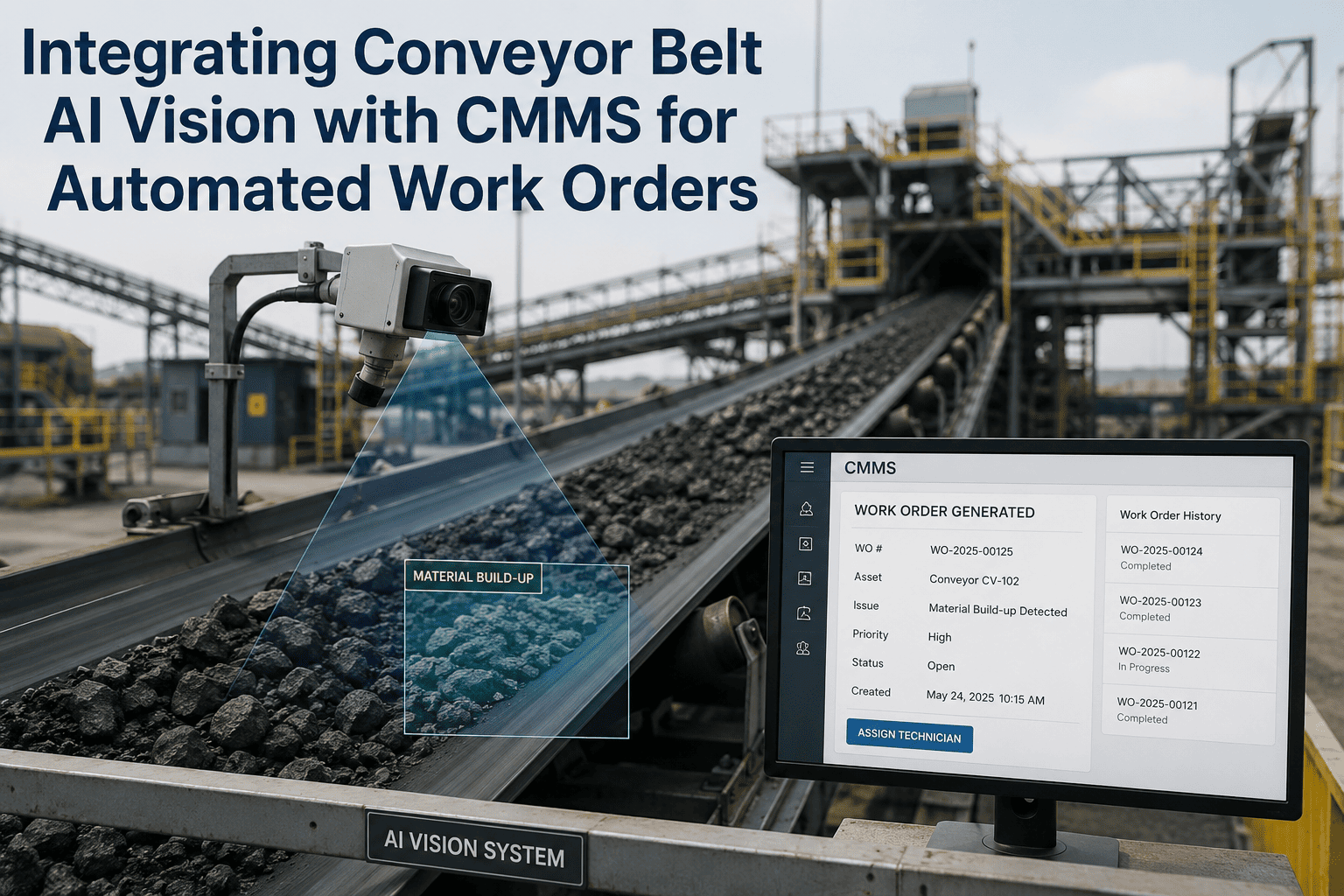
Trigger a known-defect image through the AI pipeline. Confirm the CMMS receives the webhook and creates a work order.
Pass Criteria
Work order visible in CMMS within 60 seconds of detection event; contains defect type, severity, timestamp, and asset ID.
TC-02
Duplicate detection stream produces one work order
Trigger 30 consecutive detection frames of the same persistent defect. Confirm the integration de-duplicates within a defined window.
Pass Criteria
Exactly one work order created per persistent defect episode; duplicate events logged but not written as new tickets.
TC-03
Below-threshold confidence does not create work order
Feed a detection with confidence below the configured production threshold. Confirm no work order is created.
Pass Criteria
Zero work orders created; detection logged in the vision audit trail with confidence value and threshold reason.
TC-04
Severity mapping produces correct CMMS priority
Trigger detections at each severity level. Confirm the CMMS priority field is populated correctly per the configured mapping table.
Pass Criteria
Critical severity → P1; High → P2; Medium → P3; Low → P4. No detection routes to an unmapped or default priority.
Test Suite 02 — Annotated Image Attachment
TS-02 verifies that the annotated image evidence — the bounding box, defect label, timestamp overlay, and confidence score — actually attaches to the work order in a form the technician can open on a mobile device. A work order without evidence is a text ticket the technician cannot verify at the asset; a work order with a broken image link is worse, because it erodes trust in the entire system.
TS-02
Annotated Image Attachment
Test Owner: Integration + Vision Ops · 1 day
3 test cases
TC-01
Annotated image attaches to work order
Trigger a detection and open the resulting CMMS work order. Verify the annotated image renders with bounding box, label, and timestamp overlay.
Pass Criteria
Image visible in work order body and mobile app; bounding box aligned to defect; label and confidence value legible.
TC-02
Image retention and archival URL persist
Wait 30 days from the initial work order creation. Open the closed work order and confirm the annotated image is still accessible.
Pass Criteria
Image URL resolves after 30 days; no broken links; storage retention configured per the compliance policy.
TC-03
Large image payload does not exceed CMMS limits
Trigger a high-resolution 4K image attachment. Confirm the integration compresses or references the image without payload rejection.
Pass Criteria
Attachment succeeds without HTTP 413 or size errors; image quality remains sufficient for defect verification.
See the Full Integration Test Suite Executed Against Your CMMS
iFactory's integration team runs a live demonstration executing the full test suite against your CMMS instance — SAP PM, Oracle, Maximo, or iFactory-native. Bring your integration architecture and asset hierarchy; leave with a documented test pass record and any remediation items identified before your first production go-live.
Test Suite 03 — Asset Mapping Accuracy
TS-03 verifies the single most consequential piece of configuration in a vision-CMMS integration — the mapping between camera IDs (or ROIs) and CMMS asset IDs. A single mis-mapping routes every future detection from that camera to the wrong asset, corrupting reliability data, misdirecting technicians, and undermining root-cause analysis. Asset mapping accuracy must be tested at deployment and re-verified after every CMMS asset hierarchy change. Book a Demo to walk through iFactory's asset mapping verification workflow.
TS-03
Asset Mapping Accuracy
Test Owner: Reliability + Integration · 1–2 days
4 test cases
TC-01
Every camera maps to an active CMMS asset
Export the camera-to-asset mapping table. Cross-reference every entry against the active asset registry in the CMMS.
Pass Criteria
100% of active cameras map to an active CMMS asset ID; zero orphaned or decommissioned asset references.
TC-02
Detection from each camera routes to correct asset
Trigger a test detection from each configured camera. Verify the resulting work order is bound to the expected asset per the mapping table.
Pass Criteria
Asset ID on the work order matches the mapping table for every camera; no cross-routing to adjacent assets.
TC-03
ROI-level mapping for multi-asset camera views
For cameras with regions of interest tied to different assets, trigger a detection in each ROI. Confirm each ROI routes independently.
Pass Criteria
ROI-level mapping produces asset-correct work orders; no ROI defaults to the camera-level asset.
TC-04
Asset hierarchy change triggers re-verification alert
Simulate an asset ID change in the CMMS. Confirm the integration flags any affected mapping for review before further routing.
Pass Criteria
Change-management alert generated within 24 hours; affected camera mappings placed in "verify" state pending sign-off.
Test Suite 04 — Alert Notification Delivery
TS-04 verifies that the right people are notified through the right channel at the right time — and that unacknowledged critical alerts escalate correctly. Notification failures are the fastest way to erode maintenance team confidence in an integration. Every channel in the escalation ladder must be tested end-to-end: mobile push, SMS, email, control room dashboard, and PA or siren where applicable.
TS-04
Alert Notification Delivery
Test Owner: EHS + IT · 1 day
3 test cases
TC-01
Each notification channel delivers end-to-end
Trigger detections at each severity level. Verify delivery to mobile push, SMS, email, and dashboard where the escalation ladder specifies.
Pass Criteria
Every configured channel delivers within its SLA; delivery receipts logged; no silent channel failures.
TC-02
Unacknowledged critical alert escalates automatically
Trigger a P1 detection. Leave unacknowledged past the SLA window. Confirm the escalation ladder promotes the alert to the next tier.
Pass Criteria
Escalation fires at configured SLA (typically 5 minutes for critical); next-tier recipient notified with full context.
TC-03
Off-shift routing follows the on-call roster
Trigger a detection outside normal shift hours. Confirm the alert routes to the on-call technician per the current roster, not to the day-shift supervisor.
Pass Criteria
Alert routes to on-call recipient per roster in effect at the timestamp of detection; no routing to inactive users.
Test Suite 05 — Bi-Directional Data Sync Verification
TS-05 is the test suite most integrations skip and most integrations regret skipping. Vision-to-CMMS is the well-lit path — detection creates a work order. CMMS-to-vision is where subtle failures accumulate: work order closure not updating vision dashboards, cancelled work orders leaving vision events flagged as open indefinitely, and change events not propagating back for asset state updates. Bi-directional sync must be tested per state transition, per direction, per failure mode.
TS-05
Bi-Directional Data Sync
Test Owner: Integration + Reliability · 2 days
4 test cases
TC-01
Work order status change syncs back to vision dashboard
Close a work order in the CMMS. Confirm the corresponding vision event updates to "resolved" state in the vision dashboard within the sync interval.
Pass Criteria
Vision event reflects work order status within 2 minutes of CMMS state change; audit log entry recorded on both sides.
TC-02
Connection interruption queues and replays
Simulate a network drop during a burst of detection events. Restore connection and verify all queued events deliver in order.
Pass Criteria
Zero events lost during outage; all queued events replay in sequence; retry with exponential backoff documented in logs.
TC-03
Webhook payload authentication rejects spoofed events
Send a valid payload with an invalid HMAC signature. Confirm the CMMS rejects the event and logs the security alert.
Pass Criteria
HTTP 401 or 403 returned; event not written to work order table; security event logged for review.
TC-04
Idempotency prevents duplicate work orders on retry
Send the same detection event twice using the identical idempotency key. Confirm only one work order exists.
Pass Criteria
Exactly one work order created for the shared idempotency key; second attempt returns success without duplicating.
Integration Test Coverage Matrix — Suite × Environment
A complete pre-go-live testing program executes every test case in every environment tier before promoting the integration to production. The matrix below is the reference coverage grid used across iFactory deployments. Sandbox testing catches configuration errors; staging catches data-flow issues at realistic scale; UAT catches operational fit; production smoke tests confirm the final cut-over.
Swipe horizontally to view full matrix on mobile
| Test Suite |
Sandbox |
Staging |
UAT |
Production Smoke |
| TS-01 Work Order Auto-Creation |
All 4 TCs |
All 4 TCs + load |
Business sign-off |
TC-01 canary event |
| TS-02 Annotated Image Attachment |
All 3 TCs |
All 3 TCs at 4K |
Mobile app verify |
TC-01 spot check |
| TS-03 Asset Mapping Accuracy |
All 4 TCs |
Full asset registry |
Reliability sign-off |
Mapping export audit |
| TS-04 Alert Notification Delivery |
All 3 TCs |
All 3 TCs incl. roster |
EHS sign-off |
TC-01 per channel |
| TS-05 Bi-Directional Data Sync |
All 4 TCs |
All 4 TCs + outage sim |
Round-trip verify |
TC-01 confirmation |
Expert Perspective — What Integration Engineers Say About CMMS Testing Discipline
The pattern is always the same. Vision vendor demos the detection accuracy, CMMS vendor demos the work order workflow, and everyone assumes the middle just works. Six months later, someone is trying to reconstruct why the reliability metrics do not match the vision system logs and it turns out 12% of detections never made it into the CMMS at all — dropped webhooks, expired tokens, asset ID drift after a plant restructure, and one particularly memorable case where a firewall rule change quietly blocked outbound traffic for 40 days. Every one of those failures was catchable in a two-day test suite executed before go-live. What separates a working vision-CMMS integration from a shelfware one is not the sophistication of the AI or the CMMS — it is whether the integration team actually ran the tests, documented the pass criteria, and re-ran them after every asset change or CMMS upgrade. Integration testing is not glamorous work. It is the work that decides whether the entire capital investment produces measurable ROI or becomes a line item someone quietly kills at the next budget cycle.
— Senior Integration Engineer, U.S. Industrial CMMS Deployment Group · 14 Years in Manufacturing System Integration · iFactory Reference 2026
12%
Of AI detections typically fail to reach CMMS without integration testing discipline
2 days
Typical time to execute all 5 test suites end-to-end before go-live
6 mo
Average time an untested integration issue takes to surface as a customer complaint
Frequently Asked Questions
Why does an AI vision system need CMMS integration testing when both systems already work individually?
Because "both systems work" is a claim about each system in isolation — not about the interface between them. Integration failures happen at the boundary: dropped webhooks, expired auth tokens, payload size limits, asset mapping drift, network firewall changes, and timing race conditions. In field data across industrial deployments, roughly 12% of AI detection events fail to produce a CMMS work order in untested integrations, and the failure mode is silent — no error, no alert, no visible signal until a downstream metric like MTTR or defect PPM starts drifting weeks later. A structured pre-go-live test suite eliminates that failure category before production data starts flowing.
How long does the full integration test suite take to execute?
For a standard 5-suite testing program covering all test cases in sandbox and staging environments, plan for 2 to 3 working days of integration engineer time plus reviewer sign-off. Add another day for UAT with the actual business users (reliability engineers, EHS leads, and technicians who will consume the alerts and work orders). Production smoke tests take about 2 hours the morning of go-live. The total commitment is small compared to the multi-week or multi-month cleanup that follows a failed integration going into production without testing.
Book a Demo to see the test scheduling template used across iFactory deployments.
Which CMMS platforms does iFactory's AI Vision integration support?
iFactory's vision inspection layer integrates natively with SAP PM, Oracle EAM, IBM Maximo, and iFactory's own CMMS module, plus any modern CMMS exposing REST, GraphQL, or webhook endpoints. The integration testing checklist is platform-agnostic — the same test suites apply whether the target CMMS is SAP PM handling a global rollout or a mid-market platform running a single facility. Specific protocol adapters, payload formats, and authentication mechanisms vary by CMMS, but the pass criteria for every test case remain the same.
What is idempotency and why does it matter for CMMS integration?
Idempotency means executing the same operation multiple times produces the same result as executing it once — no duplicates. In webhook-driven integrations, retries are common (network timeouts, ambiguous responses, service restarts), and without idempotency, a single detection event can produce three or four duplicate work orders across retries. The fix is a unique idempotency key on every event and CMMS-side logic that returns success without re-creating the record when the same key arrives twice. Test Case TS-05 TC-04 exists specifically to verify this behavior before it causes a duplicate-storm incident in production.
Contact Support for the idempotency configuration template.
How often should integration tests be re-run after go-live?
The full test suite should be re-executed after any CMMS upgrade, any vision system model or configuration update, any change to the network path (firewall rules, VPN, DNS), and any asset hierarchy change in the CMMS. Between those events, run a lighter regression suite monthly covering TS-01 TC-01 (work order creation), TS-03 TC-01 (mapping audit), TS-04 TC-01 (notification delivery), and TS-05 TC-02 (connection resilience). This monthly cadence catches slow-drift failures like token expiry, certificate renewal issues, and asset mapping errors introduced by routine plant changes before they accumulate.
Test Every Integration Path Before Your First Auto-Generated Work Order Goes Live
iFactory's AI Vision platform ships with a documented, re-runnable integration test suite covering work order creation, image attachment, asset mapping, alert delivery, and bi-directional sync — executable against your CMMS of record before promotion to production. See the full workflow demonstrated on your integration architecture and target CMMS.