Automated Work Order Creation from AI Vision Defect Detection

By Johnson on July 2, 2026

automated-work-order-creation-ai-vision-defect-detection

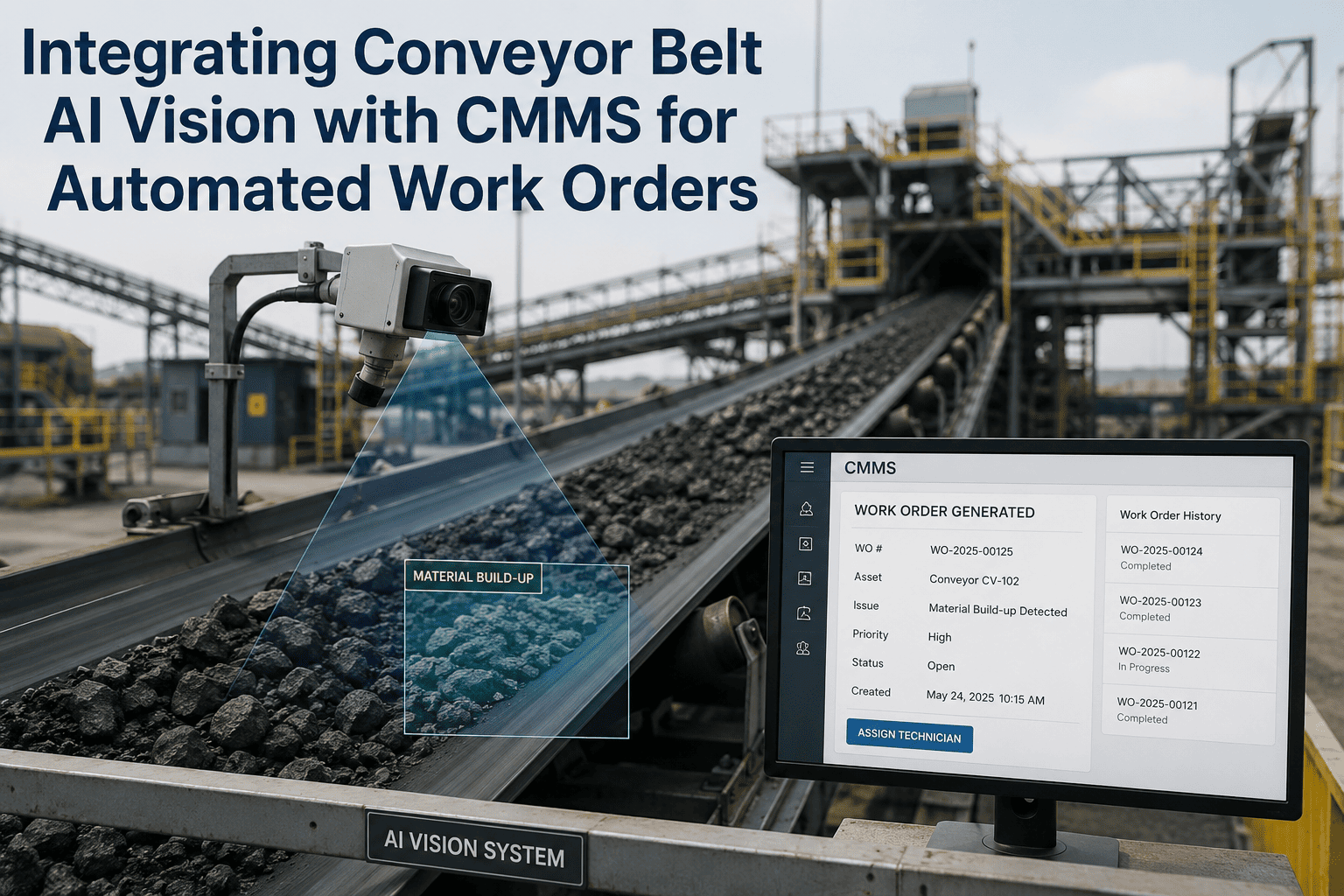
A camera catches a hairline crack on a conveyor pulley at 2:14 AM. By the time a human notices anything is wrong, it is usually because the pulley has already seized and the line is down. The gap between a defect being visible and a technician actually being dispatched to fix it is where most avoidable downtime lives, and for decades that gap was filled by a spreadsheet row, a radio call, or a sticky note on a supervisor's desk. AI vision models can now catch a defect the moment it appears on camera, but a detection that sits in a dashboard is still just a missed opportunity until it becomes a work order someone acts on. This is the piece most plants get wrong first: they buy the vision system and skip the part that turns a flagged frame into a technician standing at the right asset with the right parts, which is exactly what you can see for your own line if you book a demo.

AI VISION TO WORK ORDER, AUTOMATICALLY

From a Flagged Frame to a Dispatched Technician in Under 60 Seconds

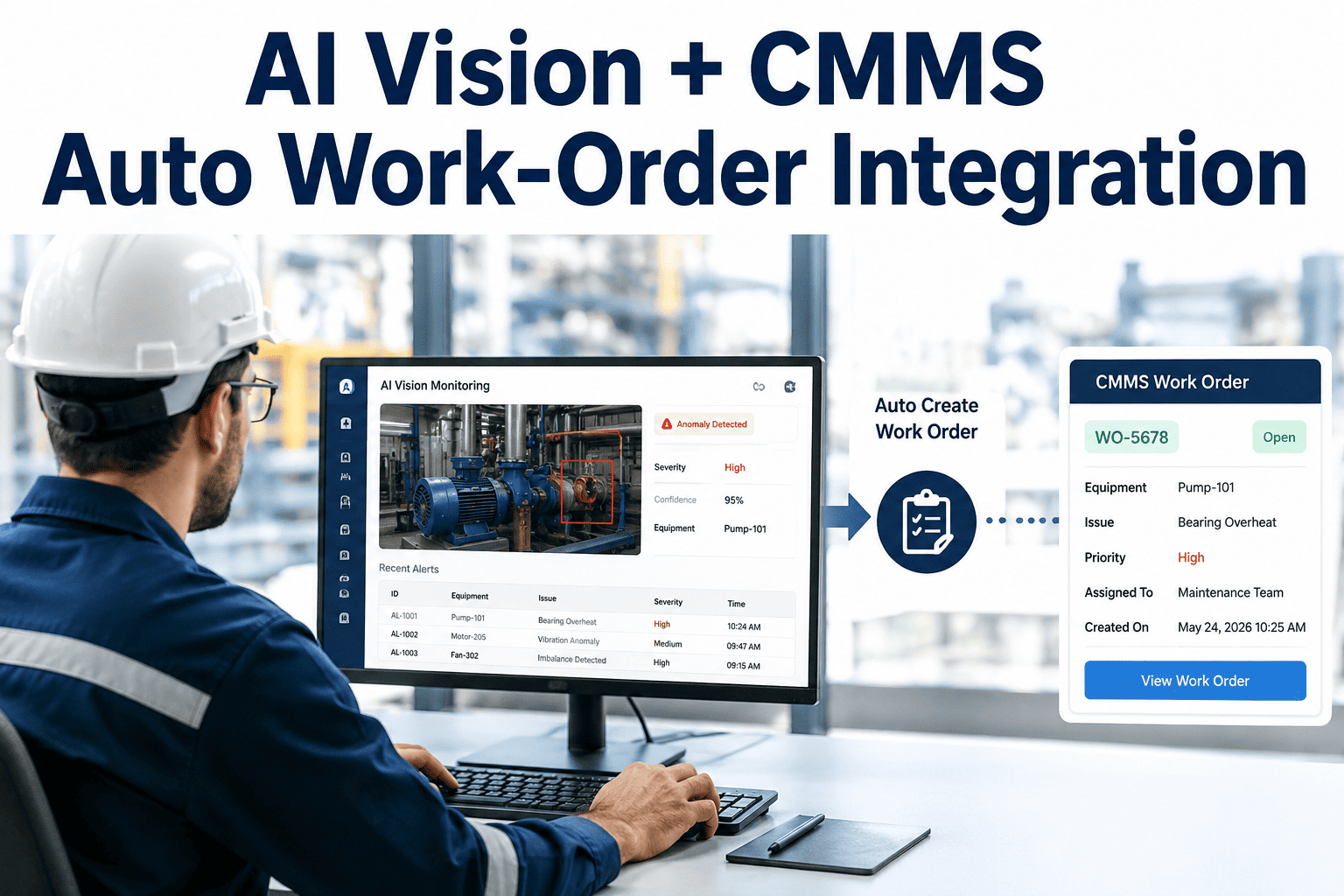
iFactory watches your existing camera feeds, scores every defect for severity, and auto-creates a fully annotated CMMS work order with the repair procedure and parts list already attached — no manual data entry between detection and action.

The Gap That Costs You

A Detected Defect Is Not the Same Thing as a Fixed Defect

Vision accuracy gets most of the marketing attention, and it deserves some of it: a well-trained model holds close to 99 percent defect-catch accuracy across a full shift, while a fatigued human inspector's accuracy can fall from around 90 percent to under 60 percent after four hours on the same task. But accuracy at the camera is only half the problem. A defect that gets logged into a quality dashboard and nowhere else still depends on someone checking that dashboard, understanding what it means, writing up a work order by hand, and finding a technician — and that manual handoff is where most of the delay between detection and repair actually happens.

Manual Handoff
  • Inspector or dashboard alert seen, eventually
  • Work order typed up from memory or a screenshot
  • Technician assignment made by whoever is free
  • Parts availability checked after arrival on site
  • Hours to days between detection and dispatch
Automated Work Order
  • Defect detected and severity-scored on camera
  • Work order auto-created with annotated image evidence
  • Right technician assigned by skill and asset history
  • Required parts pre-staged before the technician arrives
  • Under 60 seconds between detection and dispatch
How It Works

Five Steps From Camera Frame to Closed Work Order

The path from a raw video frame to a completed repair runs through five stages, each one removing a manual handoff that used to slow the process down.

1
Continuous Vision Capture
Existing IP cameras stream footage over ONVIF or RTSP, with edge AI inference running locally on-site so frames are scored in well under a second without sending raw video to the cloud.
2
Defect Classification & Severity Scoring
A trained model classifies the defect type — crack, corrosion, misalignment, missing component — and assigns a severity score based on defect size, asset criticality, and prior failure history.
3
Structured Work Order Auto-Creation
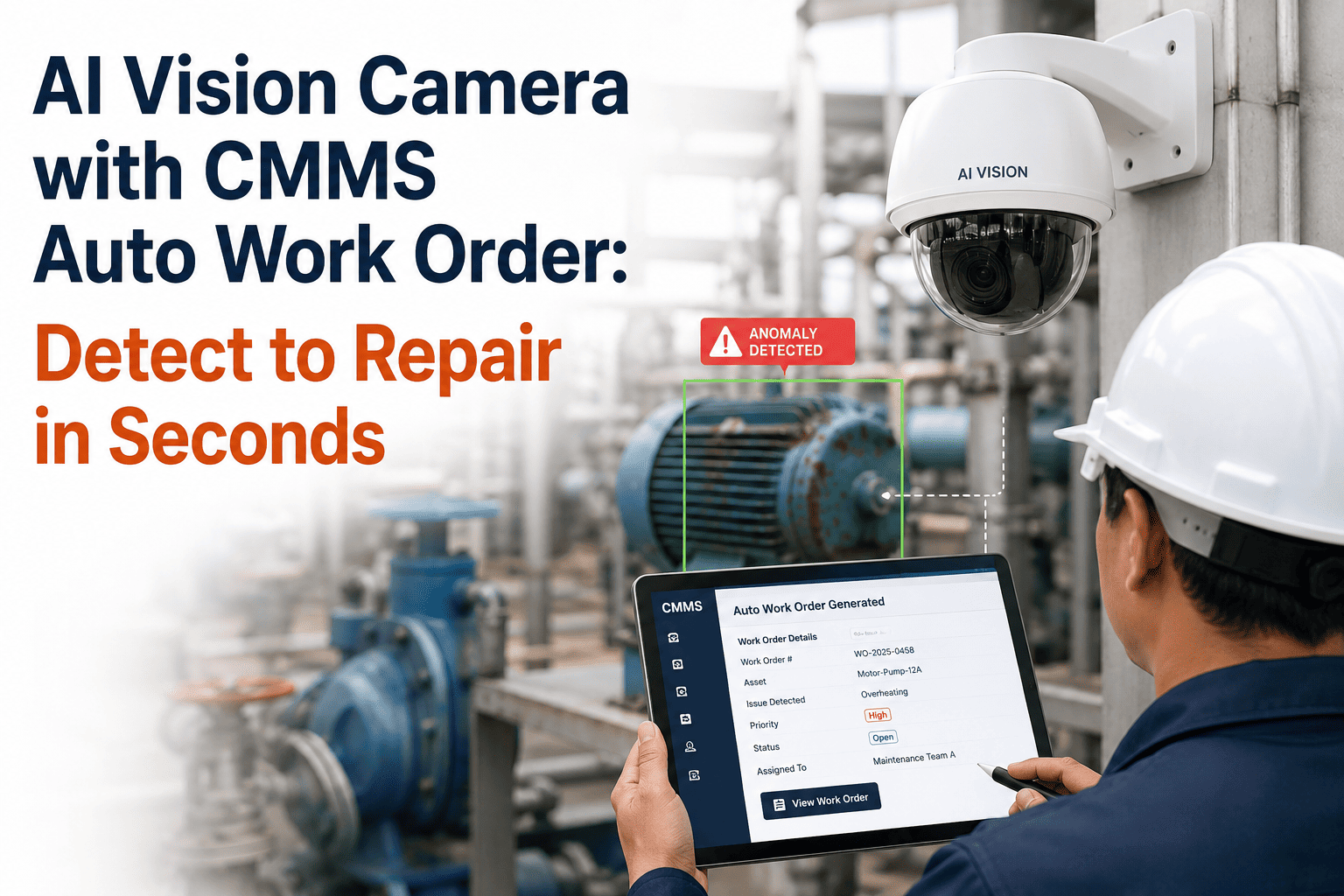
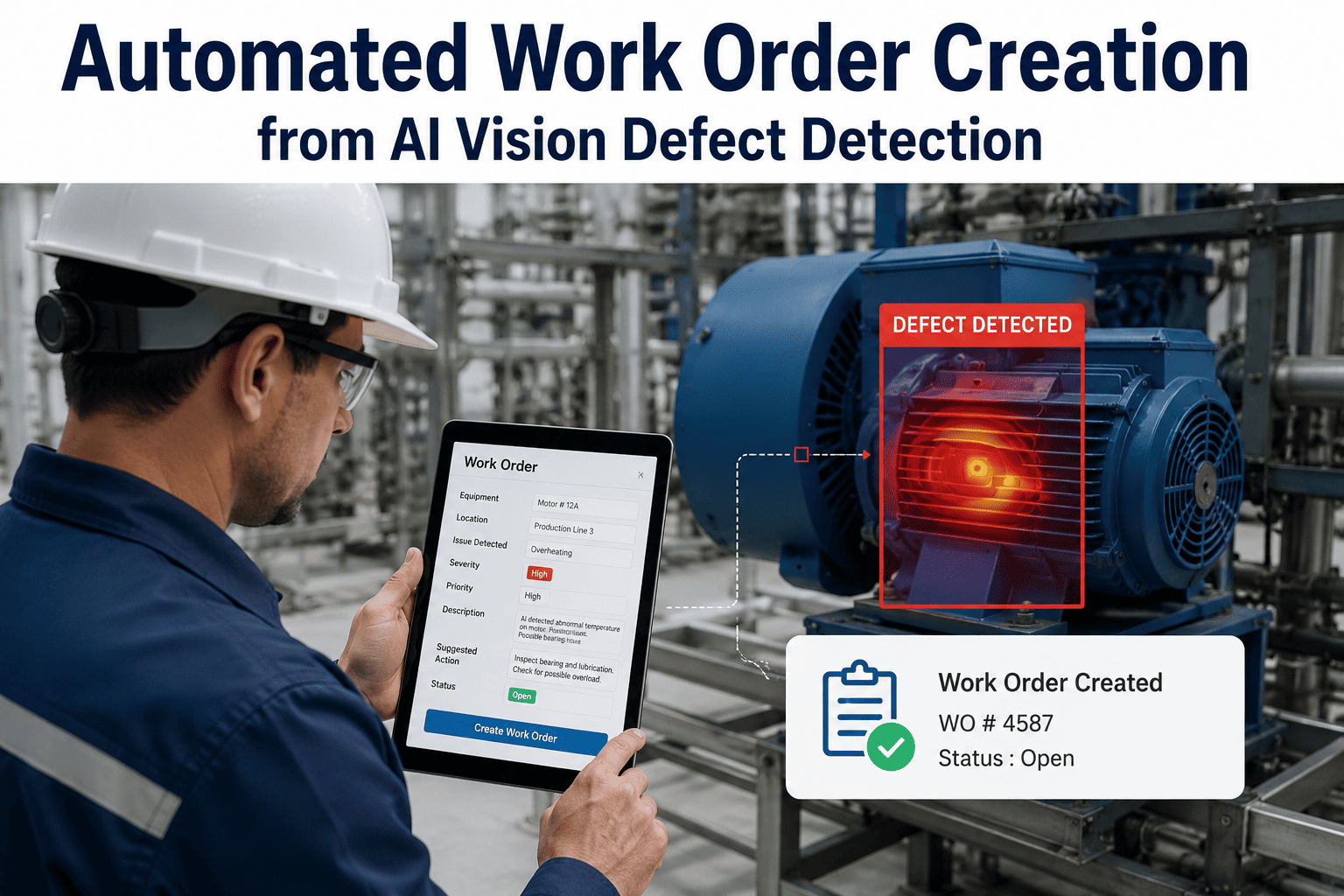
The moment a defect crosses the severity threshold, a work order is generated in the CMMS with the asset ID, annotated image, defect classification, and a suggested repair procedure already filled in.
4
Technician Assignment & Parts Pre-Staging
Routing logic assigns the work order to a technician based on skill match and current workload, while the parts list attached to the repair procedure is checked against inventory and pre-staged where possible.
5
Mobile Completion & Audit Trail
The technician receives the work order on a mobile device, completes the repair with the CMMS-guided procedure, captures a completion photo, and closes the loop with a full record logged against asset history.
Inside the Work Order

What Actually Gets Filled In Automatically

A vision-generated work order is not a bare alert. It arrives with everything a technician needs to walk up to the asset and start fixing the problem instead of first figuring out what the problem is.

Asset ID & Location
Exact equipment tag and camera position, pulled from asset registry mapping
Defect Classification
Crack, corrosion, misalignment, wear, contamination, or missing component
Severity Score
Ranked by defect size, growth rate, and asset criticality for prioritization
Annotated Image Evidence
The captured frame with the defect boundary marked, timestamped for audit trail
Suggested Repair Procedure
Standard work instructions matched to the defect type and asset class
Required Parts List
Checked against current inventory, with pre-staging triggered automatically
Benchmarks by Use Case

Detection-to-Work-Order Performance Across Industries

Latency and accuracy vary by inspection environment, defect type, and how much of the process was already digitized before vision was added.

Use Case Defect-Catch Accuracy Detection-to-WO Time Typical Deployment
Manufacturing line QC ~99.7% Under 60 seconds 2–4 weeks
Rotating equipment monitoring ~99%+ Real-time on condition shift 3–5 weeks
Warehouse & conveyor systems ~98%+ Under 2 minutes 2–4 weeks
Precision electronics assembly ~99%+ Before unit leaves station 4–6 weeks
SEE THE FULL LOOP IN ACTION

Watch a Defect Turn Into a Dispatched Work Order in Real Time

Bring a sample of your camera footage or an existing defect log, and see exactly how iFactory would have scored, routed, and staged the repair before your team ever saw the alert.

Plant Floor Perspective
"

We used to lose half a shift between a defect getting flagged and a technician actually standing at the machine, because someone still had to translate a dashboard alert into a real work order by hand. Now the work order exists with the photo, the defect type, and the parts list attached before the line even finishes its next cycle. Our escape rate on that stamping line dropped by more than half within the first quarter.

Priya N. Quality & Maintenance Manager, Automotive Components Plant
What Changes After Go-Live

The Numbers Behind Closing the Loop

Under 60s
Detection to Work Order Creation
Up to 41%
Reduction in Unplanned Downtime
$350K–$1.8M
Typical Annual Savings per Line
2–4 wks
Average Time to Go-Live
FAQ

Automated Work Order Creation — Frequently Asked Questions

In most facilities the existing IP camera network is enough to get started, since iFactory connects over standard ONVIF and RTSP protocols rather than requiring a proprietary camera line. New cameras or specialized lighting are sometimes recommended afterward for a specific challenging surface, such as reflective metal or transparent glass, where the existing angle or illumination limits detection accuracy. Most deployments begin with a camera and data collection phase in the first week, so you find out quickly whether your current hardware is sufficient before any new equipment gets discussed.
Assignment logic considers the defect classification against technician skill certifications, current workload, and proximity to the asset, so a corrosion issue on rotating equipment does not land on someone qualified only for electrical work. The routing rules are configurable to match your existing shift structure and escalation paths, rather than forcing a one-size-fits-all assignment model onto your team. High-severity defects can also be configured to trigger an immediate supervisor notification alongside the standard technician assignment.
Every auto-created work order carries the annotated image evidence alongside the classification, so a technician reviewing the work order can see exactly what triggered it and close it out quickly if it turns out to be a false positive. Those corrections feed back into the model through active learning, which is part of why accuracy typically climbs from around 90 to 92 percent at initial rollout to above 99 percent within the first week or two of live operation. You can walk through your specific tolerance requirements and false-positive handling with the team through support.
iFactory is built to sit on top of your existing maintenance stack rather than replace it, integrating with SAP PM, Oracle, Maximo, and most CMMS platforms through OPC-UA, MQTT, and REST APIs. Defect events, severity scores, and image evidence stream directly into your current work order structure, so technicians keep working in the system they already know instead of learning a second tool. If your CMMS is not on the standard integration list, the team can confirm compatibility during a scheduled demo.
Most deployments follow a four-week path: camera setup and initial data collection in week one, model training and a shadow-run validation period in week two, and go-live with technician training across weeks three and four. Shadow-run validation matters because it lets the model prove its accuracy against your actual defect patterns before it starts creating live work orders, which builds trust with the maintenance team from day one instead of asking them to take the system's word for it. You can book a demo to map this timeline against your specific line and camera setup.
DETECT · CLASSIFY · CREATE · DISPATCH · CLOSE

Stop Losing the Gap Between Seeing a Defect and Fixing It

iFactory turns every flagged frame from your existing cameras into a fully staged CMMS work order in under a minute — evidence, procedure, parts, and technician all attached before the shift even notices.
Share This Story, Choose Your Platform!