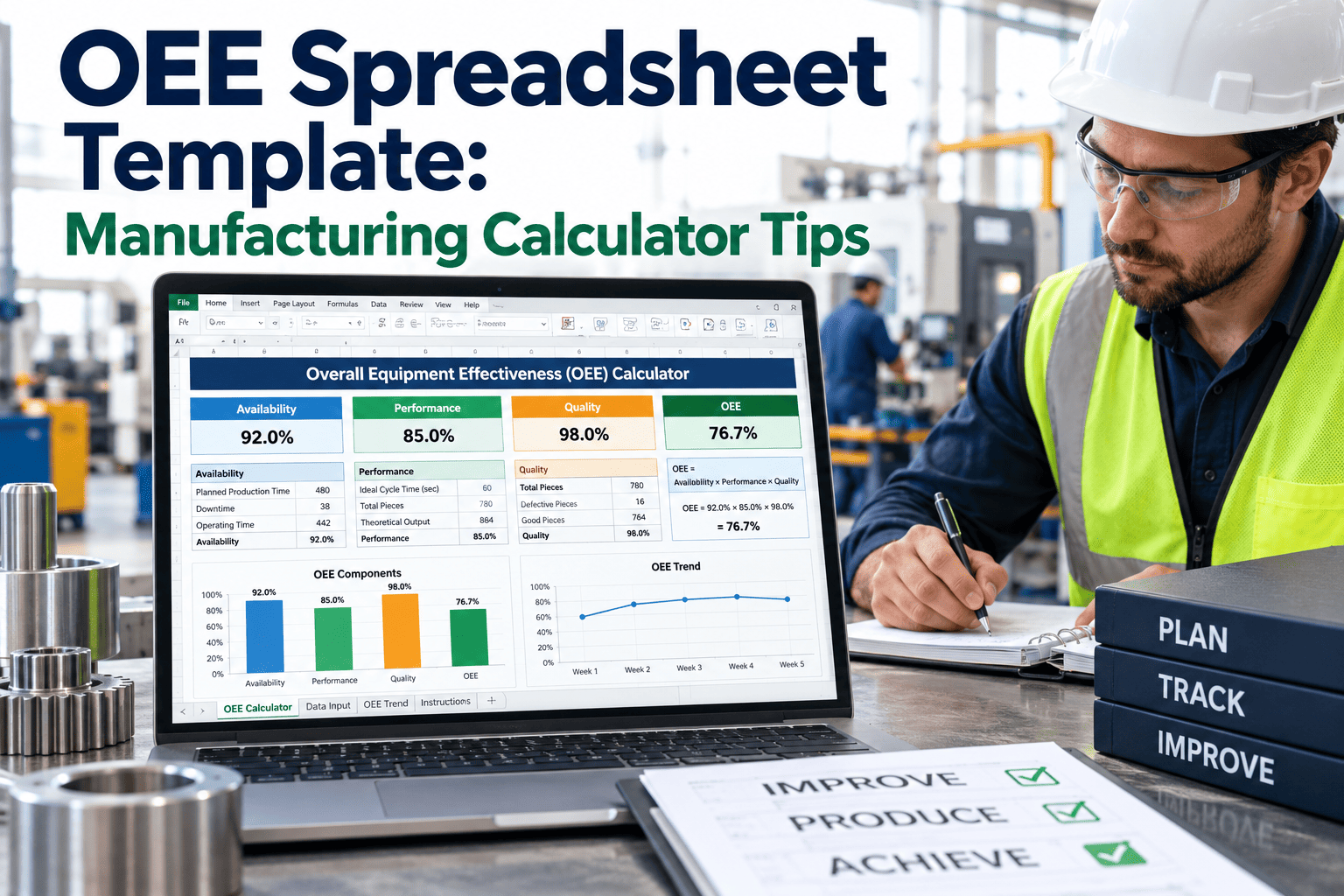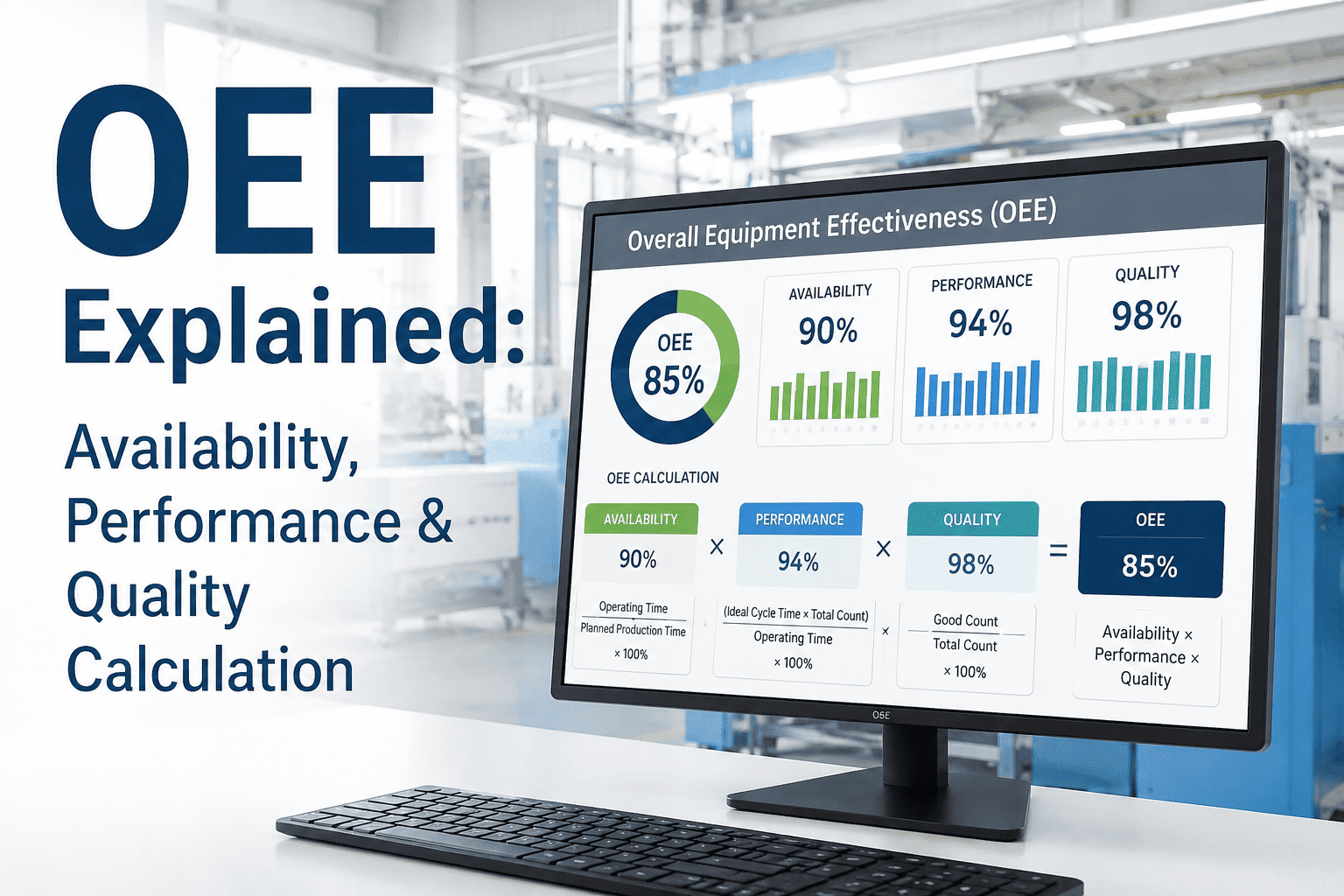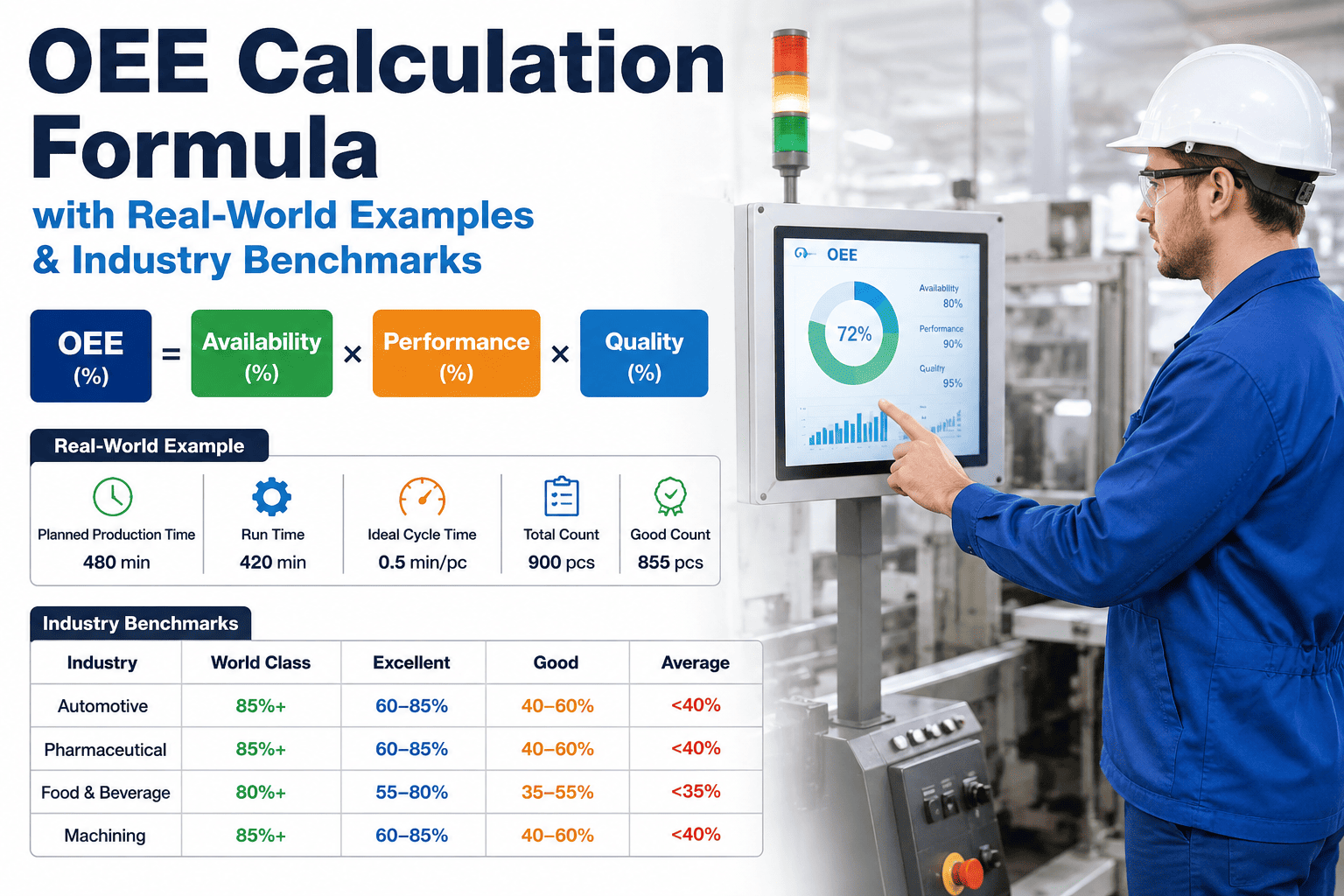
Every minute your production line runs without knowing its true efficiency, you are bleeding revenue. Manufacturers operating without OEE visibility lose an average of 20–30% of productive capacity to hidden losses — losses that never appear on a dashboard, never trigger an alert, and never get addressed. If your maintenance team is still calculating OEE manually in a spreadsheet, or not calculating it at all, you are handing competitive advantage to every plant that has automated this process. This guide gives you the exact formula, real shop floor examples and the framework to move from reactive guessing to real-time performance intelligence.
How to Calculate OEE: Step-by-Step with Real Shop Floor Examples
What Is OEE and Why Does It Matter to the Bottom Line?
Overall Equipment Effectiveness (OEE) is the gold-standard metric for measuring manufacturing productivity. It quantifies how much of your planned production time is genuinely productive — capturing losses from downtime, speed degradation, and quality defects in a single percentage. A machine running at 60% OEE is delivering only 60 cents of value for every dollar of capacity you are paying for. The remaining 40% is waste hiding in plain sight.
OEE matters to executives because it converts operational complexity into a single financial lever. Raising OEE from 60% to 75% on a line producing $10 million annually adds $1.5 million in output — without buying a single new asset. That is why iFactory's Real-Time OEE Dashboards are deployed in plants where leadership demands measurable returns, not activity reports.
The OEE Formula: Three Components Explained
OEE is calculated as the product of three factors, each capturing a distinct category of loss:
Step 1 — Calculate Availability
Availability measures how much of your planned production time the asset was actually running. It captures all downtime events: breakdowns, changeovers, material shortages, and unplanned stops.
- Planned Production Time: 480 minutes (8-hour shift)
- Unplanned Downtime: 47 minutes (two conveyor jams + one motor trip)
- Run Time: 480 − 47 = 433 minutes
- Availability = 433 ÷ 480 = 0.902 → 90.2%
Step 2 — Calculate Performance
Performance captures speed losses — instances where the asset is running but below its ideal cycle time. Micro-stoppages, worn tooling, and operator hesitation all reduce performance without triggering a formal downtime event.
- Ideal Cycle Time: 1.2 seconds per unit
- Total Units Produced: 19,800
- Run Time: 433 minutes = 25,980 seconds
- Ideal output at full speed: 25,980 ÷ 1.2 = 21,650 units
- Performance = 19,800 ÷ 21,650 = 0.914 → 91.4%
Step 3 — Calculate Quality
Quality measures the proportion of output that meets specification on the first pass. Rework, rejects, and startup scrap all reduce quality score — and all carry hidden costs far beyond the part itself.
- Total Units Produced: 19,800
- Defective / Rework Units: 216
- Good Count: 19,800 − 216 = 19,584
- Quality = 19,584 ÷ 19,800 = 0.989 → 98.9%
Step 4 — Calculate Final OEE
- This line is delivering 81.5 cents of productive value per dollar of planned capacity
- The 18.5% loss gap = approximately $6,800 in missed output per shift
- At 250 operating days per year: over $1.7 million in annual hidden capacity loss
- Closing half that gap (to 90%) adds $850,000 in annual output — no new capital required
Legacy Friction vs. Optimized Excellence: The OEE Tracking Gap
| Dimension | Legacy Friction (Old Way) | Optimized Excellence (iFactory) |
|---|---|---|
| Data Collection | Manual operator logs; end-of-shift spreadsheets | Automated sensor capture; real-time data streams |
| Calculation Speed | Hours to days after the shift ends | Live OEE calculated every 60 seconds |
| Downtime Accuracy | Only major stops recorded; micro-stops invisible | Every stop event logged with cause code and duration |
| Performance Visibility | Cycle time drift undetected until quality fails | Speed variance alerts fire within 2 minutes of deviation |
| Quality Tracking | Defects counted at end of run; root cause guessed | Defect rate tracked continuously with asset correlation |
| Reporting Effort | 2–4 hours/week of analyst time to produce OEE reports | Automated dashboards pushed to leadership daily |
| Action Lag | Losses discovered after the opportunity to act has passed | Alerts enable in-shift corrections before losses compound |
| Multi-Line View | No single view; each line tracked in isolation | Facility-wide OEE benchmarking across all assets |
The Three OEE Loss Categories and What Drives Them
- Unplanned breakdowns and equipment failures
- Extended changeover and setup time
- Waiting for materials, operators, or approvals
- Startup and shutdown time beyond standard
- Micro-stoppages under 1 minute (most underreported loss)
- Reduced speed from worn tooling or aging drives
- Operator hesitation and non-standard work pace
- Idling during minor blockages or starvation
- Startup scrap during warmup or changeover
- In-process defects requiring rework
- End-of-run yield loss from process drift
- Customer returns attributed to production variation
OEE Benchmarks: How Does Your Plant Compare?
Why Manual OEE Calculation Is Costing You More Than You Think
Manual OEE calculation has three fatal flaws that compound over time. First, data collection lag means losses are discovered after the shift ends — when the opportunity to correct them has already passed. Second, operator-reported downtime consistently undercounts micro-stoppages by 30–50%, making performance scores appear higher than reality. Third, the analyst time required to compile, validate, and distribute OEE reports consumes 2–4 hours per week per line — resources that should be driving improvement, not generating spreadsheets.
iFactory's Real-Time OEE Dashboards eliminate all three failure modes. Sensor data feeds the OEE calculation continuously. Every stop event is captured automatically. Dashboards update live and push to leadership without human intervention. The result is not just better data — it is faster decisions and measurable improvement velocity.