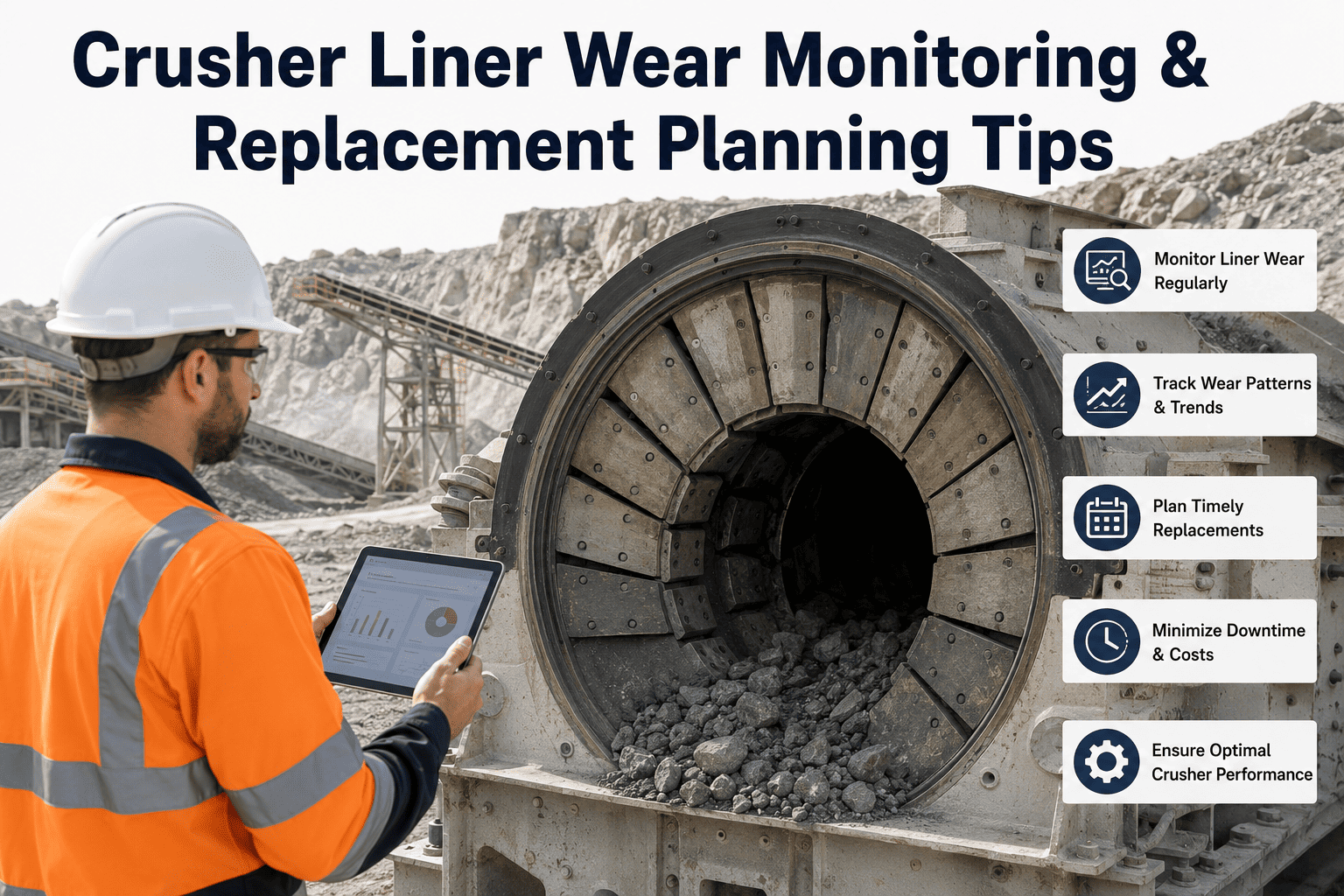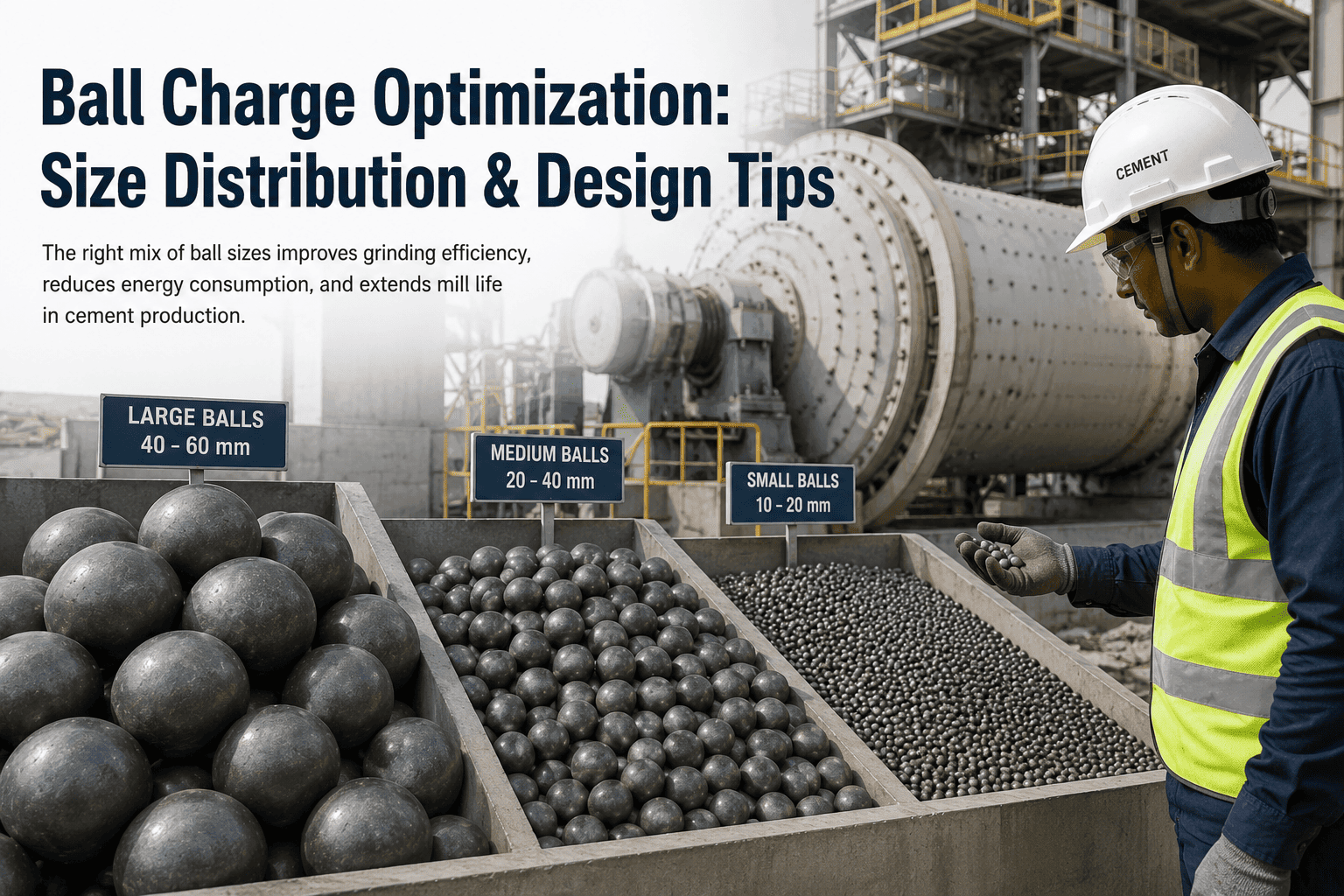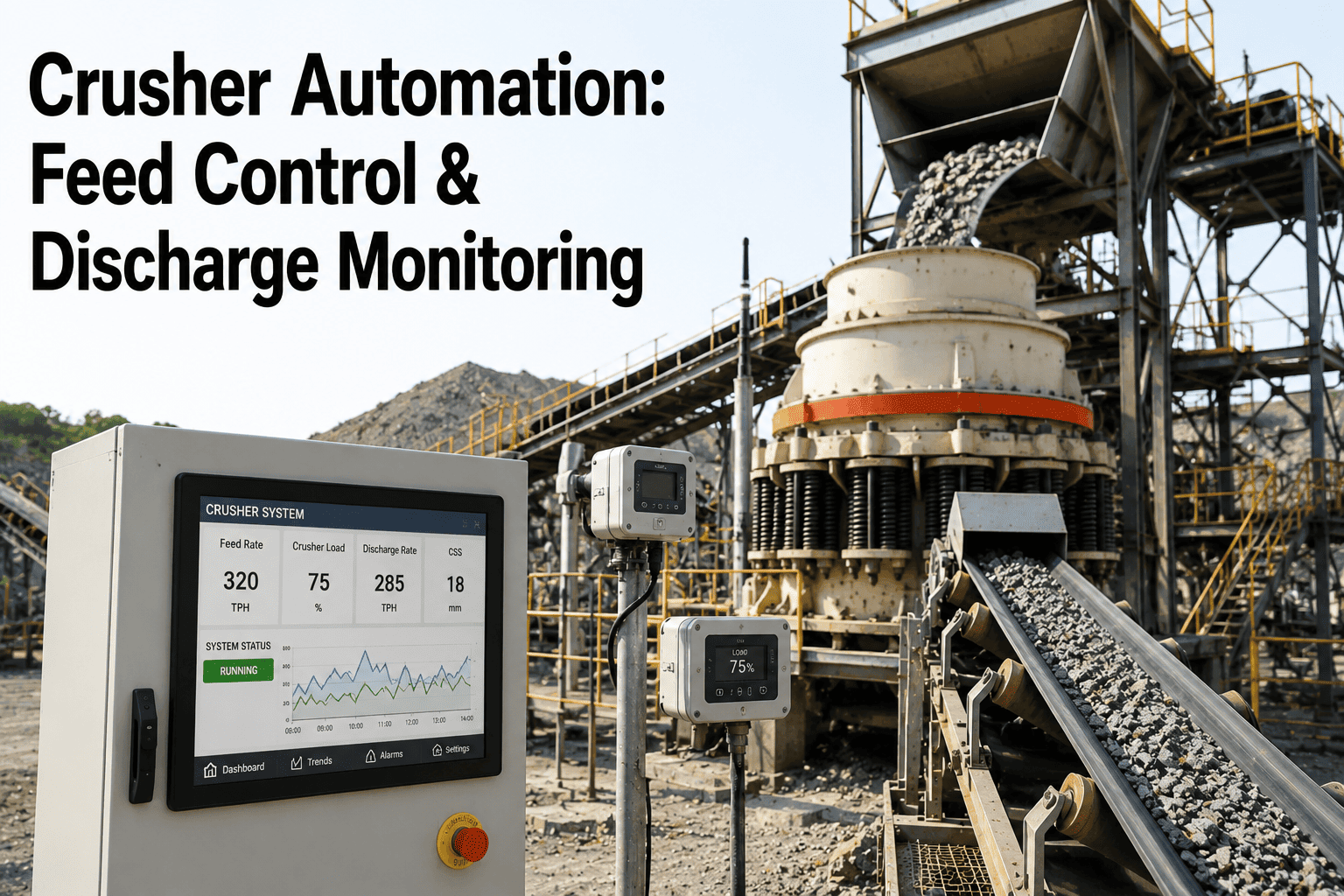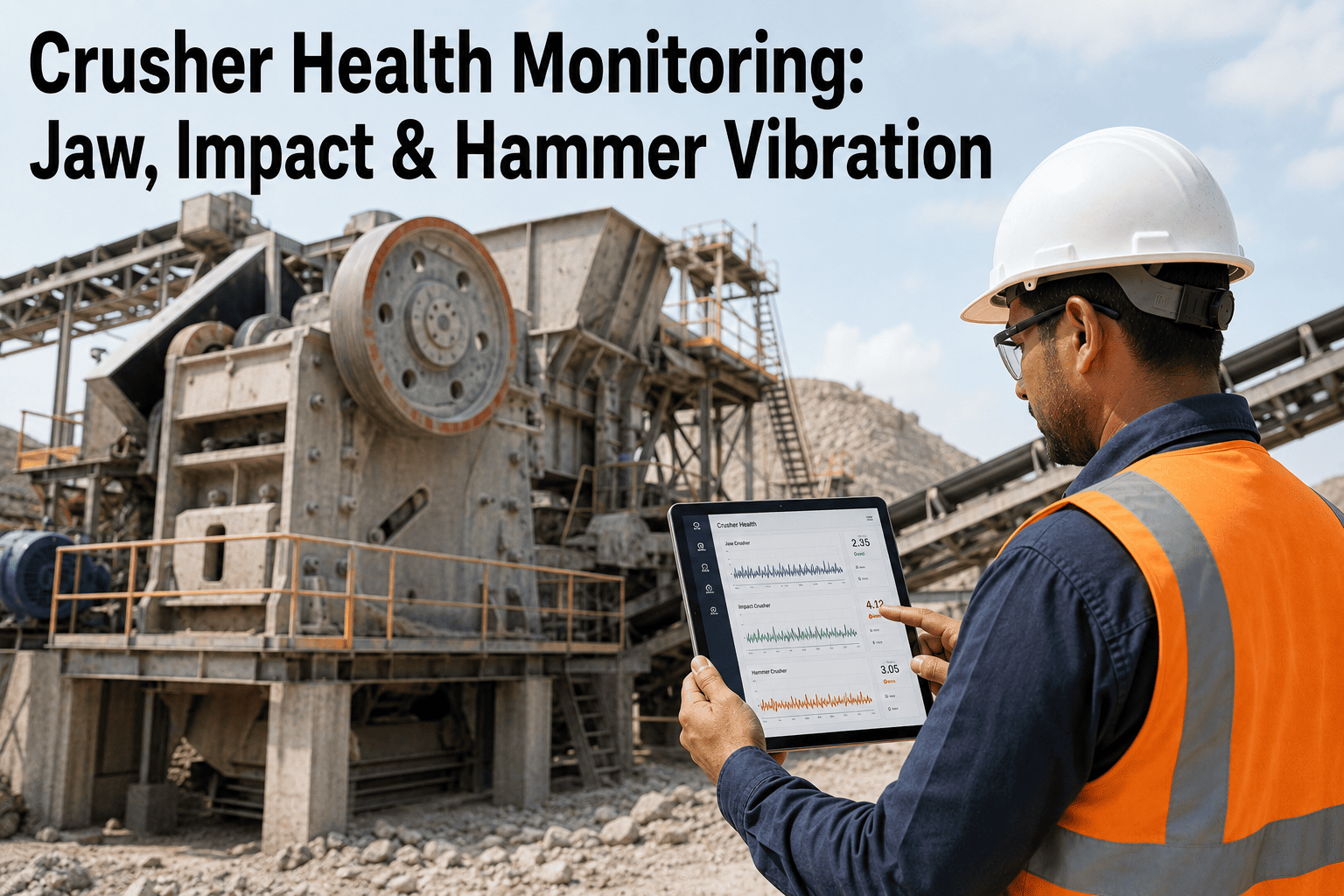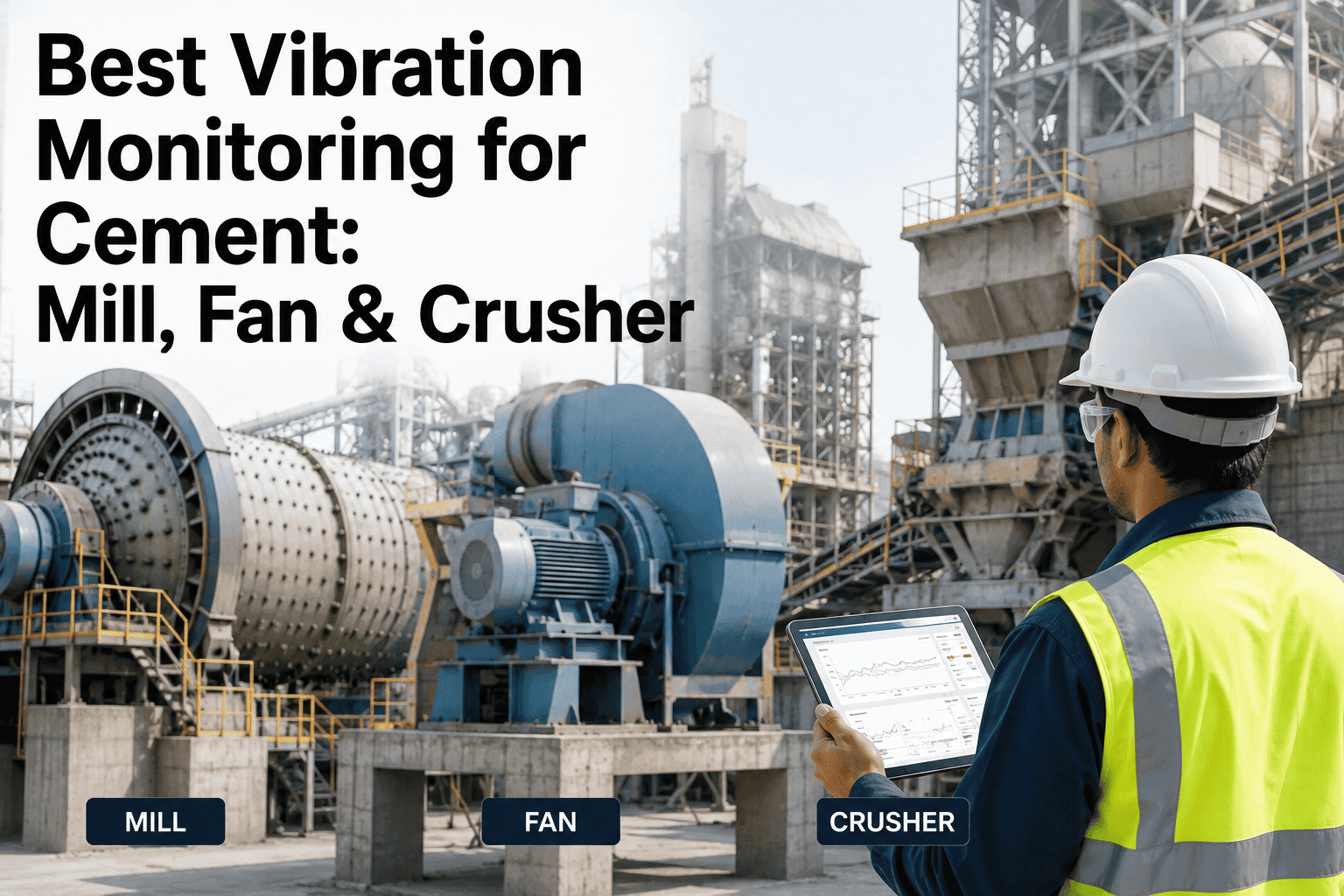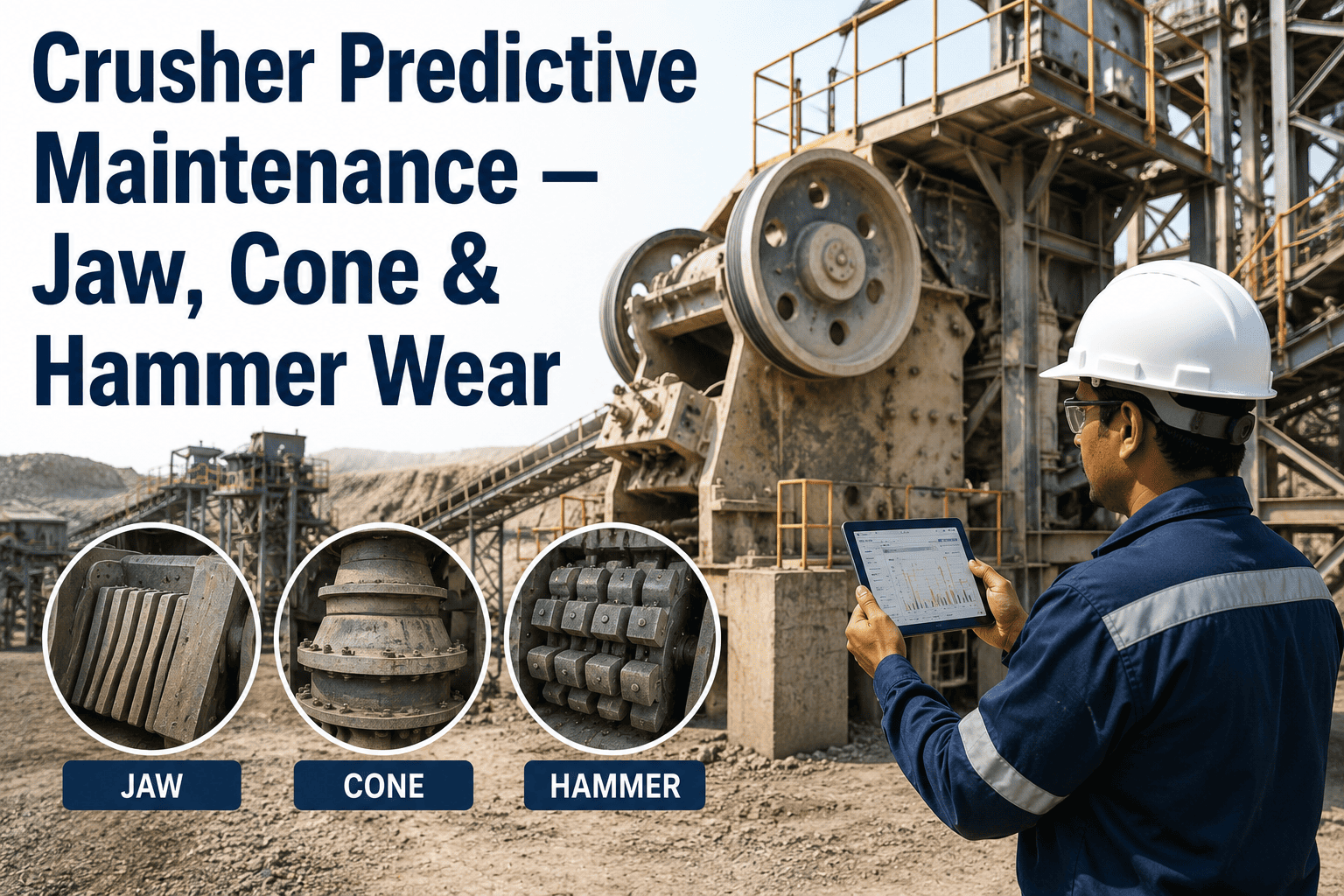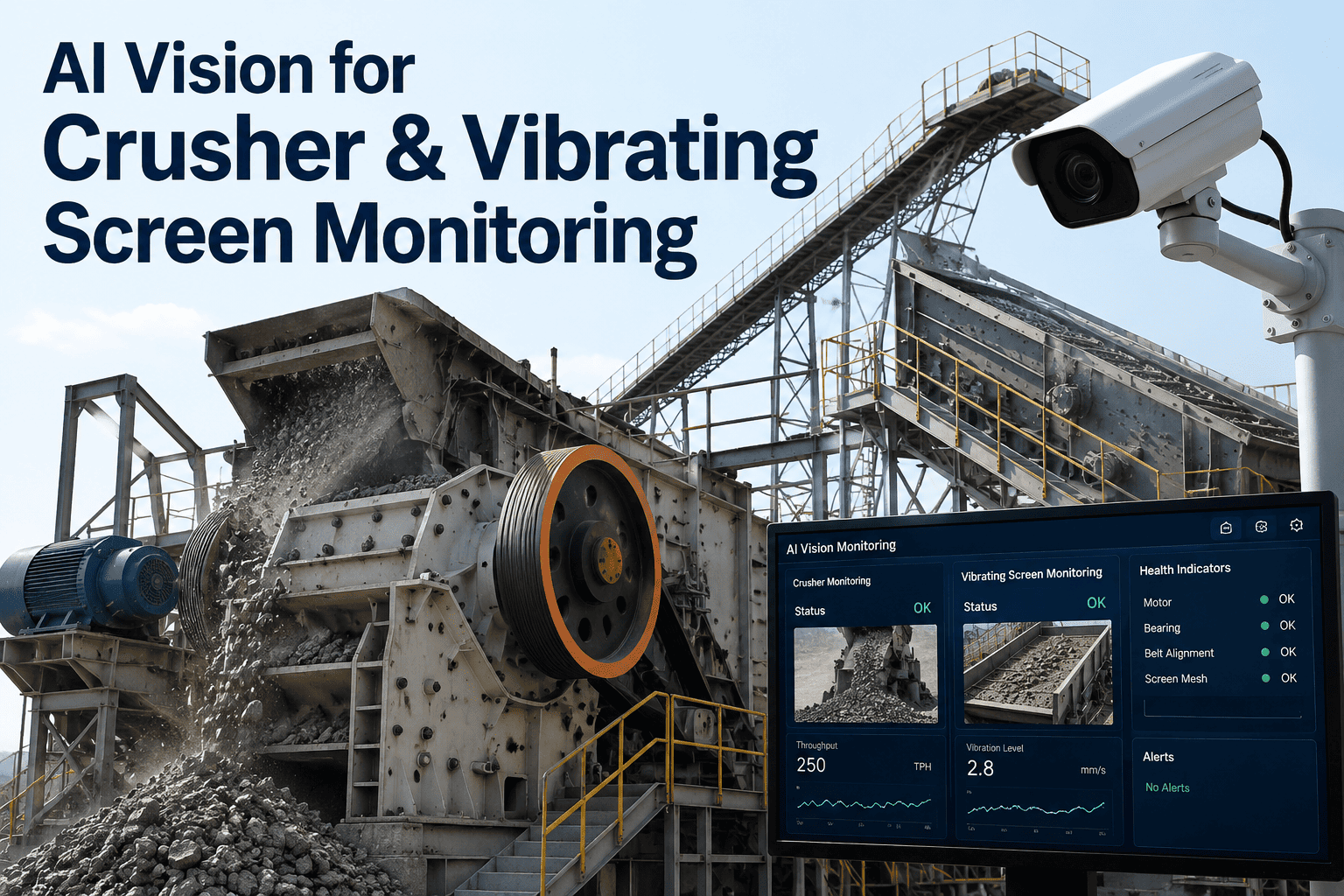
Crusher and screen problems in a cement plant rarely announce themselves. A crusher gap drifting out of setting, an oversized rock working its way toward the chamber, or a screen panel slowly blinding with fines all look completely normal to an operator walking past on a routine round. By the time throughput drops enough to notice on a shift report, the raw mill has already been starving intermittently for hours and nobody can say exactly when it started. AI vision watches the crusher feed and the screen deck continuously instead of during a walk-through, catching feed size drift and blinding progression while there is still time to adjust settings or schedule a cleaning instead of losing a production run. See how the same camera feed maps onto your crusher and screen setup on a short walkthrough call.
Watch Feed Size and Screen Health Continuously
iFactory's vision AI monitors crusher feed size, throughput, and screen blinding in real time, flagging drift long before it shows up as a raw mill feed shortage.
Why Crusher and Screen Drift Go Unnoticed
Crusher gap setting drifts gradually through liner wear, and screen blinding builds panel by panel through fines buildup. Neither shows up as a single alarm point, which is exactly why both tend to stay invisible until throughput or product quality has already been affected for hours.
Two Zones, One Continuous Camera Feed
The same vision system covers both the crusher feed and the screen deck, since the two are directly connected: a crusher problem changes what reaches the screen, and a screen problem changes what recirculates back to the crusher.
- Feed particle size distribution on the approach conveyor
- Oversized rock and tramp material detection before the chamber
- Crusher gap setting drift inferred from product size trend
- Throughput rate correlated against motor load and power draw
- Screen panel blinding progression across coarse and fine decks
- Oversize fraction carryover into the wrong product stream
- Exciter vibration amplitude and stroke consistency
- Screening efficiency as actual split versus target split
The Blinding Signature, Stage by Stage
Screen blinding does not happen all at once. Fines gradually clog the screen media, and the vision and vibration signature shifts predictably as it progresses, giving a clear window to intervene before carryover starts.
See Where Your Screens Sit on This Curve
Most plants find at least one screen already deep into early blinding without a single alarm having triggered. A short call can show you the same view for your deck.
Manual Walk-Through vs Continuous Vision Monitoring
A manual inspection round catches whatever condition the crusher and screen happen to be in at that exact moment. Continuous vision monitoring sees every moment in between.
| Parameter | Manual Walk-Through | Continuous Vision AI |
|---|---|---|
| Feed Size Drift | Noticed only if visually obvious that shift | Tracked continuously against baseline distribution |
| Screen Blinding | Caught once carryover is already visible | Flagged at early amplitude drift, before carryover |
| Oversized Rock | Depends on inspector timing and visibility | Detected on every frame before reaching the chamber |
| Cleaning Schedule | Fixed calendar interval regardless of condition | Timed to actual blinding progression per screen |
What Changes on Throughput and Maintenance Spend
Catching crusher and screen drift early shows up directly in throughput consistency and consumable spend, the two numbers a raw material preparation team already tracks every week.
Getting Cameras Watching Your Crusher and Screen
Most plants already have camera infrastructure near the crusher and screening area. The rollout is usually about adding intelligence to that feed, not installing new hardware from scratch.
Frequently Asked Questions
Do we need to install new cameras for this to work?
Not necessarily. Most cement plants already have camera infrastructure near the crusher and screening area, and the vision AI layer typically connects to that existing feed rather than requiring a new installation from scratch. Where coverage gaps exist, industrial-grade cameras with dust-resistant housings can be added at the specific points that matter most. The support team can assess your current camera positions on a short call.
How does the system handle dust, which is constant near a crusher?
Cameras deployed in crusher and screening areas use positive-pressure housings that blow filtered air across the lens to keep dust from settling, along with detection models trained specifically on dusty industrial footage rather than generic clean-room conditions. This combination is what allows accurate detection to hold up at line speed in an environment where visibility can shift significantly from shift to shift. It is the same approach used across other dusty zones of a cement plant, including kiln and conveyor monitoring.
Can this replace our existing vibration sensors on the screen exciter?
It complements rather than replaces them. Vibration sensors on the exciter provide direct amplitude and frequency data, while the vision layer adds the visual confirmation of panel condition and material flow that vibration data alone cannot show. Combining both typically gives a clearer picture of whether a shift in amplitude is due to blinding, panel wear, or an exciter mechanical issue, which changes what corrective action makes sense.
How quickly does an oversized rock get flagged before reaching the crusher?
Detection happens in real time on the approach conveyor, typically well under a second per frame, which gives enough lead time to trigger a diverter or alert before the material reaches the crushing chamber. This matters because a single piece of oversized rock or tramp metal can cause damage costing well into five figures and an unplanned stoppage that disrupts the entire raw material preparation line for hours.
Does this integrate with our existing CMMS for work orders?
Yes, detected anomalies such as advancing screen blinding or crusher gap drift generate work orders automatically in your existing CMMS rather than requiring a separate alert system your team has to check independently. This keeps the response inside the maintenance workflow your team already uses, with the underlying image and trend data attached for reference during the actual repair or cleaning. A demo call can show how that connection works with your specific CMMS.
Stop Losing Raw Mill Feed to a Crusher or Screen Problem Nobody Saw
iFactory's vision AI watches your crusher feed and screen deck continuously, built for teams who need to catch drift while it is still a setting adjustment, not a shutdown.