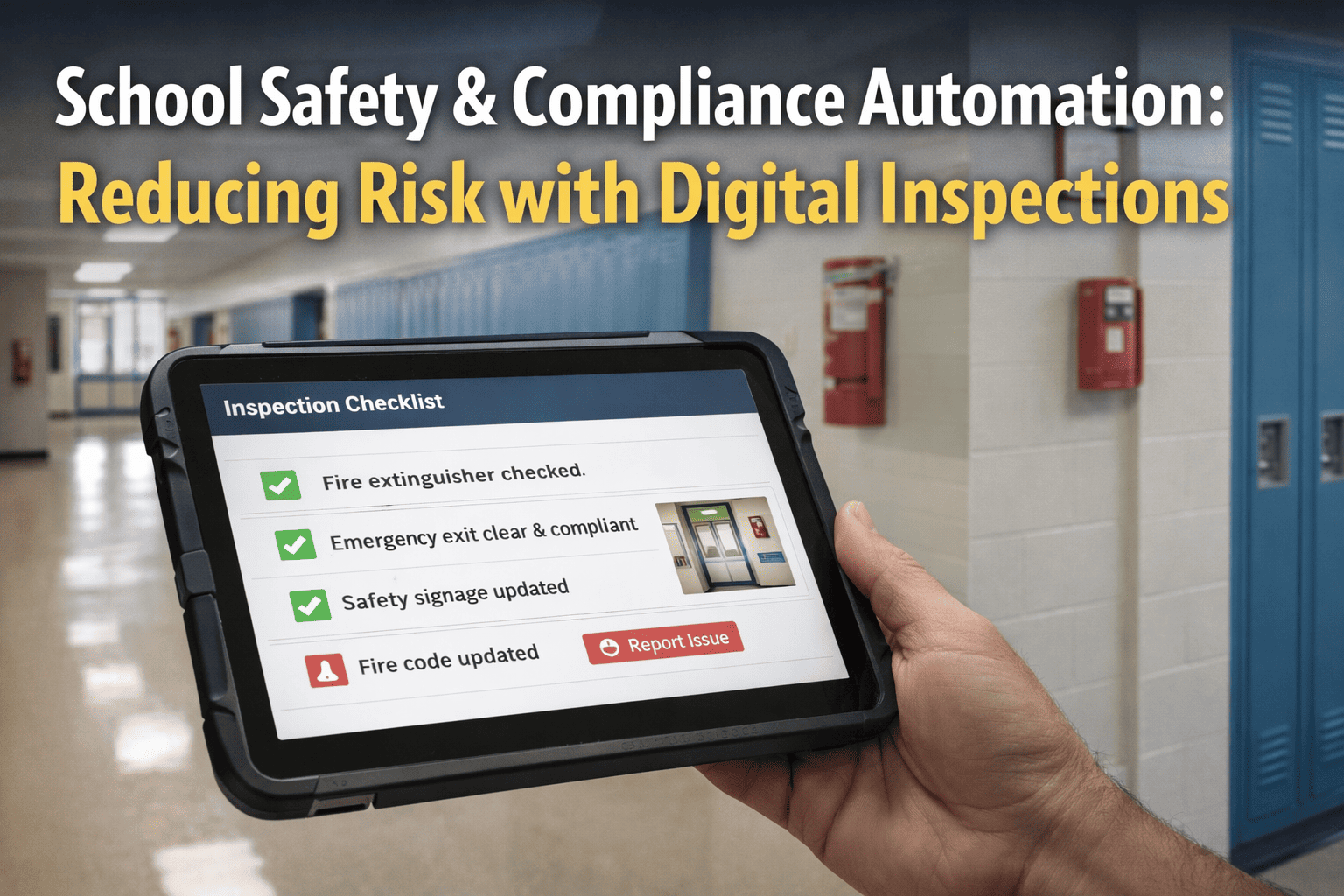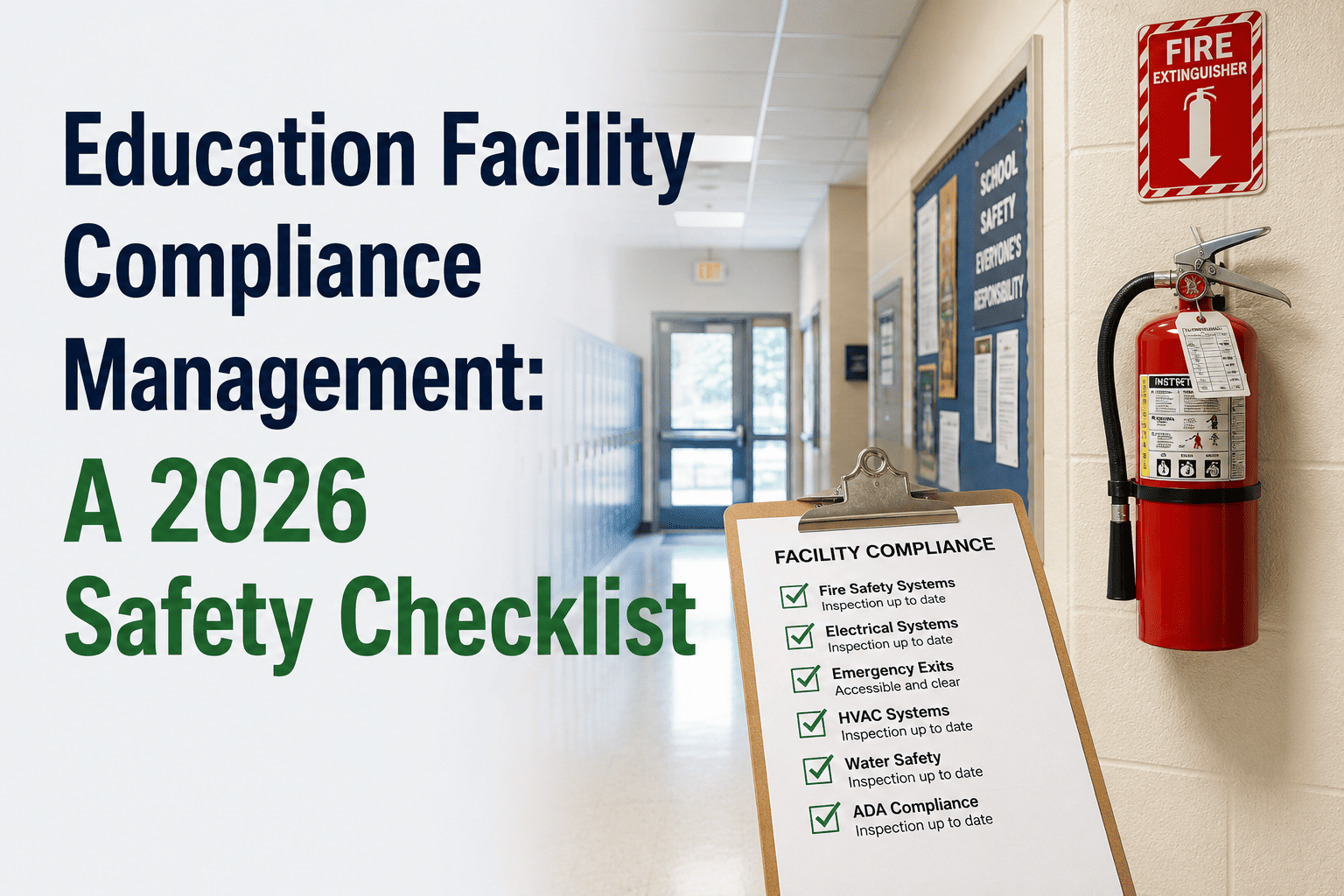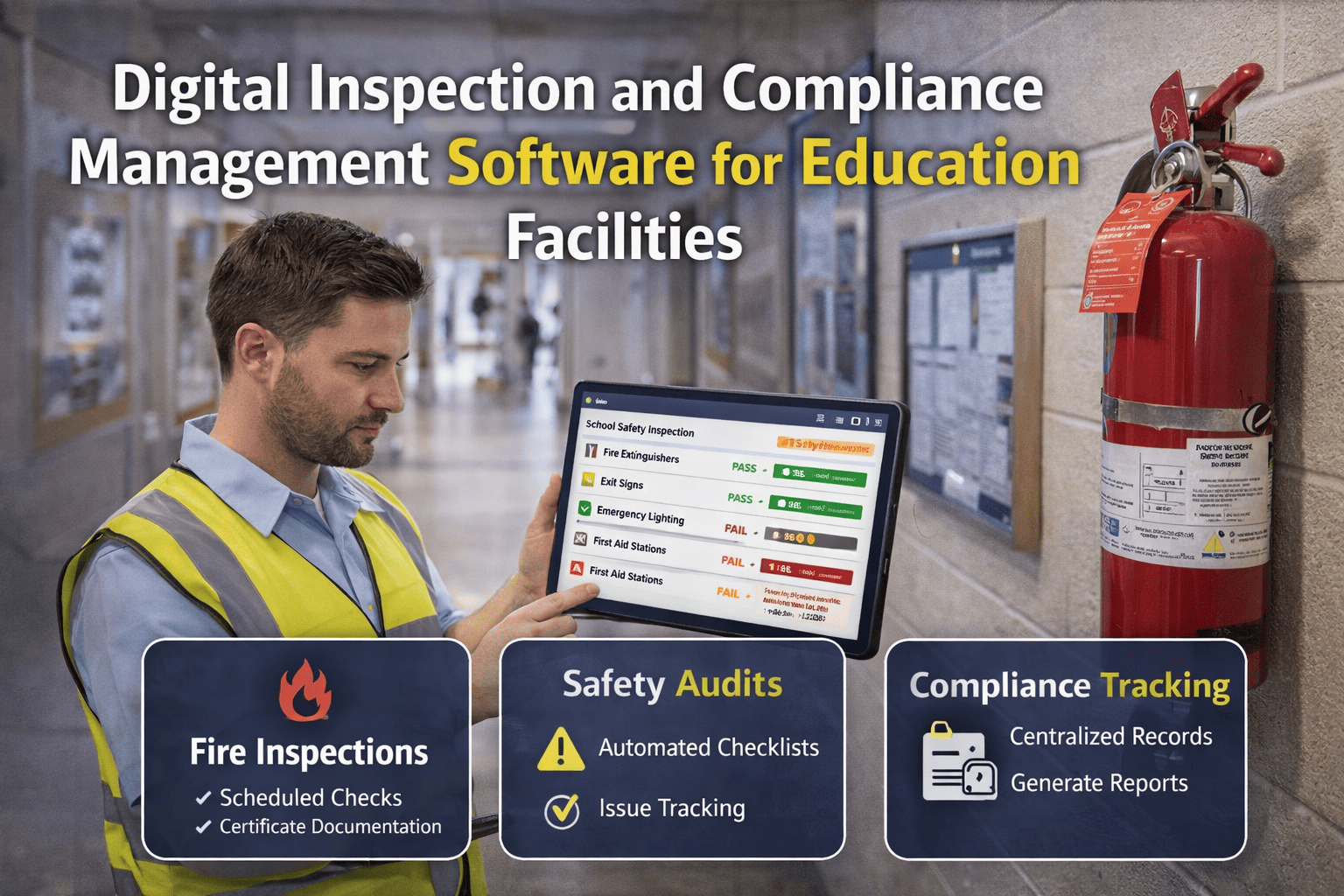
Schools and universities are required to complete thousands of inspections every year — fire extinguishers, emergency lighting, fire alarms, boilers, pressure vessels, playground equipment, chemical storage, and more. Most education institutions still manage these inspections with paper checklists, clipboards, and filing cabinets. The result: lost forms, missed inspections, incomplete audit trails, and hours of manual data entry when regulators request documentation. Digital inspection and compliance management software replaces paper with mobile checklists, automates scheduling and reminders, and generates audit‑ready reports instantly. For facility directors and compliance officers, this means fewer missed inspections, no lost paperwork, and defensible documentation for every regulator request. See how digital inspection software works for your campus — Book a Demo.
Stop losing inspection forms and missing compliance deadlines. Automate fire safety checks, equipment inspections, and audit documentation across your entire campus portfolio.
The Inspection Challenge in Education Facilities
A typical school district manages 50‑100 buildings, each with hundreds of inspectable assets: fire extinguishers, emergency lights, exit signs, fire alarm devices, sprinkler system components, boilers, HVAC units, kitchen hoods, playground equipment, and more. Each asset has its own inspection frequency — monthly, quarterly, semi‑annual, annual. Paper‑based systems rely on memory, spreadsheets, or wall calendars. Inspectors carry clipboards, fill out forms, return to the office, and manually enter data into spreadsheets or filing cabinets. The result is predictable: missed inspections, lost forms, incomplete records, and hours of wasted time when an auditor asks for last year's fire extinguisher checks.
- Fire extinguisher inspections skipped due to missing schedule
- Emergency lighting 90‑minute tests not documented
- Boiler inspection certificates expired
- Playground safety checks not logged
- Chemical storage inspection records lost
- Fire extinguishers: 500+ × monthly = 6,000+ checks/year
- Emergency lights: 1,200 fixtures × monthly = 14,400+ tests/year
- Fire alarm devices: 800+ × semi‑annual = 1,600+ checks/year
- Boilers/pressure vessels: 20+ × annual + logs
Key Features of Digital Inspection Software for Education
Inspectors complete checklists on phones or tablets. Add photos, notes, signatures, and timestamps. No paper, no manual data entry.
Set frequencies per asset. System generates inspection tasks automatically and sends reminders to assigned staff.
See which inspections are due, overdue, or completed. Drill down by building, asset type, or inspector.
Generate complete inspection histories for any date range, asset, or building. Export to PDF for regulators.
Print QR labels for each asset. Scan to open inspection checklist — auto‑populates asset details.
Flag failed inspections. Create corrective work orders automatically. Track resolution to closure.
Manual vs Digital Inspection Management: A Detailed Comparison
| Process | Manual (Paper/Spreadsheet) | Digital (iFactory) |
|---|---|---|
| Inspection assignment | Print checklists, hand to inspector, hope they remember | Auto‑assigned to mobile app with due date notifications |
| Data collection | Handwritten forms, illegible entries, missing photos | Structured digital forms, photo capture, GPS stamp, signature |
| Data entry | Manual typing into spreadsheet or filing cabinet | Automatic sync to cloud — zero manual entry |
| Missed inspections | Common — no automated reminders | Rare — automated scheduling and alerts |
| Audit response | Hours searching paper files or spreadsheets | Minutes — generate report with filters |
| Corrective actions | Handwritten notes, easily lost | Auto‑create work orders, track to closure |
| Compliance proof | Questionable — lost forms, missing signatures | Defensible — timestamps, photo evidence, digital signatures |
Compliance Calendar: What to Track and When
Digital inspection software organizes all compliance requirements into a single calendar view. The table below shows typical inspection frequencies for education facilities.
| Asset/System | Frequency | Regulation/Standard | Digital Feature |
|---|---|---|---|
| Fire extinguishers | Monthly visual, annual maintenance | NFPA 10 | Mobile checklist + QR scan |
| Emergency lighting | Monthly 30‑sec, annual 90‑min | NFPA 101 | Timer + photo proof |
| Fire alarm systems | Quarterly, semi‑annual, annual | NFPA 72 | Test logging + deficiency tracking |
| Boilers & pressure vessels | Daily logs, annual inspection | ASME, local code | Log sheets + certificate expiry alerts |
| Kitchen hood suppression | Semi‑annual service | NFPA 17A | Vendor inspection records |
| Playground equipment | Monthly visual, annual certified | CPSC guidelines | Checklist + photo documentation |
| Chemical storage | Weekly, monthly, annual | OSHA, EPA | Inspection logs + SDS linking |
| Backflow preventers | Annual testing | Local water authority | Test reports + renewal alerts |
Mobile Inspections: How It Works for Campus Technicians
Dashboard shows assigned inspections due today, this week, and overdue. Filter by building or asset type.
Asset details auto‑load — make, model, location, last inspection date, history.
Tap pass/fail, add notes, take photos, capture signature. Offline mode works in basements.
Results instantly available in compliance dashboard. Failures trigger corrective work orders automatically.
Measurable Benefits of Digital Inspection Management
Frequently Asked Questions
Ready to digitize your campus compliance?
Join hundreds of schools and universities using iFactory to automate inspections, never miss a deadline, and stay audit‑ready.