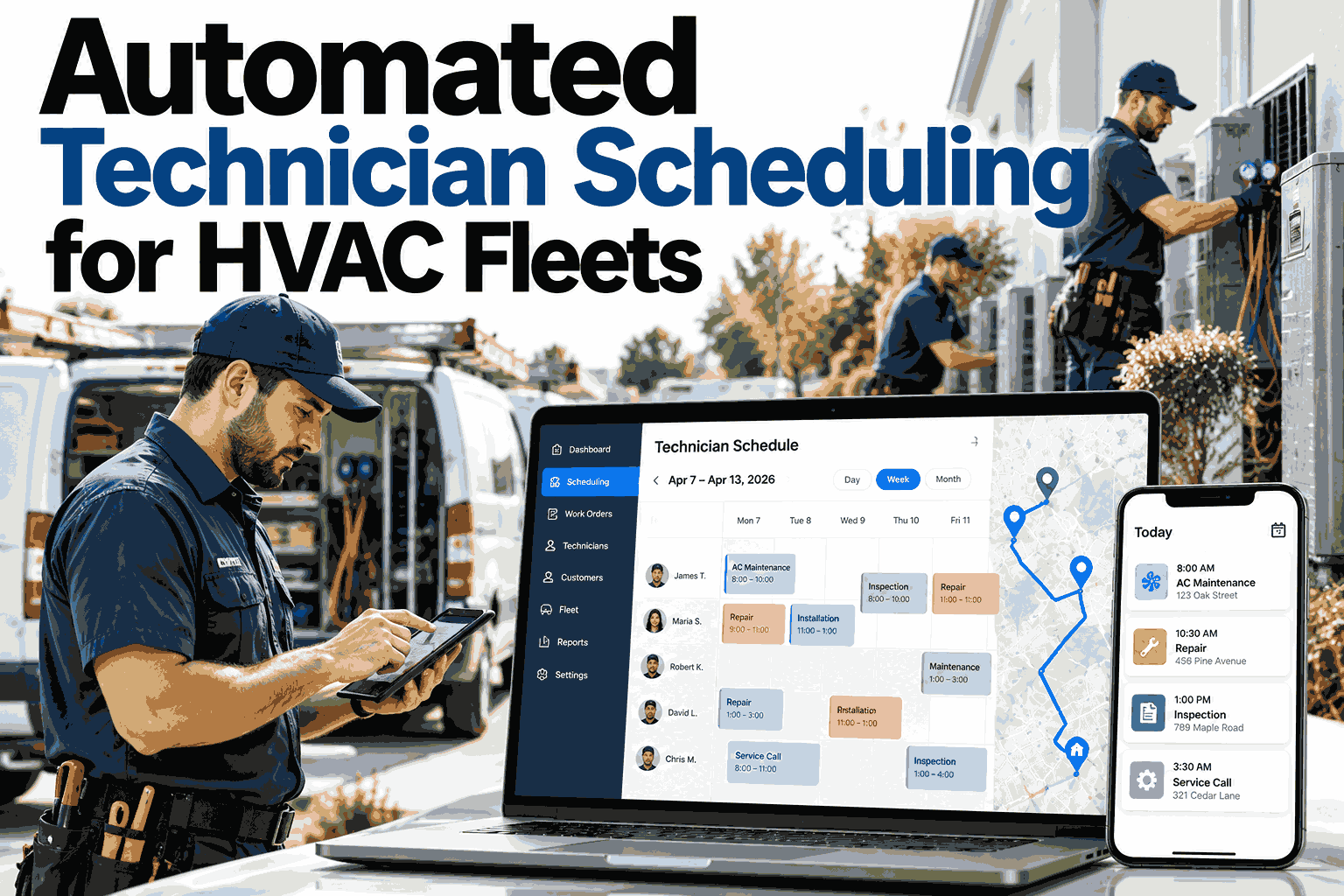
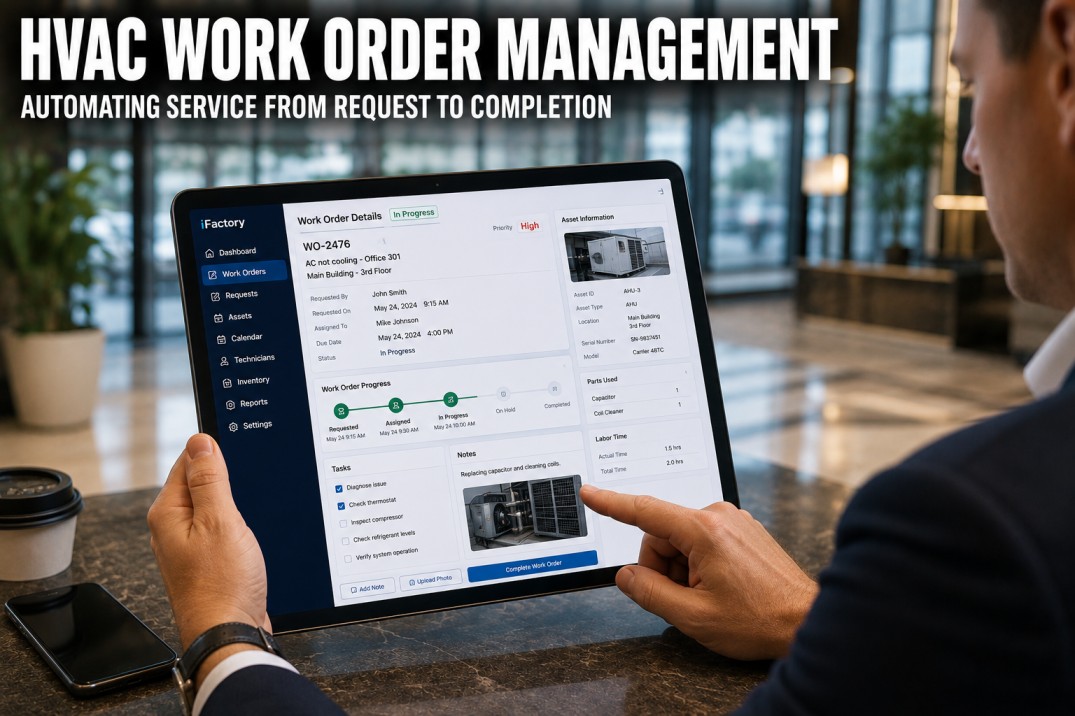
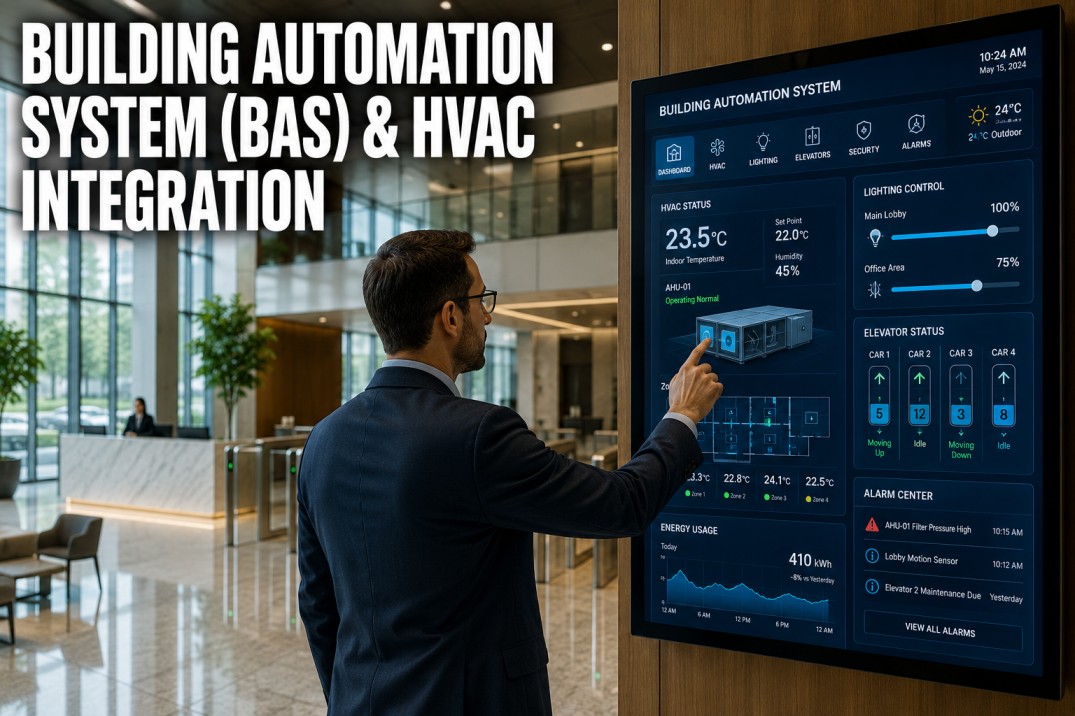
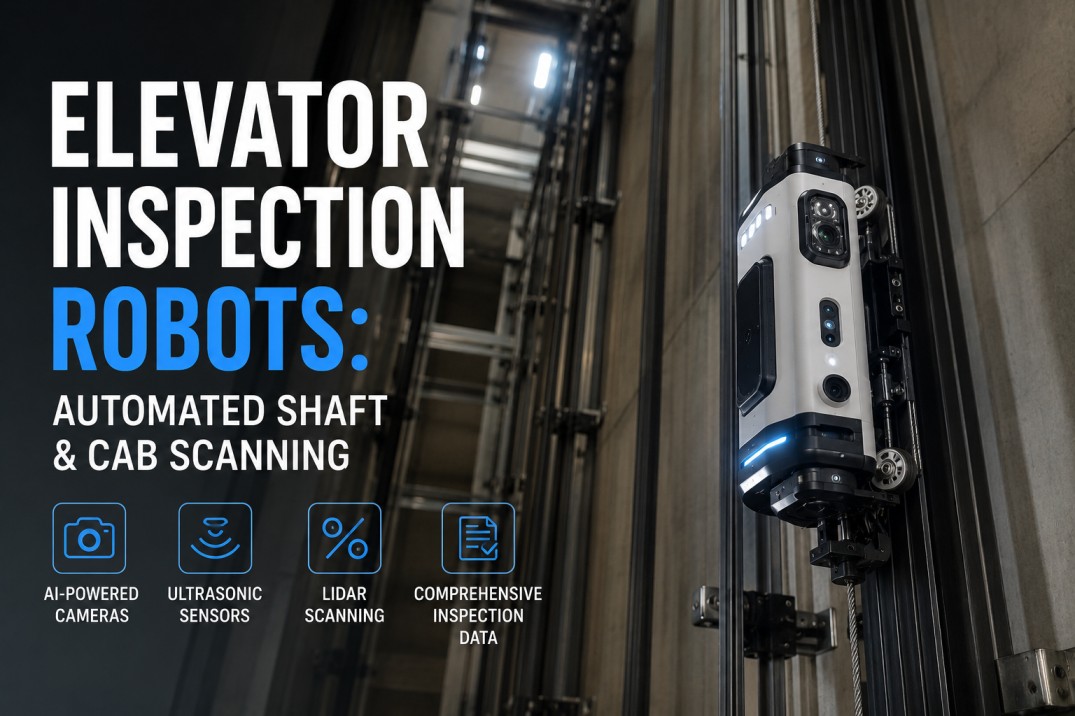
Property teams lose 20+ hours a week to coordination work that software should be doing on its own — answering "what's the status" calls, dispatching technicians, chasing PM compliance, matching vendor invoices. iFactory Property Maintenance Automation handles 80%+ of routine workflows end-to-end, escalating only the genuine exceptions to your team. Book a demo to see how operators automate triage, dispatch, escalation, and reporting in one connected workflow layer.
Automate the 80% of Work Orders That Don't Need a Human
Triggered triage, smart dispatch, escalation rules, and compliance documentation — running 24/7 across every property without manual coordination.
The Hidden Cost of Manual Maintenance Workflows
A 100-unit property generates roughly 230 maintenance workflows a year — each one needing triage, dispatch, follow-up, and documentation. When that runs on phone calls and spreadsheets, the labor cost dwarfs the actual repair spend. Automation flips the equation.
The Four Levels of Workflow Automation
Most properties don't go from manual to fully automated overnight. The journey moves through four distinct levels of maturity. Knowing where you are tells you what to automate next.
Phone, Email & Spreadsheets
Requests arrive across fragmented channels. Manual dispatch. Spreadsheet tracking. No status updates to tenants unless they call.
Centralized Request Portal
One intake channel with photos and categories. Tickets visible in a shared dashboard. Dispatch is still manual but everyone sees the same queue.
Rule-Based Routing & Escalation
Auto-dispatch by category, skill, and SLA. Escalation rules fire on missed deadlines. PM schedules auto-generate work orders. Status updates push to tenants.
AI Triage + Predictive Dispatch
AI conducts intake interviews, prioritizes by risk, predicts failure before it happens, and routes to the optimal vendor. Humans handle exceptions only.
How One Trigger Sets Off a Coordinated Workflow
Every automated workflow is built from one principle: a trigger event sets off a chain of actions without human intervention. Here are the most common trigger types and the cascading actions they unlock.
See How Many Hours Your Team Could Recover This Quarter
In a 30-minute walkthrough, our team maps your current workflow and shows exactly which workflows are ready to automate first — based on your portfolio size and current pain points.
Six Workflows That Recover the Most Hours First
Not all workflows pay back equally. These six deliver the highest return on automation effort — measured in hours saved, errors prevented, and tenant satisfaction lifted within the first 30 days.
Auto-Dispatch by Skill & Availability
New work orders route to the right tech based on category, location, and current load — no coordinator needed for routine jobs.
Scheduled PM Generation
PM tasks auto-create work orders on schedule, assign techs, attach checklists, and log compliance — no manual reminders.
Tenant Status Notifications
SMS or push updates fire automatically at every milestone — received, assigned, en route, completed. Inbound calls collapse.
SLA Escalation Rules
Missed SLAs auto-escalate to supervisors and backup vendors. Tenants get proactive communication before they complain.
Invoice Matching & Approval
Vendor invoices auto-match against work orders. Variance triggers approval; clean matches post directly to accounting.
Vendor Compliance Monitoring
COI expiration, license renewal, and insurance gaps auto-flag and email vendors directly. Dispatch is blocked until cleared.
Anatomy of a Single Work Order
The clearest way to see automation's impact is to follow a single work order from request to closeout. Same request, two paths. The difference shows up in time, errors, and tenant experience.
8 manual touches
Resolution: ~3 days
Zero manual touches
Resolution: ~4 hours
A Phased Rollout in Eight Weeks
The most common reason automation initiatives stall is trying to automate everything at once. A phased rollout starting with high-volume, low-complexity workflows builds confidence — and gives the team time to adapt.
Foundation Setup
Single intake channel, category taxonomy, priority tiers, vendor list. No automation yet — just clean data to build on.
Dispatch Automation
Auto-routing by category, location, and vendor skill. Tenant SMS notifications at every milestone. Status calls collapse.
PM & Escalation Rules
PM schedules go live. SLA breach rules fire alerts. Backup vendor logic engages for missed deadlines.
Invoice & Compliance Loops
Vendor invoice matching, COI expiration alerts, approval routing thresholds. End-to-end automation goes live.
Frequently Asked Questions
What happens to emergency requests in an automated workflow?
Emergencies are detected at intake (gas smell, flooding, no heat, elevator entrapment) and skip the regular routing queue entirely — dispatched immediately to on-call techs with simultaneous notification to property managers and supervisors. Rule-based emergency escalation is the highest priority in every well-designed automation setup.
Will automation replace our maintenance coordinators or property managers?
Automation absorbs the repetitive coordination tasks — status updates, routine dispatch, invoice matching — and frees coordinators to focus on tenant relationships, complex exceptions, and vendor governance. Headcount typically stays flat while portfolio size grows; teams redirect their hours to higher-value work.
How do we keep automation rules accurate as priorities and vendors change?
Rules live in a self-service configuration layer — property managers update priority tiers, vendor preferences, and SLA thresholds without engineering involvement. Quarterly reviews of workflow performance metrics surface rules that need tuning based on actual data instead of guesswork.
What if a request doesn't match any defined automation rule?
Unmatched requests route to a human for review with full context — they never disappear into a queue. The goal is automating 80%+ of routine work; the remaining 20% — edge cases, complex coordination, judgment calls — stays with the team. Every exception that gets handled by a human can become a new rule.
How quickly do we see ROI on workflow automation?
For most portfolios, the break-even point is 4–6 weeks of recovered time. Tenant notification automation pays back within the first month; PM scheduling and SLA escalation typically deliver measurable cost savings inside the first quarter. Full workflow maturity — including invoice matching and predictive dispatch — usually lands within 90 days.
Automate Triage, Dispatch, Escalation, and Compliance in One Layer
Stop running your operation on phone calls and spreadsheets. Replace coordination labor with automation that runs 24/7, escalating only the exceptions that need your team's judgment.