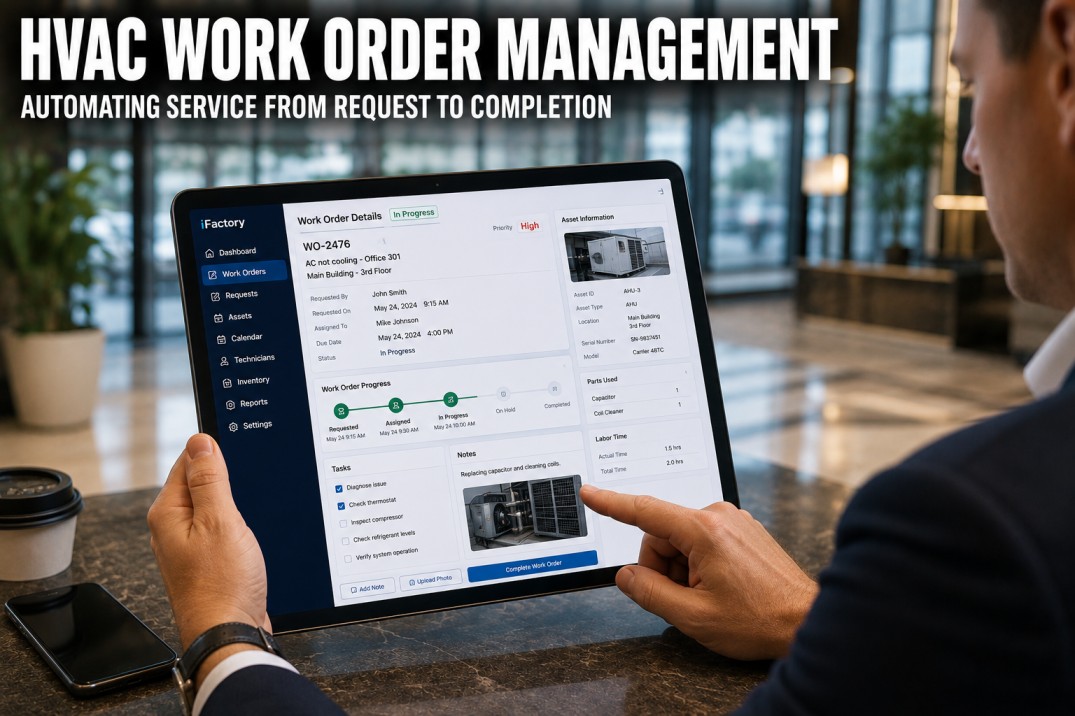
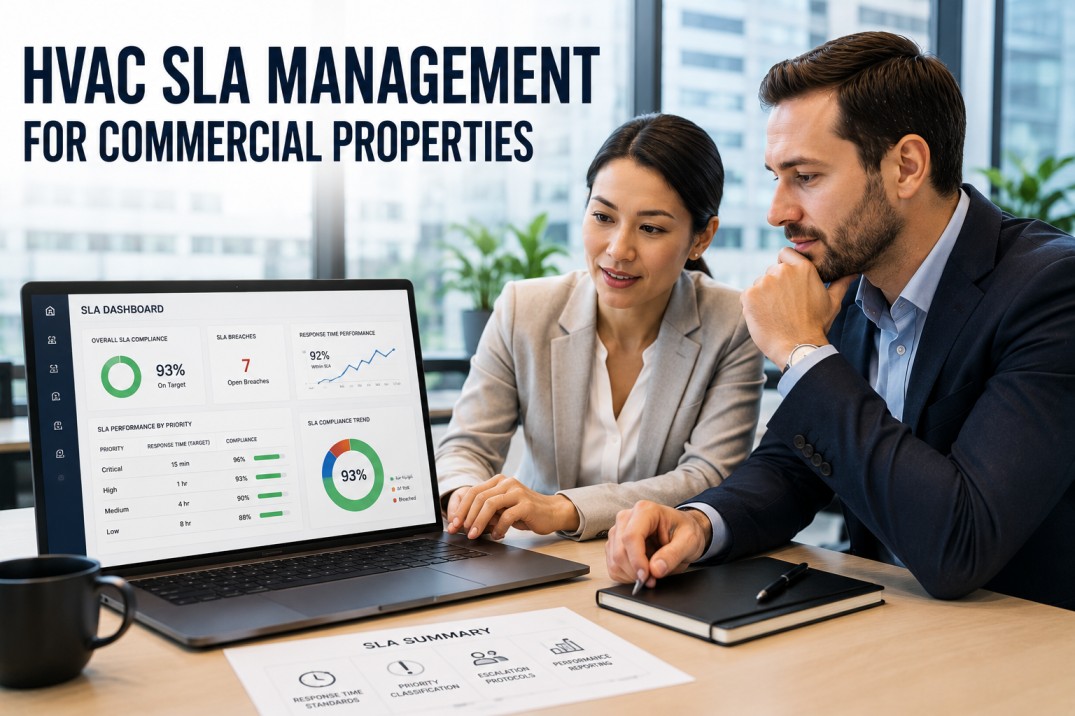
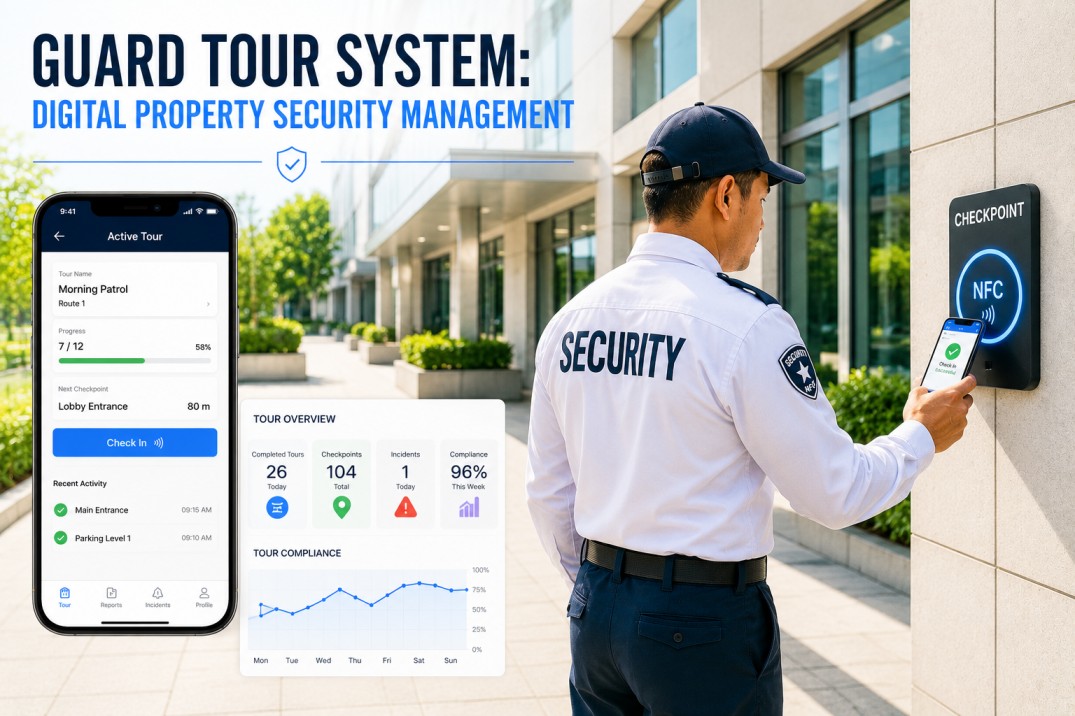
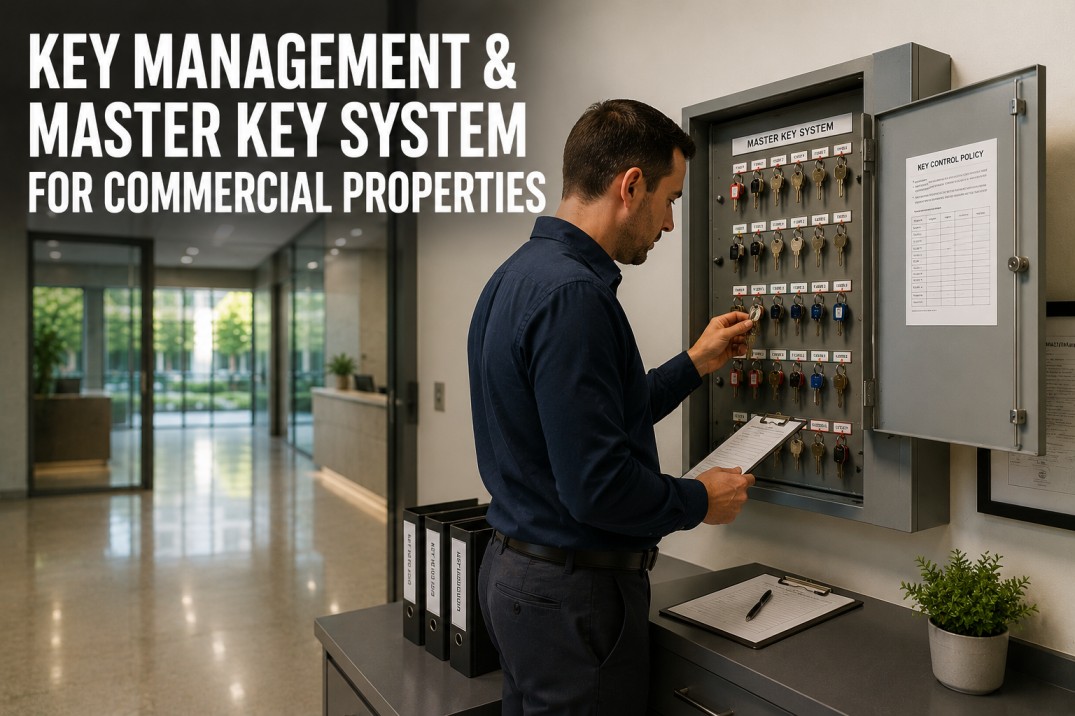
Commercial properties generate hundreds of maintenance requests every week, yet most still juggle phone calls, sticky notes, and email threads to track them. iFactory Work Order Management brings every request, assignment, and completion record into one automated platform with built-in priority routing and SLA tracking. Book a demo to see how teams cut response times by 40% and recover the 11 hours per week property managers spend chasing status updates.
Stop Losing Work Orders to Phone Calls, Email, and Sticky Notes
Digital intake, automated routing, SLA tracking, and completion documentation across every property in your portfolio — from request to closeout in one workflow.
What Manual Work Order Management Actually Costs
When requests live across phone, email, text, and tenant portals, work orders fall through the cracks. The visible cost is tenant frustration. The invisible cost is the labor hours your team spends chasing what should already be in motion.
The Six-Stage Work Order Lifecycle, Automated
A good work order system handles the full job lifecycle — not just the ticket field. Every stage either adds friction or removes it. Digital automation removes friction at every step.
01. Request Intake
Tenants and staff submit through one digital portal — with photos, location, and category — instead of fragmented channels.
02. Auto-Prioritization
A 4-tier matrix (Emergency / Urgent / Routine / Scheduled) classifies each request against asset criticality, tenant impact, and safety risk.
03. Smart Assignment
Routing rules dispatch to the right internal tech or vendor based on skill, location, availability, and SLA window.
04. Live Tracking
Every status change is timestamped — from acknowledged to en route to completed — visible to managers and tenants in real time.
05. Completion Sign-Off
Technicians upload photos, notes, parts used, and time spent. Tenant confirmation closes the loop with a defensible record.
06. KPI & Trend Analytics
Every closed order feeds dashboards on response time, FTFR, vendor SLA, and recurring issues by asset.
The Four-Tier Priority Matrix Used by Top Portfolios
Treating every request as equally urgent is the fastest way to burn out maintenance teams. A defined priority model — paired with asset-specific SLAs — keeps emergencies handled and routine work moving without escalation panic.
Life-Safety or Major Disruption
Active leaks, gas odors, elevator entrapment, fire panel faults, total HVAC loss. Dispatched immediately on 24/7 rotation.
Significant Tenant Impact
Partial HVAC failure, plumbing issues affecting one suite, locked-out tenants, broken access readers on main entries.
Standard Maintenance Request
Light fixture replacement, minor cosmetic repairs, non-critical equipment service, small plumbing fixes that don't disrupt operations.
Planned & Preventive Work
Quarterly HVAC inspections, annual fire system testing, scheduled cosmetic refreshes, planned PM cycles per equipment manuals.
See How One Platform Replaces Five Tools and 11 Hours of Weekly Chasing
In a 30-minute walkthrough, our team maps your current work order flow against the iFactory lifecycle and shows you exactly where digital automation eliminates manual handoffs in your portfolio.
What Changes When Work Orders Go Digital
The shift from manual to digital work order management is not just a tooling upgrade — it changes how your team spends every hour of the day. Side by side, the operational difference is hard to ignore.
Phone Calls & Email Chains
Automated Lifecycle Platform
The Six KPIs Every Property Manager Should Track
Tracking the right metrics separates high-performing maintenance operations from expensive reactive firefighting. These six numbers tell you the truth about your team's health and your portfolio's risk exposure.
Mean Time To Repair
Average duration from work order creation to completion. Lower MTTR means happier tenants and lower labor cost per fix.
First-Time Fix Rate
Percentage of work orders resolved in a single visit. High FTFR reflects diagnostic skill, parts readiness, and good intake quality.
Preventive Maintenance Compliance
Share of scheduled PM tasks completed on time. Drops below 80% signal reactive work is crowding out planned reliability.
SLA Compliance Rate
Percentage of work orders closed within their priority-tier SLA window. Breaches map directly to tenant churn risk.
Work Order Backlog
Share of open orders older than their SLA window. A growing backlog is the leading indicator of operational decay.
Tenant Satisfaction Score
Post-completion tenant rating of the work order experience. Strong CSAT correlates directly with lease renewal rates.
From Spreadsheets to Live Dashboard in Four Phases
A phased rollout respects building operations and gives the team time to adopt new workflows. Most properties hit full operational maturity inside 90 days.
Audit & Configure (Week 1–2)
Map current intake channels, asset categories, SLAs, and team roles. Set priority tiers and escalation paths in the platform.
Pilot Property Rollout (Week 3–6)
Launch on one or two properties first. Train techs, onboard vendors, and validate workflows against actual ticket volume.
Portfolio Expansion (Week 7–10)
Roll across remaining properties in waves. Tune routing rules based on pilot data. Activate KPI dashboards for managers.
Optimization & PM Integration (Week 11–14)
Connect preventive maintenance schedules, vendor scorecards, and invoice matching. Begin trend-based capital planning.
Frequently Asked Questions
Does iFactory replace our existing property management software or integrate with it?
Both options are supported. iFactory works as a standalone work order platform or integrates with major PMS systems via two-way sync so resident records, accounting, and lease data stay in one place. Most teams start with integration and consolidate over time.
How do tenants submit work orders without a complicated app?
Tenants submit through a branded web portal, QR codes posted in common areas, or a mobile-friendly link — no app install required. They can attach photos, describe the issue in their own words, and track status updates without calling the office.
Can we customize priority tiers and SLA windows for different asset classes?
Yes. Priority rules, SLAs, and escalation paths are fully configurable per property type. A healthcare campus runs different rules than a Class-A office tower — both can live in the same portfolio view without forcing a one-size-fits-all template.
How does the platform handle external vendors versus internal techs?
Vendors and internal techs are managed in the same dispatch flow with role-based permissions. Vendors see only assigned work, upload completion docs, and submit invoices that auto-match to the original work order. Performance scorecards track response time, FTFR, and cost variance per vendor.
What happens to the historical work order data we already have?
Historical data from spreadsheets, legacy CMMS systems, or PMS modules can be imported during onboarding. This preserves asset histories, recurring issue patterns, and vendor performance baselines so KPI trends are meaningful from day one — not month six.
Cut Response Times, Eliminate Backlog, and Protect Tenant Retention
Run intake, routing, SLA tracking, and completion documentation through one platform — and reclaim the hours your team spends chasing status updates today.