Every hour your analytics team manually routes a work order, chases a vendor notification, or re-enters data into a legacy system, your hospital loses an estimated $1,200 in operational value — and that number compounds silently into millions before leadership notices the hemorrhage. Manual healthcare analytics workflows are not an inconvenience; they are a structural liability that erodes margin, accelerates staff burnout, and introduces compliance gaps that regulators will eventually surface.
Is Manual Routing Silently Draining Your Analytics Budget?
iFactory's AI-driven workflow automation closes the gap between analytics request and resolution — eliminating manual steps, accelerating throughput, and locking in compliance documentation automatically.
The Financial Case for Automating Your Analytics Workflow
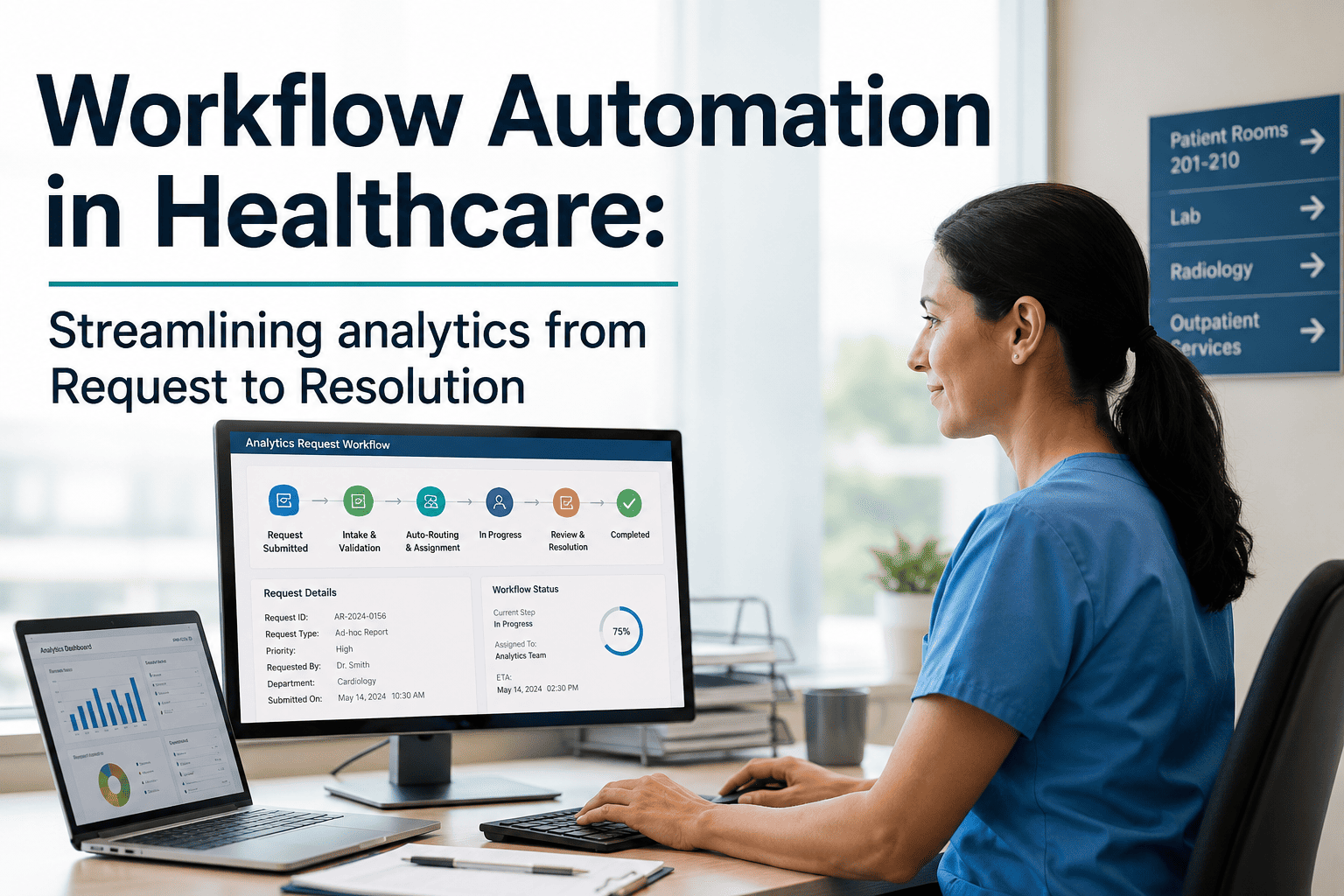
Operations managers facing budget scrutiny need more than feature lists — they need quantified outcomes. iFactory's workflow automation platform converts analytics requests into resolved, documented work orders through AI-driven trigger logic, auto-routing, and escalation rules — with zero manual handoffs.
Cost Reduction
- 40% drop in analytics labor cost within 90 days
- Eliminates duplicate data entry across departments
- Reduces overtime driven by manual escalation delays
Revenue Protection
- Auto-documentation closes compliance billing gaps
- Faster resolution cycles improve patient throughput KPIs
- SLA adherence protects value-based care contracts
Risk Mitigation
- Immutable audit trails satisfy Joint Commission audits
- Trigger-based PM prevents equipment-linked safety events
- Escalation rules ensure no request goes unresolved
How iFactory Automates Every Stage of the Analytics Lifecycle
The analytics lifecycle — from initial request to final resolution — contains seven friction points where manual intervention creates delay, error, and cost. iFactory's platform eliminates each one through a layered automation architecture.
Intelligent Request Intake
- AI classifies and prioritizes incoming analytics requests by urgency and department
- Eliminates manual triage queues that delay clinical decision support
- Routes requests to the correct analyst or vendor pool in under 30 seconds
Trigger-Based Preventive Maintenance (PM)
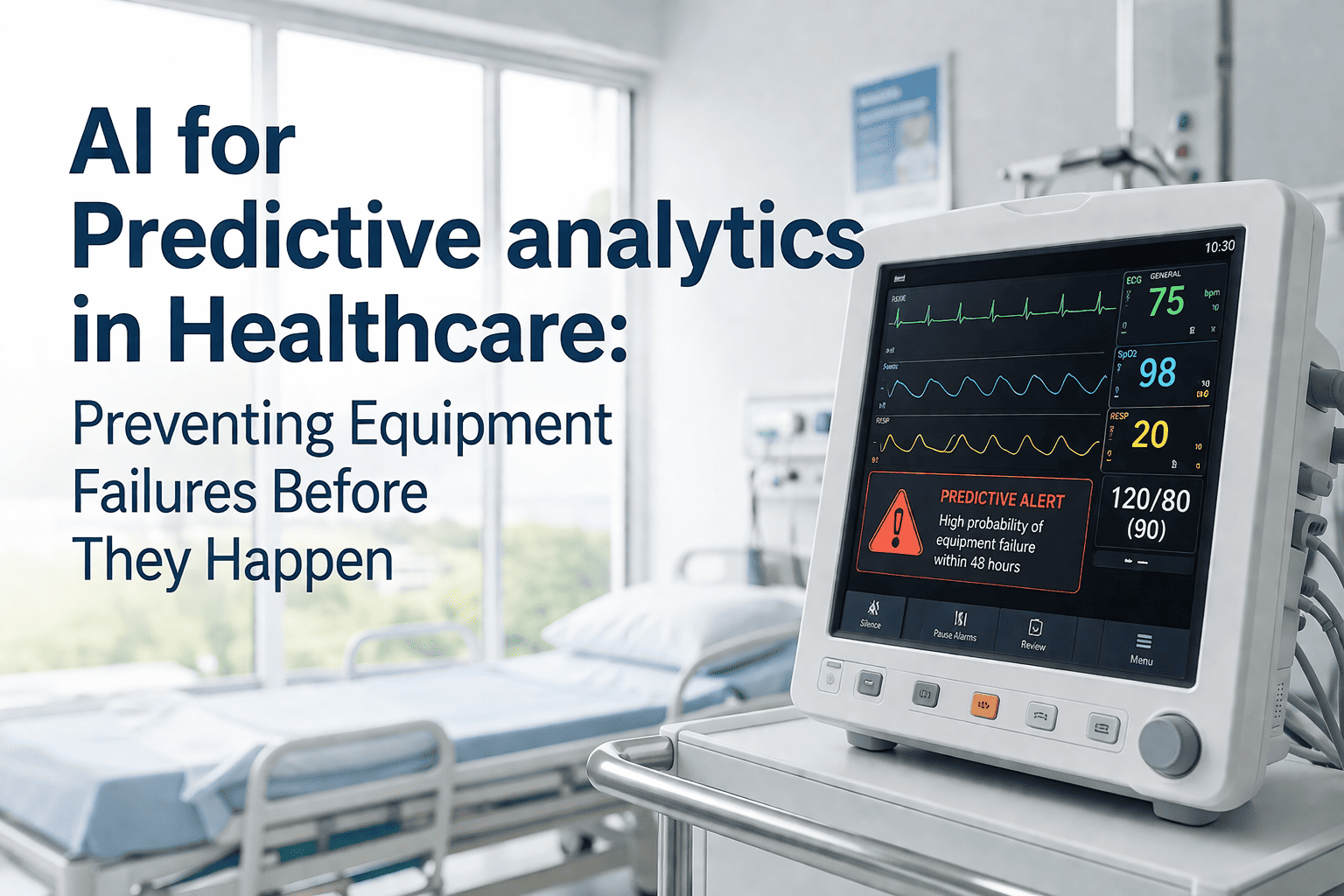
- Condition-based triggers launch PM work orders before failure events occur
- Integrates with sensor data streams and utilization thresholds
- Replaces static, calendar-based schedules with dynamic, data-driven cycles
Auto-Routing Work Orders
- Rules engine assigns work orders based on technician skill set and availability
- Geographic and departmental logic prevents cross-assignment errors
- Escalation triggers fire automatically when SLA windows approach breach
Automated Vendor Notification
- Vendors receive structured, timestamped notifications without staff intervention
- Response confirmation loops are tracked and escalated if unacknowledged
- Reduces vendor coordination overhead by up to 60% per engagement cycle
Compliance Documentation at Resolution
- Every closed work order generates an immutable, audit-ready record automatically
- Documentation meets HIPAA, Joint Commission, and CMS reporting standards
- Eliminates retrospective documentation that drives staff overtime
Current-State Friction vs. iFactory Optimized Excellence
The table below quantifies the operational gap between a legacy manual workflow and a fully automated iFactory environment — giving operations managers a clear benchmark for the transformation ROI conversation with the C-suite.
| Workflow Stage | Legacy Friction State | iFactory Optimized State | Operational Impact |
|---|---|---|---|
| Request Intake | Manual email triage, 4–12 hr delay | AI classification in <30 seconds | 95% faster |
| Work Order Routing | Supervisor manually assigns tasks | Rules engine auto-assigns by skill & zone | Zero manual steps |
| PM Scheduling | Static calendar, reactive failure events | Condition-based triggers, proactive dispatch | Failure prevention |
| Vendor Notification | Phone/email, untracked response loops | Structured auto-notify with acknowledgment tracking | 60% less overhead |
| Escalation Management | Missed SLAs, reactive escalation | Threshold-triggered auto-escalation rules | 100% SLA visibility |
| Compliance Documentation | Retrospective entry, audit risk | Auto-generated at closure, audit-ready | Zero documentation debt |
| Analytics Reporting | Manual export, siloed dashboards | Unified real-time dashboard, exportable | 360° asset visibility |
How Workflow Automation Solves Staff Burnout and Increases Patient Throughput
Operational efficiency is not isolated from clinical outcomes. When analytics workflows consume staff bandwidth with manual routing and documentation, the downstream effect reaches the bedside — delayed decisions, stretched teams, and reduced throughput. iFactory's automation architecture directly addresses these pain points.
Eliminate Administrative Burden
- Removes repetitive data entry from clinical ops staff daily workflows
- Auto-routing eliminates coordination calls between departments
- Staff focus shifts from administration to clinical value tasks
- Measurable reduction in analytics-related overtime hours
Accelerate Decision Support Cycles
- Faster analytics resolution directly supports discharge planning accuracy
- Predictive PM prevents equipment downtime that delays care delivery
- Real-time dashboards give charge nurses instant operational visibility
- Reduced turnaround time on diagnostic analytics requests by 70%
Protect the Organization at Every Step
- Every autonomous action creates a timestamped, immutable audit log
- Escalation records satisfy state and federal reporting mandates
- Reduces legal exposure from undocumented maintenance events
- Joint Commission readiness built into daily operational cadence
Why Most Healthcare Analytics Automation Initiatives Stall
Operations managers who have attempted automation without a unified platform consistently encounter the same failure patterns. Understanding these gaps is the first step to avoiding a costly failed implementation.
EHR, CMMS, and analytics platforms operating independently prevent the cross-system triggers that make true automation possible.
Without configurable escalation rules, SLA breaches go undetected until a department head escalates manually — hours too late.
Automating one workflow stage while leaving others manual creates new bottlenecks rather than eliminating the root friction.
Automation without built-in documentation generates efficiency gains that regulators cannot accept as audit evidence.
Manual vendor notification loops create invisible delays that inflate resolution times and obscure accountability in SLA reviews.
Automation that works for one department fails when scaled to a multi-facility system without an enterprise-grade orchestration layer.
Stop Losing Revenue to Manual Analytics Workflows
Book a 30-minute demo or request a free Operational Gap Audit. Our architects will map your current workflow friction against the iFactory automation baseline and quantify your ROI potential within one business day.
Workflow Automation in Healthcare — Frequently Asked Questions
How does iFactory integrate with our existing EHR and CMMS platforms?
iFactory uses vendor-neutral APIs to connect with major EHR systems (Epic, Cerner, Oracle Health) and CMMS platforms. Integration is typically completed within 30 days with no disruption to existing workflows during transition.
How quickly can we expect measurable ROI after deployment?
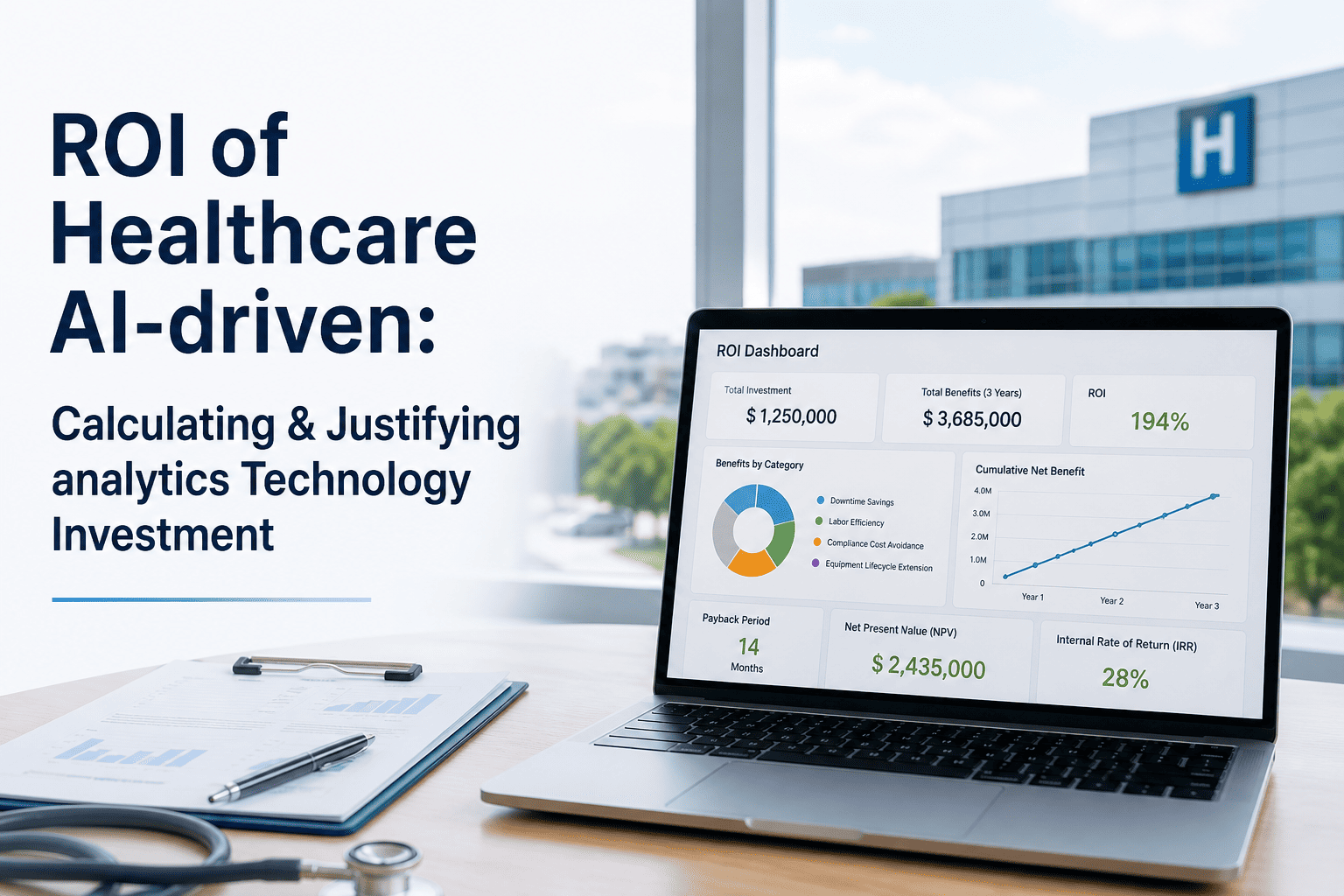
Most operations teams see a 40% reduction in analytics labor cost within the first 90 days. Full ROI realization, including predictive PM savings, is typically documented within 12 months of enterprise deployment.
Is the platform compliant with HIPAA and Joint Commission standards?
Yes. Every automated action generates an immutable, timestamped audit log stored in a HIPAA-compliant, encrypted environment. Compliance documentation is produced automatically at work order closure — no retrospective entry required. Book a Demo to review our compliance framework.
Can escalation rules be customized per department or facility?
Absolutely. Escalation thresholds, notification chains, and SLA windows are fully configurable at the department, facility, and enterprise level. Rules can be adjusted in real time without platform downtime or developer involvement.
What is the implementation timeline for a multi-facility health system?
Phased deployments for multi-facility systems typically follow a 90-day pilot at one high-density site, followed by a 6-month enterprise rollout. Our implementation architects provide dedicated support at every phase. Book a Demo to receive a scoped timeline for your organization.
Launch Your Healthcare Workflow Automation Pilot Today
Join healthcare operations teams already eliminating manual routing, documentation debt, and SLA risk with iFactory's AI-driven analytics workflow platform.