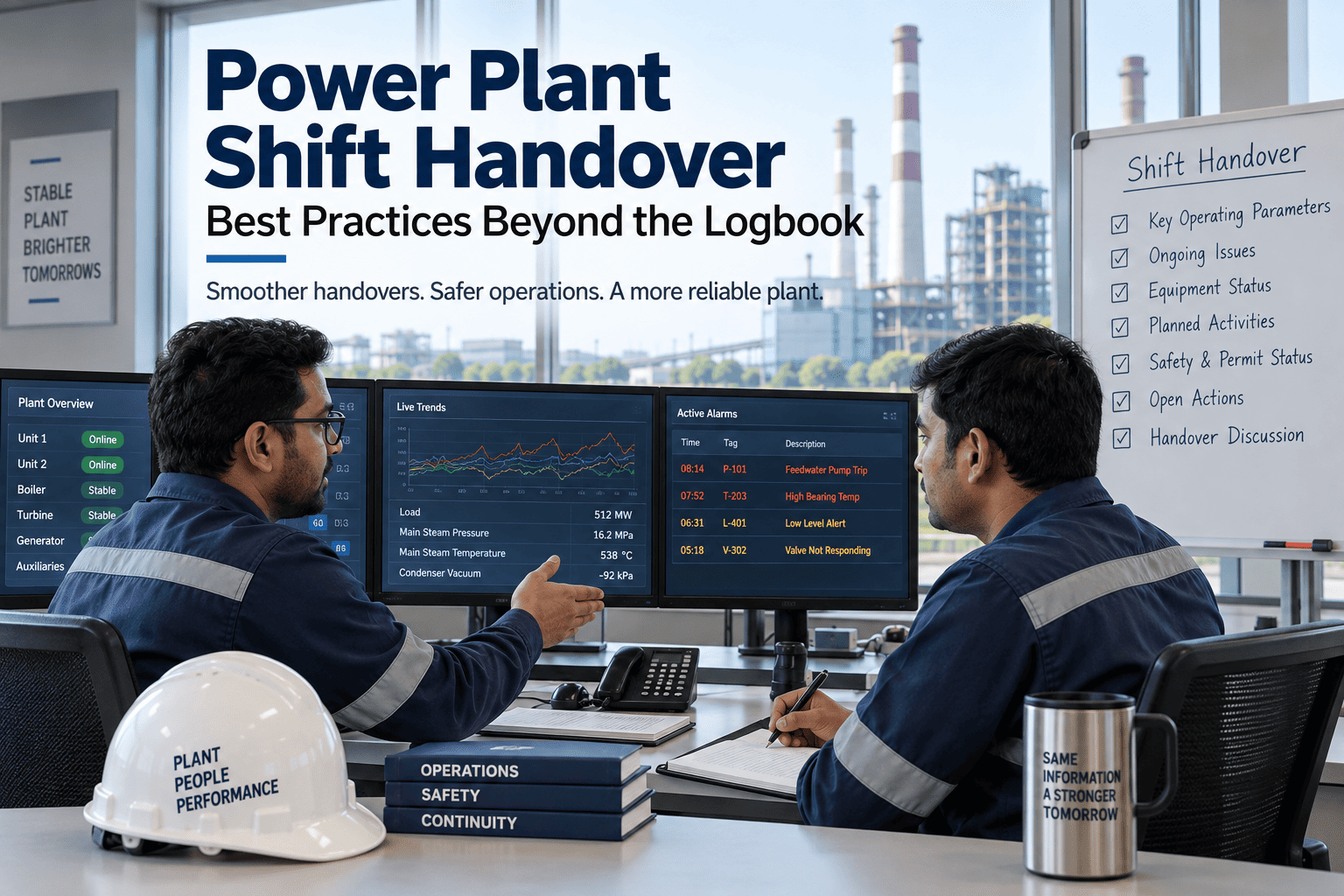
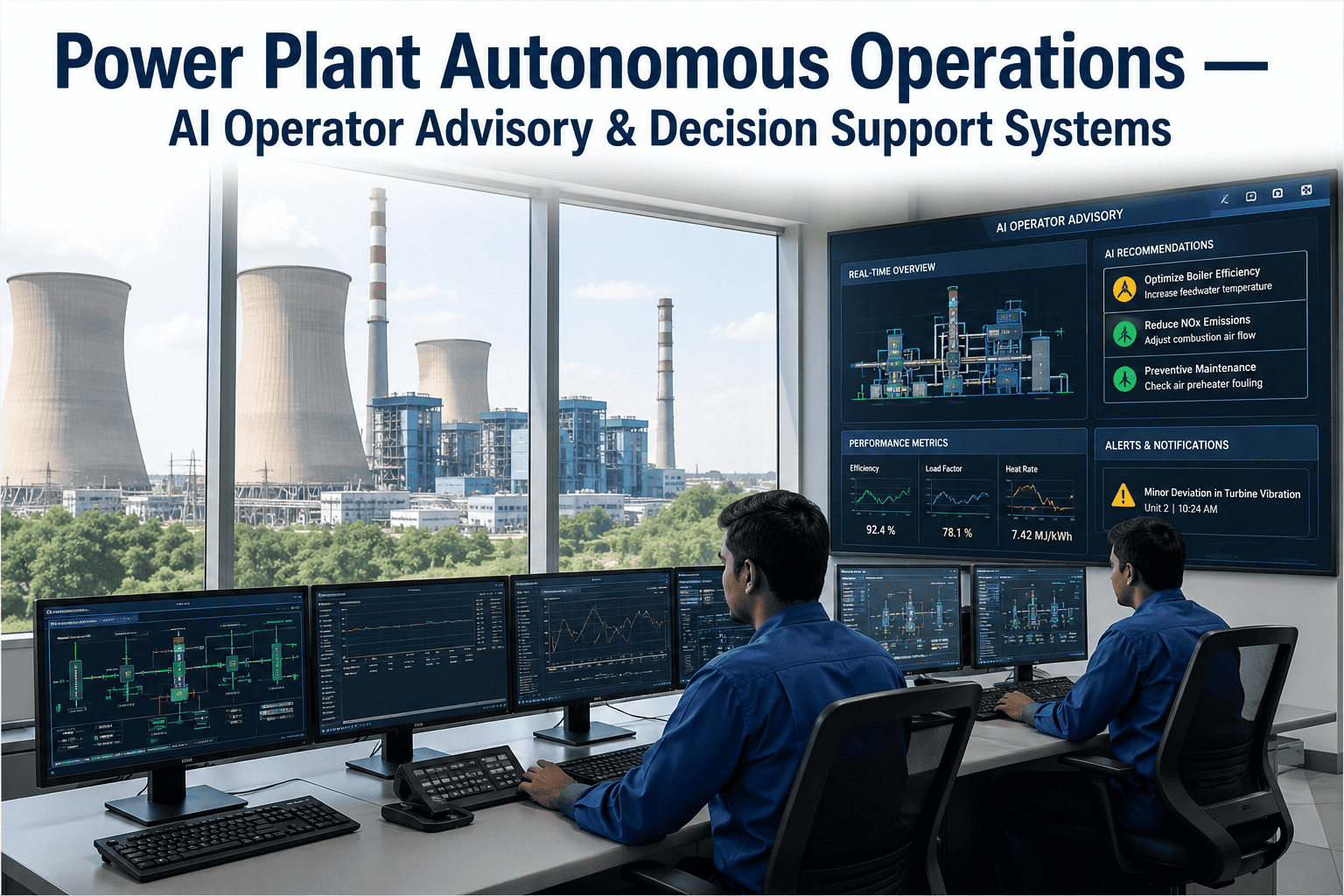
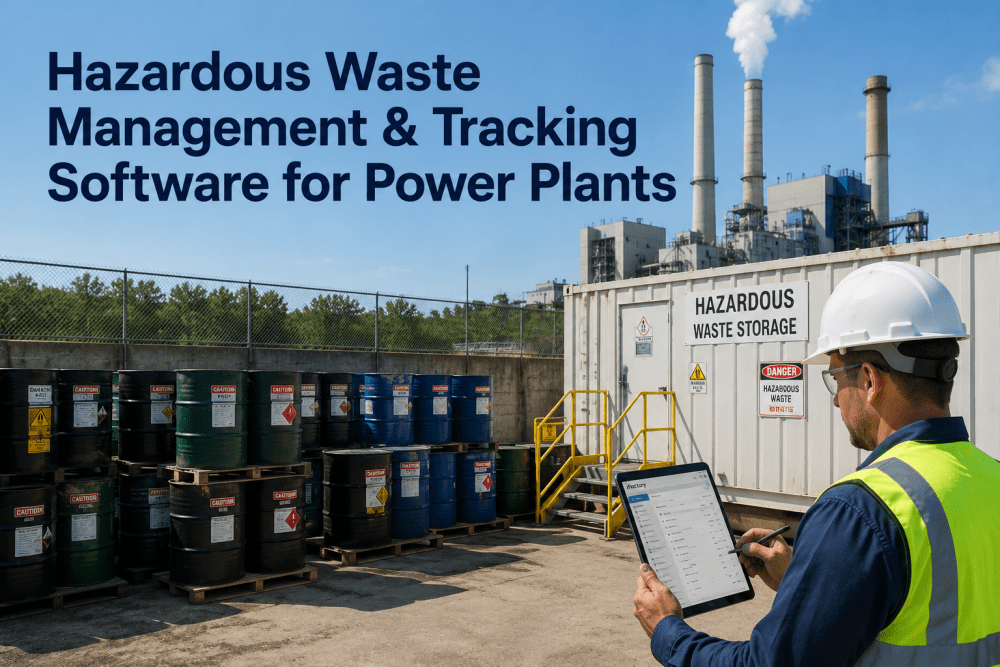
An outgoing shift operator standing at shift handover with a clipboard logbook shouldn't need to verbally explain that "the condensate pump sounded a bit rough around 2 AM" while the incoming operator scribbles notes on a separate pad — because that critical early-warning observation will be forgotten by the next shift, never make it into the CMMS, and the pump will fail catastrophically three days later during peak load with zero documented history. The result is predictable: equipment observations lost between shifts, handover meetings that run 45 minutes because everything is verbal, no linkage between operator notes and condition monitoring alerts, and root cause investigations that ask "did anyone notice anything unusual?" with no records to reference. iFactory digital shift logbook replaces paper logs with structured entries that auto-link to asset condition timelines, flag observations that match active predictive alerts, require mandatory handover sign-off with checklist verification, and feed every operator note into the AI analytics engine so that "pump sounded rough" becomes a tagged observation that correlates with rising vibration trends. The shift knowledge that was never captured because writing it down took too long now flows automatically into your reliability database. Book a demo to see digital shift logs live.
Quick Answer
iFactory digitizes shift logs with structured templates that capture equipment observations, process deviations, maintenance actions, safety events, and operational notes — auto-linked to asset tags and timestamped by GPS location. Observations that match active predictive alerts are flagged for immediate follow-up. Handover requires digital sign-off with checklist verification, eliminating verbal-only handovers. Every entry feeds into condition monitoring timelines, creating full traceability from operator observation to equipment failure investigation. Average result: 89% reduction in lost shift observations, 58% faster shift handover, 100% audit-ready log traceability.
How Digital Shift Logs Work
The workflow below shows how iFactory converts paper logbooks into structured digital records that integrate with predictive analytics, work order systems, and compliance documentation.
1
Structured Entry Capture
Operator logs observations using mobile device with dropdown categories: Equipment Observation, Process Deviation, Maintenance Action, Safety Event, Environmental Note. Asset tag auto-completed, GPS location verified.
"BFP-2A discharge pressure fluctuating — cyclic 50 psi swing every 20 minutes — started at 14:30"
2
Asset Linkage & Alert Cross-Reference
Entry auto-linked to BFP-2A condition timeline. System checks for active predictive alerts on that asset — finds "discharge pressure instability detected" alert from 3 days ago. Entry flagged as corroborating observation.
Asset: BFP-2AAlert Match: Pressure InstabilityStatus: Corroborated
3
Auto Work Order Trigger
Because observation corroborates active alert, system auto-generates inspection work order: "BFP-2A discharge pressure fluctuation — operator observation confirms predictive alert — inspect check valves and control system."
WO: INS-4782Priority: P2Craft: Mechanical
4
Shift Handover Checklist
At shift end, outgoing operator completes digital handover: reviews all open observations, confirms work orders generated, signs off on equipment status checklist. Incoming operator reviews and acknowledges — both signatures timestamped and logged.
Out: K. Chen 22:00In: R. Patel 22:08Status: Complete
5
Audit Trail & RCA Integration
All shift log entries stored with full audit trail: operator ID, timestamp, GPS location, asset tag, entry type, handover acknowledgment. If BFP-2A fails, RCA team has complete operator observation history — every note, every handover, every correlated alert.
Shift handover complete. 3 observations logged, 1 work order auto-generated, 2 alerts corroborated. All entries linked to asset condition timelines.
Digital Shift Log Demo
Stop Losing Critical Equipment Observations at Shift Handover
See how iFactory converts verbal shift handovers into structured digital records — with auto-linking to predictive alerts, work order generation, and full audit traceability.
89%
Fewer Lost Observations
Shift Log Problems Digital Systems Eliminate
Every card below represents a real operational failure mode caused by paper-based shift logs — observations lost, handovers incomplete, no traceability for RCA investigations. These problems exist because paper logs cannot integrate with condition monitoring systems or enforce structured data capture. Talk to an expert about your current shift log gaps.
Lost Observations — Verbal Handover Only
Problem: Operator notices unusual equipment behavior but doesn't write it in the log because it's "not serious enough yet." Mentions it verbally at handover. Incoming operator forgets to document it. Equipment fails three shifts later, RCA asks "did anyone notice anything?" — no records exist.
Digital fix: Structured observation templates make logging fast — 20 seconds per entry. GPS and timestamp auto-captured. Observations that aren't logged don't exist at handover — incoming operator sees "0 observations this shift" and asks why, surfacing unreported issues.
No Asset Linkage — Observations Invisible to Analytics
Problem: Operator writes "pump 2 making noise" in paper log. Condition monitoring system shows rising vibration on FW-PMP-02 but has no visibility to operator observation. Two separate data streams that should corroborate never connect — alert ignored because "no field confirmation."
Digital fix: Every observation tagged to specific asset. When operator logs "pump 2 making noise," system links it to FW-PMP-02 condition timeline, cross-references active alerts, and flags corroboration — elevating alert priority and triggering inspection work order.
Handover Takes 45 Minutes — All Verbal
Problem: Shift handover meeting lasts 45 minutes because outgoing operator verbally explains every event from the past 12 hours. Incoming operator takes handwritten notes. Critical details missed, questions not asked because everyone wants the meeting to end.
Digital fix: All observations pre-logged with asset tags, timestamps, and status flags. Handover review takes 8 minutes — incoming operator reads structured entries, asks clarifying questions only on flagged items, signs digital acknowledgment. Full record of what was communicated.
Zero Audit Trail — Compliance Gaps
Problem: Regulator audit asks to see shift log entries for the week before a safety event. Paper logs produced — handwriting illegible, dates unclear, signatures missing on some pages, torn pages with coffee stains. No proof of what was actually communicated at handover.
Digital fix: Every entry timestamped, GPS-verified, operator ID logged, handover acknowledgments digitally signed. Audit export produces PDF with full chain of custody: who logged what, when, where, and who acknowledged it at handover. Zero compliance gaps.
Observations Never Become Work Orders
Problem: Operator logs "cooling tower basin level sensor reading erratic" in paper log. Maintenance supervisor reads log at end of week, intends to create work order, gets pulled to emergency, forgets. Sensor fails, cooling tower trips, forced outage. Log entry existed but no action triggered.
Digital fix: Observation categories include "requires maintenance action" flag. When selected, work order auto-drafted with observation text pre-filled, routed to maintenance supervisor for approval. Observation cannot be closed without linked work order or explicit "no action required" justification.
Recurring Issues Invisible — No Trend Analysis
Problem: Three different operators over two weeks log "ID fan vibration high during startup" in paper logs. No one reads all three entries together — no trend identified. Fan bearing fails during startup, RCA discovers all three observations existed but were never aggregated or analyzed.
Digital fix: System auto-detects recurring observations on same asset — flags "3 similar entries in 14 days" and escalates to reliability engineer. Trend visible before failure occurs, enabling proactive bearing replacement instead of reactive emergency repair.
Structured Entry Categories & Auto-Routing
Paper logs allow free-form text that cannot be searched, filtered, or auto-routed. iFactory uses structured categories that enable intelligent processing and automated workflows.
Equipment Observation
Unusual sounds, vibrations, temperatures, leaks, or performance deviations. Auto-linked to asset tag, cross-referenced with active predictive alerts, and added to condition monitoring timeline.
Process Deviation
Operating parameter drifts, control loop instability, efficiency losses, or off-spec conditions. Routed to process engineer for analysis and linked to performance KPI tracking.
Maintenance Action
Field repairs, adjustments, lube services, or equipment swaps performed during the shift. Auto-links to work orders, updates equipment service history, and logs technician ID and completion time.
Safety Event
Near misses, safety observations, PPE non-compliance, or hazard identification. Routed to safety manager for investigation, tracked in safety KPI dashboard, and flagged for regulatory reporting if required.
Environmental Note
Emissions deviations, water discharge observations, or environmental monitoring anomalies. Linked to compliance tracking system and flagged for environmental engineer review.
Operational Note
General shift activities, load changes, startup/shutdown sequences, or coordination with other departments. Captured for shift continuity but no automated routing required.
Alert Corroboration — Connecting Operator Observations to Predictive Analytics
The most valuable shift log entries are those that corroborate active predictive alerts — confirming that AI-detected anomalies are real field conditions, not sensor noise or model drift.
1
Predictive Alert Active
Vibration analytics detects bearing defect signature on CT-FAN-3B. Alert generated: "Inner race defect developing — RUL 21 days." Alert visible to operators on shift dashboard but not yet confirmed by field observation.
2
Operator Logs Observation
Operator enters shift log: "CT-FAN-3B — high-frequency noise from motor end bearing, started mid-shift, getting louder." System matches observation to active alert on CT-FAN-3B and flags corroboration.
3
Alert Priority Elevated
Corroborated alert moves from P3 to P2 priority. Reliability engineer notified: "Field observation confirms CT-FAN-3B bearing defect — recommend inspection within 7 days." RUL confidence increased.
4
Inspection Work Order Auto-Generated
System creates work order with pre-filled details from alert and observation: "Inspect CT-FAN-3B motor-end bearing — vibration analytics indicates inner race defect, operator confirms high-frequency noise." Routed to mechanical craft with bearing specs and RUL forecast attached.
Digital Handover Checklist — Eliminating Verbal-Only Handovers
Verbal shift handovers result in incomplete knowledge transfer and zero audit trail. iFactory enforces structured handover with mandatory sign-off on critical items.
| Handover Checklist Item |
Paper Log Handover |
iFactory Digital Handover |
Quality Improvement |
| Open equipment observations |
Verbal summary, incomplete |
Auto-populated list, asset-linked |
100% coverage, zero omissions |
| Active predictive alerts |
Not visible in paper log |
Displayed with corroboration status |
Operator awareness of AI alerts |
| Work orders generated this shift |
Manual search in CMMS |
Auto-linked to shift timeline |
Full visibility to maintenance actions |
| Safety observations |
May be forgotten in verbal handover |
Mandatory category, flagged red |
Safety issues never overlooked |
| Process deviations |
Described verbally, no trend visibility |
Structured entries with trend analysis |
Recurring issues auto-flagged |
| Incoming operator acknowledgment |
Handwritten signature, no timestamp |
Digital signature with timestamp + GPS |
Audit-ready acknowledgment proof |
| Handover duration |
35–45 minutes average |
8–12 minutes average |
58% time reduction |
Mobile Entry — Logging at the Point of Observation
Paper logs require operators to remember observations until they return to the control room. Mobile entry enables logging at the equipment location with GPS verification and photo attachment.
Scan Asset QR Tag
Operator scans equipment QR code to open observation form pre-populated with asset tag, location, and current condition data. No typing required for asset identification.
Voice-to-Text Entry
Operator speaks observation while wearing PPE — voice transcribed to text, reviewed for accuracy, and submitted. Hands-free logging in noisy environments.
Photo & Video Attachment
Attach photos of leaks, damage, gauge readings, or equipment conditions. Videos supported for unusual vibrations or noises. Media auto-linked to observation and timestamped.
GPS Location Verification
GPS coordinates auto-captured at time of entry. System verifies operator is within 50 meters of asset location — preventing remote log entries and ensuring field verification.
Platform Capability Comparison — Shift Log Systems
Traditional CMMS platforms offer basic operator log modules but lack asset linkage, alert corroboration, and digital handover enforcement. iFactory differentiates on predictive analytics integration and audit-ready traceability. Book a comparison demo.
| Capability |
iFactory |
SAP PM |
IBM Maximo |
GE APM |
Generic CMMS |
| Entry & Structure |
| Mobile shift log entry |
QR scan + voice-to-text |
Mobile app available |
Mobile app available |
Mobile view only |
Varies |
| Structured entry categories |
6 categories + auto-routing |
Free-form text logs |
Custom fields available |
Log templates |
Free-form only |
| Asset auto-linking |
QR scan + GPS verification |
Manual asset selection |
Manual asset selection |
Asset tagging available |
Not available |
| Analytics Integration |
| Predictive alert corroboration |
Auto cross-reference + flagging |
Not available |
Not available |
Manual correlation |
Not available |
| Condition timeline integration |
Auto-linked to asset history |
Separate systems |
Separate systems |
Manual linking |
Not available |
| Recurring issue detection |
Auto trend analysis + alerts |
Manual search required |
Manual search required |
Not available |
Not available |
| Handover & Compliance |
| Digital handover checklist |
Mandatory sign-off + timestamp |
Not available |
Not available |
Not available |
Not available |
| Audit trail with GPS proof |
Full chain of custody |
Timestamp only |
Timestamp only |
User ID + timestamp |
Limited logging |
| Regulatory export formats |
PDF + CSV with signatures |
Report generation |
Report generation |
Basic export |
Varies |
Based on publicly available product documentation as of Q1 2025. Verify current capabilities with each vendor before procurement decisions.
Measured Outcomes Across Deployed Plants
89%
Reduction in Lost Shift Observations
58%
Faster Shift Handover Time
100%
Audit-Ready Log Traceability
76%
Alert Corroboration Rate
94%
Observations Auto-Linked to Assets
Zero
Missing Handover Sign-Offs
Digital Shift Intelligence
Stop Losing Equipment Knowledge at Shift Handover
iFactory's digital shift logbook captures every observation, links it to asset condition timelines, corroborates predictive alerts, and enforces structured handovers with full audit traceability.
From the Field
"We ran paper shift logs for 22 years. Every equipment failure investigation ended with 'did anyone notice anything unusual?' and the answer was always 'maybe, but it's not in the log.' After deploying iFactory's digital shift log, we have full traceability — every observation timestamped, GPS-verified, asset-linked, and visible to reliability engineers in real time. When a cooling tower fan bearing failed last month, we traced it back to three operator observations over 9 days that perfectly matched the vibration alert progression. That knowledge was always there — we just never captured it before."
Operations Manager
800 MW CCGT Plant — Western USA
Frequently Asked Questions
QHow does iFactory handle operators who prefer verbal handovers and resist digital logging?
The mobile entry process is faster than paper — 20 seconds per observation with QR scan and voice-to-text. Operators see the value immediately: handover meetings drop from 45 minutes to 8 minutes because everything is pre-logged. Incoming operators prefer digital handover because they see structured information instead of deciphering handwritten notes. Adoption typically exceeds 90% within 30 days.
Book a demo to see mobile entry speed live.
QWhat happens if an operator forgets to log an observation until the end of their shift?
Late entries are allowed but flagged with "logged after event" timestamp. GPS verification still required — operator returns to equipment location to scan QR code, ensuring observation is tied to correct asset. Repeated late-entry patterns flagged to supervisor for coaching on real-time logging discipline.
QCan shift log entries trigger automatic work orders or do they require supervisor review?
Configurable by entry category. Equipment observations that corroborate active alerts auto-generate inspection work orders. Safety events and maintenance actions always auto-generate work orders. Process deviations route to process engineer for review before work order creation. General operational notes captured for continuity but no work order triggered.
Discuss auto-routing rules in a demo.
QHow long are shift log entries retained and can they be exported for regulatory audits?
All entries retained indefinitely with full audit trail: operator ID, timestamp, GPS location, asset tag, handover acknowledgments, and attached media. Export formats include PDF with digital signatures for compliance reporting and CSV for data analysis. Regulatory audit packages generated on-demand with date range filtering and signature chain verification.
Continue Reading
Digital Shift Logs — The Equipment Knowledge You Never Lose, Captured Automatically.
iFactory's digital shift logbook eliminates lost observations, verbal-only handovers, zero audit trails, and disconnected operator knowledge — giving your reliability team full visibility into every equipment event from first operator observation to failure investigation.
Asset Auto-Linking
Alert Corroboration
Digital Handover Enforcement
GPS-Verified Logging
100% Audit Traceability