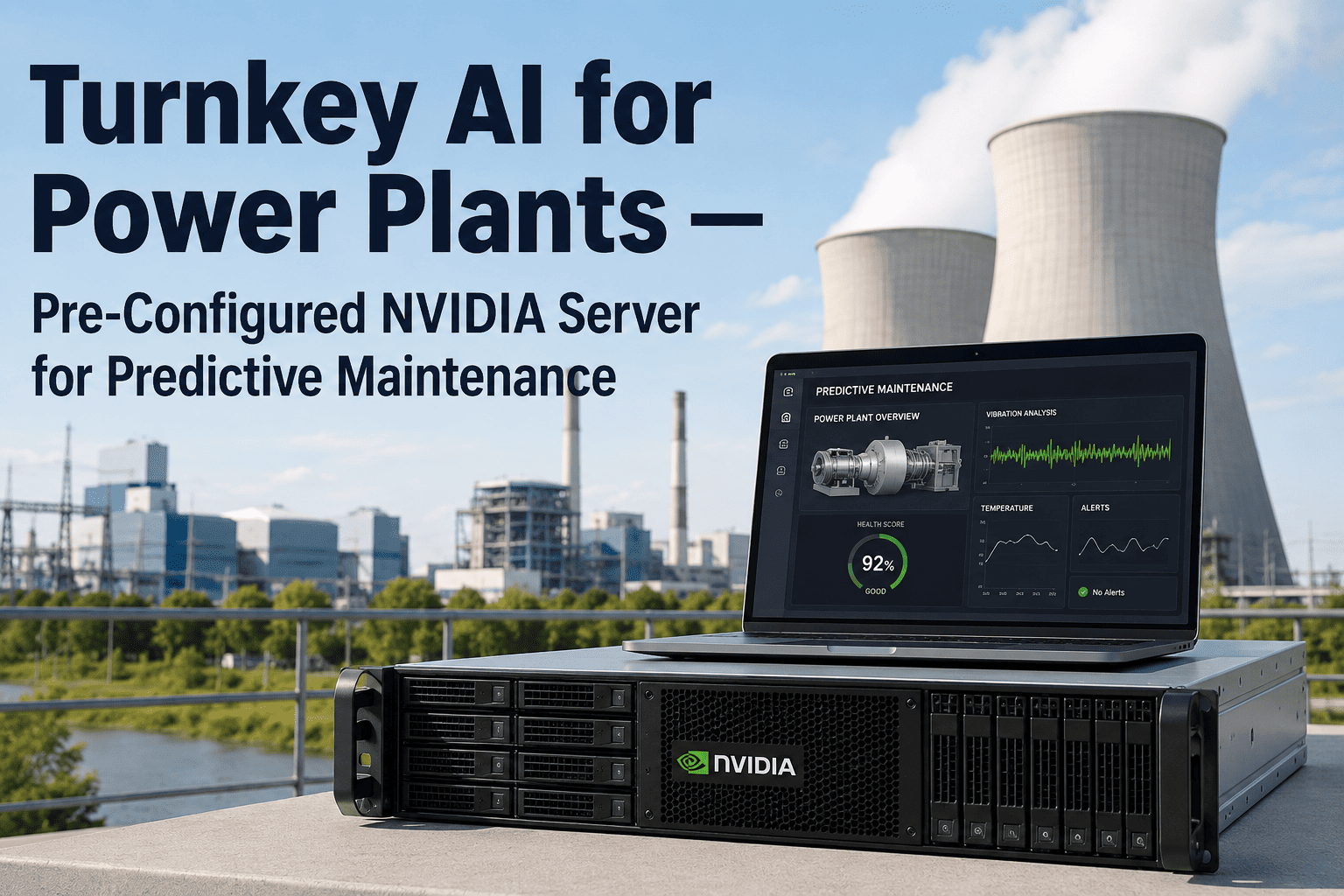
Most power plant AI programmes stall between the pilot and the plant floor — not because the models are wrong, but because nobody owns the six months of server procurement, network hardening, and OT integration standing between a proof of concept and a live turbine feed. A turnkey NVIDIA-powered server changes that math entirely: it arrives racked, pre-loaded, and pointed at your DCS from day one, so the appliance that was supposed to take eighteen months of custom integration is inferring on live sensor data within six to twelve weeks of delivery.
The Pre-Configured NVIDIA Server That Turns Turbine Data Into Work Orders in Weeks, Not Years
No data science team. No cloud subscription. No six-month integration runway. Rack it, connect power and Ethernet, and predictive maintenance intelligence starts flowing from your turbines, generators, and balance-of-plant systems the same quarter you order it.
Why "Turnkey" Is the Only Deployment Model That Survives Contact With a Real Plant
Every VP of Operations who has evaluated AI predictive maintenance has heard the same pitch: connect your historian, feed us your sensor data, and our models will find the failures before they happen. What the pitch skips is everything between "connect your historian" and a working system — procuring GPU-capable hardware rated for plant environments, hardening it for the Electronic Security Perimeter, writing OPC-UA and Modbus connectors by hand, and validating that a model trained on someone else's turbines actually recognizes yours. That gap is where most industrial AI initiatives quietly die, usually somewhere around month nine, after the initial enthusiasm has burned through the budget cycle that funded it.
A turnkey NVIDIA server closes that gap by shipping the hardware and the integration layer as one appliance. The server arrives with GPU-accelerated inference software pre-loaded, industrial protocol connectors already built for OPC-UA, Modbus, and DCS historian exports, and a validated onboarding sequence that a plant electrical team can execute without a systems integrator on-site for six months. The distinction that matters to an operations budget is simple: a custom build is a project with an uncertain end date, and a turnkey appliance is a purchase with a committed delivery window.
Custom-Built AI Deployment
Turnkey NVIDIA Appliance
Inside the Appliance: What "Pre-Configured" Actually Means
A pre-configured NVIDIA server is not a generic GPU box with software installed after the fact. It is an industrial-hardened compute node purpose-built to sit inside a power plant's Electronic Security Perimeter and run continuous inference on live sensor streams without a cloud dependency. The distinction matters because plant environments are unforgiving of consumer-grade hardware: dust, vibration, and ambient temperature swings that would throttle or fail a standard server are routine conditions in a turbine hall or switchgear room.
Local inference is the part operations teams underestimate until they've lived without it. A plant with a few hundred monitored points generates gigabytes of vibration, thermal, and acoustic data per hour — data that becomes useless if it has to round-trip to a cloud region before a safety-relevant anomaly is flagged. Running inference at the edge means the critical maintenance trigger fires the moment the anomaly appears in the sensor stream, with no dependency on plant network uptime to the outside world. If the corporate WAN goes down during a storm, the appliance keeps watching the turbines.
The 6-to-12-Week Path From Delivery to Live Predictive Alerts
The pattern worth noting across plants that have run this sequence is where the delays actually happen when they happen at all — not in the AI, but in data access approvals and network segmentation reviews that a plant's own IT and OT security teams have to sign off on. Booking the technical walkthrough early lets those approvals run in parallel with hardware shipping, rather than starting the clock only after the appliance is already on-site.
Ready to see the appliance mapped against your specific asset mix — turbines, generators, and BOP systems? A 30-minute session walks through your deployment timeline before any hardware ships.
Matching Compute to Asset Criticality
Not every monitored point in a power plant needs the same GPU horsepower behind it. A turbine bearing generating high-frequency vibration spectra at thousands of samples per second needs meaningfully more inference capacity than a balance-of-plant pump running a slow thermal trend. Turnkey NVIDIA deployments match compute tier to asset criticality instead of over-provisioning every point at the highest cost.
All three tiers report into a single operations dashboard, so a reliability engineer is not switching between three separate tools to see the plant-wide health picture. The tiering decision happens once, during the pre-deployment asset review, and it is the single largest lever for keeping hardware cost proportional to the risk each asset actually represents.
Security Inside the Electronic Security Perimeter
Any hardware that connects to a DCS historian or OPC-UA feed inside a power plant has to satisfy the same Electronic Security Perimeter requirements as every other device on that network, and a turnkey appliance is not exempt from that scrutiny just because it ships pre-configured. The appliance is deployed as a read-only data consumer inside the ESP, meaning it observes sensor and historian data without ever writing back to control logic, and network segmentation is validated as part of the onboarding sequence rather than left to a plant's IT team to figure out after the fact. For plants with strict data residency requirements, on-premise inference means raw sensor data never has to leave the site boundary at all — only aggregated model insights and generated work orders move outward to CMMS systems, and even that traffic stays inside the plant's own network unless a cloud-hybrid configuration is specifically chosen.
Fleet-wide model updates are pushed through a controlled channel rather than an open internet connection, so a plant's cybersecurity team retains the same change-control visibility over AI model updates that they already require for firmware and patch management on every other piece of OT equipment. None of this is an afterthought bolted onto the appliance after deployment — it's part of the same 6-to-12-week onboarding sequence that gets the models running, so security review and AI baseline learning happen in parallel rather than as sequential gates that stretch out the timeline.
What Changes for the Maintenance Team on Day One
The operational shift that matters most is not the dashboard — it's what happens to the work order queue. Auto-generated work orders arrive already populated with the recommended action, the likely spare parts required, and a suggested maintenance window based on current load forecasts, pushed directly into SAP PM, IBM Maximo, or Infor EAM. A predictive alert becomes a scheduled maintenance action without a planner manually interpreting a chart and typing up a ticket. Over a full year of operation, that removes the single most common failure point in predictive maintenance programmes: a good prediction that never turns into a scheduled action because the handoff between "the model saw something" and "someone did something about it" was manual.
Frequently Asked Questions
Does a turnkey NVIDIA server require replacing our existing DCS or historian?
No. The appliance is designed to sit alongside your existing control systems, not replace them. It connects to your DCS historian and any existing OPC-UA or Modbus feeds as a read-only data consumer, so there is no risk to control logic or existing safety systems. For assets that currently lack instrumentation, wireless vibration, temperature, and acoustic sensors are deployed to fill the gap without touching the DCS at all. Most plants keep their existing historian as the system of record and treat the AI appliance purely as an additional analytics layer sitting on top of data they already collect. Full details on connector compatibility are available through iFactory Support.
How does the appliance handle plants with no existing cloud infrastructure?
This is precisely the scenario turnkey on-premise deployment is built for. The server ships as a complete on-premise compute node, so a plant with no established cloud footprint and no appetite for one is not required to build cloud infrastructure just to run AI predictive maintenance. Inference runs locally, inside the plant's own network perimeter, with no dependency on external connectivity for real-time decisions. Plants that do have existing cloud infrastructure and no data residency constraints can choose a hybrid or cloud-forward configuration instead, but it is a choice rather than a prerequisite. The platform features are identical across both deployment models.
What happens if the plant network connection to the outside world goes down?
Nothing changes for the appliance's core function. Because inference happens locally on the edge server rather than in the cloud, critical safety and maintenance triggers continue to execute even if the plant loses its connection to the internet or corporate WAN. This offline failover capability is one of the primary reasons on-premise edge inference has become the standard architecture for latency-sensitive assets like high-speed rotating equipment, where a delayed alert due to a network outage is not an acceptable failure mode. Local failover protocols are validated as part of the initial deployment sequence, not left as an assumption.
How do the AI models stay accurate as our turbines age and degrade over years?
Models are updated through fleet-wide weight pushes that refine detection thresholds as equipment ages and operating patterns shift. Rather than a static model trained once at install and left unchanged, the system incorporates new operating data on an ongoing basis so that gradual degradation, seasonal load changes, and post-overhaul performance shifts are reflected in what counts as "normal" for each asset. This is a meaningful difference from static rule-based alarm systems, which require manual threshold recalibration every time an asset's baseline shifts. A 30-minute walkthrough can show how model refresh cycles are scheduled for your specific asset types.
How are security patches and model updates managed once the appliance is inside our network?
Updates are delivered through a controlled release channel that a plant's cybersecurity team reviews and approves before deployment, following the same change-management discipline already applied to firmware updates on other OT equipment inside the Electronic Security Perimeter. Nothing pushes automatically without that review step, and the appliance does not require an open, always-on internet connection to receive updates — release packages can be validated and applied during scheduled maintenance windows instead. This keeps the AI appliance inside the same governance model a plant's OT security team already operates, rather than introducing a new class of device that bypasses existing patch management practices. iFactory Support can walk through the specific update and approval workflow for your site.
Every week spent evaluating custom integration paths is a week your turbines, generators, and BOP systems keep running without predictive coverage. See the appliance mapped to your specific plant, asset count, and existing CMMS in a single 30-minute session — no generic demo, no obligation to proceed.