If your plant has been running SAP MII for more than five years, the Workbench is full of value that took years to build — BLS transactions modelling your shop-floor logic, query templates pulling from historians and PLCs, display templates rendering operator dashboards, MDOs persisting plant data, KPIs computing OEE, SSCE pages composed for specific lines. SAP MII's mainstream support ends December 31, 2027 (extended paid support to ~2030), and SAP's clean-core successor, SAP Digital Manufacturing Cloud, doesn't accept any of this directly. BLS doesn't port. Workbench UIs don't port. MII KPIs and reports can't be reused. The migration question for the Workbench is therefore practical — what do you keep, what do you transform, what do you replace, and how do you make the conversion economic rather than a multi-year rewrite. iFactory's approach treats the Workbench inventory as a portfolio decision, mapping each artifact to a target — SAP DM, AI-native equivalent, or retire — and delivering the AI-native equivalents as a turnkey appliance on-premise or fully managed cloud. Same content, deployment your call.
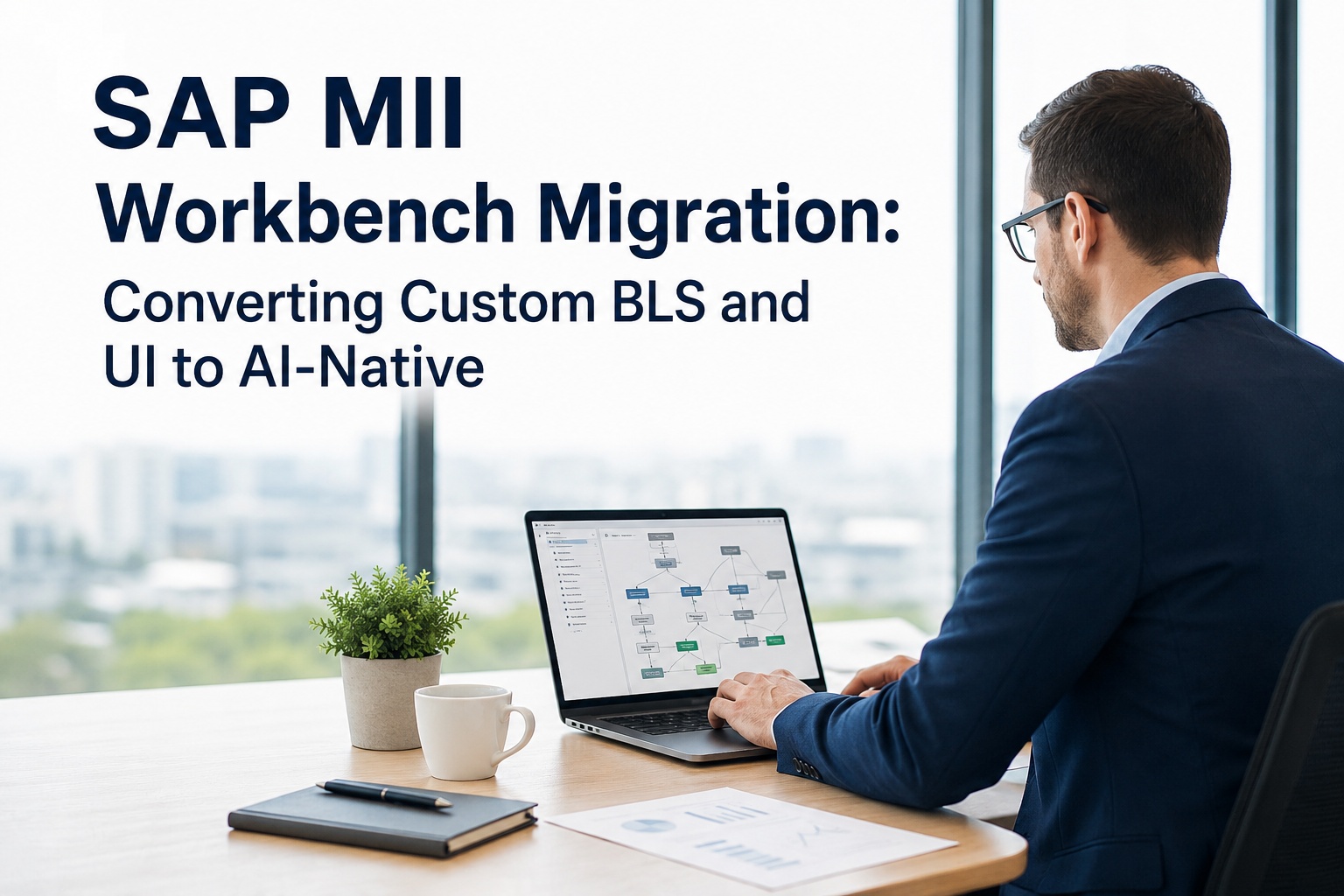
SAP MII Workbench Migration: Converting Custom BLS and UI to AI-Native
Practical conversion patterns for the four asset classes inside MII Workbench — BLS transactions, query/display templates, MDOs and KPIs, SAPUI5 pages — to a modern AI-native equivalent. Includes the conversion toolkit, the gotchas, and three real-world examples.
What's Actually Inside the MII Workbench
Before any conversion discussion, you need an honest inventory of what the Workbench actually contains. The MII Workbench is a Java SWT applet opened through the web browser, and it's where every piece of MII customization lives. Most plants have lost track of the full scope years ago — assessments routinely surface 30 to 50% more artifacts than the team estimated. The four major asset classes are below.
Four Asset Classes Inside MII Workbench
BLS Transactions
- Shop-floor logic, calculations
- ERP integration transactions
- Custom action blocks (Java)
- SQC analysis, XML processing
- Historian query orchestration
- Small plant — 20–80 transactions
- Mid plant — 80–300 transactions
- Large plant — 300–1000+
Query & Display Templates
- Tag queries against historians
- SQL queries against ERP
- i5 display templates (charts, grids)
- SPC chart configurations
- Web reports
- Often 2–3x the BLS count
- Highly reused across screens
- Mostly retirable / replaceable
MDOs & KPIs
- OEE, downtime, yield KPIs
- Asset hierarchies (PIC)
- Alert thresholds and rules
- MDO persistence schemas
- Energy monitoring objects
- 20–80 MDOs / KPIs typical
- Often duplicated across lines
- High consolidation potential
SAPUI5 / iView Pages
- Operator dashboards per line
- Supervisor overview screens
- SSCE composed pages
- Mobile-accessible iViews
- Lightweight portal entries
- 30–150 pages typical
- Many obsolete or unused
- Highest retire ratio of all 4 classes
Data Connectors
- SAP ERP / S/4HANA via JCo, OData
- Historian connectors (PI, Proficy, InSQL)
- OPC, MQTT, Modbus via PCo
- JDBC database links
- File system watchers
- 10–30 data servers typical
- High direct-replace ratio
- Migration is mostly routine
Custom Action Blocks
- Custom Java functions in BLS
- Industry-specific calculations
- Performance-critical loops
- External library integrations
- 0–50 custom blocks typical
- Highest re-engineering effort
- Usually the migration bottleneck
If you're still building this inventory manually, iFactory's migration team can run a complete Workbench audit on your behalf — every BLS transaction, query template, MDO, and SAPUI5 page catalogued and dependency-mapped, typically returned within 5 business days. Request a Workbench audit for your plant and skip the spreadsheet exercise.
The Migration Reality — There Is No Automatic Port
SAP is direct about this — SAP DM follows a clean-core architecture; direct database access is gone, all interactions go through APIs, and BLS transactions, xMII queries, and SSCE pages must be redesigned, not lifted. The SAP Community position is equally direct — existing MII KPIs, UIs and Reports can't be reused in SAP DM, and Embedded SAC does not support MII BLS or external calls.
This is why MII Workbench migrations consistently land at 12–24 months when treated as a full port. The economic alternative is rationalization — assess what actually gets used, retire what doesn't, and only convert what materially matters to the plant.
Industry experience shows roughly 40–70% of MII Workbench artifacts in long-running deployments are either unused, redundant, or replaceable by configuration in a modern platform. A full lift-and-rebuild migration of all artifacts is almost always the wrong economic decision. Inventory first, then decide.
Want to see the exact retire / replace / transform split for your plant before committing to migration scope? Schedule a 30-minute rationalization session — bring your top 20 BLS transactions and the iFactory team will tag each one live and show what truly needs to be rebuilt versus configured out-of-box.
The Conversion Toolkit — Four Patterns
Every artifact in the Workbench falls into one of four conversion patterns. Tagging each item lets you scope realistic effort and avoid the multi-year-rewrite trap.
| Tag | What it means | Typical % of inventory | Action |
|---|---|---|---|
RETIRE |
Artifact is unused, obsolete, or duplicated by another | 30–50% | Delete from migration scope; document for audit |
REPLACE |
Standard MII functionality (OEE, SPC, basic KPIs) now covered out-of-box by target platform | 20–35% | Configure target platform; no custom code needed |
TRANSFORM |
Logic is needed, but can be redesigned to fit modern patterns (API-based, event-driven) | 15–30% | Redesign as service or AI workflow on target platform |
KEEP |
Functionality is critical, unique, and would cost more to rebuild than to bridge — keep MII running for it during extended support | 5–15% | Hybrid coexistence — bridge from new platform to legacy MII |
Conversion Patterns by Asset Class
Each Workbench asset class maps to specific patterns on the target side. Here's the practical mapping for the four major classes.
BLS Transaction → AI-Native Workflow
BLS transactions that perform pure orchestration (sequence A, then B, then write to SAP) translate to event-driven workflows. BLS transactions that perform analysis (calculate OEE, detect SPC violation, predict failure) translate to AI model invocations grounded in time-series and historian data.
Query / Display Template → Native Data Layer + Modern UI
Most query templates retire entirely — the underlying historian connection is reused, but the query layer is replaced by iFactory's federation. Display templates rebuild as modern responsive UI; SPC charts, OEE dashboards, and SQC analysis ship out of the box, reducing custom rebuild scope by 70–90%.
MDO / KPI / Alert → AI-Aware Equivalent
Standard OEE, downtime, and yield KPIs are configured rather than coded. Threshold alerts upgrade to AI-augmented alerting that detects drift before threshold violation, dramatically reducing nuisance alarms while catching real issues earlier.
SAPUI5 / iView Page → Modern Operator Copilot
This is where the biggest UX leap happens. Static dashboards replace with adaptive interfaces; operators get natural-language answers with citations to plant documents instead of clicking through nested screens. The 30–50% operator-training-time reduction comes from this layer.
Each of these four conversion patterns has been deployed across hundreds of customer plants. Request the detailed conversion playbook with code samples for BLS → AI workflow translation, historian federation mappings, KPI configuration recipes, and operator-copilot integration patterns — sent as a single PDF reference within one business day.
Migration Steps — The Pragmatic Approach
Workbench inventory & classification
Catalog every BLS transaction, query template, display template, MDO, KPI, alert, custom action block, SAPUI5 page, and data server. Tag each with retire / replace / transform / keep. The output is a single spreadsheet that drives every downstream decision.
Average mid-plant inventory — 200–500 artifacts across all classes.Validate the retire decision
For every artifact tagged retire, confirm it's truly unused — check audit logs, ask operators, review last-run timestamps. Plants are often surprised how much MII content was built for one-time projects or replaced silently by other artifacts. A defensible retire list is the foundation of an honest migration scope.
Typical correction — 5–10% of "retire" tags revert to "replace" or "transform" after operator review.Build the wave plan
Sequence the keep-transform-replace artifacts into 4–6 week waves. Standard wave 1 is data connectivity + replace-tagged KPIs and dashboards. Wave 2 is transform-tagged BLS logic. Later waves handle complex industry-specific logic and edge cases. Each wave runs old and new in parallel.
Wave pattern lets the plant capture value progressively rather than waiting for big-bang go-live.Decide the target architecture per artifact
Not every transform-tagged artifact has to land on SAP DM. Standard production execution and ERP-aligned transactions usually fit SAP DM well. Real-time analytics, AI, edge processing, and operator UX often fit iFactory better — on-premise appliance for sensitive sites, fully managed cloud for multi-plant fleets. Hybrid is the realistic norm.
The split is functional, not religious — pick the target that fits the specific artifact.Run parallel, validate, cutover wave by wave
For each wave, run new and old in parallel for at least one production cycle. Validate KPIs match (not just close), validate operator workflows, validate SAP integration. Only retire the corresponding MII artifacts after sign-off. Audit trail of every cutover decision is required for regulated industries.
Pharma / GxP — extend validation window to a complete batch cycle plus deviation review per wave.Building a wave plan for your specific inventory takes about 90 minutes with iFactory's migration engineers. Schedule a wave planning session and you'll leave with a sequenced 6-month migration roadmap tailored to your artifact mix, your IT capacity, and your regulatory windows — fully customised, no generic templates.
Three Real Workbench Migration Scenarios
OEE-centric MII with extensive historian queries, mid-market budget
A specialty metal-products manufacturer running MII since 2013. Inventory — 250 BLS transactions, 380 query templates, 45 KPIs, 60 SAPUI5 pages. Most BLS logic does OEE calculations, downtime classification, and shop-floor data aggregation. Light SAP ERP integration. Budget rules out an 18-month SAP DM migration.
Validated batch genealogy BLS workflows, 21 CFR Part 11 e-signature integration
A pharma API plant with MII running since 2011. Inventory — 180 BLS transactions, of which 40 are GxP-validated and tied directly to batch record generation. Custom action blocks for e-signature workflows and CMO data exchange. Cloud not permitted under current validation policy.
14 plants, shared MII content, full SAP DM migration in scope
A consumer-goods manufacturer with 14 plants, central MII deployment, ~1,100 artifacts across BLS, queries, MDOs, KPIs, and SAPUI5 pages. Strong corporate cloud-first IT mandate. SAP DM Cloud migration approved at the executive level.
None of those three scenarios match yours exactly? Send your Workbench inventory summary to iFactory support and the migration team will return a customised scenario walkthrough — tag percentages, target architecture recommendation, cost range, and a draft wave plan — typically within 2 business days, no sales pitch attached.
The iFactory Workbench Conversion Approach
iFactory's role in MII Workbench migration isn't to be the sole target platform — it's to handle the artifact classes where AI-native execution outperforms SAP DM's clean-core constraint. Specifically, real-time analytics, predictive maintenance, vision inspection, edge processing, and operator UX. Same delivery on either deployment model — on-premise or cloud — so data residency rules don't force an architecture compromise.
iFactory On-Premise Appliance Best fit for regulated, GxP, or data-sovereign sites
- Pre-configured NVIDIA AI server — racked, software-loaded, ready to plug in.
- Historian federation native — AVEVA PI, Wonderware InSQL, Proficy, PHD, Exaquantum — replaces MII query templates directly.
- SAP S/4HANA integration certified — direct, no MII intermediate layer required.
- Sub-50ms edge inference — vision, RL scheduling, adaptive workflows.
- 6–12 week turnkey delivery.
iFactory Cloud Best fit for multi-plant fleets and cloud-first IT
- Fully managed — no rack, no facility requirements.
- Same Workbench conversion patterns — historian federation, BLS-equivalent workflows, modern UI, AI augmentation.
- Fleet benchmarking across multi-plant deployments in one tenant.
- Fastest deployment — first wave live in 2–4 weeks.
- SOC 2 Type II, ISO 27001 aligned with region-locked data residency.
Stop treating MII Workbench migration as a single decision.
It's a portfolio of hundreds of artifacts, each with its own conversion answer. iFactory's 60-minute Workbench inventory assessment maps your full artifact catalog to retire / replace / transform / keep tags, recommends a target architecture per artifact (SAP DM, iFactory, hybrid, retain), and outputs a wave-by-wave migration plan with concrete cost ranges and 12-week timelines.
Frequently Asked Questions
Is there any automatic tool that converts BLS transactions to SAP DM?
No — SAP does not provide an automatic migration path from BLS to SAP DM. The clean-core architecture in SAP DM removes direct database access and the open Java extension model that BLS relied on, so transactions have to be redesigned, not lifted. Some third-party consultancies offer frameworks (e.g., conMC from Concircle) that convert MII logic into modern Node.js-based applications, but these still require redesign decisions per transaction, not click-through automation.
Can we keep MII running for some artifacts while migrating others?
Yes — and SAP themselves recommend this hybrid coexistence model. The target platform takes over standard transactions first, while MII continues handling shop-floor integration and custom processes until those are migrated in later waves. This is especially valuable for GxP-validated workflows where revalidating on a new platform is uneconomic in the short term.
What percentage of our Workbench artifacts will we actually need to rebuild?
Industry experience across many SAP MII customers — typically 30–50% retire (unused or duplicate), 20–35% replace (standard functionality covered out-of-box), 15–30% transform (need redesign), and 5–15% keep (bridge to MII through extended support). The net "actually rebuild" scope is usually 15–45% of the original artifact count — far less than the full-rewrite scope.
Do I have to migrate every Workbench artifact at once?
No — and you shouldn't. Wave-based migration is the standard pattern. Run new and old in parallel through each wave. The most common sequence — wave 1 is data connectivity plus replace-tagged KPIs, wave 2 is transform-tagged BLS logic, wave 3 is complex or industry-specific logic, wave 4 is the keep-tagged artifacts (often retained on MII permanently or bridged).
Do I have to buy NVIDIA servers separately if I go the iFactory route?
No. iFactory's on-premise appliance ships fully loaded — pre-configured NVIDIA AI server, software pre-installed, network gear, cabling, and edge devices. You provide rack space, line power, and Ethernet. For the cloud option, there's no hardware at all — iFactory operates everything and you consume the converted Workbench equivalents through a browser and operator devices.
What about custom Java action blocks — those are the hardest to migrate, right?
Yes, custom Java action blocks are typically the migration bottleneck. They don't fit SAP DM's clean-core API-only model directly, and they often encode performance-critical or industry-specific logic. The pragmatic patterns — refactor into iFactory's open workflow engine (which accepts custom Python/TypeScript service code), bridge to a separate microservice that the clean-core platform calls via API, or retain on MII permanently if the logic is too coupled to the legacy stack to refactor cheaply.
How long does a Workbench migration typically take?
Highly variable based on inventory complexity. After rationalization, a mid-plant migration (200–400 artifacts before rationalization, 60–120 after) typically lands in 6–9 months with proper wave sequencing. Large multi-plant programs run 14–24 months. iFactory-only deployments (skipping SAP DM entirely) typically run 8–14 weeks because they replace many MII artifacts with native configuration rather than rebuilt code.
What if we use SSCE for our dashboards — does that survive?
SSCE (Self-Service Composition Environment) pages don't carry over directly. They were a no-code composition layer on top of MII queries and display templates. On the iFactory side, the equivalent is a no-code dashboard composer that ships with the platform — but you'll be rebuilding the dashboards in that environment, not migrating SSCE files. Typically the rebuild is faster than the original SSCE buildout because the data layer underneath is already federated.
Workbench migration is an inventory problem before it's a platform decision.
Pick the platform first and you'll over-spec the scope. Inventory the Workbench first and you'll discover that 40–70% of what you thought needed migration actually retires. iFactory's 60-minute Workbench assessment delivers the artifact-by-artifact tagging and the wave plan — on a turnkey on-premise appliance or fully managed cloud, your call.