The SAP PCo notification process is the quiet workhorse of every SAP MII and SAP ME deployment — the configured trigger rules that watch tag values on PLCs, SCADA, and historians, then push events to SAP applications when conditions are met. Most plants have hundreds of these notifications running invisibly. When SAP MII and PCo reach end of mainstream support on December 31, 2027, every one of those notification rules has to find a new home. The pragmatic answer in 2026 isn't to recreate the same threshold-based logic in a new tool — it's to upgrade from rigid threshold notifications to AI-prioritized event-driven architecture, where models decide what's signal versus noise before the operator ever sees an alert. iFactory delivers this on a turnkey on-premise NVIDIA appliance or fully managed cloud — same event stack, your deployment choice.
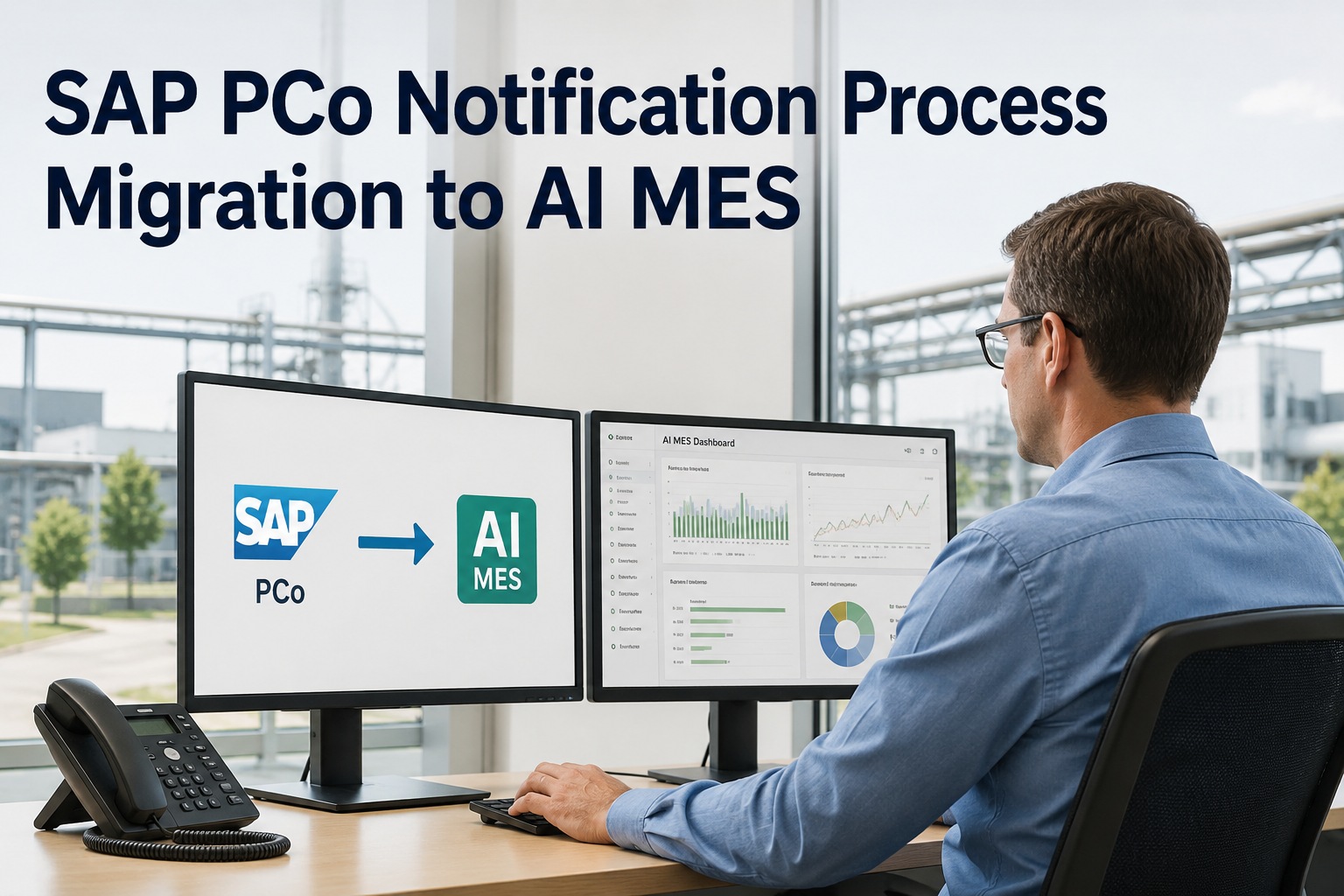
SAP PCo Notification Process Migration to AI MES
How to migrate hundreds of threshold-based PCo notifications to an AI-prioritized, event-driven architecture — fewer false alarms, faster operator response, full SAP S/4HANA integration. On-premise appliance or fully managed cloud.
What Is a PCo Notification Process?
The PCo notification process is the configured mechanism by which SAP Plant Connectivity monitors source-system tags for value changes and, when a configured trigger condition is met, sends messages with the relevant tags to defined target systems — typically SAP MII, SAP ME, or SAP ERP. Notifications supplement the SAP MII Universal Data Server (UDS) and are the primary push-based integration pattern between plant floor and SAP applications.
Why Threshold-Based Notifications Are Failing in 2026
The model worked when plants had 20 critical tags and trained operators who knew every alarm by heart. With modern process control, that scaled to thousands of tags, and the threshold-based notification model started to crack. Three specific failure patterns appear in nearly every PCo audit we run.
Alarm flood
A single upset condition can trigger 50–200 cascading notifications in minutes. Operators learn to dismiss all alerts because most are noise. Real problems get buried.
No context
"Tag T_3441 above limit" tells an operator nothing about what to do. There's no severity ranking, no historical comparison, no recommended action — just a raw value out of spec.
No learning
Notifications never improve. A threshold set in 2014 still fires the same way in 2026, even as the equipment, product mix, and operating conditions have evolved. Every refinement is manual.
Want to see how many of your current PCo notifications would qualify as "noise" under a modern AI-prioritized model? Request a notification audit from iFactory support — we'll classify your top 200 active rules into signal vs noise and return a prioritized retention list within 5 business days.
The Shift — From Notifications to AI-Prioritized Events
Modern event-driven shop-floor architecture inverts the model. Instead of every threshold hit becoming an operator alert, raw events flow into a streaming layer where AI models evaluate context — historical patterns, related tag behavior, operating mode, recent maintenance — before deciding whether to surface anything to the operator. The same physical events still happen; the operator just sees the ones that matter, with the context to act.
PCo Notifications vs AI-Native Events — Side by Side
The architectural differences play out in everyday operations. Both models receive the same physical tag changes; what differs is everything downstream.
Threshold-based, rigid, no context
- Trigger logic — simple threshold or change-of-value rules configured per tag
- Volume — high; every threshold hit creates a notification
- Prioritization — none; operator sees all alerts equally
- Context — just the tag and value
- Learning — none; thresholds set once, stay fixed
- Action support — none; operator decides manually
- Cascade handling — none; alarm flood is common
- Maintenance — manual tuning per rule
Streaming, prioritized, action-aware
- Trigger logic — raw events stream continuously; AI evaluates context
- Volume — raw volume identical; surfaced alerts reduced 60–85%
- Prioritization — ranked by AI confidence and business impact
- Context — tag, history, related signals, asset state, operating mode
- Learning — models retrain on outcomes, thresholds adapt automatically
- Action support — draft work order, recommended SOP, severity tier
- Cascade handling — root cause identified; downstream alerts suppressed
- Maintenance — models tune automatically; minimal manual upkeep
Curious what your alarm reduction would look like with AI prioritization on your specific tag set? Schedule a 30-minute notification simulation — bring 60 days of your PCo notification logs and we'll run them through iFactory's prioritization layer live to show projected signal-vs-noise ratios.
Four PCo Notification Types and Their AI-Native Equivalents
PCo supports several notification patterns, each with its own migration target. Here's the practical mapping for the four most common types in production deployments.
Notification Type Mapping
1. Simple Notification
2. Method Notification
3. Enhanced Notification (ENP)
4. Aggregation / Method Processing
Migration Steps — Four Pragmatic Phases
Inventory and classify every active notification
Export the full PCo notification configuration. Tag each rule with type (simple / method / ENP / aggregation), criticality (safety / quality / efficiency / informational), and current firing frequency. Identify "alarm flood" patterns — rules that fire more than 50 times per day per shift are almost always candidates for AI prioritization rather than direct port.
Decide port vs prioritize per rule
Safety-critical notifications (high-priority interlocks, regulated batch events) typically port directly to maintain validated behavior. Quality and efficiency notifications usually benefit most from AI prioritization. Informational notifications often retire entirely — replaced by dashboards rather than alerts.
Stand up the event stream alongside PCo
Deploy iFactory's edge layer in parallel with existing PCo. Same OPC UA / MQTT sources, same SAP S/4HANA targets — events flow to both systems during transition. Tune AI prioritization on the live event stream while PCo continues to handle production notifications. No big-bang cutover.
Cutover and retire PCo notifications wave by wave
Migrate one rule group at a time — typically by criticality tier. Validate operator workflows, audit trails, and SAP integration per wave. Only retire the PCo notification once the AI-native equivalent is signed off. The full migration is typically complete in 6–12 weeks, depending on rule volume.
Building a migration wave plan for your specific notification inventory takes about 90 minutes with iFactory's migration engineers. Schedule a wave planning session and you'll leave with a sequenced 8-week roadmap covering port-tagged rules, AI-prioritized rules, and retire-tagged rules with concrete operator and audit impact estimates.
Two Real Migration Outcomes
Continuous-process plant with chronic alarm flood and operator fatigue
A specialty chemicals manufacturer running 420 active PCo notifications across two production trains. Operators reported acting on roughly 8% of alerts; the rest were dismissed without review. Process upsets generated 80–150 cascading notifications per event, burying root cause.
Mid-market plant migrating MII without going to SAP DM
A precision components manufacturer with 130 PCo notifications feeding SAP MII for OEE tracking and quality holds. Migrating away from MII entirely; SAP DM Cloud not on the roadmap. Need to keep SAP S/4HANA quality and production order integration intact.
Neither use case matches your situation exactly? Send your notification rule export and recent firing log to iFactory support and the migration team will return a customised before/after projection with concrete alert-volume reduction estimates and a draft wave plan — typically within 2 business days.
iFactory's Role — On-Premise or Cloud
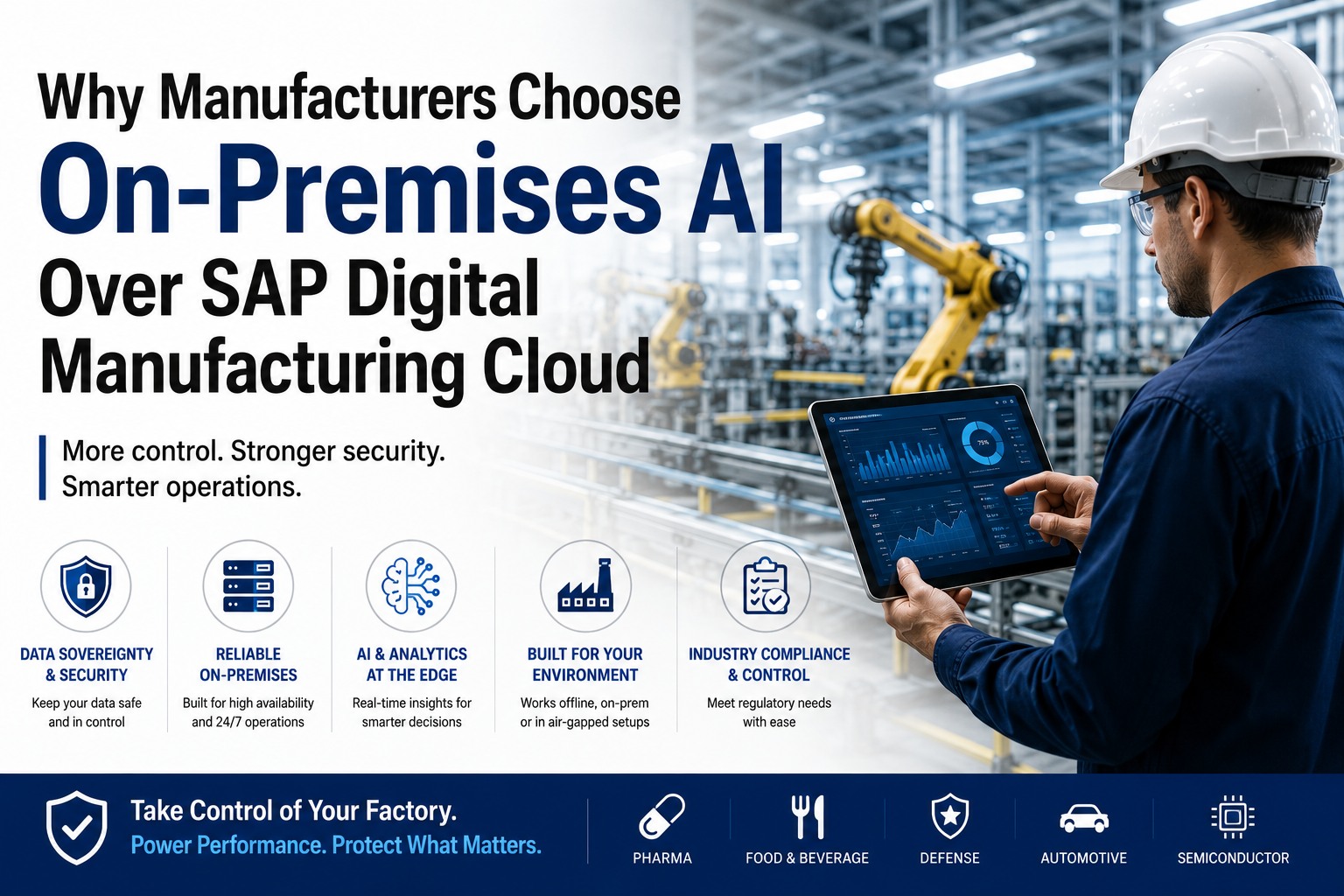
iFactory's edge layer handles the same OPC UA, MQTT, Modbus, and historian protocols as PCo, then adds the AI prioritization layer that PCo never had. Same delivery on either deployment model — pick what fits your data residency and IT strategy.
iFactory On-Premise Appliance For regulated, GxP, or data-sovereign sites
- Pre-configured NVIDIA AI server — racked, software-loaded, ready to plug in.
- OPC UA, MQTT, Modbus, S7 native — same protocol coverage as PCo plus more.
- Sub-50ms inference — real-time AI prioritization at the edge.
- Works during WAN outages — local event processing continues.
iFactory Cloud For multi-plant fleets and cloud-first IT
- Fully managed — no rack, no facility requirements.
- Fastest deployment — first wave live in 2–4 weeks.
- Fleet-wide event correlation across multi-plant deployments.
- SOC 2 Type II, ISO 27001 aligned with region-locked data residency.
Stop forwarding PCo notifications into a noisier future.
The 60-minute notification audit catalogs your active rules, classifies each into port / AI-prioritize / retire, projects the alert-volume reduction your operators would see, and outputs a wave-by-wave migration plan with concrete timelines and costs — on-premise or cloud, your call.
Frequently Asked Questions
Can iFactory's event stream coexist with our existing PCo notifications during transition?
Yes — and this is the recommended approach. iFactory's edge layer subscribes to the same OPC UA / MQTT sources PCo uses, so both systems receive identical raw events. PCo continues delivering production notifications while iFactory's AI prioritization is tuned on the live event stream. Operators see no change until each rule group is cut over with sign-off.
Do safety-critical notifications go through the AI prioritization layer?
No — safety-critical and regulated batch notifications port directly with no AI filtering in the path. These typically represent 15–25% of total rules. The AI prioritization layer handles the larger remainder — quality, efficiency, equipment-health, and process-stability notifications — where the alarm-flood problem is most acute and the AI value is highest.
What if we already use Enhanced Notification Processing (ENP) for third-party systems?
ENP integrations map cleanly to iFactory's open event bus. Any subscriber that consumes PCo ENP messages today can subscribe to the equivalent iFactory event topic with minimal adaptation — same payload, same routing pattern. Migration is typically a header rewrite rather than a logic rebuild.
Do I have to buy NVIDIA servers separately?
No. iFactory's on-premise appliance ships fully loaded — pre-configured NVIDIA AI server, software pre-installed, network gear, cabling, edge devices. You provide rack space, line power, and Ethernet. For the cloud deployment, there's no hardware at all.
How are AI prioritization decisions audit-trailed for regulated industries?
Every AI inference is logged with the model version, input signals, confidence score, and resulting decision. For regulated industries, this trail is retained per validation policy and is queryable for audits. The audit trail is richer than what PCo notifications produced — auditors can see not just that an alert fired, but why the AI decided it warranted operator attention.
What happens to historical PCo notification data?
iFactory imports historical notification logs as part of the migration assessment — used for two purposes. First, to train the AI prioritization on your actual plant patterns rather than generic models. Second, to project the alert-volume reduction the AI prioritization would have delivered on past events, giving you a concrete before/after estimate before committing.
How long does the typical notification migration take?
For plants with 100–300 active notifications, the standard turnkey timeline is 6–9 weeks from kickoff to full cutover, with parallel-running through the middle weeks. Plants with 500+ notifications or heavy regulatory validation requirements run 10–14 weeks. iFactory's wave-based approach captures value progressively rather than waiting for big-bang go-live.
Notification migration is an opportunity, not a chore.
Every plant we audit finds 60–85% of current PCo notifications are noise. The end-of-life deadline is forcing the work anyway — the question is whether you rebuild the same threshold-based model in a new platform, or use the migration to deliver the AI prioritization your operators have been asking for. iFactory's notification audit makes the answer concrete.