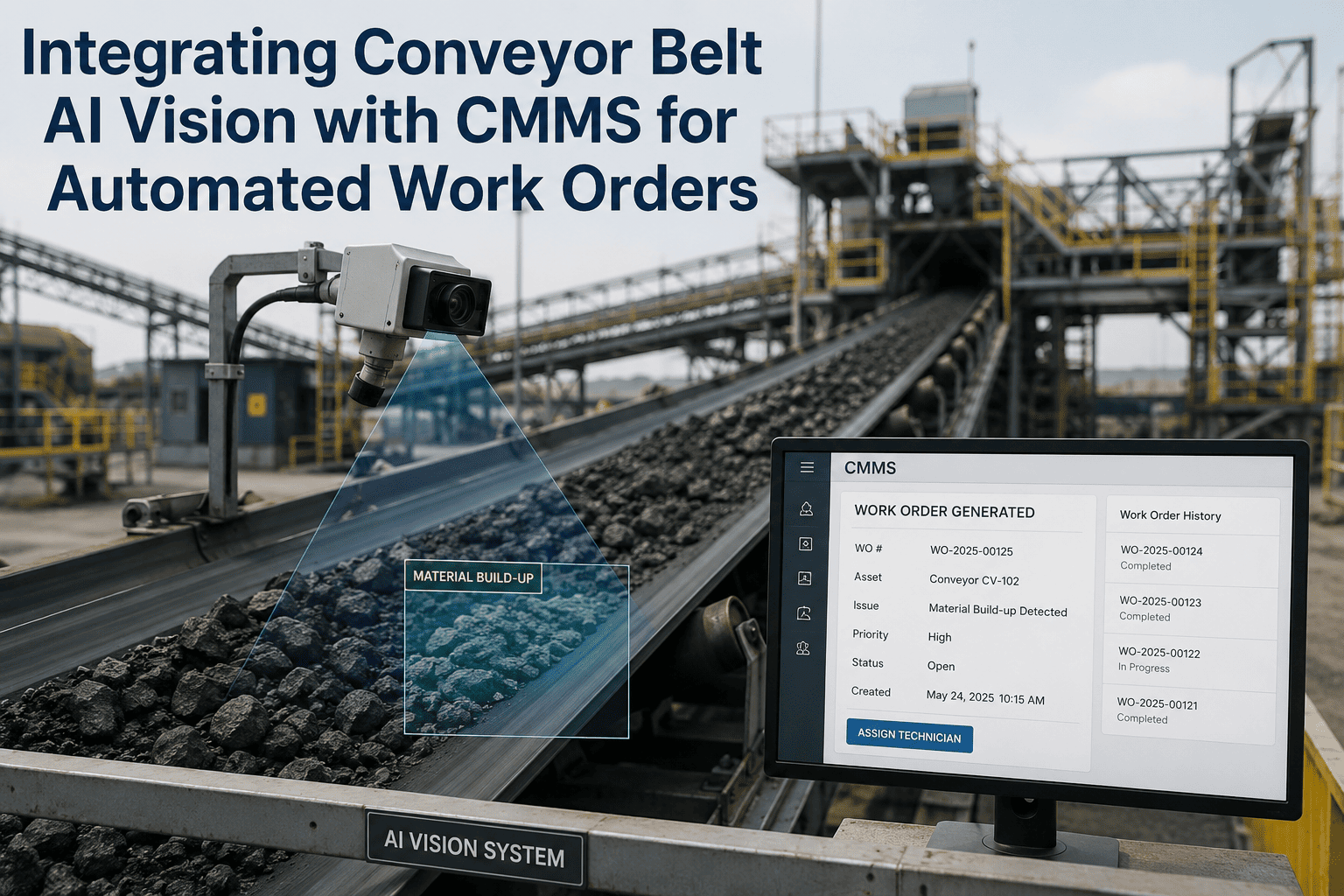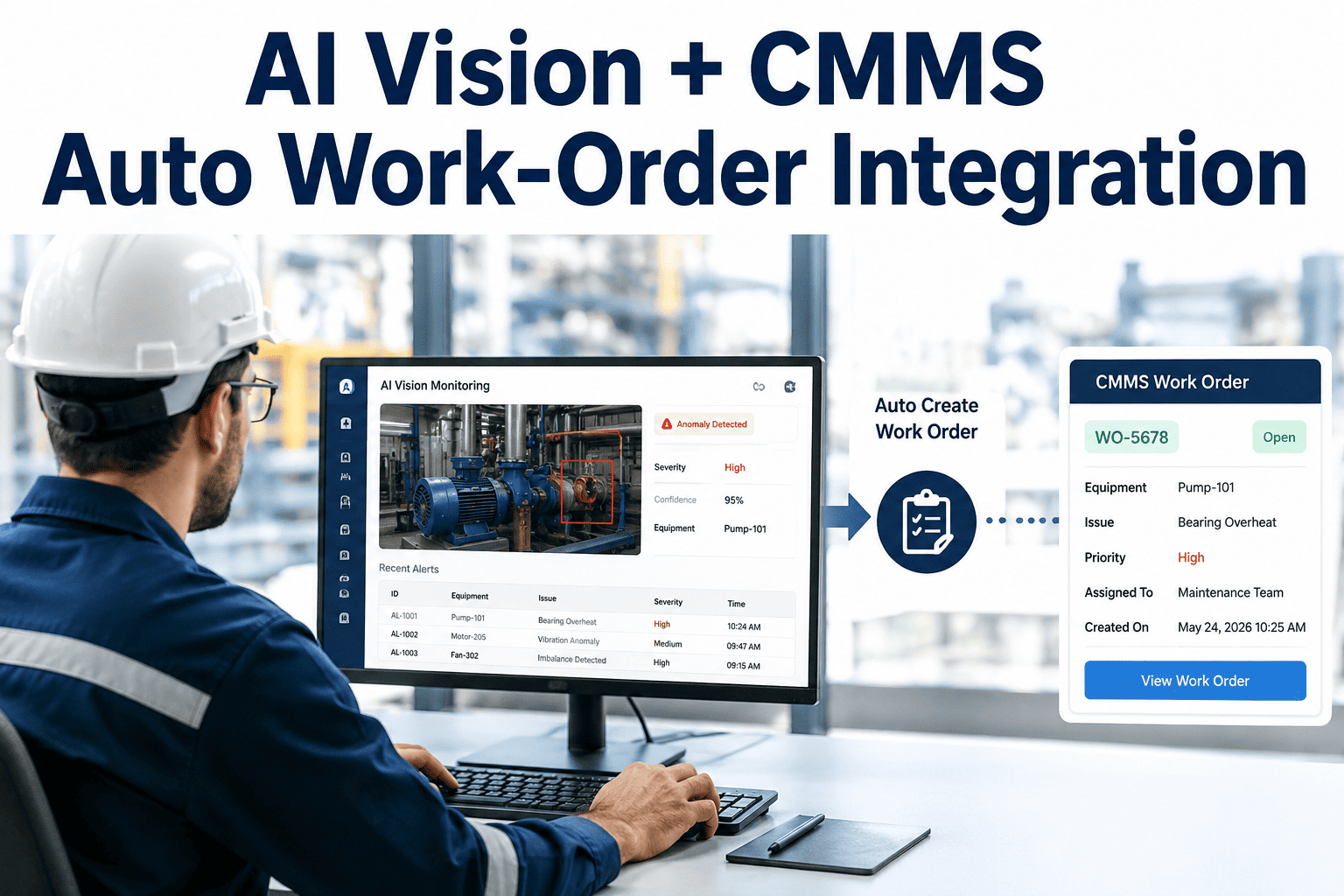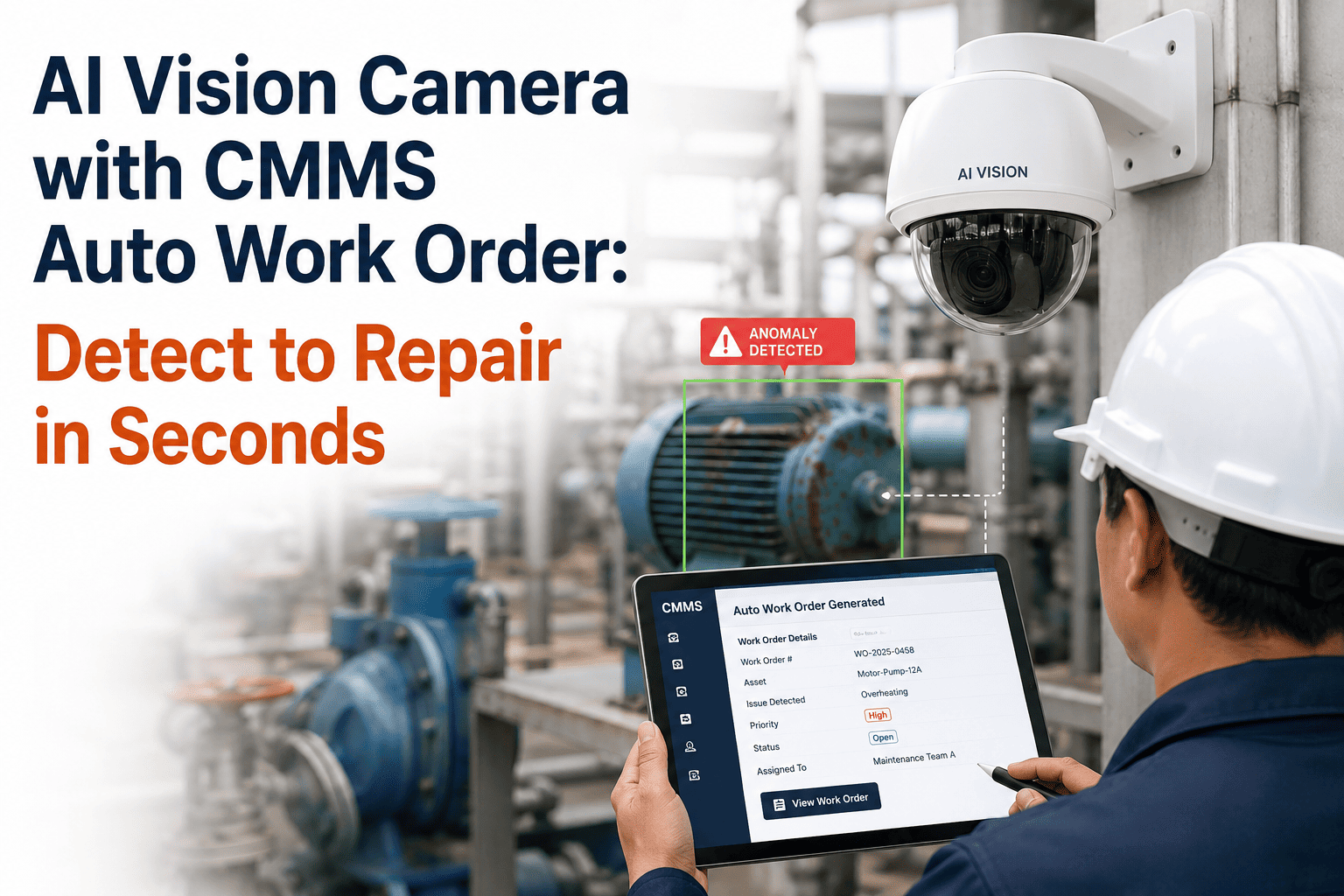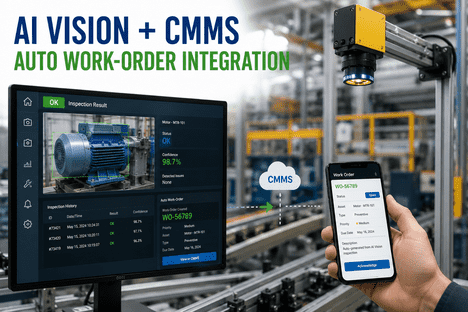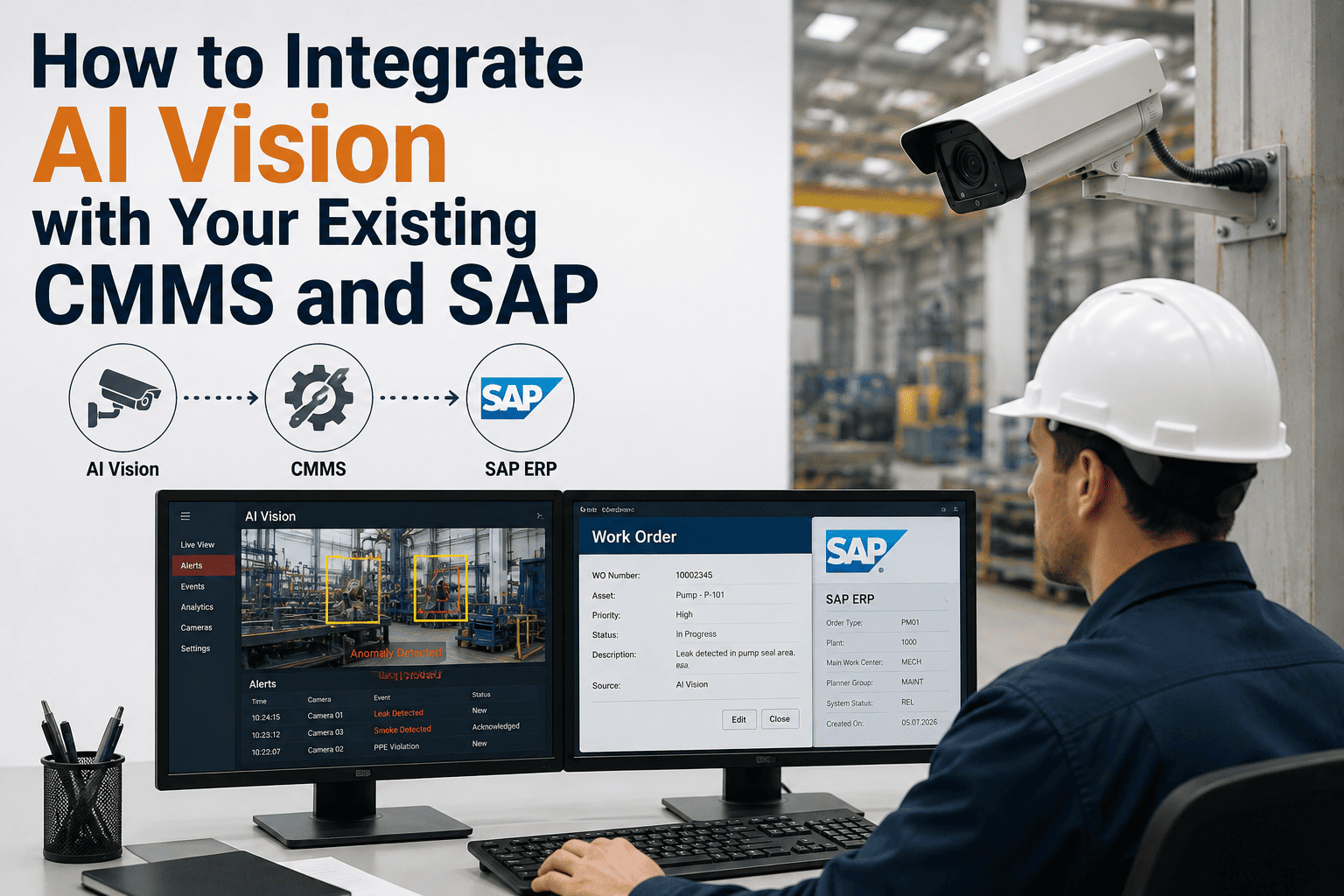
Manufacturing plants running AI vision inspection generate thousands of defect detections per shift — annotated images, classification labels, confidence scores, and location coordinates that represent actionable maintenance and quality intelligence. Without a structured integration path into CMMS platforms like SAP PM, IBM Maximo, or Oracle EAM, this intelligence dies in a dashboard nobody checks after week two. The gap between detection and corrective action averages four to six hours under manual workflows — defect spotted, paper log entry, shift-end review, work order created, technician assigned. AI vision connected directly to your CMMS through OPC-UA, MQTT, or REST API closes that gap to under three minutes, with annotated work orders routed automatically to the responsible technician the moment a confirmed defect is detected. iFactory's AI vision platform is architected for this exact integration — connecting inspection outputs to SAP, Oracle, Maximo, and any CMMS without replacing systems already in place. Plant engineers planning this integration path can Book a Demo to see how the data flow maps to their specific architecture.
Why AI Vision Without CMMS Integration Creates a Data Graveyard
Deploying AI vision cameras without connecting their output to your maintenance and quality systems is like installing a smoke detector that cannot trigger an alarm. The camera detects the defect — a hairline crack on a weld seam, corrosion forming on a bearing housing, a coating variation on a painted surface — and logs it to a local dashboard. But the maintenance technician who needs to act on that detection is working from a CMMS work queue, not a vision system dashboard. Without integration, someone must manually transcribe the detection into a work order — copying the defect image, typing the asset ID, selecting the priority level, and assigning it to the correct technician. This manual handoff introduces delays, transcription errors, and classification inconsistencies between shifts that undermine the speed advantage AI detection was supposed to provide. Integration eliminates every manual step in this chain: the AI vision system detects, classifies, and packages the defect data, then writes it directly into the CMMS as a structured work order with the annotated image attached — routed to the right technician within minutes of detection, not hours.
Three Integration Protocols — When to Use Each One
The most common integration mistake is treating OPC-UA, MQTT, and REST API as competing choices rather than complementary layers of the same data architecture. Each protocol is optimized for a different part of the integration flow, and iFactory's platform combines all three in a defined hierarchy — OPC-UA for real-time machine-level data exchange, MQTT for high-frequency event streaming to dashboards and analytics, and REST API for structured work order creation and ERP data synchronization. Understanding which protocol handles which data path prevents the architectural missteps that create integration bottlenecks and data latency in production environments.
Carries structured, semantically tagged inspection results — defect class, asset ID, production order, shift, confidence score — from the edge AI system to MES, PLC rejection signals, and SCADA dashboards. OPC-UA provides enterprise-grade security with X.509 certificate authentication and TLS encryption. For regulated environments requiring 21 CFR Part 11 or GAMP 5 compliance, OPC-UA's data integrity and timestamping capabilities make it the mandatory protocol for quality-critical data paths.
Publish-subscribe architecture optimized for high-frequency, event-driven data streams from edge devices to cloud analytics and enterprise dashboards. iFactory publishes inspection events to an MQTT broker the moment a detection occurs — defect confirmed, PPE violation detected, thermal anomaly flagged — and subscribed systems receive the event within milliseconds. Minimal bandwidth consumption makes MQTT ideal for plants with distributed camera networks across large facilities where OPC-UA server density would be impractical.
REST API handles the CMMS and ERP integration layer — creating work orders in SAP PM, IBM Maximo, Oracle EAM, Fiix, UpKeep, and other maintenance management systems. Each API call packages the defect detection into a structured work order payload: asset identifier, defect classification, severity, annotated image URL, recommended action, and priority level. SAP PM integration uses REST API for modern applications, RFC for SAP-to-SAP communication, or IDoc for batch data exchange — the choice depends on your SAP architecture and real-time requirements.
Step-by-Step: Configuring AI Vision to CMMS Integration
The integration follows a five-step sequence that moves from asset mapping through protocol configuration, work order template definition, testing, and production validation. Each step has defined inputs and outputs that prevent the scope creep and rework cycles that derail integration projects. Integration teams ready to begin this process on their specific CMMS platform can Book a Demo to walk through the configuration with iFactory's integration engineers.
Step 1 — Map Asset IDs Between Vision System and CMMS
Create a one-to-one mapping between every camera-monitored asset in the AI vision system and its corresponding asset record in the CMMS. This mapping ensures that every defect detection is automatically associated with the correct equipment record, location hierarchy, and maintenance history. Export the CMMS asset register, match each entry to the vision system's camera-asset assignments, and validate that asset IDs, functional locations, and equipment numbers are consistent across both systems. Missing or mismatched asset IDs are the single most common cause of orphaned work orders that cannot be traced to equipment.
Step 2 — Configure Protocol and Authentication
Select the integration protocol based on your CMMS architecture — REST API for SAP PM, Maximo, Oracle EAM, and most modern CMMS platforms; OPC-UA for direct PLC and SCADA integration; MQTT for event-driven streaming to dashboards and analytics layers. Configure authentication credentials, endpoint URLs, API keys, and certificate-based security for OPC-UA connections. iFactory provides pre-built connector templates for SAP S/4HANA, SAP ECC, IBM Maximo, Oracle EAM, Fiix, and UpKeep — reducing protocol configuration from weeks to days.
Step 3 — Define Work Order Templates and Field Mapping
Create work order templates in the CMMS that accept the structured data fields iFactory's AI vision system outputs — defect classification, severity level, confidence score, annotated image URL, camera ID, timestamp, production order reference, and recommended corrective action. Map each AI output field to the corresponding CMMS work order field so that every auto-generated work order arrives complete and actionable without manual data entry. Define priority escalation rules — critical defects generate high-priority work orders with immediate push notification; minor defects queue at standard priority for next-shift review.
Step 4 — Test Auto-Creation Workflow with Simulated Defects
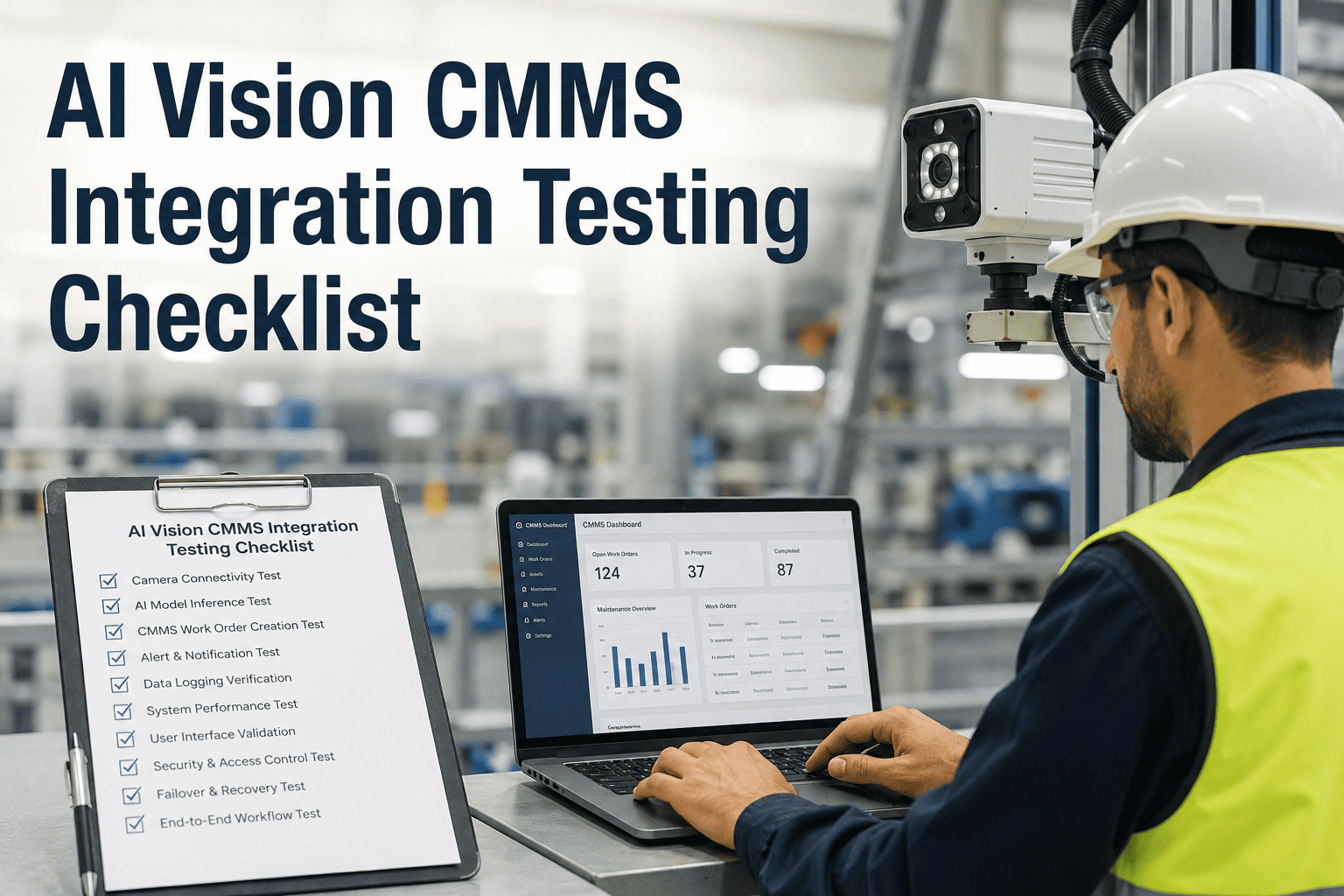
Run a controlled test by presenting known defect samples to the AI vision system and verifying that work orders are created correctly in the CMMS — with all fields populated, images attached, correct asset association, proper priority assignment, and technician routing. Test the complete chain: detection triggers data packaging, API call transmits the payload, CMMS receives and creates the work order, and the assigned technician receives the push notification. Verify round-trip latency from detection to work order creation — target is under three minutes for the complete automated workflow.
Step 5 — Validate Annotated Image Attachments and Go Live
Confirm that annotated images — showing the defect location highlighted with bounding boxes, classification labels, and confidence scores overlaid — are successfully attached to each auto-generated work order and viewable from the CMMS interface on both desktop and mobile. Validate that image file sizes, formats, and storage paths work within the CMMS's attachment handling constraints. Once validation is complete, enable the integration in production and monitor the first two weeks of auto-generated work orders for field mapping accuracy, image attachment reliability, and false positive rates that may require detection threshold adjustment.
CMMS Platforms iFactory Integrates With
iFactory provides pre-built integration connectors for the major CMMS and EAM platforms used in manufacturing, energy, and industrial environments. Each connector includes pre-configured field mappings, authentication templates, and work order payload structures that reduce integration timeline from months to days.
| CMMS / EAM Platform | Integration Protocol | Key Capabilities | Pre-Built Connector |
|---|---|---|---|
| SAP PM / SAP S/4HANA | REST API, OData, RFC, IDoc | Work order creation, notification triggers, equipment history update | Available |
| IBM Maximo | REST API, MIF | Work order, service request, asset condition update | Available |
| Oracle EAM | REST API, Web Services | Work order, work request, asset registry sync | Available |
| Infor EAM | Web Services, BOD | Work order, PM schedule trigger, inspection record | Available |
| Fiix / UpKeep / Limble | REST API | Work order, asset update, parts request trigger | Available |
Turnkey Deployment: Hardware, Software, and Integration in One Package
iFactory delivers AI vision inspection as a turnkey hardware-and-software bundle deployed on NVIDIA GPU edge servers at your plant — not as a software-only license that requires your team to source cameras, specify compute hardware, and build integration connectors independently. The turnkey package includes industrial cameras with optimized lighting, NVIDIA Jetson or L4 edge compute, pre-trained AI models for your defect types, and pre-built CMMS integration connectors — live in 6 to 12 weeks following a three-phase deployment roadmap validated across 1,000+ client installations with 99.9% system uptime.
Camera placement, lighting design, CMMS field mapping, asset ID alignment, and protocol configuration. Feasibility report delivered before hardware procurement begins.
AI model trained on your defect types. CMMS connector configured and tested. Work order templates validated. Shadow-run alongside manual inspection for accuracy confirmation.
Full production activation. Auto-generated work orders monitored for accuracy. Detection thresholds tuned. Performance dashboard delivered with ROI baseline metrics.
What the Integration Data Flow Looks Like in Production
Once live, the integration creates a closed-loop data flow that connects the physical inspection event to the digital maintenance response without any manual intervention. Every detection generates a structured data packet that flows through the integration layer into the CMMS — creating a complete, timestamped, image-annotated maintenance record that supports audit requirements and continuous improvement analysis.
Frequently Asked Questions: AI Vision CMMS and SAP Integration
How long does the AI vision to CMMS integration take to deploy?
Most integrations are configured and tested within 5 to 10 business days once asset ID mapping and CMMS access credentials are provided. iFactory's pre-built connector templates for SAP PM, IBM Maximo, Oracle EAM, Fiix, and UpKeep eliminate the custom middleware development that typically extends integration timelines to months. The complete deployment — including camera installation, model training, and CMMS integration — follows a 6 to 12 week roadmap from initial assessment to production go-live. Teams ready to start can Book a Demo to see the integration configured for their specific CMMS platform.
Does the integration require changes to our existing CMMS configuration?
No. iFactory's integration writes to your existing CMMS using standard API interfaces — it does not require CMMS reconfiguration, custom middleware installation, or changes to your existing work order workflows. The integration creates work orders using the same templates and field structures your maintenance team already works with, so technicians see familiar work orders with the added benefit of auto-populated defect data and attached annotated images. The only CMMS-side requirement is enabling API access and providing authentication credentials for the integration connector.
What data fields does iFactory include in auto-generated CMMS work orders?
Each auto-generated work order includes the asset identifier mapped to the CMMS equipment record, defect classification from the AI model, severity level, confidence score, annotated image with bounding box highlighting the defect location, camera ID, detection timestamp, production order reference if available from MES integration, and recommended corrective action based on the defect type. Priority assignment follows rules configured during the integration setup — critical defects trigger high-priority work orders with immediate push notification while minor detections queue at standard priority for planned maintenance windows.
Can the integration handle multiple AI vision cameras feeding into one CMMS?
Yes. iFactory's integration architecture supports multiple cameras across multiple inspection stations, production lines, and facility locations — all feeding work orders into a single CMMS instance or distributed across multiple CMMS instances for multi-site operations. Each camera's output is tagged with its specific asset mapping, location identifier, and production context, so work orders from different inspection stations are correctly routed to the appropriate maintenance teams and equipment records without cross-contamination between lines or facilities. Contact iFactory Support for multi-site integration architecture guidance.
How does the integration support compliance and audit requirements?
Every AI-generated work order carries an immutable timestamp, defect image, classification label, and confidence score that creates a complete digital audit trail from detection to corrective action. For regulated environments requiring FDA 21 CFR Part 11 compliance, iFactory's OPC-UA integration path provides the data integrity, electronic signature support, and timestamping capabilities that auditors require. HACCP-regulated food and pharmaceutical facilities use the integration to generate digital inspection logs that replace manual paper-based records — with audit packages generated on demand rather than reconstructed retroactively before an inspection visit.