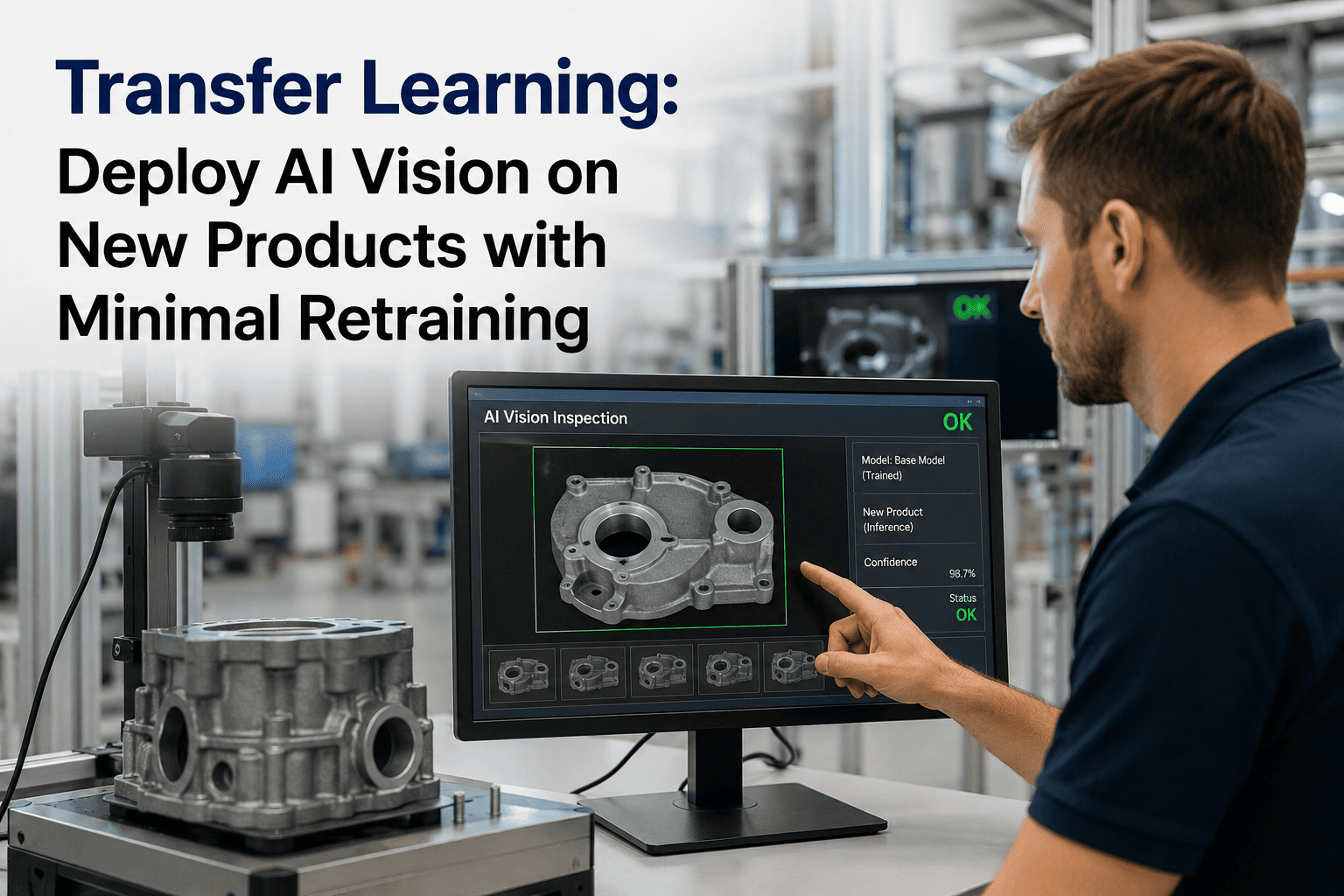
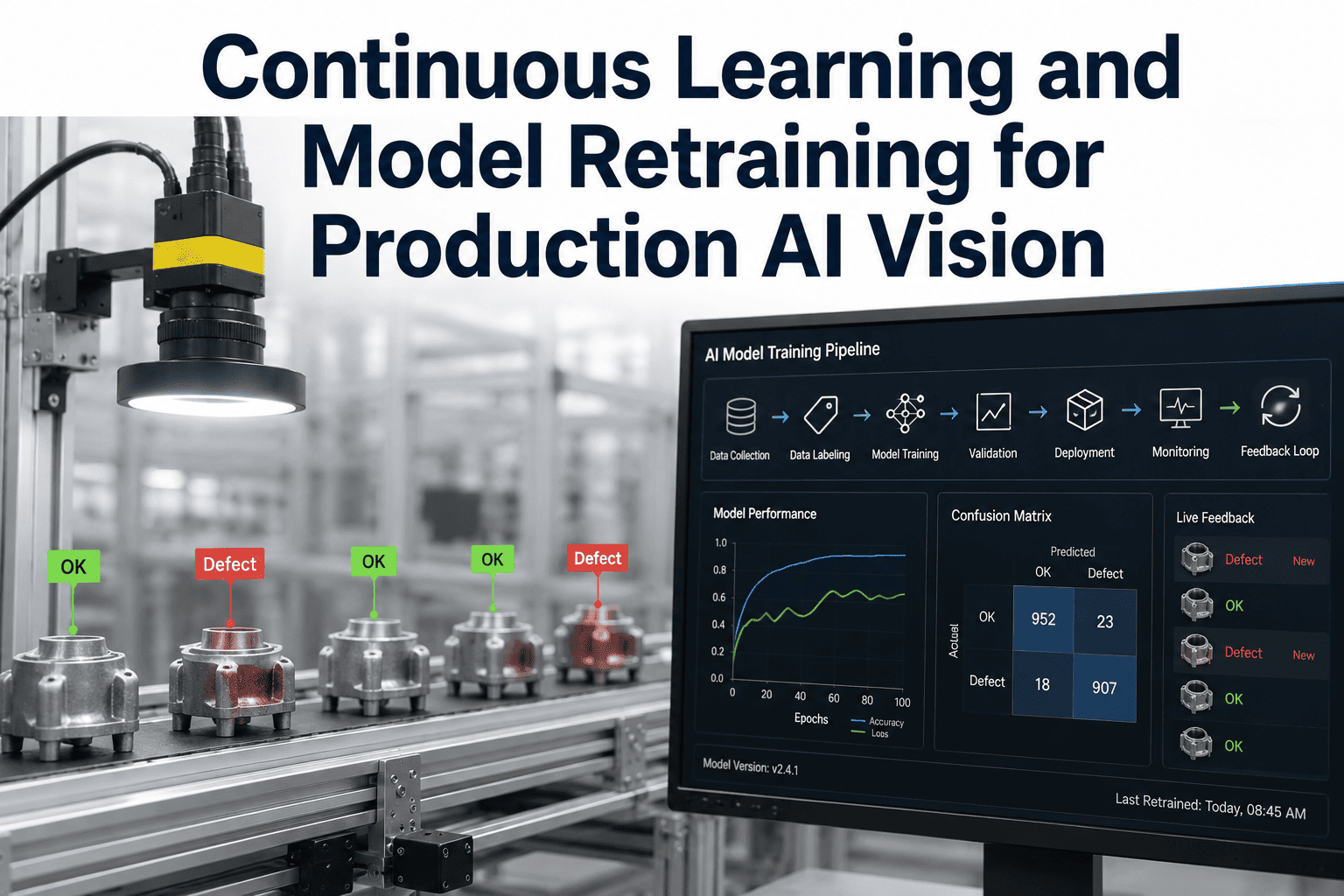
Every time a manufacturing line introduces a new product SKU, the AI vision inspection system that was working perfectly on the previous product suddenly becomes useless unless it is retrained. Traditional deep learning requires thousands of labeled images of the new product to build a reliable model from scratch, which means production teams must run the new part for days or weeks just to collect enough failure samples before the AI can even begin learning. Transfer learning eliminates this bottleneck by taking a model that already understands edges, textures, and shapes from previous products and adapting it to the new part using as few as twenty to forty images per defect class. Talk to iFactory support about deploying transfer learning for your next product changeover.
Transfer Learning · Few-Shot Deployment · Rapid Adaptation
Deploy AI Vision on New Products with Minimal Retraining: How Transfer Learning Slashes SKU Deployment from Weeks to Hours
iFactory uses pre-trained base models that already understand industrial visual features, allowing your plant to adapt AI inspection to new product geometries, surface finishes, and packaging types with only a handful of real production images.
20-40
Images per defect class required to adapt a pre-trained model to a new product type
Hours
Time to fine-tune and deploy an adapted inspection model once the seed images are captured
90%
Reduction in data collection time compared to training a new deep learning model from scratch
The SKU Bottleneck
Why Training From Scratch Turns Every New Product Launch into a Data Collection Nightmare
The fundamental limitation of traditional deep learning in manufacturing is that it treats every new product as a completely blank slate. The model has no memory of the previous product it inspected, so it must learn everything from the ground up. This creates a massive operational delay every time the line changes over to a new SKU, a new supplier component, or a revised packaging design.
Traditional Training From Scratch
Run new product and wait for defects to occur naturally over multiple shifts
Manually capture and label thousands of defect and good-part images across all variations
Train the new model for hours or days on a GPU server using the massive new dataset
Validate the model on the line and retrain if accuracy is insufficient due to data gaps
Deployment takes 3 to 6 weeks of active production time just to gather enough data
Transfer Learning Adaptation
Run the new product and capture twenty to forty images of each defect type you need to detect
Load the pre-trained base model that already understands industrial visual features
Fine-tune only the final classification layers on the small new dataset in under an hour
Deploy the adapted model to the edge device and begin inspecting immediately
Deployment takes 1 to 2 days, mostly spent waiting for the brief image capture window
Data Requirements
The Image Count Gap: Traditional Training vs. Transfer Learning by Defect Type
The data efficiency of transfer learning is not theoretical. It is a measurable reduction in the number of labeled images required to reach production-grade accuracy. The visual below represents the typical image count needed for common manufacturing defect categories when comparing a model built from zero versus a model adapted from a pre-trained base.
Traditional model training from scratch
Transfer learning with pre-trained base model
Adaptation Pipeline
How a Pre-Trained Model Adapts to Your New Product in Four Steps
Transfer learning works because the early layers of a deep learning model learn universal visual features like edges, corners, textures, and color gradients that apply to almost any manufactured object. Only the final classification layers need to be adjusted to recognize the specific defects on your new product.
1
Load Base Model
iFactory loads a pre-trained vision model that has already been trained on a large corpus of industrial images. This model already knows how to detect edges, interpret surface textures under variable lighting, and identify geometric shapes regardless of their specific industrial context.
2
Freeze Feature Layers
The early convolutional layers that extract universal visual features are frozen, meaning their weights are locked and will not change during the adaptation process. This preserves the generalized visual understanding the model already possesses and prevents it from forgetting foundational features while learning the new product.
3
Train Classification Head
The final layers of the model, responsible for mapping the extracted features to specific defect categories, are replaced with a new untrained classification head. This new head is trained exclusively on the twenty to forty new product images, learning to map the pre-existing visual features to the specific defect classes for your new SKU.
4
Deploy and Validate
The adapted model is pushed to the edge device at the inspection station. It begins inspecting the new product immediately, and its performance is tracked against operator validations during the initial production run. If a rare defect variation is missed, a few additional images are captured and a quick fine-tuning cycle is run.
Pre-Trained Foundation
What the Base Model Already Knows Before It Sees Your New Product
The reason transfer learning requires so few images is that the vast majority of visual processing required for defect detection is generic. A surface scratch on a metal bracket and a surface scratch on a plastic housing share the same underlying visual features: a discontinuity in texture, a change in light reflection, and a linear or curved geometric anomaly. The base model already knows how to detect these features.
Edge and Boundary Detection
The model recognizes lines, curves, corners, and boundaries regardless of the object they belong to. When a new product is introduced, the model does not need to relearn what an edge is. It only needs to learn where the expected edges of the new product should be and what constitutes an unexpected edge that indicates a crack or a break.
Surface Texture Analysis
Smooth surfaces, matte finishes, brushed metals, and glossy coatings all produce distinct texture patterns that the base model can already differentiate. When adapting to a new product, the model uses this existing texture understanding to identify anomalies like scratches, abrasions, or contamination that disrupt the expected texture pattern of the new surface material.
Lighting and Shadow Invariance
Industrial inspection environments have variable lighting, reflections, and shadows that change depending on part position and ambient conditions. The pre-trained model has already learned to distinguish between a true physical defect and a shadow or reflection that merely looks like a defect under certain lighting angles, reducing false positives on the new product from the first deployment cycle.
Geometric Shape Recognition
Circles, rectangles, slots, holes, and complex organic curves are fundamental geometric shapes that the base model recognizes universally. When inspecting a new product, the model applies this geometric understanding to verify that the correct features are present in the correct positions, requiring only a few examples to learn the specific dimensional tolerances of the new part.
Your Next Product Changeover Does Not Have to Mean Weeks of Blind Production Without AI Inspection.
Transfer learning adapts your AI vision to new SKUs, geometries, and surface types in hours using the images you already have the capacity to capture this shift.
Deployment Matrix
How Much Data You Actually Need Based on How Different the New Product Is
Not all product changeovers are equal. The amount of adaptation data required depends on how much the new product differs from the products the base model was originally trained on. The matrix below provides realistic deployment parameters for common changeover scenarios encountered in discrete manufacturing.
Changeover Scenario
Visual Difference Level
Images Per Defect
Time to Deploy
Same part, different color or finish
Minimal: Geometry and defects are identical, only surface reflection changes
15-20
1-2 hours
Same geometry, different material (e.g., steel to aluminum)
Moderate: Shape is the same but texture, reflectivity, and defect appearance shift
20-30
2-4 hours
Different geometry, same material family
Moderate-High: Defect types are similar but appear in new locations and orientations
30-40
4-8 hours
Completely new part type (e.g., machined part to printed label)
High: Base visual features transfer, but defect definitions are entirely different
40-60
8-24 hours
New product with entirely novel defect mechanism
Very High: The defect type did not exist on any previous product in the model lineage
60-100
1-2 days
Limits and Guardrails
When Transfer Learning Works Well and When You Need More Data
Transfer learning is a powerful tool, but it is not a magic wand that can eliminate all data requirements. Understanding its limitations prevents failed deployments and ensures that quality teams apply the right level of scrutiny to the adapted model before trusting it with autonomous rejection decisions on the production line.
Ideal Conditions for Few-Shot Transfer
The new product shares manufacturing characteristics with previous products, such as the same material family, similar surface finishes, or identical defect mechanisms. The inspection station hardware, camera angle, and lighting configuration remain consistent between the old and new product runs. The defect types on the new product are variations of defects the base model has already learned to detect, just appearing on a different geometric canvas.
Conditions That Require More Data
The new product introduces a completely new material class, such as moving from solid metal parts to transparent plastics or highly reflective foils, where the visual behavior of light is fundamentally different. The defect mechanism is entirely novel and has no analogue in the base model training data, meaning the feature extraction layers cannot recognize it even if the classification layers are retrained. The inspection hardware or lighting has been significantly changed, invalidating the lighting invariance the base model previously learned.
Frequently Asked Questions
Transfer Learning for Vision Deployment — What Quality Engineers Ask First
Can transfer learning really achieve production-grade accuracy with only twenty images?
Yes, for the specific scenario where a robust pre-trained base model already exists and the new product is a variation of the product types the base model was trained on. The twenty to forty images are not teaching the model what a scratch or a dent looks like, because the base model already knows that. They are teaching the final classification layer how to map those known visual features to the specific dimensional and textural context of the new product. If the new product is extremely different from anything the base model has seen, more images will be needed, but for standard SKU changeovers within the same material family, twenty to forty images consistently produce accuracy levels that match or exceed manually tuned rule-based systems from the first shift of deployment.
Contact support to evaluate your specific changeover.
Does the pre-trained base model need to be trained on my specific industry to work?
It helps significantly, but it is not strictly required. A base model trained on industrial manufacturing images will adapt to a new manufacturing product much faster than a base model trained on natural images like pets or cars, because the lighting conditions, surface textures, and camera perspectives are more similar. iFactory maintains industry-specific base models for common manufacturing sectors including metal machining, consumer packaging, electronics assembly, and automotive components. Using the correct sector-specific base model maximizes the data efficiency of the transfer learning process and minimizes the number of new images required for accurate adaptation.
Book a Demo to see our base model library.
What happens if a new defect type appears on the new product that was not in the original training data?
If the new defect type shares visual features with defects the base model already recognizes, such as a new type of surface contamination that still looks like a texture anomaly, the model will often detect it with reasonable sensitivity even without specific training examples. However, for entirely novel defect mechanisms that look nothing like previous defects, the model will likely miss them until explicitly trained. The correct approach is to treat the deployment of the transfer-learned model as the starting point, not the finish line. Operators monitor the initial production runs, and if a novel defect is identified, those images are added to the dataset and a quick fine-tuning cycle is run to incorporate the new class into the model without disturbing the existing defect classifications.
Contact support for continuous improvement strategies.
How do we ensure the adapted model does not forget how to inspect the old product if we need to run both?
In a multi-SKU environment where the line switches back and forth between products, iFactory maintains separate model instances for each product rather than overwriting the old model with the new one. Each product gets its own adapted model derived from the same base, and the correct model is loaded on the edge device automatically when the line changes over. This architecture means the old product model is never modified or degraded by the training process for the new product, and each SKU is always inspected by a model specifically optimized for its exact geometry and defect profile without any interference from the other products running on the same line.
Who is responsible for capturing and labeling the twenty to forty images during the changeover?
The image capture process is designed to be simple enough that a line operator or quality technician can perform it without specialized AI expertise. The iFactory interface guides the operator through the capture sequence, indicating when a good part or a specific defect type is in the camera view and prompting them to save the image with the correct label. The total time to capture a full set of twenty to forty images across all defect classes is typically under thirty minutes during a normal production run. For plants that prefer a fully hands-off approach, iFactory can also configure the system to automatically capture and queue candidate images based on process signals or operator inspection triggers, which are then reviewed and labeled by a quality engineer before the fine-tuning process begins.
Book a Demo to see the capture interface.
Your Next SKU Changeover Does Not Have to Start From Zero. Transfer Learning Starts Where Your Last Model Left Off.
Adapt AI vision to new products in hours with twenty to forty images per defect class — using pre-trained models that already understand your manufacturing environment.