Every second an operator spends decoding a cluttered HMI screen is a second closer to a missed alarm, a runaway process, or a six-figure unplanned shutdown. Outdated HMI design is not an aesthetic problem — it is an operational liability that erodes throughput, inflates incident rates, and quietly bleeds margin from facilities that believe their automation is modern because their PLCs are.
iFactory PLC/SCADA Integration Intelligence
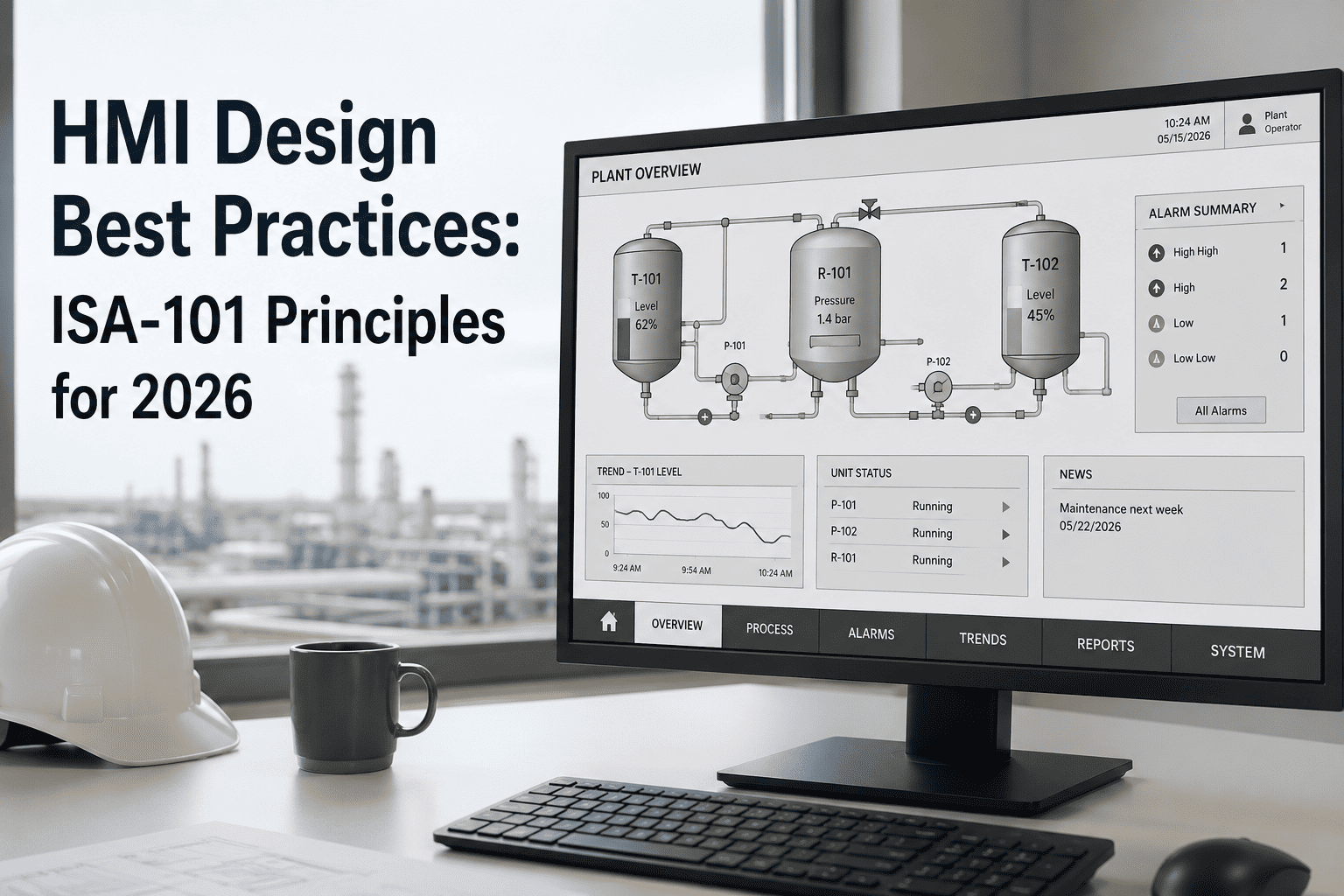
HMI Design Best Practices: ISA-101 Principles for 2026
How ISA-101-compliant HMI design reduces operator error, compresses alarm response time, and transforms SCADA interfaces from cognitive burdens into decision-support systems that protect uptime and margin.
74%
Of process incidents linked to poor HMI situational awareness
42%
Reduction in alarm response time with ISA-101 redesign
6-8wk
Typical HMI modernisation timeline with iFactory
$1.2M
Average annual incident cost at non-compliant facilities
Why Legacy HMI Design Is a Hidden Risk Factor
The SCADA HMI screen built in 2009 has not aged gracefully. What was once considered informative — vivid colour fills, animated pipe graphics, walls of real-time numeric values — is now categorised by ISA-101 as cognitively hostile design. Facilities running legacy HMI layouts face compounding risk: operators trained on institutional memory rather than engineered situational awareness, alarm floods that mask the one critical event that matters, and control room ergonomics designed for display technology that no longer exists. The U.S. Chemical Safety Board analysis of major process incidents consistently identifies operator interface inadequacy as a contributing factor.
Is your SCADA HMI ISA-101 compliant? Our engineers assess your current interface and deliver a prioritised redesign roadmap — at no cost.
Book a Free HMI AuditISA-101: The Standard That Defines Modern Industrial HMI Design
ISA-101, the ANSI/ISA standard for human-machine interfaces in process automation, was developed to address the gap between how legacy HMI screens were built and how operators actually perceive, process, and act on information under stress. Its core philosophy is grounded in applied cognitive science: the display should work with the operator's brain, not against it.
01
Grayscale-First Palette Architecture
ISA-101 mandates a low-saturation, predominantly grayscale base for all process graphics. Colour is reserved exclusively for deviation states — yellow for warning, red for alarm, blue for operator action required. This eliminates cognitive noise from decorative colour and ensures that when colour appears on screen, it carries unambiguous meaning. Facilities that implement grayscale-first palettes report measurable reduction in missed alarms within 90 days.
02
Display Hierarchy: Levels 1 Through 4
ISA-101 defines four display levels. Level 1 is the plant overview showing only deviations from normal. Level 2 is the process unit display showing individual loops. Level 3 is the detail view for a single asset. Level 4 is diagnostic and trend data for deep investigation. Violations of this hierarchy — embedding Level 3 detail on Level 1 screens — are among the most common HMI design failures in facilities built before 2015.
03
Situational Awareness by Design
Every ISA-101-compliant display is engineered around one question: what does the operator need to know right now to determine if the process is normal? Abnormal state indicators — not absolute values — are the primary information layer. A pump running at normal load should be visually silent. A pump approaching a threshold should announce itself clearly, without competing with decorative noise.
04
Alarm Rationalisation and ISA-18.2 Alignment
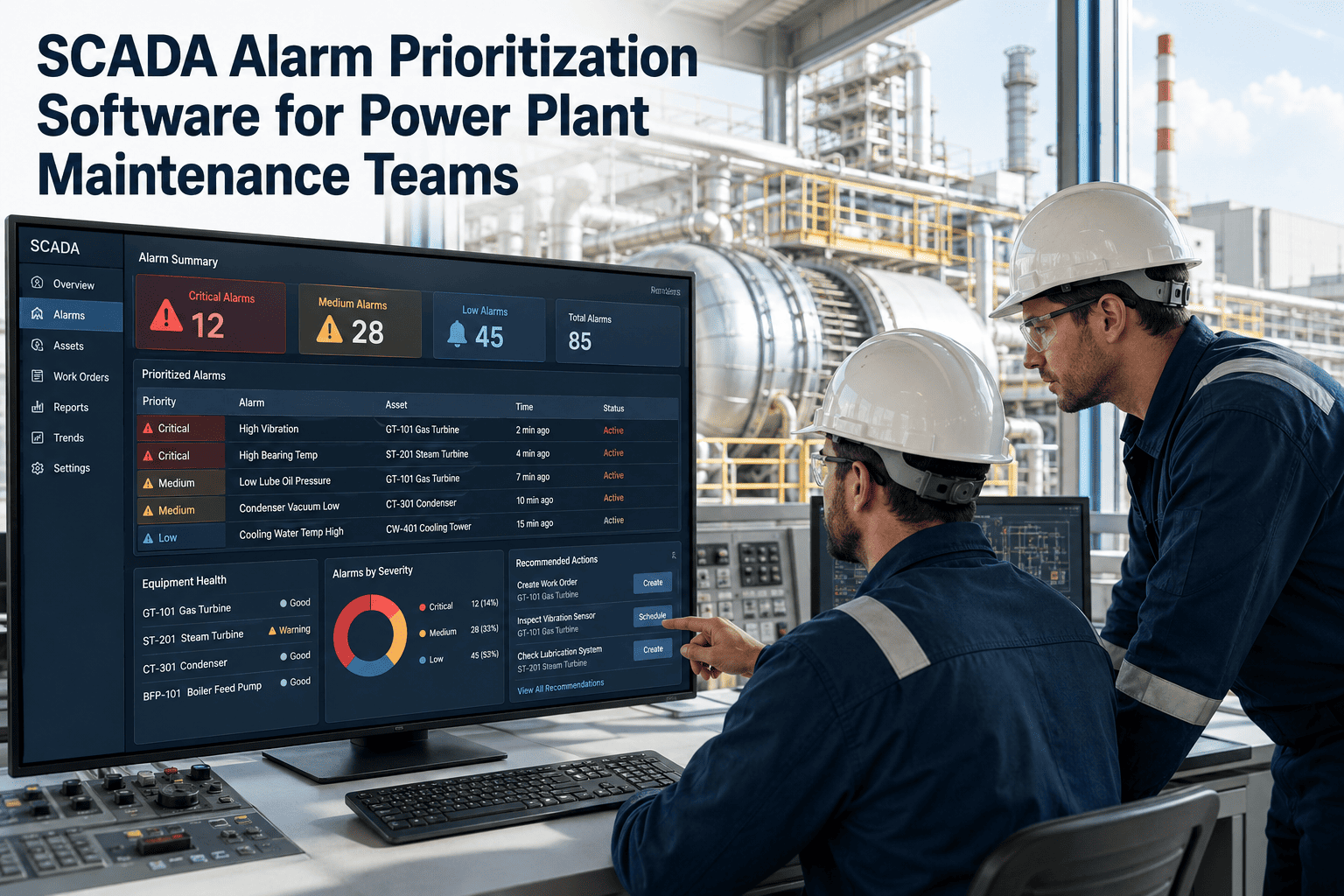
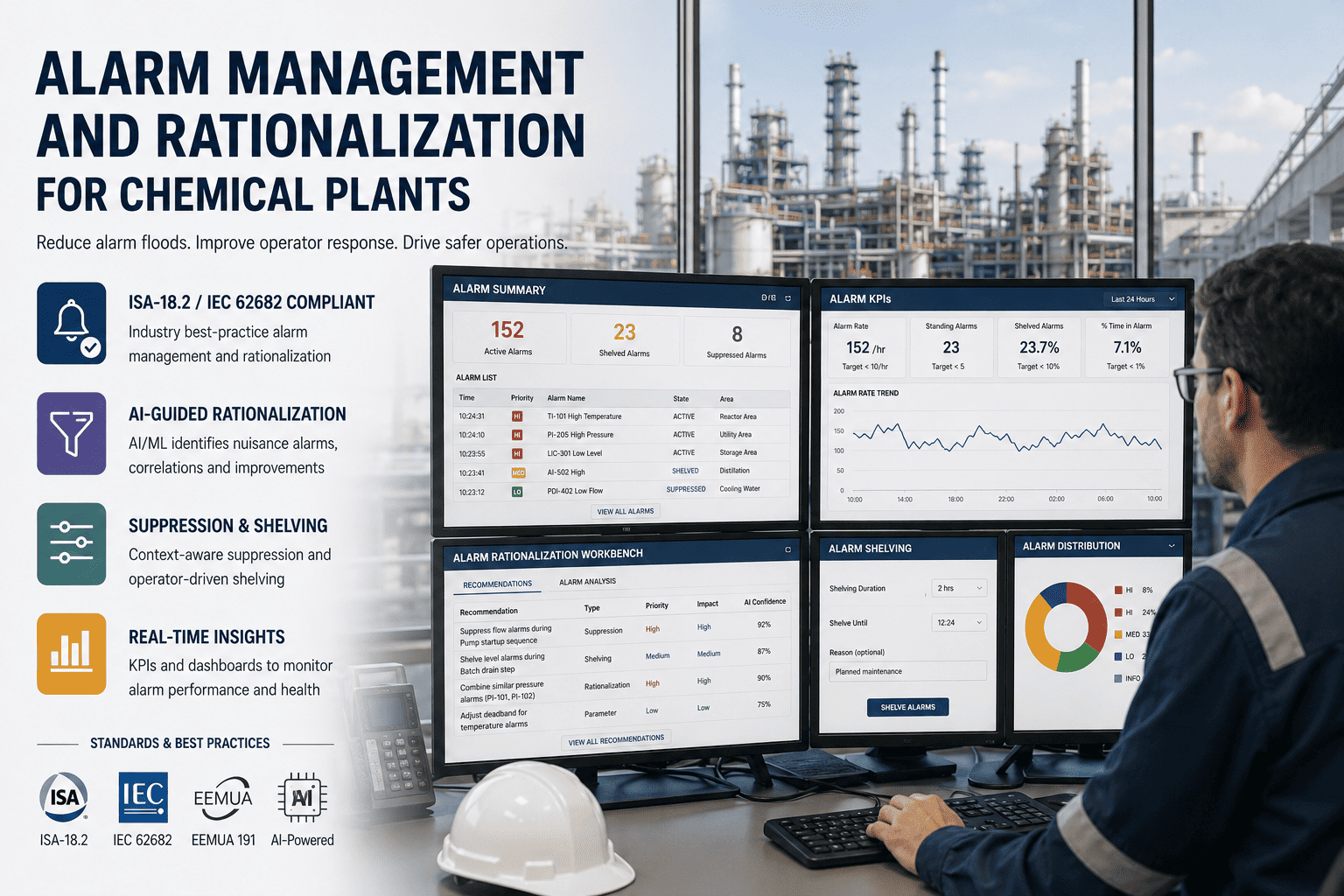
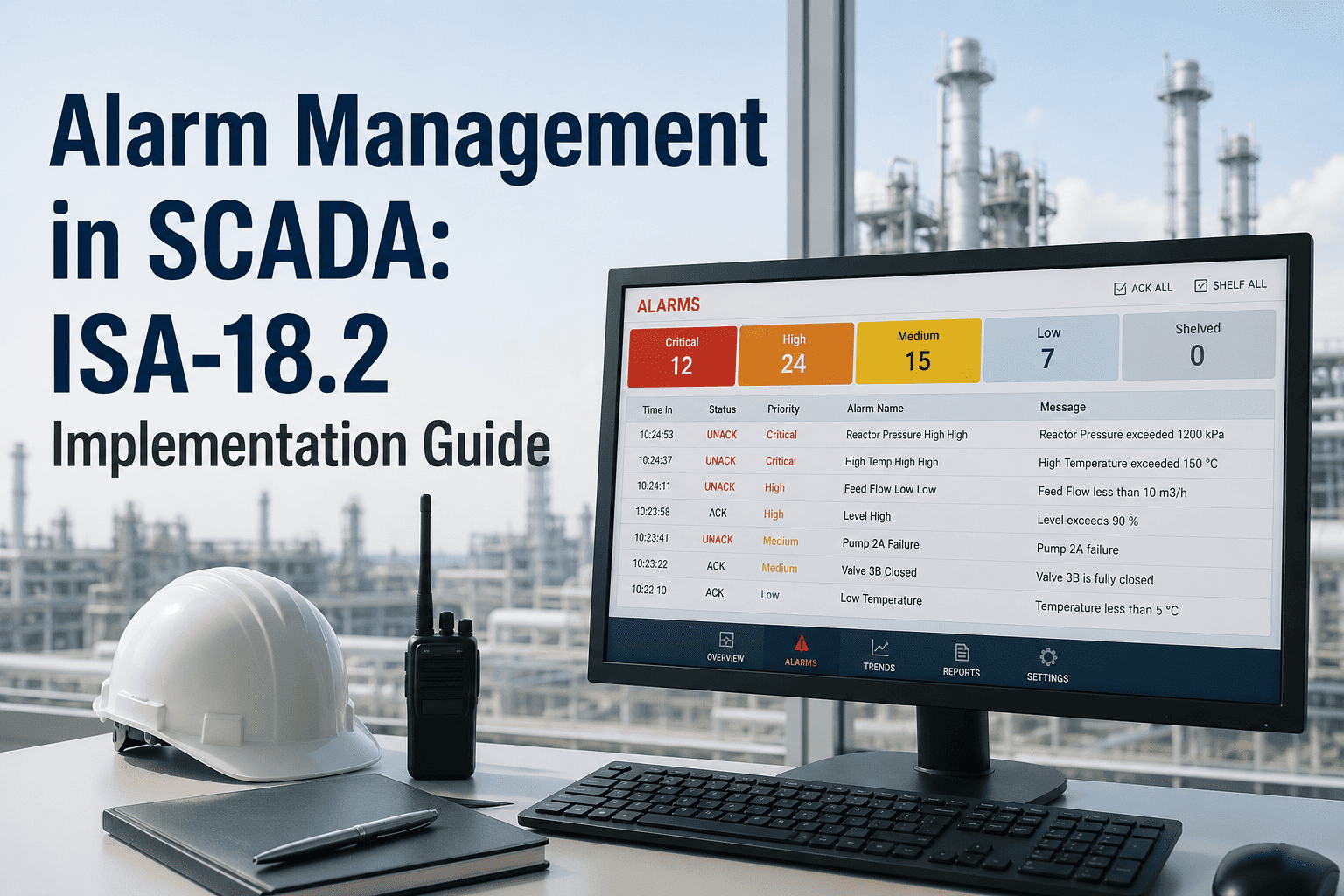
ISA-101 works in conjunction with ISA-18.2 alarm management. Effective industrial HMI design implements alarm suppression during startup sequences, shelving for known maintenance conditions, and state-based alarming that prevents nuisance floods. Facilities with unrationalised alarm databases average 400-800 alarms per operator per day. ISA-18.2 targets fewer than 150.
Legacy HMI vs. ISA-101 Compliant Design: The Operational Gap
The difference between a legacy SCADA HMI and a properly engineered ISA-101 display is not cosmetic — it is the difference between a system that drains operator cognitive capacity and one that amplifies it.
Legacy HMI Design
ISA-101 Optimised Design
Colour Use
Decorative — full RGB spectrum for equipment fills and animated states; no semantic meaning
Semantic — grayscale base, deviation-only colour; zero decorative saturation
Alarm Strategy
Every limit breach triggers an alert; 400-800 alarms per shift; operators habituate to noise
Rationalised against ISA-18.2; state-based suppression; under 150 alarms per shift
Navigation
Ad hoc page structure; no consistent hierarchy or drill-down logic
Four-level ISA-101 hierarchy; any asset reachable in three clicks or fewer
Normal State
All values in equal visual weight; operators must scan everything to confirm normality
Normal state is visually quiet; deviations self-announce; attention conserved
Trend Access
Trend windows require separate navigation; no context at point of decision
Inline sparklines; full trend viewer one click from any value
Incident Risk
74% of process incidents involve HMI design as a contributing factor
42% reduction in alarm response time; situational awareness maintained under stress
See what an ISA-101 redesign looks like for your facility. Book a 30-minute session with an iFactory SCADA engineer.
Book a DemoThree Areas Where HMI Design Drives Measurable Business Outcomes
Operator Response Time
ISA-101 displays reduce mean time to acknowledge critical alarms by 38-42%. In a high-consequence environment, this compression translates to reduced product loss, lower liability, and fewer safety incidents.
- Fewer than 150 actionable alarms per operator per shift
- Critical alarm acknowledgement under 3 minutes
- Abnormal state detection without active scanning
Process Optimisation Visibility
Operators cannot optimise a process they cannot clearly read. iFactory's integration layer surfaces efficiency metrics and yield variance in context — on the same screen where operators control the process.
- Energy and yield KPIs embedded in process displays
- Deviation from optimal window highlighted automatically
- Shift handover summary generated from HMI historian data
Workforce Scalability
A properly structured ISA-101 HMI is self-documenting. New operators achieve proficiency faster and require less supervisory oversight. Facilities report 30-50% reduction in on-boarding time.
- Consistent display conventions reduce learning curve
- Contextual help links embedded in Level 3 displays
- 30-50% faster operator qualification
iFactory PLC/SCADA Integration with ISA-101 Intelligence
PLC and SCADA Integration
Native OPC-UA, MQTT, and Modbus connectivity to all major PLC platforms — Allen-Bradley, Siemens, Honeywell, ABB, and Rockwell FactoryTalk. Real-time data flows into both the HMI display layer and the AI analytics engine simultaneously.
Predictive Alert Integration
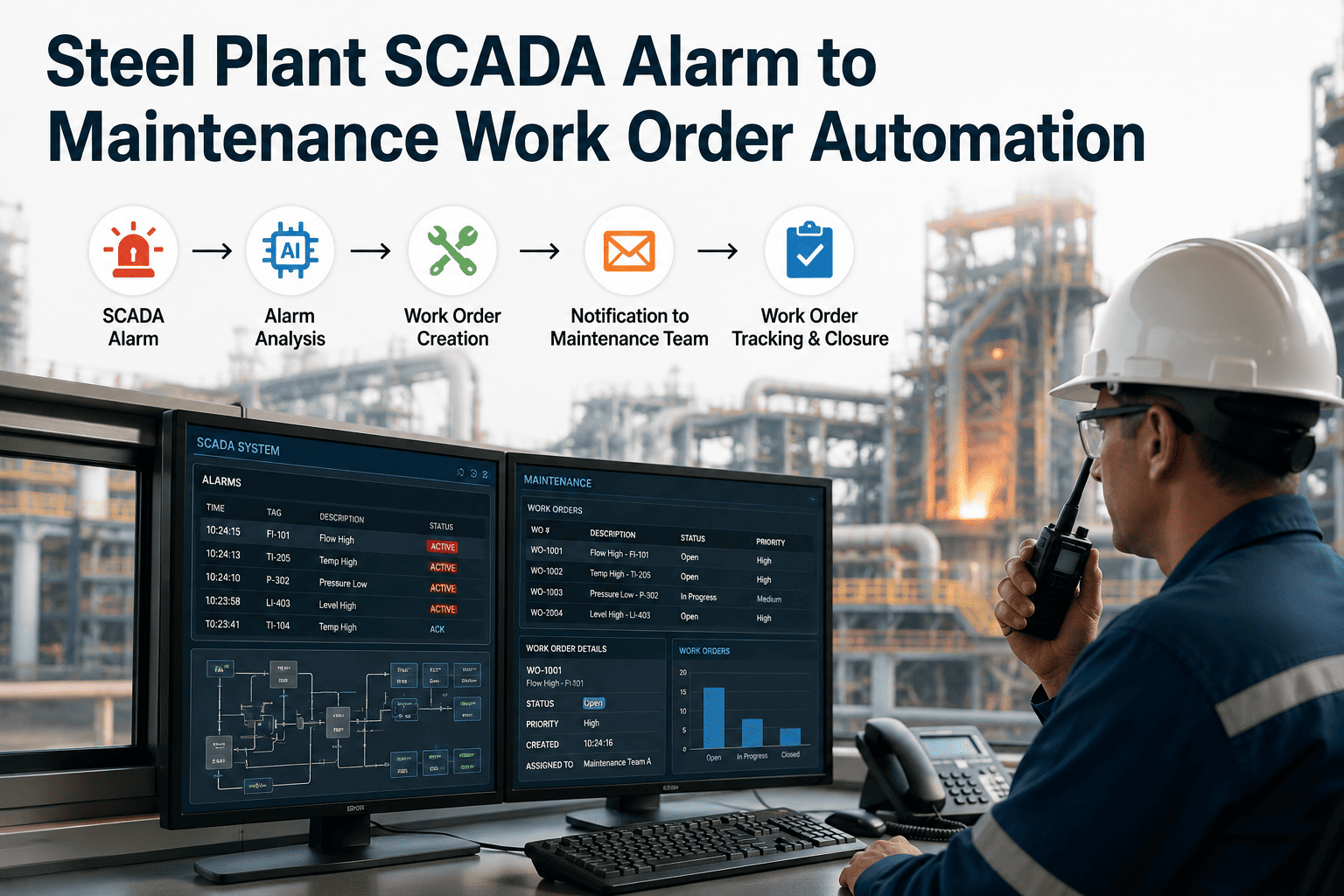
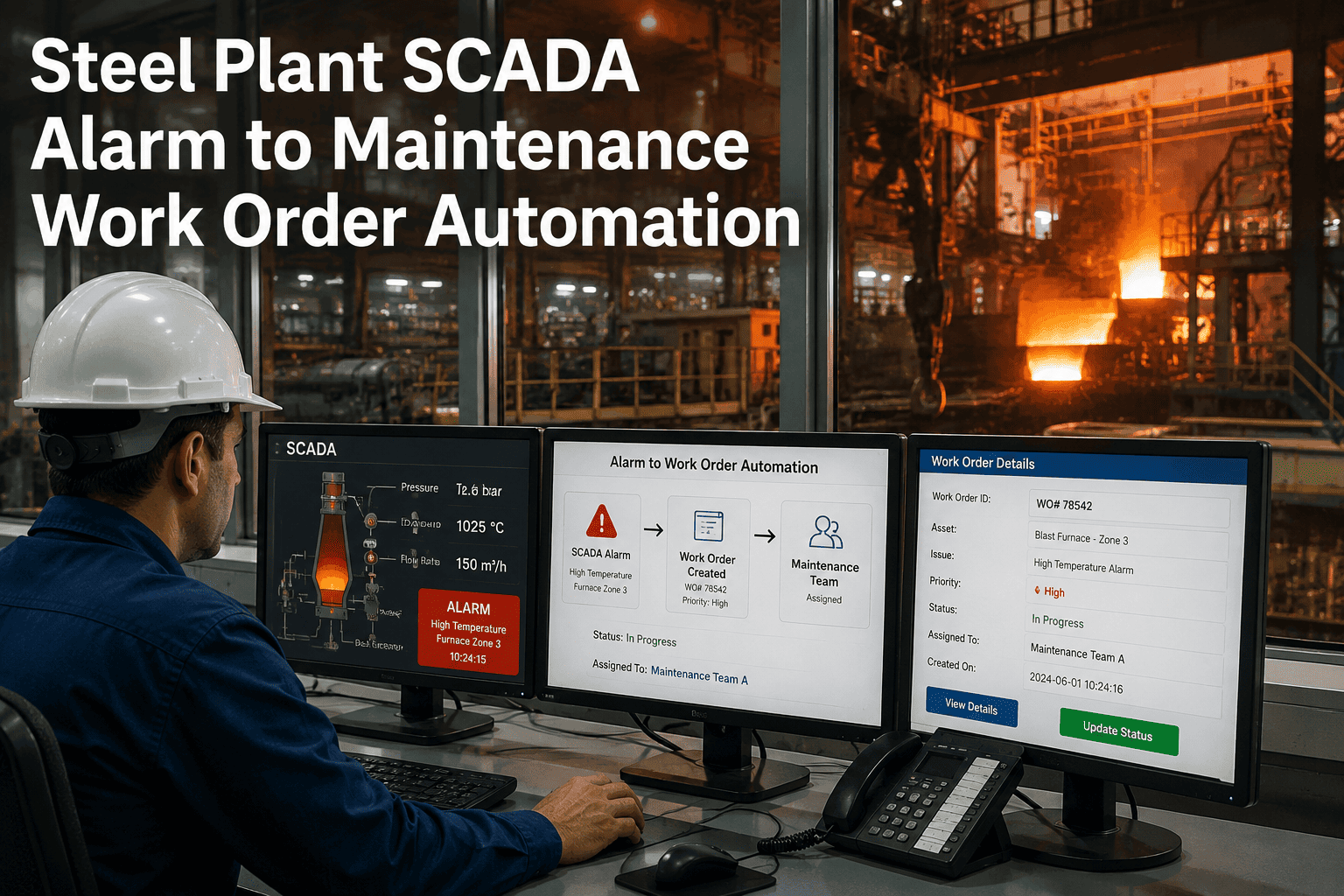
AI-generated predictive maintenance alerts from the digital twin surface as a dedicated ISA-101 Level 2 overlay — visually distinct from process alarms and linked directly to auto-generated CMMS work orders.
Historian and Trend Layer
Unified historian integrating SCADA tag data with maintenance events and AI model outputs. Operators access trend views showing what a value is doing and what the AI model predicts for the next 14-21 days.
Mobile Supervisor Views
Role-based mobile HMI delivering ISA-101 Level 1 plant overview to managers with push notification routing for critical deviations — full situational awareness without being physically present in the control room.
Frequently Asked Questions: HMI Design and ISA-101
Does ISA-101 apply to our existing SCADA system, or only to new installations?
ISA-101 applies to both new and existing HMI installations. Retrofitting does not require replacing the underlying SCADA platform. iFactory audits existing tag structures, alarm configurations, and display hierarchies, then applies ISA-101 principles as a display and alarm logic overlay — preserving the control system while transforming the operator interface.
How long does a full HMI redesign to ISA-101 standards typically take?
For a single-facility implementation with 2,000-5,000 SCADA tags and 50-150 display pages, a full ISA-101 redesign requires 6-10 weeks from design review through operator acceptance testing. Level 1 overview displays go live first — typically within 3 weeks — delivering immediate situational awareness improvements while deeper levels are completed.
What is the integration path between an ISA-101 HMI redesign and iFactory's AI digital twin?
The two capabilities share the same data foundation. iFactory's SCADA integration layer feeds both the HMI display engine and the AI analytics models from the same real-time and historian streams. The ISA-101 redesign and digital twin deployment can be executed concurrently — and predictive intelligence surfaces within the HMI without additional integration effort once both are operational.
iFactory PLC/SCADA Integration
Your Operators Deserve an HMI That Works for Them
iFactory's SCADA engineers deliver ISA-101 compliant HMI redesigns that reduce alarm load, compress response times, and integrate predictive intelligence from the AI digital twin — all within 6-8 weeks and without replacing your existing control system.
6-8wk
Time to redesigned HMI
ISA-101
Full compliance delivered
50%
Faster operator onboarding