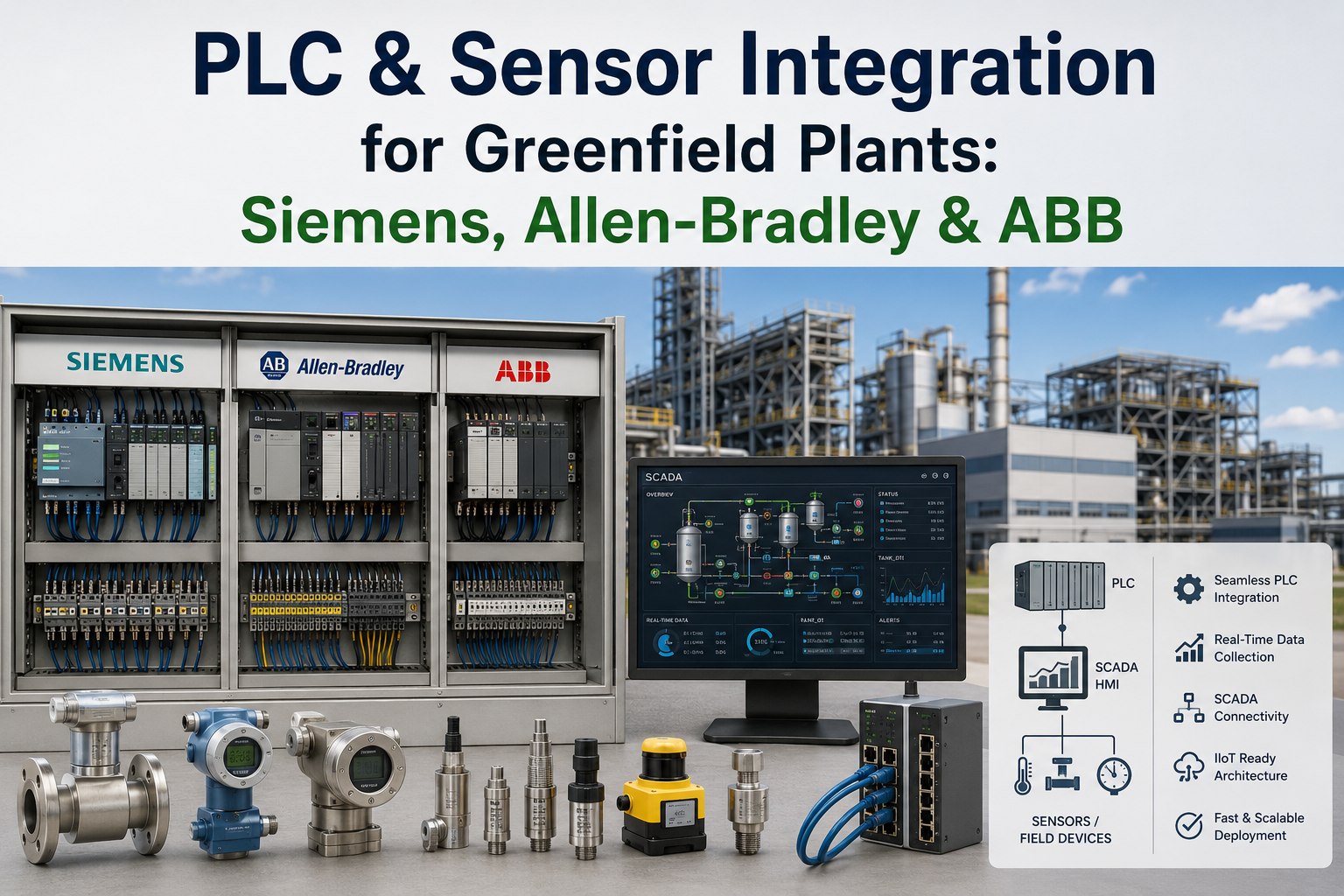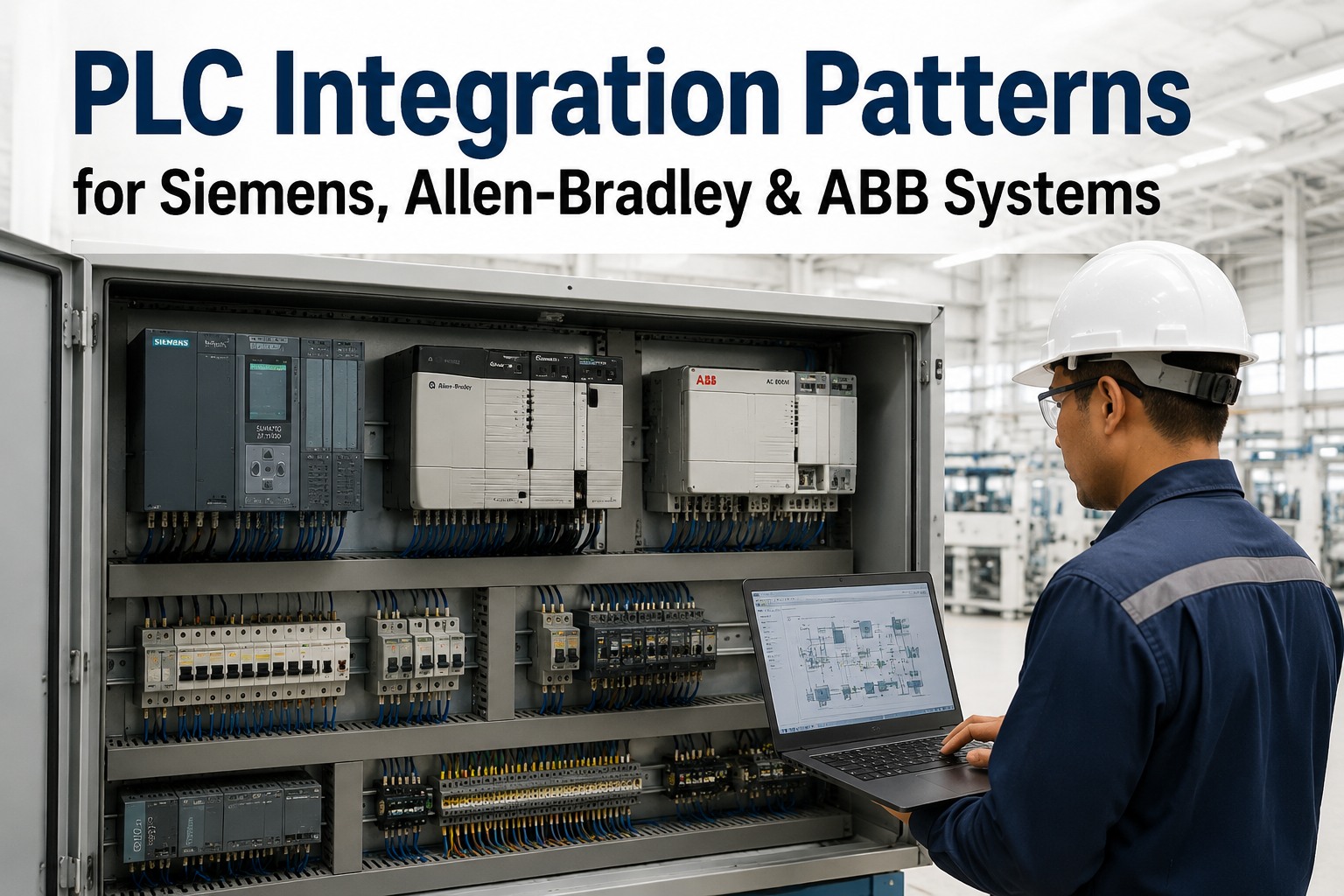
Every greenfield factory floor is a multi-vendor environment — a Siemens S7-1500 on the press line, Allen-Bradley ControlLogix on the assembly cell, ABB AC500 on conveyors. Each platform speaks a different native protocol and has a different OPC-UA maturity level. Getting them to share data with your MES, SCADA, and digital twin without latency, data loss, or security gaps is the integration challenge that delays more commissioning projects than any other single technical factor.
Get a PLC integration architecture review from iFactory — we map your vendor mix to the right protocol strategy before your panel shop starts wiring.
Siemens SIMATIC S7-1200 / S7-1500: Integration Architecture
Siemens is the most integration-capable of the three platforms for Industry 4.0 deployments, primarily because the S7-1500 embeds a fully functional OPC-UA server and client natively — no middleware required. The S7-1200 supports OPC-UA server mode only (firmware 4.4+), not client. For greenfield plants, the critical design decisions are OPC-UA server activation in TIA Portal, data block exposure strategy, and certificate management — all configured before a single cable is connected to the factory floor.
opc.tcp://[IP]:4840). License is included from TIA V16 — no separate purchase required.When connecting S7-1500 to Allen-Bradley systems in the same cell, use an OPC-UA server (Kepware or Ignition) as the neutral broker — S7-1500 acts as OPC-UA server, Kepware exposes Allen-Bradley EtherNet/IP tags alongside Siemens tags in a unified namespace. Direct PROFINET-to-EtherNet/IP translation requires a hardware gateway; the OPC-UA broker path is lower-cost and more maintainable.
Building on Siemens SIMATIC and need OPC-UA configured correctly from day one? Book a Siemens integration design session — iFactory validates your TIA Portal OPC-UA configuration and certificate setup before commissioning.
Allen-Bradley CompactLogix / ControlLogix: Integration Architecture
Allen-Bradley dominates North American discrete manufacturing, packaging, and food and beverage — where its EtherNet/IP ecosystem, intuitive Studio 5000 programming, and deep integration with Rockwell's motion control (Kinetix drives) make it the default specification. The OPC-UA story is different from Siemens: native OPC-UA server support only arrived in ControlLogix L8x firmware v36, and it is less mature. For the vast majority of Allen-Bradley integration projects, the proven path is an OPC-UA gateway (Kepware or Ignition with native EtherNet/IP drivers) rather than direct OPC-UA.
[ControllerName]Program:MainProgram.TagName). Verify connection with Kepware's QuickClient before connecting the upstream OPC-UA consumer.Working with a mixed Siemens + Allen-Bradley floor? Talk to iFactory's OT integration architects — we specify the gateway stack and Unified Namespace topology for your exact vendor mix before panel engineering begins.
ABB AC500 / Freelance: Integration Architecture
ABB's PLC portfolio spans both discrete (AC500 series) and process control (Freelance DCS) — and the AC500 has become a strong integration platform for smart factory deployments because it delivers native OPC-UA server and client from the AC500 V3.0 firmware, paired with native TLS and X.509 security. ABB also leads in Ethernet-APL adoption, bringing OPC-UA directly to field instruments in process environments. For greenfield plants with process-adjacent manufacturing or multi-site deployments, ABB's integration capability is underrated relative to market perception.
Specifying ABB AC500 for a greenfield plant? Talk to iFactory's ABB integration team — we configure the AC500 OPC-UA address space and Ethernet-APL instrument topology in your facility design before hardware delivery.
Multi-Vendor Architecture: The Unified Namespace Pattern
No production line is single-vendor. The Unified Namespace (UNS) architecture is the industry-standard approach to connecting heterogeneous PLC environments to SCADA, MES, and digital twin platforms — replacing point-to-point PLC integrations with a broker-centric model where every device publishes to a single namespace and every consumer subscribes from it. The UNS eliminates the N-squared integration problem that makes multi-vendor OT networks a maintenance nightmare.
Ready to design your multi-vendor Unified Namespace? Book a UNS architecture session with iFactory — we design the protocol inventory, gateway placement, and MQTT topic tree for your specific vendor mix and production topology.
PLC Integration That Works From Commissioning Day One
iFactory's greenfield integration platform connects Siemens, Allen-Bradley, ABB, and legacy equipment via OPC-UA and MQTT into a single Unified Namespace — giving your SCADA, MES, digital twin, and OEE platform one consistent data source, properly secured, from the first production shift.
Frequently Asked Questions
How do you connect Siemens S7-1500 and Allen-Bradley ControlLogix PLCs in the same factory?
The most practical and maintainable approach is using an OPC-UA gateway — such as Kepware KEPServerEX or Ignition — as a neutral broker. Kepware connects to the S7-1500 using its native OPC-UA server (or Siemens TCP/IP Ethernet driver for legacy hardware) and to the ControlLogix using the Allen-Bradley EtherNet/IP driver. Both PLCs appear in the same OPC-UA address space, which SCADA, MES, and analytics systems consume via a single OPC-UA client connection. This architecture avoids the need for direct PROFINET-to-EtherNet/IP translation, which requires a hardware protocol converter and is significantly more complex to commission and maintain.
Does the Siemens S7-1200 support OPC-UA natively?
The S7-1200 supports OPC-UA server mode only, from firmware version 4.4 and TIA Portal V16 or later. It cannot act as an OPC-UA client — only as a server. This means downstream applications can read data from the S7-1200 via OPC-UA, but the S7-1200 cannot initiate connections to other OPC-UA servers itself. The S7-1500 is the Siemens platform that supports both OPC-UA client and server roles, making it the preferred choice for advanced integration scenarios where PLC-to-PLC or PLC-to-cloud OPC-UA communication is required. For greenfield plants specifying new Siemens hardware, the S7-1500 should be the default choice wherever inter-PLC or cloud integration is in scope.
What is Kepware KEPServerEX and when is it needed for PLC integration?
Kepware KEPServerEX is a protocol gateway and OPC-UA server that connects PLCs, drives, and sensors using their native industrial protocols (EtherNet/IP for Allen-Bradley, Siemens S7, Modbus, and 150+ others) and exposes the data as a unified OPC-UA server. It is the most widely deployed industrial connectivity platform in North American manufacturing. KEPServerEX is typically needed when Allen-Bradley PLCs are the primary OT asset (since they lack mature native OPC-UA), when integrating legacy equipment without native digital communication, or when a single OPC-UA server must aggregate data from multiple PLC brands simultaneously. For greenfield plants with current-generation Siemens S7-1500 or ABB AC500 V3.0+ hardware, native OPC-UA server capability often allows direct integration without Kepware — reducing licensing cost and deployment complexity.
What is the Unified Namespace and how does it simplify multi-vendor PLC integration?
The Unified Namespace (UNS) is a central MQTT broker-based architecture where every PLC, sensor, and OT system publishes data to a single namespace using a standardized topic hierarchy — and every application (SCADA, MES, digital twin, OEE analytics) subscribes to the data it needs from that same namespace. Instead of N-squared point-to-point integrations between every producer and consumer, there is one integration per device to the broker and one subscription per application from the broker. In a factory with Siemens, Allen-Bradley, and ABB PLCs, each PLC connects to a Kepware or Ignition gateway (for Allen-Bradley) or directly via OPC-UA (for Siemens and ABB), and the gateway publishes structured MQTT payloads using Sparkplug B to the central broker. Every downstream application then subscribes to the specific data topics it needs, regardless of which PLC brand generated the data.
How should OPC-UA security (TLS / X.509) be configured across different PLC vendors?
OPC-UA security implementation differs by vendor. Siemens S7-1500 uses TIA Portal's Certificate Manager to configure security policies — replace the auto-generated self-signed certificate with a CA-signed certificate before production deployment, and set the security policy to Basic256Sha256 (the default Basic128Rsa15 is deprecated). ABB AC500 V3.0+ integrates X.509 and TLS natively in Automation Builder — no external certificate manager is required, making it the most straightforward security implementation of the three vendors. Allen-Bradley ControlLogix does not have mature native OPC-UA security; for Allen-Bradley deployments, security is implemented at the Kepware or Ignition gateway layer using the gateway's certificate management and TLS termination capabilities. For NIS2-compliant deployments, all three paths should be documented in the facility's DPIA and validated by the OT security team before go-live.
Greenfield OT Integration — Designed Before Your Panel Shop Starts Wiring
iFactory's integration architecture team maps your Siemens, Allen-Bradley, ABB, and legacy equipment to the right protocol strategy — OPC-UA native, gateway, or UNS — and delivers a complete integration specification before your automation engineers begin programming. Fewer commissioning surprises. Faster go-live. One data architecture that works for every application from day one.