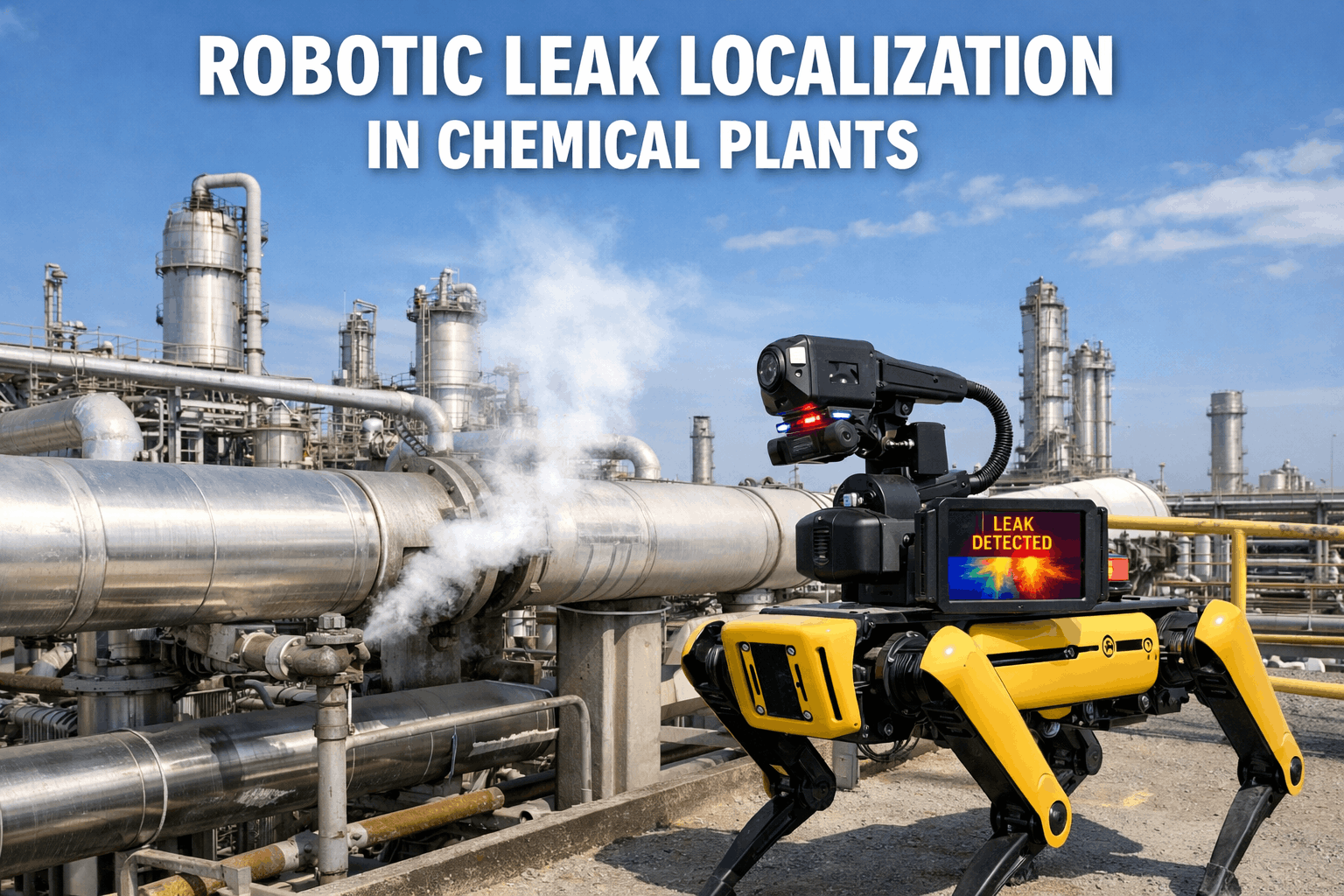
Gas leaks in chemical facilities can escalate from minor anomaly to catastrophic incident in minutes. Traditional fixed-point detectors cover only their immediate vicinity leaving dangerous blind spots between monitoring stations. Mobile robots equipped with gas and VOC sensors change this equation entirely. By continuously patrolling facility zones, these autonomous systems detect leaks at their source, map concentration gradients in real time, and trigger escalation workflows before hazardous thresholds are reached. This guide walks you through the complete deployment processfrom sensor selection to CMMS integration.
Step 1: Understand Your Detection Requirements
Before selecting robots or sensors, map your facility's specific gas hazards. Different chemical processes produce different risk profiles, and your detection strategy must match.
Toxic Gases
Immediate health hazard. Requires fast response times and low detection thresholds.
Flammable Gases
Explosion risk. Detection must occur well below LEL (Lower Explosive Limit).
VOCs (Volatile Organic Compounds)
Long-term health risks. Often requires PID sensors for broad-spectrum detection.
Oxygen Displacement
Asphyxiation risk in confined spaces. Monitor O₂ levels alongside target gases.
Not sure which hazards to prioritize? Book a free hazard assessment call with our chemical safety experts.
Step 2: Select the Right Sensor Technologies
Mobile robot sensor payloads typically combine multiple detection technologies to cover different gas types and concentration ranges. Understanding each technology's strengths guides proper configuration.
iFactory Integration: Sensor Calibration Logs track each sensor's calibration history, due dates, and performance drift—ensuring your detection system maintains accuracy over time.
Not sure which sensor combination fits your facility? Talk to our chemical safety specialists for guidance.
Step 3: Configure Detection Zones and Patrol Routes
Effective gas detection requires strategic patrol planning. The goal is maximizing coverage while ensuring critical areas receive frequent monitoring.
Map Risk Zones
Identify high-risk areas: valve manifolds, pump seals, storage tanks, loading docks, reactor vessels, and pipe joints prone to corrosion.
Set Monitoring Frequency
Define Waypoint Behaviors
At each monitoring point, configure dwell time (30-120 seconds typical), sampling height, and specific sensors to activate based on local hazards.
Establish Baseline Readings
Run initial patrol cycles to capture normal background levels. These baselines enable anomaly detection rather than just threshold alerts.
Step 4: Set Up Alarm Thresholds and Escalation Workflows
Detection without action is just data collection. Configure your system to trigger appropriate responses based on gas type and concentration level.
Notice
Response:
- Log to CMMS with timestamp and location
- Flag for trend analysis
- No immediate action required
Warning
Response:
- Generate work order for investigation
- Notify shift supervisor via mobile alert
- Increase monitoring frequency at location
Alarm
Response:
- Immediate alert to safety team
- Auto-create high-priority work order
- Robot holds position for continuous monitoring
Critical
Response:
- Trigger facility alarm system
- Initiate evacuation protocols
- Notify emergency response team
Seamless Gas Alarm Integration
iFactory's Gas Alarm Integration connects robotic detection data directly to your escalation workflows, ensuring every alert triggers the right response automatically.
Step 5: Integrate with Your CMMS and Safety Systems
Robotic gas detection delivers maximum value when data flows seamlessly into existing maintenance and safety infrastructure.
Robot Detection Data
- Gas concentrations
- GPS coordinates
- Timestamps
- Sensor health status
iFactory CMMS
Connected Systems
- Work order management
- Facility alarm panels
- Mobile notifications
- Compliance reporting
Integration Checklist
Need help connecting your robotic systems to iFactory? Book a technical integration session with our team.
Step 6: Establish Calibration and Maintenance Protocols
Gas sensors drift over time. Without regular calibration, your detection system becomes unreliable—potentially missing real threats or triggering false alarms.
Struggling to keep up with sensor calibration schedules? Our specialists can help set up automated reminders in iFactory.
Expert Perspective
"The transition from fixed gas detection to mobile robotic monitoring represents a fundamental shift in how facilities approach atmospheric hazard management. Fixed detectors remain essential for continuous monitoring of known high-risk points, but mobile systems fill the gaps—detecting leaks that occur between fixed sensors and identifying migration patterns that static systems cannot capture. The combination of both approaches, integrated through a unified CMMS, provides defense in depth."
Conclusion
Deploying mobile robots for gas and VOC detection requires careful planning across six key areas: understanding your specific hazards, selecting appropriate sensor technologies, configuring patrol routes and zones, establishing alarm thresholds with clear escalation paths, integrating with CMMS and safety systems, and maintaining rigorous calibration protocols. When these elements align, robotic detection systems dramatically expand your monitoring coverage, accelerate response times, and create comprehensive audit trails for compliance. The technology is proven and available today—success depends on thoughtful implementation that connects detection to action through platforms like iFactory.
Schedule your iFactory demo to see Gas Alarm Integration, Sensor Calibration Logs, and Escalation Workflows in action, or connect with our chemical safety team for implementation guidance.
Turn Detection Into Action
iFactory connects your robotic gas detection systems to maintenance workflows, ensuring every alert generates the right response—automatically tracked, escalated, and documented.
Start Your Free 14-Day Trial
Experience iFactory's Gas Alarm Integration, Sensor Calibration Logs, and Escalation Workflows with full access—no credit card required.