A standard parcel delivery and a bulky item delivery look similar on a dispatch screen and nothing alike on the doorstep. A sofa, an appliance or a piece of furniture does not fit in a van built for small parcels, does not move with one driver, and does not reach a third-floor walk-up the way an envelope does. Treating a bulky order like any other stop is how a route ends up with a driver standing outside a building they cannot physically deliver into. Planning for item dimensions, vehicle fit, crew and access before the stop is scheduled is what prevents that. Teams can see how iFactory AI screens bulky orders against vehicle and crew requirements before dispatch.
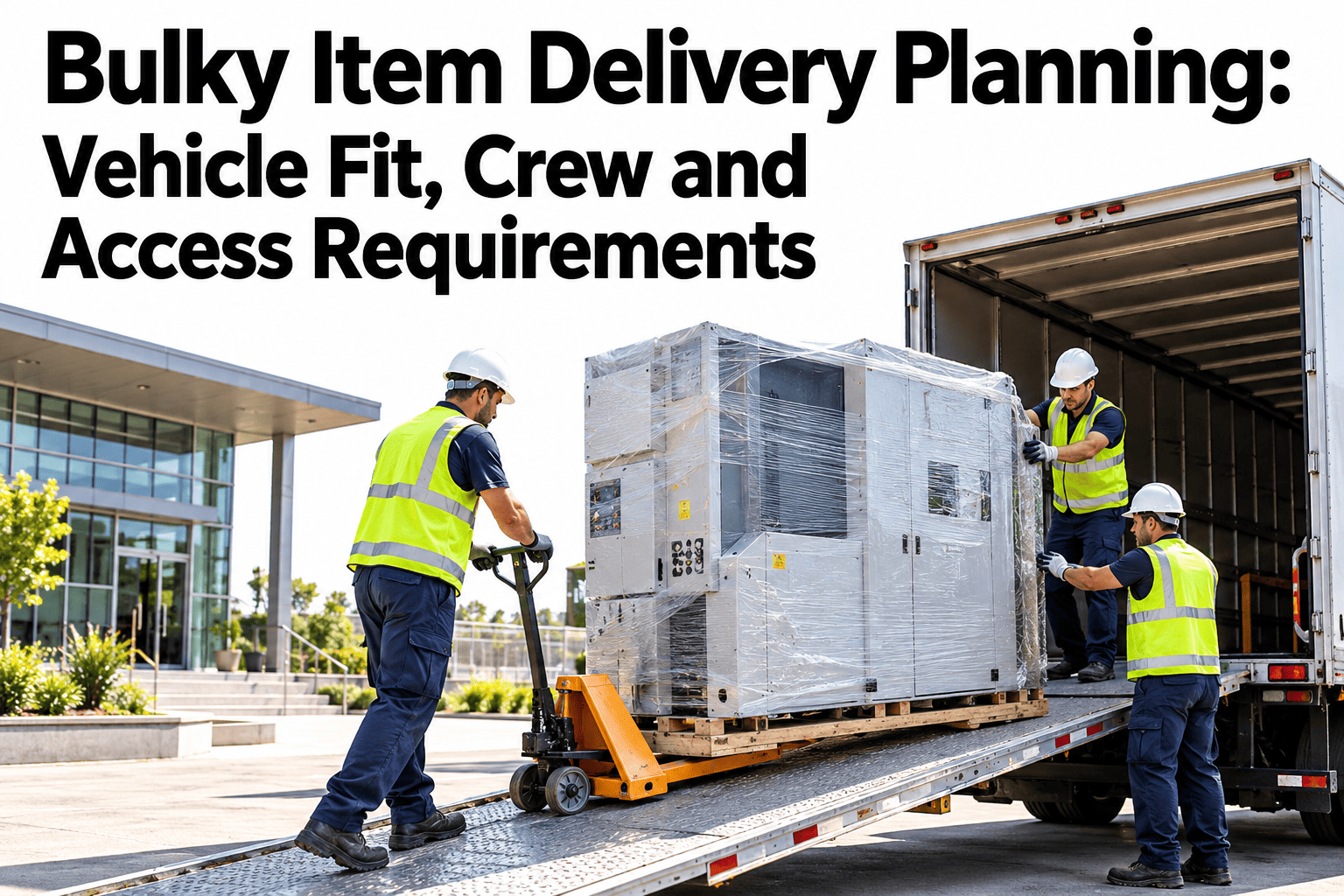
Bulky Item Delivery Planning: Vehicle Fit, Crew and Access Requirements
Confirm the item fits the vehicle, the crew fits the job, and the building fits the delivery, before the truck ever leaves the depot.
Item Dimensions and Weight Decide Everything Downstream
Get this input wrong and every later decision, vehicle, crew size, access plan, is built on a false premise.
Dimensions and weight should be recorded, not estimated, at the point the order is placed.
A mismatch between listed and actual size should be caught before the vehicle is loaded, not on the doorstep.
Packaged dimensions, not just the item itself, determine what actually fits through a doorway or in a lift.
Matching the Item to the Vehicle
A vehicle that is too small forces a reschedule. One that is too large struggles with urban access. Match deliberately.
| Item Profile | Typical Vehicle Fit | Common Mismatch |
|---|---|---|
| Single large item, fits upright | Standard box van or large panel van | Item assumed to fit a small parcel van |
| Multiple bulky items, one stop | Larger van or light truck with tail lift | Underestimated total cargo volume |
| Oversized or irregular shape | Specialist vehicle or flatbed | Standard van cannot accommodate the shape |
Check Your Bulky Orders Are Matched to the Right Vehicle
Book a 30-minute session and iFactory AI will show how item dimensions are screened against available vehicle types before a route is built.
Crew Needs Are Not Always Obvious From the Order
Weight alone does not tell you whether one driver can manage a delivery. Shape, stairs and distance from the vehicle all factor in.
Stairs and Lift Access, Confirmed Before the Day
This is the detail most likely to be assumed rather than verified, and the one most likely to stop a delivery cold.
Confirm which floor and whether the building has a working lift sized for the item.
For stair-only access, confirm the item physically clears the stairwell and any turns.
Some buildings require a booked delivery window or a protected lift for large items.
Delivery Appointment Confirmation
A bulky delivery with no one home is a wasted trip that costs far more than a standard parcel redelivery.
Confirm the appointment window directly with the recipient, not just an automated notice.
Reconfirm the day before for crew-required or specialist-vehicle deliveries.
Capture a reachable contact number specific to the delivery, not just the account holder.
Most failed bulky deliveries trace back to a gap between what was entered at order time and what the crew finds at the door, not a planning failure on the day itself. An item logged without verified packaged dimensions, a building access note that was never checked, or a two-person job dispatched with one driver are all failures that happened before the truck left the depot. Build verification into the order intake process itself rather than relying on the delivery crew to catch problems in real time, because by then the cost of a failed attempt is already locked in.
Where iFactory AI Fits
iFactory AI screens bulky orders against vehicle, crew and access requirements before dispatch, so failed attempts are caught on paper instead of on the doorstep.
Dimension and vehicle matching
Item dimensions are checked against available vehicle capacity before a route is assigned.
Crew requirement flagging
Orders needing a two-person crew are flagged early, not discovered at the vehicle door.
Access condition records
Stairs, lift access and building rules are stored per address and reused across deliveries.
Ask in plain language
Ask which bulky orders tomorrow still need access confirmation and receive the list.
Frequently Asked Questions
What information do we need to capture at order time for bulky items?
Verified packaged dimensions and weight, not estimates, plus any known access details for the delivery address such as floor, lift availability and building rules. Getting this right at intake prevents a mismatch being discovered on the day of delivery. You can watch order screening run on sample bulky orders in a live session.
How do we decide if a delivery needs a two-person crew?
Consider weight, shape, stairs without lift access, and tight corners or narrow doorways together, since weight alone does not capture the full picture. A delivery that is light but awkward to carry up a narrow stairwell can still need two people. To build this logic for your orders, request a crew requirement review with the iFactory AI team, or ask support what data to capture.
How can we avoid a bulky delivery arriving at the wrong vehicle type?
Match item dimensions against vehicle capacity before a route is built, not after, and verify packaged dimensions rather than relying on a product's listed size alone. A short product tour of vehicle matching setup shows how this screening works.
What should we confirm about building access before scheduling?
Confirm the floor and unit, whether a working lift is available and sized for the item, stairwell width for stair-only access, and any building rules such as a required booking window. See how access conditions are recorded per address in a guided walkthrough.
How important is appointment reconfirmation for bulky deliveries?
It matters more than for standard parcels, because a failed bulky delivery costs significantly more in wasted crew time and vehicle capacity than a redelivered parcel. Reconfirming the day before, especially for crew-required or specialist-vehicle jobs, catches most no-one-home failures before they happen. Schedule a walkthrough of appointment confirmation workflows to see how this is managed.
Plan the Delivery the Item Actually Needs
iFactory AI screens bulky orders for vehicle, crew and access fit before dispatch. Book a walkthrough to see it built around your own fleet.