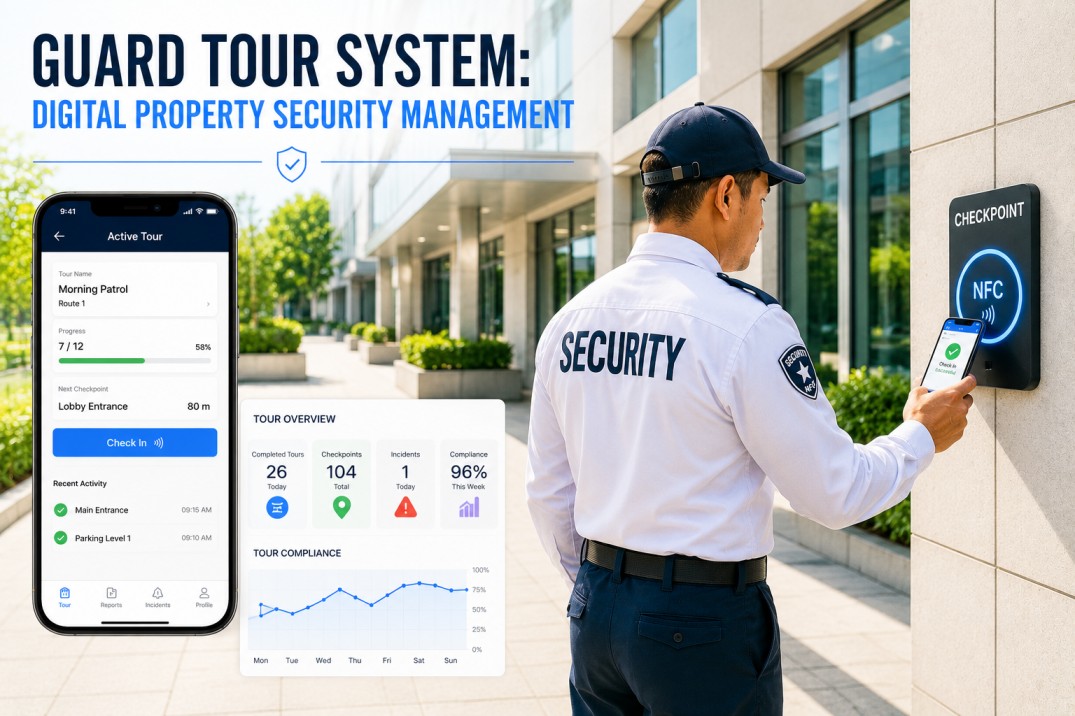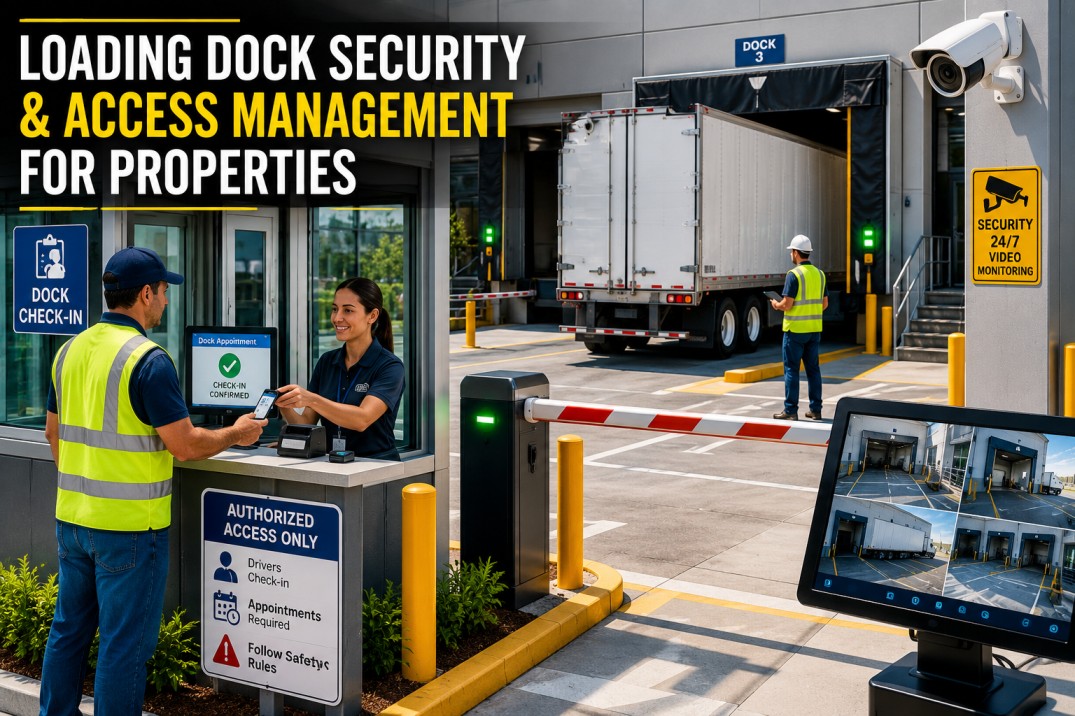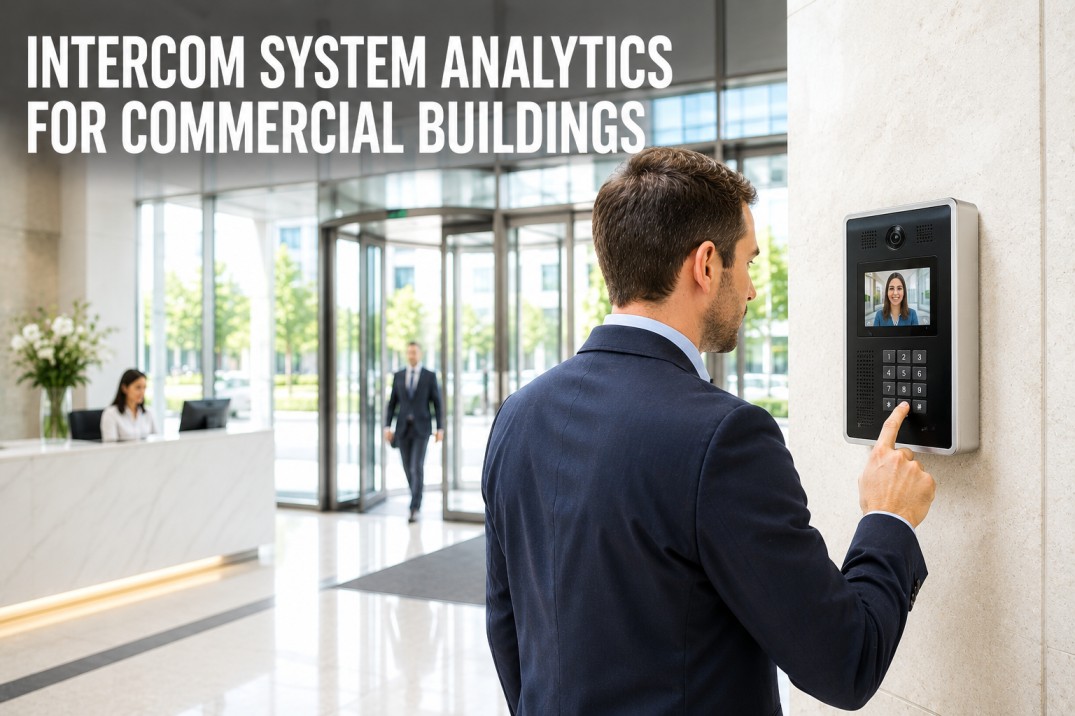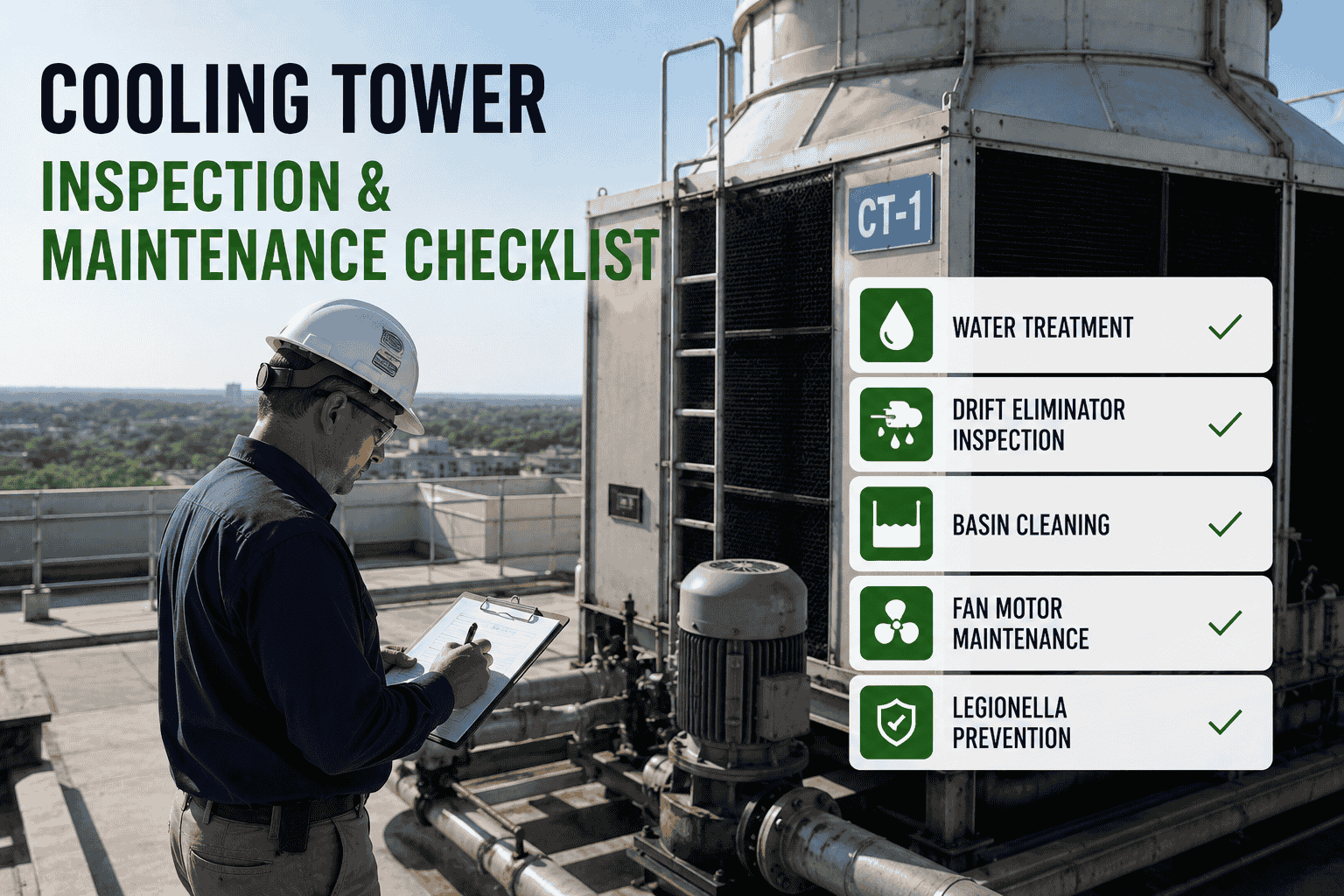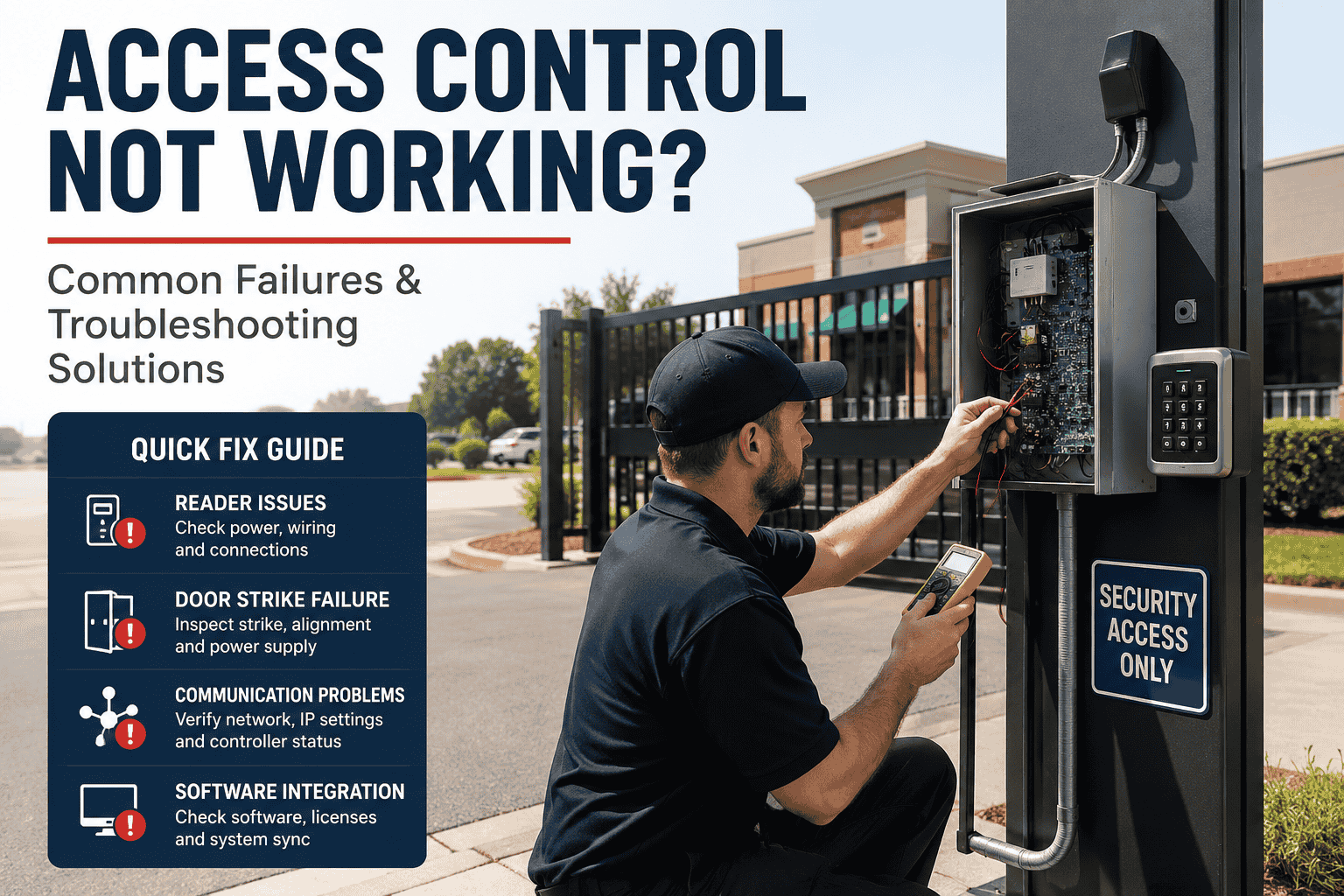
Commercial properties face an invisible risk every day — access control systems that appear operational but are silently drifting toward failure. A card reader that accepts expired credentials, a door controller with no backup power, a software database that hasn't been audited in months — these aren't hypothetical scenarios. They're the daily reality for facility managers who rely on static "online/offline" dashboards instead of true system intelligence. This guide walks U.S. property and security professionals through every layer of a structured access control inspection, and shows where analytics platforms close the gaps that manual walkthroughs miss. Book a demo to see how iFactory brings real-time visibility to your entire access infrastructure.
Stop Managing Security Blindly
iFactory's access control analytics layer delivers credential health, door hardware status, and controller uptime in a single real-time view — no manual walkthroughs required.
The Gap Between "Online" and Actually Secure
Most access control dashboards report a binary state: a door is either online or offline. But real-world security degradation doesn't announce itself. It accumulates quietly — in a reader whose response time has crept from 200ms to 900ms, in a door frame seal that's shifted just enough to defeat the magnetic lock under full load, in a credential database where 34 former employees still have active badges.
Structured analytics closes this gap. By continuously monitoring the communication handshake between reader, controller, and management software, an intelligent platform detects anomalies well before they produce a security incident or tenant complaint. The difference between a reactive posture and a proactive one is measured in breach risk — and in insurance premium exposure.
Card Reader & Credential Hardware Testing
The card reader is the most physically exposed component in any access control system. It faces daily mechanical stress, environmental exposure, and the wear patterns of high-traffic entry points. A complete reader inspection goes well beyond checking whether the LED lights up.
Visual & Physical Integrity Check
Inspect every reader housing for signs of tampering, cracking, or forced entry attempts. Check mounting screws and backplate security. Outdoor readers should show no moisture ingress, corrosion, or UV-related casing degradation. A physically compromised reader is a data exfiltration point as much as a security gap.
Credential Recognition & Response Timing
Test each reader with both valid and invalid credentials. Measure response latency — a reader that consistently takes over 600ms to process a card is showing early signs of internal component degradation or communication bus congestion. Log the baseline on initial inspection so future deviations are measurable.
Failed Attempt Pattern Review
Pull access event logs and filter for repeated failed credential attempts at the same reader. Clusters of failures — especially during off-hours — indicate either tailgating behavior, credential sharing, or an attempted breach. Analytics platforms surface these patterns automatically; manual log reviews catch them days too late.
Biometric & Multi-Factor Device Validation
For facilities running fingerprint or face-recognition readers, validate enrollment database integrity and template match thresholds. A false-accept rate (FAR) that has drifted from factory calibration creates a compliance liability that standard green/red dashboards will never surface.
Manually validating all readers across a multi-building portfolio is a half-day task for every inspection cycle. Book a demo to see how iFactory's reader health telemetry eliminates this manual effort with continuous automated baseline monitoring.
Door Hardware & Locking Mechanism Inspection
Electric strikes, magnetic locks, and motorized bolts are high-cycle mechanical devices. A commercial entry door may complete 200–400 open/close cycles per day. Hardware degradation is inevitable — the question is whether your inspection regime catches it before it produces a stuck-open door or a fail-secure lock that traps occupants.
Controller Health, Software Audits & Firmware Lifecycle
The access control controller is the system's operational brain — it processes credentials, manages door schedules, and maintains event logs. Yet controllers are often the most neglected component in a routine inspection. A controller running outdated firmware is a known attack surface; a controller without verified backup power is a single point of total failure.
Firmware Version Verification
Cross-reference installed firmware against the manufacturer's current release. Outdated versions carry documented vulnerabilities — some allow credential cloning or remote configuration changes without authentication. Flag any controller more than two firmware versions behind for immediate update scheduling.
Database Backup Integrity
Verify that automated backups are executing on schedule and that backup files are restorable. A controller database failure without a recent backup means rebuilding every access permission, door schedule, and user credential from scratch — a process that can take days and leave every door defaulting to open or locked.
Communication Path Testing
Test every communication pathway — Ethernet, Wi-Fi, RS-485 bus, and cellular backup — between readers, controllers, and the management server. Intermittent packet loss on the RS-485 bus is a common root cause of "phantom offline" reader states that generate tenant complaints but show no hardware fault on inspection.
Battery Backup & UPS Verification
Simulate a power interruption and confirm the controller maintains operation for the specified backup duration. UPS batteries degrade over 18–24 months without replacement. A controller that shows "online" during normal operation but fails immediately on power loss provides zero security during the most likely emergency scenario.
Event Log Audit & Anomaly Review
Review system event logs for access denials, door-held-open alarms, anti-passback violations, and off-hours access events. Log tampering — or gaps in log continuity — is itself a security indicator. Analytics platforms detect these patterns in real time; manual log reviews during quarterly inspections are a compliance floor, not a security ceiling.
Software Access Rights Review
Audit which system administrators have elevated permissions within the access control software. Operator accounts that persist after staff departures are a critical internal threat vector. Confirm that the principle of least privilege is enforced and that all admin-level accounts use multi-factor authentication for software login.
Credential Management: The Most Overlooked Security Layer
Ask any commercial security director what keeps them up at night — it's rarely the hardware. It's the credential database. Former employees with active badges, contractors whose temporary access was never revoked, shared PINs that were never rotated after a personnel change. Credential hygiene is the single highest-impact area of access control maintenance, and the one most commonly deferred.
Active Roster Cross-Reference
Export all active credentials from the access control system and cross-reference against current HR personnel records. Any credential assigned to a departed employee, contractor, or vendor must be deactivated immediately — not flagged for later review.
Access Zone Segmentation Audit
Verify that each credential is scoped only to the zones required by the user's role. Overpermissioned credentials — staff with access to server rooms, executive floors, or mechanical spaces they have no operational reason to enter — dramatically increase insider threat exposure.
Temporary & Visitor Credential Review
Vendor badges, visitor passes, and contractor credentials must carry hard expiry dates — not rely on manual deactivation after project completion. Audit all temporary credentials for open-ended validity windows, which are among the most common audit findings in commercial facility security reviews.
Compliance Documentation & Audit Trail
Generate and archive a credential audit report documenting all changes made, credentials deactivated, and access zones modified. This documentation supports ASIS PSC.1-2012 compliance and provides an audit trail for insurance and regulatory reviews.
iFactory's credential intelligence module automatically flags orphaned credentials, overpermissioned accounts, and expiring temporary badges — reducing audit cycle time from hours to minutes. Book a demo to see the credential health dashboard in action.
How Often Should You Inspect? A Frequency Matrix
Inspection cadence should match risk profile — not organizational convenience. The following matrix aligns inspection frequency to facility type and component criticality. These intervals represent the industry-standard floor; high-security environments should compress each interval by at least one tier.
| Inspection Task | Standard Commercial | Class-A Office / Healthcare | Critical Infrastructure |
|---|---|---|---|
| Card reader functional test | Monthly | Weekly | Daily |
| Credential database audit | Monthly | Monthly | Weekly |
| Door hardware & lock inspection | Quarterly | Monthly | Monthly |
| Controller firmware review | Quarterly | Quarterly | Monthly |
| UPS / battery backup test | Quarterly | Quarterly | Monthly |
| Event log anomaly review | Monthly | Weekly | Daily |
| Emergency integration test (fire, alarm) | Semi-annually | Quarterly | Quarterly |
| Full system audit & compliance report | Semi-annually | Quarterly | Monthly |
Where Manual Inspections End & AI Analytics Begin
A structured inspection cycle is essential — but it's a point-in-time snapshot. Between quarterly walkthroughs, access control systems are operating in real time: credentials are being used, doors are cycling, controllers are processing events. The only way to maintain continuous security posture is continuous telemetry.
The shift from reactive to predictive access control management is not a technology leap — it's a configuration decision. Book a demo to see how iFactory layers analytics intelligence over your existing access control hardware.
What Experienced Facility Security Directors Have Learned
The most dangerous access control vulnerability we see in multi-tenant commercial buildings isn't outdated hardware — it's the assumption that "online" in the software dashboard means "secure" in the real world. A reader can be fully online while running firmware that hasn't been updated in 18 months, connected to a controller whose battery backup has never been tested, serving credentials that include dozens of departed employees. We started using continuous analytics to layer over our existing infrastructure and reduced our credential exposure window from 30-plus days to under 4 hours. The inspection checklist didn't change — the time between inspections did.
See Every Reader, Door & Credential — Live
iFactory connects to your existing access control infrastructure and delivers continuous health monitoring, automated credential audits, and compliance-ready reporting without replacing a single piece of hardware.
Building a Security Inspection Program That Actually Works
A well-run access control inspection program rests on four non-negotiable disciplines: consistent hardware testing, proactive credential hygiene, controller and software integrity verification, and documented compliance reporting. Each discipline reinforces the others — hardware that works correctly is meaningless if it's executing permissions for people who left the organization six months ago.
The facilities that maintain the tightest security posture aren't necessarily running the most sophisticated hardware. They're the ones running systematic inspection cycles backed by continuous analytics — so the window between a system anomaly and a security incident is measured in minutes, not months. Book a demo to see how iFactory fits into your existing security inspection workflow, or book a free access control health audit for your property portfolio.
Frequently Asked Questions
How often should a commercial access control system be fully inspected?
Standard commercial facilities should conduct a full system inspection semi-annually, with monthly credential audits and event log reviews. High-security environments — healthcare, data centers, critical infrastructure — should compress this to quarterly full inspections with weekly monitoring tasks. The inspection schedule should be documented in your facility security plan and adjusted based on regulatory requirements such as NFPA 731 or ASIS PSC.1-2012.
What is the most common access control vulnerability found during inspections?
Unrevoked credentials from departed employees and contractors consistently rank as the top finding in access control audits. Unlike hardware failures — which often trigger alerts — orphaned credentials remain silently active until a manual audit catches them. Automated credential cross-referencing against HR systems eliminates this exposure window by running continuously rather than on a scheduled audit cycle.
What is the difference between fail-safe and fail-secure door locks?
Fail-safe locks release and allow free egress when power is lost — required for emergency exit doors and fire egress paths under NFPA 730. Fail-secure locks remain locked during power failure, maintaining security on sensitive areas like server rooms or executive floors. Using the wrong lock type for a given door is both a security risk and a life-safety code violation. Verify lock type against door function during every inspection cycle.
Can access control analytics work with our existing hardware brands?
Modern analytics platforms operate as an overlay layer above existing access control infrastructure, ingesting data from controllers and readers via standard integration protocols. Most enterprise access control platforms — including widely deployed commercial brands — expose event data streams that analytics tools can consume without requiring hardware replacement. The key requirement is that the system generates accessible event logs and supports API or data export connectivity.
What compliance standards govern commercial access control inspections?
The primary U.S. standards for commercial access control are ANSI/ASIS PAP.1-2012, NFPA 731 (Standard for the Installation of Electronic Premises Security Systems), NFPA 730 (Guide for Premises Security), and UL 294 (Access Control Units). Healthcare facilities must also meet Joint Commission physical security requirements. Facilities subject to DHS CFATS oversight carry additional access control documentation requirements under 6 CFR Part 27.